
















Blend Photos Online with AI – Overlays, Double Exposure & Creative Effects
Transform your pictures into stunning double-exposure art with Media.io’s AI Photo Blender. Merge two images — or create the effect from just one portrait — using our Nano Banana Pro-powered AI. Simply upload your photo and paste a double-exposure prompt to blend your subject with landscapes, textures, lights, or cinematic scenes automatically. Everything runs online with zero Photoshop skills required — just one click for artistic, professional-looking photo overlays.
No app needed. Free credits on login.
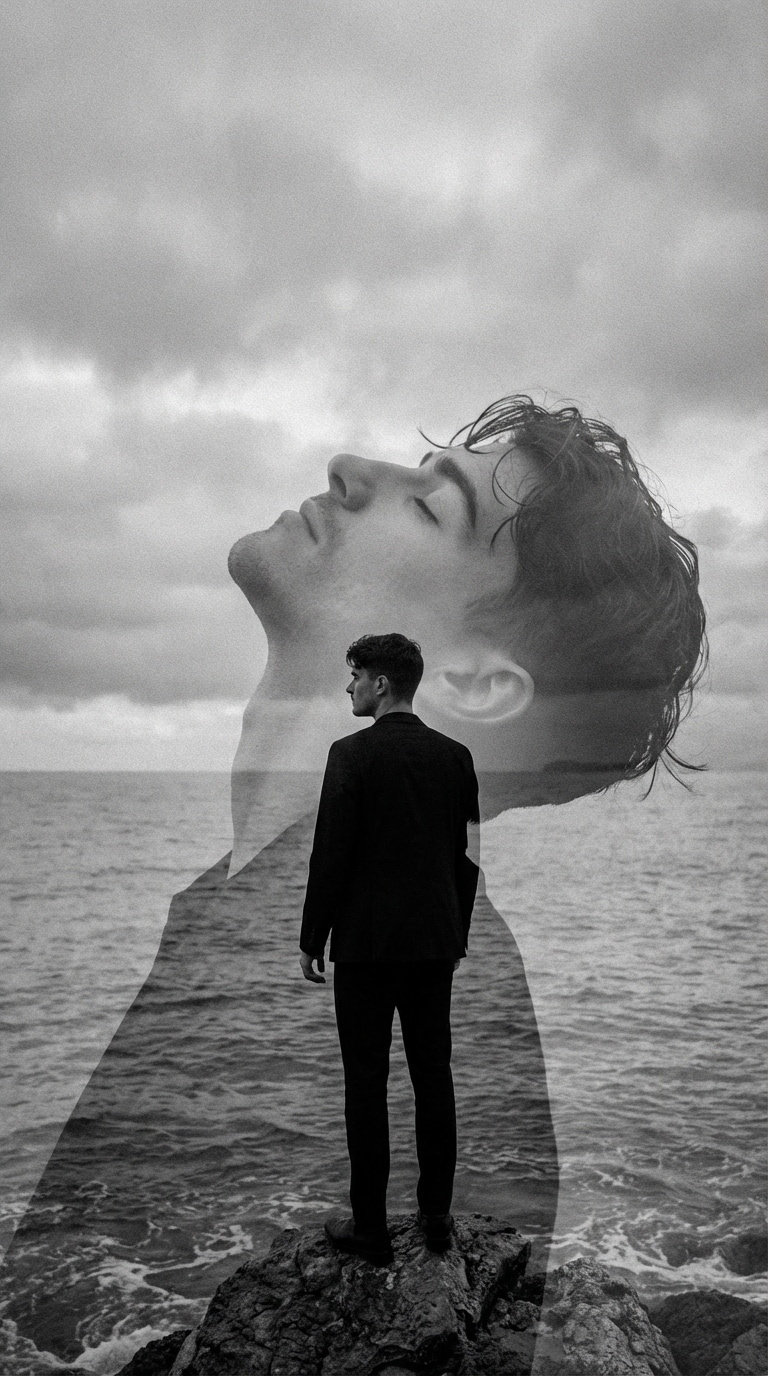
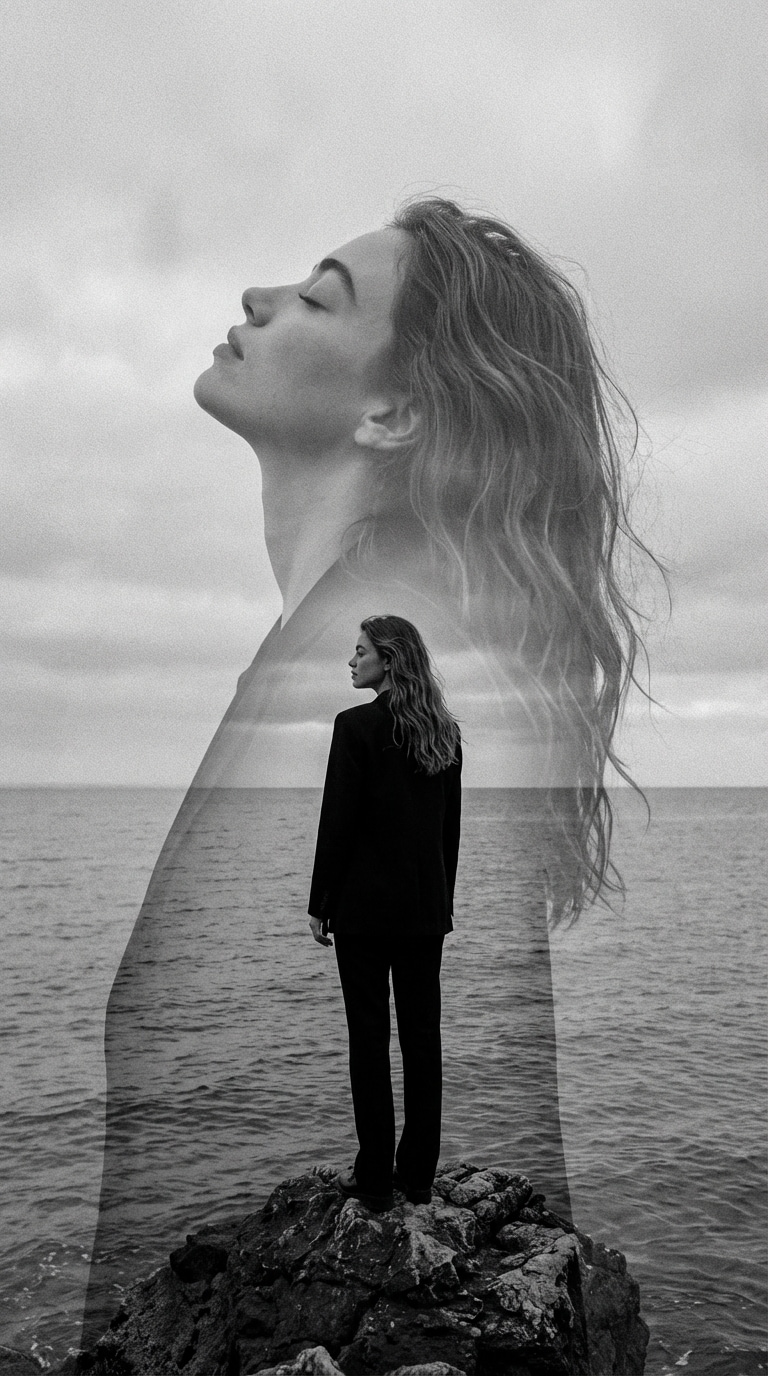
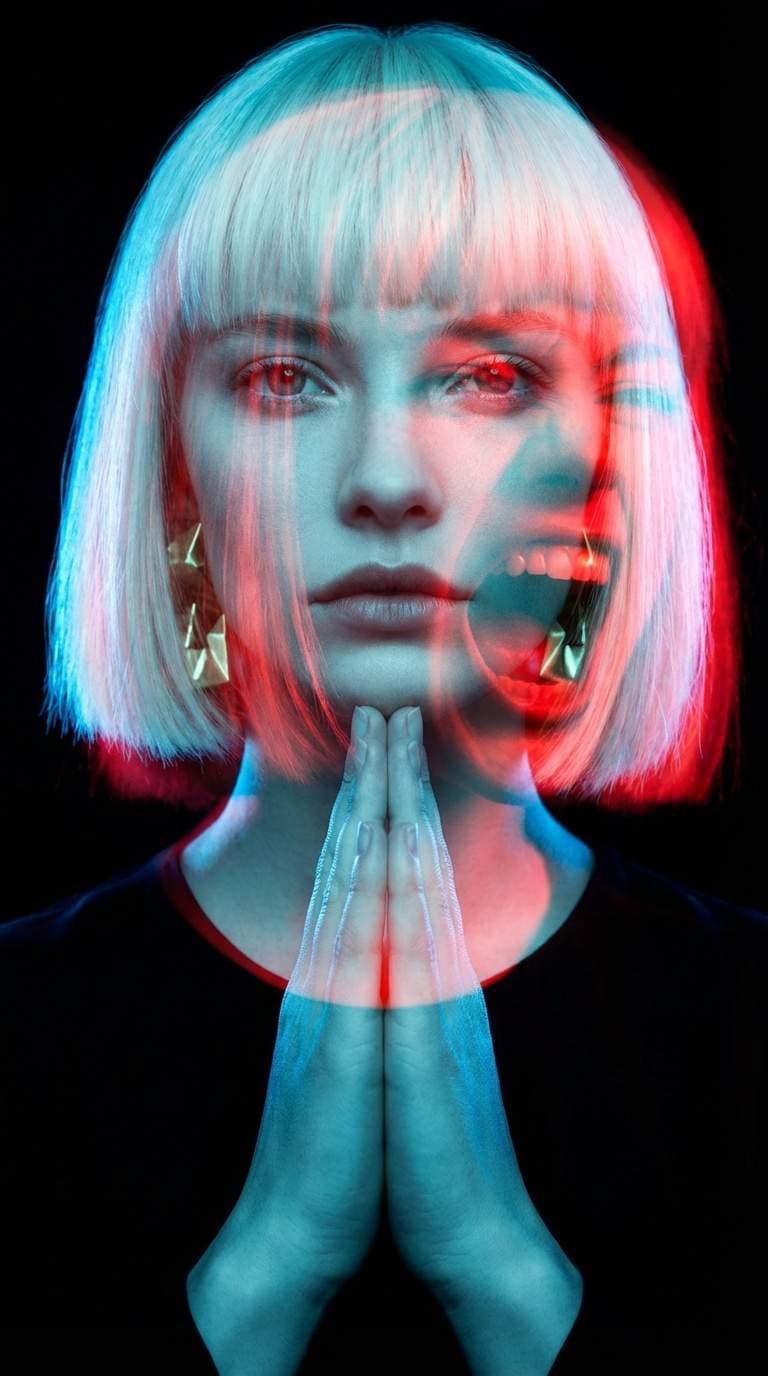

| Double Exposure Styles | Gemini AI Double Exposure Image Prompts | Preview | Copy |
|---|---|---|---|
|
Cityscape Urban Double Exposure
#double exposure ai
#urban
#nightlights
|
A striking double exposure composition. A close-up portrait of a person looking upward with eyes closed, merged with a sprawling city skyline at night. The city lights, skyscrapers, and illuminated buildings are blended into the person's face and upper body. Neon lights in blue, purple, and orange tones create a cyberpunk aesthetic. The person's features remain visible but translucent, with the city architecture flowing through their hair and shoulders. Dark moody background with bokeh light effects. Modern, edgy, high-contrast digital art style. |
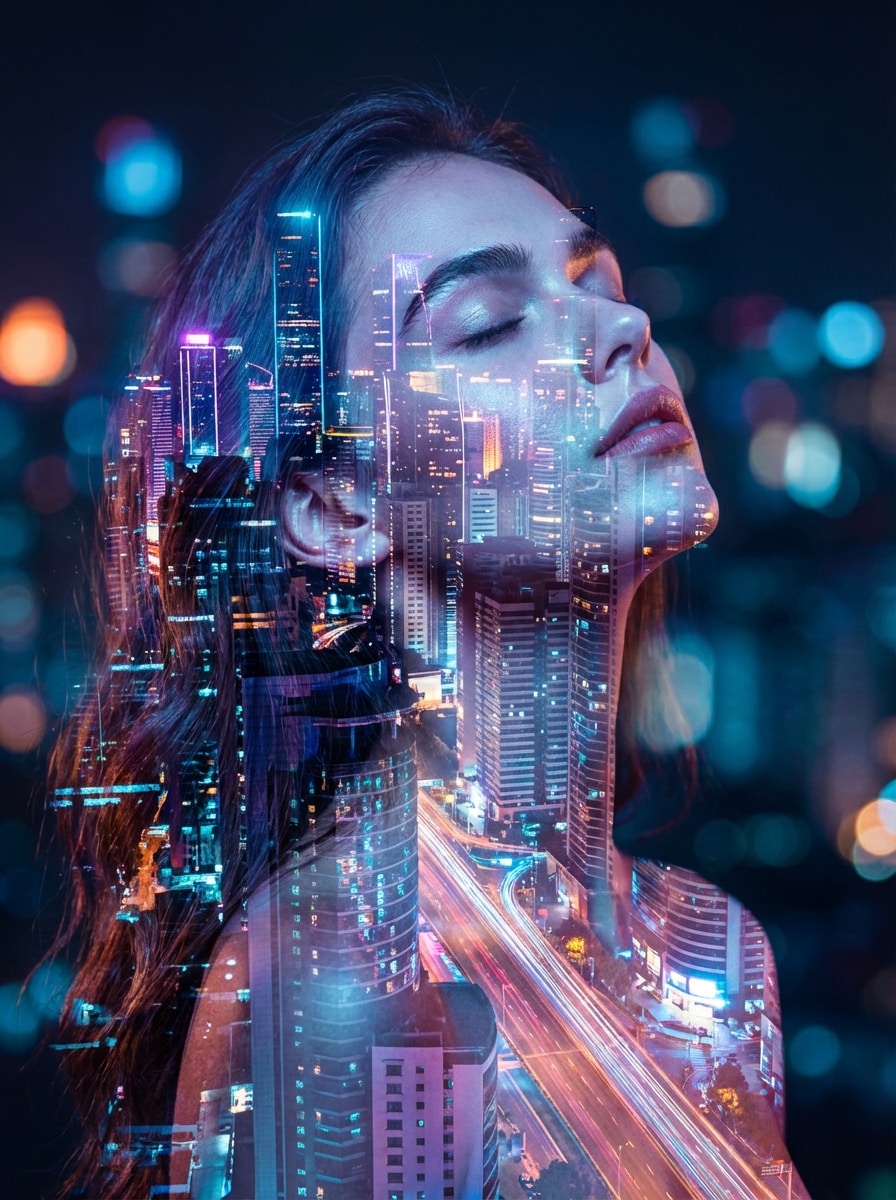
|
|
|
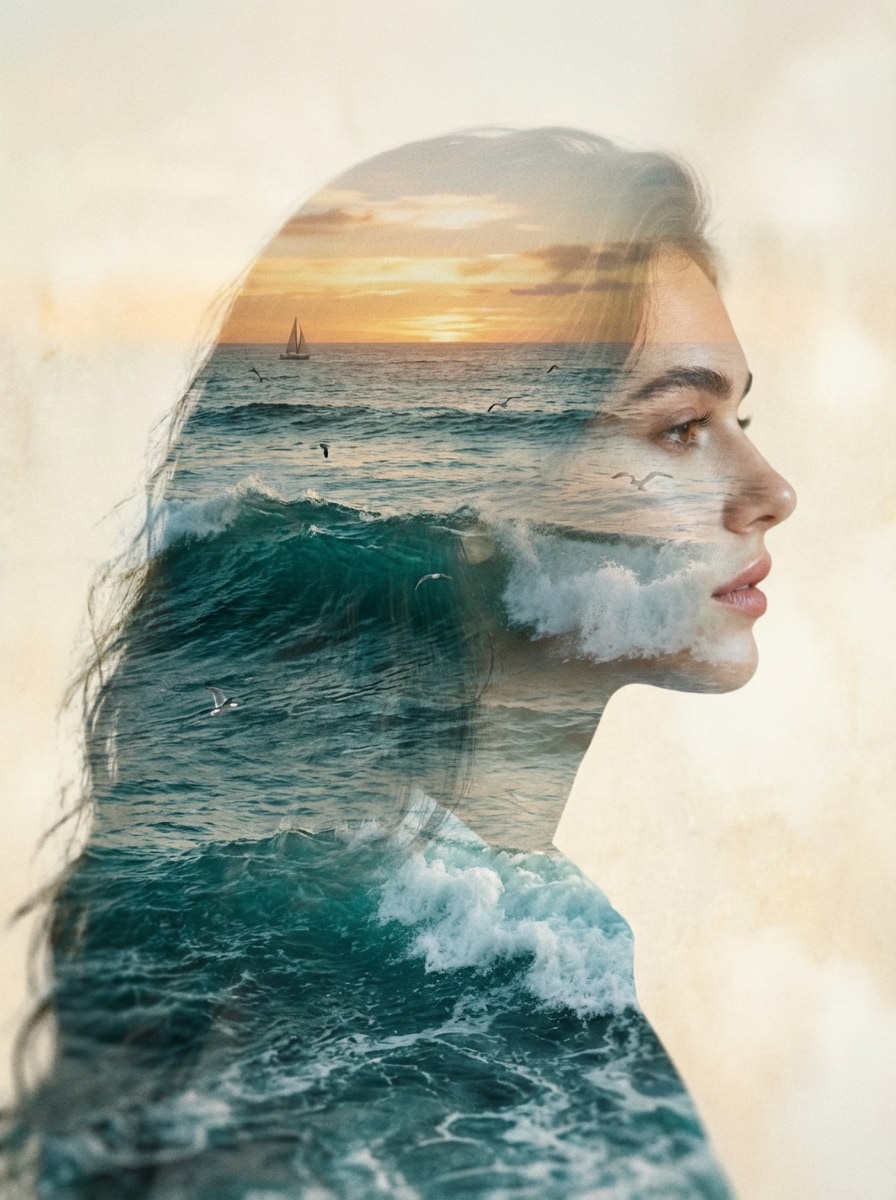
Ocean Wave Double Exposure Filter
#oceanwaves
#double exposure filter
#beachvibes
|
A dreamy double exposure beach portrait. The subject is a person in profile or three-quarter view, with their silhouette filled with crashing ocean waves, sea foam, and a sunset horizon. The waves appear to flow through their hair and face, creating a sense of movement and fluidity. The color palette features deep turquoise blues, foamy whites, and warm golden-orange sunset hues. Small details like seagulls or sailboats are subtly visible in the background layers. Ethereal, romantic, and contemplative atmosphere with soft focus and film grain texture. |
|
|
|
Seasonal Autumn Double Exposure
#autumn
#fallleaves
#double exposure effect
|
A warm autumn-themed double exposure portrait. A person's side profile or frontal face is blended with a scenic autumn landscape. Inside the silhouette: golden and orange fall leaves falling, bare tree branches, and a misty autumn forest path. The color scheme includes burnt orange, deep amber, rusty red, and golden yellow tones. Some leaves appear to be floating across the person's face and hair, creating depth. Soft natural lighting with a nostalgic, melancholic mood. The background is a soft cream or light beige with subtle texture. Artistic, painterly quality with rich autumn colors. |

|
|
|
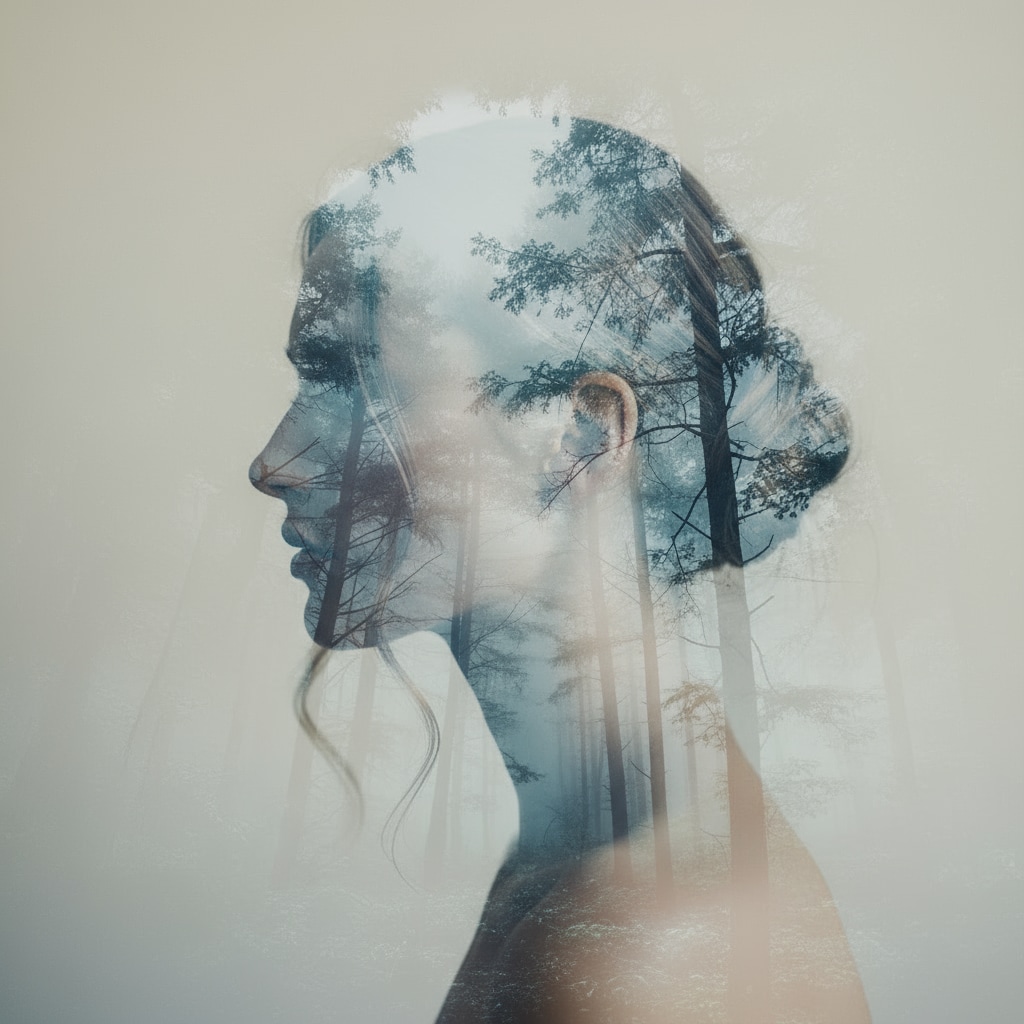
Forest Double Exposure
#forest
#doubleexposure
#portraitblend
|
Create a fine-art double exposure using Photo 1 and a forest scene from Photo 2. Keep the person’s face and silhouette 100% identical. Blend the forest only inside the portrait outline—trees, fog, and branches should merge softly with the skin tones. Use cool tones and dreamy natural blending with clear edges and visible facial features. Negative: textures outside silhouette, cartoon style, oversaturation, warped face. |
|
|
|
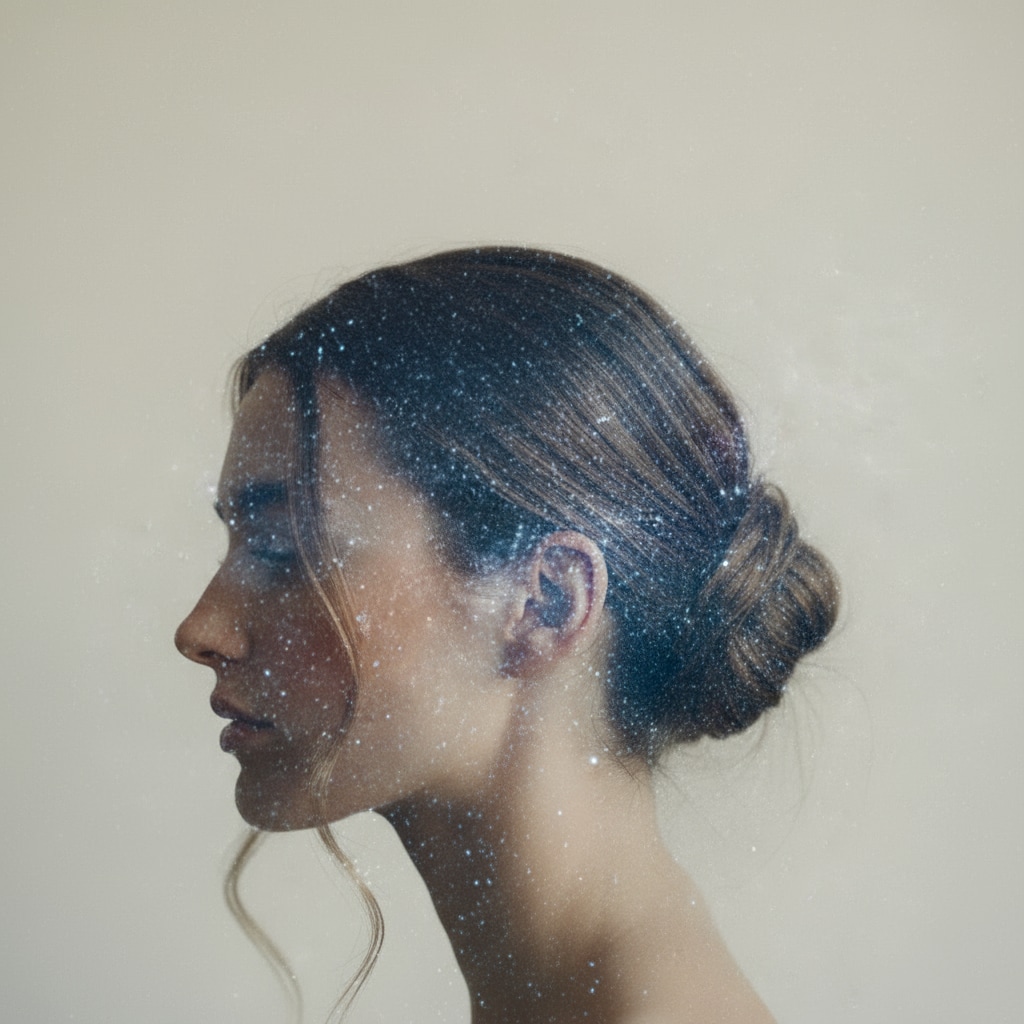
Galaxy Double Exposure
#galaxy
#cosmicart
#doubleexposure
|
Make a surreal galaxy double exposure using Photo 1 and a starry nebula from Photo 2. Keep facial features and silhouette unchanged. Blend stars, nebula colors, and cosmic light only within the head outline. Use soft gradients and cosmic glow for a dreamy cosmic portrait. Negative: neon rainbow colors, galaxy spilling outside silhouette, blurred face, overexposure. |
|
|
|
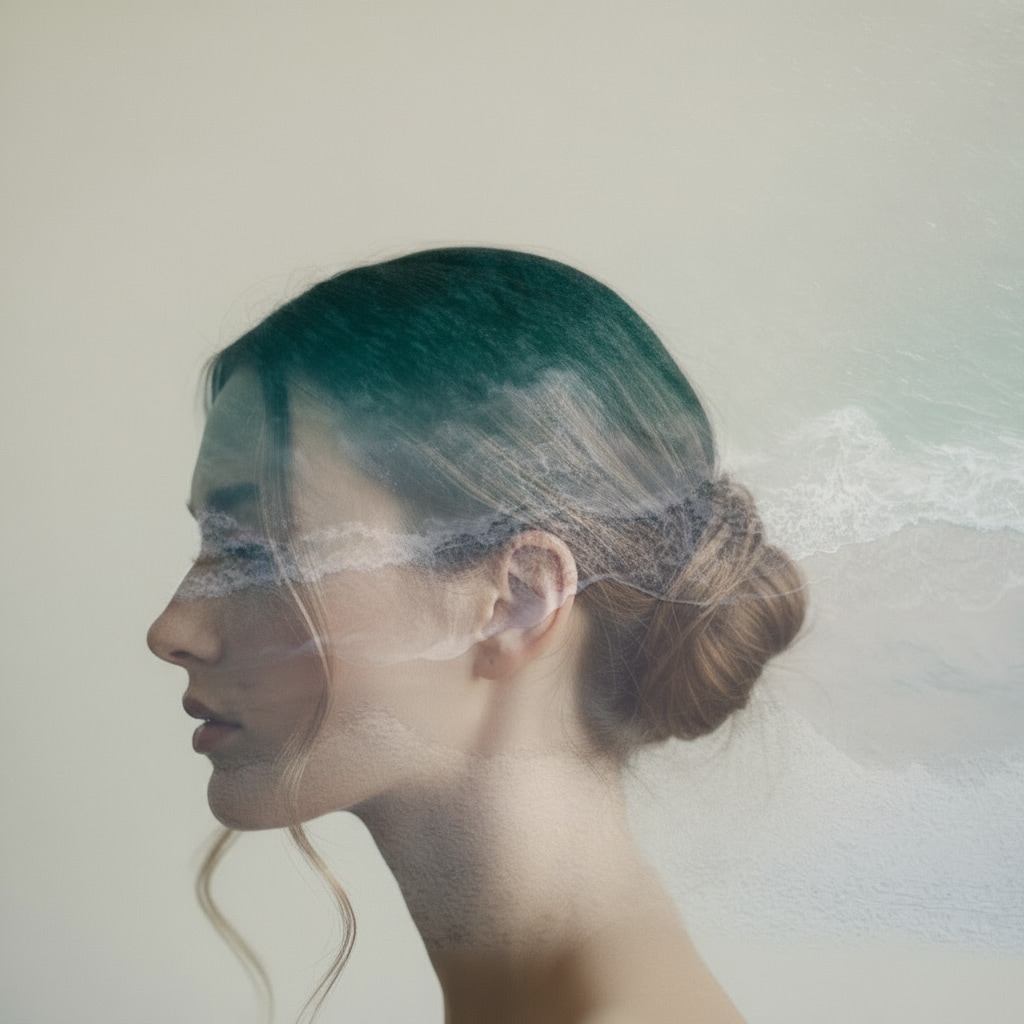
Ocean Double Exposure
#ocean
#waterblend
#doubleexposure
|
Create an ethereal ocean-themed double exposure using Photo 1 and an ocean scene from Photo 2. Keep the original face perfectly identical. Blend waves, foam, and water texture only inside the portrait silhouette. Use calm blue tones, soft mist, and smooth transitions for a serene look. Negative: water splashing outside silhouette, warped anatomy, harsh contrast. |
|
|
|
City Double Exposure
#cityscape
#urbanart
#doubleexposure
|
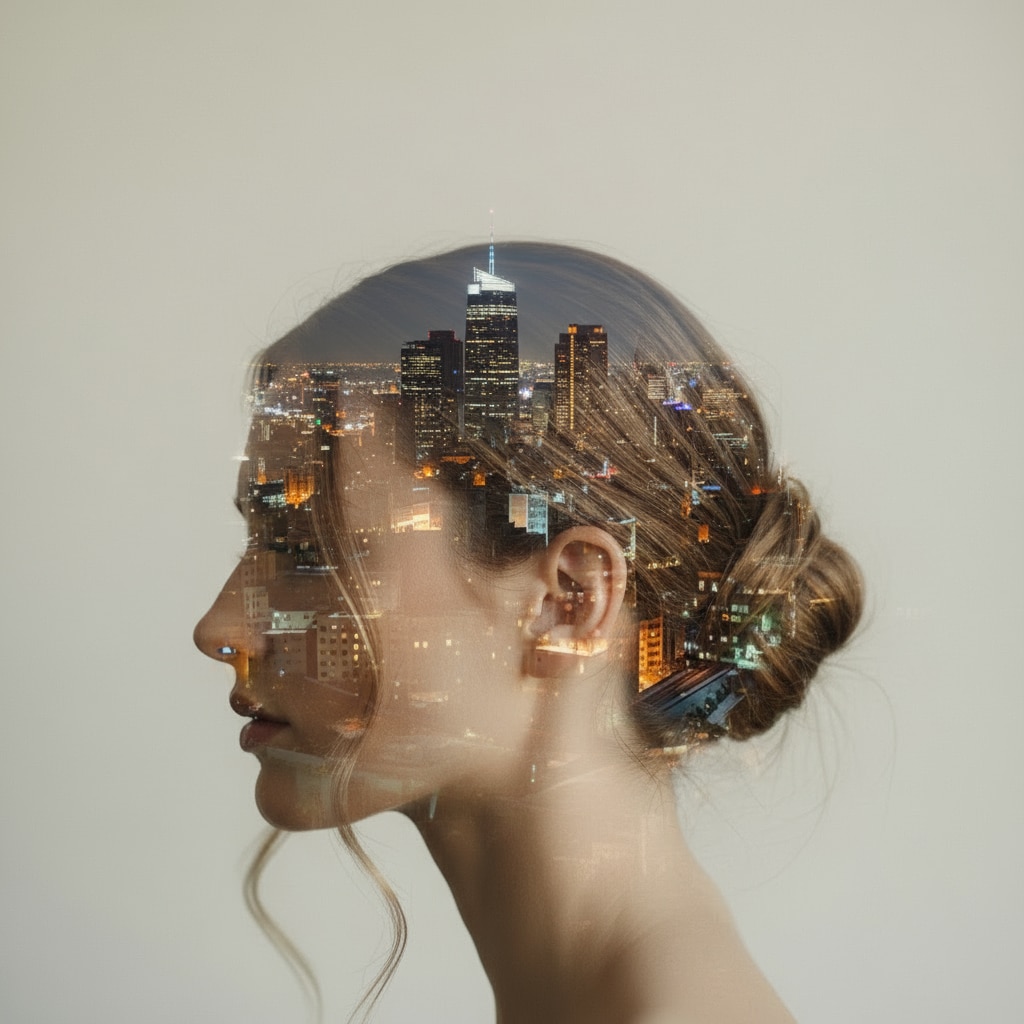
Turn Photo 1 into a cinematic double-exposure portrait mixed with a city skyline from Photo 2. Keep the subject’s face unchanged. Blend the city lights and buildings only inside the head and hair outline. Use soft glow, subtle reflections, and clean blending to create a modern urban art effect. Negative: distorted buildings, elements outside silhouette, neon overload, blurry face. |
|
Why Choose Media.io as Your AI Image Blender & Overlay Tool

AI-Powered Photo Blending & Overlays
Blend images online with smart AI that automatically adjusts opacity, lighting, and alignment. Create smooth photo overlays and artistic double-exposure effects in seconds.
Merge Two Photos into One Visual
Easily merge 2 photos online—portraits, landscapes, textures, logos, anything. Media.io’s AI photo blender combines your images into a single, seamless composition ready for thumbnails, posters, and social posts.
Double Exposure Without Photoshop
Generate cinematic double exposure photos instantly. Mix silhouettes with scenery, overlay faces with textures, or create dreamy fusion art—no Photoshop, layers, or advanced editing skills required.
Simple, Browser-Based Editor
No apps, no downloads. Just upload your images, choose a blending style, and let AI do the rest. Perfect for quick edits, creative projects, moodboards, and social media visuals on any device.
How to Blend Two Photos Online with AI (Double Exposure)
Upload Your Two Photos
Upload Photo 1 (portrait) and Photo 2 (landscape/texture). Supported: JPG, PNG. AI auto-detects the face and prepares both images for blending.
Apply a Double Exposure Prompt
Choose one of the prompts above (forest, galaxy, city, ocean) and paste it into the prompt box. AI blends Photo 2 inside the silhouette only for a clean artistic effect.
Generate Your Double Exposure
Click Generate to create a fine-art blended portrait instantly. Download in HD or regenerate variations with different styles and landscapes.
Explore the Hottest AI Features and Effects




FAQs About AI Photo Blender & Image Overlay
1. What is an AI photo blender?
An AI photo blender is an online tool that uses artificial intelligence to combine or overlay two images into one. It can blend portraits, landscapes, textures, or graphics to create artistic effects like double exposure, soft overlays, and seamless merged visuals — without manual masking or layering.
2. How do I blend two photos online?
You can blend two photos online by uploading your images to an AI photo blender like Media.io. Simply choose your blending style — overlay, double exposure, or soft mix — and the AI will merge the photos automatically with smooth transparency, lighting balance, and alignment. No manual editing required.
3. What is double exposure in photography?
Double exposure is a creative photography technique where two images are layered together to form a single artistic composition. Common examples include a silhouette filled with a forest, a portrait blended with clouds, or a cityscape overlaid with textures. AI photo blenders recreate this effect digitally in just a few clicks.
4. Can AI overlay one photo on top of another?
Yes. AI can overlay one photo on top of another with smart opacity control, lighting balance, and edge blending. This makes it easy to create cinematic effects, artistic fusions, poster-style graphics, and soft photo overlays without using complex software like Photoshop.
5. Do I need editing experience to blend images?
No editing experience is required. AI photo blenders like Media.io are built for beginners — just upload your photos, choose a blend or double exposure style, and let AI handle all the masking, layering, and fine-tuning. It’s ideal for both casual users and creatives who want fast results.
6. What types of images blend well together?
Portraits, silhouettes, landscapes, skies, textures, abstract patterns, nature photos, and gradient backgrounds all blend extremely well. High-contrast images and clean silhouettes often produce the most striking double exposure and overlay results.
7. Is blending photos online free?
Yes — Media.io offers free online photo blending with basic features. You can create double exposure images, overlay two photos, and merge pictures in your browser without installing any apps. For higher resolutions or batch projects, you can upgrade to a paid plan.
8. What’s the difference between blending and merging photos?
Blending photos usually means overlaying two images with transparency or artistic mixing to create a single fused visual. Merging photos can also refer to combining pictures into one layout or canvas (for example, side-by-side). AI photo blenders like Media.io support both blended overlays and merged compositions, depending on the look you want.
More Than AI Image Blender, Discover More AI Photo Effects at Media.io
 4.7 (162,357 Votes)