Creations are stored for only 7 days. Assets created after upgrading to a Membership plan will be stored permanently.
Unlock your creative potential and experience the magic of Media AI right away!
AI Sprite Generator for Fast Pixel Art Characters and Game Assets
Turn text prompts into retro-style sprites, pixel characters, enemies, and sprite sheet concepts in seconds. Media.io functions as an ai sprite generator that helps developers, hobbyists, and creators generate game-ready visual ideas with flexible styles, high-resolution output, and easy prompt control right in the browser, making it a practical option alongside tools like an ai image to sprite sheet generator unlimited.
Explore our curated collection of ai sprite generator styles, including options that work smoothly with workflows such as ai sprite generator png whisk fx and other browser-based sprite tools.
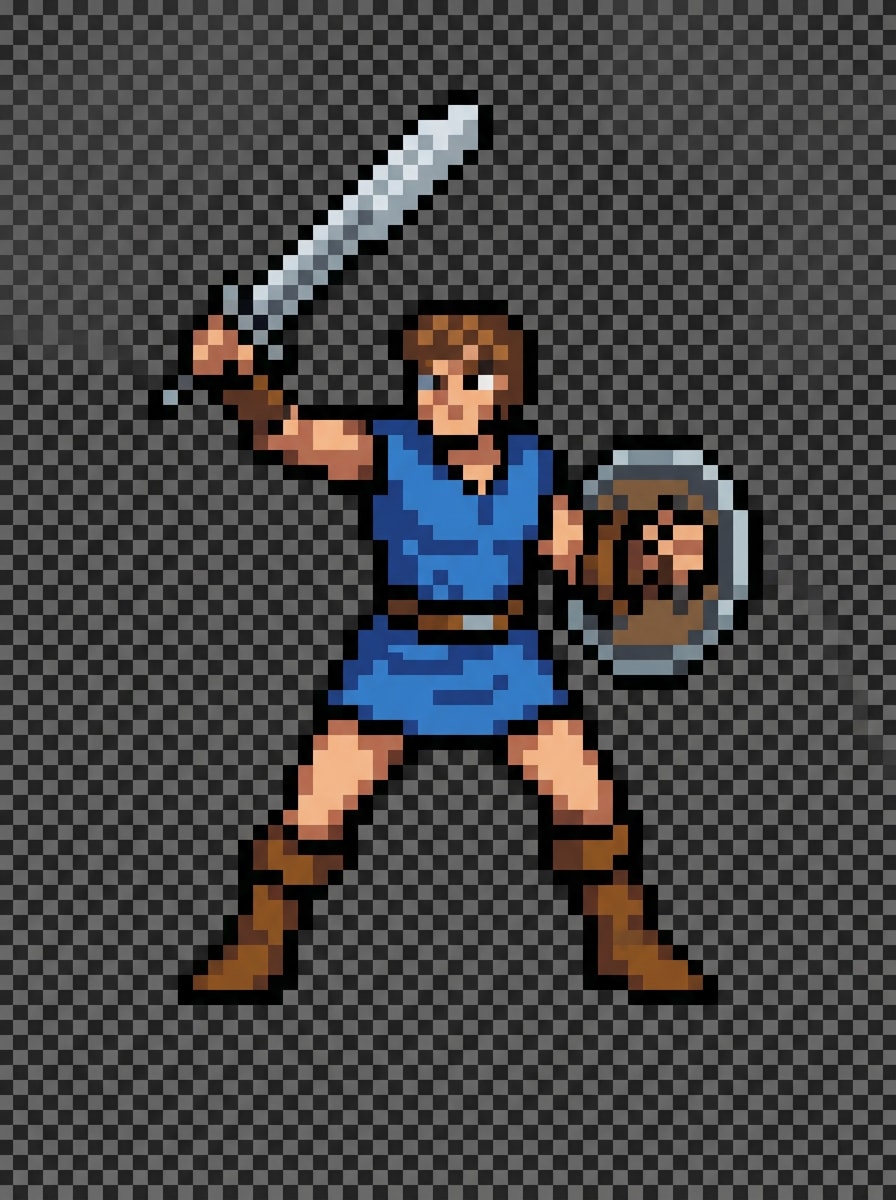
SNES Fantasy Swordsman
Create a retro SNES-inspired pixel art fantasy swordsman sprite, full-body and centered, with a heroic stance, blue tunic, silver sword, brown boots, and a clear readable silhouette. Use crisp pixel edges, subtle shading, limited classic RPG palette, transparent background, clean lighting, and polished game asset quality.
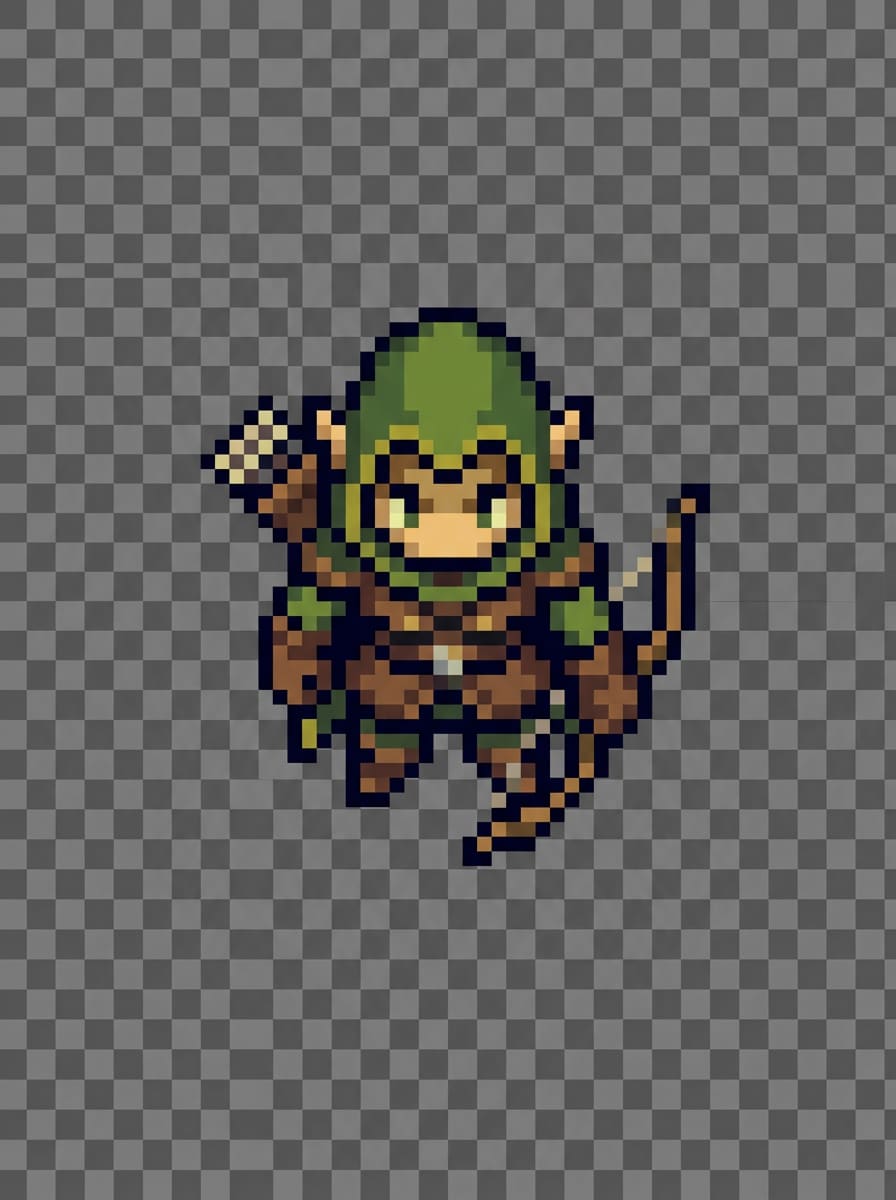
Top-Down Elf Archer
Generate a top-down pixel art elf archer sprite for a fantasy adventure game, wearing a green hood with bow and quiver, compact proportions, and tile-friendly design. Keep the composition isolated and readable, with earthy greens, soft highlights, transparent background, neat pixel texture, and classic retro RPG asset styling.
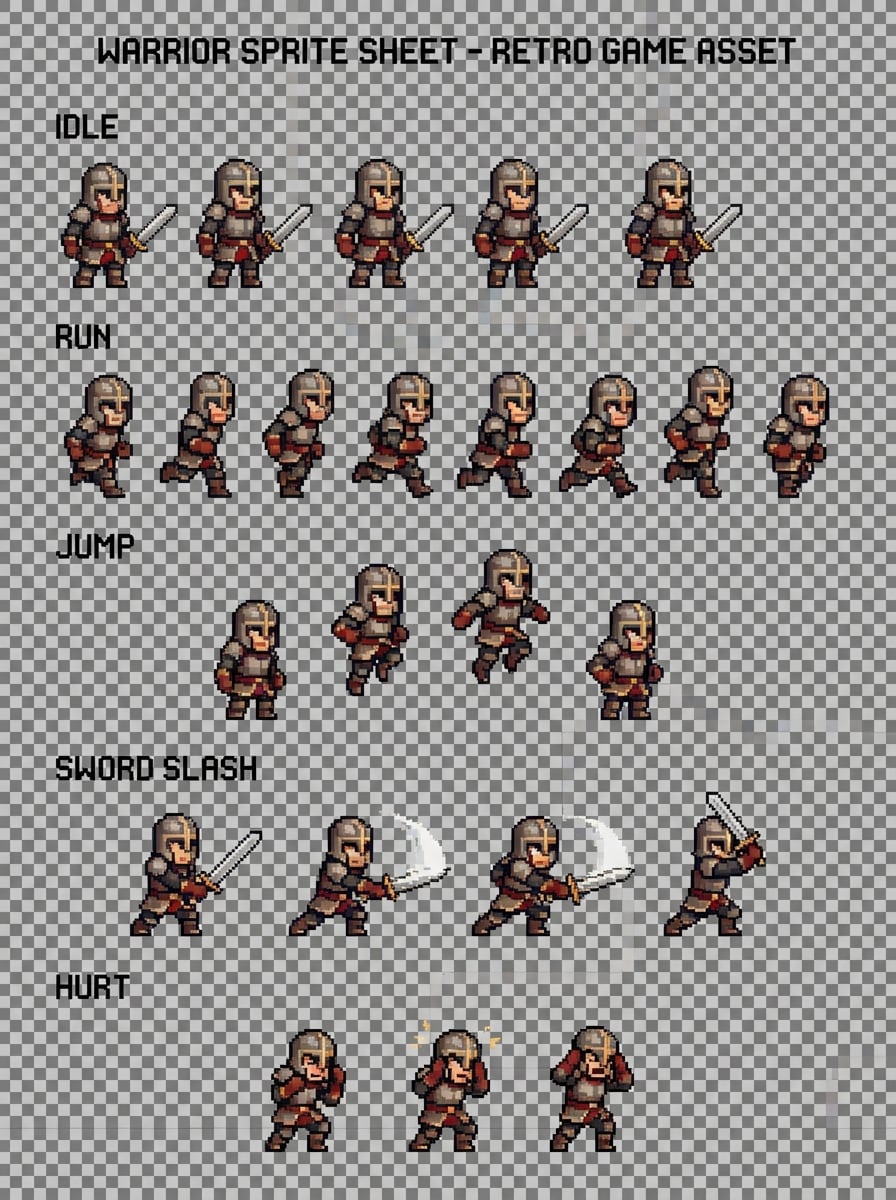
Action Sprite Sheet Warrior
Create a pixel art warrior sprite sheet concept featuring idle, run, jump, sword slash, and hurt poses in a clean grid layout. Show consistent proportions, medieval armor, strong silhouette, transparent background, balanced spacing, retro color palette, crisp pixel rendering, and professional animation-ready game asset presentation.
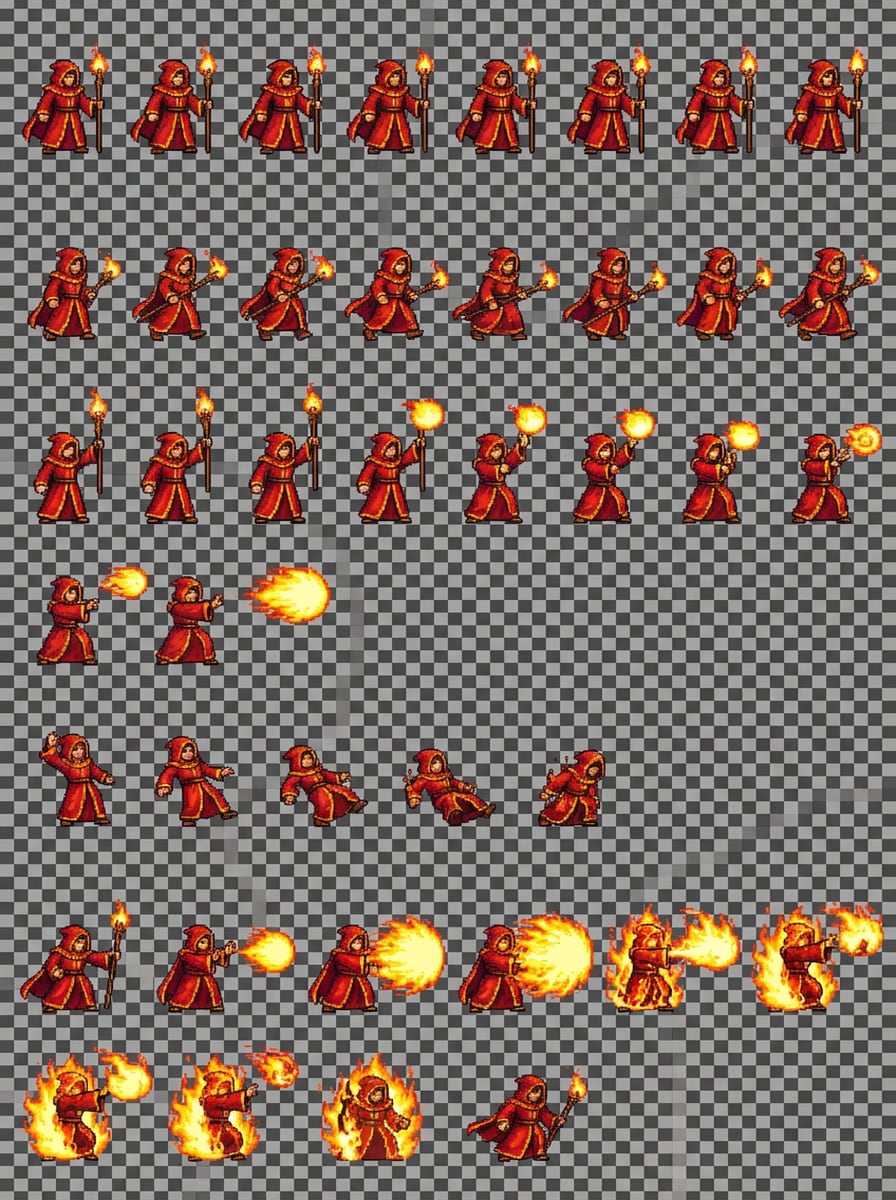
Mage Combat Frames
Generate a pixel art fire mage sprite sheet concept with idle, walk, spell-cast, damage, and special attack frames arranged in a tidy grid. Use a red robe, glowing staff, magical flame effects, transparent background, consistent character scale, vivid warm colors, and polished retro game animation aesthetics.
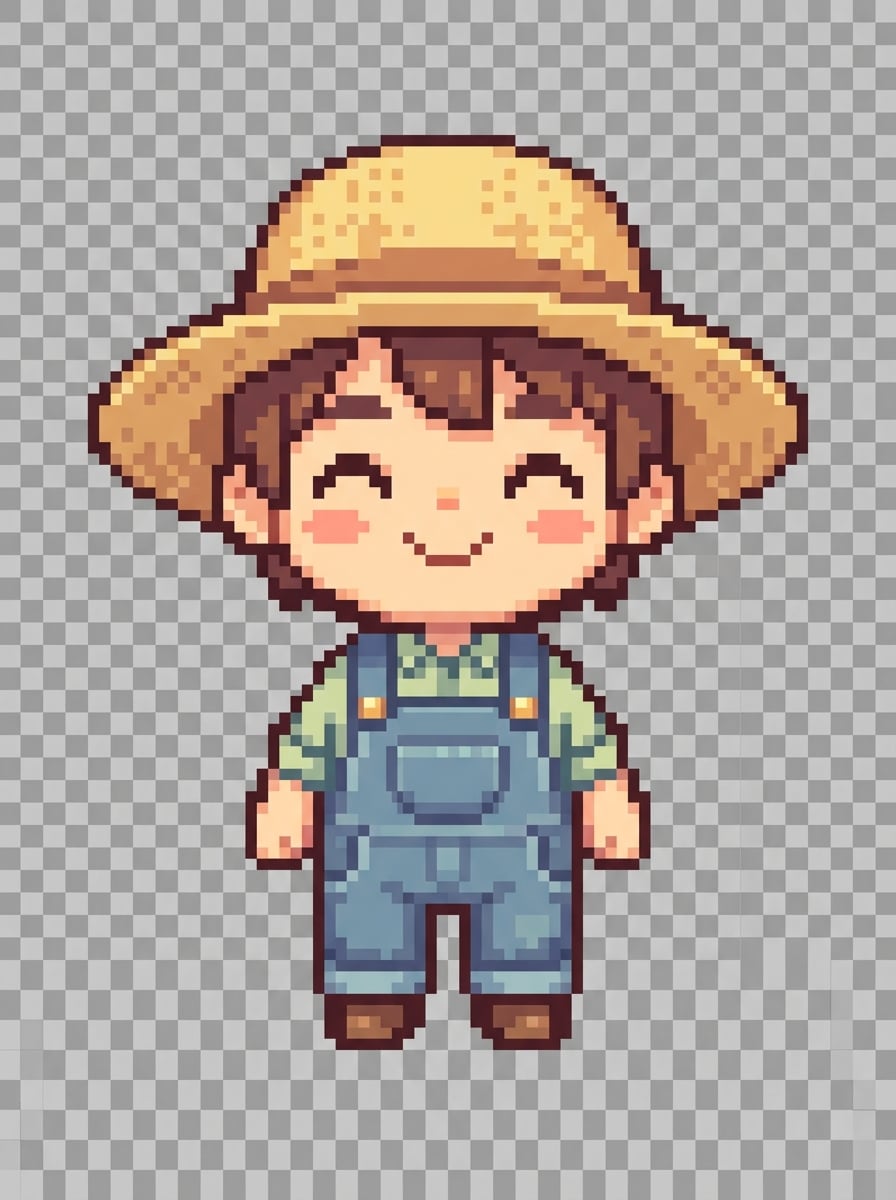
Chibi Farming Sim Hero
Create a cute pixel art farming sim character sprite with chibi proportions, straw hat, overalls, and a cheerful expression. Keep the figure centered with a transparent background, cozy pastel palette, soft lighting, simple but readable clothing details, and charming indie game asset quality suitable for casual simulation games.
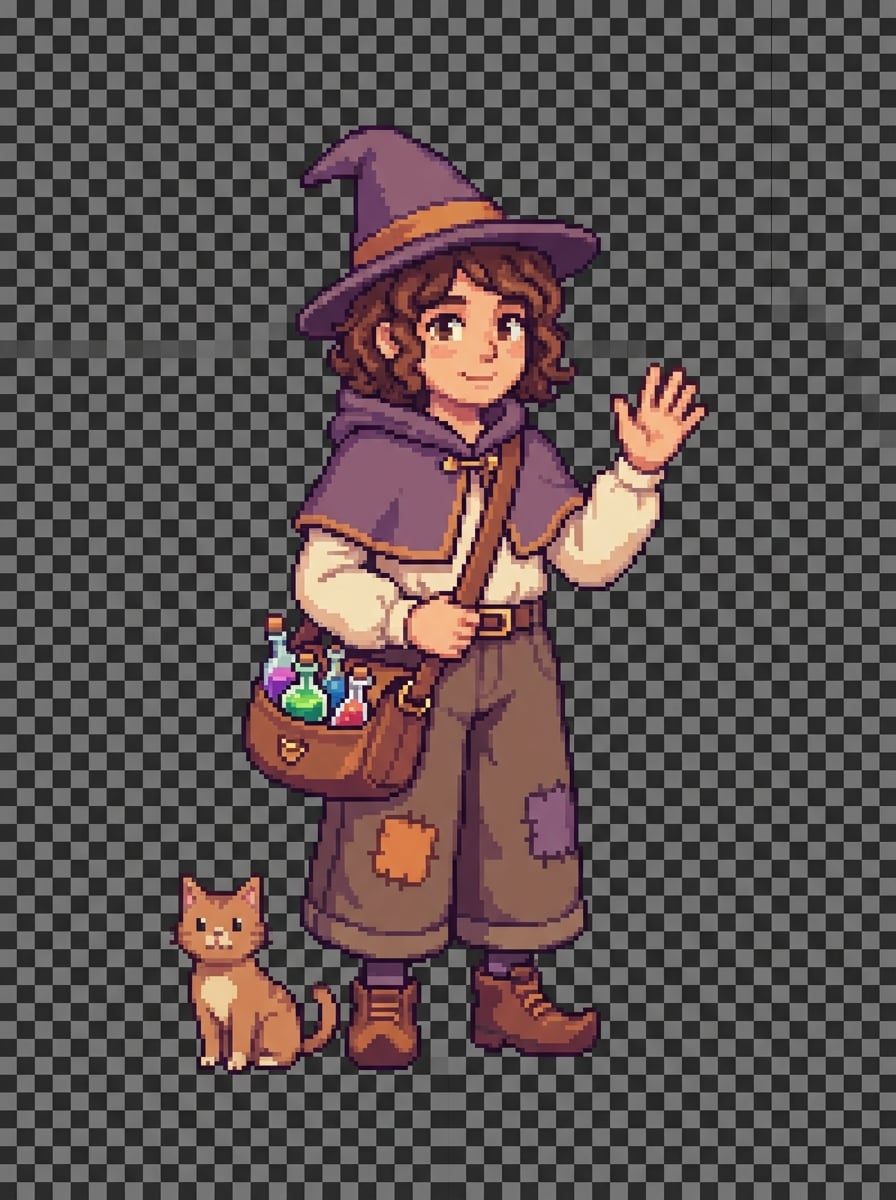
Cozy Witch NPC
Generate a cozy pixel art witch NPC sprite with a small hat, short cape, potion satchel, and friendly posture. Use a warm color palette with gentle purples and browns, transparent background, neat pixel texture, balanced shading, welcoming mood, and a detailed yet readable indie RPG character design.
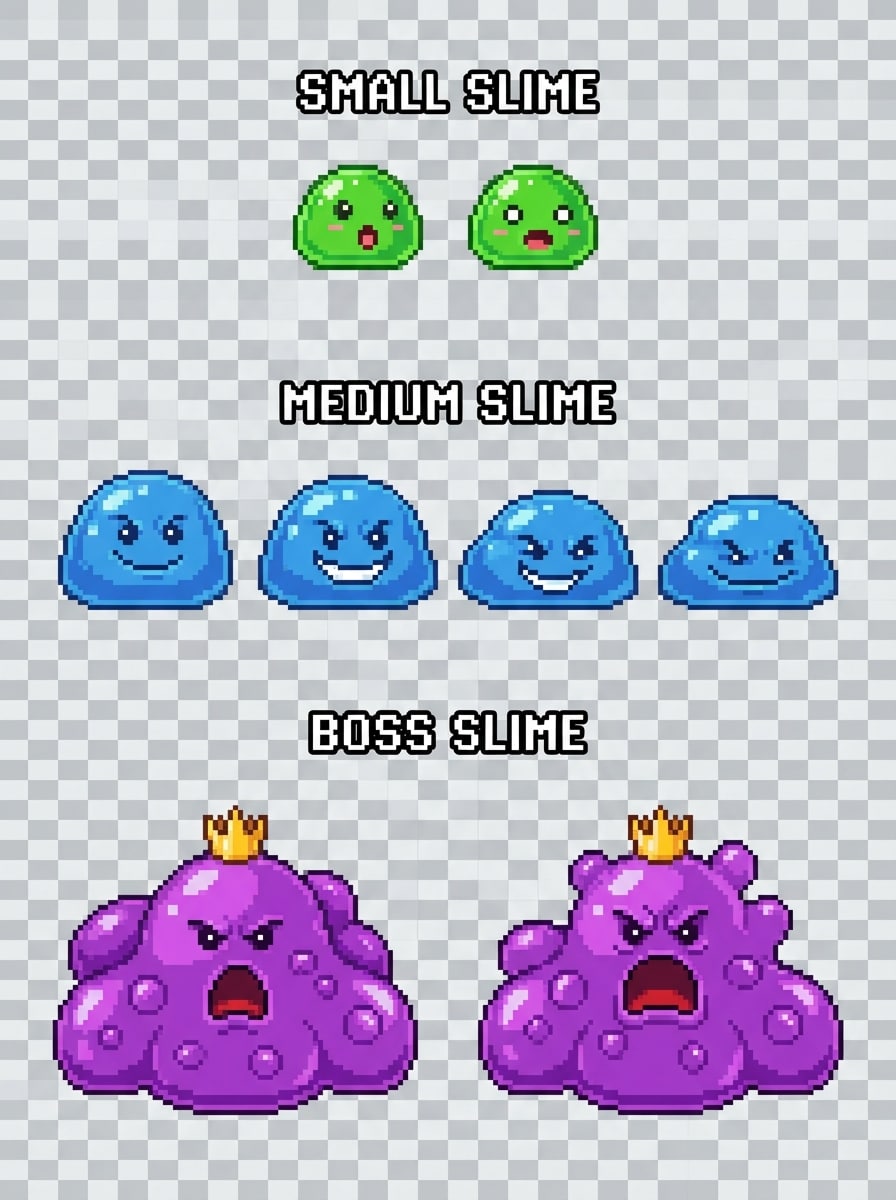
Slime Evolution Pack
Create a set of pixel art slime monster sprites in small, medium, and boss forms, each with expressive faces and distinct scale progression. Use bright colors, glossy jelly texture, transparent background, simple shading, playful mood, clear silhouettes, and retro RPG enemy asset styling for an engaging monster evolution concept.
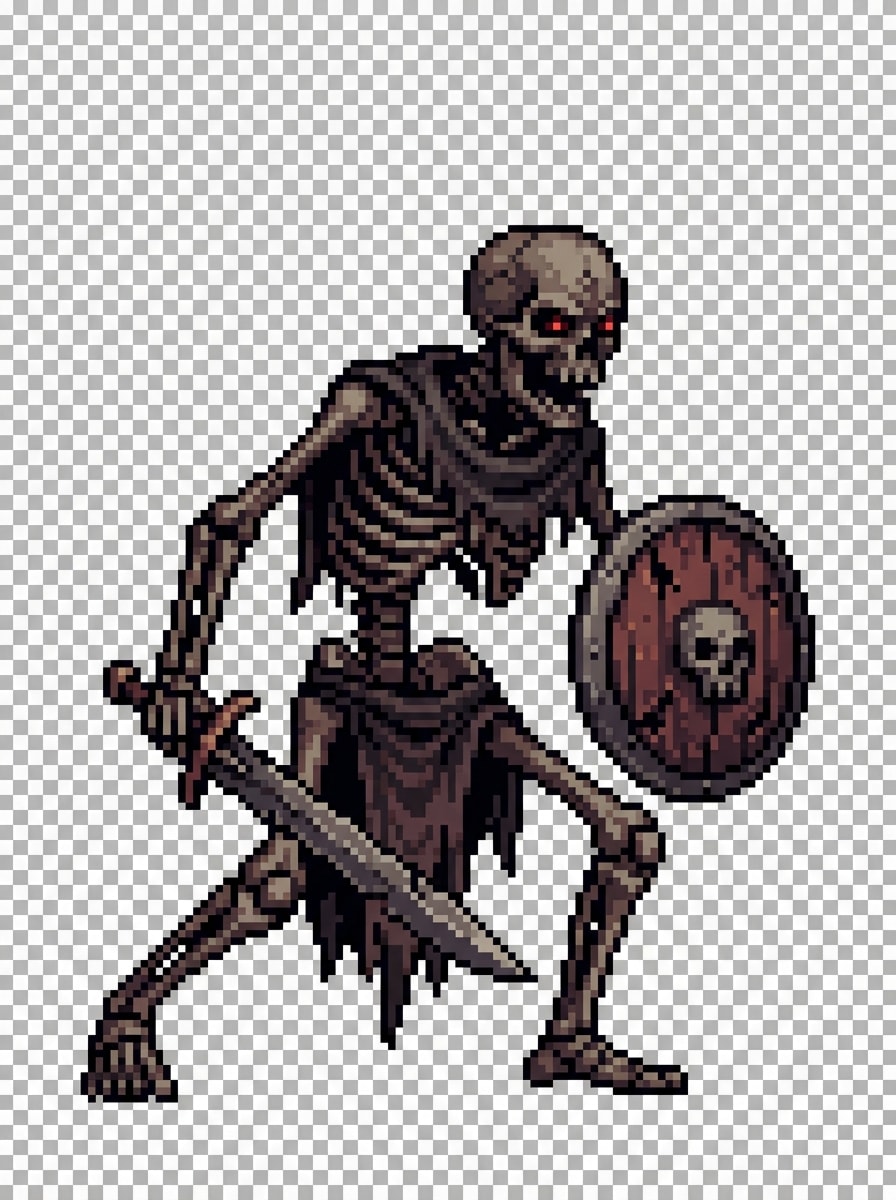
Dungeon Skeleton Enemy
Generate a dungeon skeleton enemy pixel sprite holding a shield and sword in a menacing battle pose. Use a dark fantasy palette, transparent background, side-scrolling game composition, crisp pixel linework, controlled shadows, worn bone texture, and strong readability for a polished retro action game enemy asset.
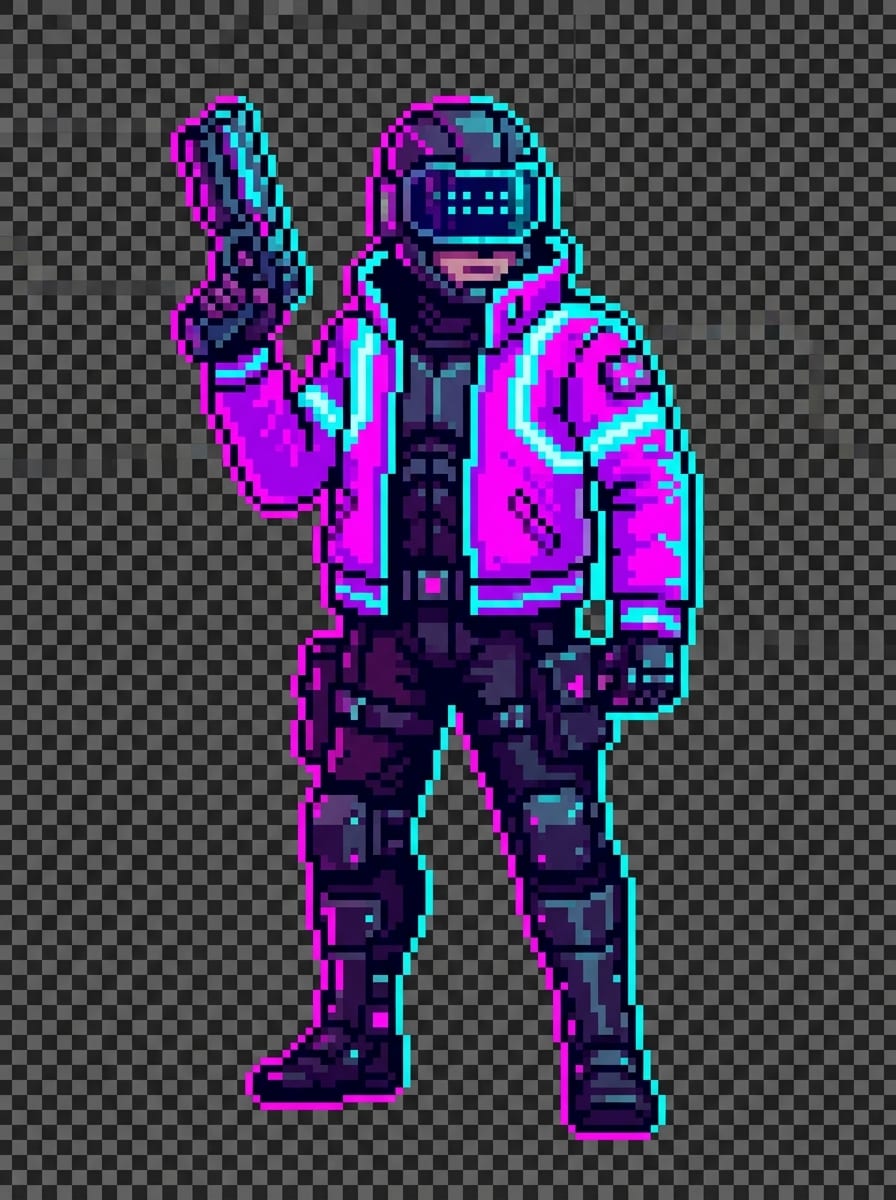
Cyberpunk Gunner
Create a cyberpunk pixel art gunner sprite with a neon jacket, visor, and futuristic handgun, shown full-body against a transparent background. Use magenta and cyan highlights, dramatic contrast, sleek sci-fi costume details, sharp pixel rendering, moody futuristic atmosphere, and modern retro game asset quality.
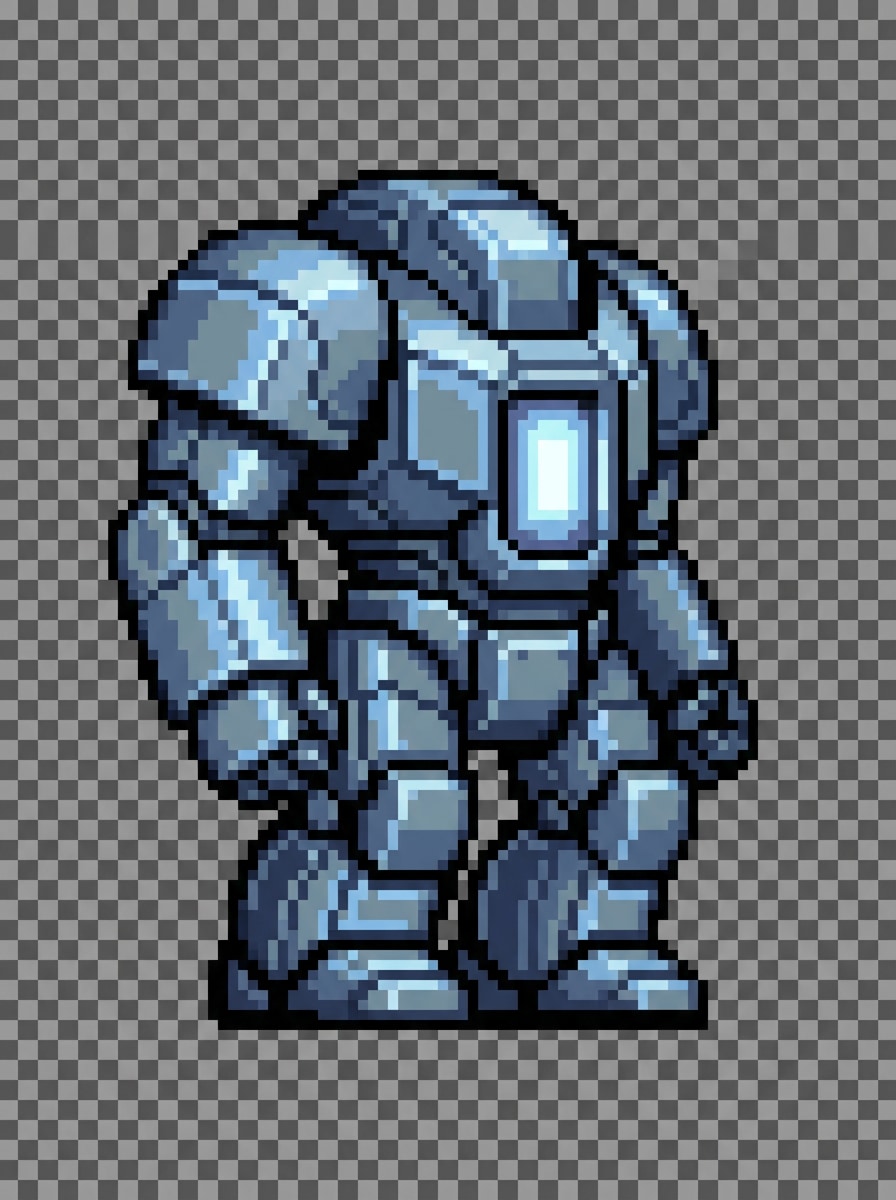
Mech Unit Sprite
Generate a pixel art combat mech sprite with a chunky side-view silhouette, metallic armor plates, and a glowing reactor core. Keep the composition isolated on a transparent background with cool steel tones, subtle light reflections, clean pixel edges, tactical sci-fi mood, and strategy-game-ready asset presentation.
Why Use Media.io for AI Sprite Generation
Generate Pixel Sprite Ideas from Text
Describe a character, enemy, or retro game asset in words and turn it into visual concepts fast. Media.io is ideal for exploring text to sprite AI ideas before manual refinement, and it can fit into pipelines that also use an ai sprite generator png import for final layout or engine integration.
Flexible Models and Style Control
Choose from advanced models including Nano Banana Pro, Nano Banana 2, Seedream 5.0 Lite, and more. This makes it easier to experiment with retro, stylized, or creative directions for pixel character generator workflows, whether you are mocking up concepts for an ai jus sprite generator style fighter or a classic RPG.
High-Resolution Exports for Asset Mockups
Generate images in 1K, 2K, or 4K resolution and select aspect ratios like 1:1, 16:9, 9:16, and more. That gives you room to create sharp concept art, sprite previews, and presentation boards, which you can later adapt into grids or animation frames with your preferred sprite-sheet tools.
Works Online on Any Device
Media.io runs in your browser on Windows, Mac, iPhone, iPad, and Android. You can generate ai sprite generator concepts anywhere without installing desktop software, then bring those ideas into engines or tools inspired by an ai sprite generator whisk fx gba pokemon sprite workflow for further pixel-level polishing.
How to Use the AI Sprite Generator
1
2
3
1
Step 1: Open Media.io AI Image Generator
Go to Media.io and open the AI Image Generator under AI -> Text to Image. This online tool runs in your browser, so you can create pixel sprite concepts on desktop or mobile without installing anything.
2
Step 2: Enter a Prompt
Type a detailed prompt such as “retro pixel art fantasy swordsman sprite, full-body, blue tunic, silver sword, transparent background, crisp SNES-style shading.” Then adjust the model, aspect ratio, resolution, and style settings to fit your game asset idea.
3
Step 3: Generate, Refine & Download
Click Generate to create your sprite image. If needed, refine the wording for better consistency, different poses, or a stronger pixel-art look. Then download the high-resolution result and use it for concepting, mockups, or game art planning.
"Fast way to prototype character ideas" I used Media.io to brainstorm enemy and hero concepts for a retro RPG. It helped me move from rough text ideas to visual sprite directions much faster, especially when testing different classes and color palettes.
Sofia R.
Pixel Artist Hobbyist
"Useful for prompt-based pixel art exploration" The tool is great when I want to explore styles before drawing manually. I can generate cute farming sim characters, witches, and monsters, then refine the strongest ideas in my normal art workflow.
Marcus T.
Game Jam Creator
"Good for quick sprite sheet concepts" I like using it for sprite sheet concept boards during game jams. It gives me a fast visual direction for idle and attack pose ideas, which is helpful when the team needs references right away.
Lena C.
Content Designer
"Easy to use on browser and mobile" I didn’t need any software install, which made it easy to test prompts on my laptop and phone. For early-stage game asset ideation, Media.io feels simple, flexible, and much faster than starting from a blank canvas.
The best AI sprite generator depends on your workflow, but Media.io is a strong option if you want a browser-based tool for turning text prompts into sprite-style concepts quickly. It supports multiple AI models, several aspect ratios, and output resolutions up to 4K, which is useful for creating and presenting pixel art character ideas, whether you are prototyping for a platformer, fighter, or RPG.
2. Can AI generate sprite sheets?
Media.io can generate sprite sheet concepts from text prompts, such as grids showing idle, run, or attack poses. Since it is a text-to-image tool, it is especially useful for visual ideation and layout exploration rather than promising production-ready animation systems. Many users create sprite-sheet-style mockups first, then refine them manually or align them later with specialized tools like an ai image to sprite sheet generator unlimited.
3. Can AI create pixel art from text?
Yes. With Media.io, you can describe a character, monster, NPC, or retro game asset in a detailed English prompt and generate pixel-art-inspired images. The platform supports different models and style directions, so it works well for experimenting with retro RPG, cozy indie, sci-fi, and other sprite aesthetics, and it can complement pipelines that also rely on an ai sprite generator whisk fx for final polish.
4. Is there a free AI sprite generator?
Media.io offers free access with 3 credits per day, so you can test sprite and pixel art prompts without paying upfront. Free users may see watermarks, while paid subscribers can download watermark-free high-resolution images. If you need more credits or cleaner exports, you can compare plans here: https://www.media.io/pricing.html
5. How do you make a sprite with AI?
Open Media.io AI Image Generator, enter a detailed prompt describing your sprite, choose settings like aspect ratio and resolution, and click Generate. For example, you might prompt a retro fantasy swordsman, a slime monster, or a cyberpunk gunner with a transparent background and pixel-art style. Then refine the prompt until the design matches your game concept, and optionally combine the result with an ai sprite generator png import step in your own toolchain.
6. Can I use AI-generated sprites for my game?
Media.io can help you generate sprite-style visuals for game concepting, references, and early asset planning. If you need commercial-use clarity for a specific project, you should review the applicable Media.io terms and your intended usage requirements before publishing. For production work, many developers use the generated results as a starting point and then refine them manually or in dedicated sprite editors such as an ai jus sprite generator–inspired workflow.