

GPT Image 2.5 AI Image Generator & Editor
Create and edit images with GPT Image 2.5 on Media.io. Turn reference photos into polished product shots, portraits, ads, posters, and precise image edits with stronger subject fidelity and faster creative iteration.
Try GPT Image 2.5's Strongest Workflows
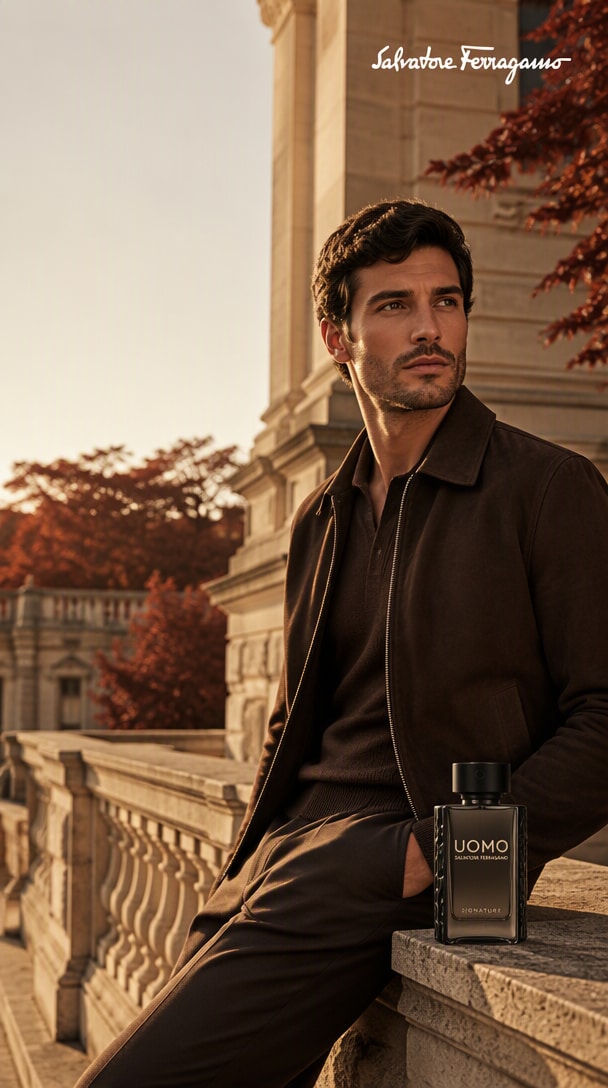
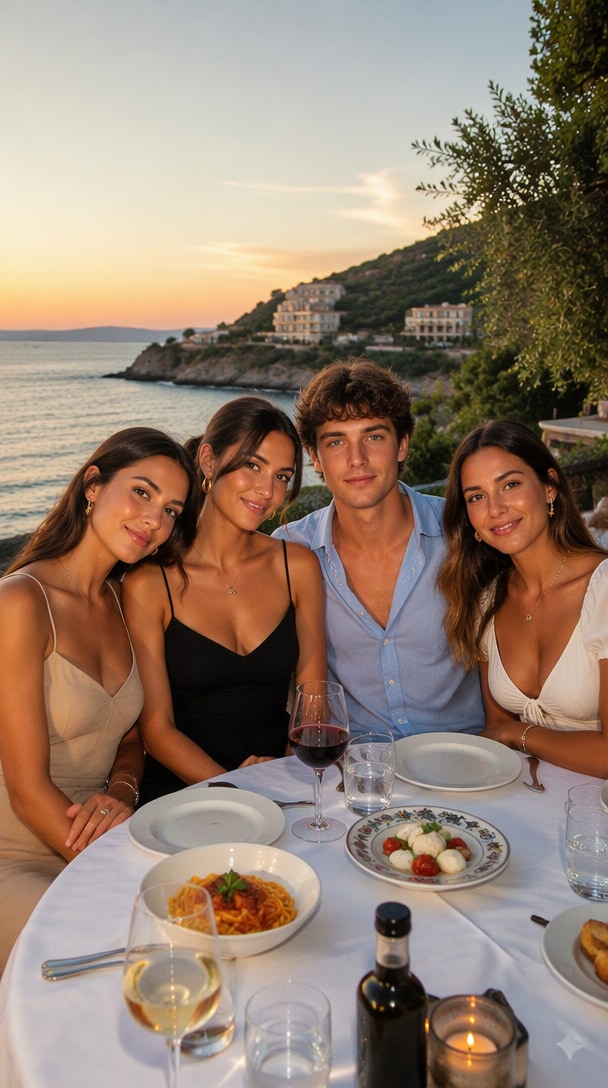
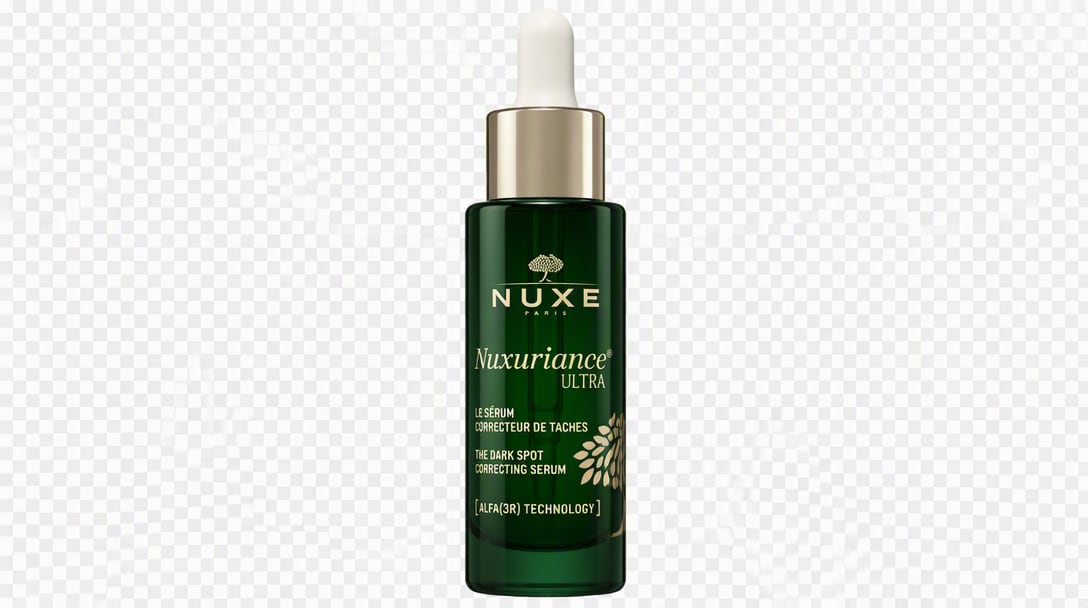
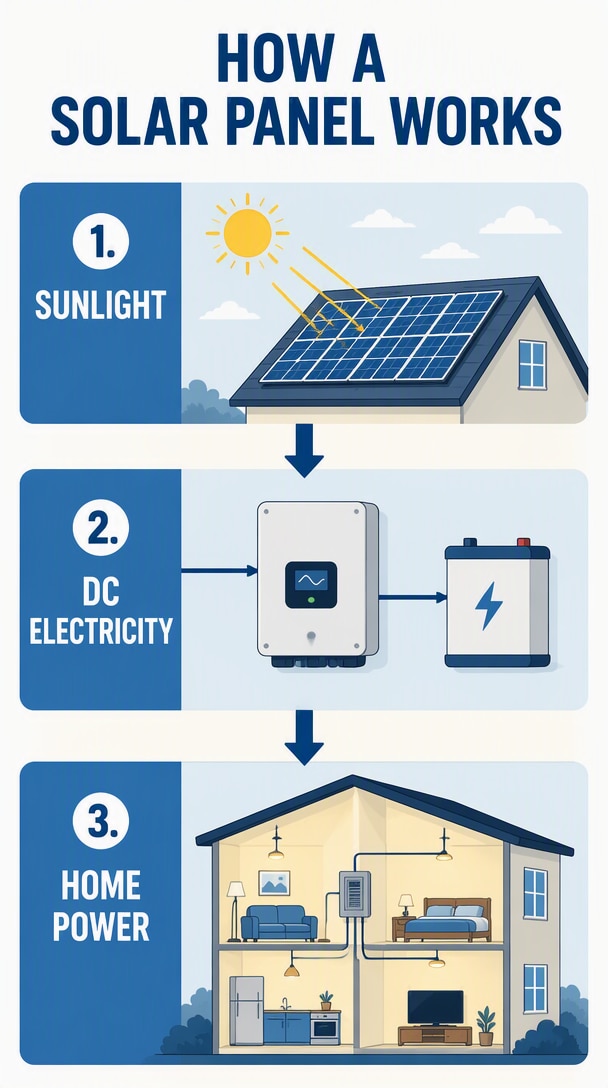
Reference fidelity, surgical edits, product creatives, exact-text layouts, composites, transparent assets, infographics, style remixes, and sketch-led creation. Hover a result and copy the prompt to recreate the workflow with your own image.
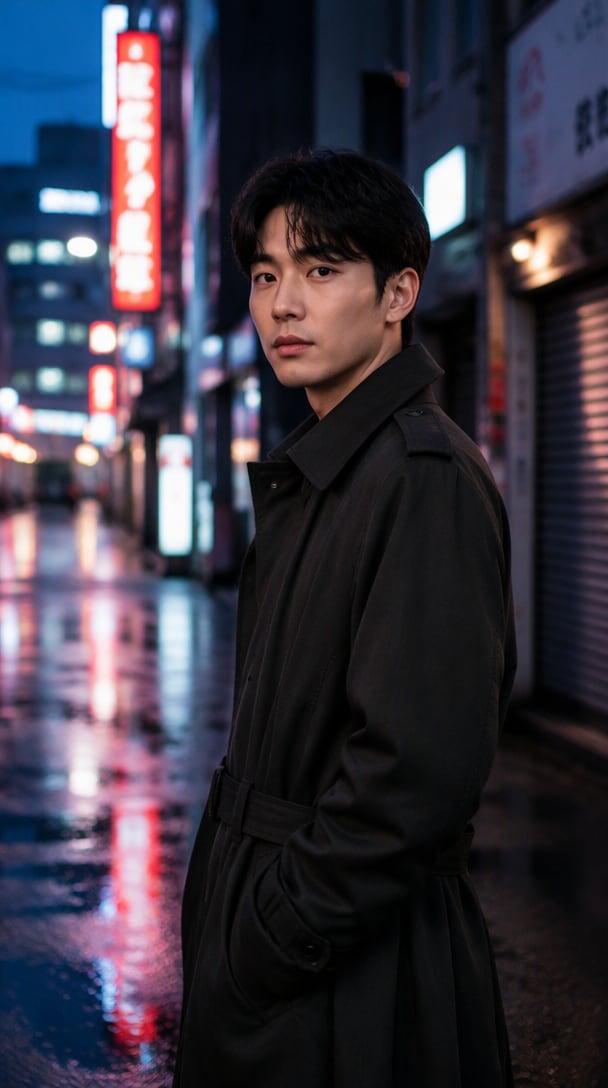
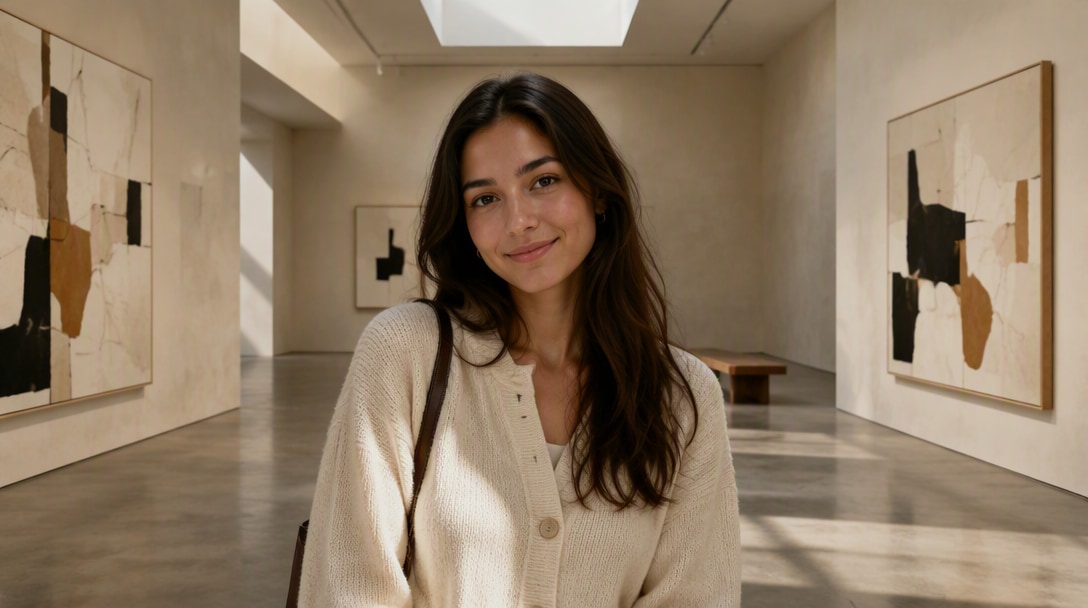
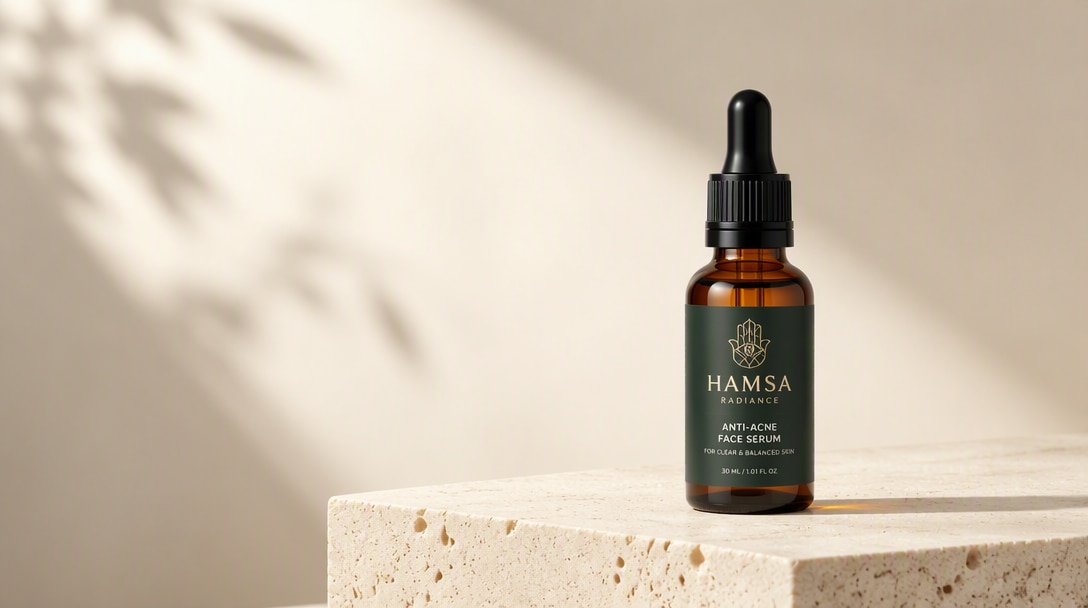
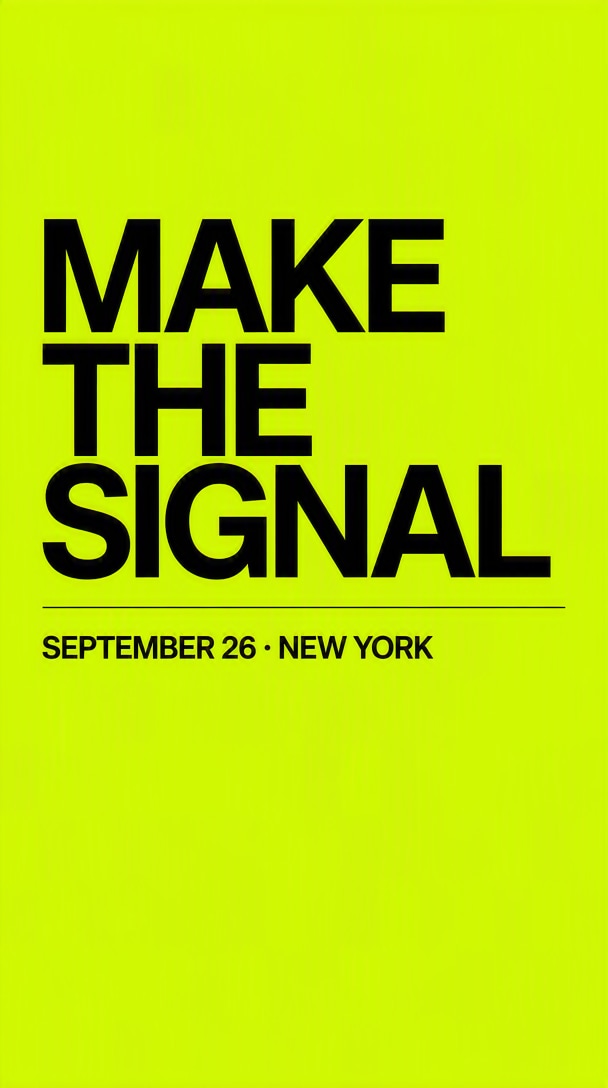
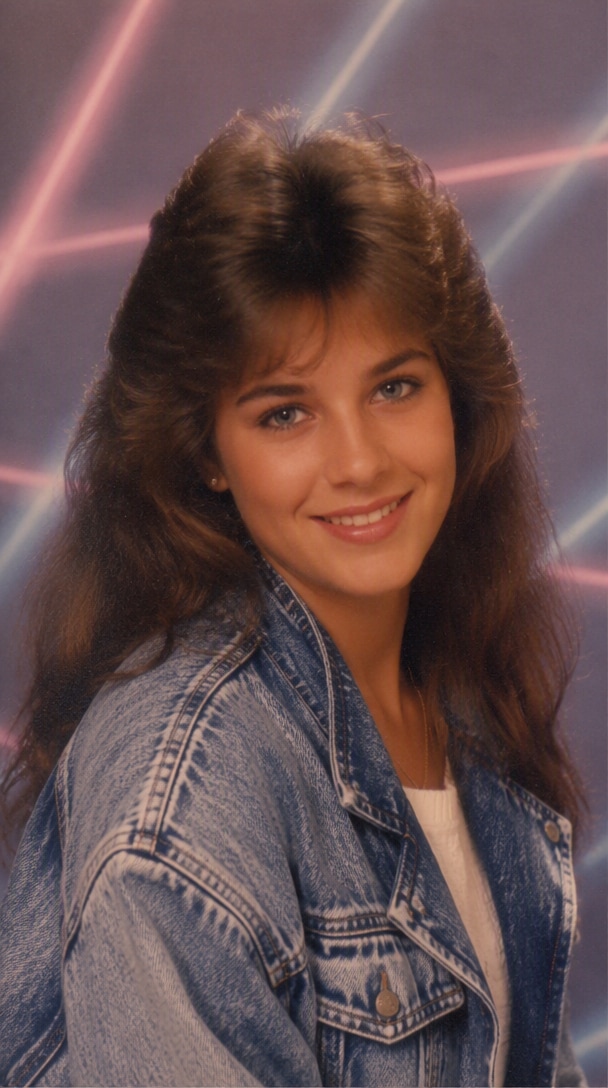
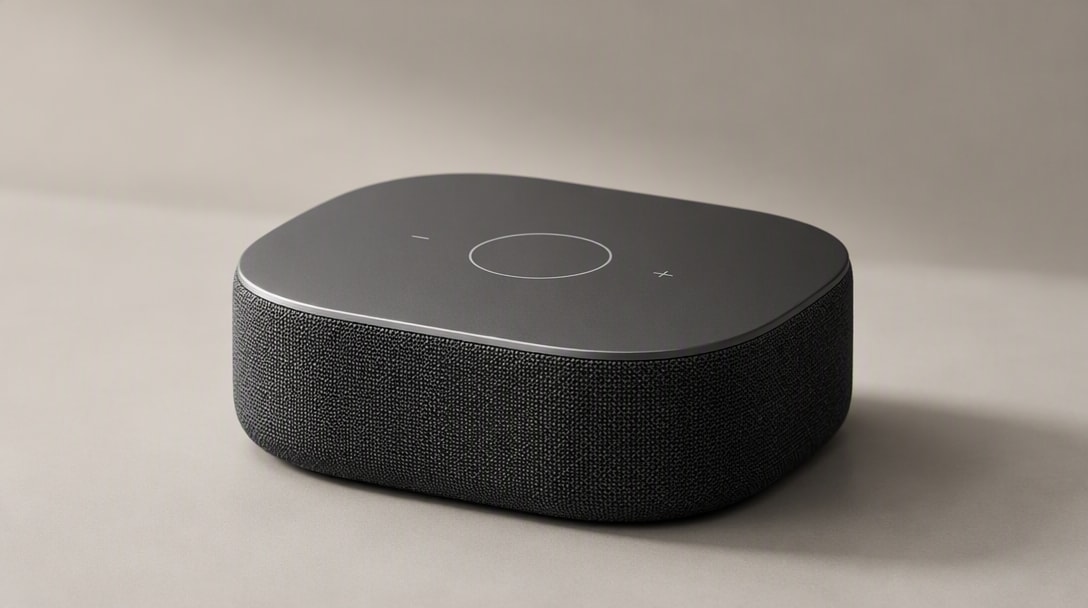


What Makes GPT Image 2.5 Different
Better Reference Fidelity
GPT Image 2.5 handles more detailed instructions with stronger scene awareness, making it easier to create complex visuals, branded layouts, and realistic images with fewer retries.
Sharper Detail & Natural Texture
From product ads to portraits, GPT Image 2.5 produces cleaner lighting, sharper textures, and stronger visual polish for creators, marketers, and commercial use cases.
Flare & Sunburst API Options
If you're building production workflows with the GPT Image 2.5 API , the model is especially relevant for developers building image generation, editing, or creative automation into products and workflows.
More Precise Multi-Turn Editing
GPT Image 2.5 is useful not only for fresh generations, but also for image edits, style changes, scene refinement, and fast iteration across marketing, design, and content workflows.
Faster Creative Iteration
Whether you want campaign visuals, product imagery, social assets, or concept mockups, GPT Image 2.5 offers a balanced mix of quality, control, and speed for real-world teams.
Reference Fidelity · Precise Editing · Faster Iteration
5 Ways to Create with GPT Image 2.5 on Media.io
Start from a product, portrait, campaign idea, existing image, or prompt. Each workflow opens in a dedicated GPT Image 2.5 page so you can move from inspiration to creation faster.
Create AI Ads & Campaign Visuals
Turn a product or brand reference into campaign key visuals, paid-social assets, launch posters, and seasonal ad variants while keeping important subject and brand details consistent.
Explore GPT Image 2.5 AI Ads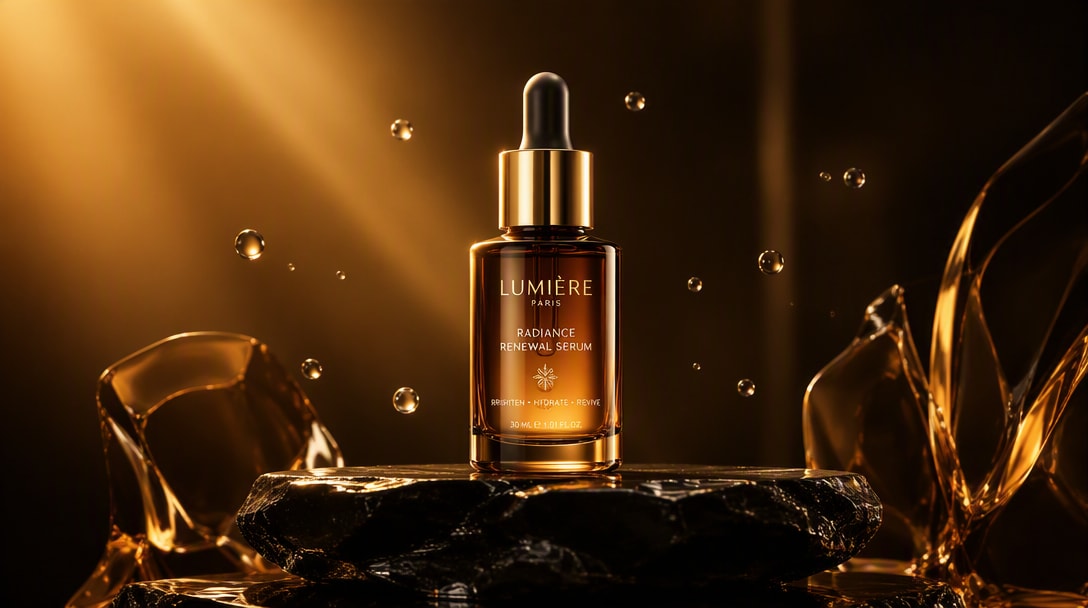
Product reference → premium campaign creative → social-ready ad variant.
Turn Product Photos into Campaign-Ready Images
Upload a clean product photo, preserve its shape and identifying details, then change the environment, lighting, crop, surface, and campaign treatment for ecommerce, marketplace, and advertising use.
Explore GPT Image 2.5 Product Photo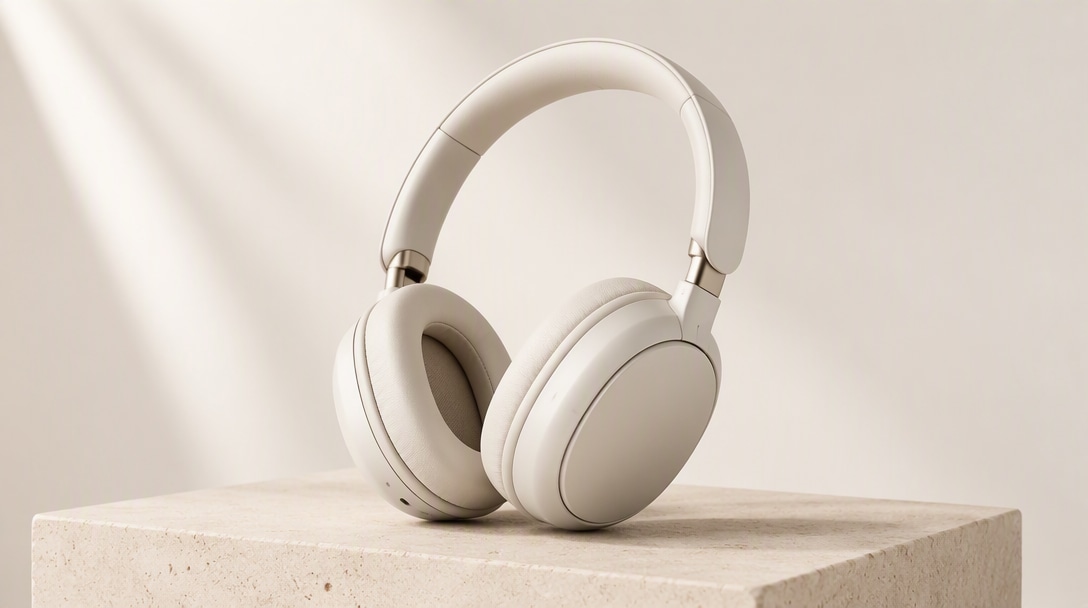
Original product → premium studio scene → ecommerce hero image.
Keep the Same Person, Create a New Look
Transform a reference portrait into professional headshots, fashion editorials, cinematic photos, creator-brand visuals, or new outfits and locations while keeping the person recognizable.
Explore GPT Image 2.5 Portrait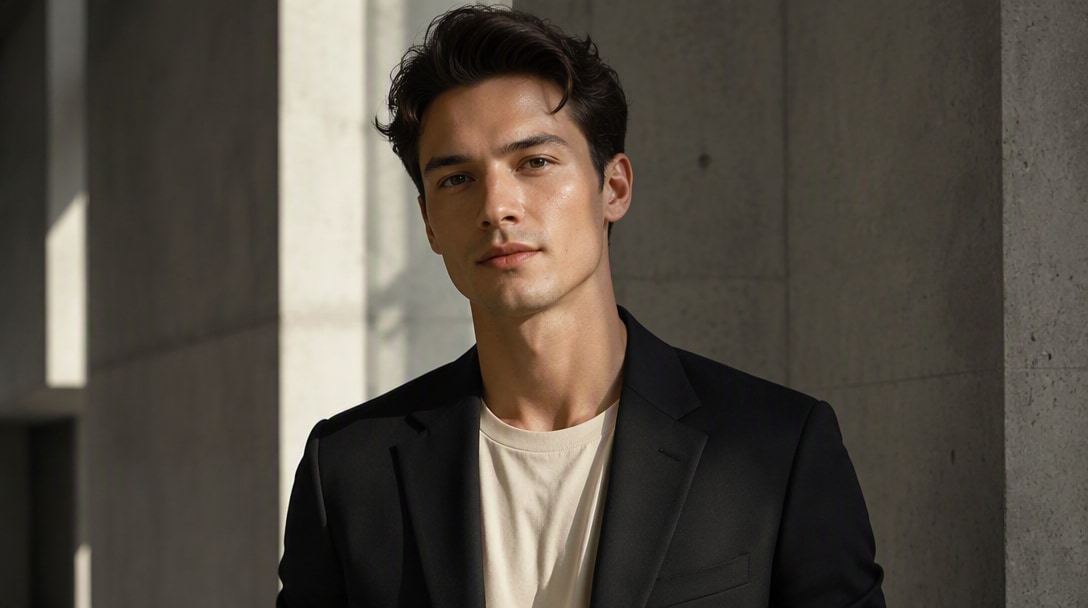
Reference portrait → editorial styling → identity-consistent result.
Edit Images Without Rebuilding the Whole Scene
Replace a background, update an object, change an outfit, adjust copy, or refine one part of an existing image while explicitly preserving the elements that should stay unchanged.
Explore GPT Image 2.5 Image Editor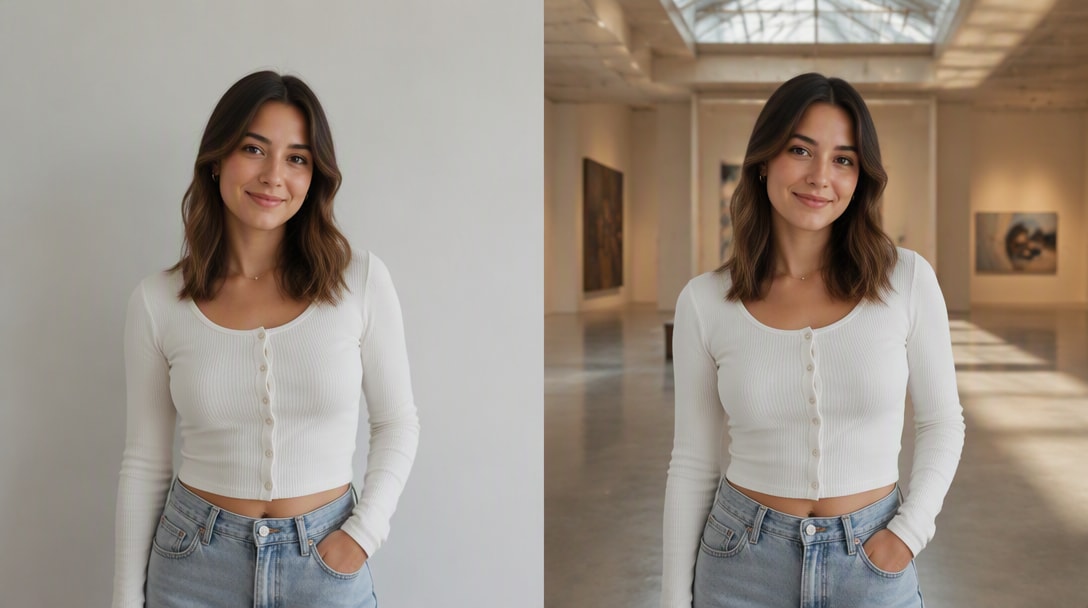
Original image → targeted background edit → protected subject unchanged.
Start Faster with GPT Image 2.5 Prompt Ideas
Browse ready-to-customize prompt structures for product photography, portraits, advertising, posters, background edits, and social visuals, then adapt them with your own reference image.
Explore GPT Image 2.5 Prompts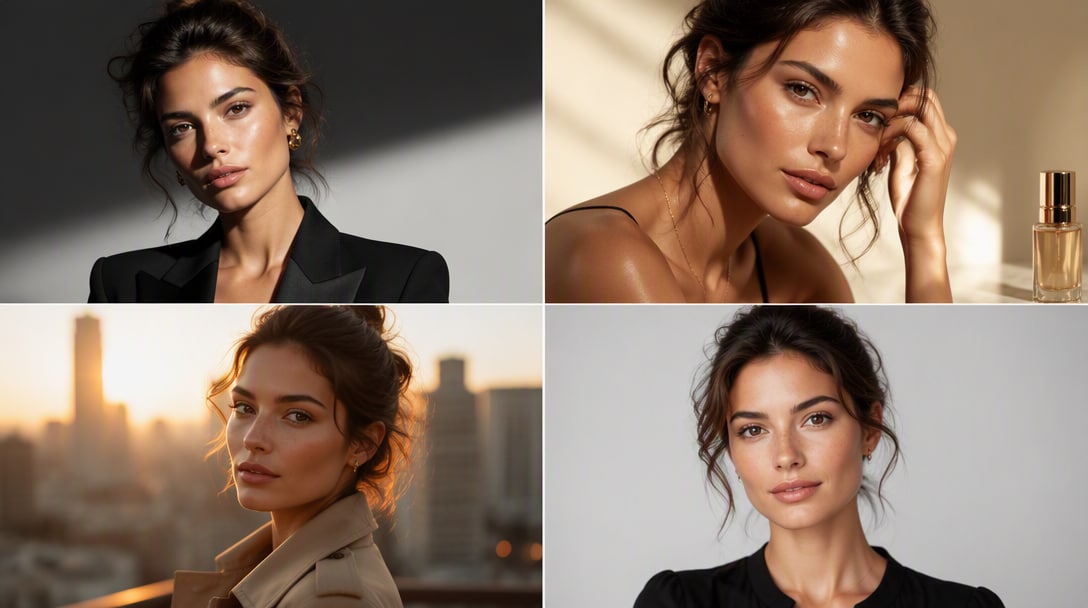
One reference image → multiple prompt directions → reusable creative outcomes.
Which AI Image Model Fits Your Workflow?
Start with the task you actually need to finish. Switch workflows below to see a practical starting-point recommendation, then compare each model's role before opening the full benchmark.
GPT Image 2.5
A strong fit when the job depends on preserving a person, product, or scene while making targeted changes across multiple edits.
What to compare in a real test
- ✓Use the same source image and prompt.
- ✓Check what changed—and what should not have changed.
- ✓Run at least 3–5 consecutive edits before judging consistency.
Fit labels are directional, not universal rankings. Final choice should be validated with the same prompt, source image, settings, latency target, and output criteria.
How to Create or Edit Images with GPT Image 2.5
Step 1: Upload a Photo or Start with a Prompt
Describe the subject, style, background, lighting, mood, camera angle, and composition. GPT Image 2.5 performs best when you give it clear visual direction.
Step 2: Describe What to Create or Change
Use GPT Image 2.5 for fresh image creation or for refining an existing visual. This is one reason the model is gaining traction among creators and developers.
Step 3: Refine One Detail at a Time
Adjust wording, style direction, or composition notes to improve the final image. Iteration is key if you want the best GPT Image 2.5 results for production use.
How Creators Can Use GPT Image 2.5

Product Photography

“Keep the product, change the scene.” I’ve tested a lot of image models, and GPT Image 2.5 feels especially good when you want polished, client-facing visuals with believable lighting, texture, and a more premium overall finish.

Reference-Led Portraits
“Keep the person, change the look.” The outputs feel more campaign-ready than a lot of quick AI image tools. For portraits, posters, and creator-brand visuals, it gives you something that already looks closer to a finished asset.

Iterative Image Editing
“Change one thing, preserve the rest.” It’s not just about making cool images for fun. If you’re building workflows for editing, ad creatives, or product mockups, GPT Image 2.5 feels like something teams can actually integrate into tools.
Explore More AI Image & Video Creation Tools



Model capability references are based on OpenAI's September 8, 2026 ChatGPT Images 2.5 release. Availability and model options may change over time.
GPT Image 2.5 FAQ
Find answers about GPT Image 2.5 availability, Flare and Sunburst, image editing, reference fidelity, prompt writing, product photos, portraits, and commercial creative workflows.
1. What is GPT Image 2.5?
GPT Image 2.5 is an advanced AI image model designed for both image generation and image editing. Users rely on it to create visuals from text prompts, transform existing photos, and produce more polished results for creative and commercial projects.
In the API, OpenAI provides GPT-Image-2.5 Flare for most applications and GPT-Image-2.5 Sunburst for premium workflows that need tighter editing control.
2. Is GPT Image 2.5 free?
Free access to GPT Image 2.5 depends on the platform, account type, and usage limits. Some services may offer limited trials or free credits, while others may require a paid plan for higher generation volume, image editing, or exports.
That is why many users also explore alternative tools when they want a faster or simpler way to test AI image generation and image-to-image editing.
3. How do you use GPT Image 2.5?
The usual workflow is simple: write a clear prompt, generate an image, then refine the output with more specific instructions or reference images.
For better results, include details such as:
- main subject
- background or setting
- style or mood
- lighting and camera angle
- composition and framing
- quality cues like cinematic, realistic, editorial, or commercial
The clearer your prompt is, the more likely GPT Image 2.5 is to produce a useful first draft.
4. What is GPT Image 2.5 API used for?
The GPT Image 2.5 API is mainly useful for developers, startups, and product teams that want to integrate AI image generation or editing into their own apps and workflows.
Common use cases include:
- AI image generation inside SaaS products
- automated marketing creative production
- product image creation and editing workflows
- design assistance inside internal tools
- custom image features in content platforms
In short, the API matters when you want AI image capabilities inside your own product rather than only inside a chat interface.
5. What can GPT Image 2.5 be used for?
GPT Image 2.5 is flexible enough for both creative and commercial image tasks.
Popular use cases include:
- marketing ad creatives
- social media visuals
- product hero images
- ecommerce listing graphics
- editorial portraits
- website hero banners
- design mockups and concept art
- image editing and style transfer
It is especially useful when you want images that feel polished, premium, and presentation-ready.
6. Is GPT Image 2.5 good for beginners?
Yes. Beginners usually get the best results by starting with simple, structured prompts instead of trying to overcomplicate the instructions.
You do not need advanced prompt engineering to begin, but adding clear details about subject, style, lighting, and background will improve the output significantly.
7. What should I write in a GPT Image 2.5 prompt for better results?
A strong GPT Image 2.5 prompt usually includes:
- main subject
- background or setting
- style direction
- lighting or mood
- camera angle or framing
- quality terms such as cinematic, realistic, editorial, commercial, or minimal
For example, instead of writing “make a product photo,” try: “A premium skincare serum bottle on a reflective surface, soft studio lighting, elegant shadows, luxury beauty ad style, realistic glass texture, minimal background.”
8. Is GPT Image 2.5 better for image generation or image editing?
One of the reasons GPT Image 2.5 stands out is that it is useful for both image generation and image editing. Users often care about not only creating images from scratch, but also making variations, changing styles, refining scenes, and improving existing visuals.
In practice, it can be strong for both tasks, especially when your workflow depends on iteration and refinement rather than one-shot generation only.