














KI-Gesichtstausch
Quellbild hochladen
Ein Bild mit klar erkennbaren Gesichtern hochladen
Klicken oder ziehen, um hochzuladen, oder wählen Sie aus Meine HistorieKlicken Sie zum HochladenMeine Historie
Keine Ideen? Erstellen Sie zuerst ein Bild. >
Laden Sie jpg-, jpeg- oder png-Bilder bis zu 50 MB hoch, mit einer Mindestbreite/-höhe von 300 px.
Gesicht hochladen
Laden Sie das Gesicht hoch, das Sie einsetzen möchten
Portrait Face Swap

Realistic Portrait Face Swap at Your Fingertips

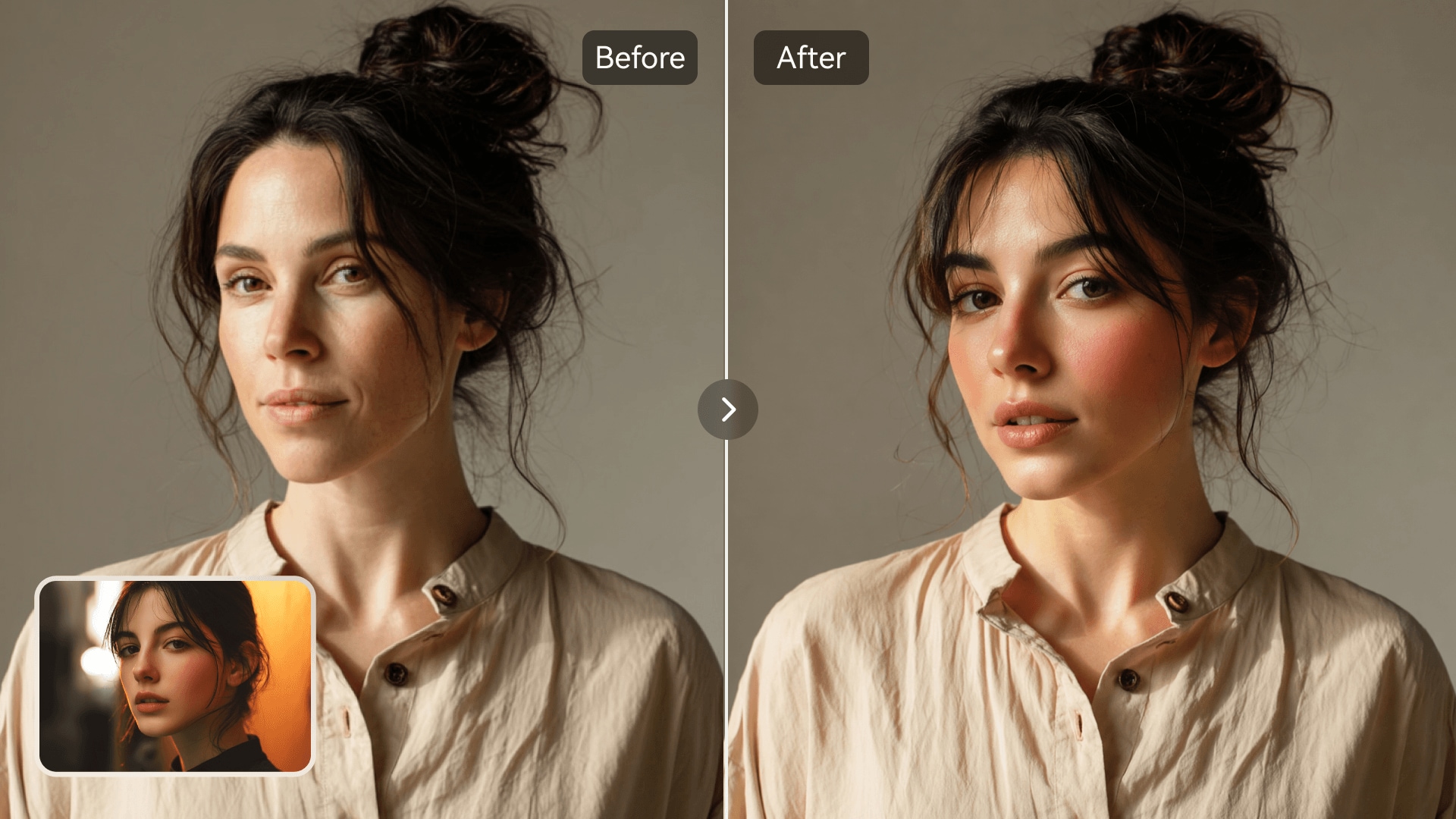
Transform portraits instantly with Media.io's AI Photo Face Swap. This online tool uses intelligent facial mapping to replace faces naturally while preserving lighting and expression. Whether for profile updates, creative visuals, or playful edits, it ensures realistic results every time. No design skills are required-upload photos, let the AI work, and download professional-quality images in seconds.

Try Portrait Swap Now
AI-Powered Precision Portrait-Ready Quality Fast Online Editing No Skills Needed
AI portrait face swap before and after comparison
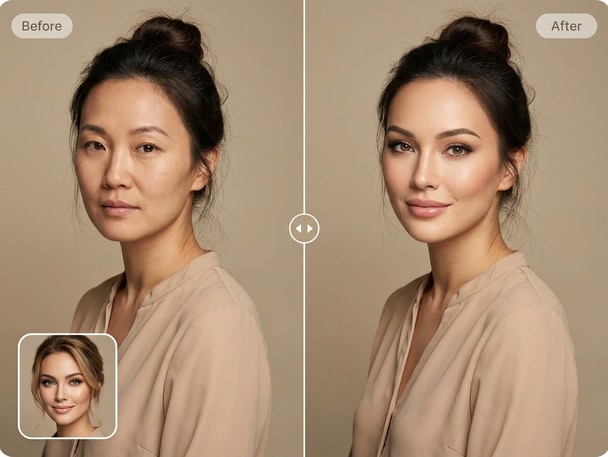
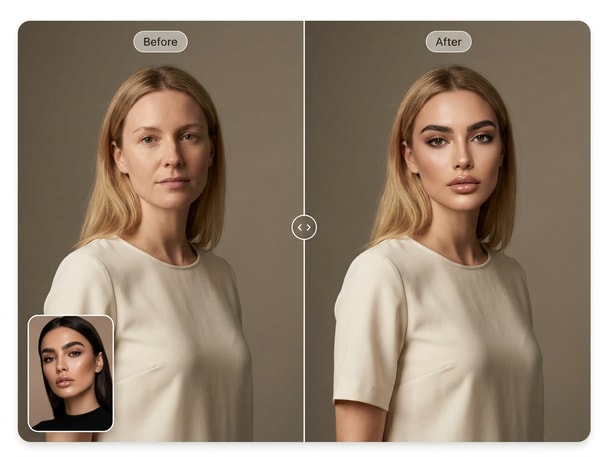
Creative portrait editing using AI face swap

Natural Portrait Realism

Media.io's AI blends faces seamlessly while retaining the subject's lighting, skin tone, and texture for professional portrait consistency. Whether you're swapping between two similar headshots or stylizing brand visuals, the results look convincingly realistic. The algorithm ensures that proportions match naturally, so no awkward overlaps or mismatched details. It's the perfect balance between creativity and authenticity for every portrait face swap project.
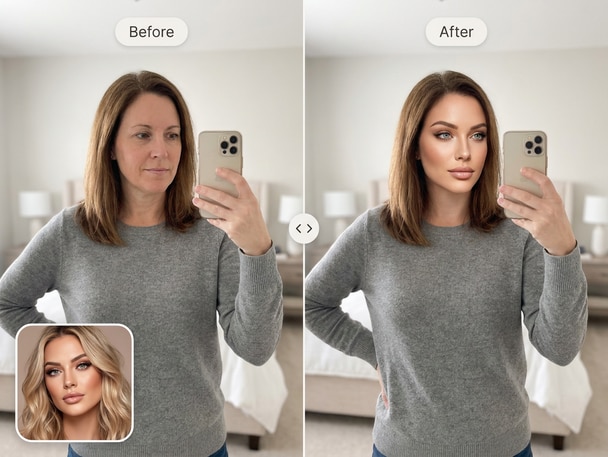
Perfect for Profile and Headshots

Use Media.io to generate professional-looking avatar or profile photos in minutes. The portrait face swap algorithm adapts to various angles and styles, giving users high-quality results for resumes, creator pages, or brand profiles. You can test different identities, lighting tones, or poses before finalizing the perfect headshot. It's fast, reliable, and perfect for anyone who needs a quick yet refined photo transformation.

Creative Control with Simplicity

Forget complex software setups-Media.io's portrait swap interface is clean and simple. Upload two photos, and the AI automatically aligns faces with natural depth and shadow matching. You can adjust the output, experiment with images, and preview changes instantly. It's intuitive enough for casual users yet robust for creators who want to test ideas for personal or marketing visuals.

Safe, Fast, and Browser-Based

No installations or risky software downloads. Media.io processes your files securely online and delivers fast portrait swaps within seconds. Your data stays confidential, and the AI engine runs entirely in the cloud for optimized speed. Whether on desktop, tablet, or phone, you can access the face swap tool anywhere.

Try the Selfie Face Swap for Fun Personal Edits

Explore Media.io's Selfie Face Swap to quickly transform your selfies into fun, shareable photos. The AI detects your face instantly for accurate alignment and smooth blending across any expression.

How to Use Media.io for Portrait Face Swap

01

1. Upload Your Portrait Photos

Choose two portrait images-the one with the face to swap and the destination photo. Upload them to the Media.io interface directly from your computer or phone.

02

2. Let AI Automatically Swap Faces

The smart AI engine analyzes expressions, lighting, and contours to create a seamless portrait face swap result within seconds. No manual adjustment required.

03

3. Preview and Download Instantly

Review the final portrait face swap preview and download your edited image in full resolution. You can use it for profile updates, marketing visuals, or creative photography edits.

What Users Say About Portrait Face Swap

user
Ava L.

Photographer

starstarstarstarstar

"Flawless Results in Every Portrait" I tested Media.io's portrait face changer for a client project and was amazed at how subtle the blending looked. The software recognized shadows perfectly and matched the lighting automatically. It saved hours of manual retouching while giving realistic results. My client couldn't even tell that a face swap had been done-it looked completely natural.

user
Daniel P.

Content Creator

starstarstarstarstar

"Perfect Tool for Creative Portrait Edits" I often use AI portrait swap features for my thumbnails and brand visuals. Media.io's tool is accurate, fast, and produces high-quality headshot face swap images that are ready to post. The interface is clean and user-friendly. I love that it works straight from my browser without complicated settings or plugins.

user
Sofia M.

Social Media Manager

starstarstarstarstar

"Reliable and Natural-Looking Portraits" Our social content strategy involves lots of creative headshot changes, and Media.io made it effortless. The realistic face swap online workflow allows us to test marketing visuals instantly. The portrait results are smooth and professional every time. It's one of the few tools that deliver both speed and quality in one place.

user
Ethan R.

Digital Marketer

starstarstarstarstar

"Quick and Effective for Campaign Mockups" We use the portrait editing AI in Media.io to create mock campaign visuals. It lets us visualize brand storytelling across different faces without complex photo shoots. The precision of facial matching reduces our workload and adds a professional polish. I highly recommend it for marketing teams experimenting with new concepts.

user
Clara J.

Freelance Designer

starstarstarstarstar

"Realistic Portrait Blending for My Designs" I use Media.io's realistic face swap online for creating sample portrait templates. The accuracy of alignment and color blending is unmatched compared to other tools. It saves time on revisions and gives a polished final image every time. For freelancers like me, it's the best online solution for high-quality portrait transformations.

Creators and professionals love how natural the AI-powered portrait swaps look with almost no effort required.

Frequently Asked Questions About Portrait Face Swap

1. How Does Media.io's Portrait Face Swap Create Realistic Results?
faqfaq

Media.io uses deep learning to read each face's structure, lighting, and skin tone. During the portrait face swap, the AI blends these details naturally to avoid harsh edges or mismatched elements. This process ensures realistic results even for professional-grade headshots. Users get consistent quality without needing manual editing in Photoshop or other software.

Yes, the portrait face swap tool is designed to help you create realistic profile photos that reflect your desired look. Media.io adjusts lighting and color balance automatically to maintain natural portrait harmony. Whether for resumes, creative bios, or social profiles, your swapped photo will look clean and authentic. It's especially helpful for testing different expressions or backgrounds quickly.

Absolutely. Media.io processes all portrait swaps in the cloud securely without storing personal data longer than necessary. All image transfers are encrypted during the face swap operation. The platform prioritizes safe and consent-based photo editing practices.

No prior editing skills are required. Media.io's AI system automates every stage, from facial recognition to blending and tone correction. The portrait swap setup takes just a few clicks to produce output. Even beginners can create studio-quality results for professional or hobby projects within minutes.

Yes, users can upload and process several portrait swaps during the same visit. The online AI handles each face-swap request separately but stores the workflow structure for faster turnaround. This makes it ideal for larger projects like creative portfolios or team photos. Each swap delivers consistent, realistic blending quality throughout all your images.

Media.io's portrait face swap engine intelligently aligns faces from various angles, detecting eyes, nose, and mouth positions automatically. Even if the expressions differ slightly, the AI recalibrates textures for smooth results. This flexibility helps when working with candid photos or lifestyle portraits. The result still feels organic with balanced facial proportions.

Yes, marketers and creators often use the portrait editing AI for campaign mockups and creative layouts. The precision of the blending ensures natural-looking model replacements. It reduces the need for additional studio sessions. Perfect for anyone building product pages or ad visuals that require consistent styling across multiple portraits.

The platform delivers results within seconds after upload. Media.io's cloud AI infrastructure runs high-speed processing to generate clean and realistic portraits quickly. You can preview and download instantly without quality compromise. It's ideal for both casual users and professionals working on time-sensitive projects.

Media.io Online AI Tools Quality Rating:
vote 4.7 (162,357 Votes)