图生图
Nano Banana Pro
上传图片
0 / 9
点击或拖拽上传,或选择 历史记录
没灵感?先生成一张图片试试 >
支持上传格式:jpg、png、jpeg。
提示
0/2000
比例
自动
9:16
16:9
1:1
4:3
3:4
3:2
2:3
21:9
分辨率
1K
2K
4K
Banana Pro不限量模式
生成图片数量
1
2
3
4
公开可见性
全部
图片
视频
音频
生成列表
生成结果将保留 7 天,请及时保存
ai_video_generator立即释放你的创造潜力,体验Media AI的魔力!

AI Shadow Generator for Realistic Product and Photo Depth

Upload any image and use Media.io’s AI shadow generator to add soft, natural, or studio-style shadows in seconds. Perfect for product photos, transparent PNGs, ads, and clean e-commerce visuals when you want realistic depth without manual editing.

Type your idea -> AI designs it. Free to try.

Explore our curated collection of shadow generator styles.

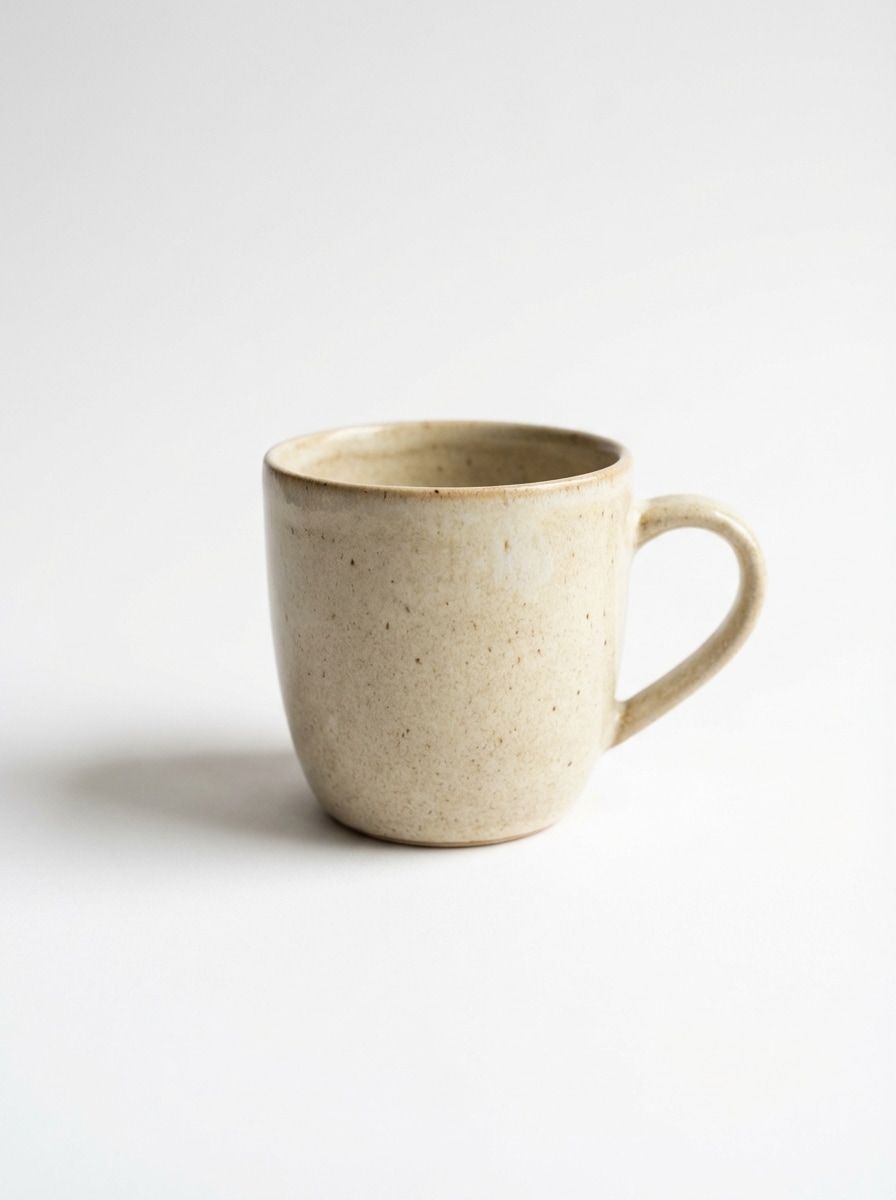
Soft Ground Shadow

Soft Ground Shadow

Use the uploaded image as the subject and add a soft realistic ground shadow directly beneath it on a clean white background. Keep the object centered, create natural contact depth, smooth opacity falloff, soft feathered edges, balanced studio lighting, and a polished e-commerce product photo finish.
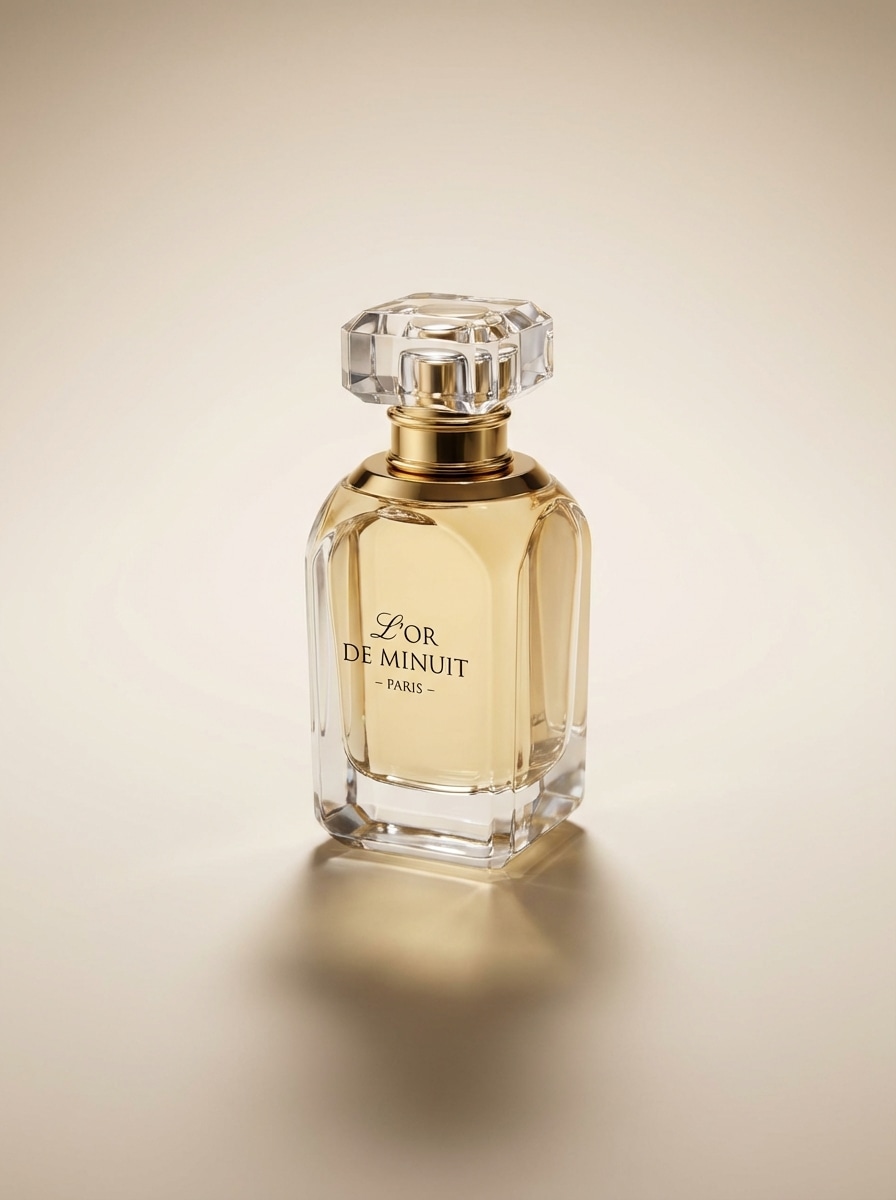

Studio Drop Shadow

Studio Drop Shadow

Use the uploaded image as the subject and generate a professional studio drop shadow behind and slightly below it. Keep the shadow soft yet defined, with realistic depth, smooth edge blending, moderate contrast, premium commercial lighting, and a clean isolated product-photo look suitable for ads or listings.

Window Light Shadow

Window Light Shadow

Use the uploaded image as the subject and add a soft window-light shadow for a premium editorial look. Create elongated diagonal shadow patterns, gentle daylight warmth, subtle texture across the background, elegant negative space, and natural lighting consistency that makes the object feel grounded and luxurious.

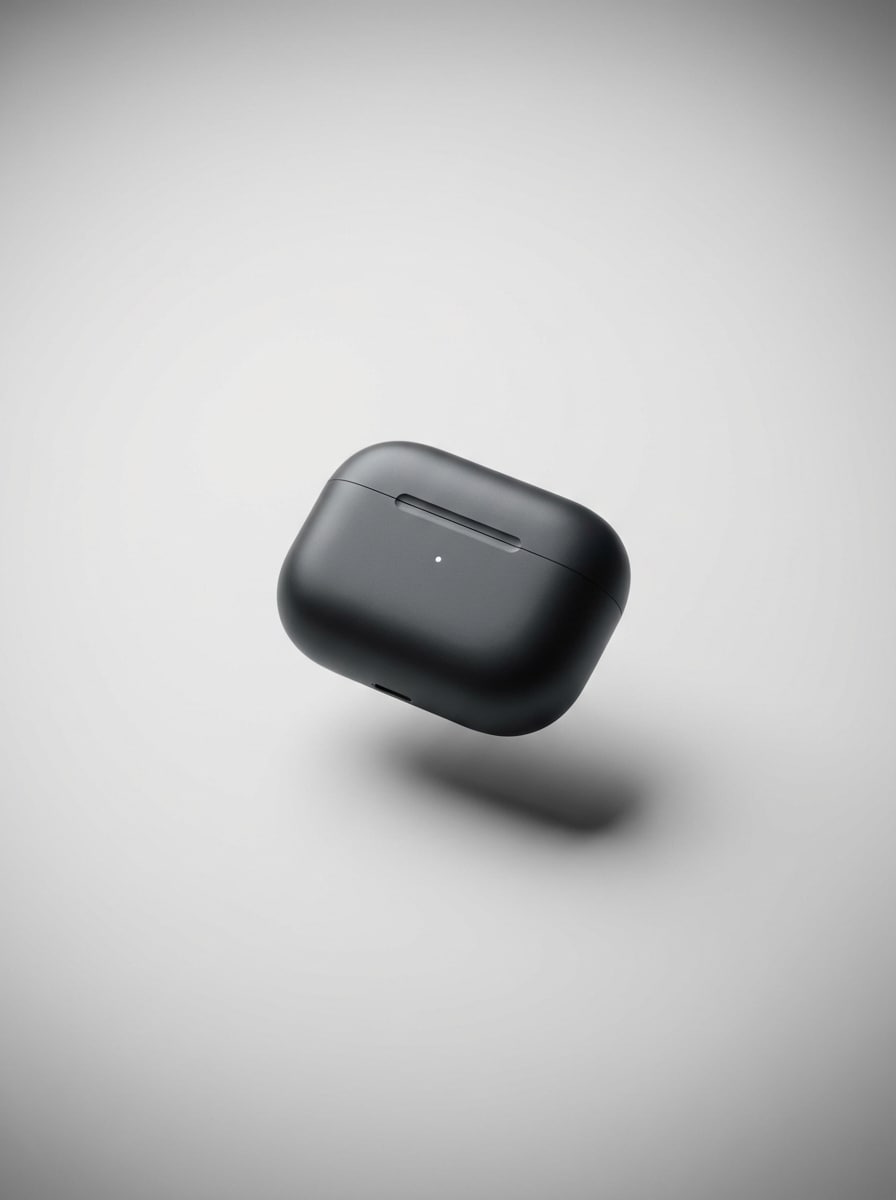
Hover Shadow

Hover Shadow

Use the uploaded image as the subject and transform it into a floating object effect with a realistic detached shadow below. Make the subject appear slightly elevated, preserve believable perspective, use soft shadow edges with darker contact areas, and create dramatic but natural depth for a modern ad-style visual.

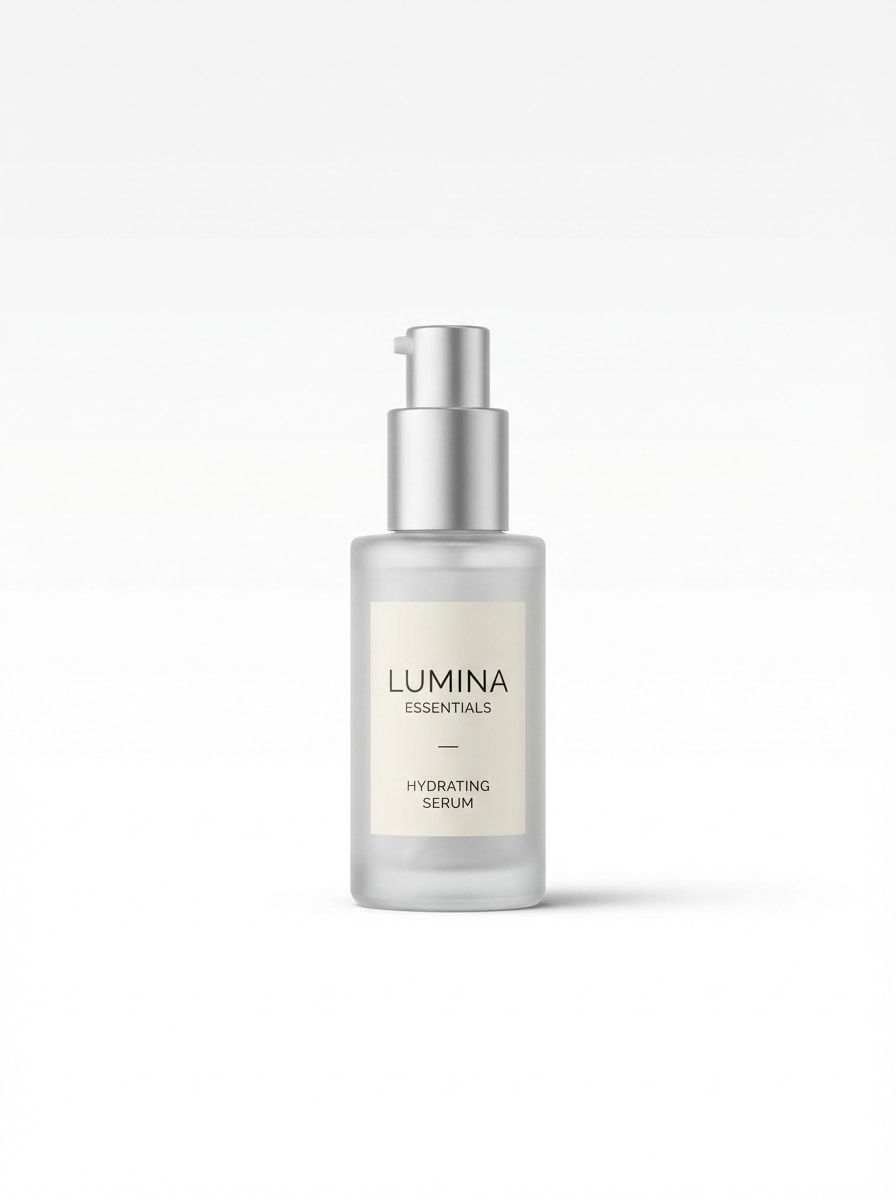
PNG Contact Shadow

PNG Contact Shadow

Use the uploaded transparent PNG or cutout as the subject and place a realistic contact shadow under it. Keep the result subtle, clean, and marketplace-ready with soft edge blur, natural grounding, white background compatibility, realistic opacity, and a professional product listing presentation that avoids distracting effects.

Why Use Media.io for AI Shadow Generation

Built for Upload-to-Edit Shadow Workflows

Upload JPG, PNG, or JPEG files and use a reference image workflow that’s ideal for adding realistic shadows to product photos, transparent PNGs, and isolated cutouts without complex manual editing.

High-Quality AI Models for Realistic Results

Media.io is powered by Nano Banana Pro, Nano Banana 2, and additional advanced models to help generate more natural-looking depth, clean object separation, and polished commercial shadow effects.

Flexible Resolution and Aspect Ratio Control

Export your shadow-enhanced images in 1K, 2K, or 4K resolution and choose from multiple aspect ratios, including Auto, 1:1, 4:3, 3:4, 16:9, and 9:16, for stores, ads, and social posts.

Browser-Based on Any Device

Use the online shadow generator on Windows, Mac, iPhone, iPad, or Android. Because it runs in your browser, you can edit images anywhere without installing desktop software.

How to Use the AI Shadow Generator

1
2
3
1
Open Media.io AI Image Generator

Go to AI Image to Image Generator and open the AI Image Generator under AI -> Image. This online tool runs in your browser, so you can create realistic image shadows without installing extra software.

2
Upload Your Image and Enter a Prompt

Upload a product shot, transparent PNG, or photo, then type a detailed prompt such as “Use the uploaded image as the subject and add a soft realistic ground shadow on a clean white background.” Adjust style, aspect ratio, resolution, and image count as needed.

3
Generate, Refine & Download

Click Generate. Tweak the prompt or settings if needed to get a more natural drop shadow, floating effect, or studio look. Then download your high-resolution result for product listings, ads, or social content.

Step 1
Step 2
Step 3

Unlock the Potential of Shadow Generator

Discover how creators and professionals are using our AI-powered Shadow Generator to transform their creative workflows and bring unique ideas to life.

Upgrade Flat Product Photos for E-Commerce

Turn plain cutouts into more convincing store images by adding soft ground shadows or polished studio depth. This helps product photos look more premium on marketplaces, brand sites, and catalog pages without a full retouching workflow.

Make Transparent PNGs Look Naturally Grounded

If you work with isolated PNG assets, a realistic contact shadow can stop them from looking like they’re floating awkwardly. Use the shadow generator to create cleaner, more believable visuals for listings, banners, and mockups.

Create High-Impact Ad Creatives Fast

Use dramatic hover shadows, window-light effects, or editorial-style drop shadows to give campaign visuals instant depth. It’s a practical way for marketers and creators to produce eye-catching product ads with a more professional finish.

What Users Say About This Shadow Generator

user
Ava Collins

E-commerce Store Owner

star star star star star

"Great for product listing images" I sell beauty products online, and this AI shadow generator makes my photos look much more polished. I can upload a simple cutout and get a realistic studio-style shadow without spending time in advanced editing software.

user
Marcus Lee

Marketplace Photographer

star star star star star

"Useful for transparent PNG workflows" I often work with isolated product shots and transparent PNGs. Media.io helps me add clean contact shadows quickly, which makes listings look more natural and professional for clients.

user
Priya Sharma

Social Media Designer

star star star star star

"Fast way to add depth to ads" For ad creatives, subtle shadows make a huge difference. I like that I can test soft, floating, and window-light effects in one browser-based tool and download results that are ready to use.

user
Daniel Brooks

Small Brand Founder

star star star star star

"Simple and beginner-friendly" I’m not a professional editor, so I wanted something easy. The upload-and-prompt workflow is straightforward, and it helped me create cleaner product photos for my site in much less time.

Shadow Generator FAQs

1. Can AI add realistic shadows to an image?

Yes. Media.io can help you add realistic shadows to an image by using an image-to-image workflow with a reference upload and a detailed prompt. This is useful for creating soft ground shadows, drop shadows, or floating object effects that add more natural-looking depth to product photos and cutouts. This helps you create shadow generator results more consistently.

Open Media.io in your browser, upload your JPG, PNG, or JPEG photo, and enter a prompt describing the shadow you want, such as a soft studio drop shadow or natural contact shadow. Then generate, refine if needed, and download the final image online without installing extra software. Media.io is a web-based tool that works on any device with a browser (Windows, Mac, iOS, Android). This helps you create shadow generator results more consistently.

Media.io offers free usage with 3 credits per day. Free users may see watermarks, while paid subscribers can download watermark-free high-resolution results. If you need more credits or paid access, check the pricing page. Free users get 3 credits per day. For more, users can subscribe to a plan on the pricing page.

Yes. This AI shadow generator is well suited for product photos, isolated objects, and transparent PNG-style assets. You can upload your image and generate subtle contact shadows, studio shadows, or realistic grounding effects that work well for e-commerce listings, ads, and branded visuals.

Media.io supports 1K, 2K, and 4K output options, which helps you create high-resolution images for commercial use. The natural look of the shadow depends on your uploaded source image and prompt, and you can refine the result by adjusting style, aspect ratio, and generation settings. Free users may have watermarks. Paid subscribers can download watermark-free high-resolution images. This helps you create shadow generator results more consistently. Upgrade to a paid plan on the pricing page for more credits and watermark-free high-resolution downloads.

Shadow generation is designed to be fast, with a simple upload-to-export workflow in your browser. Exact generation time can vary depending on the selected model, settings, and image complexity, but the tool is built for quick editing compared with manual shadow creation. Media.io is a web-based tool that works on any device with a browser (Windows, Mac, iOS, Android). This helps you create shadow generator results more consistently.

Media.io Online AI Tools Quality Rating:
vote 4.7 (162,357 Votes)