Authentic Four-Shade Green Palette
Unlike standard colorful pixel art, our AI strictly applies the classic four-tone green palette to perfectly mimic the original 1998 handheld gaming camera aesthetic.
 Nano Banana Pro
 立即释放你的创造潜力,体验Media AI的魔力!
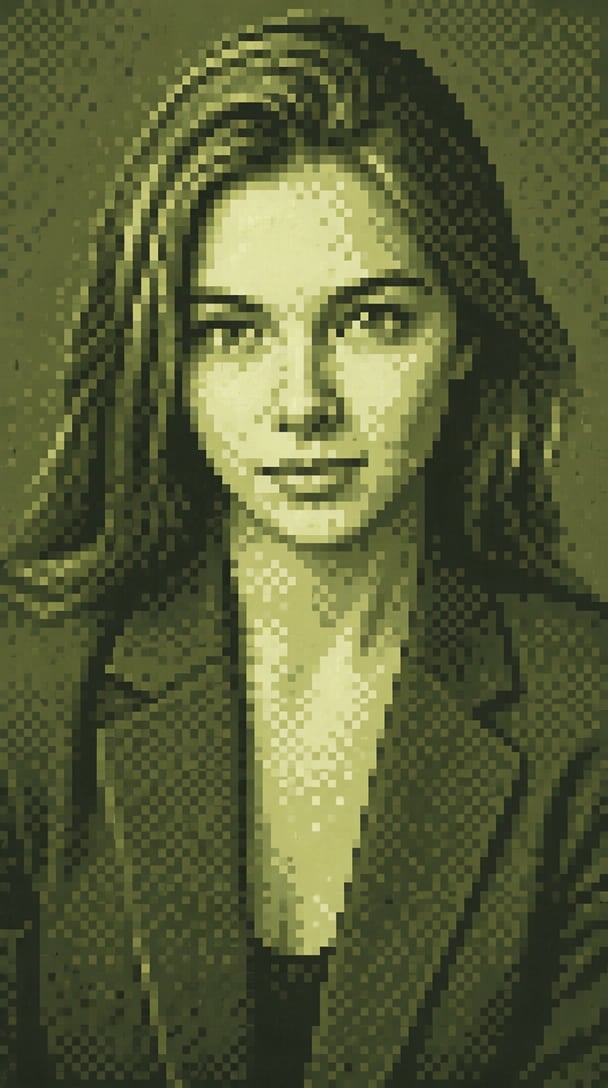
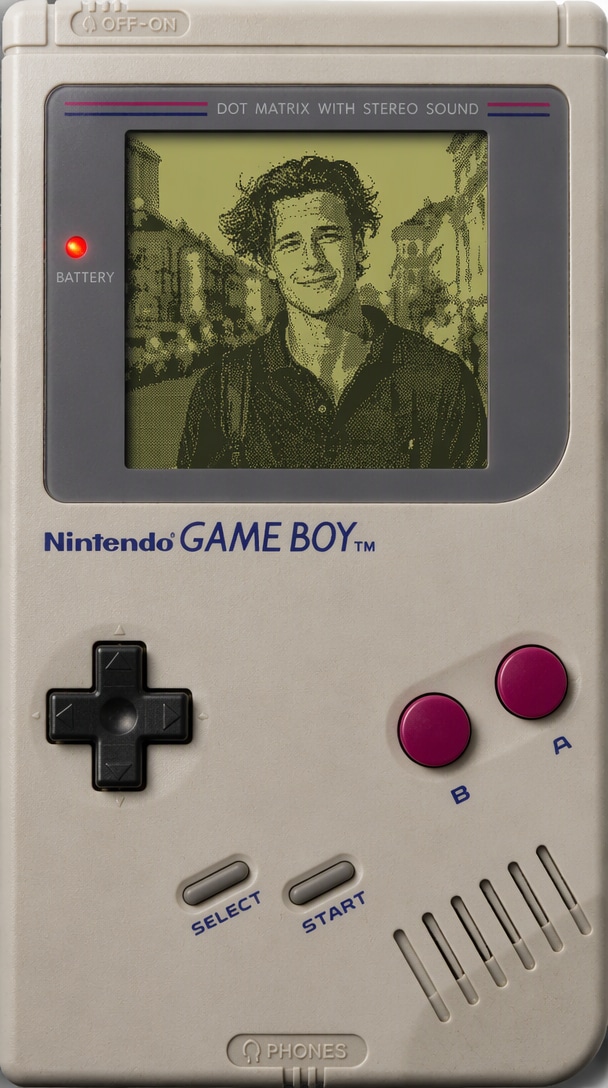
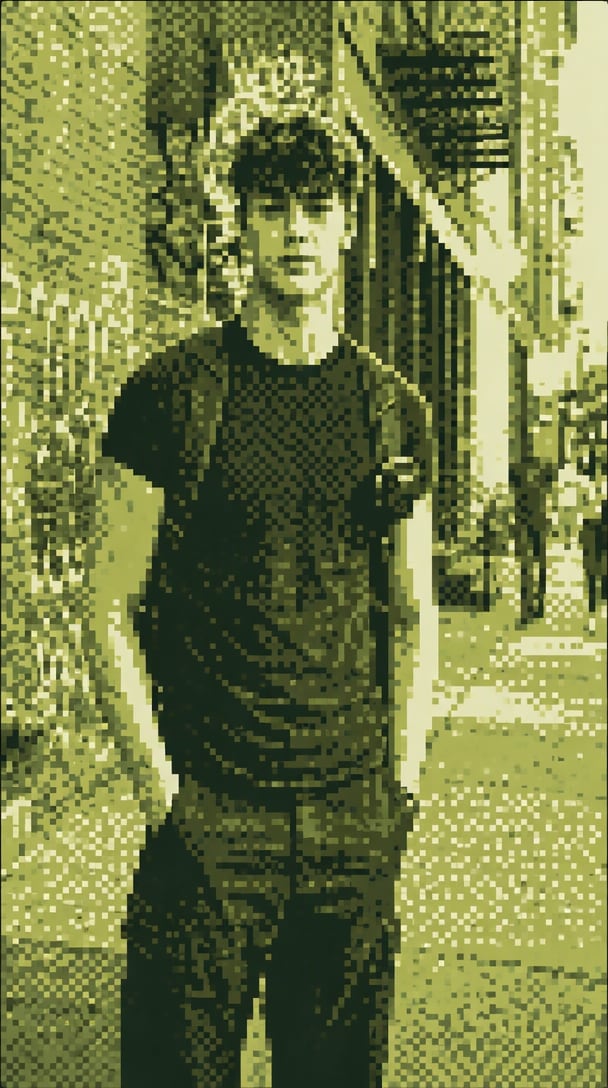
Turn your modern photos into nostalgic Game Boy Camera snapshots with AI. Recreate the iconic four-tone green palette, chunky pixels, and retro dithering effect for selfies, pets, and everyday moments.
Free credits on signup.
Unlike standard colorful pixel art, our AI strictly applies the classic four-tone green palette to perfectly mimic the original 1998 handheld gaming camera aesthetic.
Automatically add authentic dithering textures and chunky low-resolution pixels. We capture the rough, retro feel of early digital photography, not just a mosaic filter.
The AI intelligently detects your main subject—whether a selfie, pet, or street photo—and preserves the core composition while applying the retro handheld camera overlay.
Create unique, eye-catching avatars and social media posts. The Gameboy camera aesthetic instantly makes your profile stand out in any retro gaming or photography community.
Select and upload a modern photo from your device. You can use a selfie, pet photo, or everyday street photography to start the transformation.
Let Media.io AI process your image. It automatically converts your photo into a low-resolution, four-tone green pixel snapshot with authentic dithering.
Preview your newly generated retro pixel photo effect. Download the Gameboy Camera aesthetic image watermark-free and share it anywhere.

Pixel Artist

“Perfect four-shade green palette!” I needed an authentic Game Boy Camera selfie effect for my profile pic, and Media.io nailed the dithering and chunky pixels. It looks just like the real hardware output.
Street Photographer
“Exactly the retro handheld camera effect I wanted.” It turned my modern street photography into a nostalgic 1998 snapshot without losing the main subject. The low-resolution detail is incredibly authentic.
Indie Game Developer
“Great for game asset mockups.” I've tried other retro pixel camera filters, but this one actually captures the true Gameboy camera aesthetic. The four-tone pixel filter is perfect for conceptualizing assets.
Social Media Manager
“My followers love this aesthetic!” I turned photos of my cat into green pixel photo effects, and they look just like the classic handheld camera. It's the best way to create retro, chunky pixel content in seconds.
The Game Boy Camera Effect is an AI-powered photo filter that recreates the iconic 1998 handheld gaming camera look. It transforms modern photos into low-resolution, four-shade green pixel snapshots complete with chunky pixels and retro dithering textures.
Simply upload your photo, and Media.io's AI analyzes the composition and main subjects. It then applies a four-tone pixel filter, reduces the resolution, and overlays an authentic dithering effect to mimic the retro handheld camera vibe perfectly.
Absolutely! The Gameboy camera selfie effect is perfect for creating unique, nostalgic profile pictures for social media, gaming forums, and retro communities. It gives your face a classic four-shade green pixel makeover that stands out.
Standard pixel art filters often use multiple colors and clean 8-bit shapes. The Gameboy Camera Effect specifically restricts the palette to four shades of green and adds rough, low-resolution dithering, accurately replicating the vintage 1998 hardware snapshot aesthetic rather than generic pixel art.
Yes! You can try the Gameboy camera photo effect for free using Media.io's online tools. Sign up to receive free credits, apply the retro green pixel filter to your images, and download your creations easily.
 4.7 (162,357 Votes)