Select / @ character, describe the scene you want to generate.
0/2000
9:16
1K
1
Unlimited Banana Pro
Creations
Ideas Hub
How It Works
All
Popular features
View All
Halloween Creative Challenge
View All
AI Fruit Story
View All
AI Story Video
View All
Viral Videos Today
View All
AI Product Videos
View All
AI Character
View All
Dance Trends
View All
GPT Image 2
View All
Seedance 2.0
View All
AI Celebrity Match
View All
Couple Pose Prompts
View All
Aesthetic Girl Pose Prompts
View All
Stylish Boy Pose Prompts
View All
Generate List
Creations are stored for only 7 days. Assets created after upgrading to a Membership plan will be stored permanently.
Unlock your creative potential and experience the magic of Media AI right away!
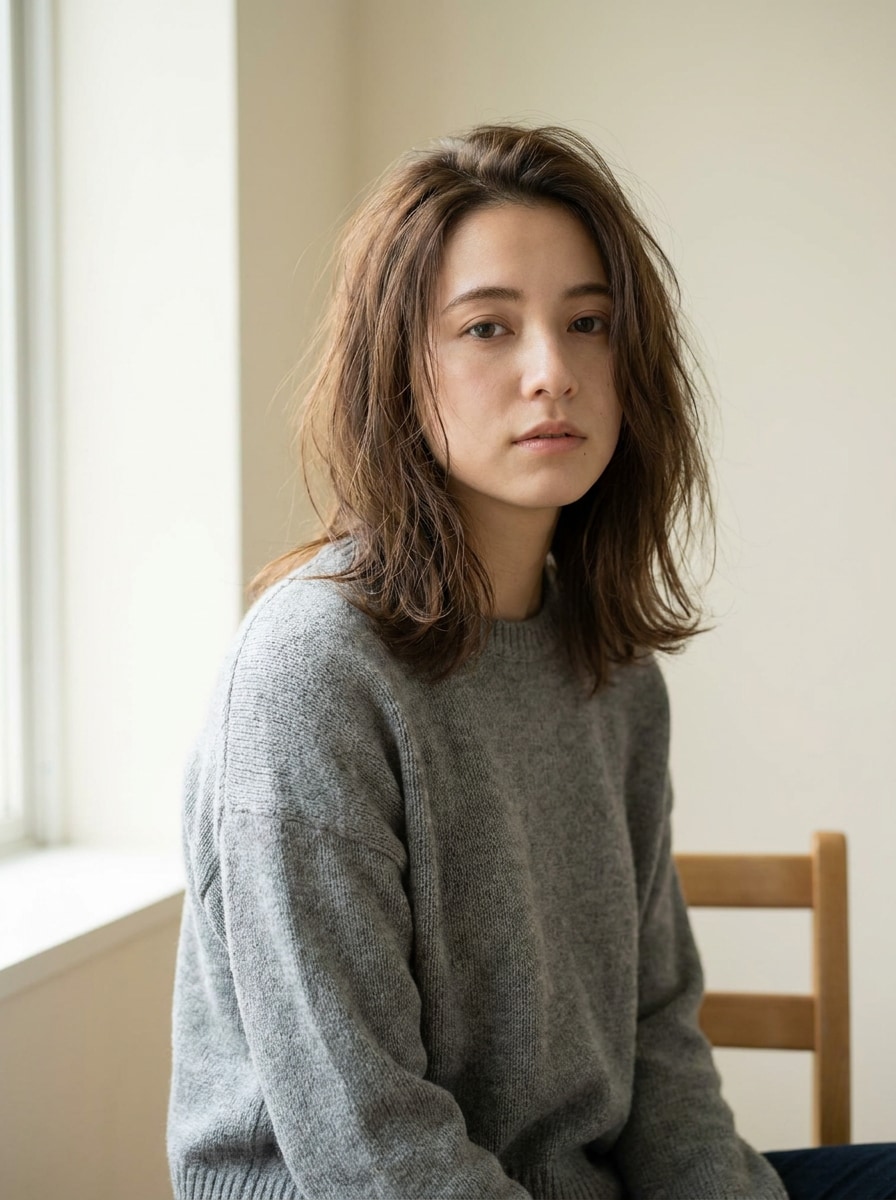
Digital Camera Filter for Fast Retro Photo Transformations Online
Turn any upload into a nostalgic camera-style image with a digital camera filter. Media.io helps you recreate disposable flash, CCD color noise, VHS camcorder mood, and a 2000s digital camera filter look in a fast browser-based workflow with no app install required. It can also help with old digital camera filter.
Review these example directions, then tailor the prompt details to get stronger results with this Digital Camera Filter in Media.io.
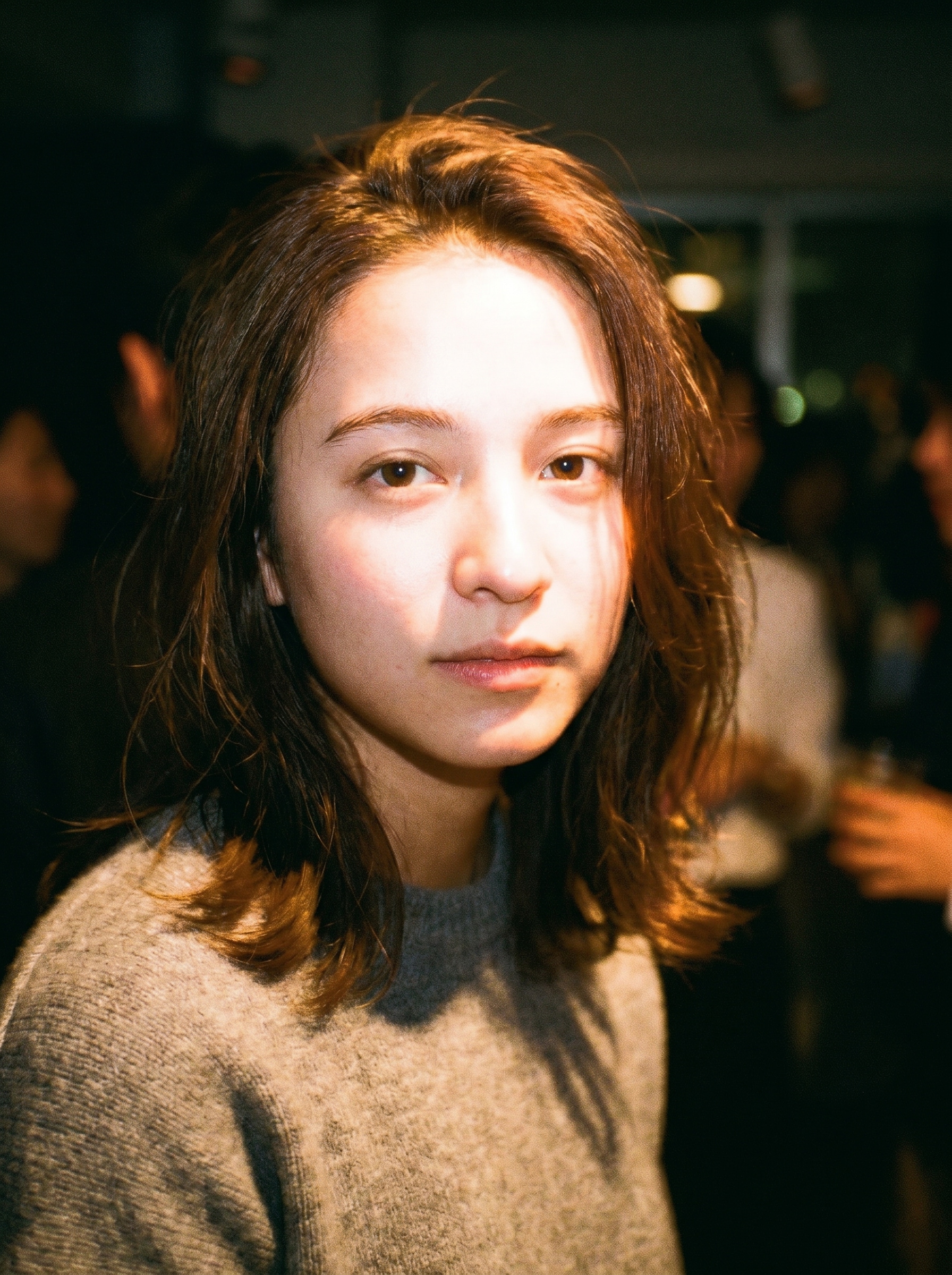
Disposable Flash
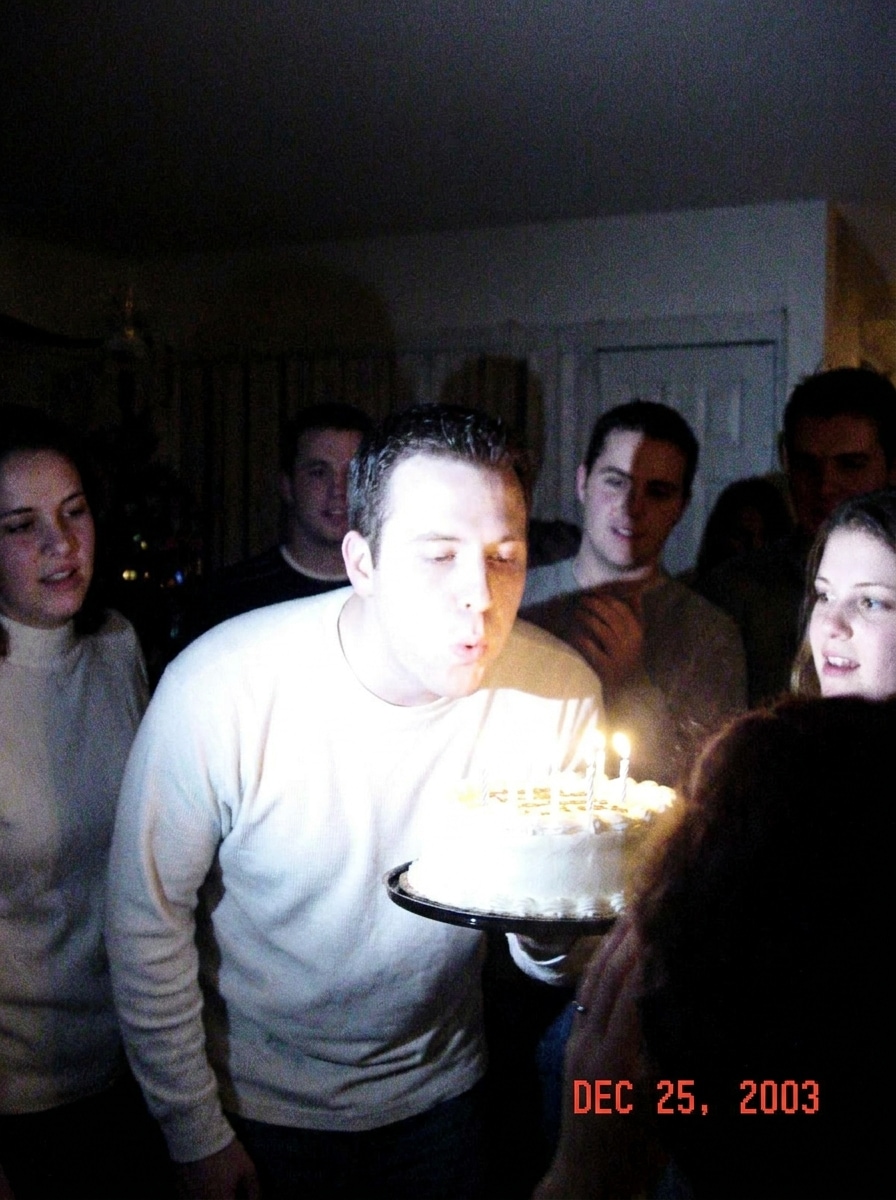
Use the uploaded image as the subject and transform it into a disposable camera night snapshot with direct frontal flash, visible grain, slight motion blur, warm skin tones, overexposed highlights, deep shadow falloff, casual party framing, and nostalgic early-2000s color rendering.
CCD Camera Aesthetic
Use the uploaded image as the subject and restyle it with a CCD compact camera aesthetic, cool-white flash, subtle sensor noise, light chromatic aberration, soft detail, low-light bloom, compact-camera color rendering, and a candid snapshot mood with realistic digital imperfections.
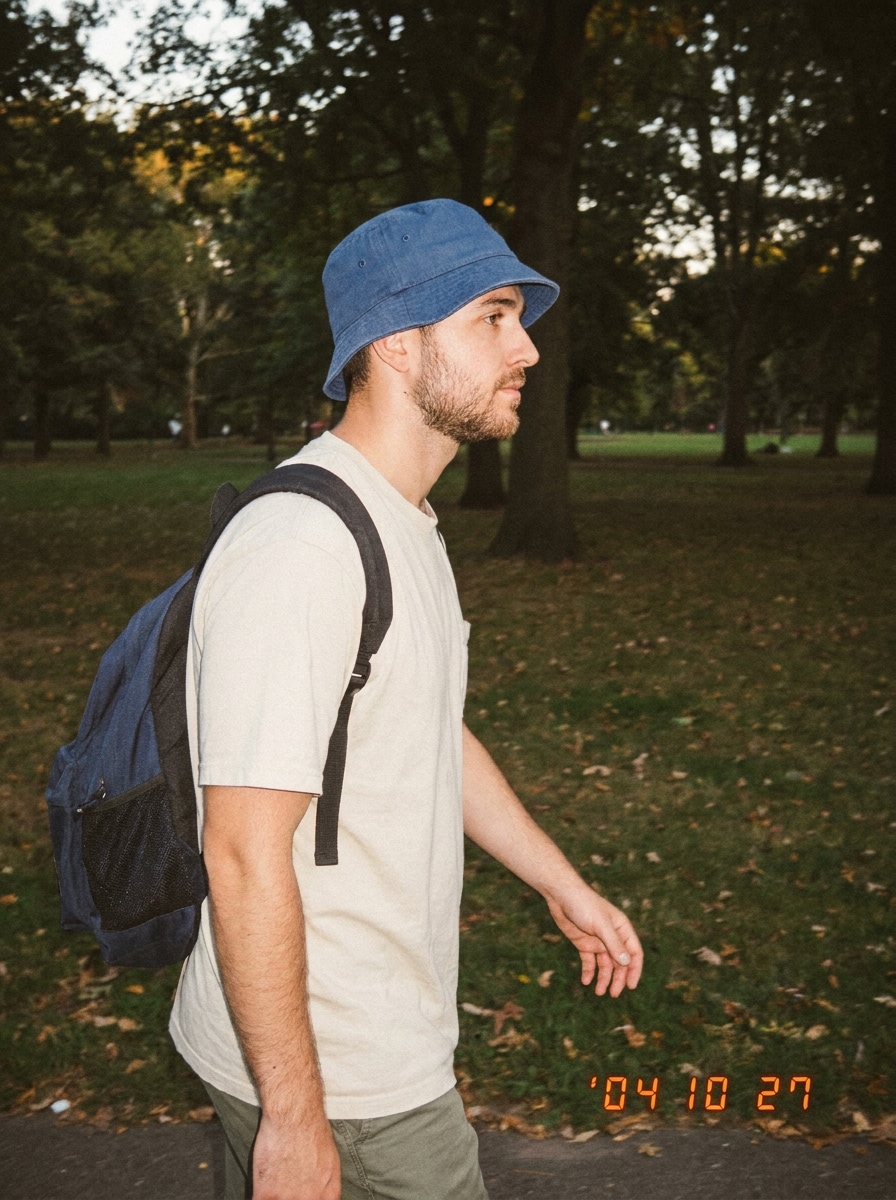
Date Stamp Digicam
Use the uploaded image as the subject and apply a nostalgic digicam filter with an orange date stamp, light compression artifacts, flash-lit subject, muted contrast, fine grain, slightly faded tones, compact point-and-shoot framing, and an authentic memory-photo feel.
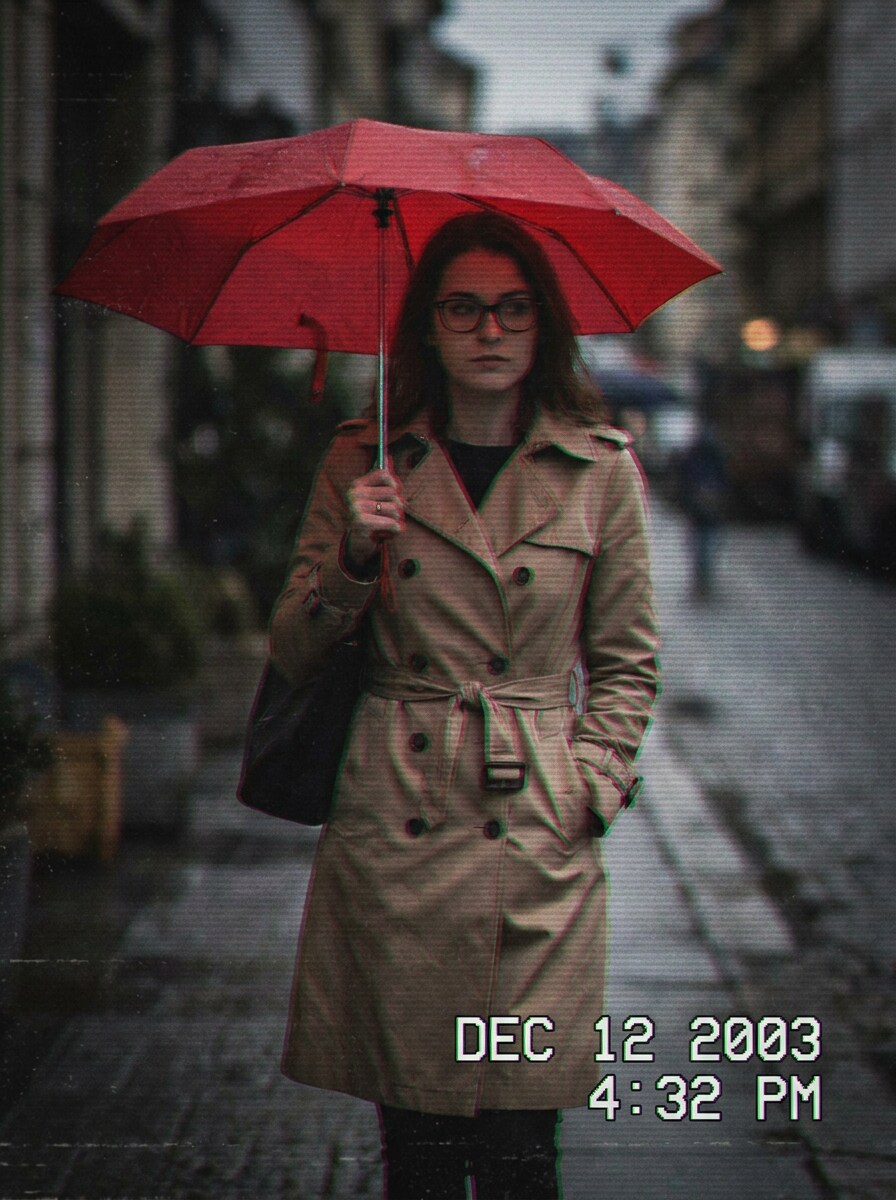
VHS Camcorder
Use the uploaded image as the subject and convert it into a VHS camcorder still with analog noise, faint scan lines, timestamp overlay, slight motion softness, color bleed, low-contrast shadows, retro home-video texture, and a moody archive-from-the-2000s atmosphere.
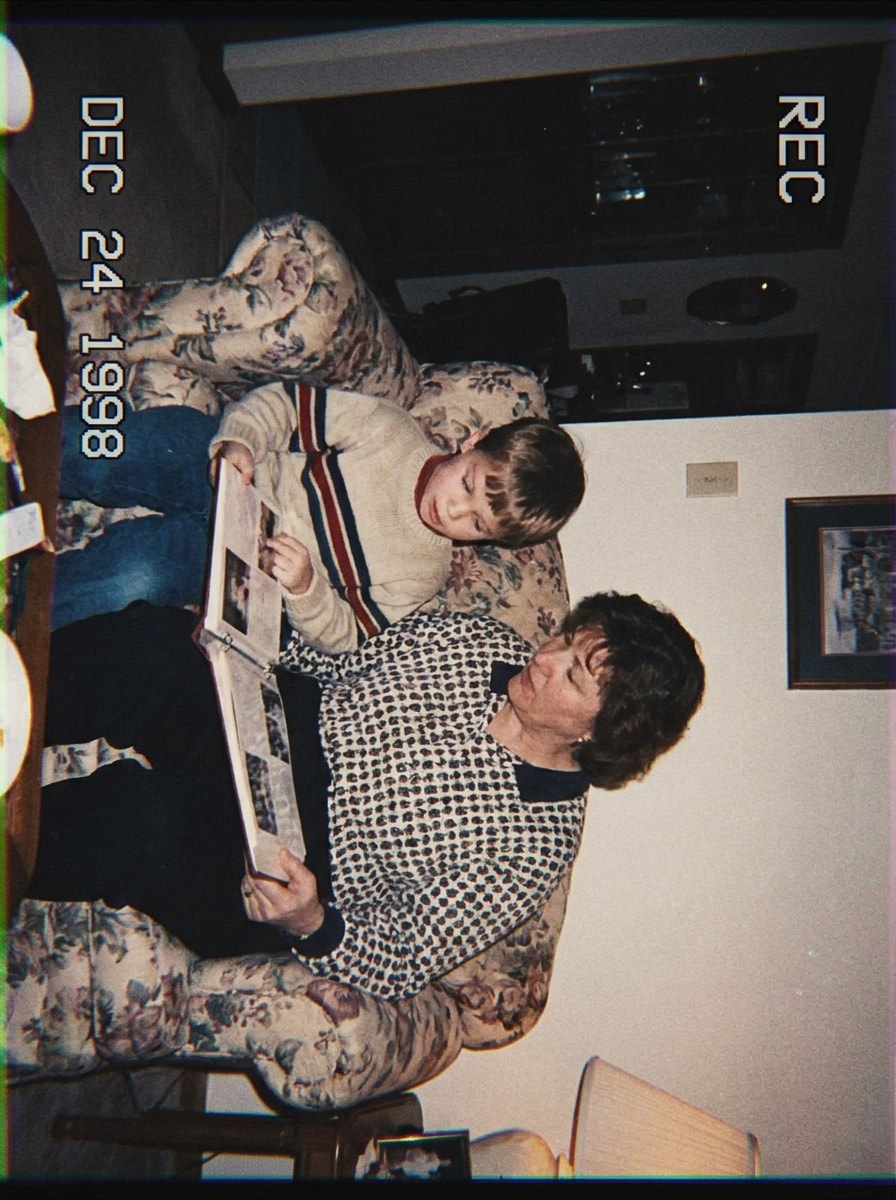
MiniDV Home Video
Use the uploaded image as the subject and give it a MiniDV home-video look with flat onboard flash feel, slight softness, washed colors, digital noise, edge fringing, simple family-archive composition, and a cozy nostalgic mood that feels naturally recorded, not polished.
Warm Film Snapshot
Use the uploaded image as the subject and restyle it into a warm film-inspired snapshot with soft contrast, organic grain, gentle color fade, natural skin warmth, subtle highlight bloom, candid framing, and a sentimental everyday mood that still preserves recognizable details.
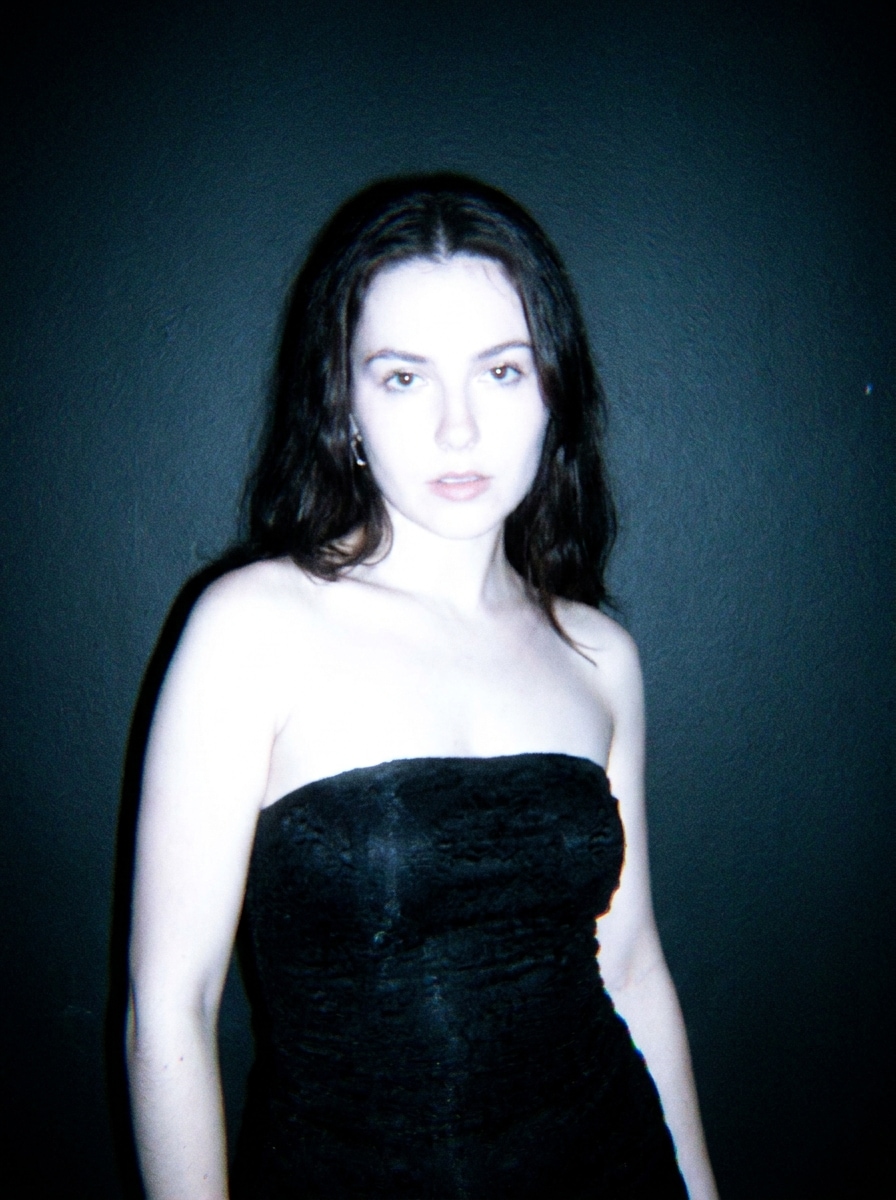
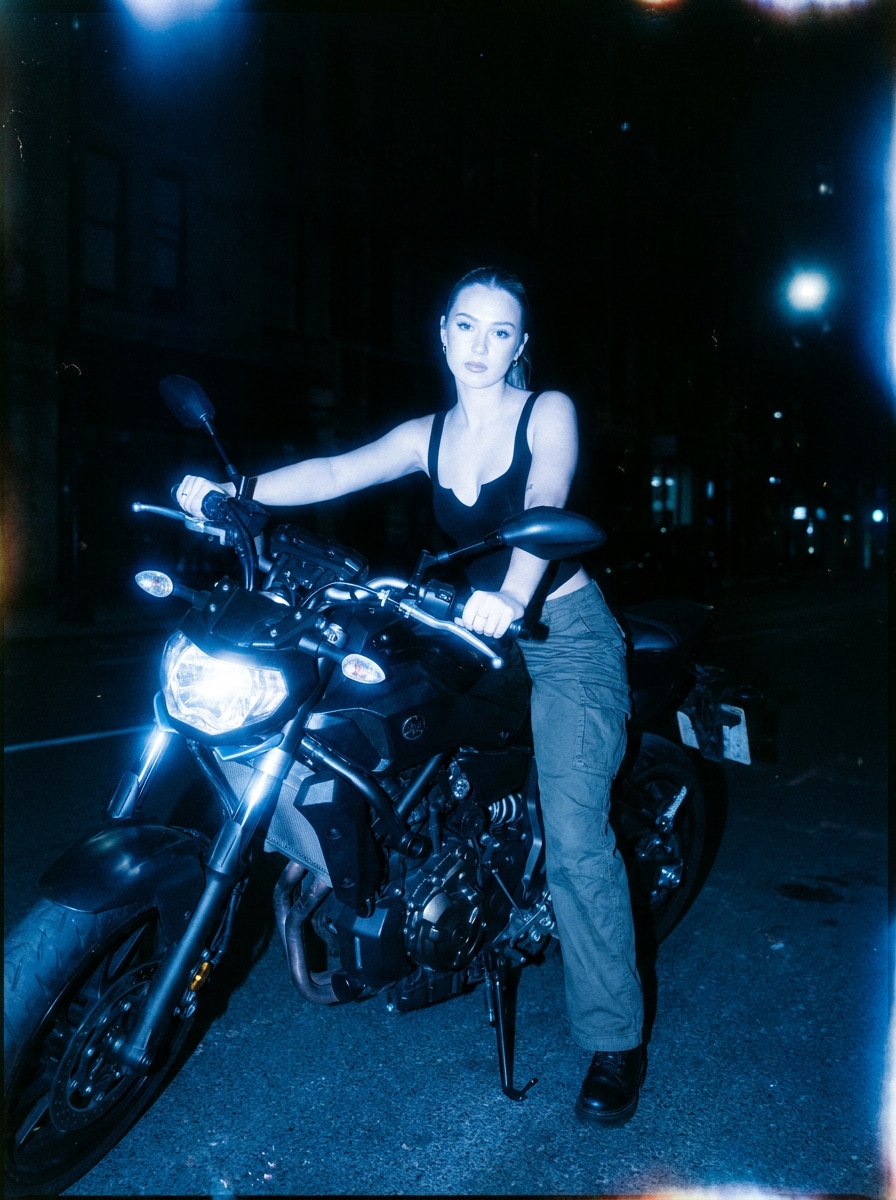
Cool Night Film
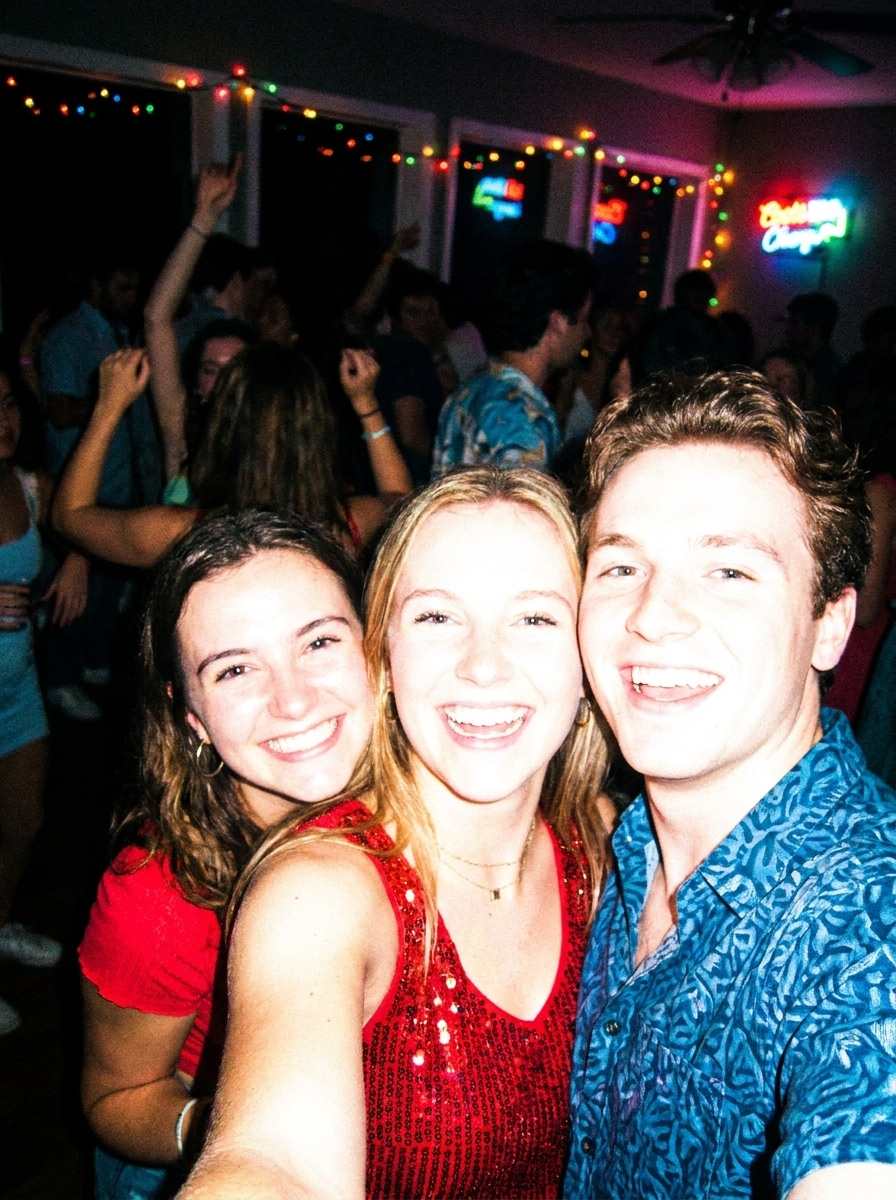
Use the uploaded image as the subject and create a cool-toned night camera look with flash-lit foreground, deep shadows, subtle grain, blue color cast, soft halation around highlights, nightlife-inspired framing, and an editorial but imperfect atmosphere.
Low-Res Compact Camera
Use the uploaded image as the subject and make it look like an old digital camera filter result with slight pixel softness, compressed detail, harsh flash, simple color rendering, mild noise, straightforward point-and-shoot composition, and believable early compact-camera imperfections.
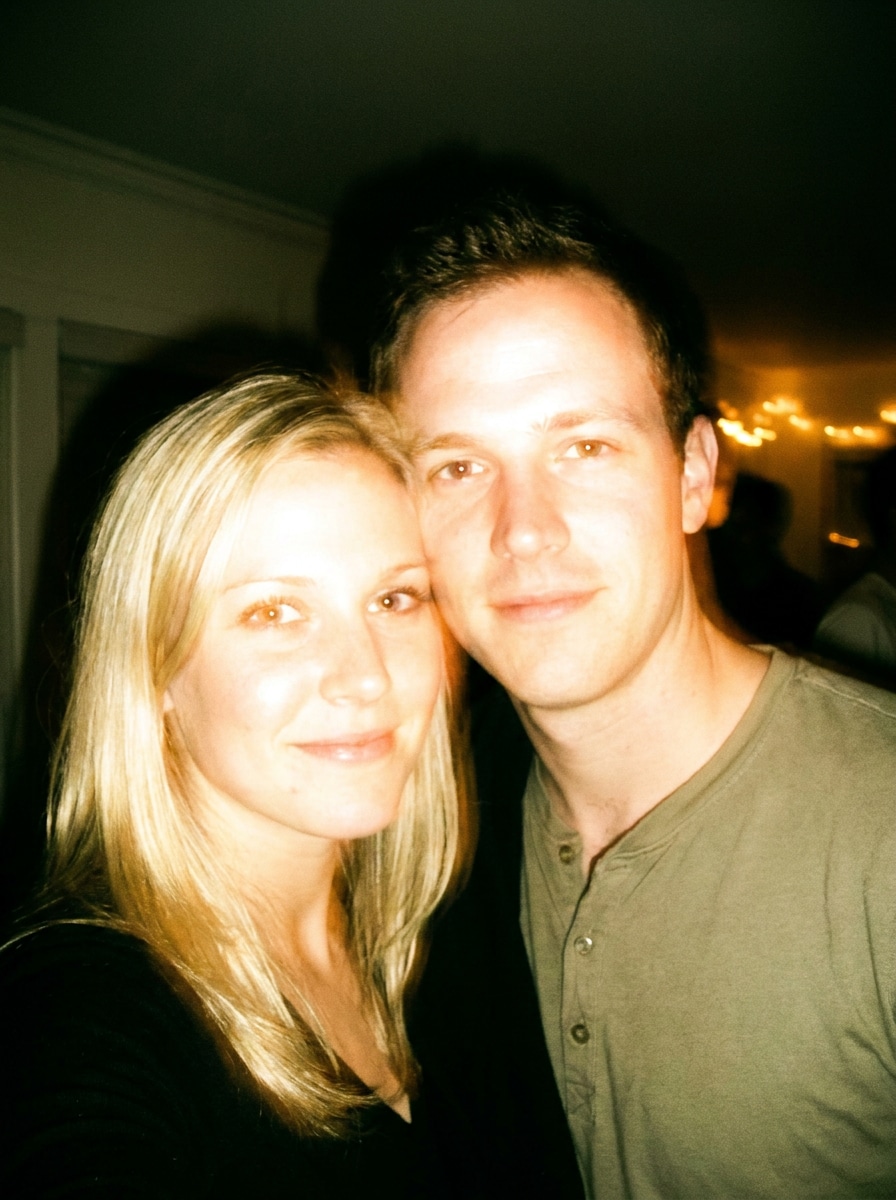
Overexposed Party Flash
Use the uploaded image as the subject and apply an overexposed party-camera flash style with bright frontal flash, blown skin highlights, dark ambient background, punchy color, visible grain, spontaneous candid framing, and energetic nightlife snapshot vibes.
Soft Blur Nostalgia
Use the uploaded image as the subject and create a nostalgic blurry camera effect with slight lens blur, soft detail, light grain, faded colors, gentle contrast loss, simple candid composition, and an emotional early-digital memory-photo atmosphere.
Why Use Media.io for Retro Camera Effects
Upload once and turn modern photos into nostalgic camera shots
For social posts, branding, or mockups that still need to look like the original person or product, Media.io keeps recognizable features intact while applying the overall digital camera filter style, so the final image feels retro without losing the subject.
Keep the person recognizable while changing the camera style
Creative decisions get easier when you can explore options from one starting image. Media.io lets you compare multiple looks from the same digital camera filter base, helping teams and creators choose a direction faster.
Keep Final Visuals Sharp for Real Projects
For images that are actually going to be published, Media.io can deliver sharper results up to 4K, so a retro digital camera filter visual still stays clear in presentations, backgrounds, and reused campaign assets.
Edit from any device in a fast browser workflow
Whether you are exploring digital camera filter visuals on a laptop or checking drafts from your phone, Media.io keeps everything browser-based so you can pick up the same workflow across devices more easily.
How to Apply a Digital Camera Filter Online
Turn your words into stunning visuals in three simple steps, then continue refining the result if you want to take it further.
Step 1
Upload Your Reference Image
Start with a clear photo that you want to restyle, such as a portrait, party shot, street scene, or casual selfie. JPG, PNG, and JPEG uploads work well when the subject and lighting are easy for the AI to read.
Step 2
Describe the Change and Set Options
Enter the retro look you want, such as disposable flash, CCD noise, VHS camcorder texture, timestamp overlay, blur, or compact-camera color. Then choose your model and adjust aspect ratio, resolution, and the number of image variations.
Step 3
Generate, Download, and Keep Improving
Create your filtered results, compare the different versions, and download your favorite one. If you want a stronger old digital camera filter mood, refine the prompt, regenerate new variations, or continue editing for social-ready output.
See how creators use this Digital Camera Filter for content, marketing, and personal projects, then adapt each idea to fit the brief with Media.io.
Make nightlife photos feel instantly nostalgic
Turn clean smartphone shots into flash-heavy party images with grain, bloom, and imperfect color. Media.io makes this nostalgic camera look a strong fit for creators who want the throwback energy of compact cameras for TikTok, Instagram, and moodboard-driven content.
Restyle portraits into Y2K profile and feed content
Use a retro camera effect to create candid-looking portraits with timestamp overlays, soft blur, or CCD-style flash. Media.io helps give personal branding, profile refreshes, and aesthetic posts more character than a standard edit, including a natural digicam filter feel.
Build before-and-after visuals for social campaigns
Designers and marketers can transform modern product or lifestyle photos into nostalgic camera-style assets for promos, covers, and creative tests. With Media.io, a fast browser workflow makes it easy to compare polished originals against lo-fi retro variations.
What Users Say
Maya R.
Content Creator
"Great Y2K camera vibe" I wanted a quick disposable-flash look without downloading another app. Media.io gave me that messy early-2000s party feel fast, and the results looked much closer to a real compact camera than basic preset filters.
Jordan K.
Social Media Manager
"Easy before-and-after workflow" We used it to turn polished brand photos into retro campaign variations. Uploading, testing prompts, and comparing versions was simple, and the browser workflow made it easy for our team to review concepts quickly.
Alina P.
Lifestyle Blogger
"Better than a generic filter app" The CCD and timestamp styles are my favorite. Instead of just tinting the image, it actually recreated the noisy flash and soft detail that make old digital photos feel believable.
Ethan S.
Student Designer
"Useful on phone and laptop" I tested it on both my phone and desktop, and it worked smoothly. I like that I could generate several versions, then pick the one with the best grain and color shift for my moodboard.
A digital camera filter is an effect that changes a photo so it looks like it was captured with a specific camera style instead of a modern phone image. On Media.io, that can mean recreating disposable flash, CCD noise, timestamp overlays, camcorder texture, or other retro snapshot characteristics through image-to-image editing.
2. How can I make a photo look like it was taken with a digital camera?
You can usually get a first draft quickly in Media.io, then improve it with short prompt edits instead of rebuilding the entire design from scratch.
3. Can I apply a retro digital camera filter online for free?
Free users can try Media.io with free credits, which is useful for testing a retro digital camera effect online before upgrading. Free results may include a watermark, while paid plans support watermark-free high-resolution downloads. You can compare options on the pricing page.
4. Which filter gives photos a disposable camera or CCD look?
For a disposable look, use prompts that emphasize direct flash, visible grain, warm tones, dark background falloff, and overexposed highlights. For a CCD or digicam-style result, ask for cool-white flash, light sensor noise, chromatic aberration, soft detail, and compact-camera color rendering. Media.io can generate both styles from the same uploaded photo.
5. Will a digital camera effect reduce image quality or resolution?
The style may intentionally add softness, noise, blur, or compression artifacts to mimic an older camera, but Media.io still gives you control over export quality. You can choose 1K, 2K, or 4K output, so the retro look is a creative choice rather than a forced loss of resolution. Free users may have watermarks.
6. Can I use this digital camera filter on iPhone, Android, or desktop?
Media.io is web-based, so you can use it in a browser on iPhone, Android, Mac, Windows, and other desktop or mobile devices. That makes it easy to apply a retro camera effect without installing a separate app just to test one style.