The generated results will be kept for 7 days. Please save them in time.
Unlock your creative potential and experience the magic of Media AI right away!
Design Filigree Instantly with an AI Ornamental Pattern Generator
Create custom filigree designs from simple text prompts in seconds. Generate elegant Victorian scrollwork, tattoo-ready line art, invitation frames, luxury monograms, and decorative borders with high-detail AI image generation for creative projects, branding, and print-ready concepts.
Explore our curated collection of design filigree styles.
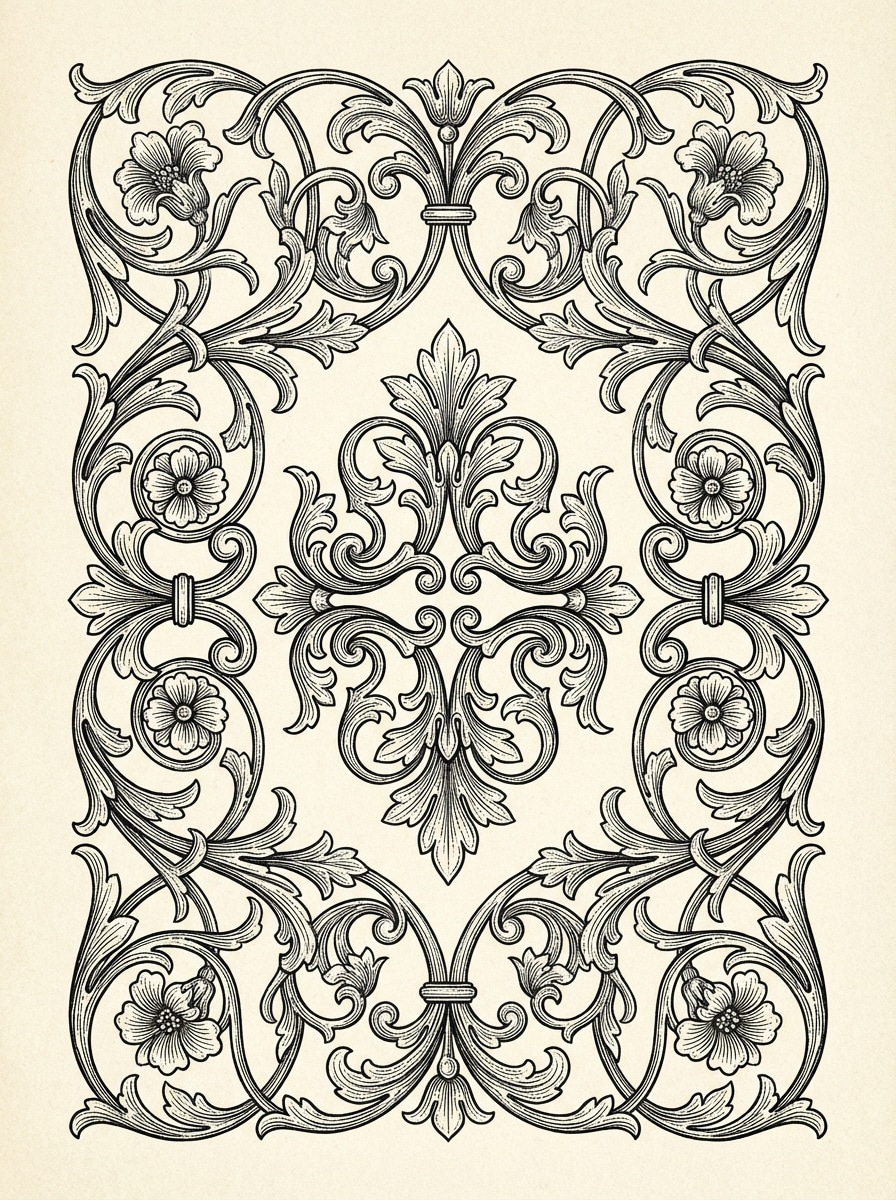
Victorian Scrollwork
Intricate Victorian filigree design with flowing symmetrical scrollwork, floral curls, engraved line detail, and refined ornamental balance, centered composition on a clean light background, crisp black-and-ivory palette, delicate lace-like texture, elegant vintage mood, highly detailed, sharp edges, printable decorative border aesthetic.
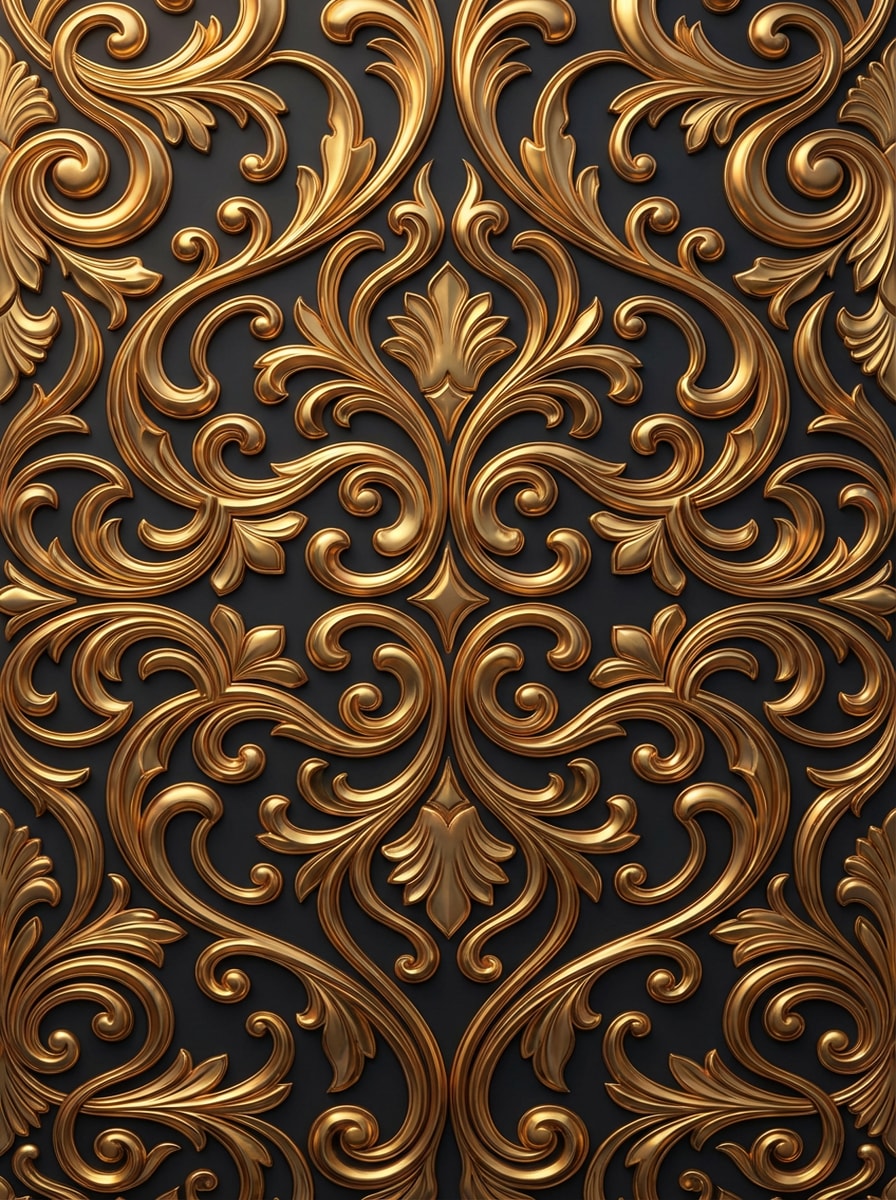
Baroque Gold Filigree
Opulent baroque filigree pattern with metallic gold ornament, layered scrolling flourishes, embossed texture, rich ornamental depth, symmetrical luxury composition on a deep charcoal background, warm reflective lighting, royal mood, polished surfaces, premium packaging look, ultra-detailed and clean enough for decorative branding inspiration.
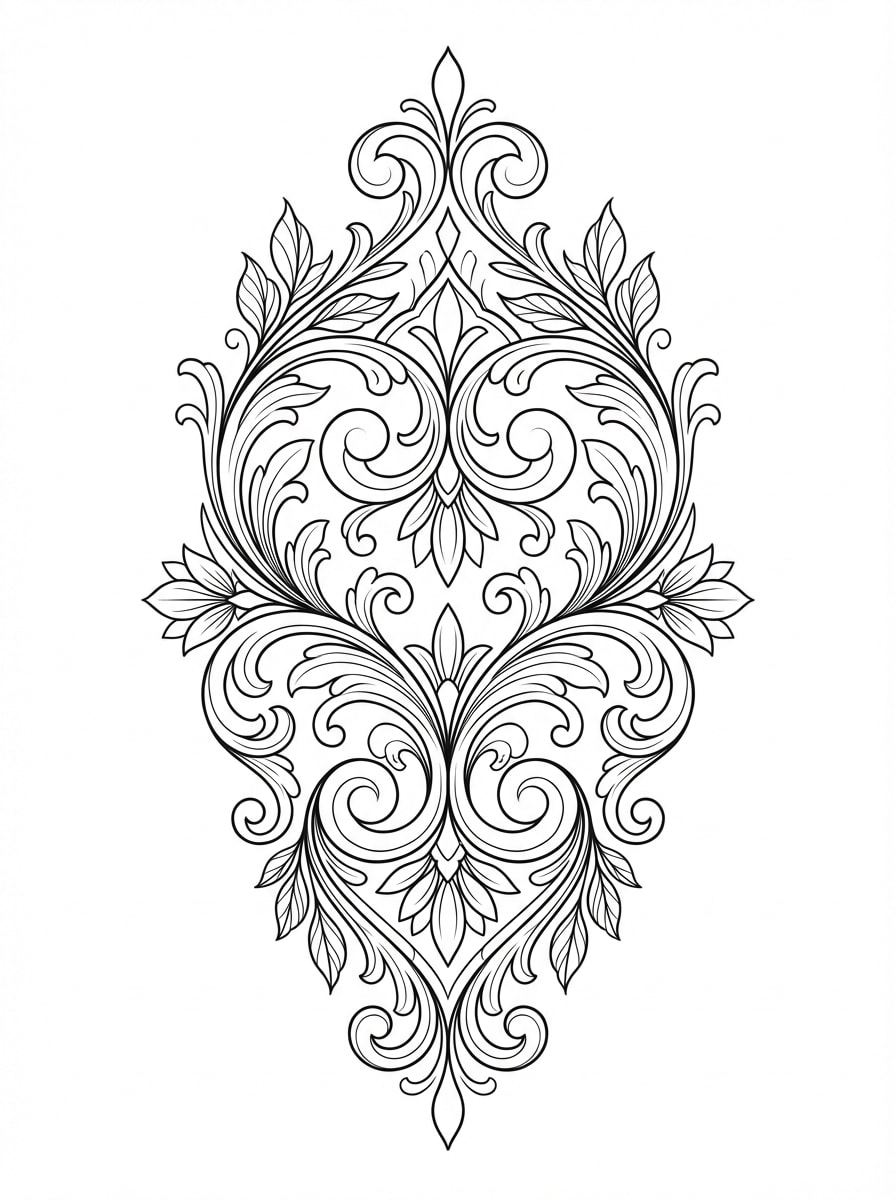
Tattoo Filigree Linework
Black ink filigree tattoo design with elegant symmetrical curls, ornamental linework, clean negative space, smooth flowing contours, stencil-ready structure, centered vertical composition on a white background, monochrome palette, crisp fine lines, balanced decorative rhythm, sophisticated body art concept with high clarity and precision.
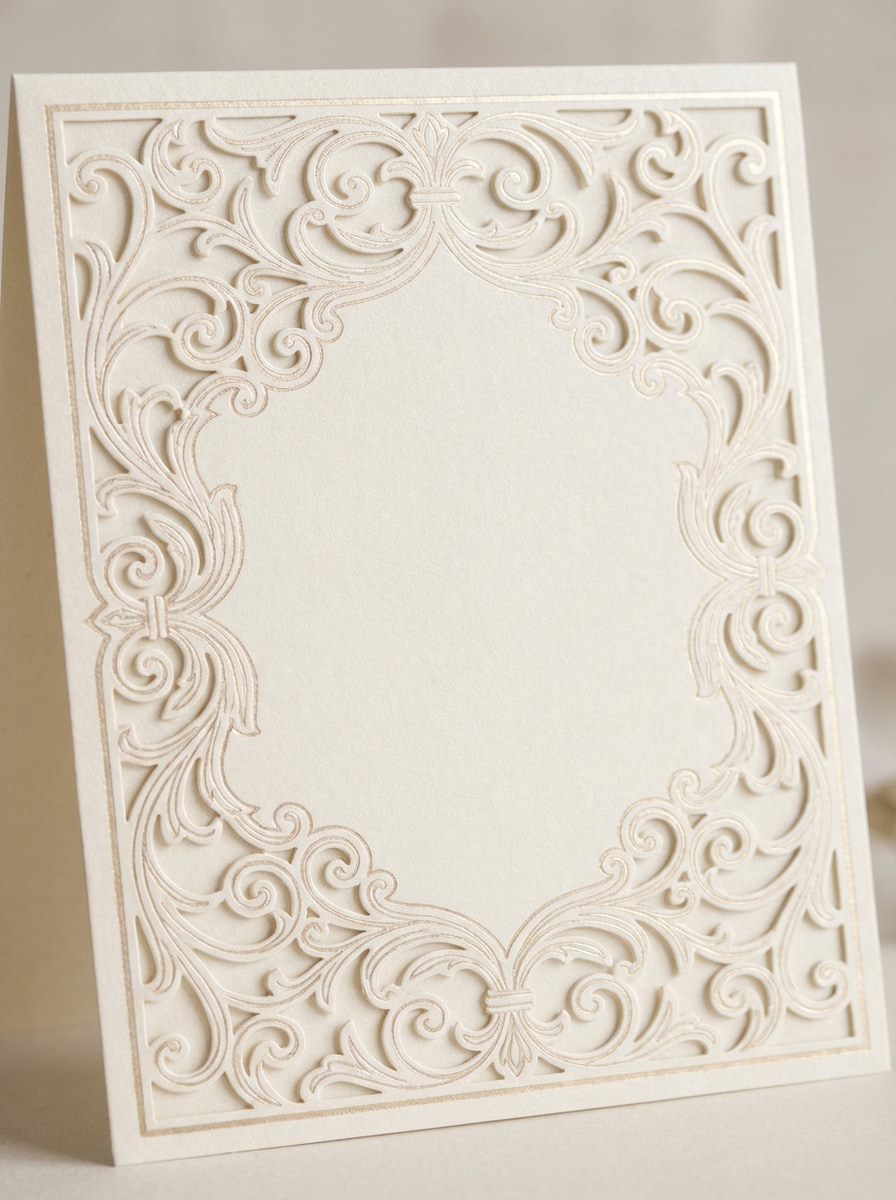
Wedding Invitation Frame
Delicate wedding invitation filigree frame with romantic floral curls, thin symmetrical border details, airy negative space in the center for text placement, soft ivory and champagne palette, graceful fine-line ornament, elegant composition, subtle luxury mood, printable stationery style, crisp edges and refined decorative craftsmanship.
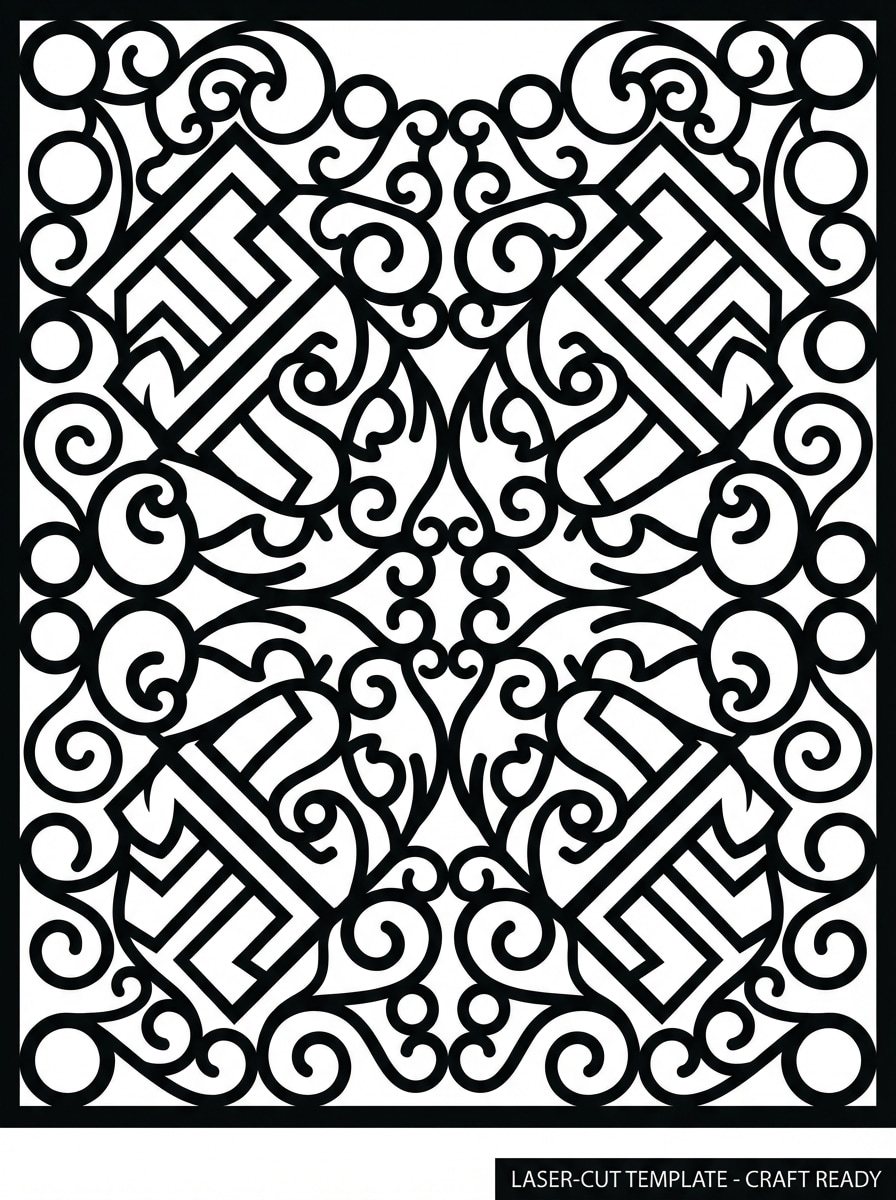
Laser Cut Filigree Pattern
Laser-cut filigree pattern with connected ornamental geometry, clear cutout-friendly shapes, symmetrical decorative structure, monochrome vector-like appearance, evenly spaced loops and swirls, clean white background, precise edges, craft-ready composition, practical yet elegant mood, highly detailed pattern design suited for paper craft and production mockups.
Why Use Media.io for AI Filigree Design
Generate Detailed Filigree from Text
Turn simple prompts into intricate ornamental artwork fast. Create Victorian, baroque, gothic, lace, or tattoo-style filigree concepts without hunting through stock libraries.
High-Resolution Output for Fine Linework
Generate filigree images in 1K, 2K, or 4K resolution, making it easier to explore crisp decorative borders, invitation frames, luxury motifs, and print-focused concept art.
Flexible Ratios for Every Layout
Choose from aspect ratios like 1:1, 3:4, 4:3, 16:9, and more to design filigree for logos, phone wallpapers, invitation cards, packaging mockups, and social visuals.
Advanced AI Models for Fast Ideation
Use powerful text-to-image models including Nano Banana Pro and Nano Banana 2 to create multiple filigree design directions quickly for branding, craft, and decorative projects.
How to Create Filigree Designs with Media.io
1
2
3
1
Open Media.io AI Image Generator
Go to AI Text to Image Generator and open the AI Image Generator under AI -> Text to Image. This online tool runs in your browser, so you can create decorative filigree concepts on desktop or mobile without installing software.
2
Enter a Prompt
Type a detailed prompt, such as “ornate Victorian filigree border with symmetrical scrollwork, black and ivory, engraving detail, printable composition.” Then choose your preferred ratio, resolution, and style settings for the look you want.
3
Generate, Refine & Download
Click Generate to create your filigree artwork. Tweak the prompt for more lace detail, metallic texture, or tattoo-style linework if needed, then download the high-resolution result for branding, stationery, craft, or concept use.
Discover how creators and professionals are using our AI-powered Design Filigree to transform their creative workflows and bring unique ideas to life.
Create Luxury Invitation and Stationery Borders
Design filigree frames for wedding invitations, event cards, menus, and certificates without drawing every ornament by hand. AI helps you test romantic, vintage, and premium decorative directions quickly before finalizing your print layout.
Develop Tattoo and Logo Ornament Concepts
Generate clean ornamental linework for tattoo references, crest ideas, monograms, and brand flourishes. This is especially useful when you need multiple filigree design variations to present to clients or refine into a final mark.
Mock Up Craft, Jewelry, and Packaging Motifs
Explore ornate patterns for laser-cut projects, jewelry inspiration, embossed labels, and luxury packaging visuals. Media.io makes it easier to turn a short creative brief into detailed decorative art you can iterate on fast.
What Users Say About This Filigree Generator
Sofia M.
Wedding Stationery Designer
"Beautiful invitation concepts in minutes" I used it to generate filigree borders for wedding invitation mockups, and it saved me a lot of concept time. The prompts were easy to control, and the results looked elegant enough to pitch right away.
Marcus T.
Tattoo Artist
"Useful for ornamental stencil ideation" For tattoo-style filigree linework, this gave me strong starting points fast. I like that I can try symmetrical black ink variations without spending hours sketching every option from scratch.
Elena R.
Brand Identity Freelancer
"Helpful for premium branding directions" I needed luxury monogram and decorative flourish ideas for a packaging client. Media.io helped me create several polished filigree looks quickly, especially gold-on-dark concepts for high-end branding mood boards.
David K.
Craft Product Seller
"Great for laser-cut pattern exploration" I tested connected ornamental patterns for paper-cut and laser-cut products. The image quality and aspect ratio options made it easy to generate clean visual references before moving into production software.
1. Can I generate filigree designs from a text prompt?
Yes. Media.io lets you generate filigree designs from text prompts, so you can describe the style you want—such as Victorian scrollwork, baroque ornament, lace borders, or tattoo-style line art—and turn that idea into an image in seconds. English prompts are generally optimized for better results. Features **Nano Banana Pro** (Next-gen AI generation model) and **Nano Banana 2** (Faster generation, enhanced creative features). Also supports Seedream 5.0 Lite, Soul Character (Hyper-realistic), Nano Banana, Seedream 4.0, and Imagen 4. This helps you create design filigree results more consistently.
2. Is there a free AI filigree generator option?
Yes. Free users can try Media.io with free credits. If you need more generations, you can upgrade through the pricing page. Please note that free downloads may include a watermark, while paid plans support watermark-free high-resolution downloads. Free users can use free credits. For more usage, users can subscribe to a plan on the pricing page.
3. How do I write a good prompt for ornate filigree patterns?
A strong prompt should describe the filigree style, composition, palette, and finish. For example: “ornate baroque filigree border, symmetrical gold scrollwork, embossed texture, dark background, luxury packaging aesthetic, highly detailed.” Being specific about mood, detail level, and layout usually helps generate cleaner ornamental results. This helps you create design filigree results more consistently.
4. Can I create high-resolution filigree images for printing?
Yes. Media.io supports 1K, 2K, and 4K output, which is helpful when you need high-resolution filigree images for printing, presentations, or detailed concept work. You can also choose different aspect ratios to better match invitation cards, posters, labels, or vertical decorative layouts. Free users may have watermarks. This helps you create design filigree results more consistently.
5. Can I make filigree art for logos, invitations, or tattoos?
Yes. The text-to-image tool is well suited for creating filigree art concepts for logos, invitation frames, tattoo references, packaging accents, decorative borders, and other ornamental design uses. You can explore multiple visual directions quickly by changing the prompt style, composition, or color treatment. This helps you create design filigree results more consistently.
6. Does the text-to-image tool work on mobile and desktop?
Yes. Media.io is web-based, so it works on devices with a browser, including Windows, Mac, iPhone, iPad, and Android. That makes it easy to create AI filigree designs on both mobile and desktop without installing extra software. Media.io is a web-based tool that works on any device with a browser (Windows, Mac, iOS, Android). This helps you create design filigree results more consistently.