Creations are stored for only 7 days. Assets created after upgrading to a Membership plan will be stored permanently.
Unlock your creative potential and experience the magic of Media AI right away!
Gradient Maker for Fast, Aesthetic Backgrounds and Design Assets
Create stunning gradient backgrounds in seconds with Media.io’s AI gradient maker. Generate pastel, neon, mesh, aurora, and web-ready visuals for social posts, presentations, posters, wallpapers, and branding—right in your browser with high-resolution downloads.
Explore our curated collection of gradiet maker styles.
Linear Web Hero Gradient
Create a high-resolution linear gradient background for a modern website hero section, blending deep cobalt blue into vivid purple with a smooth left-to-right transition, clean minimal composition, soft luminous finish, polished SaaS mood, crisp edges, subtle depth, no text, premium digital quality.
Radial Spotlight Gradient
Generate a radial gradient background with a glowing center, bright cyan light fading into indigo and deep navy edges, centered composition, smooth feathered transitions, glossy modern UI feel, atmospheric contrast, dark elegant mood, texture-free finish, ideal for landing pages and app hero banners.
Aurora Gradient
Create an abstract aurora gradient background with soft blurred ribbons of emerald green, electric blue, and violet, flowing diagonally across the frame, dreamy glow, misty atmospheric blending, calm futuristic mood, rich luminous color depth, ultra-smooth finish, high-resolution wallpaper and social-ready quality.
Sunset Blend Gradient
Generate a warm sunset gradient background using coral, peach, orange, pink, and lavender, blended in soft organic transitions with a bright upper glow and deeper lower tones, uplifting and aesthetic mood, smooth modern composition, clean textureless surface, perfect for stories, posters, and branding graphics.
Pastel Mesh Gradient
Create a pastel mesh gradient background with floating color clouds of blush pink, baby blue, mint green, lavender, and cream, softly overlapping in an airy composition, diffused lighting, gentle feminine mood, elegant minimal style, seamless blending, high-resolution design asset for branding and phone wallpapers.
Neon Cyber Gradient
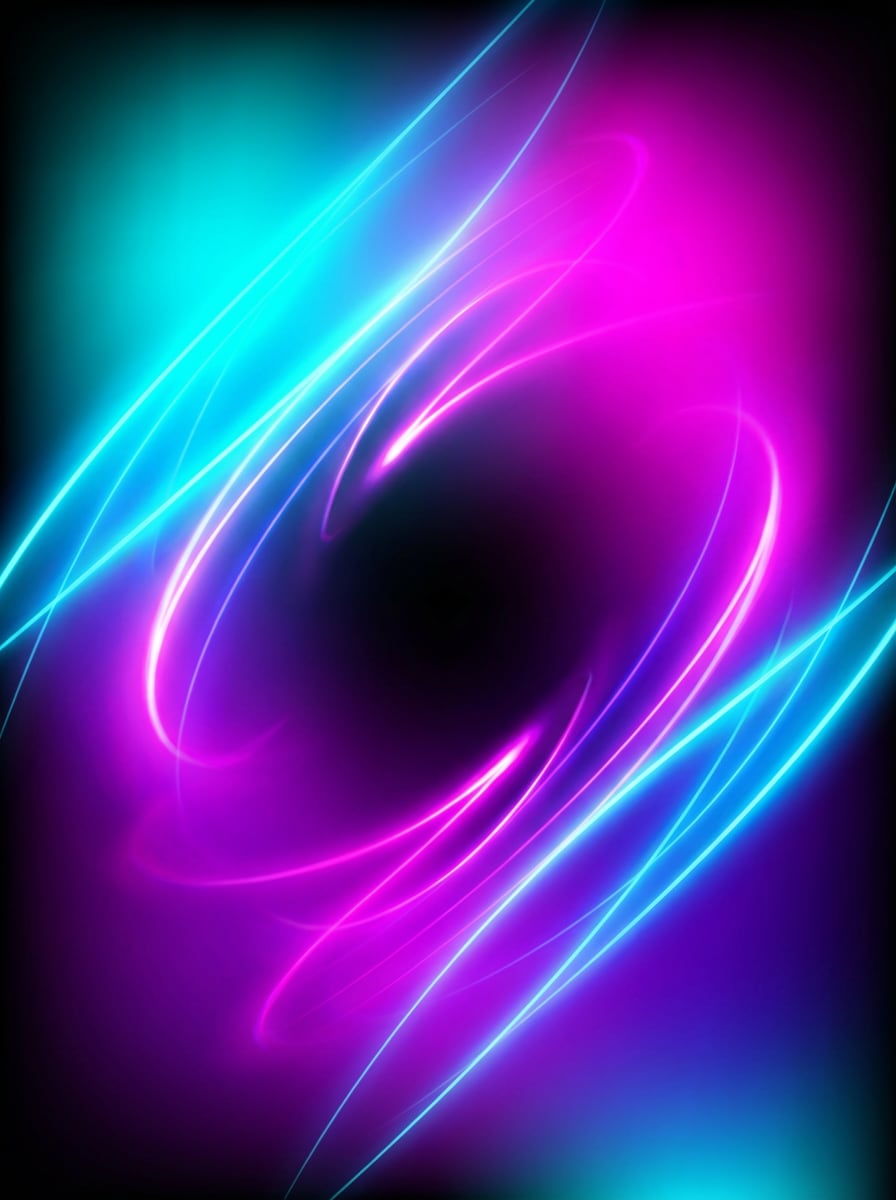
Generate a futuristic neon gradient background with electric cyan, magenta, violet, and black, dramatic contrast, intense glow diffusion, sleek centered composition, dark cyberpunk mood, radiant edge lighting, smooth transitions, bold digital poster energy, ultra-clean background with no text, high-definition visual impact.
Dark AI Gradient
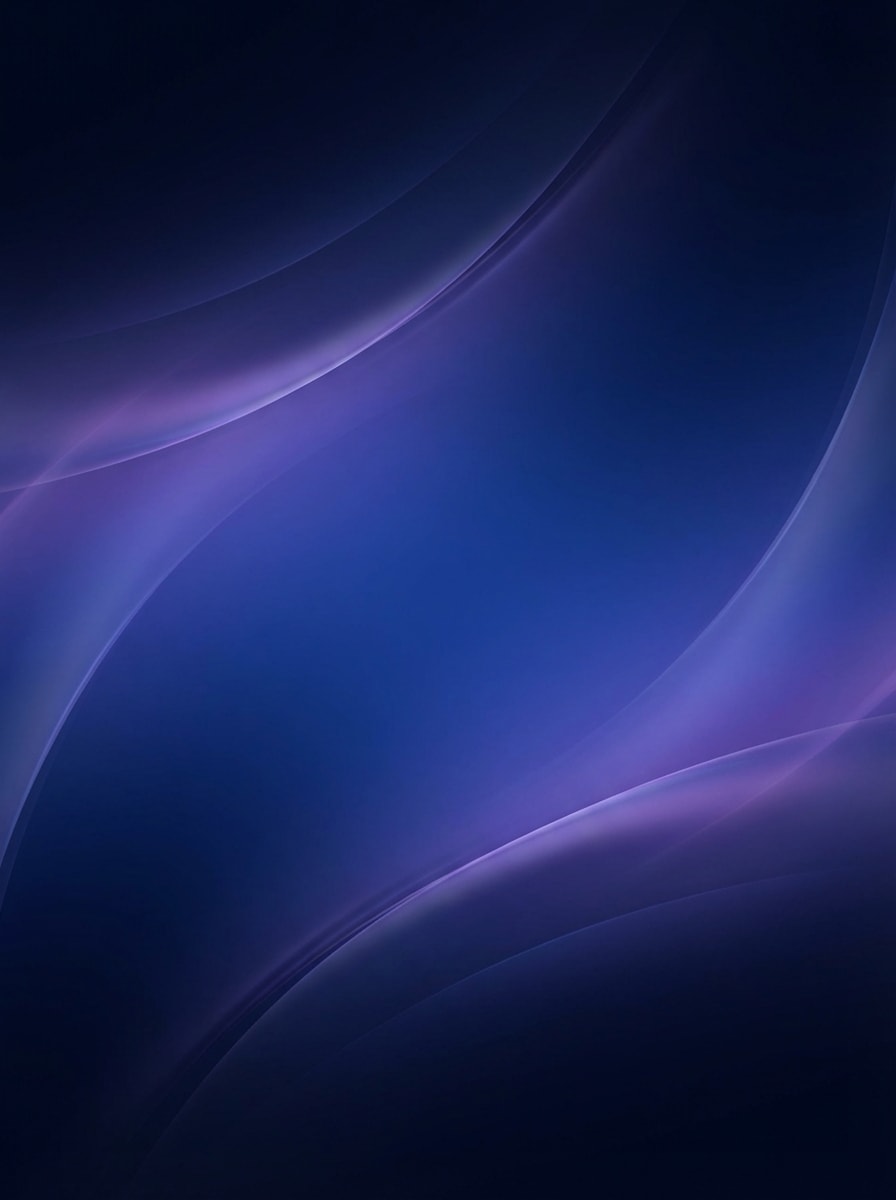
Create a dark premium gradient background for an AI product page using midnight navy, royal blue, and subtle violet highlights, smooth layered blending, minimal futuristic composition, refined low-light mood, glossy digital depth, clean modern finish, suitable for startup websites, thumbnails, and presentation slides.
Luxury Neutral Gradient
Generate a luxury neutral gradient background blending beige, ivory, champagne, and warm gray, with a soft center glow and extremely smooth tonal transitions, minimal editorial composition, calm premium mood, matte texture-free finish, elegant understated palette, ideal for beauty branding, packaging mockups, and refined presentations.
Iridescent Y2K Gradient
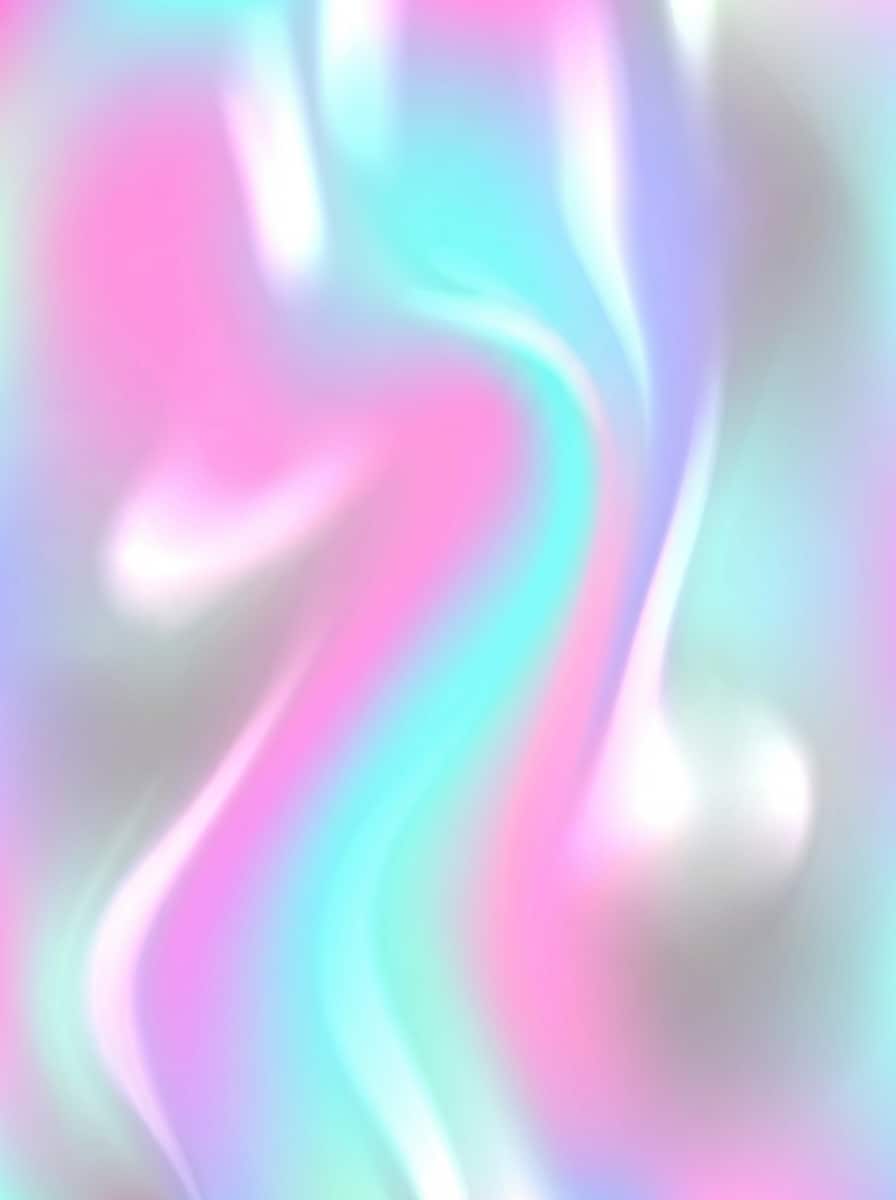
Create a glossy iridescent gradient background with holographic pink, aqua, lilac, and silver tones, reflective blended finish, soft luminous highlights, dreamy Y2K digital mood, centered composition, smooth color flow, futuristic pop aesthetic, polished high-resolution look for album covers, social graphics, and trendy posters.
Liquid Blur Gradient
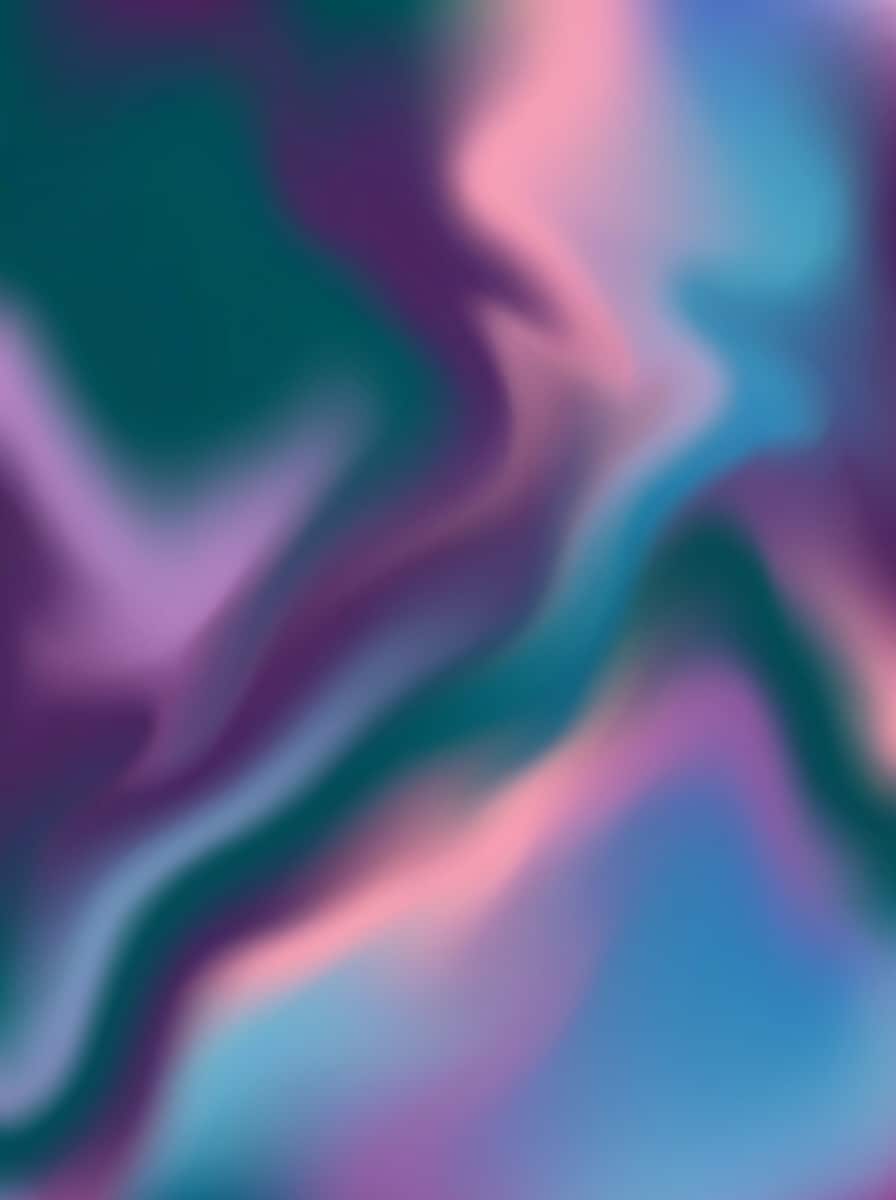
Generate an abstract liquid blur gradient background with flowing organic shapes in teal, purple, pink, and blue, softened by a gentle Gaussian blur, wide balanced composition, modern creative mood, smooth transitions, fluid color movement, clean premium finish, ideal for presentation decks, wallpapers, and visual branding.
Why Use Media.io for AI Gradient Background Generation
Create Gradient Images in High Resolution
Generate gradient backgrounds in 1K, 2K, or 4K quality, making it easy to create assets for websites, posters, wallpapers, presentations, and social media without losing clarity.
Flexible Ratios for Every Gradient Use Case
Choose from Auto, 1:1, 9:16, 16:9, 4:3, 3:4, 3:2, and 2:3 to make a gradient background for Instagram Stories, desktop wallpapers, thumbnails, banners, or website hero sections.
Powerful AI Models for Fast Visual Results
Media.io supports Nano Banana Pro, Nano Banana 2, Seedream 5.0 Lite, Imagen 4, and more, helping you turn simple prompts into polished gradient designs quickly in your browser.
Works Online on Desktop and Mobile
Use the gradient maker on Windows, Mac, iPhone, iPad, or Android. Since Media.io is web-based, you can generate and download backgrounds anywhere with a browser.
How to Use the Media.io Gradient Maker
1
2
3
1
Step 1: Open Media.io Gradient Maker
Go to Media.io and open the Gradient Maker under AI -> Text to Image. This online tool runs in your browser, so you can create gradient backgrounds on desktop or mobile without installing software.
2
Step 2: Enter a Prompt
Type a detailed prompt such as “create a pastel mesh gradient background with blush pink, mint, lavender, and cream, soft organic blending, airy minimal aesthetic, high resolution.” Then choose your preferred aspect ratio and output settings.
3
Step 3: Generate, Refine & Download
Click Generate to create your gradient image. If needed, refine the prompt for different colors, lighting, or mood, then download the final high-resolution background for web, social, or print use.
"Fast way to make aesthetic story backgrounds" I use it to create Instagram story gradients and background assets for reels. The preset ideas are trendy, and the images come out polished without me spending time manually blending colors.
Marcus Hale
Startup Marketer
"Helpful for landing page visuals" We needed dark AI-style gradient backgrounds for a product page, and Media.io gave us several usable options quickly. The wide aspect ratios are useful for hero banners and presentation slides.
Priya Shah
Brand Consultant
"Good for premium and pastel branding looks" I like that I can generate neutral luxury gradients, peach editorial backgrounds, and softer pastel mesh styles from simple prompts. It’s a practical shortcut when clients need fresh concepts fast.
Noah Bennett
Content Creator
"Easy browser-based gradient image generator" What stood out to me is how easy it is to use on my laptop and phone. I can generate wallpapers, thumbnail backgrounds, and poster-style gradients without opening heavier design software.
1. How do I make a gradient background with Media.io?
Open Media.io’s Gradient Maker under AI -> Text to Image, enter a clear prompt describing the colors, mood, and style you want, then generate your image. You can choose different aspect ratios and create gradient backgrounds for stories, wallpapers, posters, or website sections directly in your browser.
2. What is a gradient generator?
A gradient generator is a tool that helps you create blended color backgrounds or visual assets. With Media.io, you can describe the gradient you want in text and generate a ready-to-download image in styles like pastel, neon, aurora, or mesh.
3. Can I create high-resolution gradient images online?
Yes. Media.io supports 1K, 2K, and 4K image generation, so you can create high-resolution gradient backgrounds online for web, presentation, social, or print-oriented projects without installing desktop software.
4. Can I use this gradient maker on my phone?
Yes. Media.io is web-based and works on devices with a browser, including Windows, Mac, iOS, and Android. That means you can generate gradient backgrounds on desktop, tablet, or mobile whenever you need them.
5. Is Media.io Gradient Maker free to use?
Media.io offers free usage with 3 credits per day. Free users may see watermarks, while paid subscribers can download watermark-free high-resolution images. If you need more credits or cleaner exports, you can upgrade here: https://www.media.io/pricing.html
6. Does Media.io export CSS gradient code?
Based on the available product information, Media.io focuses on generating downloadable gradient images rather than advertising built-in CSS code export. It is best suited for creating visual gradient assets in multiple resolutions and aspect ratios from text prompts.