작업물은 7일 동안만 저장됩니다. 멤버십 플랜으로 업그레이드한 후 생성된 에셋은 영구적으로 저장됩니다.
창의적 잠재력을 풀고 미디어 AI의 마법을 즉시 경험하십시오!
AI Calendar Maker - Generate Monthly & Yearly Calendars with AI (Powered by Nano Banana 2 Pro)
Design personalized monthly and yearly calendars in seconds with Media.io’s
AI Calendar Maker. Simply describe your theme—or upload your photos—and our
Gemini 3 / Nano Banana Pro-powered AI instantly creates a clean, printable calendar layout.
No templates, no design tools—just type, generate, and download your custom calendar online free.
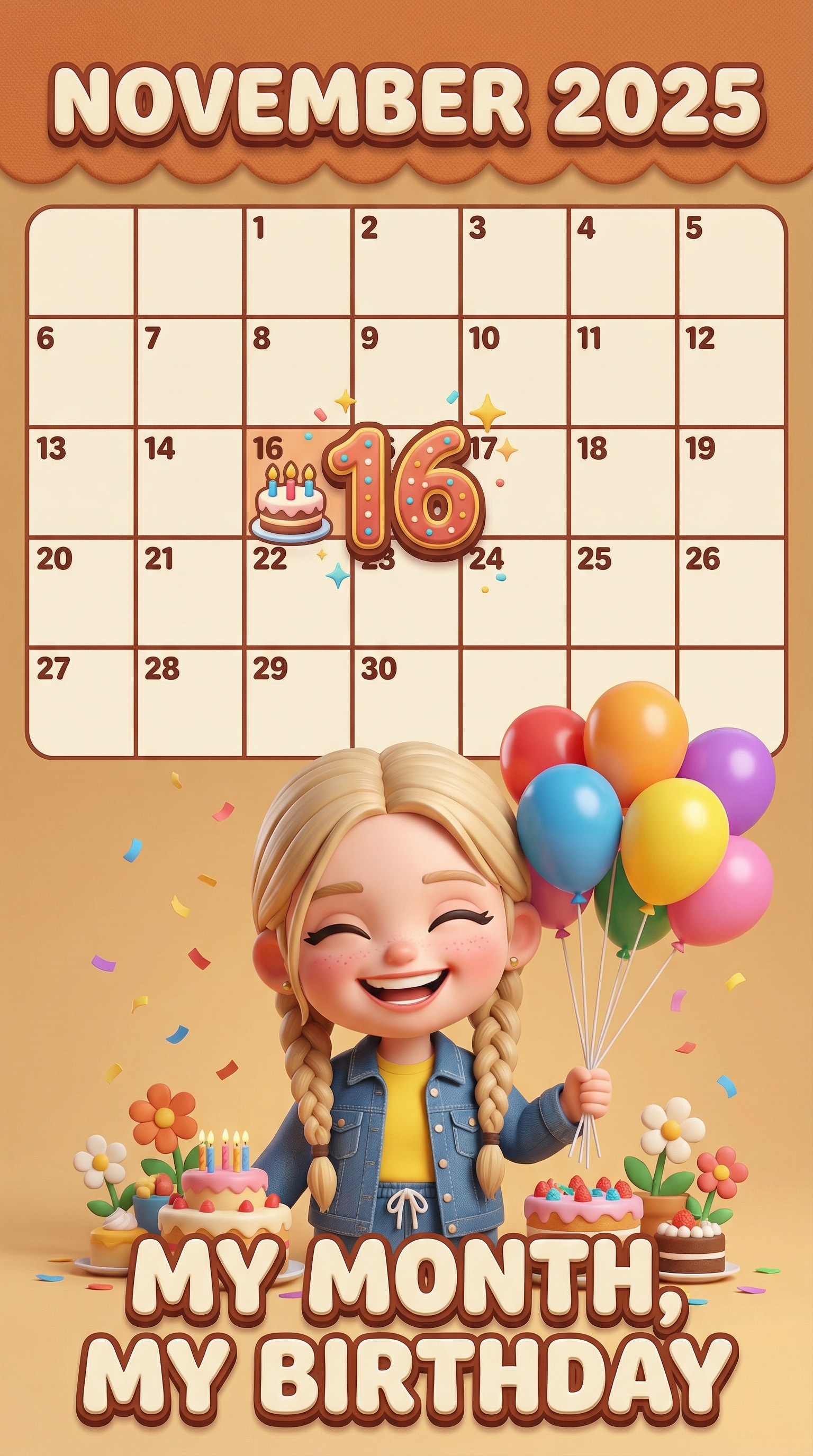
Highlight a special birthday month with a cute, 3D Pixar of yourself! Mark important dates, spotlight the birthday with fun icons, and feature a stylized chibi version of the person so the whole month feels like a mini celebration.
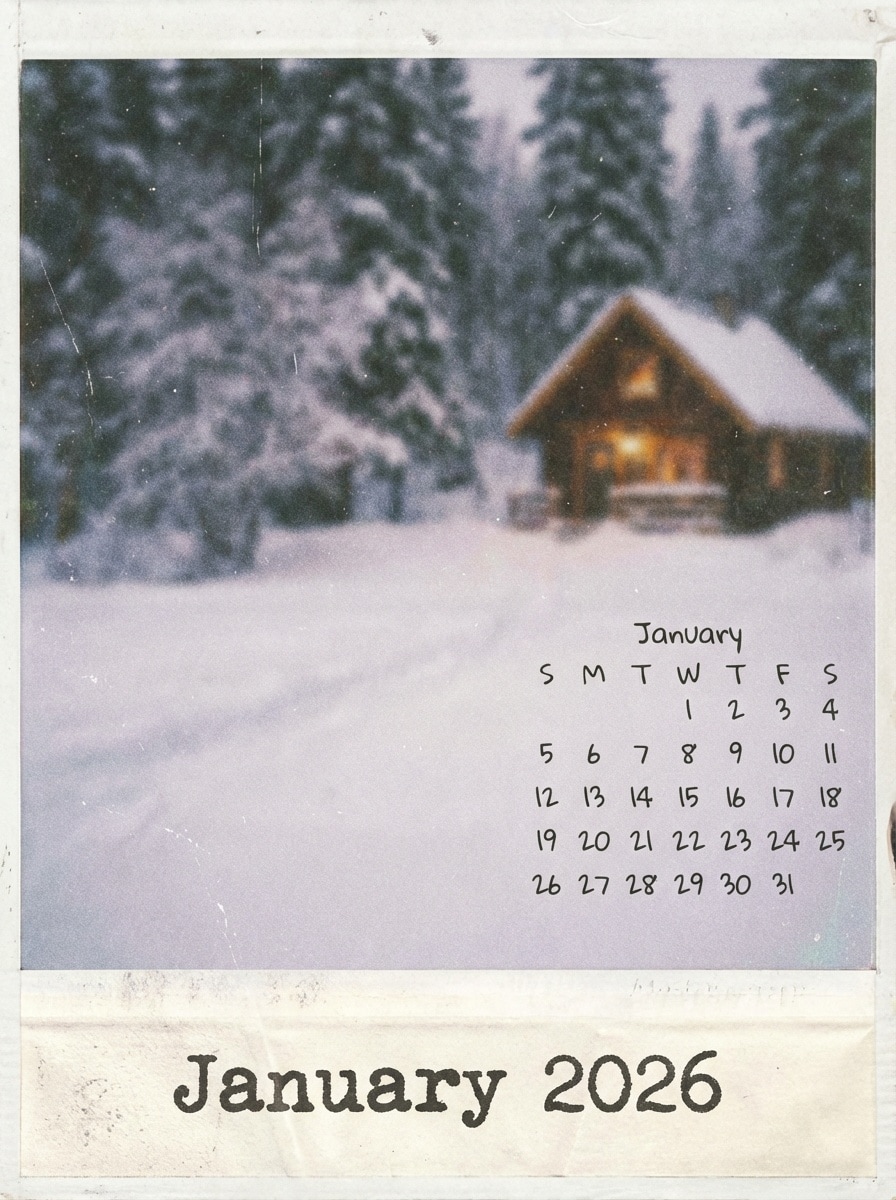
Create a brutalist-inspired, gallery-ready calendar with strong shapes, bold color blocks,
and clean typography. Perfect for creatives, designers, or anyone who wants their monthly planner
to look like a modern poster.
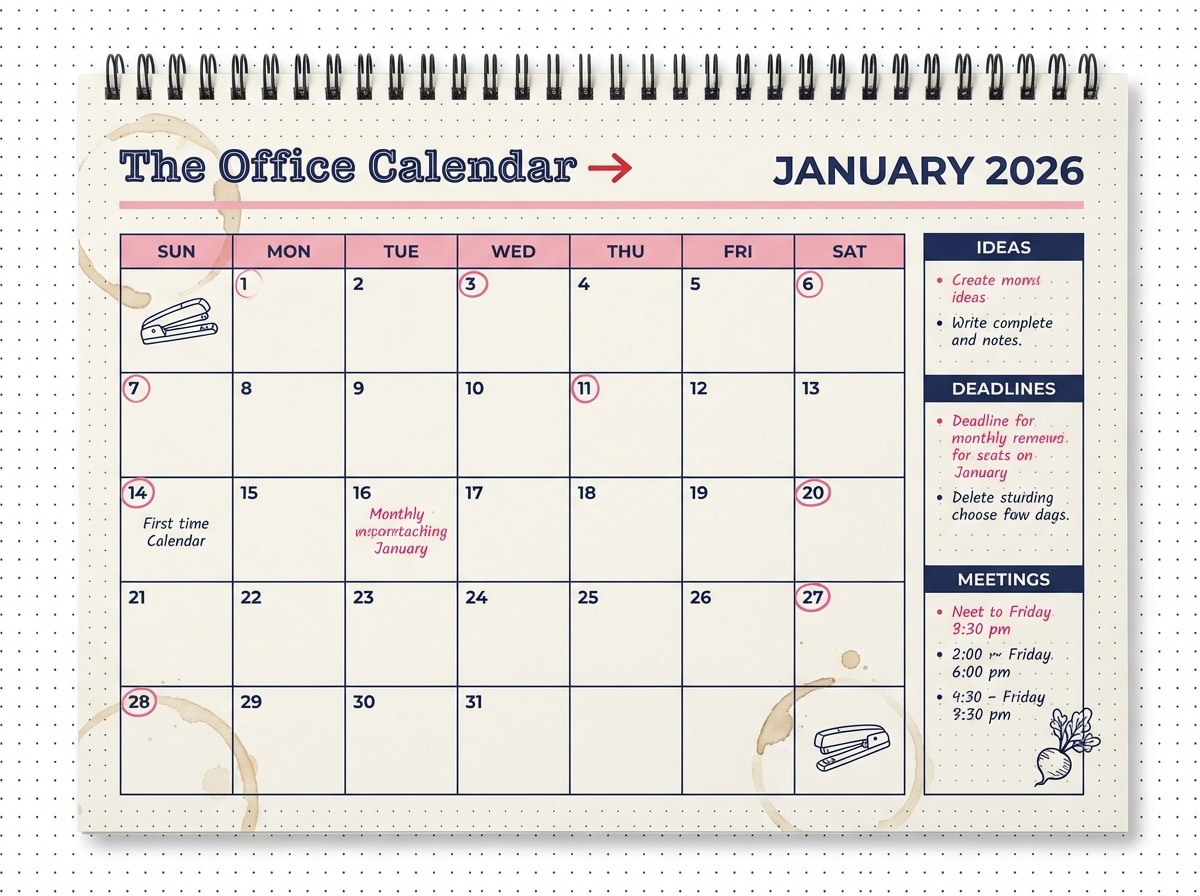
Design a clean monthly calendar for work with clear dates, task sections, and meeting reminders.
Ideal for teams, home offices, or students who want a simple, structured layout they can print and pin above the desk.
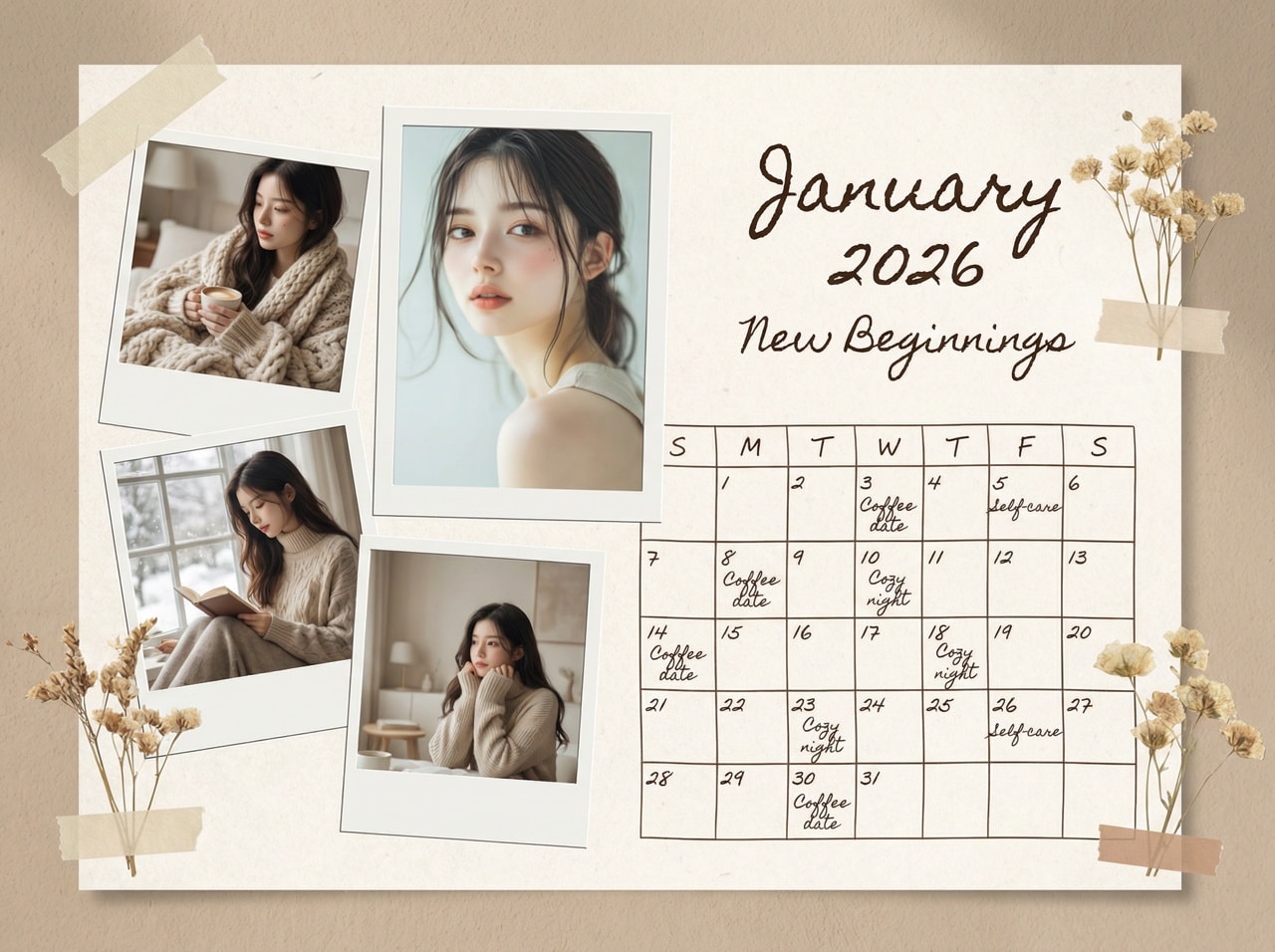
Turn your selfies and everyday snapshots into a cozy lifestyle calendar with Polaroid-style frames,
warm neutral tones, and handwritten accents. Great for vision boards, memory keepsakes,
or gifting a custom calendar to friends and family.
A stylized 3D Pixar-like calendar for November 2025, highlighting November 16 as the person's birthday
with a cake icon and a large number “16”. The text at the bottom says “MY MONTH, MY BIRTHDAY”, and there is
a cute 3D chibi semi-realistic figure of the person (based on the uploaded image) wearing a giggly smile, holding
balloons, with flowers and a birthday cake around them. Warm, fun, celebratory birthday mood.
Brutalist minimalist January 2026 calendar, bold asymmetric red and black geometric blocks slicing the frame,
ultra-thin white grid calendar brutally cropped and offset to the lower left, a person dramatically emerging from
negative space in a pristine winter coat, museum exhibition poster style, perfect composition with strong graphic
design and editorial typography.
The Office style January 2026 monthly calendar, dotted grid background, pink and navy blue color scheme,
“The Office Calendar” logo with a red arrow, clean minimalist layout. Include sections on the right labeled
Ideas, Deadlines, and Meetings for notes, while keeping the main calendar grid clear and easy
to read for productivity.
Aesthetic January 2026 calendar with lifestyle photos of the uploaded person in a Polaroid-style photo collage.
Beige and white tones, soft shadows, and subtle tape or paper textures. Handwritten font elements for the month
title and small notes. Cozy modern vibe inspired by aesthetic October layouts, but adapted for January.
How to Create a Calendar from Text with AI in 3 Steps
01
Step 1: Describe Your Calendar or Upload Photos
Go to Media.io/ai and choose Text-to-Image to describe your calendar,
or Image-to-Image if you want to include personal photos.
Type what you want — a monthly calendar, photo calendar, yearly planner, minimalist layout,
cute aesthetic, or corporate theme — and upload any images you’d like the AI to use in the design.
02
Step 2: Generate Your Calendar Layout with AI
Click Generate and let the Gemini 3 / Nano Banana Pro model build a
clean, ready-to-print calendar layout in seconds.
The AI automatically handles the grid, dates, typography, spacing, and overall design,
so you don’t need any templates, design software, or layout skills — just your idea.
03
Step 3: Customize & Download
Refine your prompt or regenerate if you want a different layout, color palette, or aspect ratio
(A4, square, poster size, desktop wallpaper, etc.).
Once you’re happy with the design, download your HD, watermark-free calendar
and use it however you like — print it at home, send to a print shop, or keep it as a digital planner
on your devices.
An AI calendar generator creates custom calendars automatically from text or photos.
Instead of using templates or design software, you just describe the style you want — or upload images —
and the AI designs a complete monthly or yearly calendar layout for you.
2. How do I create a calendar with AI?
Go to Media.io/ai, choose Text-to-Image or Image-to-Image, and type your calendar idea
(for example: minimalist monthly calendar, 2025 yearly poster, photo calendar, planner page).
The AI then generates a clean, printable calendar layout in just a few seconds.
3. What types of calendars can I make?
You can generate monthly calendars, yearly calendars, photo calendars, planners,
desktop wallpapers, business calendars, student schedules, and printable planner sheets.
Just describe the format and style you want in your prompt.
4. Do I need design experience to use this?
No design skills are required. The AI handles the layout, grid, dates, typography, and spacing for you.
Media.io is beginner-friendly and ideal for students, creators, small businesses, and anyone who wants
a polished calendar without opening complex design tools.
5. Is the AI Calendar Generator free to use?
Yes. Media.io provides free daily credits, so you can generate calendar designs online at no cost.
You can download high-quality, watermark-free PNG calendars ready for printing or digital use.
6. How does Gemini 3 / Nano Banana Pro improve calendar design?
Gemini 3 / Nano Banana Pro generates sharper text, cleaner grids, and more accurate date alignment
than older models. It keeps photo calendars consistent in lighting and quality, and produces more professional
layouts for planners, yearly designs, business calendars, and aesthetic posters with less tweaking needed.