

Seedream 5.5 AI Image Generator
Make focused image edits across up to 100 rounds and create transparent RGBA assets with Seedream 5.5, coming soon to Media.io. Explore our AI image editing tools while you wait.
Multi-turn edits · Transparent RGBA · Lifelike details
See Seedream 5.5 Image Creation and Editing
Seedream 5.5 supports iterative image editing, native RGBA transparent output, lifelike lighting and material detail, and improved rendering for dense text. Media.io integration is coming soon.
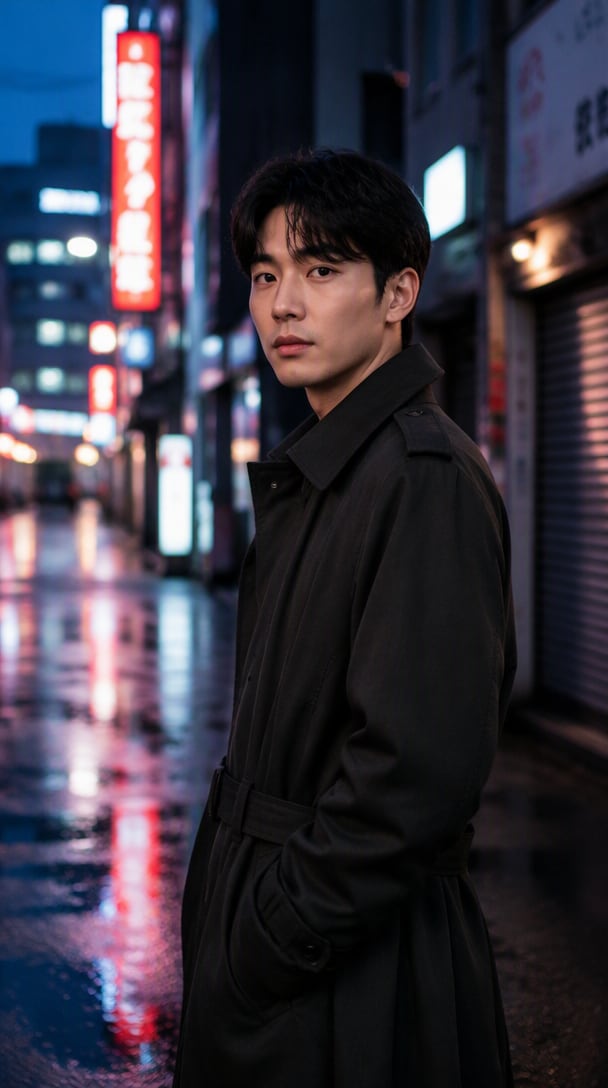
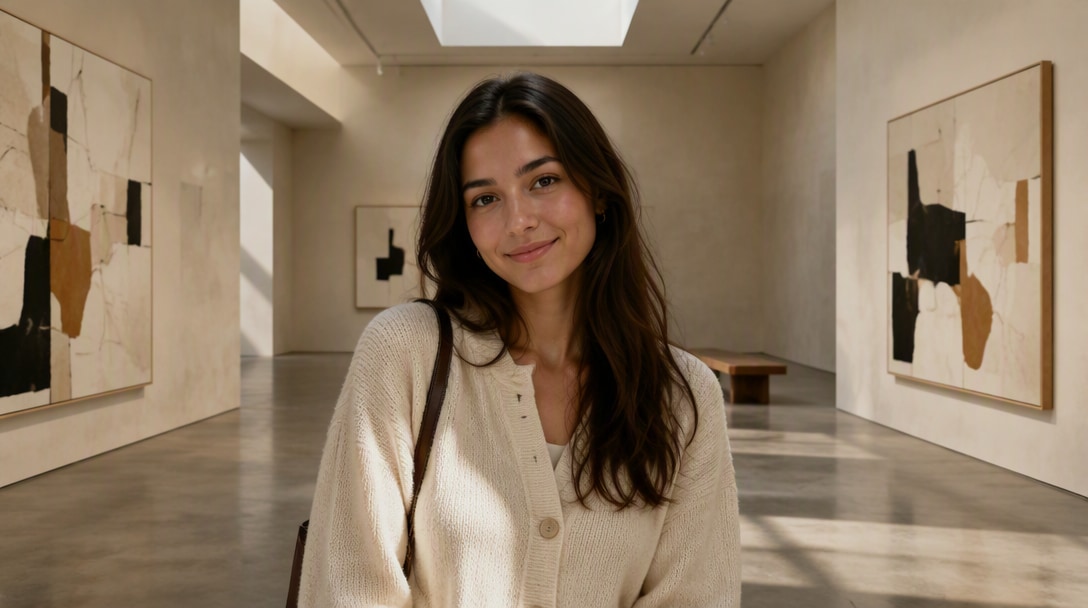
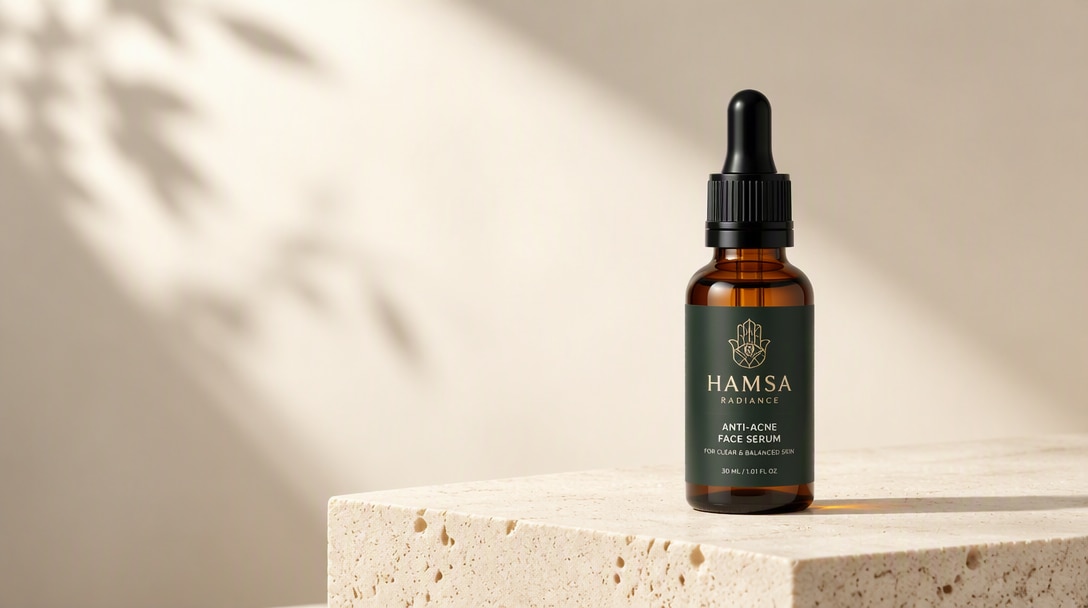
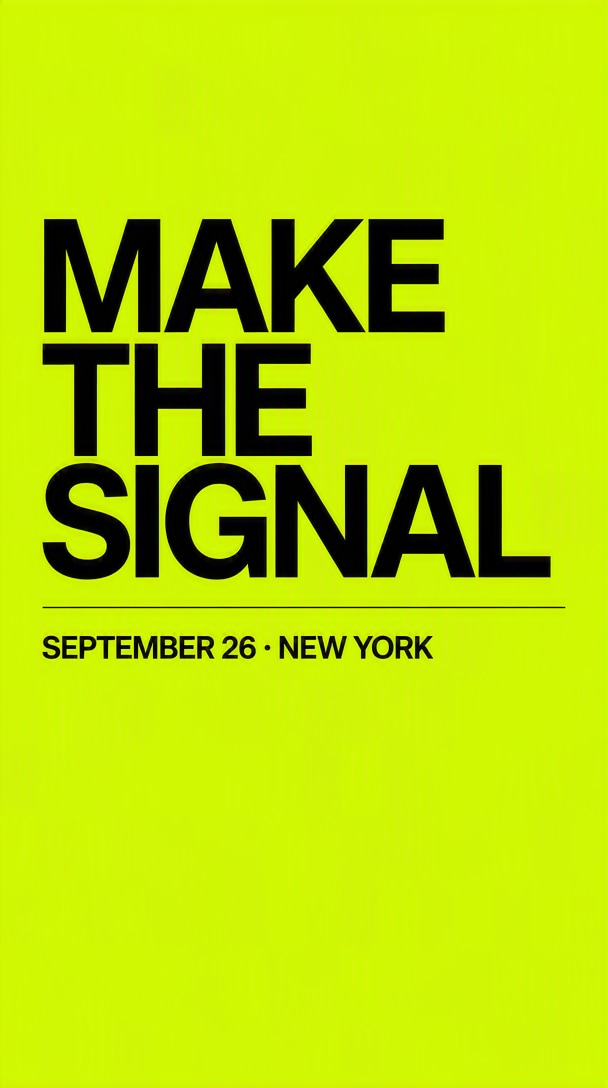
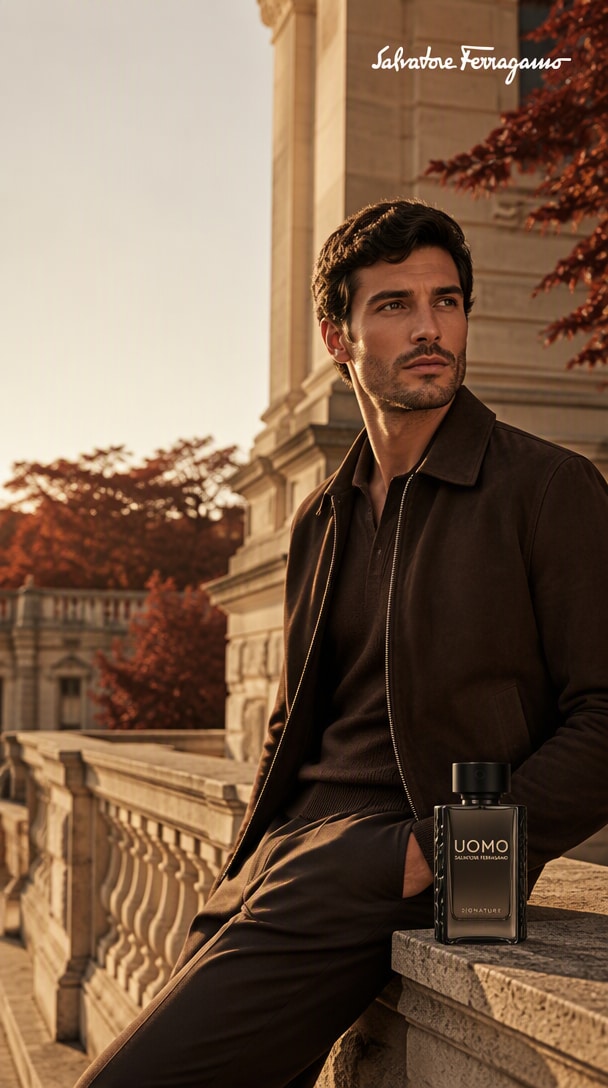
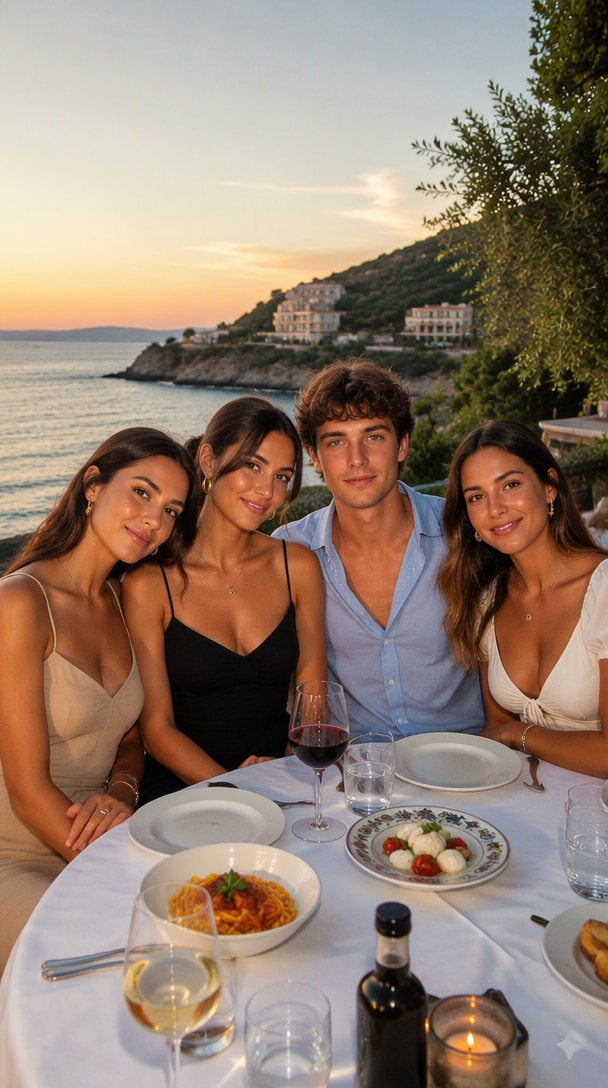
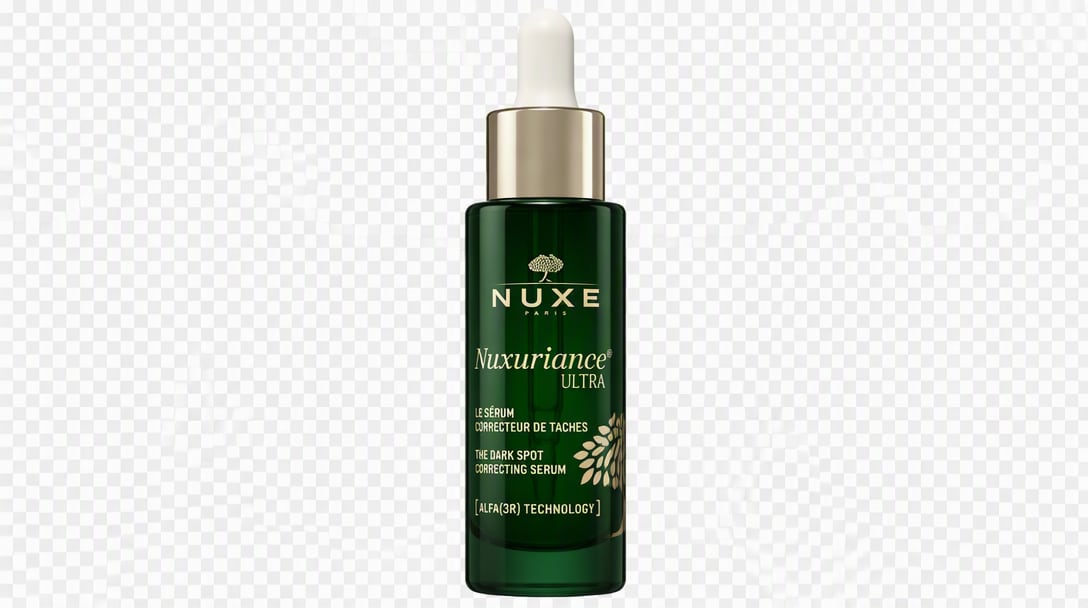
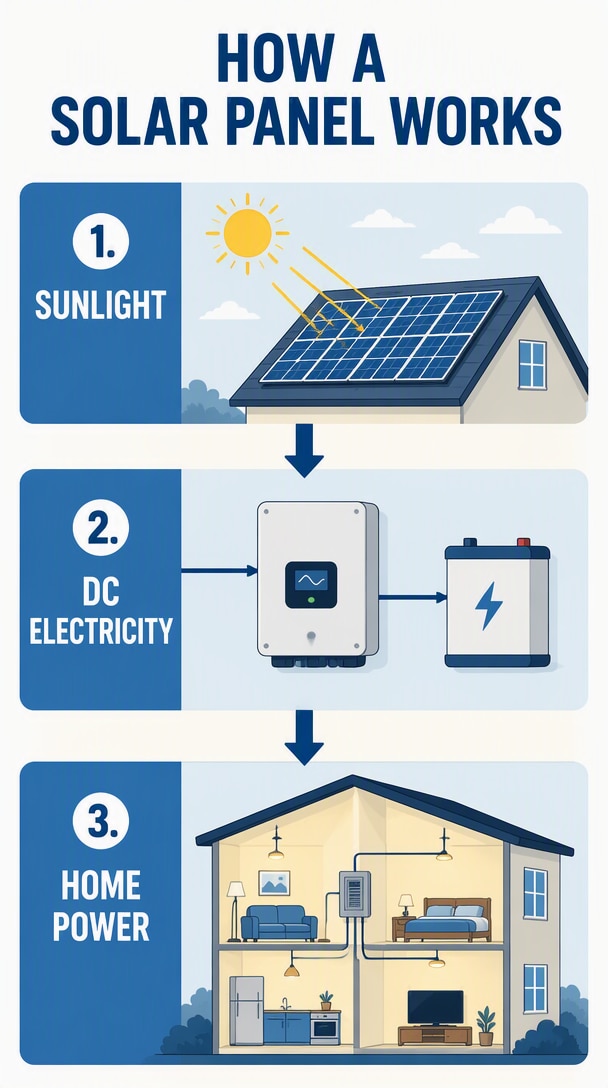
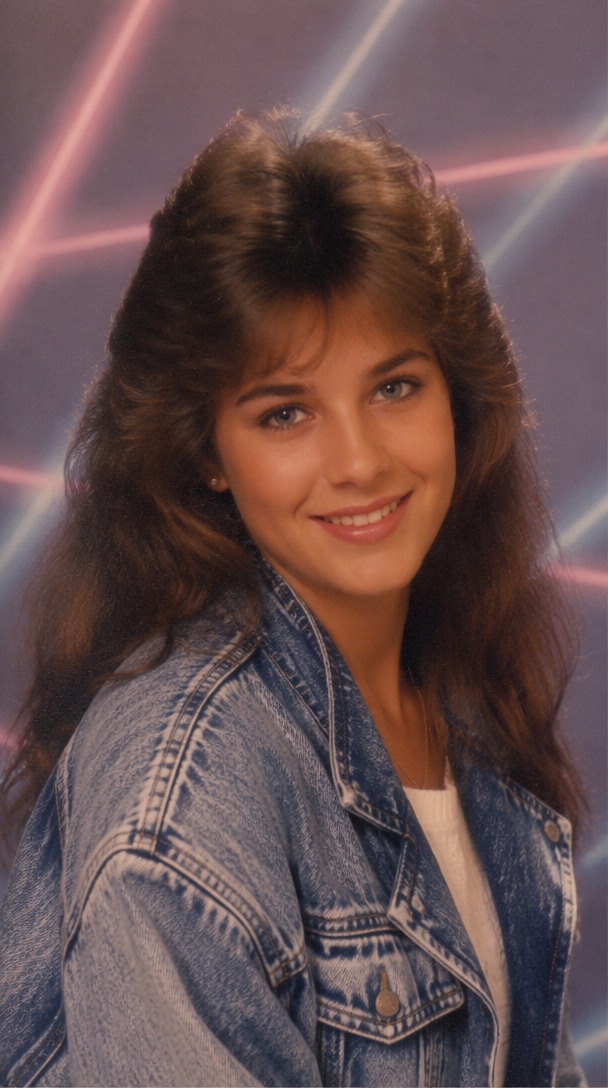
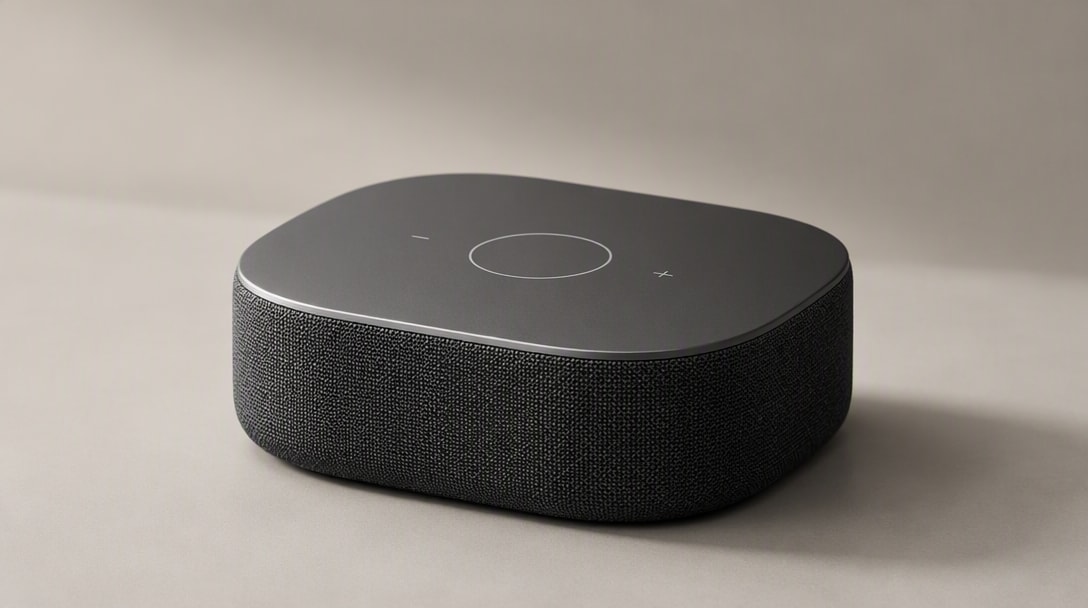
What Makes Seedream 5.5 Useful for Creative Work?
Edit an Image Across Multiple Turns
Make targeted changes through up to 100 editing rounds on the same image while keeping unedited regions stable at the pixel level.
Create Transparent RGBA Assets
Generate transparent or semi-transparent assets with fine edge detail for layouts, product pages, slides, and video overlays.
Render More Natural Detail
Explore images with more natural lighting, material detail, and skin texture for portraits, products, and campaign visuals.
Improve Small and Dense Text
Create text-rich graphics with improved rendering for small, dense, and complex characters. Review generated text before publishing.
Create and Refine in One Flow
Start from a prompt or image, make focused revisions, and continue shaping the same visual as Seedream 5.5 comes to Media.io.
Ways to Create with Seedream 5.5 on Media.io
Seedream 5.5 combines image generation with iterative editing and transparent asset creation. Try these workflows when the model arrives on Media.io.
Refine a Portrait Over Multiple Edits
Adjust hair, eyewear, makeup, clothing, or background in separate passes. Seedream 5.5 is designed to keep unedited regions stable while you refine the image.
Explore Portrait Editing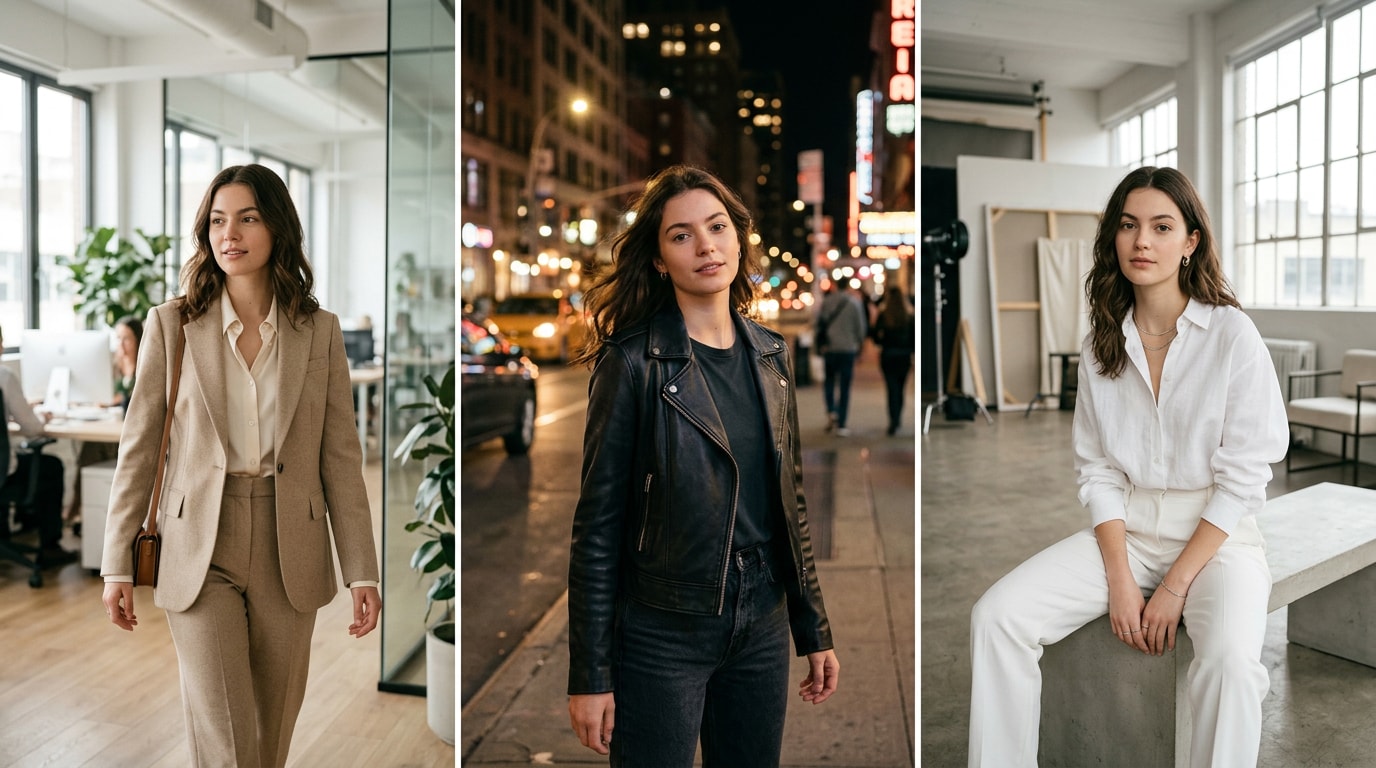
Portrait source → focused revisions → refined image.
Refine Product Details in Stages
Adjust a product image in focused passes, such as changing a surface, lighting detail, or prop while preserving areas you want to keep.
Explore Product Editing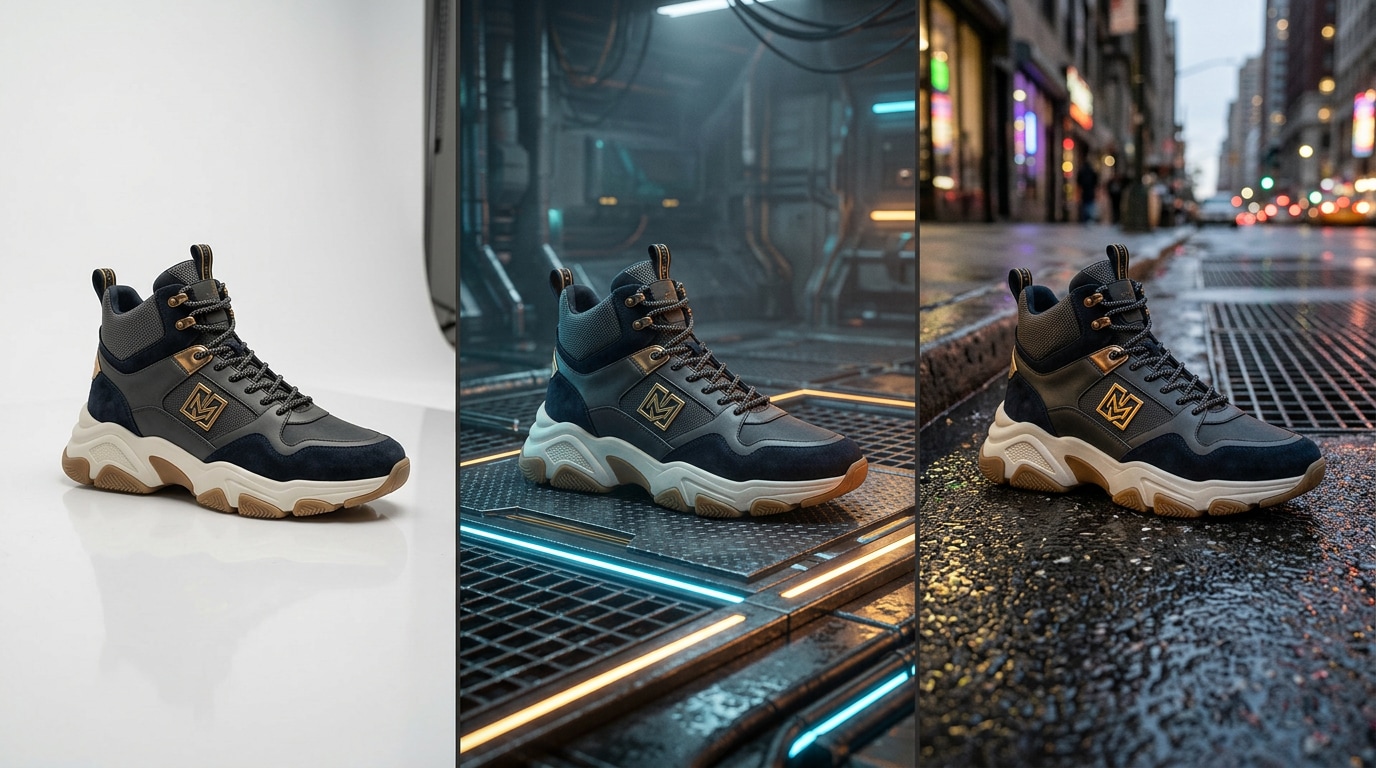
Product photo → targeted changes → refined campaign visual.
Change One Area and Preserve the Rest
Describe a targeted change, then refine the same image over successive rounds. The model is designed to preserve unedited regions at the pixel level.
Explore Multi-Turn Editing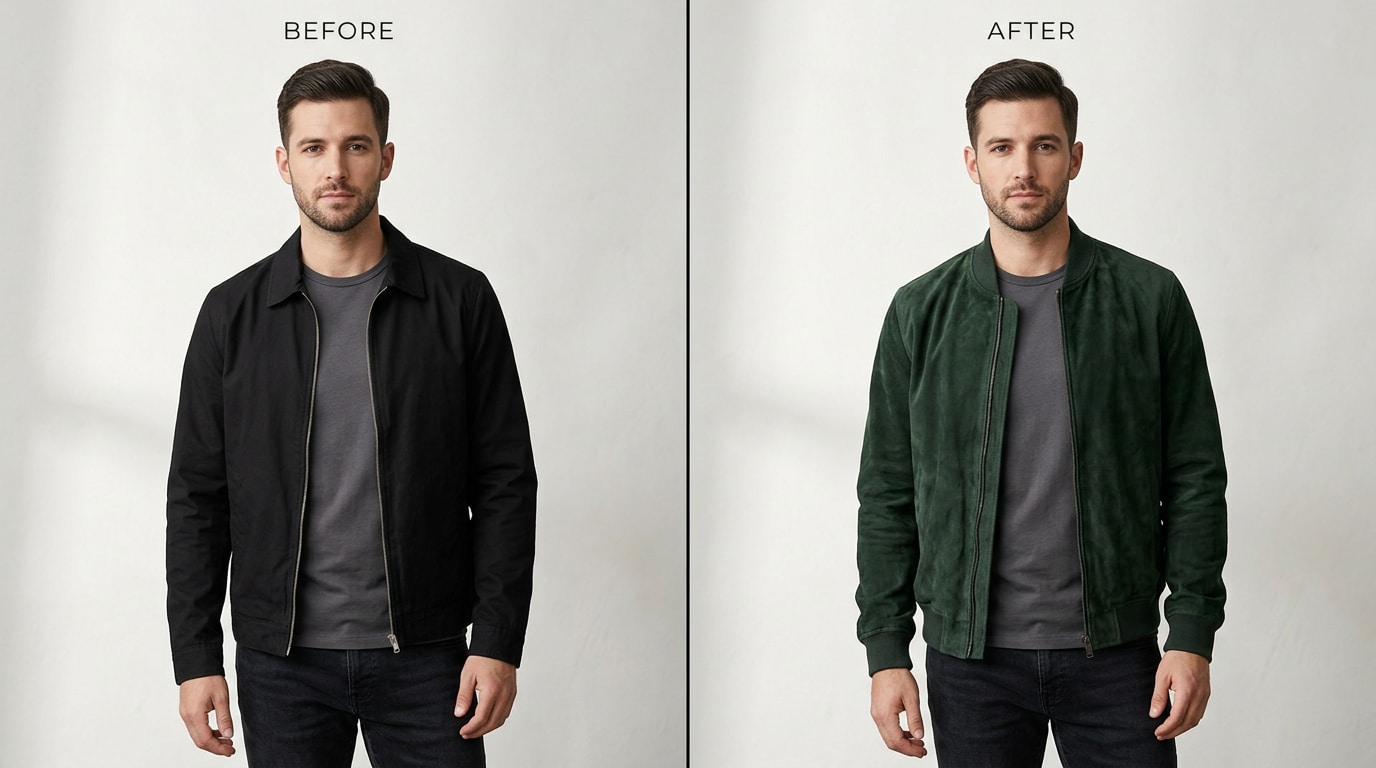
Original image → successive edits → unchanged areas retained.
Create Transparent Assets for Design
Generate transparent or semi-transparent RGBA elements from a prompt or reference image for stickers, product pages, slides, and video overlays.
Explore Transparent Image Assets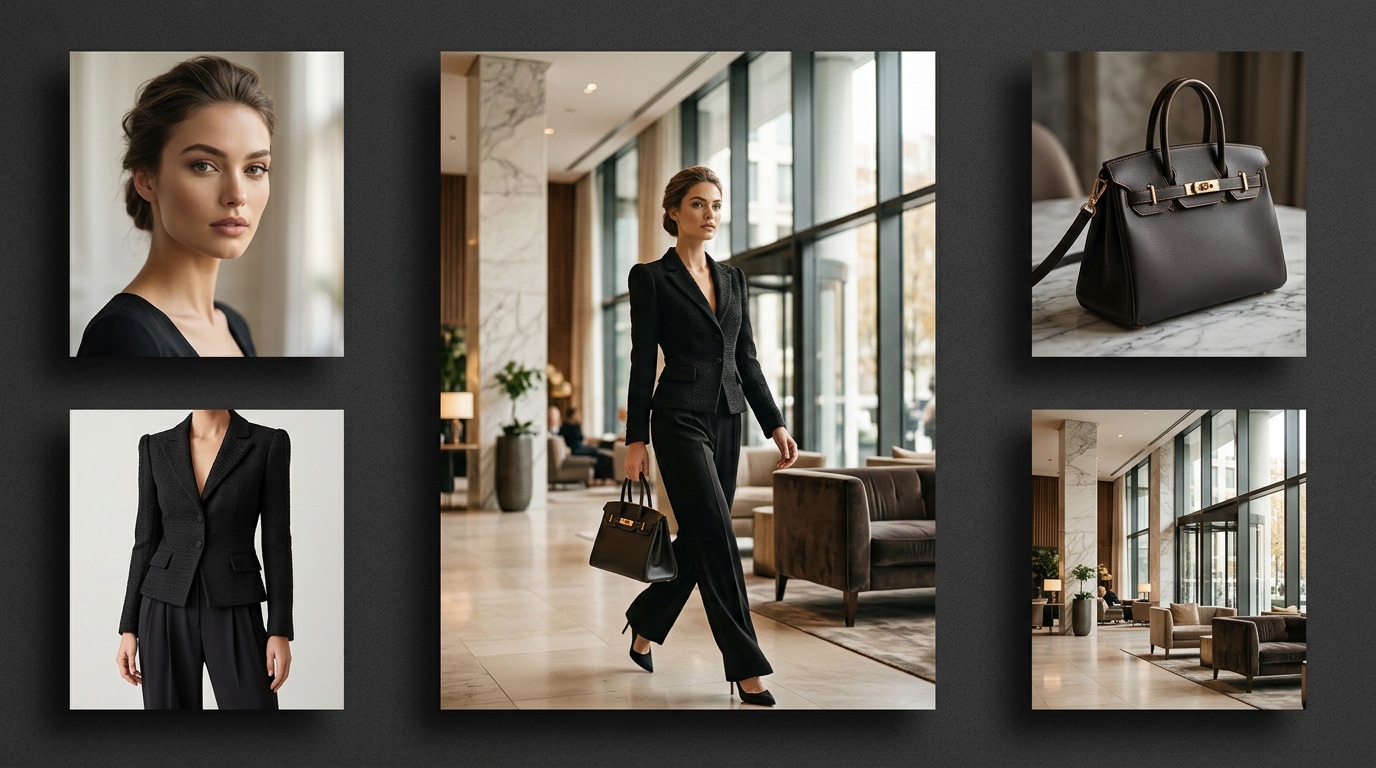
Text or reference image → separate RGBA creative asset.
Build Graphics with Clearer Small Text
Create posters, infographics, and campaign graphics with improved rendering for dense text and complex characters. Check wording and layout in the final image.
Explore Text-Rich Graphics
Prompt → text-rich graphic → reviewed final image.
How to Use Seedream 5.5 for Image Editing and Creation
Step 1: Upload an Image or Describe a Concept
Start with a text description or an image you are authorized to use. Seedream 5.5 supports image creation and iterative edits from visual inputs.
Step 2: Make a Focused Edit
Describe one change at a time, review the result, and continue refining the same image. Seedream 5.5 supports up to 100 rounds of continuous editing.
Step 3: Review and Export
Check that details, text, and transparent edges look right, then use Media.io export options when Seedream 5.5 becomes available.
Explore Seedream 5.5 Capabilities
Seedream 5.5 was announced by ByteDance Seed on November 9, 2026. It is rolling out on ByteDance platforms; Media.io integration is coming soon.
| Capability | Image Creation Text + References | Multi-Turn Editing Up to 100 rounds | Transparent Assets Native RGBA |
|---|---|---|---|
| Core workflow | Create images from prompts and references | Edit an image in stages | Create transparent assets |
| Inputs | Text prompt or reference image | Image plus a focused instruction | Text prompt or reference image |
| Example tasks | Create a visual concept or scene | Change image details over several passes | Generate stickers or design elements |
| Preserve details | Describe the look you want to create | Keep unedited regions stable at the pixel level | Retain transparent areas and fine edges |
| Editing limit | Prompt-led image creation | Up to 100 rounds on the same image | Generate transparent outputs |
| Text in images | Improved text rendering | Refine small and dense text in later rounds | Combine readable text with visual elements |
| Visual detail | Natural lighting and materials | Refine material and skin detail over turns | Preserve fine asset edges |
| Output | Generated image | Refined image | Transparent or semi-transparent RGBA |
| Availability | Seedream 5.5 is announced | Coming soon on Media.io | Coming soon on Media.io |
| Design uses | Portrait, product, and campaign images | Focused image refinements | Slides, product pages, and video overlays |
| Final review | Review generated image details | Review each edit before continuing | Inspect text and transparent edges |
Media.io will announce availability and export options at launch.
Seedream 5.5 Creative Workflows

Digital Marketer

Marketing graphics Create text-rich campaign graphics with improved rendering for small, dense text and complex characters. Review the generated wording before publishing.

Content Creator
Portrait edits Refine portrait details over multiple passes while keeping unedited regions stable at the pixel level.

Art Director
Transparent product assets Create transparent RGBA elements for product pages, slides, and video overlays.

Graphic Designer
Natural texture and detail Develop lifelike visuals with natural lighting, finer materials, and refined skin textures.
Seedream 5.5 AI Image Generator and Editor FAQs
1. What is Seedream 5.5?
Seedream 5.5 is the ByteDance Seed team image creation model. It combines image generation, multi-turn editing, transparent RGBA output, and improvements to image detail and text rendering.
2. Can Seedream 5.5 edit an existing image?
Yes. Seedream 5.5 is designed to make targeted changes over successive rounds while preserving unedited regions at the pixel level. Media.io will add the model soon.
3. Can Seedream 5.5 create transparent images?
Yes. The model can generate transparent and semi-transparent RGBA assets, including stickers and design elements, from text descriptions or reference images.
4. How many editing rounds does Seedream 5.5 support?
ByteDance Seed says Seedream 5.5 supports up to 100 continuous editing rounds on the same image. Review each pass as you refine it.
5. Does Seedream 5.5 improve text and image detail?
ByteDance reports more natural lighting, material and skin textures, plus improved rendering for small, dense text and complex characters. Generated text can still need review.
Explore Top AI Models on Media.io


 4.7 (162,357 Votes)