Image to Image
Nano Banana Pro
Upload Image
0 / 9
Click or drag to upload, or choose from My History
No ideas? Generate an image first >
Support upload format: jpg, png, jpeg.
Prompt
0/2000
Aspect Ratio
Auto
9:16
16:9
1:1
4:3
3:4
3:2
2:3
21:9
Resolution
1K
2K
4K
Unlimited Banana Pro
Number of Images
1
2
3
4
Public Visibility
All
Image
Video
Audio
Generate List
The generated results will be kept for 7 days. Please save them in time.
ai_video_generatorUnlock your creative potential and experience the magic of Media AI right away!

AI Muppet Generator for Fun Photo-to-Puppet Transformations

Turn selfies, portraits, couple shots, family photos, or pet pictures into playful muppet-style characters online. Upload an image, choose a handcrafted felt-look style, and generate colorful puppet-inspired results fast with a beginner-friendly workflow on any device.

Create My Muppet Portrait

Type your idea -> AI designs it. Free to try.

Explore our curated collection of ai muppet generator styles.

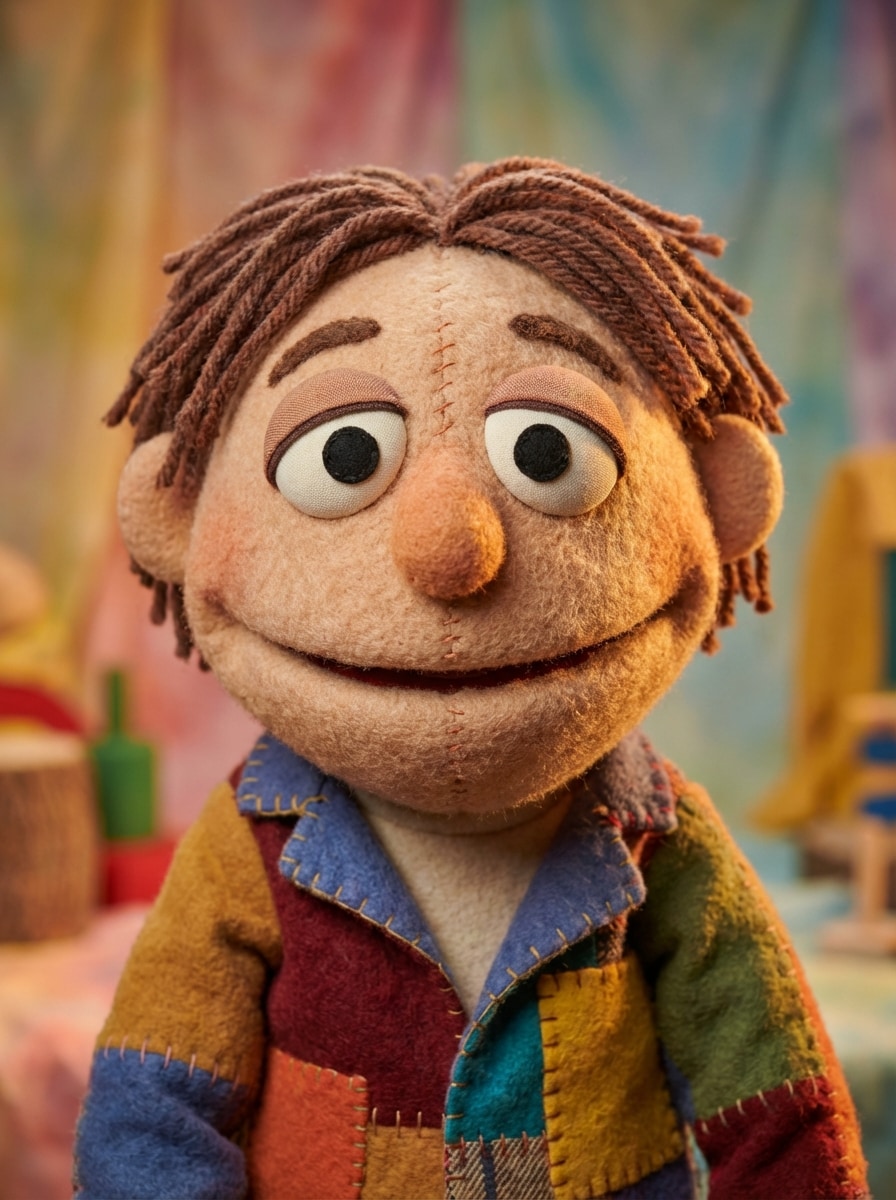
Studio Muppet Portrait

Studio Muppet Portrait

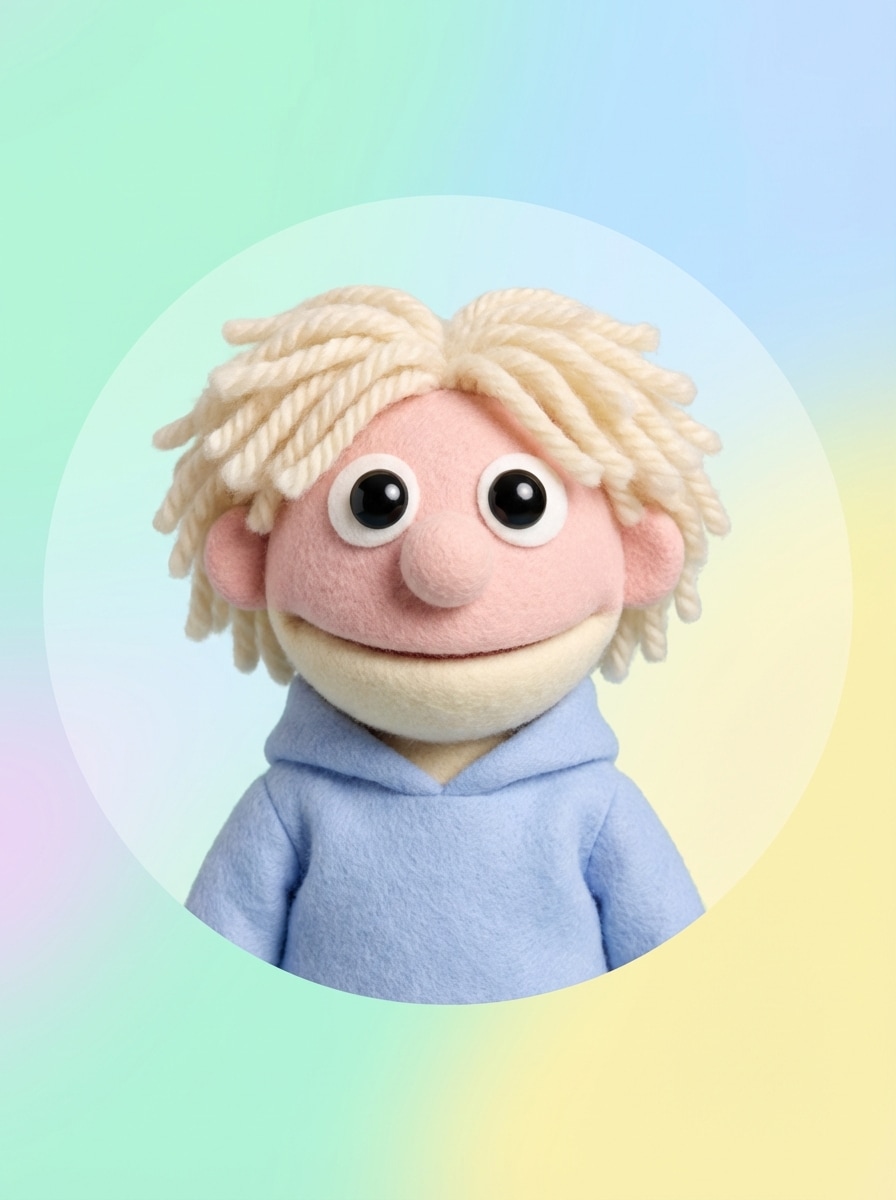
Use the uploaded image as the subject and transform it into a friendly muppet-style studio portrait with soft felt skin, stitched fabric details, fluffy yarn hair, round expressive eyes, warm handcrafted lighting, cheerful color accents, clean portrait framing, and strong facial resemblance to the original person.
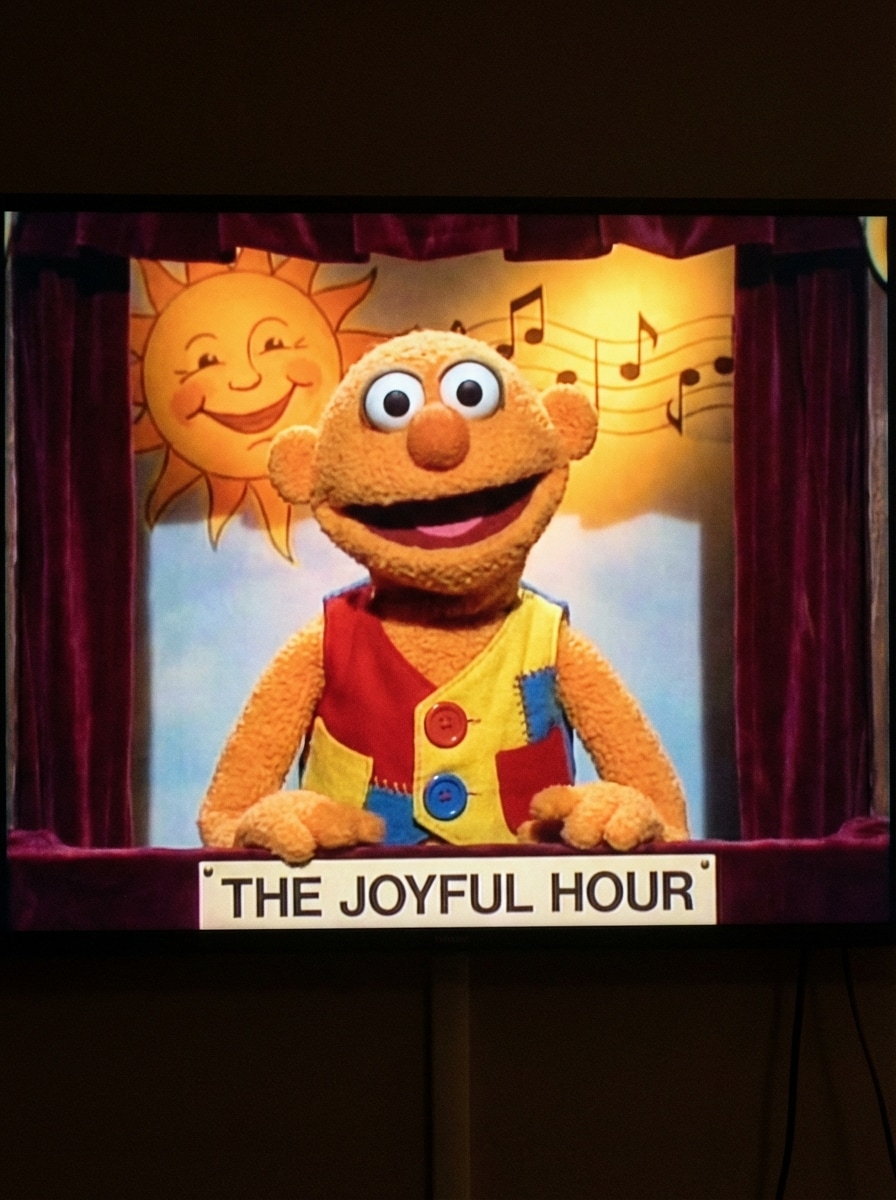
Retro TV Puppet

Retro TV Puppet

Use the uploaded image as the subject and restyle it into a retro TV puppet from a classic variety show, with fleece-like fabric texture, playful handmade facial features, vintage stage lighting, colorful wardrobe, nostalgic set design, soft shadows, cheerful expression, and a family-friendly old-school entertainment mood.

Pastel Felt Avatar

Pastel Felt Avatar

Use the uploaded selfie as the subject and create a cute pastel muppet-inspired avatar with soft felt materials, pastel pink and mint color palette, simplified puppet features, fluffy yarn hair, bright friendly eyes, smooth centered framing, clean background, and a social-profile-ready finish while keeping the face recognizable.

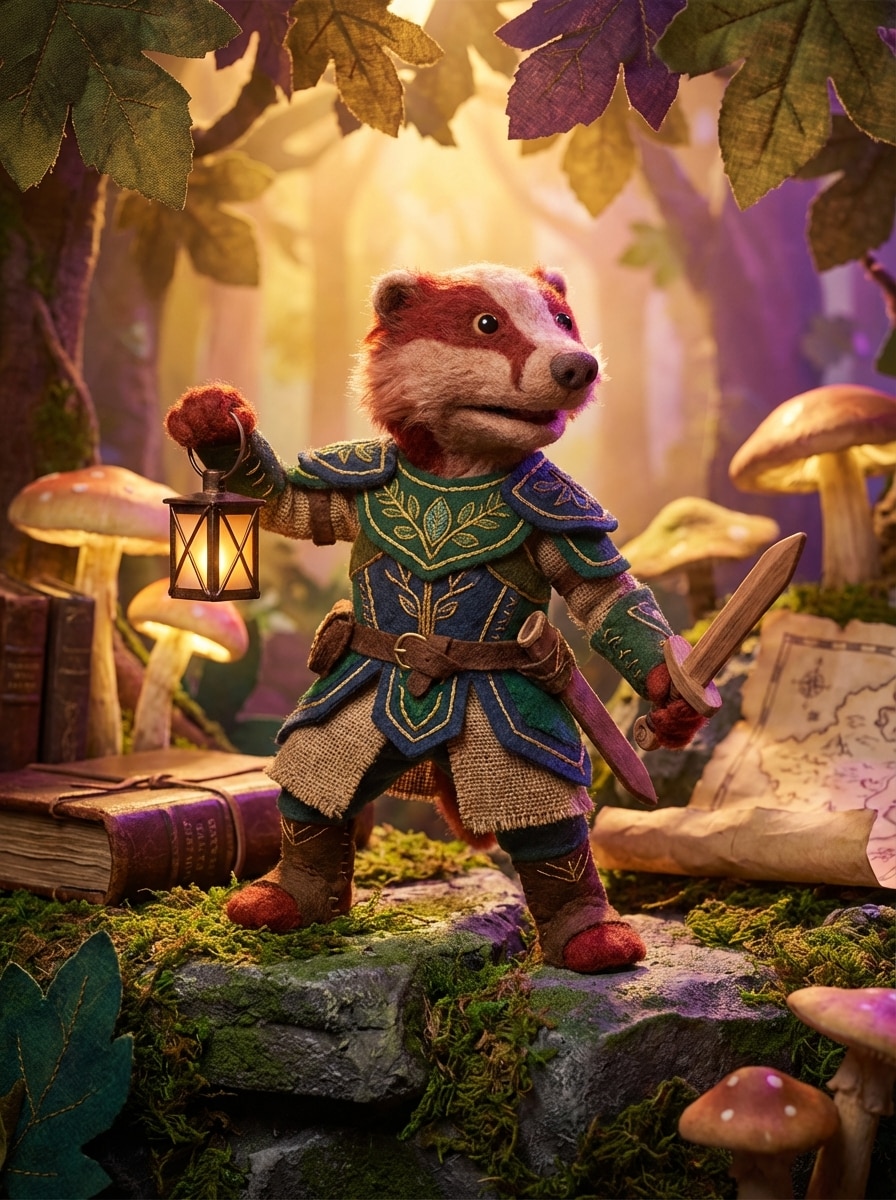
Fantasy Puppet Hero

Fantasy Puppet Hero

Use the uploaded image as the subject and transform it into a fantasy muppet hero with handcrafted felt armor, textured fabric layers, storybook scenery, dramatic magical lighting, vivid jewel-tone palette, heroic pose, rich puppet details, and strong resemblance so the character still feels like the original person.

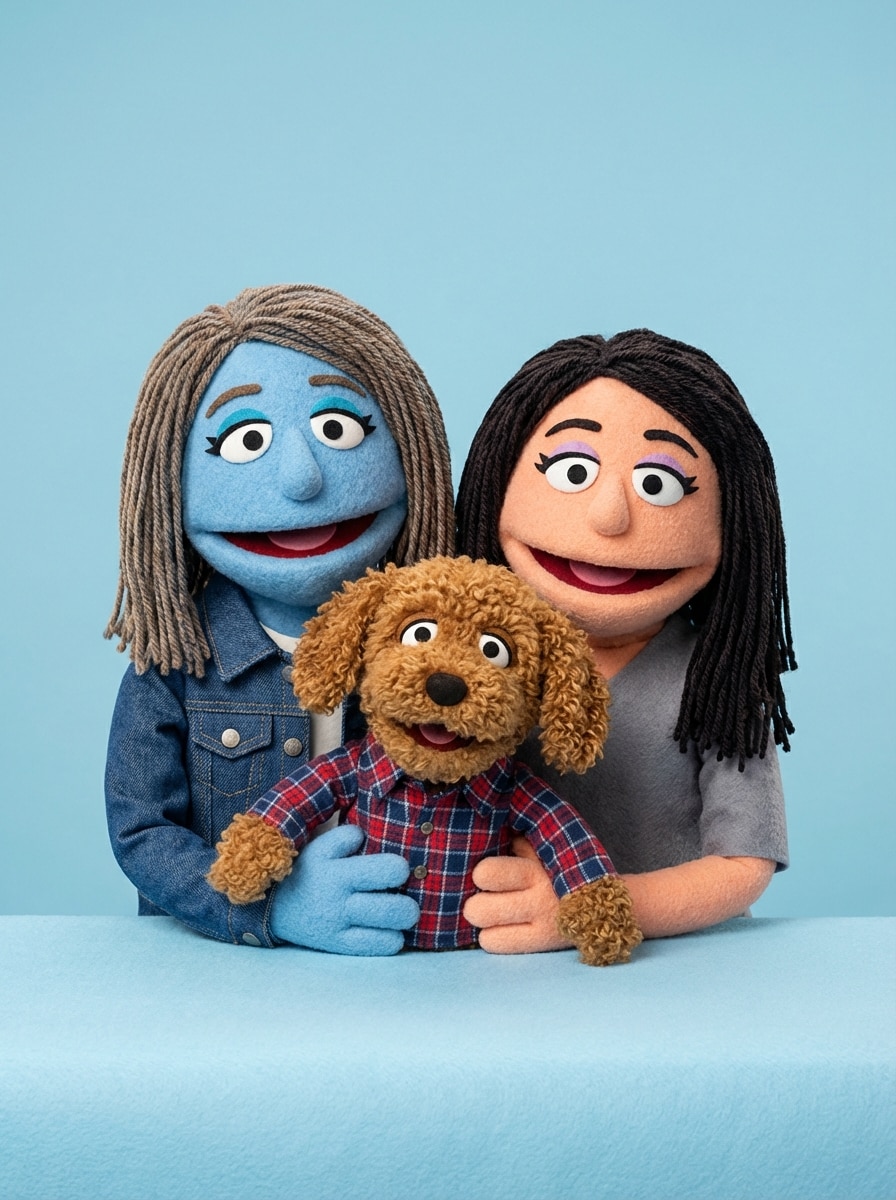
Human and Pet Puppet Duo

Human and Pet Puppet Duo

Use the uploaded photo as the subject and turn the person and pet into matching muppet-style characters with coordinated felt textures, expressive handcrafted details, cheerful colors, soft studio lighting, playful wardrobe accents, balanced duo composition, and strong resemblance for both the human and animal.

Why Use Media.io for an AI Muppet Generator

Made for Photo-to-Muppet Uploads

Upload JPG, PNG, or JPEG photos and turn portraits, selfies, pets, or family shots into muppet-style characters with an easy image-to-image workflow.

Better Identity Preservation

Advanced models including Nano Banana Pro, Nano Banana 2, and Media 2.0 help keep facial resemblance, character consistency, and clothing cues more intact during stylized puppet transformations.

Flexible Resolution and Aspect Ratios

Generate puppet portraits in 1K, 2K, or 4K and choose from aspect ratios like 1:1, 9:16, 16:9, 4:3, and 3:4 for avatars, posts, and wallpapers.

Works on Any Device

Media.io runs in your browser on Windows, Mac, iPhone, iPad, and Android, so you can create a muppet filter result from desktop photos or mobile selfies anywhere.

How to Use the AI Muppet Generator

1
2
3
1
Open Media.io AI Image Generator

Go to AI Image to Image Generator and open the AI Image Generator under AI -> AI Image Generator. This online tool runs in your browser, so you can create muppet-style portraits without installing software.

2
Upload a Photo and Enter Your Style Prompt

Upload a clear JPG, PNG, or JPEG portrait, selfie, pet photo, or couple image. Then type a detailed prompt like "Use the uploaded image as the subject and transform it into a friendly muppet-style puppet character with soft felt texture, yarn hair, bright eyes, and warm studio lighting." Adjust aspect ratio, resolution, and image count if needed.

3
Generate, Refine & Download

Click Generate. Tweak the prompt or switch settings if you want a different muppet filter look. When the result is ready, download your high-resolution image for sharing, profile pictures, or creative projects.

Step 1
Step 2
Step 3

Unlock the Potential of AI Muppet Generator

Discover how creators and professionals are using our AI-powered Muppet Generator to transform their creative workflows and bring unique ideas to life.

Turn Selfies Into Shareable Puppet Avatars

Create a playful muppet-style profile picture for TikTok, Instagram, YouTube, or messaging apps. A simple selfie can become a colorful felt-texture character that feels original, recognizable, and instantly social-ready.

Make Couples, Family, and Team Photos More Fun

Convert group photos into a coordinated puppet cast for holiday cards, team intros, birthday graphics, or party invites. It is an easy way to turn ordinary portraits into memorable, family-friendly character art.

Transform Pet Photos Into Whimsical Characters

Use the AI muppet generator to restyle dog, cat, or pet portraits into cute handcrafted puppet personalities. These images work well for custom gifts, themed social posts, and playful branding for pet-focused creators.

What Users Say About This AI Muppet Generator

user
Alyssa M.

Content Creator

star star star star star

"Perfect for social avatars" I uploaded a basic selfie and got a bright puppet-style portrait that still looked like me. The felt texture and yarn hair details were exactly the kind of muppet-inspired look I wanted for my profile image.

user
Jordan P.

Small Business Owner

star star star star star

"Easy before-and-after transformation" The upload workflow was simple, and the result looked polished enough to share right away. I like that I could try different aspect ratios and generate a version that worked well for social posts.

user
Nina R.

Pet Blogger

star star star star star

"Great for pet and human photos" I tested it with both my dog and a photo of us together. The output kept the important features recognizable while adding a fun handmade puppet style. It felt playful without losing the original personality.

user
Marcus T.

Designer

star star star star star

"Good control over quality" What stood out to me was the ability to set resolution and aspect ratio. For an AI muppet generator, it gives you enough control to create quick concepts or sharper downloads for creative use.

AI Muppet Generator FAQs

1. How do I turn a photo into a muppet-style image online?

Open Media.io’s AI image generator in your browser, upload a JPG, PNG, or JPEG photo, and enter a detailed muppet-style prompt. The tool uses your reference image to guide the transformation, so you can turn a selfie, portrait, pet photo, or couple picture into a handcrafted puppet-style result online. Media.io is a web-based tool that works on any device with a browser (Windows, Mac, iOS, Android). This helps you create ai muppet generator results more consistently.

Yes, Media.io offers free access with 3 credits per day, which is helpful for testing an AI muppet generator or trying a quick muppet filter effect. Free users may see watermarks, while paid subscribers can download watermark-free high-resolution images. For more details, check the pricing page. Free users get 3 credits per day. For more, users can subscribe to a plan on the pricing page.

This page is focused on image-to-image creation, which is ideal if you want to turn photo into muppet artwork while keeping the subject recognizable. You upload a reference image and guide the style with a text prompt, combining both image input and prompt control in one workflow. This helps you create ai muppet generator results more consistently.

It can, especially when you upload a clear portrait and use a prompt that asks for strong resemblance. Media.io supports advanced models such as Nano Banana Pro, Nano Banana 2, and Media 2.0, which are designed to help preserve character consistency and important facial or clothing cues during stylized transformations. This helps you create ai muppet generator results more consistently.

The best photos are clear, well-lit images with the subject facing the camera and not heavily blocked by shadows or clutter. Selfies, portraits, couple shots, family photos, and pet images all work well when the face or main subject is easy to see. Clean backgrounds often help the muppet-style portrait come out more clearly. This helps you create ai muppet generator results more consistently.

Yes. Media.io is web-based, so it works on phones and tablets as well as desktops. You can use it on iOS, Android, Windows, or Mac as long as you have a browser, making it easy to create a muppet style portrait generator result from mobile selfies or saved photos. Media.io is a web-based tool that works on any device with a browser (Windows, Mac, iOS, Android).

Media.io Online AI Tools Quality Rating:
vote 4.7 (162,357 Votes)