Ultra-Realistic & Face Preserving
Our advanced AI lipstick filter precisely detects lip contours. It applies color naturally while preserving skin texture and facial details for a true-to-life result.
 Nano Banana Pro
 Unlock your creative potential and experience the magic of Media AI right away!
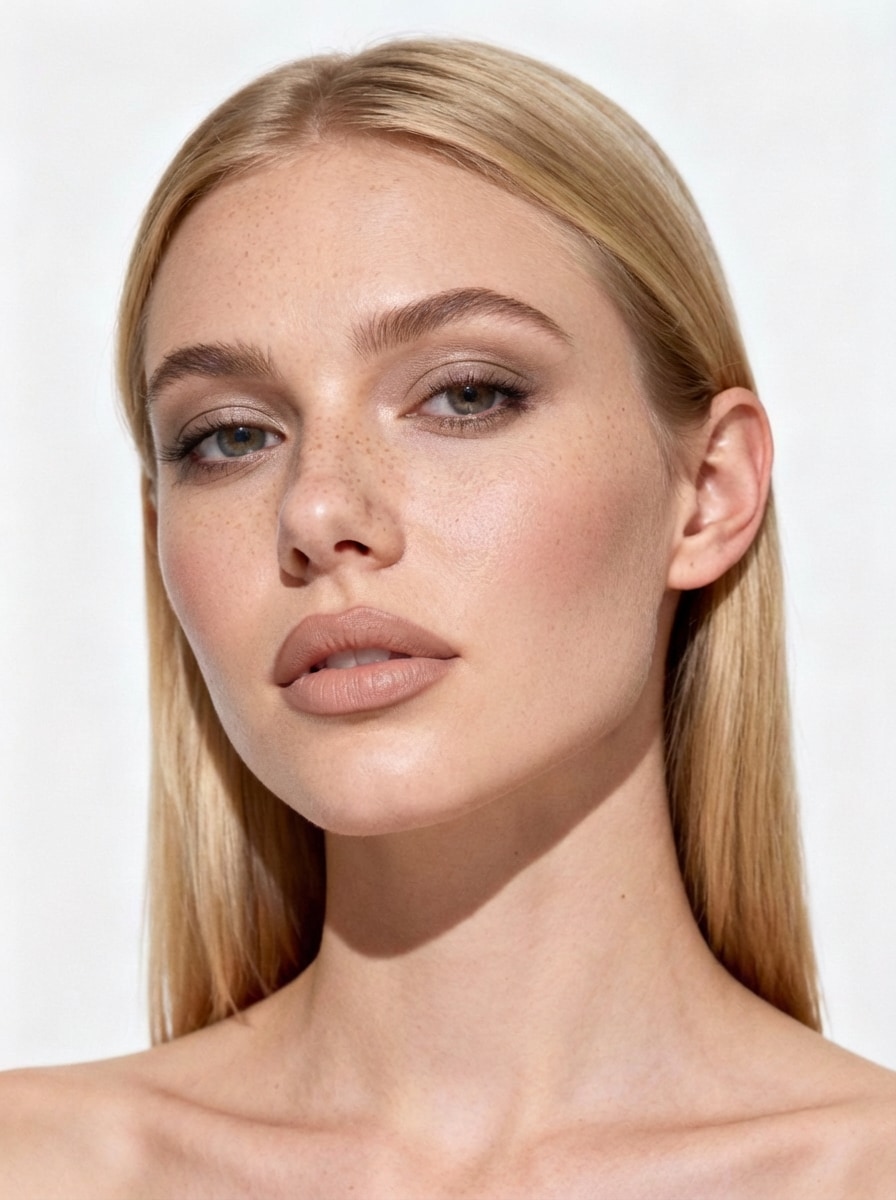
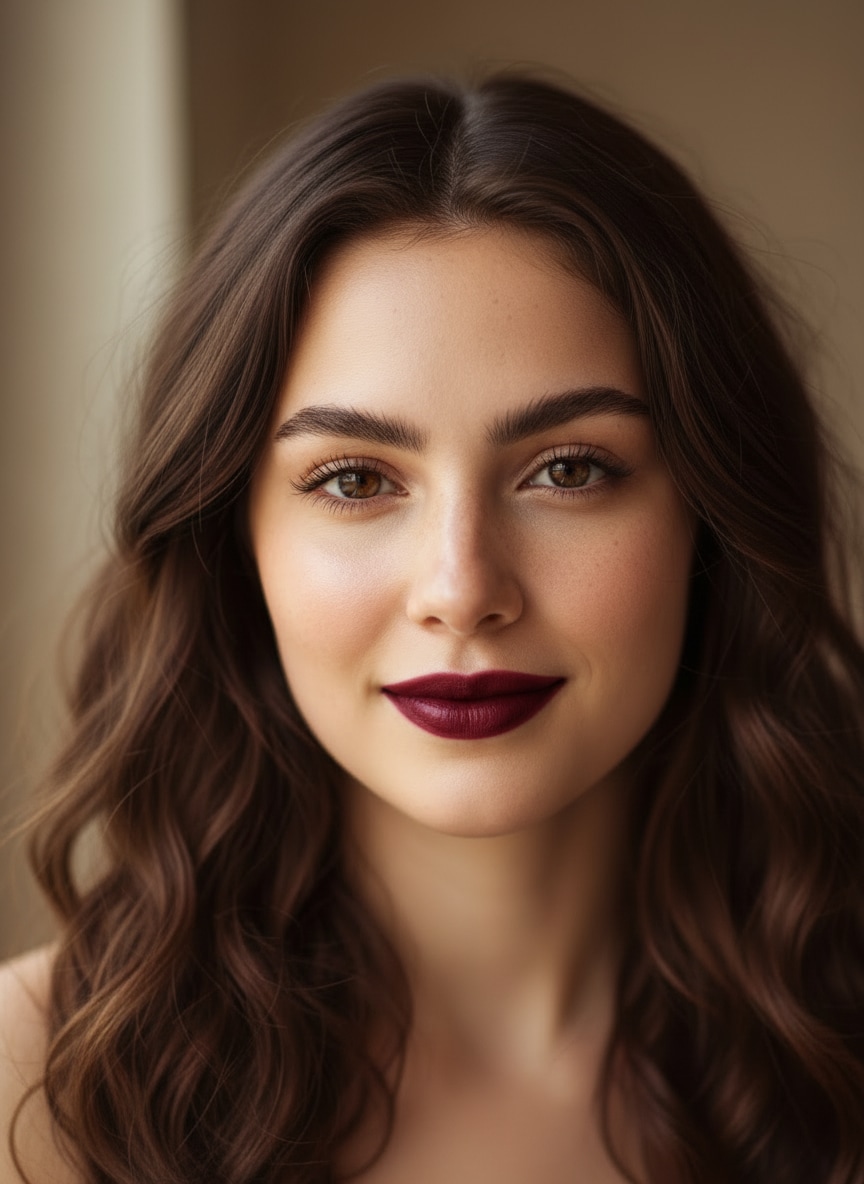
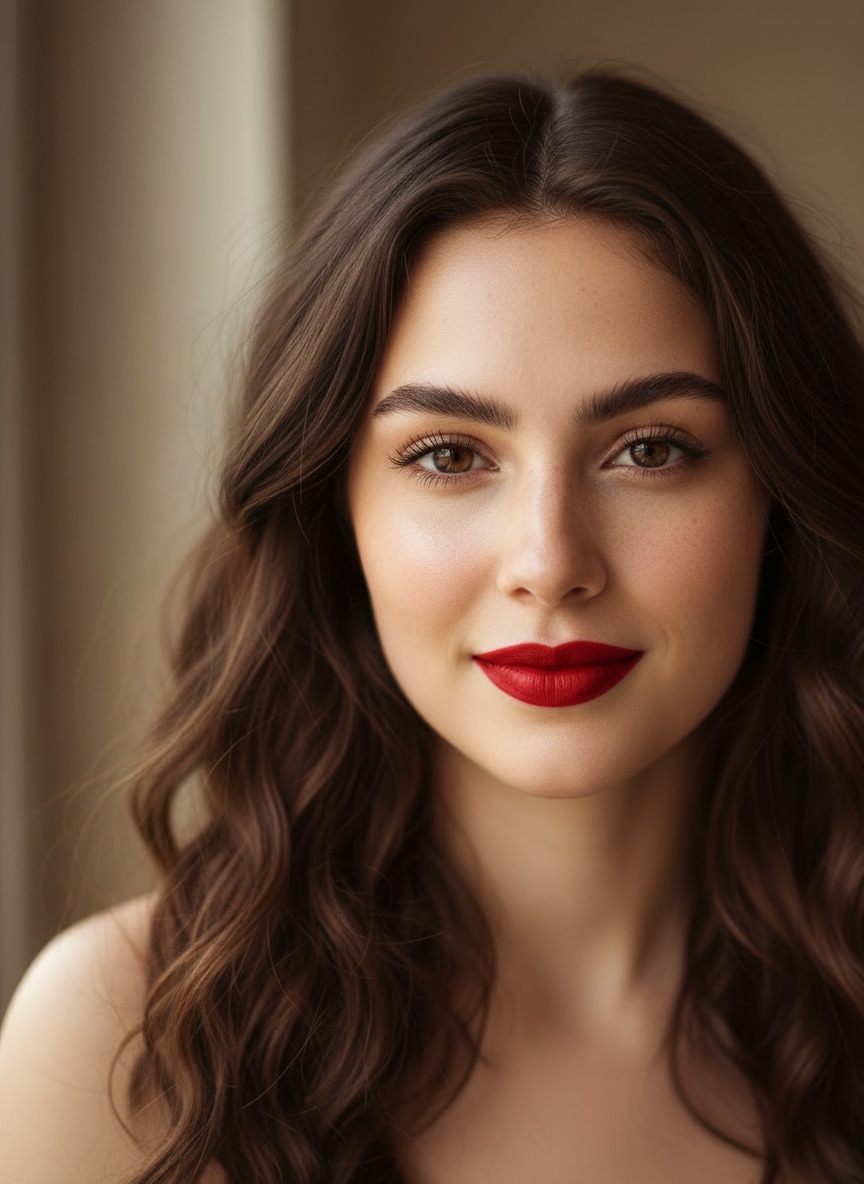
Experience the most realistic virtual lipstick try-on. Effortlessly add lipstick to photos, explore bold reds, matte finishes, or subtle nudes, and discover which lipstick suits you best—fast, free, and face-preserving.
Free credits on signup.
| Style | AI Lipstick Try-On Prompt | Preview | Copy |
|---|---|---|---|
|
Brownie Girl
#glazed
#caramel
#liner
|
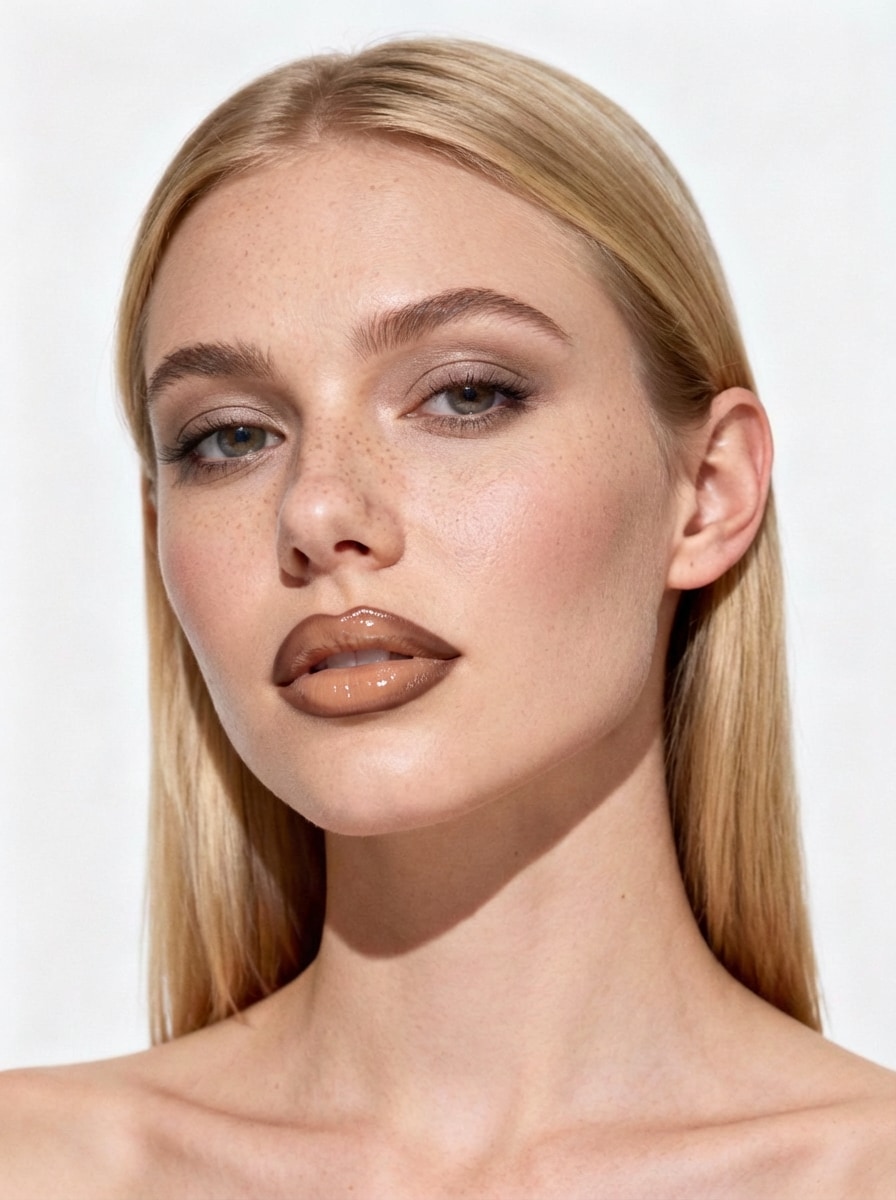
Apply glossy natural beige lipstick (RGB: #D4A77C) with chocolate brown lip liner (RGB: #6B4423) on outer edges. High shine finish in center, liner visible along lip contours. Create ombré effect from dark edges to light center. Maintain natural lip shape and preserve facial details. Preserve face, skin, background unchanged. Only lips modified. |
|
|
|
Cinnamon Girl
#cinnamon
#matte
#autumn
|
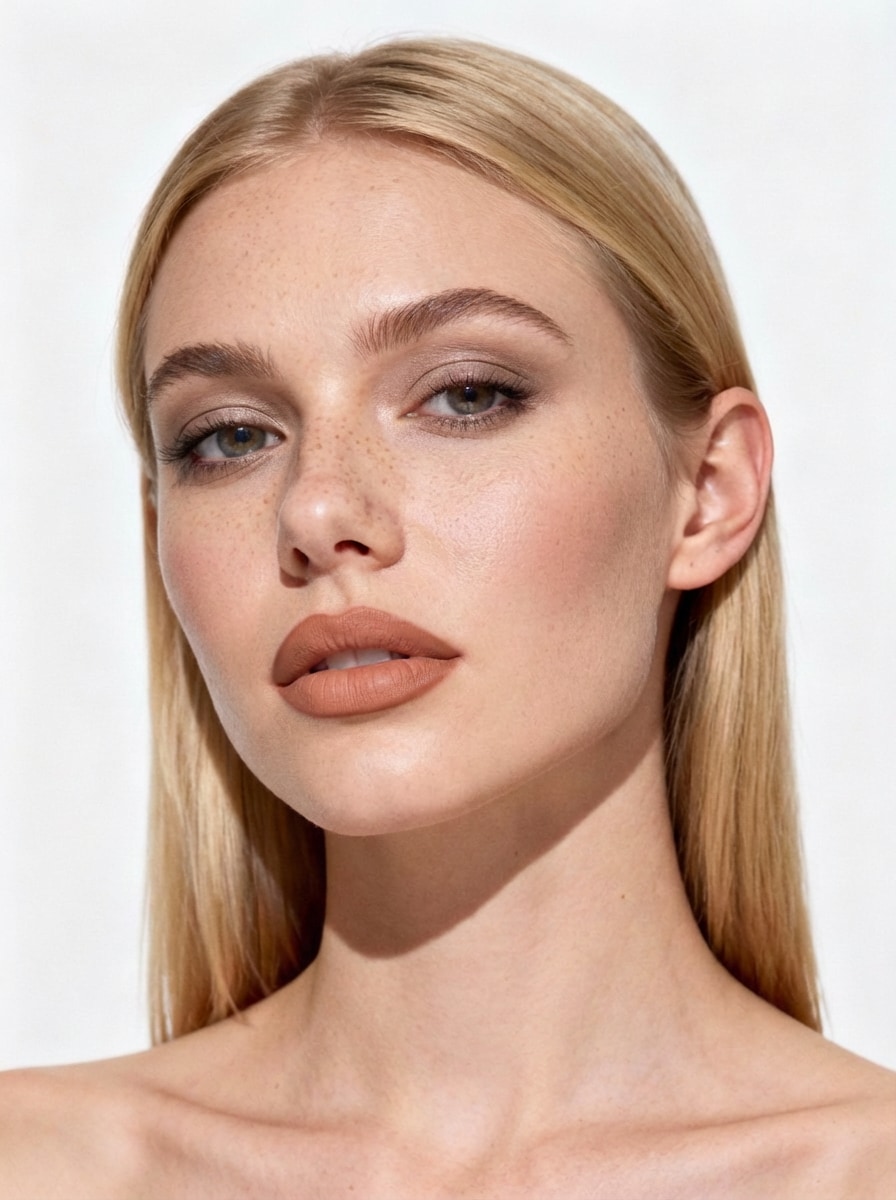
Apply Cinnamon Girl Lips: Warm cinnamon-beige lipstick (RGB: #C9896B) with deeper cinnamon liner (RGB: #8B5A3C). Key features: full matte finish, terracotta undertones, defined edges, autumnal aesthetic, no shine. Preserve face, skin, background unchanged. Only lips modified. |
|
|
|
Espresso Lips
#espresso
#mocha
#matte
|
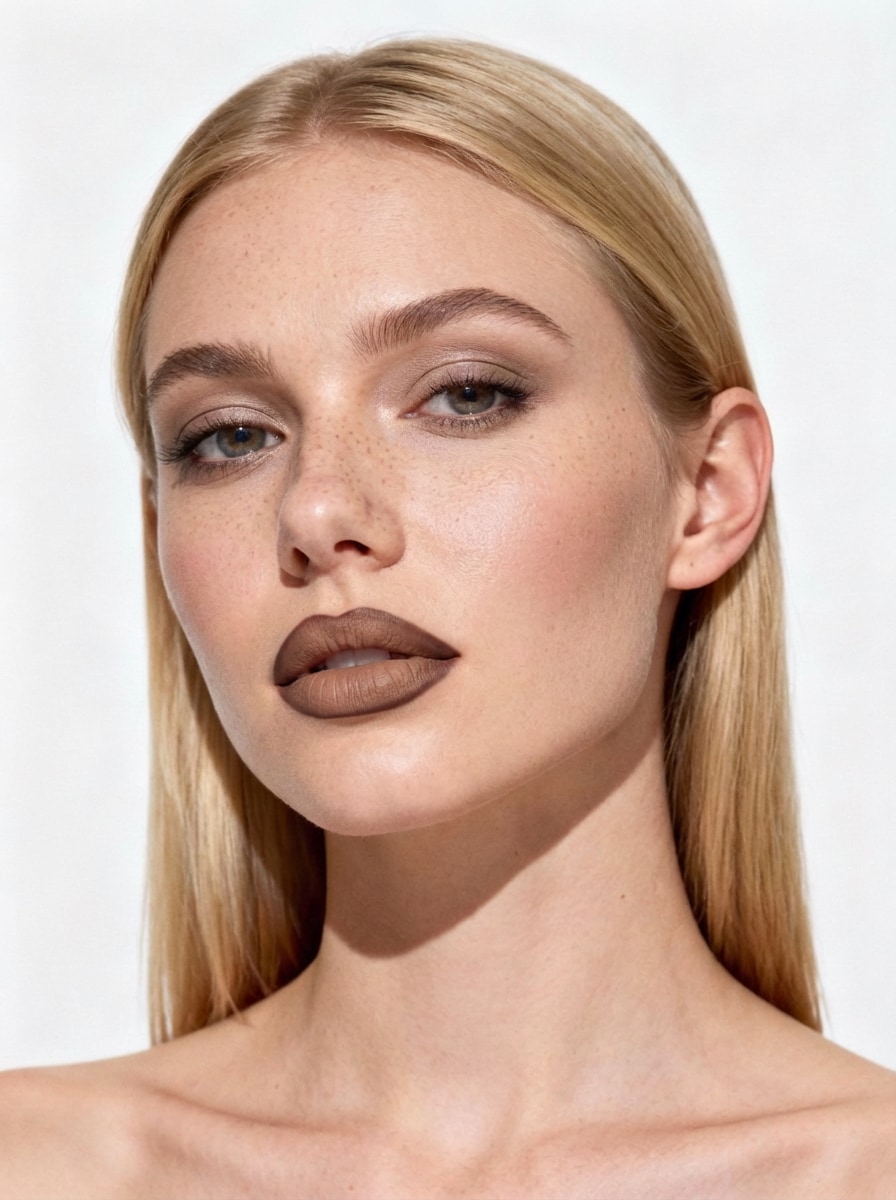
Apply Espresso Makeup Lips: Rich mocha-beige lipstick (RGB: #A68A6F) with espresso liner (RGB: #3E2723). Key features: monochromatic brown look, matte finish throughout, deep defined edges, coffee-inspired tones. Preserve face, skin, background unchanged. Only lips modified. |
|
|
|
Latte Lips
#latte
#cozy
#soft matte
|
Apply Latte Lips: Creamy latte-beige lipstick (RGB: #C8AD94) with mocha liner (RGB: #8B6F47). Key features: soft matte finish, warm milky undertones, subtle contrast, cozy aesthetic. Preserve face, skin, background unchanged. Only lips modified. |
|
|
|
Plum Lips
#plum
#berry
#rich pigment
|
Add a deep berry lipstick with rich pigment and natural shading. Keep facial features untouched and preserve realistic lip texture. Preserve face, skin, background unchanged. Only lips modified. |
|
|
|
Bold Red Lips
#red lipstick
#matte
#statement
|
Apply a bold red lipstick to the lips only. Keep skin tone and facial details unchanged. Create a smooth matte finish with clean edges and realistic shading. Preserve natural lighting and texture. Preserve face, skin, background unchanged. Only lips modified. |
|
|
|
Brown Lipstick
#brown
#neutral
#everyday
|
Apply Brownie Glazed Lips: Caramel-beige glossy lipstick (RGB: #D4A574) with brown liner (RGB: #6B4423). Key features: ultra-glossy wet shine in lip center, matte dark brown liner defining edges, slight overlining for fullness, smooth blend between textures. Preserve face, skin, background unchanged. Only lips modified. |
|
Our advanced AI lipstick filter precisely detects lip contours. It applies color naturally while preserving skin texture and facial details for a true-to-life result.
From classic red lipstick try on to trendy matte and nude finishes. Experiment with unlimited colors to add lipstick to photos and find your signature look.
Simply upload your selfie and let the AI do the work. No manual editing required—apply lipstick to selfies automatically in seconds with professional precision.
Test lipstick colors on your face online without spending a dime. Download your high-quality, enhanced photos watermark-free to share or save for later.
Try outfits, accessories, and beauty looks instantly — all powered by Media.io.
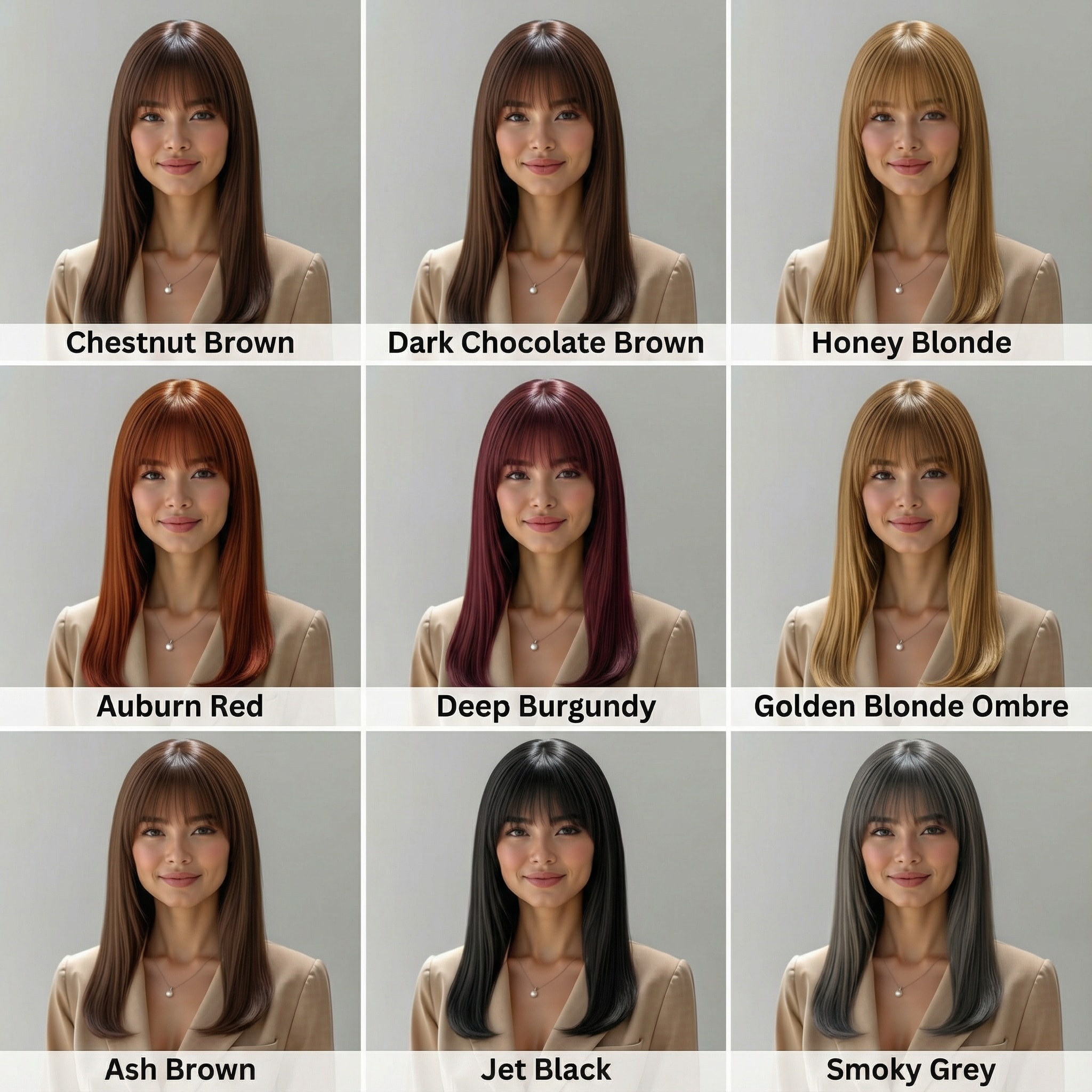
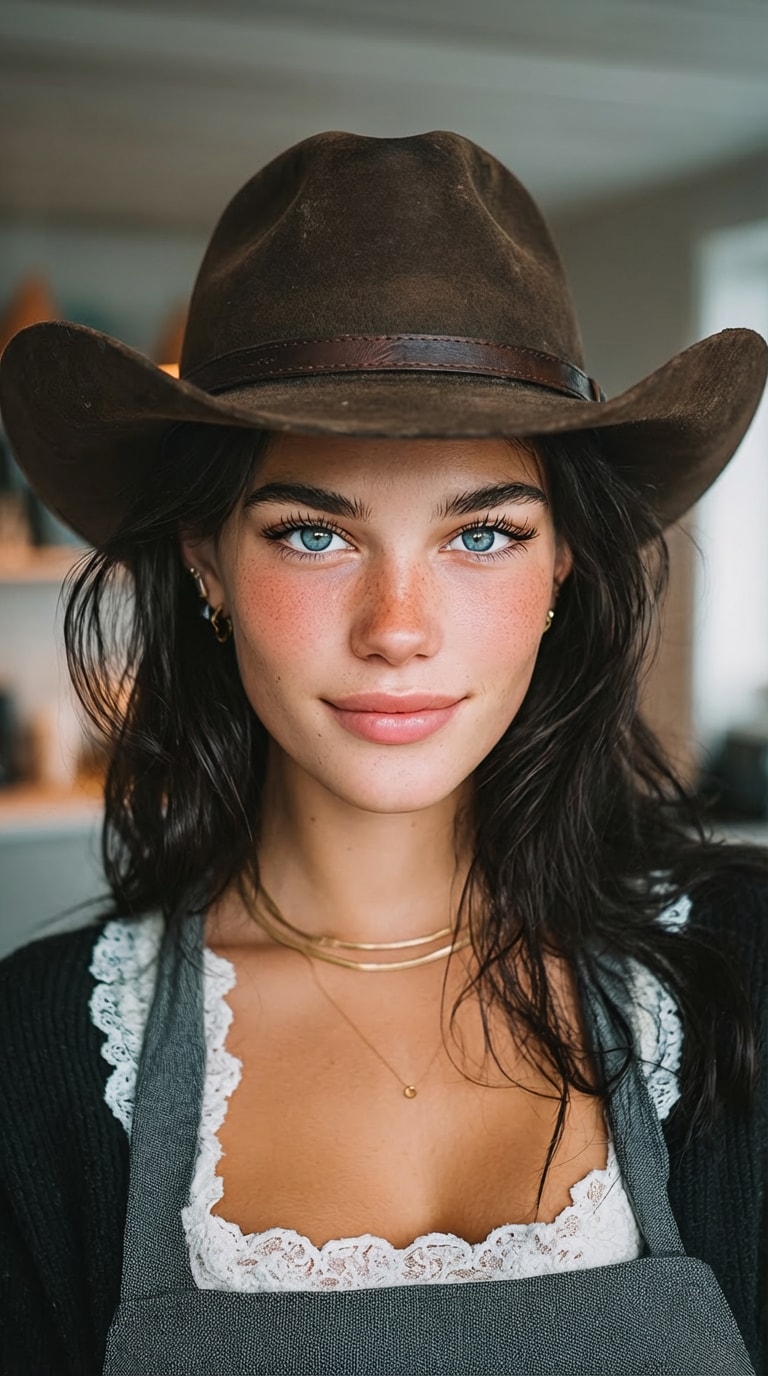
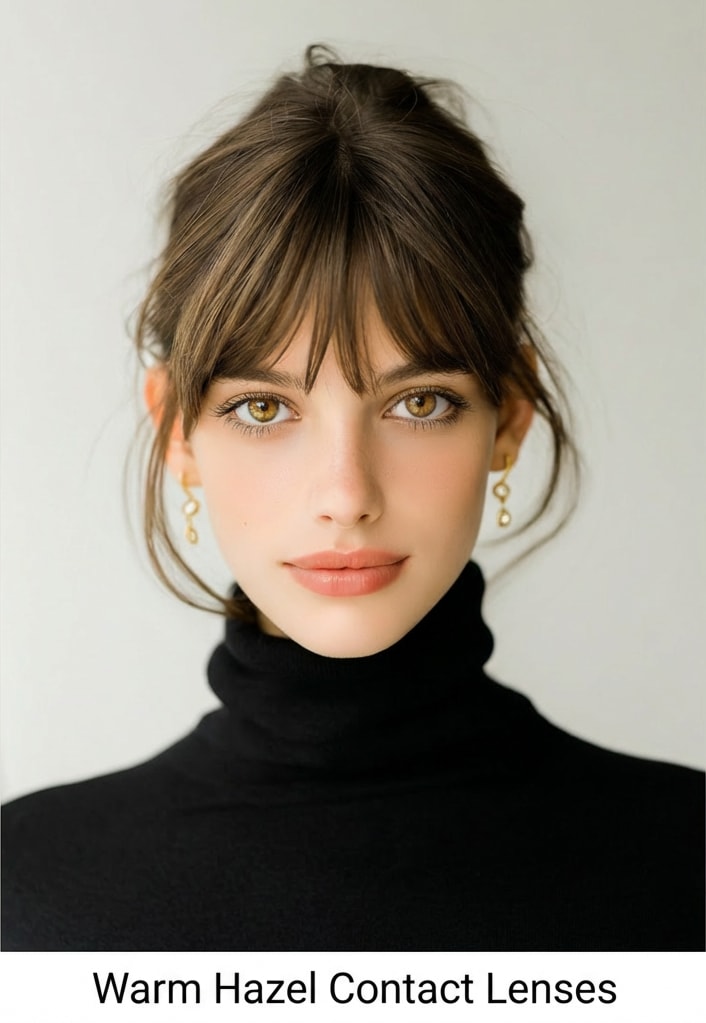
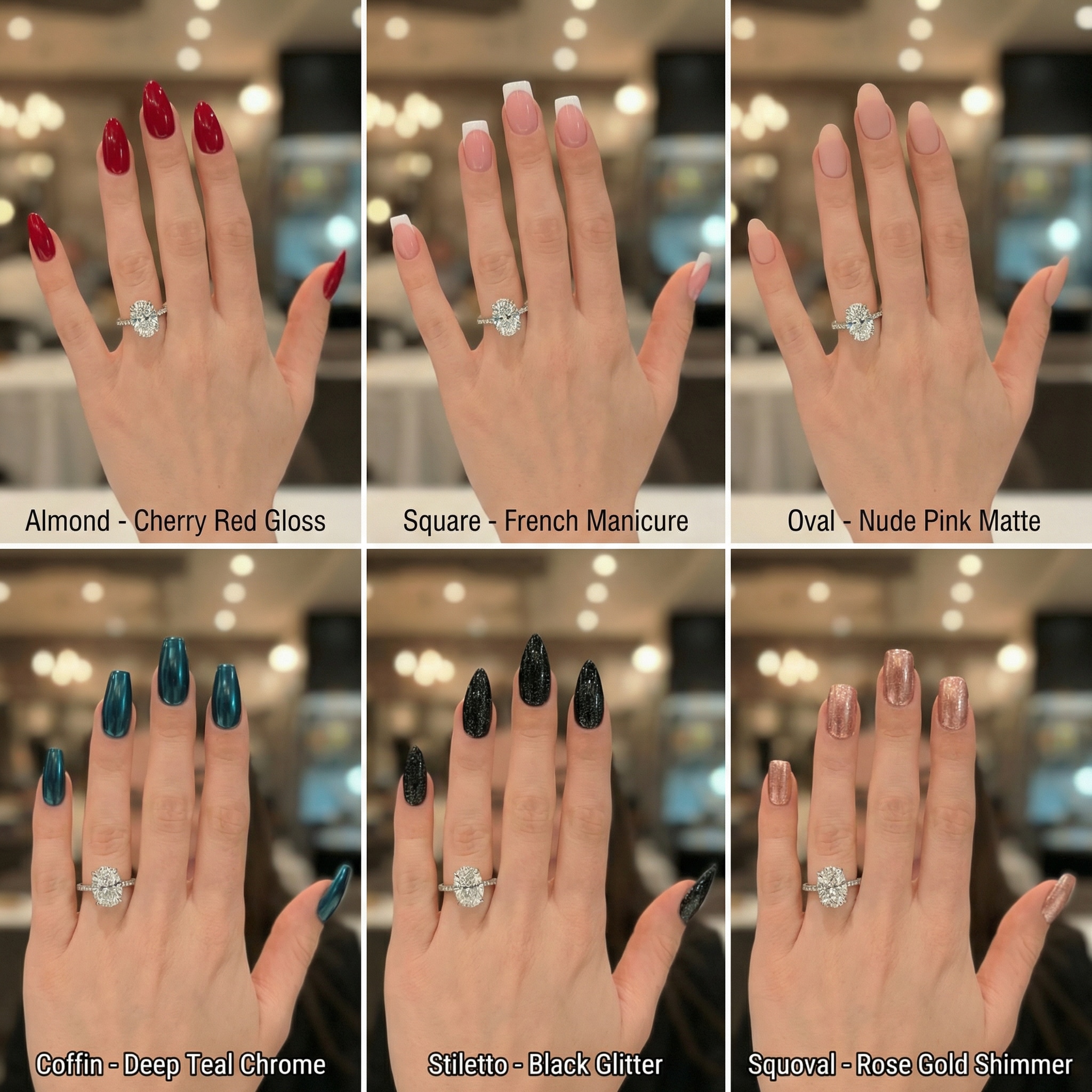
Launch the AI Lipstick Try-On tool and upload a clear photo of your face or selfie where you want to apply the makeup.
Copy and Paste lipstick prompts from various styles—red, nude, matte, gloss or Instagram treny color. The AI will instantly add lipstick to your photo, perfectly mapping your lips.
See exactly which lipstick suits you. Satisfied with your new look? Download the high-res image watermark-free.

Beauty Blogger

“Finally found which lipstick suits me!” I used to waste money buying shades that looked wrong. This virtual lipstick try on let me test 20 colors in minutes. The nude lipstick filter is my favorite.

Real Estate Agent
“Lifesaver for professional headshots.” I needed to add lipstick to photo proofs that looked too washed out. Media.io's tool added a professional matte red lipstick finish that looked completely real.

Content Creator
“Best lipstick filter app online.” Most apps look like stickers. This AI lipstick try on actually blends with the lighting of my selfie. I use it to apply lipstick to selfie posts all the time.

Graduate Student
“Helps me try red lipstick on photo easily.” I was afraid to wear red, but this tool helped me find the right tone. It's the easiest way to see lipstick color on my face before buying.
It’s a simple image-to-image workflow: upload your photo, pick a lipstick prompt (like Brownie Glazed, Espresso, or Bold Red), paste it into the prompt box, then click Generate. The AI keeps your face, skin tone, and background unchanged, and only updates the lip color and finish.
You can use any existing portrait or selfie—no retake needed. Just upload the image you already have, paste a lipstick prompt, and generate the result.
Copy and paste the prompt for your desired look (for example: Latte Lips, Cinnamon Girl, or Bold Red). Prompts can include color details (like RGB/hex) and finish (matte or glossy) so you can get consistent results.
No—if you use the recommended prompts, the tool is instructed to preserve your face, skin, lighting, and background. It applies lipstick to the lips only (color, edges, liner, shine) and keeps everything else unchanged.
Use a clear, front-facing photo with good lighting and minimal motion blur. Then pick a prompt that matches the finish you want (e.g., matte with clean edges or glossy ombré with liner). If the lipstick looks too strong, try a lighter shade prompt like Latte, or remove “overlining” from the prompt for a more natural look.
 4.7 (162,357 Votes)



