Vos créations sont conservées pendant seulement 7 jours. Les éléments créés après la mise à niveau de l'Abonnement seront stockés de façon permanente.
Libérez votre potentiel créatif et découvrez la magie de l'IA médiatique dès mIAntenant!
générateur de filigrane youtube ai pour un branding de chaîne rapide et personnalisé
créez des filigranes youtube façon logo à partir de simples textes en quelques secondes. générez monogrammes épurés, emblèmes gaming, signatures stylées et idées de branding prêtes en superposition transparente pour vos vidéos, shorts et éléments de chaîne grâce au générateur d’images ai de media.io.
tapez votre idée -> l’ai la réalise. essayez gratuitement.
découvrez notre sélection exclusive de générateur de filigrane youtube styles.
filigrane monogramme épuré
concevez un filigrane monogramme minimaliste avec fond transparent pour votre chaîne youtube en utilisant les initiales mk, une géométrie moderne sans empattement, des touches subtiles de blanc et rouge, des contours vectoriels nets, une composition centrée, grand contraste, espace négatif soigné, optimisé pour coin vidéo et branding pro de chaîne.
filigrane de signature luxe
créez un filigrane youtube façon signature manuscrite élégante avec le nom mia k, en script fluide et fin, effet d’encre blanche, texture premium douce, fond transparent, composition aérée, ambiance raffinée et minimaliste, touche luxe subtile, pensé pour coin inférieur avec parfaite lisibilité.
emblème gaming néon
créez un logo filigrane youtube audacieux gaming pour pixel raid, mise en page compacte, typographie futuriste, lueur néon rouge et cyan, lignes vectorisées tranchantes, style sombre à fort contraste, ambiance esport dynamique, fond transparent, éclairage intense sur les bords, lisible à petite taille pour vidéos de gameplay et shorts.
filigrane tech chromé
générez un filigrane mot chrome compact pour circuit lab, style tech futuriste lisse, texture chrome argentée avec accent lumineux rouge subtil, fond transparent, finition polie à inspiration vectorielle, composition horizontale équilibrée, ambiance moderne cool, éclairage précis, parfait pour branding youtube de reviews tech et tutos.
badge mascotte créateur
créez un badge mascotte compact pour youtube avec avatar renard stylisé, composition circulaire, contours audacieux, palette rouge noir et blanc, formes superposées propres, humeur joueuse et affirmée, fond transparent, lisibilité forte, finition polie vectorisée, idéal pour branding de chaîne et superpositions vidéo récurrentes.
sceau retro badge
concevez un filigrane youtube style sceau rétro pour home flame, palette chaleureuse rouge crème noir, agencement badge vintage, icône + texte compact, texture vectorielle légèrement usée, esprit artisanal sympathique, fond transparent, composition circulaire équilibrée, lisible à petite échelle pour vidéos cuisine et branding de chaîne food.
filigrane pastel créateur
générez un filigrane mignon et minimaliste pour daily bloom, palette pastel rose et crème, typographie ronde, petite touche florale, fond transparent, éclairage doux, espaces aérés, ambiance lifestyle esthétique, branding subtil féminin, parfait pour intro vlogs, superpositions vidéo et cohérence identité créateur.
badge script beauté chaîne
créez un filigrane chic pour chaîne beauté glow edit, écriture élégante avec sous-titre sans-serif, tons or rose et blanc, badge poli, fond transparent, reflets lumineux doux, ambiance éditorial premium, lignes raffinées, idéal pour tutos makeup, soins et superpositions youtube de marque.
filigrane corporate créateur
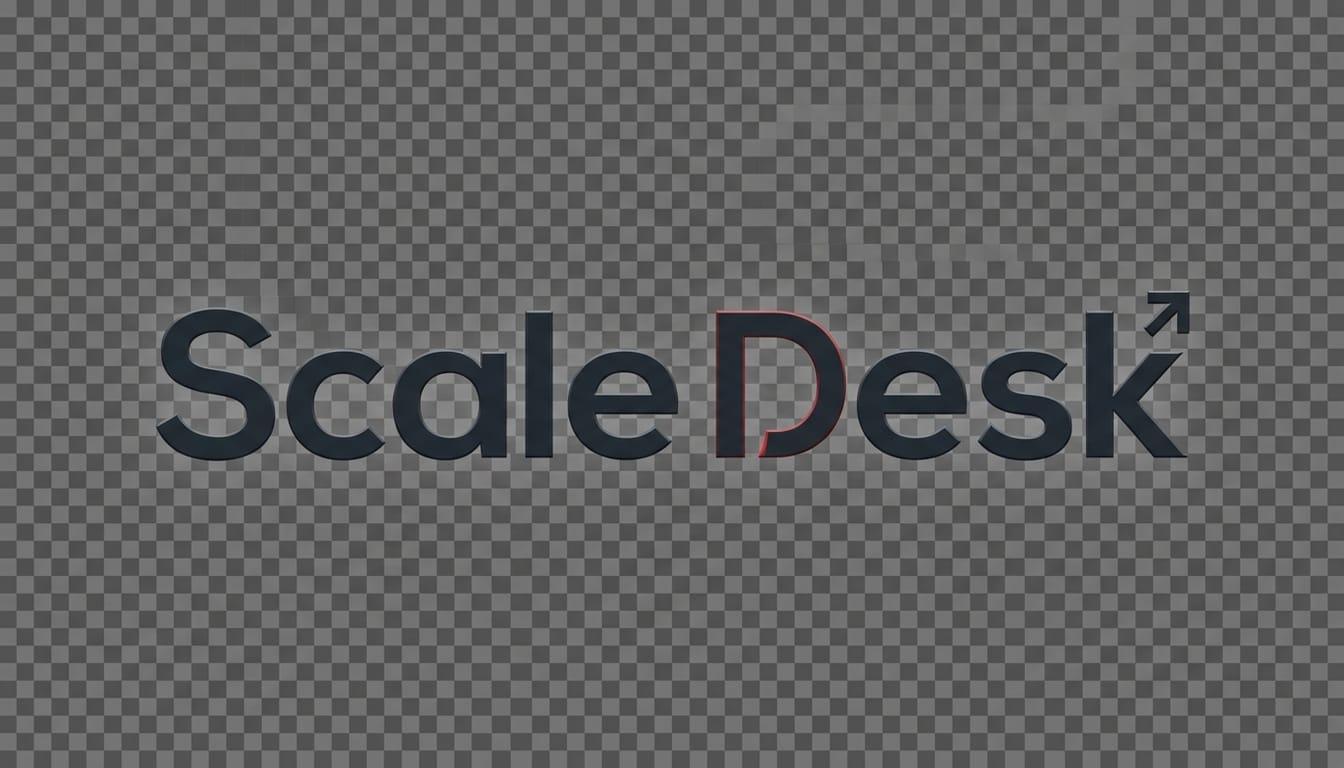
créez un filigrane youtube corporate professionnel pour scale desk, mot géométrique sans-serif, charbon foncé avec accent rouge, fond transparent, simplicité vectorielle nette, espace équilibré, ambiance start-up moderne, éclairage subtil contrasté, composition compacte, adapté à chaînes business, explications et branding vidéo éducatif.
logo coin optimisé pour shorts
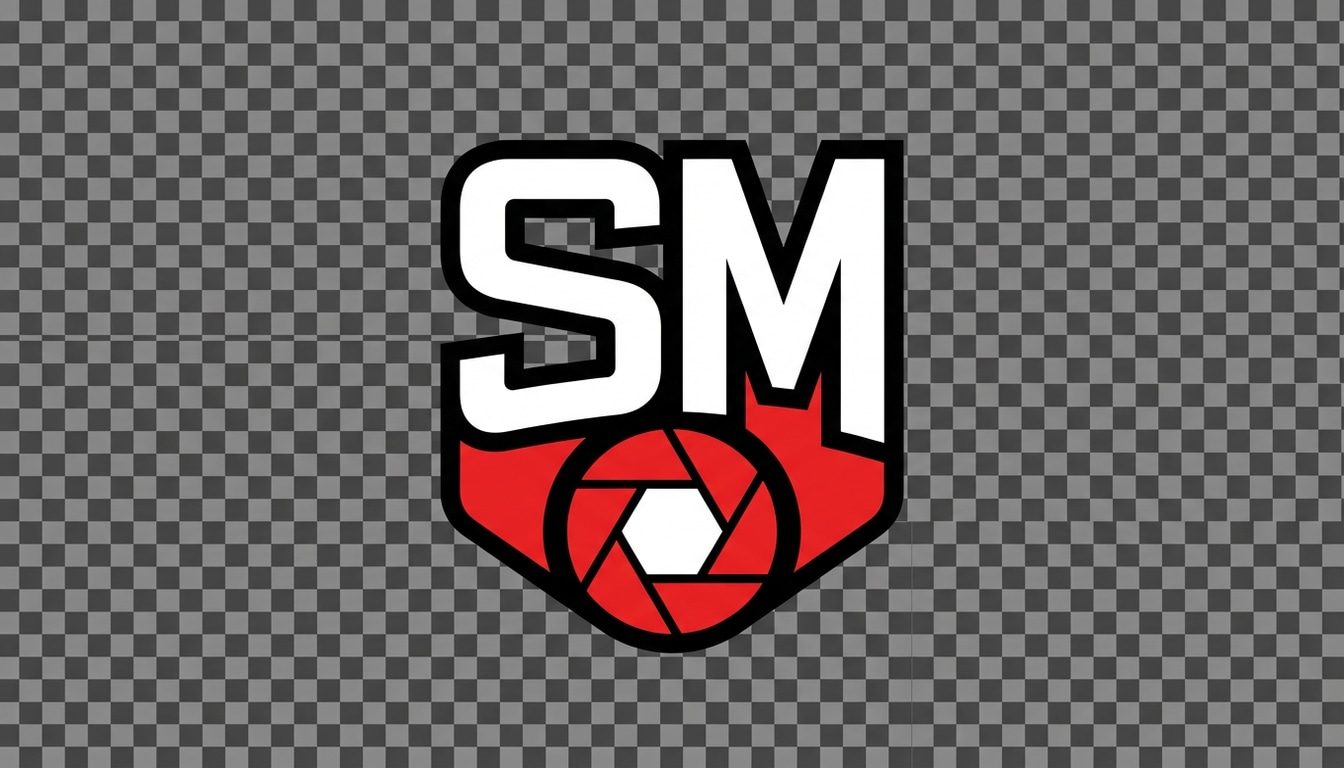
concevez un filigrane ultra lisible et compact pour snap mentor, à format vertical-friendly, initiales audacieuses avec icône simple, palette rouge blanc noir, fond transparent, fort contraste, contours propres vectoriels, composition minimaliste, optimisé pour coins minuscules sur shorts youtube, lisible sur mobile.
pourquoi choisir media.io comme générateur de filigrane youtube
générez des idées de filigrane depuis un texte
transformez un nom de chaîne, initiales, slogan ou style en générateur de filigrane youtube concepts en quelques secondes. media.io offre une création rapide texte-vers-image pour monogrammes, logos badge, signatures et autres styles branding créateur.
choisissez résolution élevée et formats flexibles
créez vos visuels branding en 1k, 2k ou 4k et sélectionnez formats 1:1, 16:9 ou 9:16. pratique pour tester vos filigranes sur art de chaîne, vidéos standard ou shorts.
explorez plusieurs styles de branding en un seul outil
réalisez tout, du filigrane minimaliste aux logos gaming cyberpunk ou looks 3d sophistiqués. media.io aide les créateurs à comparer intuitivement pour un logo filigrane youtube ou idée d’identité de chaîne.
fonctionne sur tous vos appareils dans votre navigateur
media.io est 100% web, créez un générateur de filigrane transparent sur windows, mac, iphone, android ou tablette, sans installer de logiciel design.
comment créer un filigrane youtube avec l'ai
1
2
3
1
ouvrez générateur d’images ai media.io
allez sur media.io et ouvrez le générateur d’images ai dans ai -> image. ce générateur de filigrane youtube fonctionne directement sur votre navigateur, donc branding facile sur pc ou mobile, sans installation.
2
entrez un prompt
tapez un prompt détaillé comme "crée un filigrane monogramme minimaliste fond transparent pour chaîne youtube avec les initiales mk, accents blanc et rouge, style vectorisé net, optimisé pour coin vidéo". puis choisissez le modèle, la résolution et le format.
3
générez, affinez et téléchargez
cliquez sur générer pour créer votre filigrane. ajustez le prompt si besoin pour obtenir un logo plus propre, contraste accru ou autre style branding. téléchargez l’image finale et intégrez-la à vos vidéos ou assets de branding de chaîne.
"un moyen rapide pour tester son branding de chaîne" j’ai utilisé media.io pour générer plusieurs concepts de filigrane gaming pour ma chaîne youtube avant de sélectionner un style final. c’était beaucoup plus rapide que de tout créer sur une appli design, et la lisibilité en petit format m’a bluffé.
mia santos
vlogueuse lifestyle
"parfait pour overlays façon signature" je cherchais un filigrane doux et élégant pour mes vlogs et shorts. l’ai m’a proposé plusieurs signatures à partir d’un prompt, super pratique pour trouver un style qui colle à l’esthétique de ma chaîne.
dev patel
reviewer tech
"pratique pour filigranes logo-like" ça m’a servi de générateur de filigrane youtube quand j’avais besoin d’un wordmark tech propre, vite fait. j’ai adoré tester différents formats et résolutions sans changer d’outil.
alyssa grant
animatrice podcast
"simple à utiliser sur mobile" j’ai créé mon filigrane de podcast directement sur mon smartphone. tout le process est super clair et j’ai pu visualiser facilement le filigrane réutilisable pour promos épisode et shorts youtube.
Découvrez Les Effets Vidéo et d'Image IA Les Plus Populaires
1. comment faire un filigrane pour mes vidéos youtube ?
avec media.io, vous pouvez créer un filigrane pour vos vidéos youtube en entrant un prompt détaillé dans le générateur d’images ai. par exemple, décrivez le type de monogramme, signature, badge ou wordmark pour placement en coin vidéo, générez, affinez le style puis téléchargez pour vos montages vidéo. passez à un plan payant pour plus de crédits et téléchargements haute résolution sans filigrane.
2. puis-je utiliser mon logo youtube comme filigrane ?
oui, beaucoup de créateurs utilisent leur logo-type comme filigrane pour youtube. media.io est idéal pour générer des concepts branding logo-like depuis un prompt texte, type initiales de chaîne, wordmarks, badges mascotte ou overlays signature. pratique si vous cherchez un logo qui serve aussi de filigrane vidéo récurrent. passez à un plan payant pour plus de crédits et téléchargements haute résolution sans filigrane.
3. comment créer un filigrane transparent ?
souvent on demande un branding propre et simple conçu pour la superposition, genre monogramme minimaliste ou logo signature. via media.io, vous générez votre filigrane depuis le texte et affinez le style visuel pour un rendu overlay impeccable. beaucoup cherchent un générateur de filigrane transparent quand ils veulent des éléments branding pour vidéos et shorts. passez à un plan payant pour plus de crédits et téléchargements haute résolution sans filigrane.
4. puis-je ajouter un filigrane aux shorts youtube ?
oui. media.io gère les formats comme 9:16, très utiles pour branding sur vidéos verticales type shorts youtube. vous générez votre logo ou filigrane compact et le placez en coin lors du montage de vos shorts. passez à un plan payant pour plus de crédits et téléchargements haute résolution sans filigrane.
5. media.io est-il gratuit pour créer un filigrane youtube ?
media.io offre 3 crédits gratuits/jour, donc testez vos idées et concepts branding à zéro coût. les téléchargements gratuits incluent parfois un filigrane, les abonnés payants récupèrent des images haute résolution sans filigrane. pour plus de crédits ou exports propres, upgradez ici : https://www.media.io/fr/pricing.html
6. sur quels appareils puis-je créer un filigrane youtube avec media.io ?
media.io est web-based: il fonctionne sur tous appareils avec navigateur, windows, mac, ios, android… donc vous créez votre logo filigrane youtube ou concept branding de n’importe quel pc, tablette ou smartphone, sans logiciel à installer. passez à un plan payant pour plus de crédits et téléchargements haute résolution sans filigrane.
au-delà du générateur de filigrane youtube en ligne ai