Vos créations sont conservées pendant seulement 7 jours. Les éléments créés après la mise à niveau de l'Abonnement seront stockés de façon permanente.
Libérez votre potentiel créatif et découvrez la magie de l'IA médiatique dès mIAntenant!
Générateur de flashcards IA avec visuels texte-image
Créez en quelques secondes des cartes d'étude visuellement attractives. Media.io utilise des modèles d’IA avancés pour transformer vos prompts en arrière-plans de flashcards haute résolution, icônes et repères illustrés. Personnalisez les styles, du look pastel studygram aux cartes imagées pour enfants, puis téléchargez des images nettes pour des flashcards numériques ou imprimables.
Saisissez votre idée → l’IA la crée. Test gratuit.
Découvrez notre sélection degénérateur de flashcardsstyles.
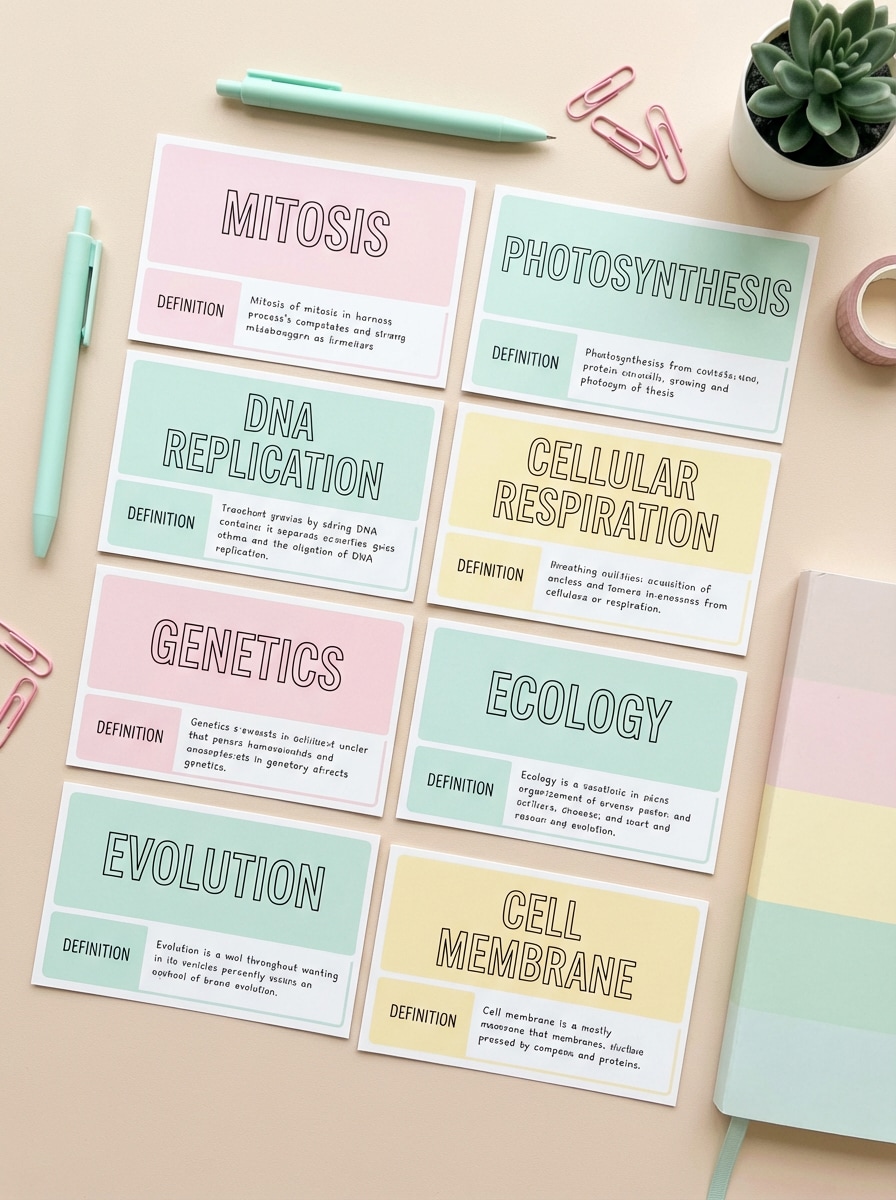
Esthétique pastel Studygram
flat lay vue du dessus de flashcards pastel bien alignées pour les termes de biologie lycée, chaque carte avec une grande zone titre et une partie définition plus petite, fond bureau beige doux, accents rose pastel et vert menthe, accessoires de papeterie discrets, look studygram minimaliste, lumière naturelle douce, ultra haute résolution
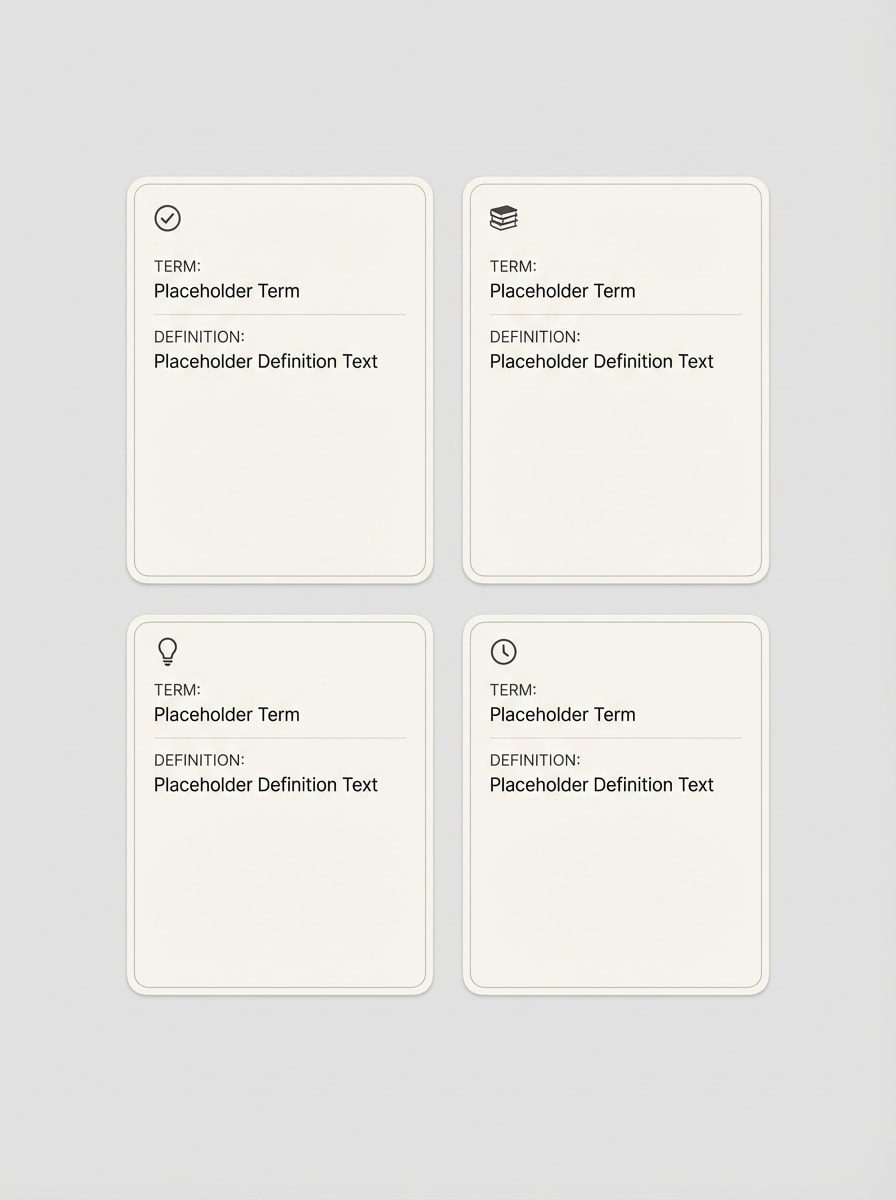
Cartes minimalistes façon Notion
flashcards numériques épurées inspirées de Notion, cartes blanc cassé sur fond gris clair, bordures fines arrondies, petits icônes monochromes productivité en coin, zones distinctes pour terme et définition, emplacements texte moderne sans-serif, ultra minimaliste, espaces vides, grande lisibilité, résolution 4K
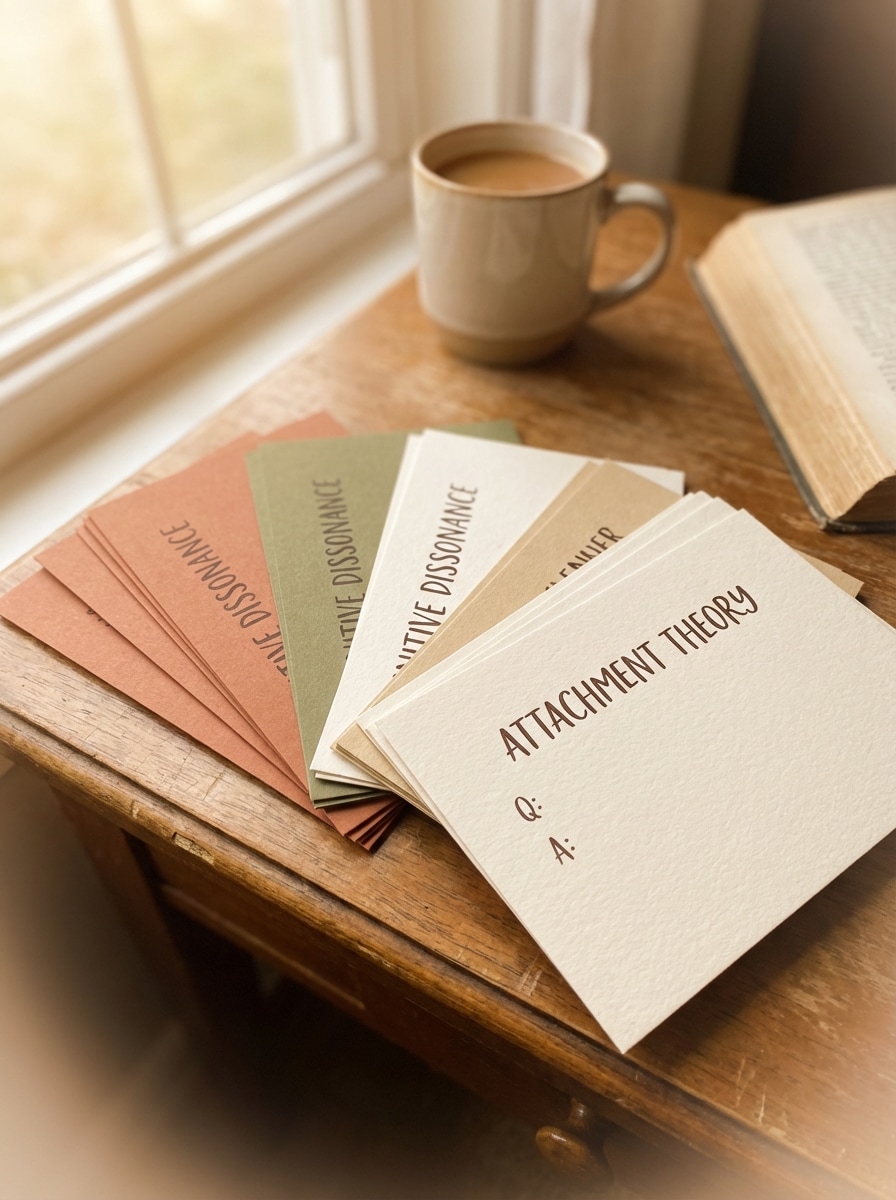
Cartes tons terre doux
jeu chaleureux de flashcards concepts psychologie en tons terre, cartes étalées sur un bureau bois, couleurs terre cuite, olive, crème et sable, texture grain papier discrète, zones question/réponse claires, vignettage doux, lumière après-midi feutrée, ambiance studieuse décontractée, rendu réaliste mais stylisé
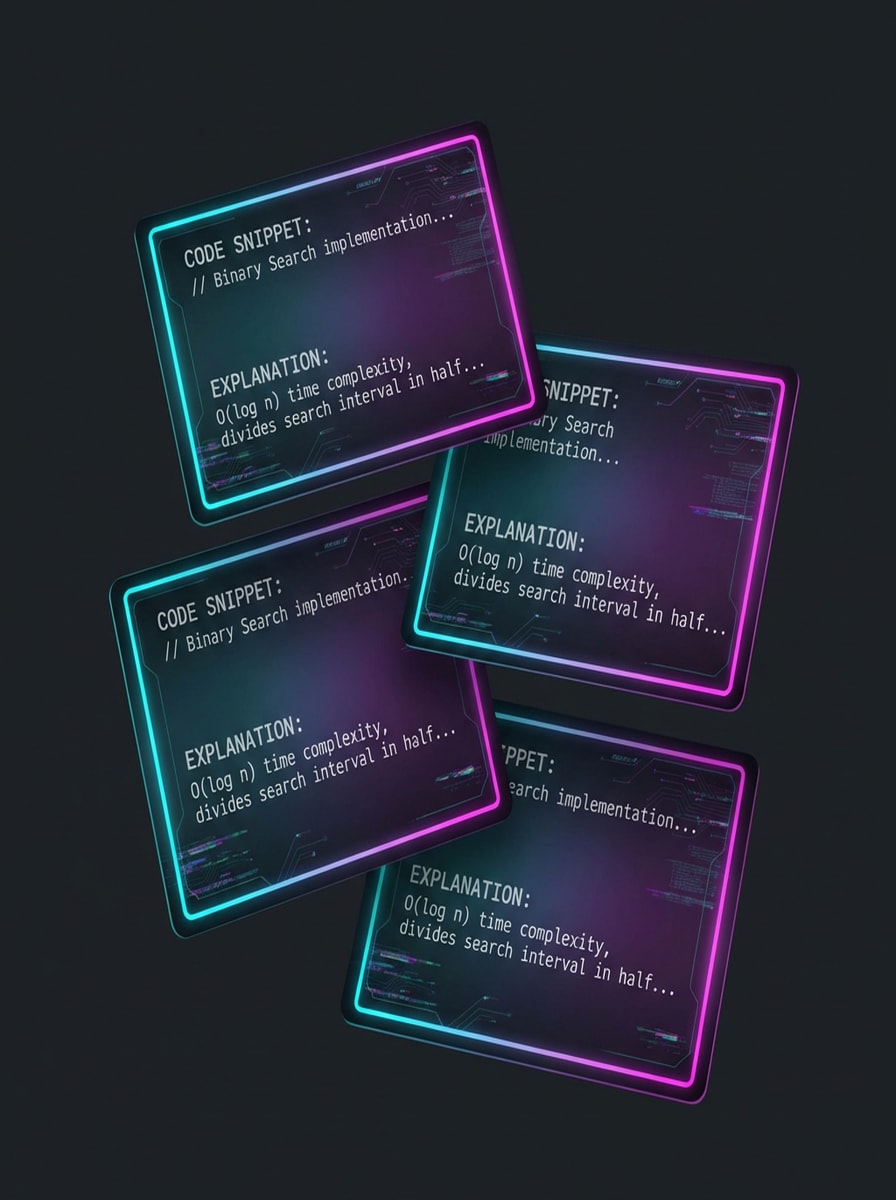
Cartes contours néon mode sombre
flashcards mode sombre stylées pour questions d'entretien code, cartes flottantes sur fond charbon, contours néon cyan et magenta lumineux, remplissage dégradé subtil, emplacement texte monospace pour extrait code et explication, léger effet glitch, interface tech futuriste, fort contraste, format carré net
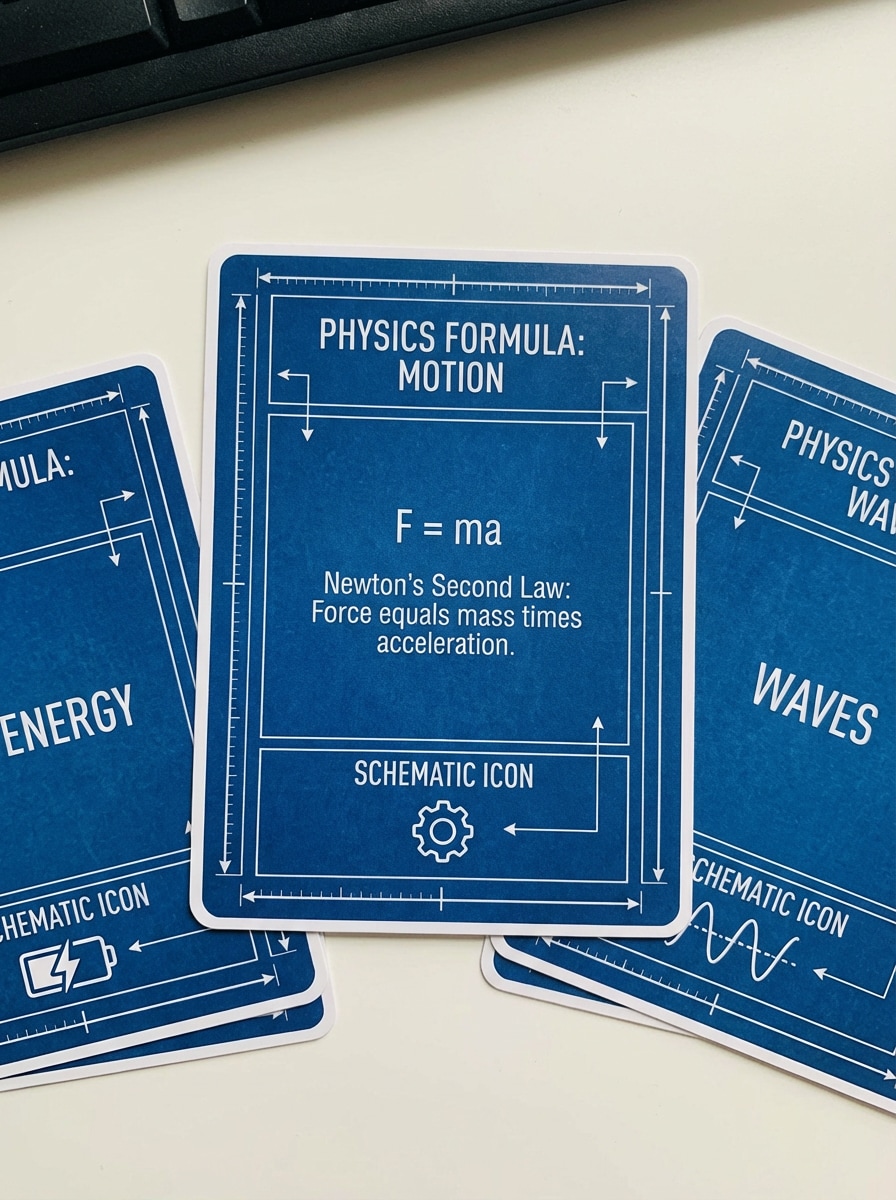
Cartes blueprint schéma STEM
flashcards STEM façon schémas blueprint, fond bleu profond avec traits techniques blancs fins, cartes rectangulaires pour formules physique & explications, petits icônes schéma pour mouvements, énergie et ondes, esthétique ingénierie ultra propre, lignes précises, lisibilité optimale, format 16:9
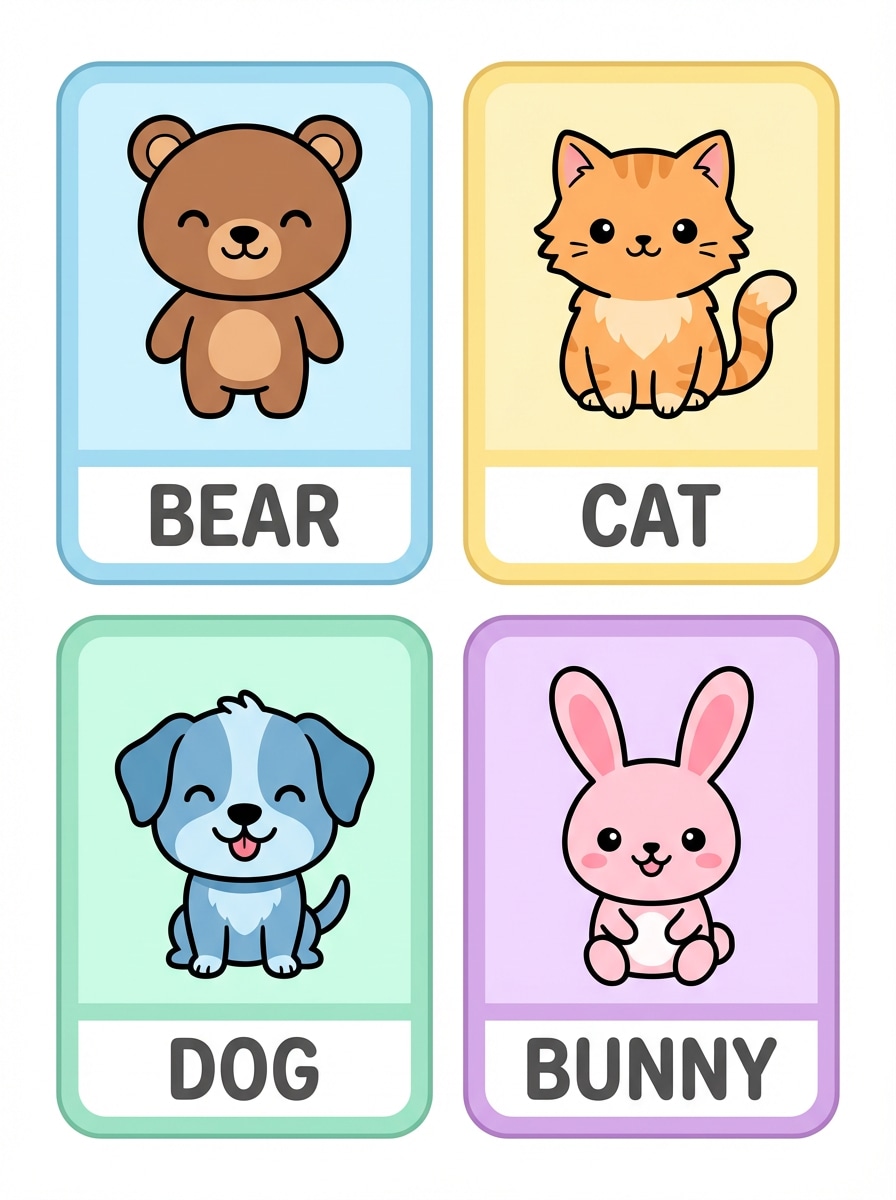
Cartes imagier kawaii animaux
jeu de flashcards vocabulaire enfants avec grandes illustrations animaux kawaii, chaque carte montrant un animal mignon centré sur fond pastel, larges bordures arrondies, étiquette blanche en bas pour le mot, formes simples et amicales, contours épais, contraste fort pour tout-petits, mise en page imprimable
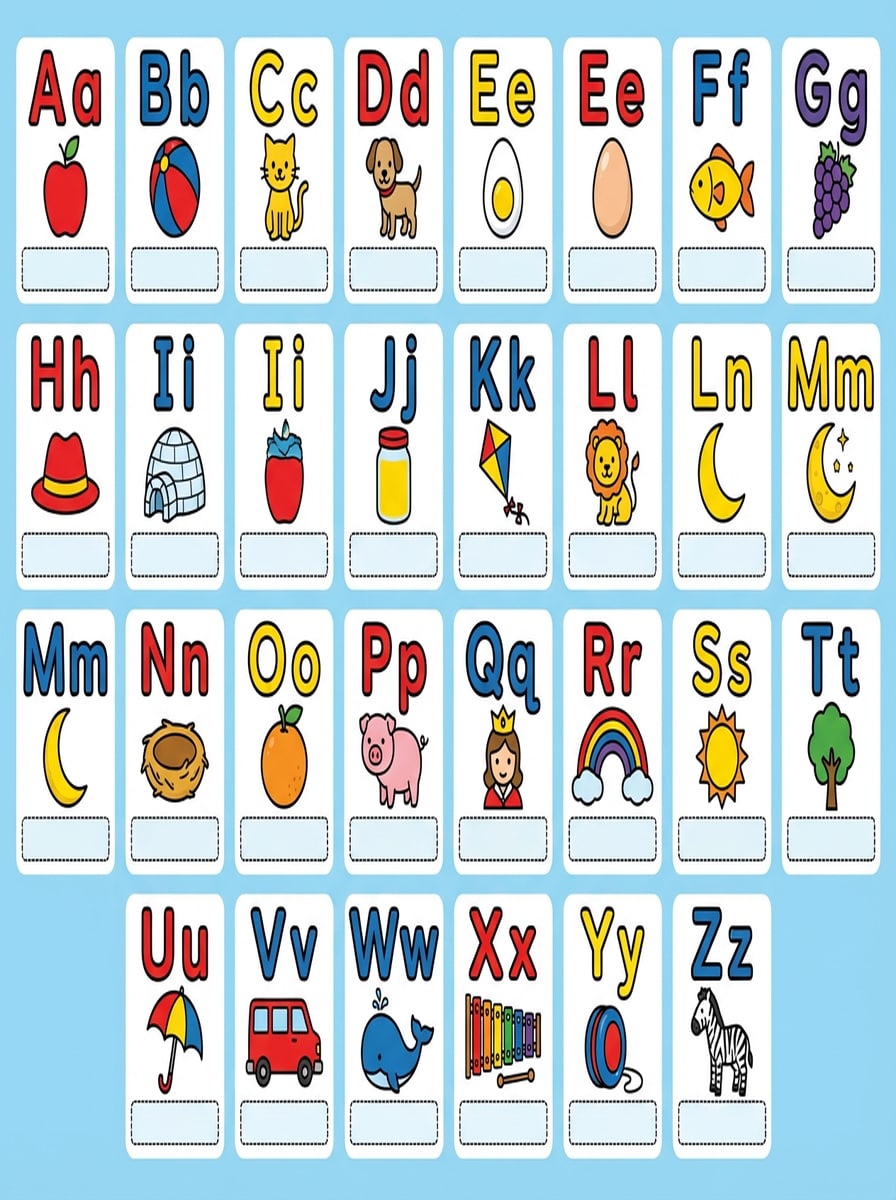
Cartes alphabet & phonétique marquées
alphabet complet A–Z en flashcards, chaque carte avec une grande lettre capitale, petite lettre minuscule à côté, image associée simple (ex : A pomme, B balle, C chat), couleurs primaires vives, contours marqués, zone claire pour phonétique, conçu pour lecteurs débutants, format 3:2
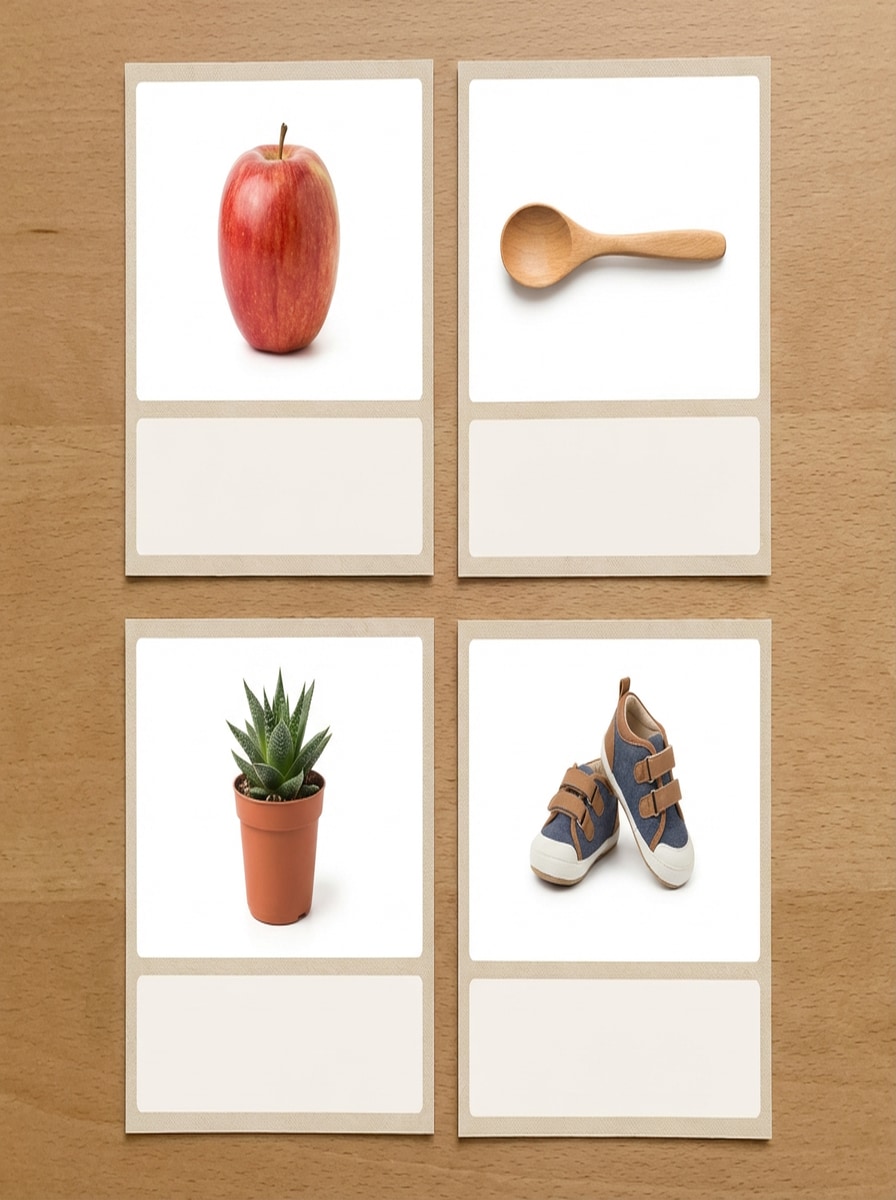
Cartes Montessori photo réaliste
flashcards vocabulaire minimal style Montessori avec vraies photos, chaque carte montrant un objet courant sur fond blanc pur, fine bordure beige, large espace vide en bas pour l’étiquette, colorimétrie naturelle douce, sans déco en plus, ambiance éducative calme, photos haute définition, format 4:3
Cartes vocabulaire photo bilingue
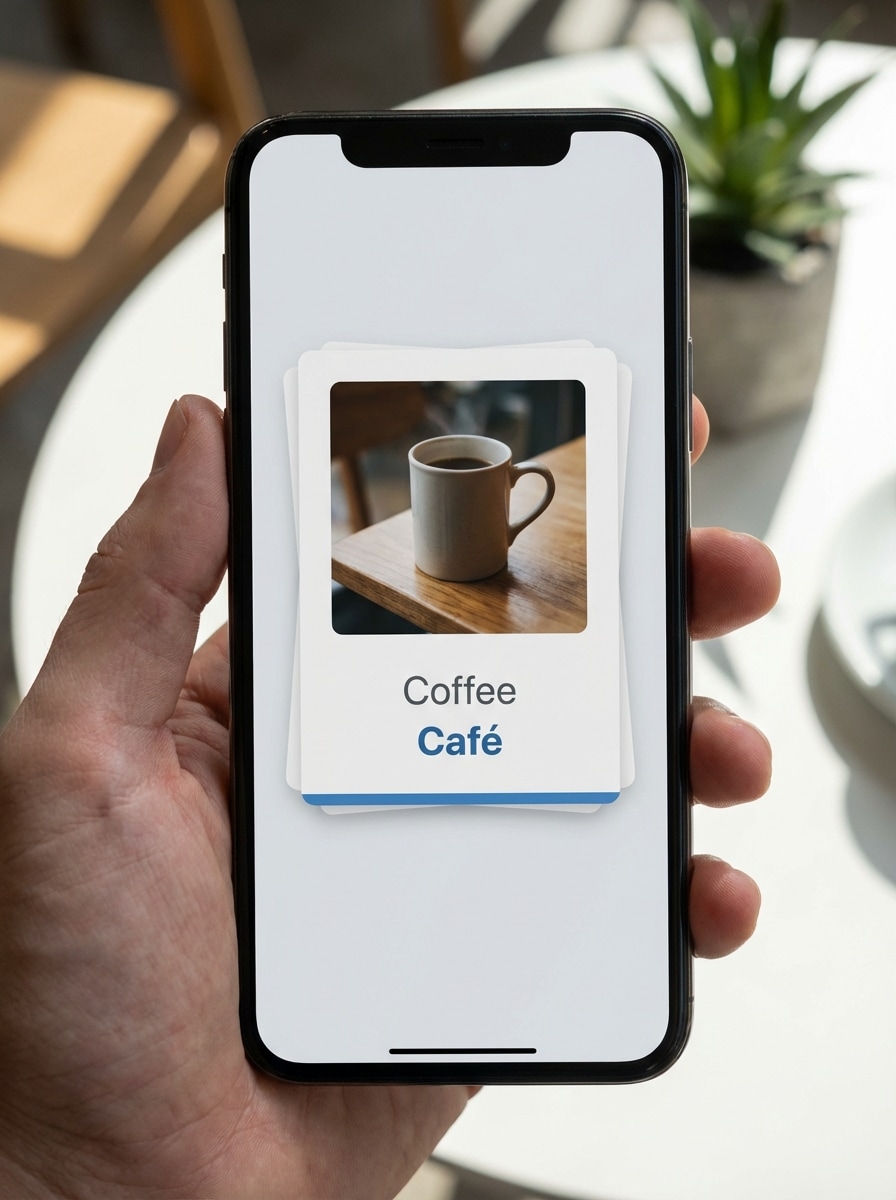
flashcards vocabulaire bilingue modernes pour l’apprentissage des langues, cartes blanches avec photo centrale d’un objet courant, zone texte deux lignes dessous pour langue maternelle et cible, emplacements texte sans-serif épurés, barre couleur subtile pour marquage langue, clair et aéré, format mobile-friendly
Résumé Exam Cram en blocs
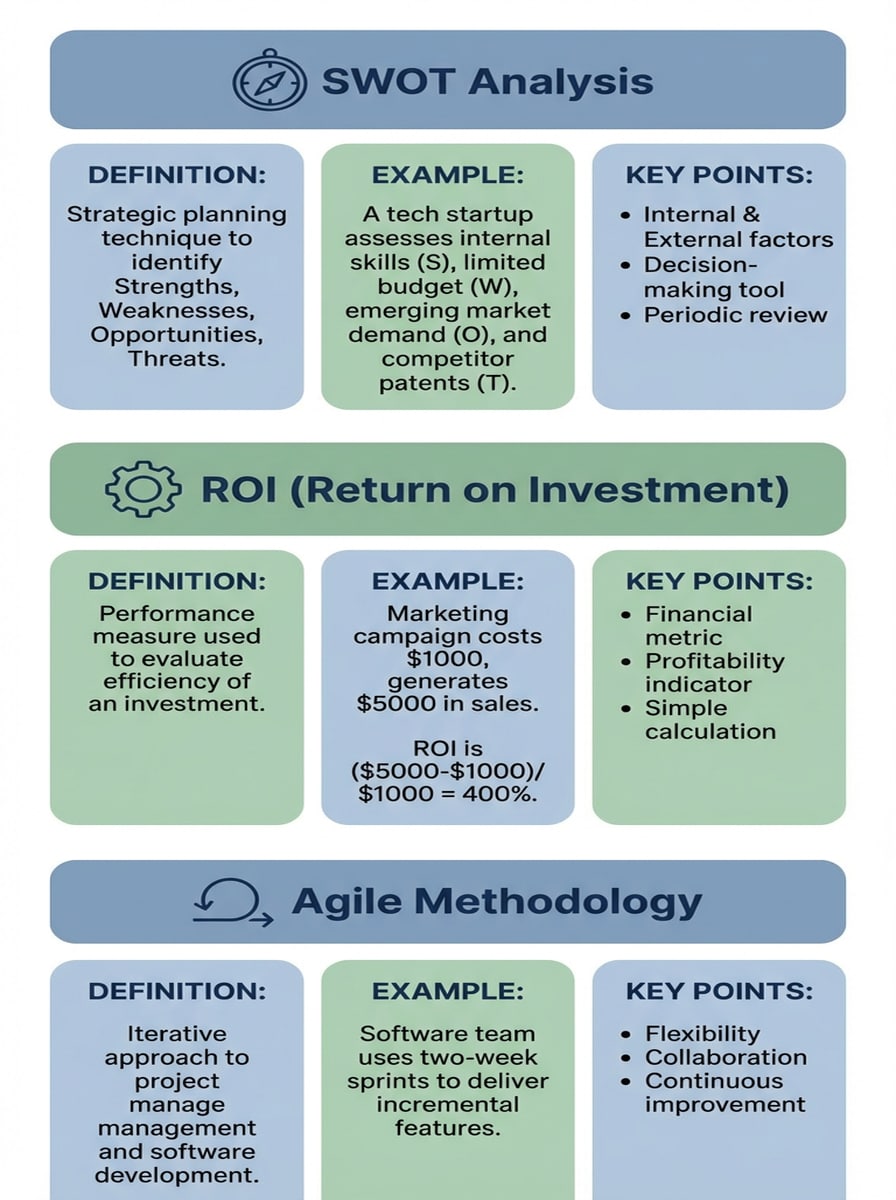
flashcards révision express horizontales pour concepts clés business, chaque carte avec en-tête coloré et icône simple, sections séparées pour définition, exemple et points-clés bullet, tons bleu/gris sourds, lisibles instantanément sur smartphones, densité info élevée mais claire, style carrousel 9:16
Pourquoi choisir Media.io comme générateur d’images flashcards IA ?
Visuels de flashcards en haute résolution
Générez des arrière-plans, icônes et illustrations de flashcards nets en 1K, 2K ou 4K pour garder vos cartes d’étude impeccables sur mobile et à l’impression. Combinez prompts détaillés et haute résolution pour conserver zones texte nettes et schémas clairs.
Adaptez chaque format de carte facilement
Créez des images de flashcards au format désiré. Media.io propose Auto, 1:1, 9:16, 16:9, 4:3, 3:4, 3:2, et 2:3 pour s’adapter aux tailles index standards, posts réseaux sociaux ou cartes révision mobile-friendly.
Essayez plusieurs modèles IA & styles
Basculez entre des modèles avancés comme Nano Banana Pro, Nano Banana 2, Seedream et d’autres pour s’adapter à votre style de flashcard : photos Montessori réalistes, anime ludique ou illustrations 3D marquées. Le système est optimisé pour prompts anglais mais garantit des résultats fiables.
Totalement en ligne & respectueux de votre vie privée
Créez vos visuels de flashcards sur tout appareil via navigateur : Windows, Mac, iOS ou Android. Media.io fonctionne 100% en ligne ; vos images téléchargées sont supprimées automatiquement après 7 jours pour protéger vos supports d’étude et ressources de classe.
Comment générer des images de flashcards avec Media.io
1
2
3
1
Étape 1 : Ouvrir le générateur IA Media.io de flashcard
Ouvrez le générateur d’images de flashcards IA sur Media.io. Rendez-vous sur media.io/ai et sélectionnez "AI Flashcard Image Generator" dans le menu IA -> Image. Cet outil en ligne fonctionne direct dans votre navigateur sur ordinateur ou mobile, rien à télécharger ou installer.
2
Étape 2 : Entrer un prompt ou importer
Saisissez un prompt détaillé (ex : « flashcards biologie pastel avec zone titre & définition sur chaque carte ») décrivant vos cartes idéales. Vous pouvez aussi importer une photo de référence pour guider la création, puis ajuster style, modèle, résolution, et format.
3
Étape 3 : Générer, affiner et télécharger
Cliquez sur Générer et laissez l'IA créer vos visuels de flashcards. Relancez ou ajustez le prompt jusqu’à obtenir le style parfait. Enfin, téléchargez vos images HD prêtes à imprimer ou à importer dans votre application flashcards/allocation.
"J’ai créé des flashcards visuelles pour mes élèves en quelques minutes." J’utilise Media.io pour générer des arrière-plans et icônes pour mes flashcards d’unité. Les images haute résolution s’impriment nickel, et les ados adorent le look pastel studygram. C’est bien plus rapide qu’un éditeur de diapos classique !
Daniel Kim
Étudiant en informatique
"Parfait pour mes flashcards codage dark mode." Pour réviser les entretiens code, je voulais des flashcards sombres accordées à mon IDE. Les IA Media.io gèrent sans souci contours néons et grilles. Il suffit d’ajouter mes questions/réponses sur les images générées.
Amira El-Sayed
Apprenante & tutrice langues
"Top pour cartes vocabulaire bilingue imagées." Je crée simplement des cartes photo avec espaces pour deux langues puis j’ajoute le texte dans mon éditeur. Les options réalistes et Montessori de Media.io sont parfaites pour jeunes apprenants et adultes, surtout pour enseigner du vocabulaire visuel.
Lucas Nguyen
Candidat concours médecine
"M’aide à visualiser des sujets d’examens complexes." L’outil me sert à générer images type schéma et layouts flashcards « exam-cram » sur les sujets durs. Choisir le format et la sortie en 4K permet de recadrer sur tablette sans perdre aucun détail.
Découvrez Les Effets Vidéo et d'Image IA Les Plus Populaires
1. Existe-t-il un site qui crée des flashcards automatiquement ?
Oui. Media.io propose un générateur d’images en ligne qui fonctionne très bien comme générateur de flashcards IA pour apporter visuels & illustrations : décrivez les cartes que vous souhaitez dans un prompt, l’IA génère directement dans votre navigateur des designs de cartes, arrière-plans et indices visuels en haute résolution.
2. Comment transformer mes notes ou un PDF en flashcards sur Media.io ?
Copiez les idées, termes et définitions essentiels de vos notes ou PDF, puis transformez chaque groupe de concepts en prompt visuel. Exemple : « flashcards style blueprint avec formules physiques et zones explicatives ». Media.io crée les images ; ajoutez ensuite votre texte via l’éditeur ou une appli dédiée.
3. Existe-t-il un générateur de flashcards gratuit en ligne ?
Media.io fonctionne 100% en ligne et propose des générations IA gratuites chaque jour. Les utilisateurs gratuits disposent de 3 crédits par jour pour tester le générateur d’images de flashcards. Certains téléchargements incluent un filigrane, que vous pouvez retirer avec un abonnement sur la page tarifs : https://www.media.io/fr/pricing.html.
4. L’IA peut-elle créer des flashcards à partir d’un manuel ou article ?
L’IA de Media.io génère la partie visuelle de vos flashcards. Lisez un manuel ou article, extrayez les points-clés et décrivez la mise en page, icônes ou images voulues dans un prompt. L’IA crée alors des visuels flashcards que vous associez à votre texte.
5. Comment générer des flashcards imprimables avec images sur Media.io ?
Choisissez un format comme 3:2, 4:3 ou 2:3 selon vos envies, puis décrivez dans un prompt des cartes imagées : imagier animaux enfants, vocabulaire illustré… Générez en 1K, 2K ou 4K, puis téléchargez et disposez les images sur fiches à imprimer dans n’importe quel document ou outil design.
6. Comment créer des flashcards esthétiques pour réviser ?
Utilisez des prompts ultra détaillés sur la compo, l’ambiance et les couleurs – ex : « flashcards studygram pastel avec dégradés doux, polices sans-serif claires, icônes minimalistes ». Media.io prend en charge plusieurs styles & IA (dont Nano Banana Pro) pour tester jusqu’à ce que l’esthétique colle à vos révisions.
Aller au-delà du générateur de flashcards IA en ligne