Sélectionnez / @ caractère, décrivez la scène que vous souhaitez générer.
0/2000
9:16
1K
1
Mode Illimité Banana Pro
Créations
Centre d’idées
Comment ça marche
Tout
Fonctionnalités populaires
Voir tout
Défi créatif d’Halloween
Voir tout
Histoire de Fruits Drama IA
Voir tout
Vidéo d'Histoire par IA
Voir tout
Vidéos virales aujourd'hui
Voir tout
Vidéos de produits IA
Voir tout
Personnage IA
Voir tout
Tendances de Danse
Voir tout
GPT Image 2
Voir tout
Seedance 2.0
Voir tout
Correspondance de Célébrités IA
Voir tout
Suggestions de Poses pour Couples
Voir tout
Prompts de Poses de Fille IA Esthétique
Voir tout
Invites de Poses Élégantes pour Garçon IA
Voir tout
Générer une liste
Vos créations sont conservées pendant seulement 7 jours. Les éléments créés après la mise à niveau de l'Abonnement seront stockés de façon permanente.
Libérez votre potentiel créatif et découvrez la magie de l'IA médiatique dès mIAntenant!
Générateur de maquillage IA
Testez des looks maquillage réalistes sur votre portrait en ligne grâce à l’IA. Téléchargez un selfie et transformez-le en style clean girl, soft glam, mariée, Douyin ou beauté édito en quelques secondes, tout en conservant une texture de peau naturelle et lumineuse, idéale pour vos posts sur les réseaux, trouver de l’inspiration beauté ou essayer un maquillage virtuel en un clic.
Tapez votre idée -> l'IA s’occupe du look. Essai gratuit.
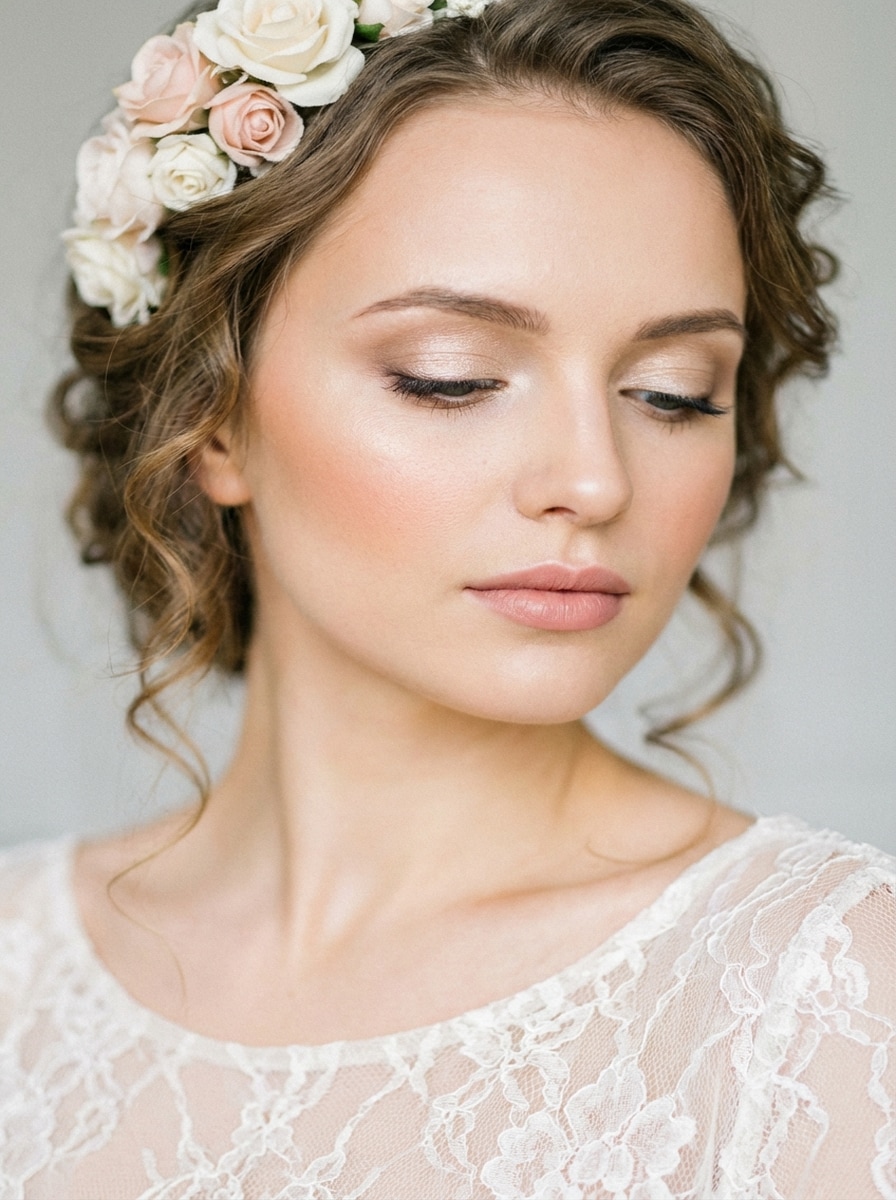
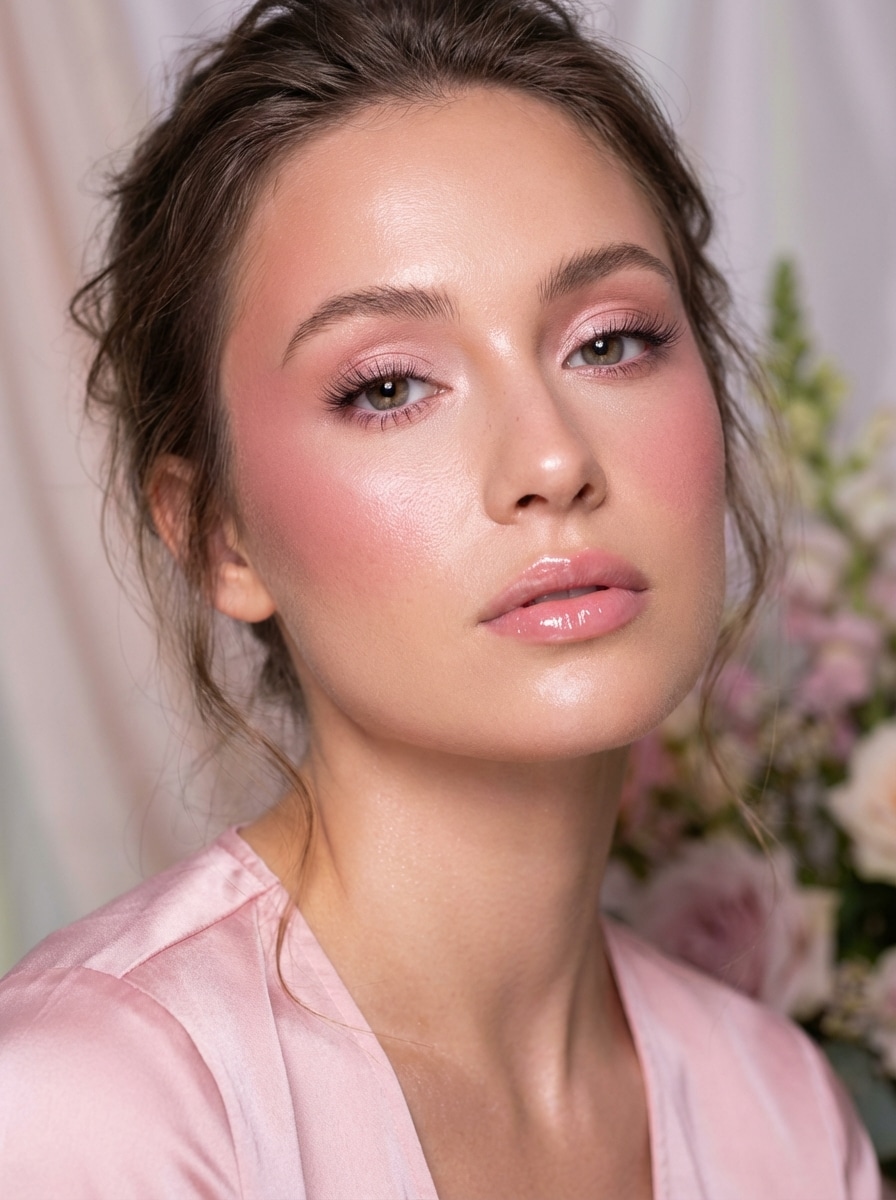
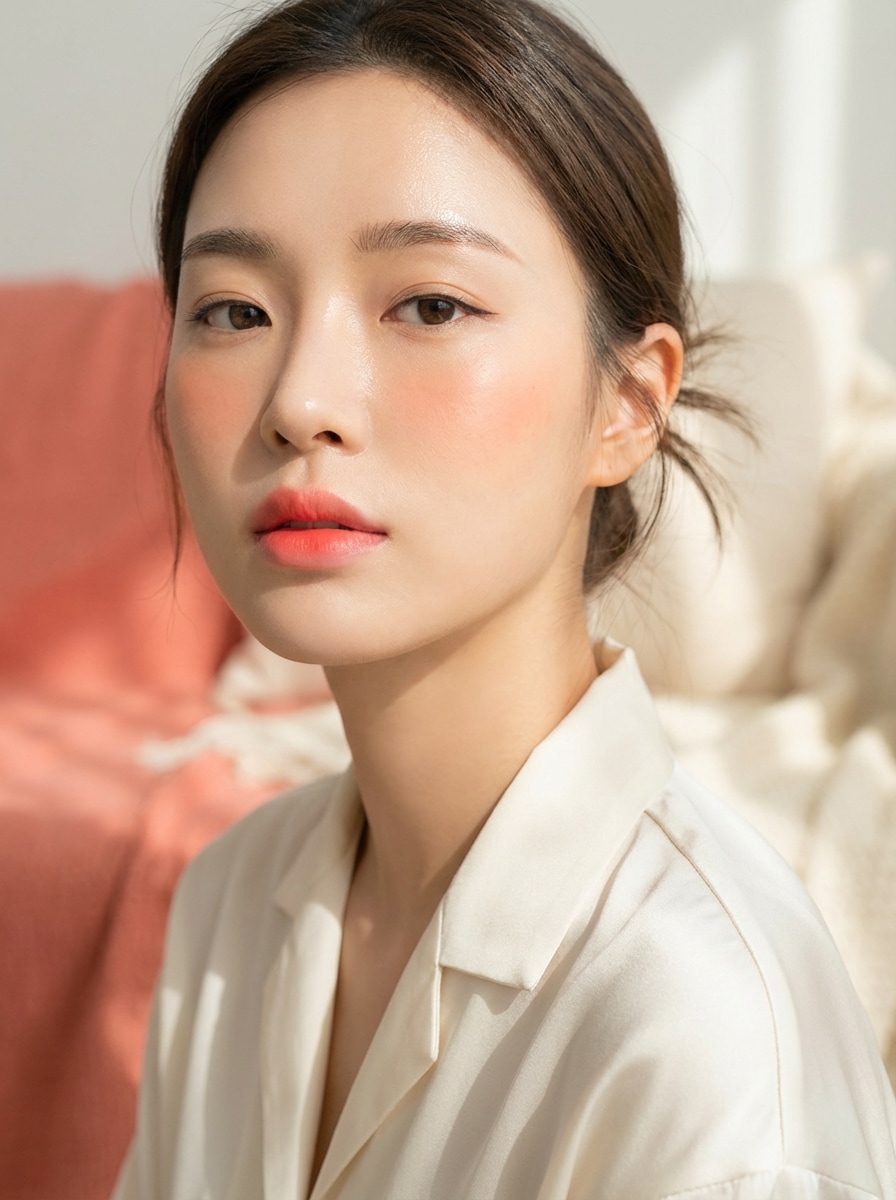
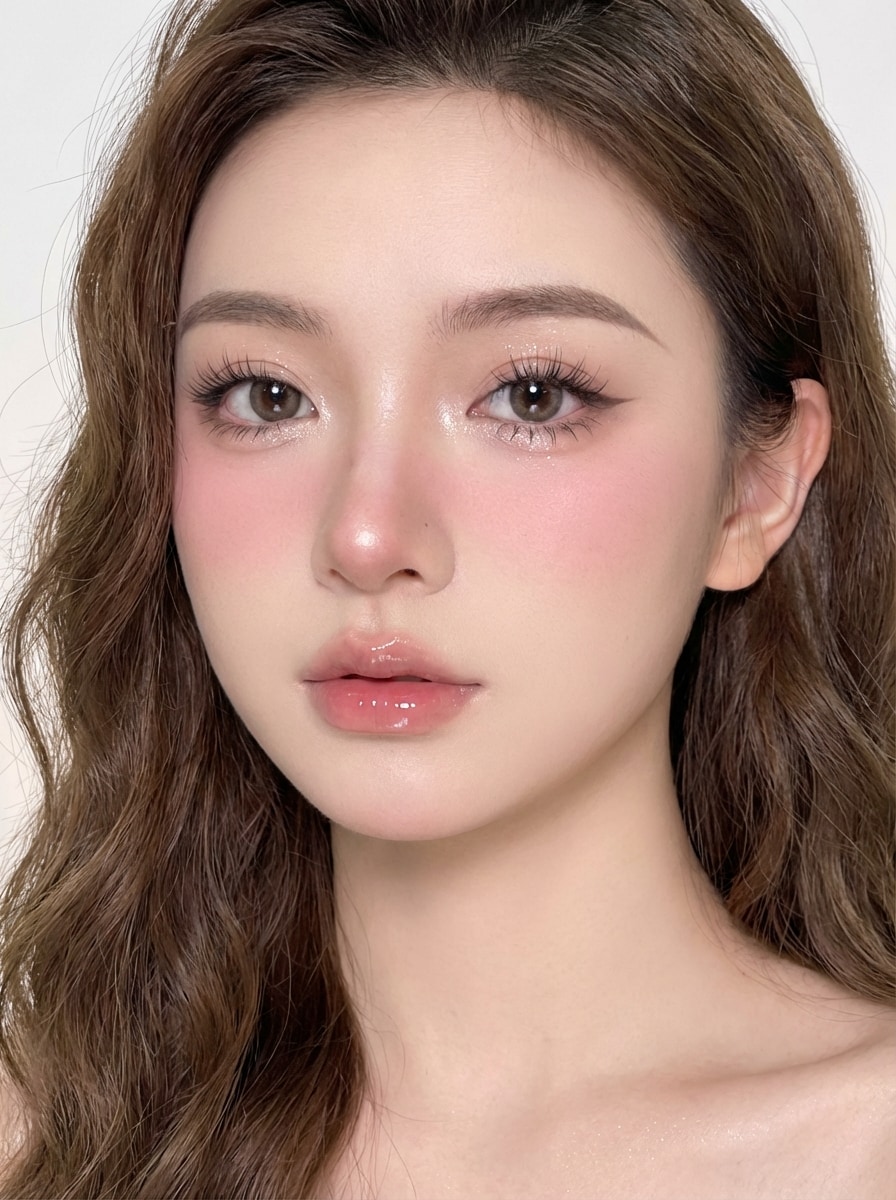
Découvrez notre sélection exclusive de styles générés par le générateur de maquillage IA .
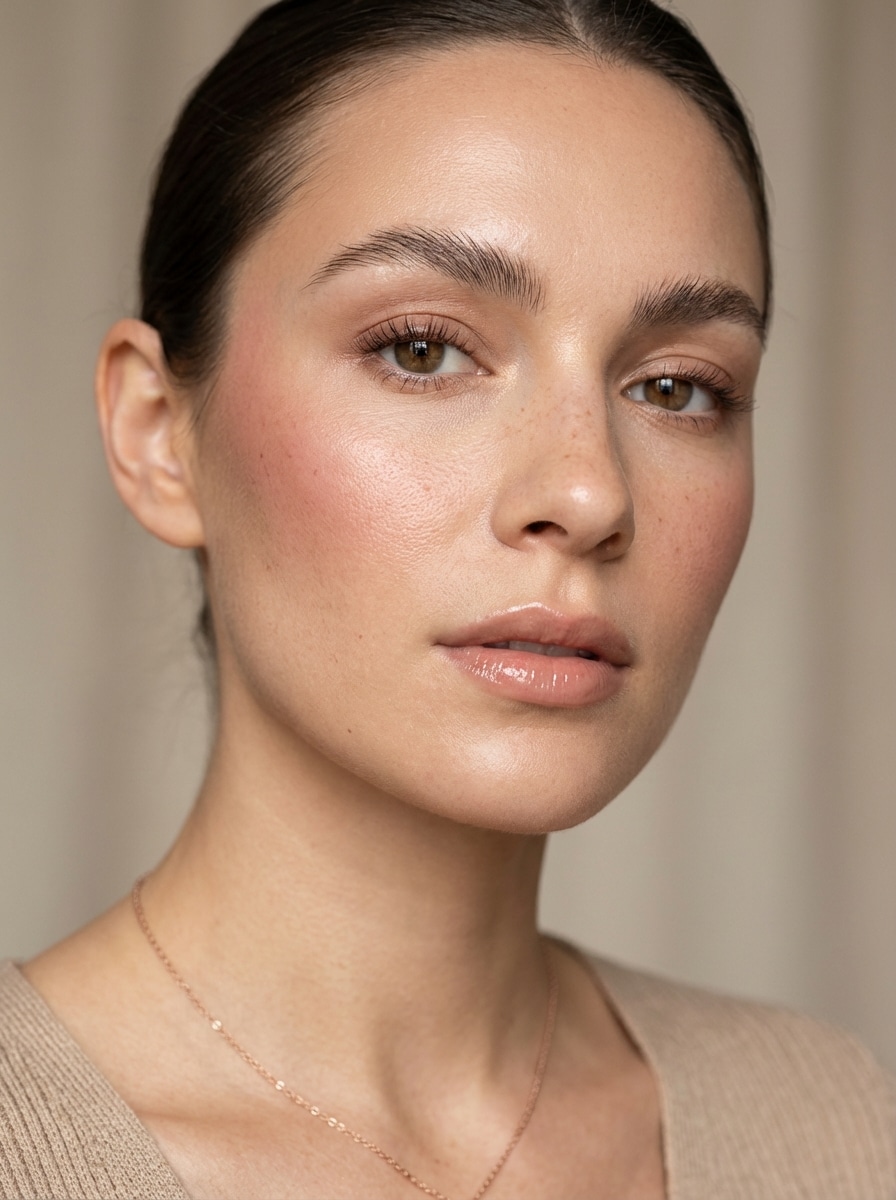
Maquillage "Clean Girl"
Utilisez l’image téléchargée comme base, puis appliquez un look clean girl : teint glowy, sourcils brossés, blush crème discret, mascara brun léger, gloss nude naturel, lumière douce, retouches minimales, texture de peau réaliste et finition édito raffinée.
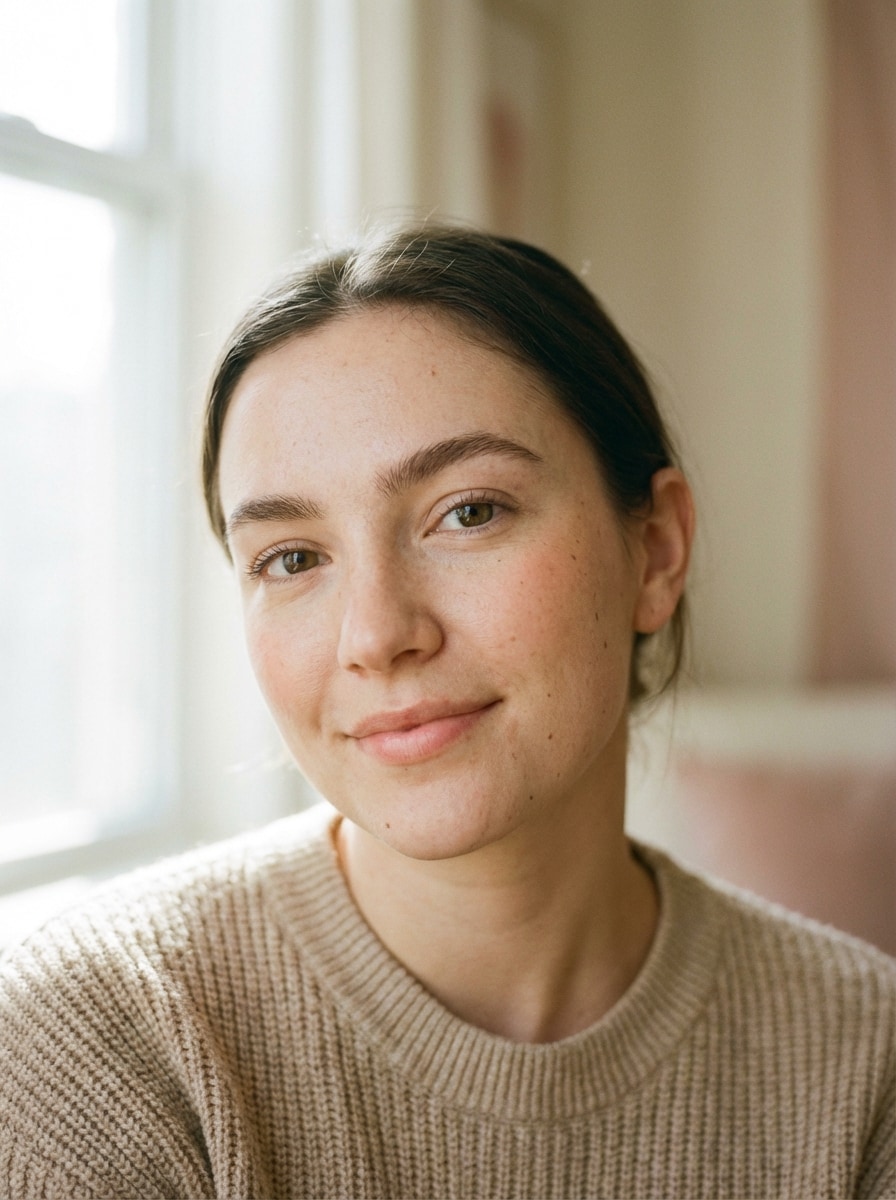
Maquillage effet naturel
Utilisez l’image téléchargée comme sujet et obtenez un look maquillage naturel : couvrance légère, sourcils définis soft, anti-cernes subtil, blush pêche délicat, mascara discret, baume à lèvres nude, lumière naturelle de jour, texture de peau authentique et effet portrait frais ultra réaliste.
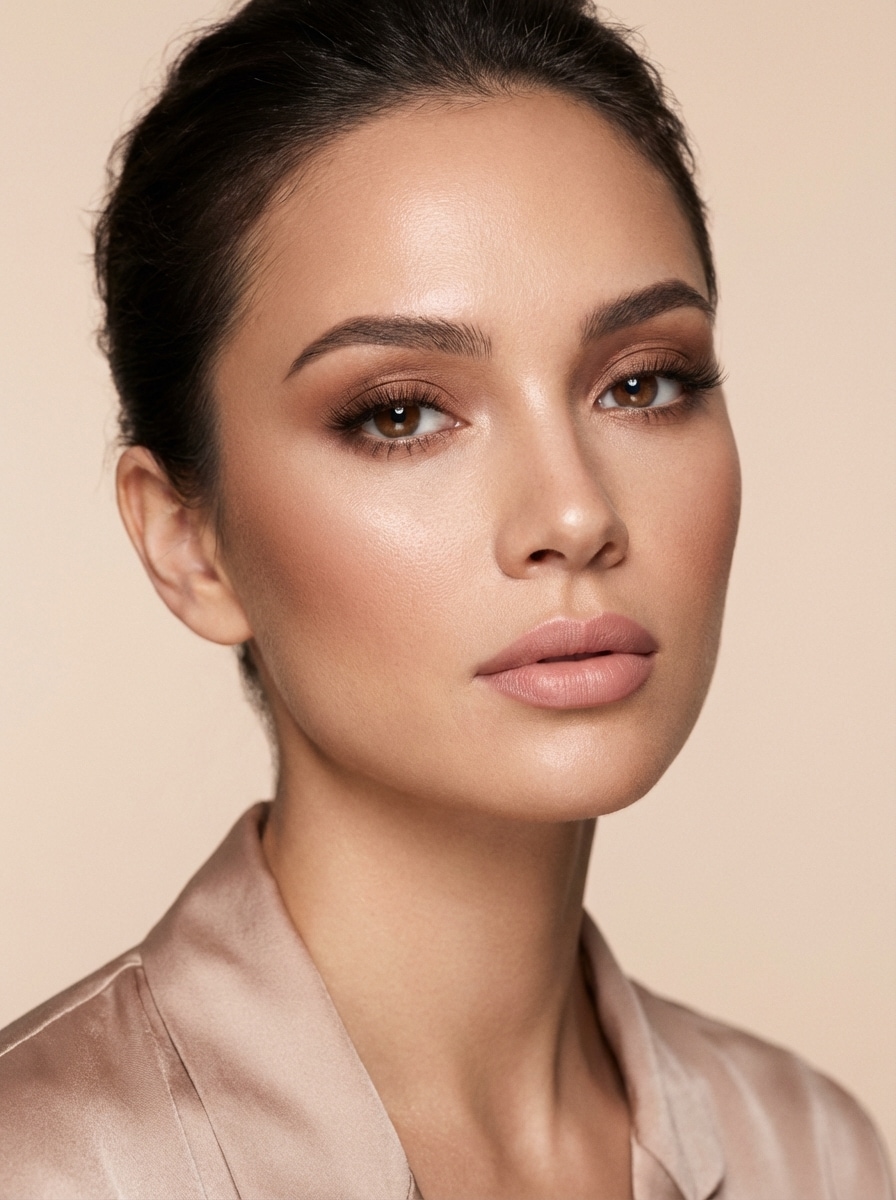
Soft Glam
Utilisez votre image et créez un look soft glam : peau satinée, fard à paupières brun chaud fondu, cils “effet plume”, contour léger, highlight lumineux, rouge à lèvres nude rosé, lumière studio flatteuse, mise en beauté campagne élégante et texture de peau fidèle.
Inspirez-vous du style Douyin : teint porcelaine, illuminateur sous les yeux, liner étiré discret, cils poupée, blush sur joues & nez, lèvres glossy dégradées, lumière vive, style social beauté ultra précis.
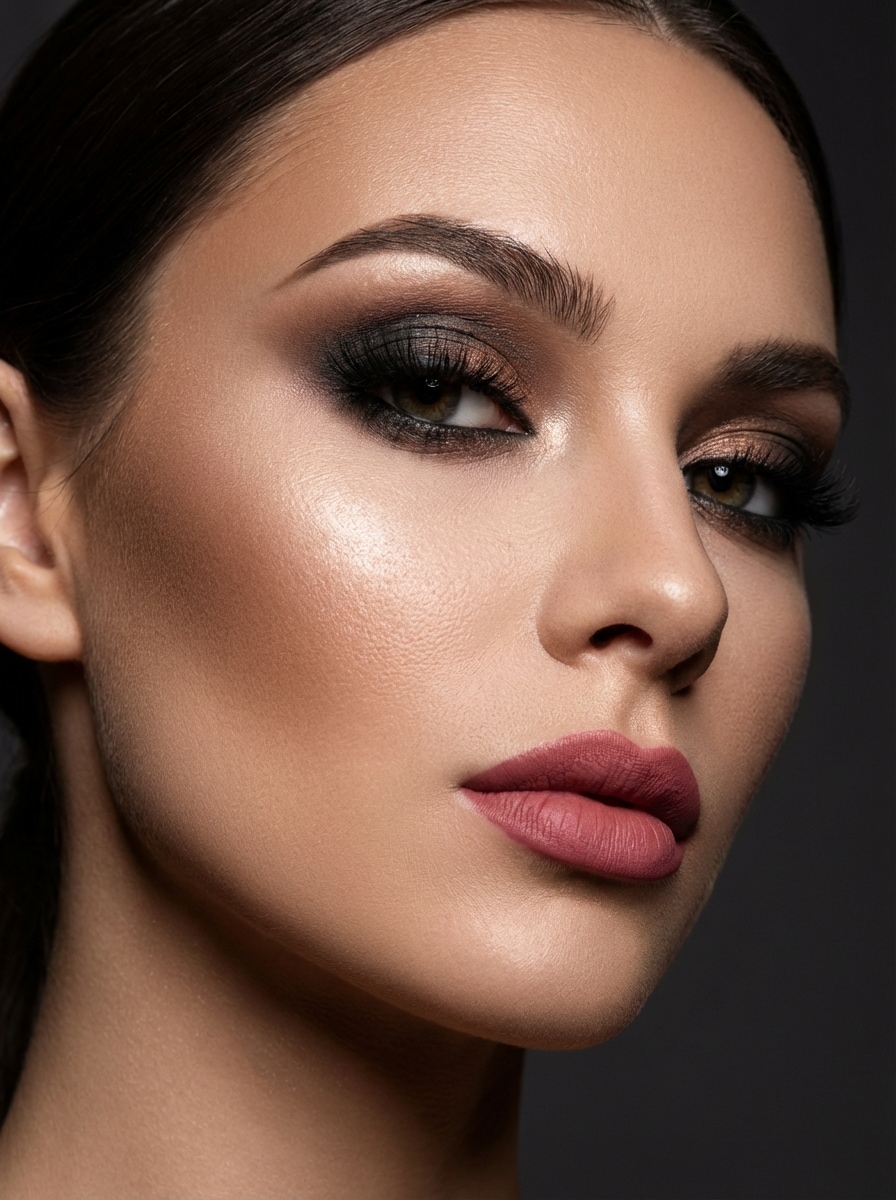
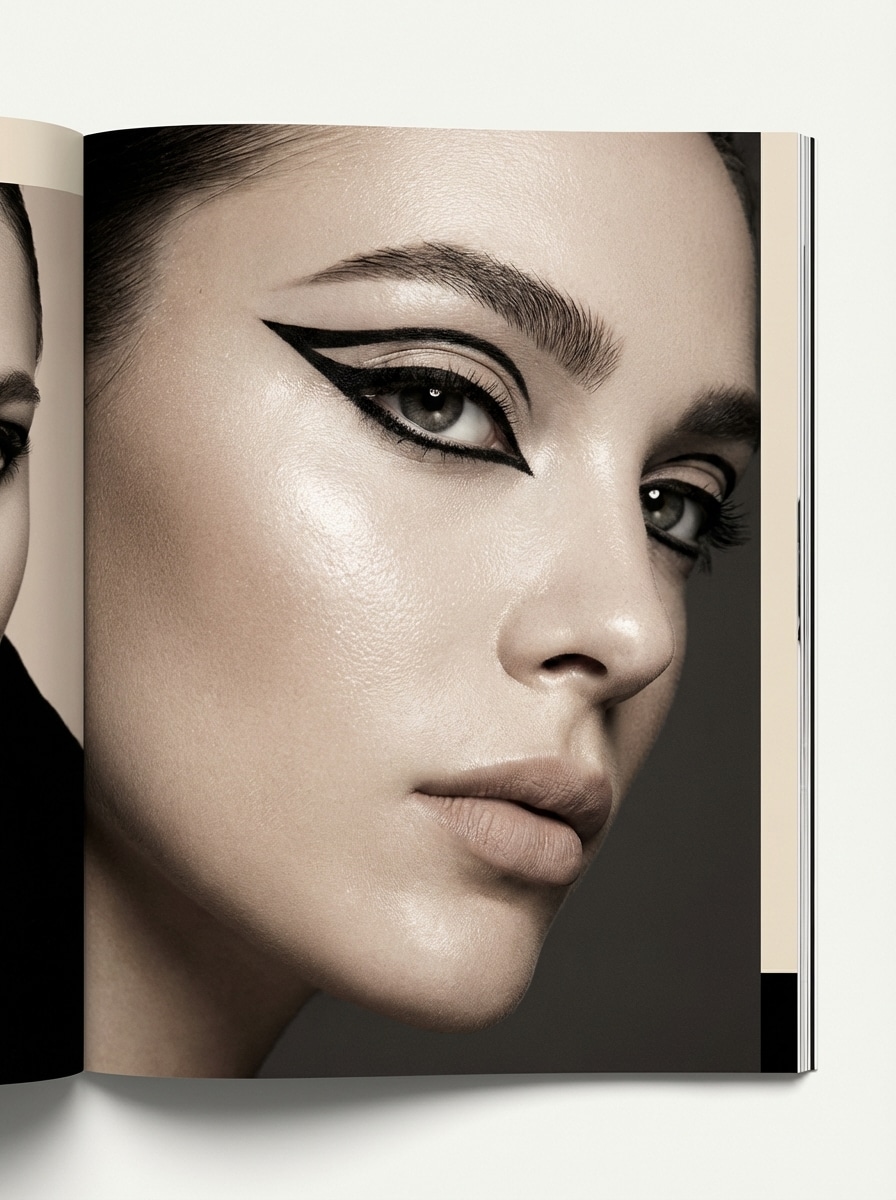
Liner Graphique Éditorial
Transformez l’image en make-up édito arty : liner graphique précis, peau lumineuse, sourcils sculptés, lèvres nude, éclairage magazine, ambiance mode pointue, contraste net & détails HD qui mettent l’accent sur le regard sans perdre en naturel.
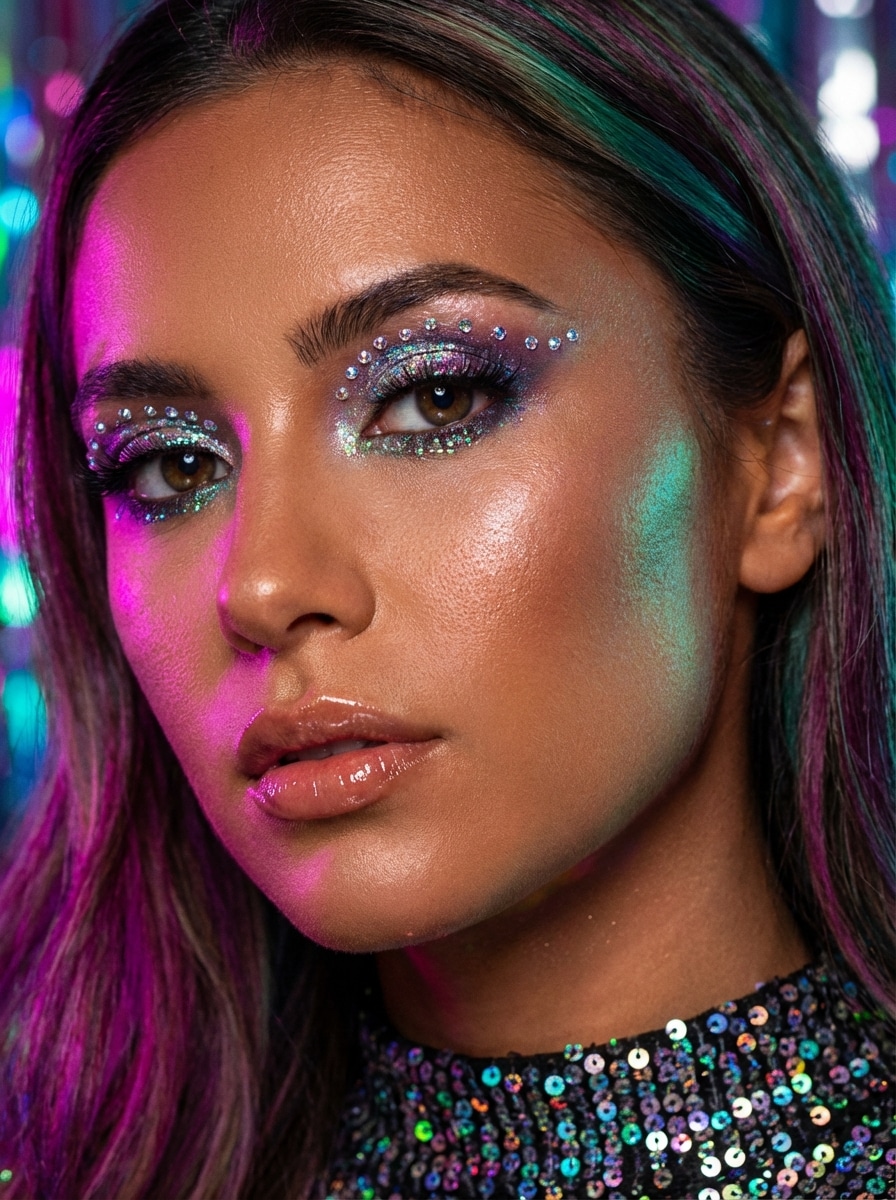
Maquillage Glitter Festival
Appliquez un style festival glitter : fard irisé sur les yeux, strass, teint bronzé lumineux, lèvres brillantes, highlights colorés, lumière festive vibrante et fini beauté prêt pour les réseaux, à la fois fun & sophistiqué.
Pourquoi choisir Media.io pour vos looks maquillage IA ?
Téléchargez un selfie et transformez-le en un clin d’œil
Transformez un portrait ou un selfie en maquillage naturel, soft glam ou look beauté audacieux, directement dans votre navigateur. L’outil fonctionne en ligne sur ordinateur et mobile, donc vous pouvez tester des styles instantanément, sans rien installer.
Images beauté haute résolution
Créez des visuels make-up en 1K, 2K ou 4K, avec ratios flexibles (1:1, 9:16, 16:9…). Idéal pour préparer des photos de profil, contenus réseaux sociaux ou moodboard créatif sur-mesure.
Crédits gratuits chaque jour pour essayer des styles
Les utilisateurs free reçoivent 3 crédits/jour : parfait pour tester plusieurs variations maquillage comme no-makeup, bridal glam ou Douyin avant éventuellement de s’abonner.
Mode en ligne respectueux de votre vie privée
Les photos mises en ligne sont supprimées automatiquement des serveurs Media.io au bout de 7 jours pour protéger votre confidentialité. Pour des exports propres, les abonnés payants peuvent télécharger leurs images en HD sans watermark.
Comment utiliser le générateur de maquillage IA
1
2
3
1
Ouvrir le Générateur de Maquillage IA Media.io
Rendez-vous sur media.io/ai et ouvrez le Générateur de Maquillage IA dans IA -> Image vers Image. Cet outil fonctionne direct dans votre navigateur, sur Windows, Mac, iPhone, Android… testez le maquillage virtuel sur tout appareil !
2
Importez votre photo et décrivez le look
Téléchargez un portrait net, puis renseignez un prompt détaillé comme : “Utilisez l’image uploadée et appliquez un maquillage naturel : teint glowy, blush pêche light, sourcils brossés, mascara léger, lèvres nude glossées.” Ajustez la tendance et les réglages selon vos envies.
3
Générez, affinez, téléchargez
Cliquez sur Générer pour obtenir votre look maquillage IA. Ajustez le prompt si besoin pour un style plus clean, soft ou glamour. Téléchargez votre image dès qu’elle vous convient, les téléchargements HD sans watermark sont accessibles aux abonnés premium.
"Prévisualisation maquillage naturel super réaliste" Je cherchais un générateur de maquillage IA qui ne rende pas mon visage plastique. Media.io m’a proposé des variantes clean girl et soft glam qui me ressemblent, c’est top pour planifier mes contenus beauté.
Sophie Nguyen
Influenceuse lifestyle
"Idéal pour tester les dernières tendances" J’ai pu comparer plusieurs styles Douyin, K-beauty ou mariée à partir d’un seul selfie. L’outil est super rapide, et les prompts proposés m’ont aidée à obtenir pile le look maquillage sans me prendre la tête.
Ava Thompson
Future mariée
"Parfait pour m’inspirer côté mariage !" J’ai importé un portrait et testé plusieurs idées make-up mariage avant mes essais. Ça m’a permis de cibler des looks doux et lumineux qui me plaisent vraiment, au lieu d’accumuler de l’inspiration au hasard.
Lena Brooks
Social media manager
"Montages beauté faciles dans le navigateur" Tout gérer en ligne, c’est vraiment un plus. Je peux créer des portraits pour mes campagnes en quelques clics sur mon ordi – pas besoin d’installer quoi que ce soit !
Découvrez Les Effets Vidéo et d'Image IA Les Plus Populaires
Un générateur de maquillage IA est un outil qui permet de créer ou transformer des looks beauté grâce à l’intelligence artificielle. Sur Media.io, uploadez un portrait et générez différents styles de maquillage directement en ligne.
2. Comment éditer mon maquillage sur une photo en ligne ?
Ouvrez Media.io dans votre navigateur, importez votre photo et saisissez le prompt maquillage de votre choix. Générez le résultat et ajustez si besoin. Plateforme compatible Windows, Mac, iOS et Android.
3. Le générateur de maquillage IA de Media.io est-il gratuit ?
Media.io offre 3 crédits gratuits/jour aux utilisateurs free. Si besoin de créer plus de looks, l’abonnement est disponible dans la page tarifs.
4. Puis-je l’utiliser depuis mon téléphone ?
Oui. Media.io est accessible depuis tout appareil avec navigateur : iPhone, Android, tablette, PC Windows ou Mac.
5. Mon selfie reste-t-il privé ?
Vos images sont supprimées automatiquement des serveurs Media.io sous 7 jours pour respecter la confidentialité.
6. Peut-on télécharger les photos maquillage en haute définition sans watermark ?
Media.io propose la génération en 1K, 2K et 4K. Les utilisateurs gratuits peuvent voir un watermark, les abonnés peuvent télécharger sans filigrane et en qualité HD.