Create a Realistic Billboard Mockup From Your Design Fast
Turn your uploaded artwork into a polished billboard mockup in realistic outdoor scenes. Media.io helps you build city, highway, and plaza ad previews with flexible layouts, fast AI rendering, and an easy workflow for presentations, client approvals, or a quick billboard generator online. This workflow is especially useful for billboard mockup free.
Review these example directions, then tailor the prompt details to get stronger results with this Media.io billboard mockup generator. It can also help with billboard comp.
City Roadside Photorealistic
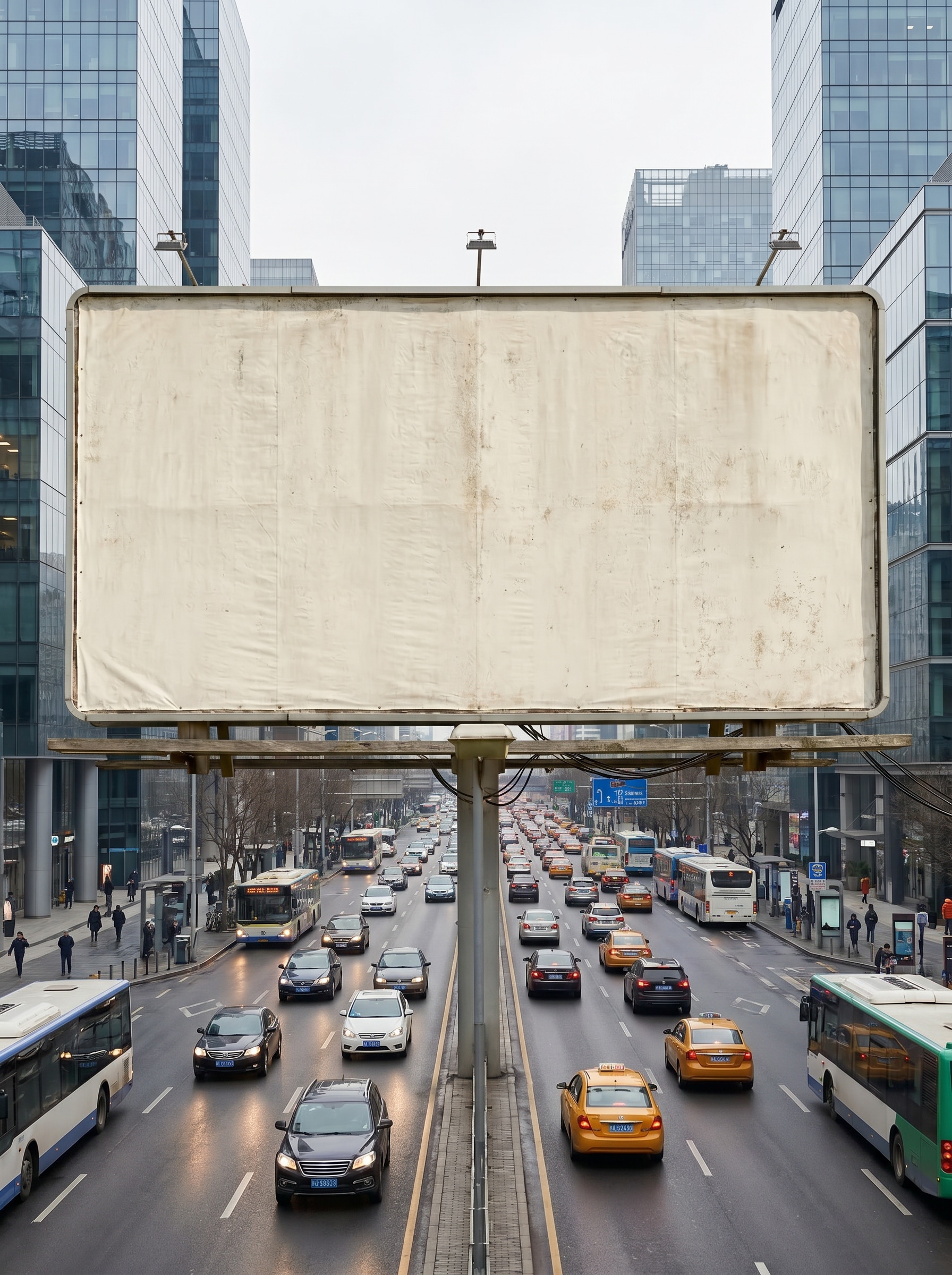
Use the uploaded image as the billboard creative and transform it into a photorealistic roadside advertising scene in a busy modern city. Keep the design clear and properly scaled, add realistic traffic, pedestrians, soft daylight, subtle reflections, crisp print texture, accurate perspective, and premium commercial presentation quality.
Downtown Building Billboard
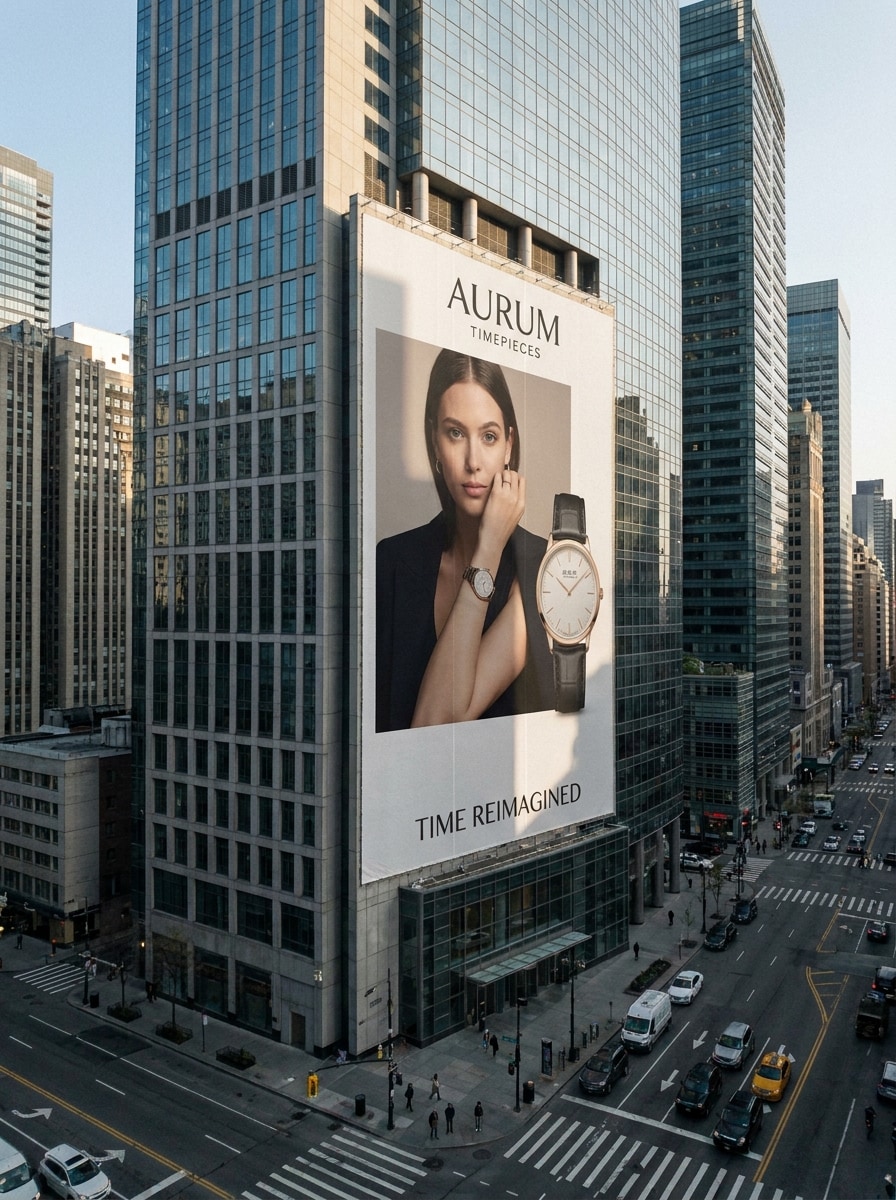
Use the uploaded image as the ad artwork and place it on a giant billboard mounted to the side of a downtown building. Preserve legibility, emphasize correct perspective, add modern architecture, soft daylight shadows, refined urban detail, premium branding mood, and realistic scale for a client-ready mockup billboard presentation.
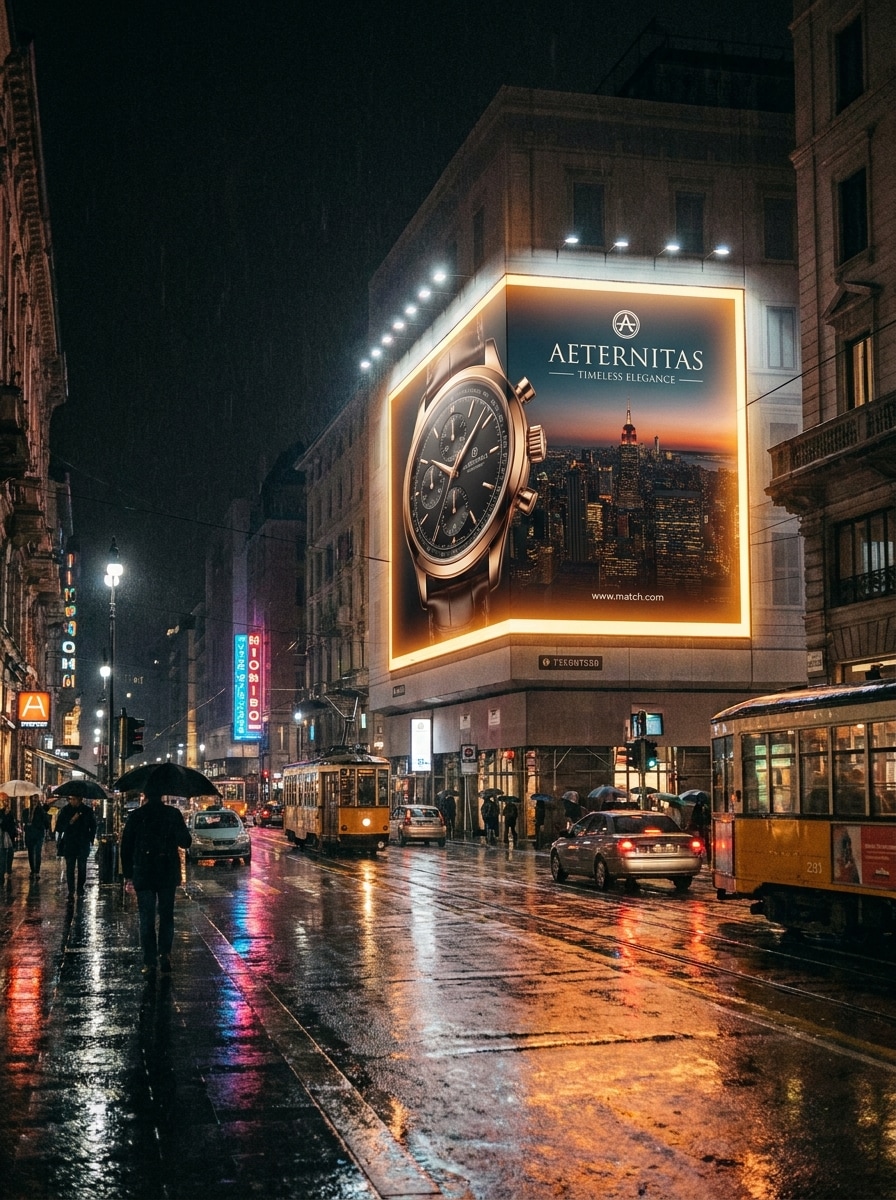
Night Glow Billboard
Use the uploaded design as the billboard face and transform it into a cinematic nighttime city scene. Add dramatic illuminated signage, wet pavement reflections, glowing highlights, deep contrast, realistic environmental light spill, premium campaign atmosphere, and a sharp large-format surface that makes the ad look vivid after dark.
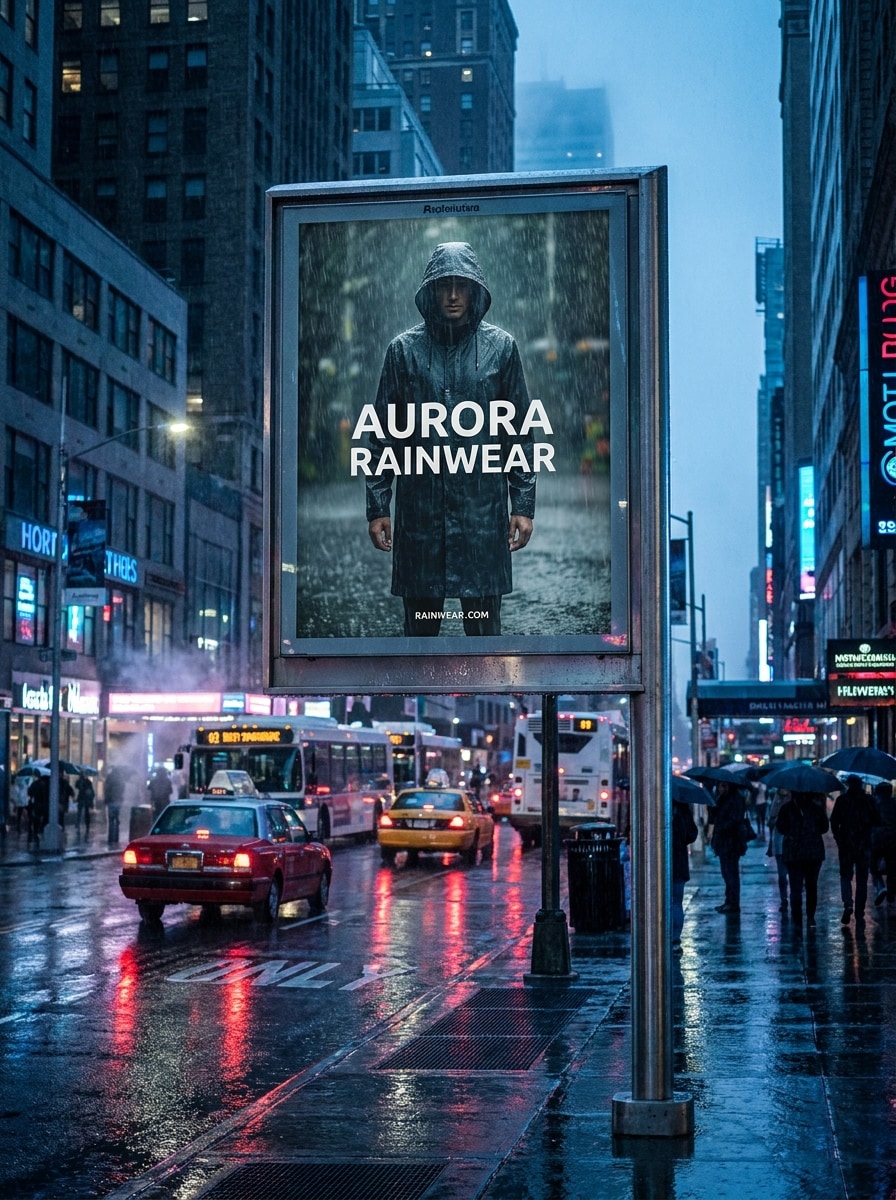
Rainy Street Billboard
Use the uploaded image as the advertisement and turn it into a moody rainy street billboard scene. Keep the creative readable while adding reflective asphalt, atmospheric weather, realistic depth, cool-toned city lighting, damp textures, subtle traffic blur, and a dramatic outdoor advertising look with strong scale and realism.
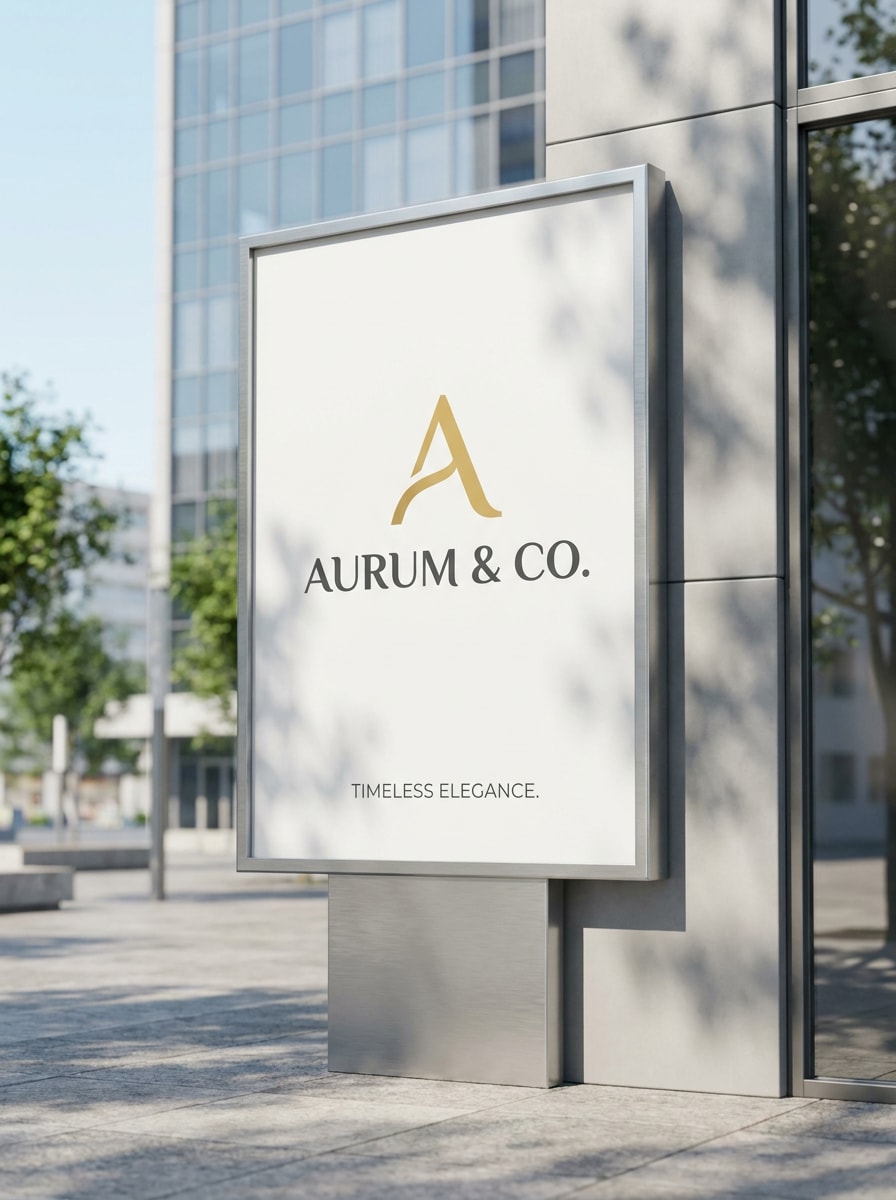
Clean Daylight Mockup
Use the uploaded design as the central subject and place it on a clean billboard scene for a minimalist brand presentation. Add bright daylight, balanced composition, subtle environmental context, accurate scaling, soft shadows, crisp surface detail, and a refined commercial look ideal for a billboard comp or presentation deck.
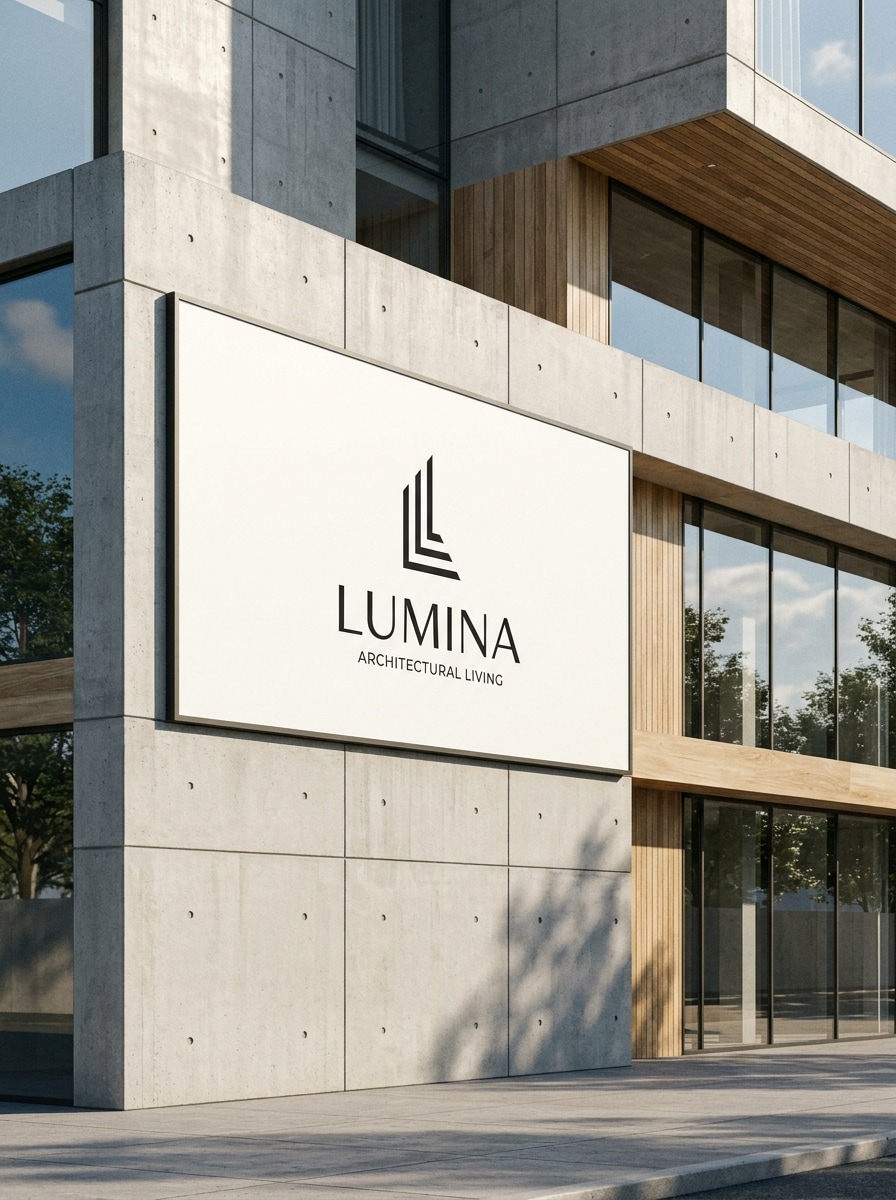
White Space Architecture Scene
Use the uploaded image as the billboard content and integrate it into a modern architectural setting with lots of clean space. Emphasize neutral tones, elegant composition, realistic shadows, refined materials, premium editorial mood, and a sophisticated presentation style that feels suitable for design portfolios and brand reviews.
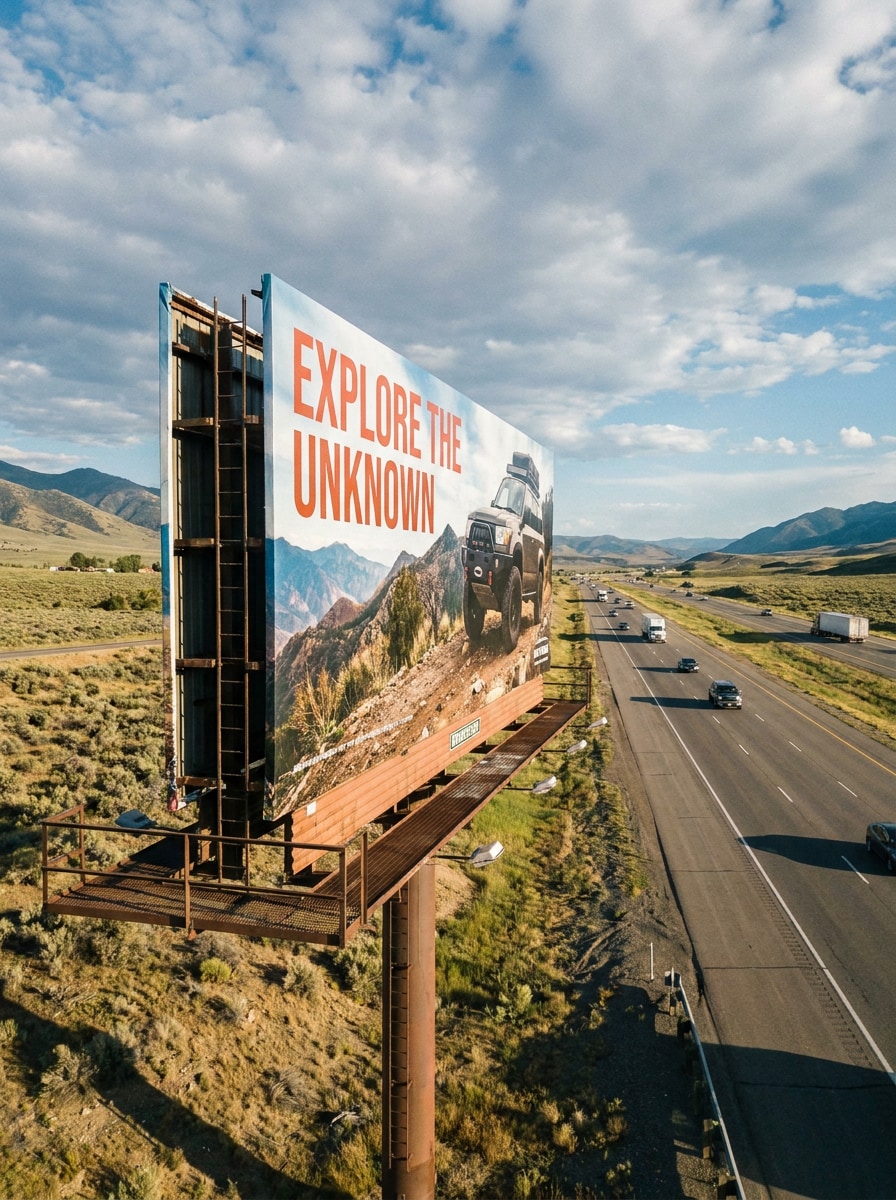
Highway Billboard
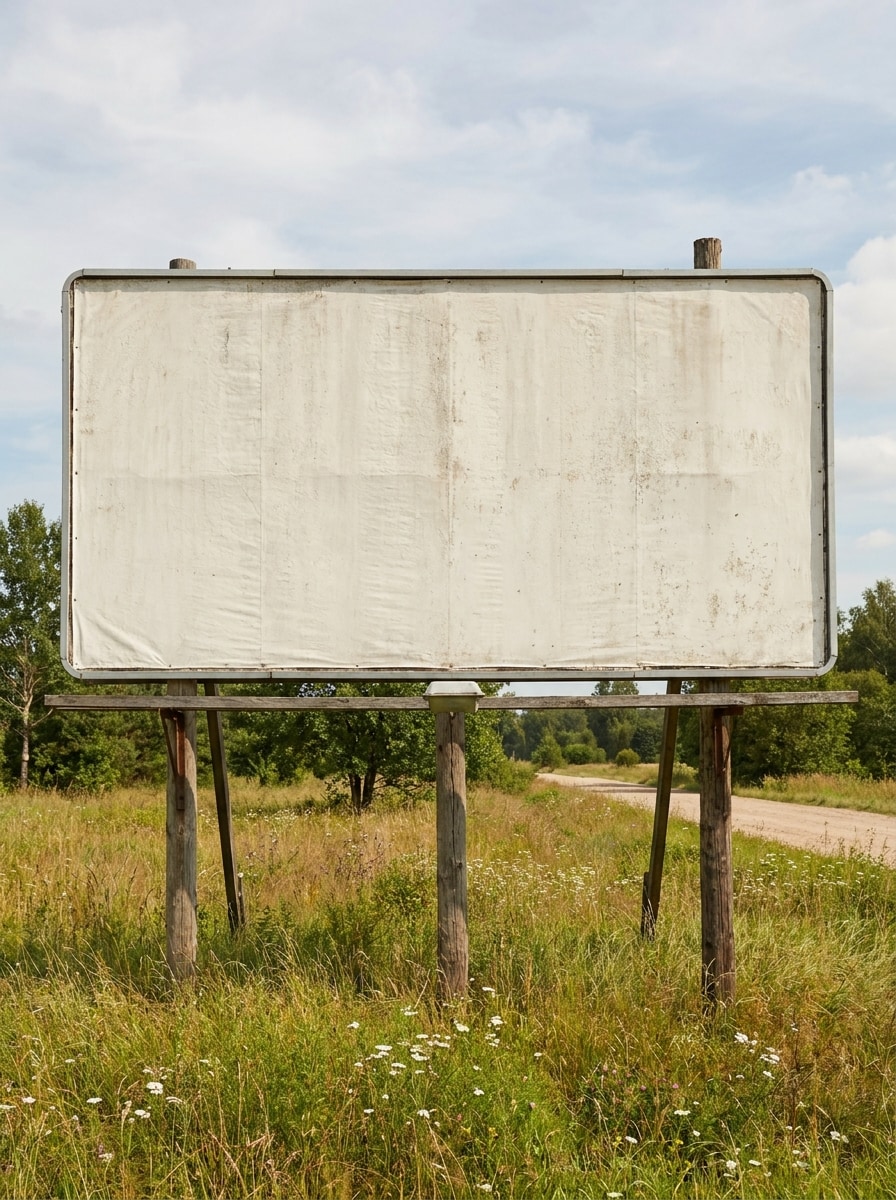
Use the uploaded artwork as the ad and place it on a huge highway billboard. Show realistic long-distance perspective, open road surroundings, natural sky, strong visibility, convincing scale, subtle landscape detail, and a commercial outdoor advertising mood that makes the design feel like a real roadside campaign.
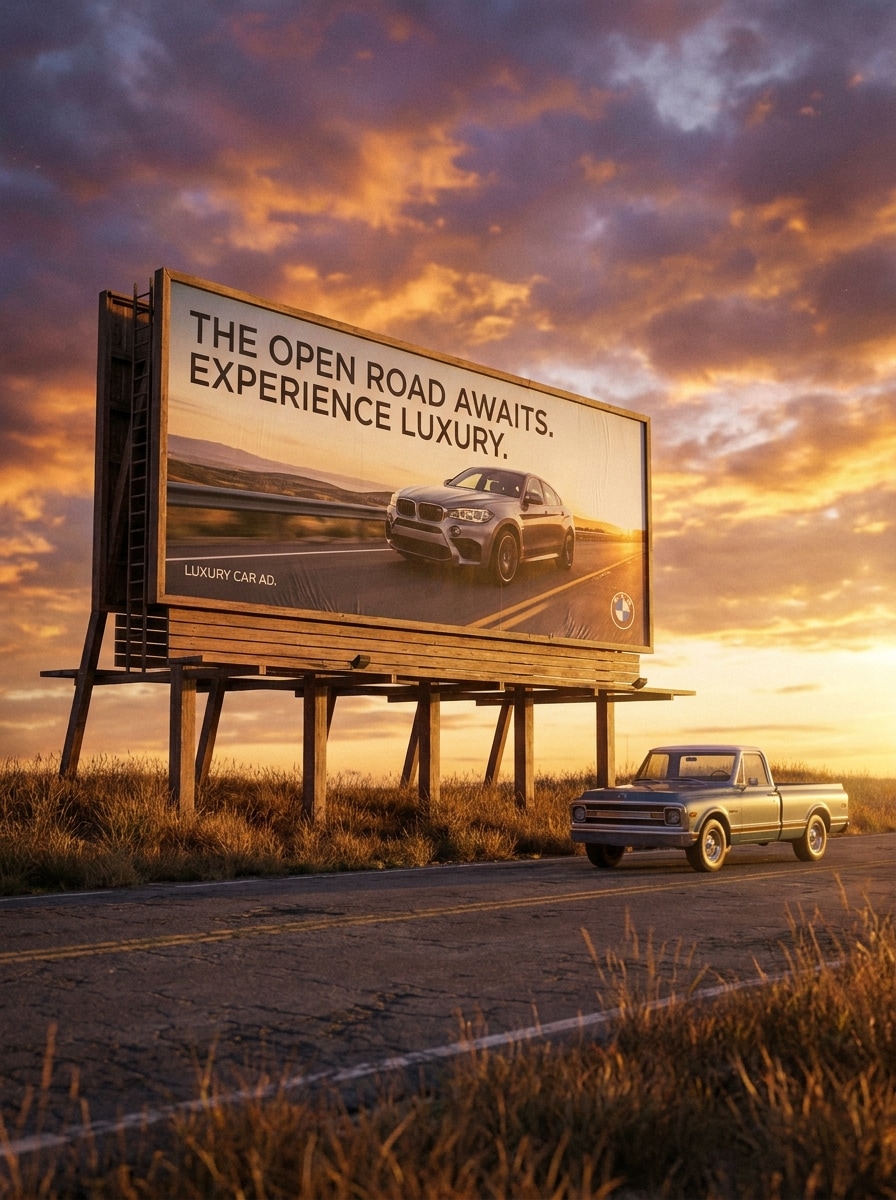
Roadside Sunset Billboard
Use the uploaded image as the billboard creative and transform it into a roadside scene at golden hour. Add warm sunset tones, cinematic depth, realistic roadside details, soft long shadows, premium campaign mood, clear printed texture, and a polished atmosphere that elevates a simple design into a striking outdoor ad preview.
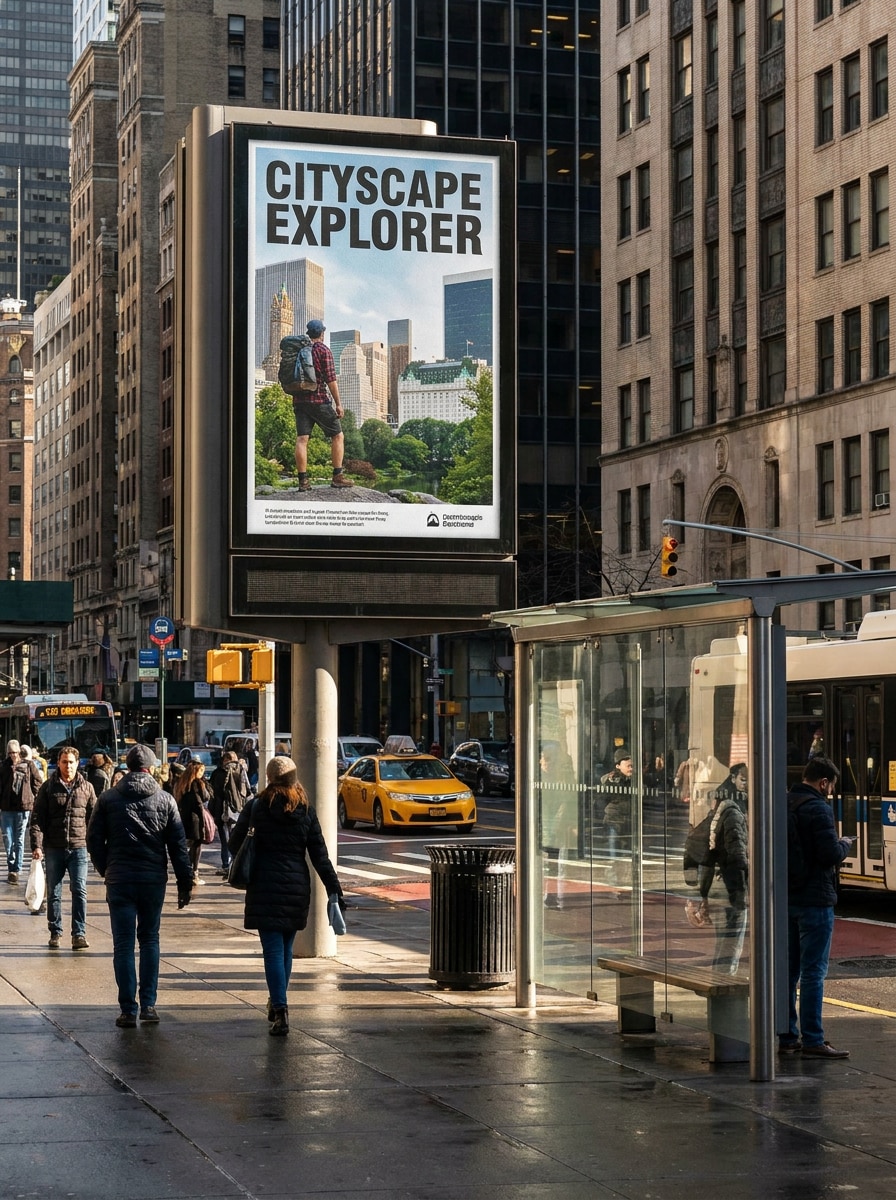
Transit Stop Billboard Style
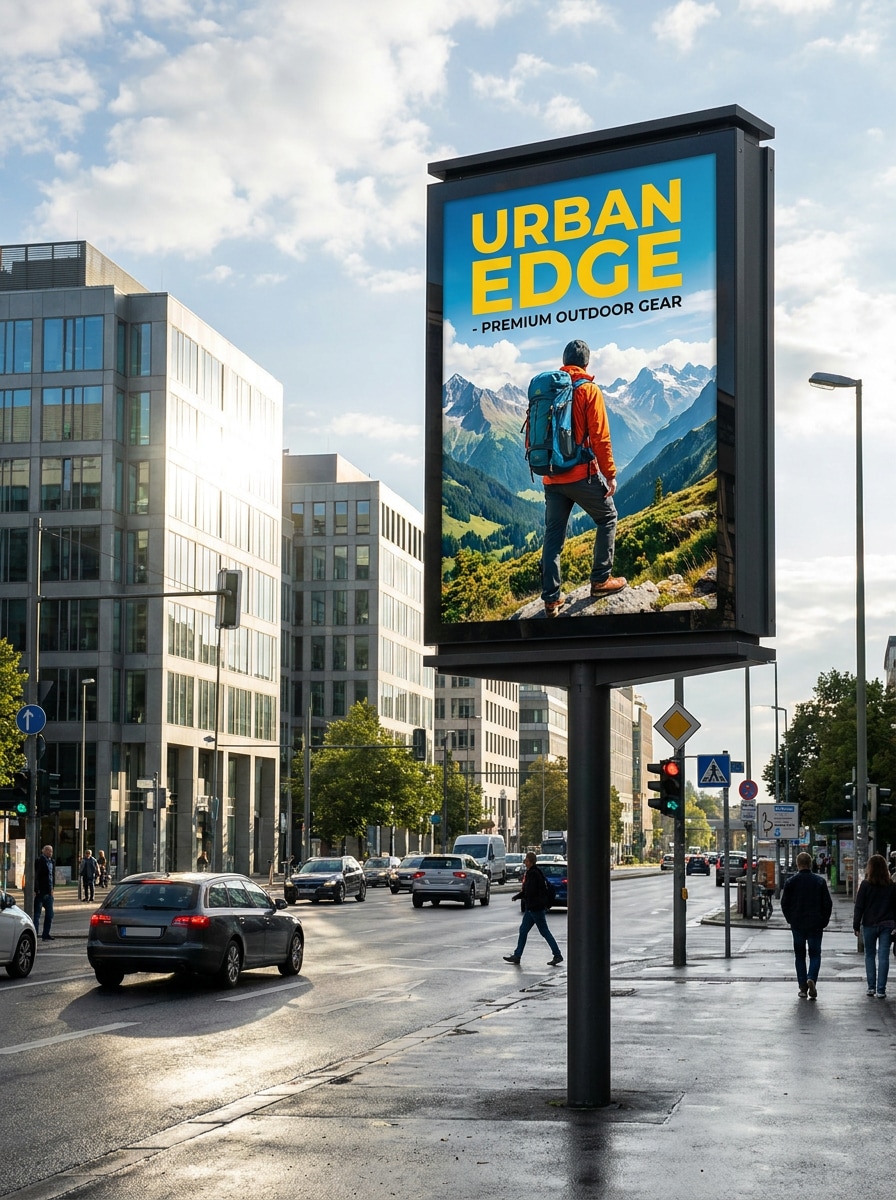
Use the uploaded design as the ad artwork and adapt it into a public advertising scene near a transit stop. Add urban foot traffic, realistic shadows, crisp print texture, clear perspective, practical street furniture, and a believable public-space branding context that feels useful for campaign planning and approvals.
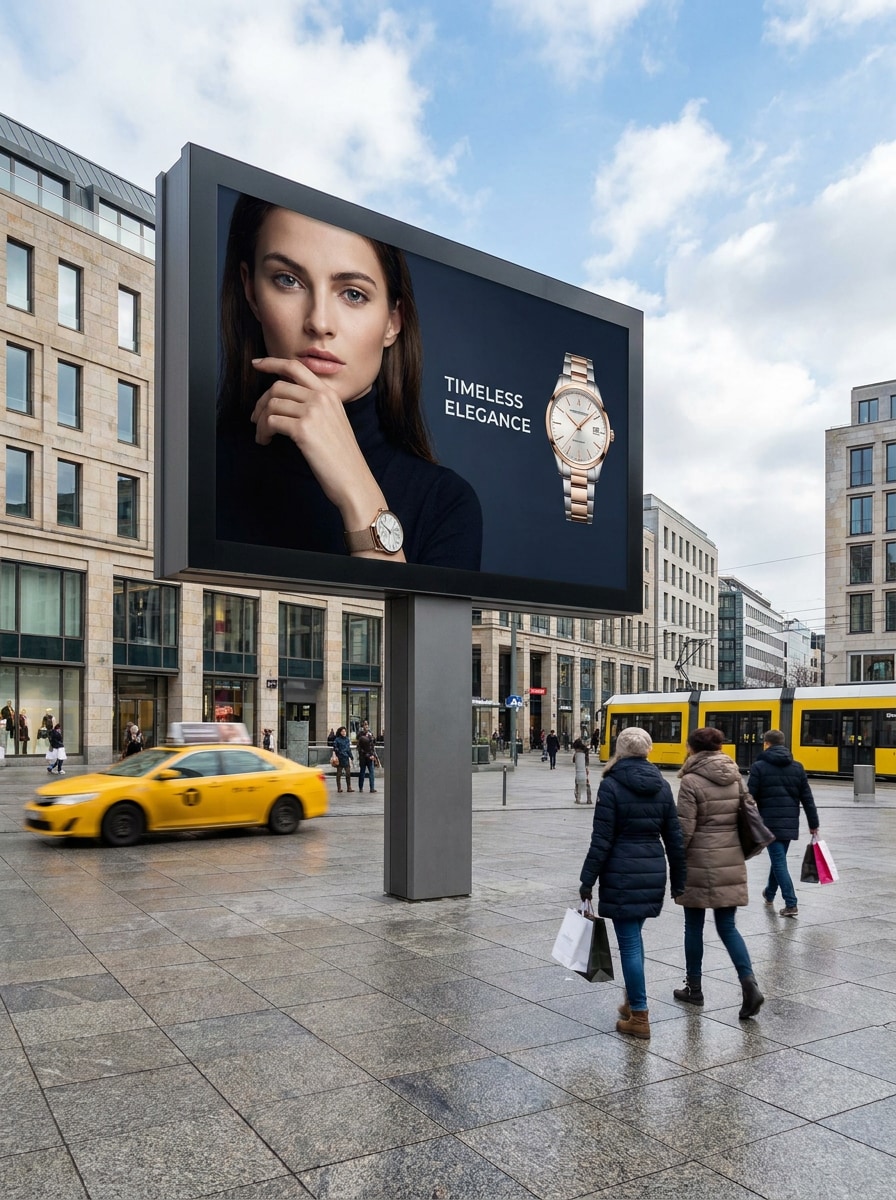
Plaza Billboard
Use the uploaded image as the campaign visual and place it on a billboard in a shopping plaza or public square. Include realistic human scale, polished environmental detail, premium presentation quality, balanced daylight, subtle movement in the background, and a commercial atmosphere suited to a modern brand launch.
Why Use Media.io for Billboard Mockups
Personalize Results Around a Reference Subject
When a result needs to stay tied to the original subject, Media.io helps preserve recognizable features while adapting the overall billboard mockup style for social, branding, or mockup use.
Match the Right Style for Every Version
Different outputs call for different aesthetics. Media.io helps you explore varied treatments of the same billboard mockup concept so the final visual lands in the right tone faster.
Match Perspective, Format, and Presentation Needs
A single concept often has to fit decks, social posts, and promo materials. Media.io helps turn one design into billboard mockups suited to multiple placements, so the visual stays consistent while saving time on rework.
Keep Fine Detail Clear for Professional Reviews
When a billboard mockup is headed for real publishing use, Media.io gives you sharper output up to 4K, which helps the image stay clear across presentations, backgrounds, and reused assets.
How to Make a Billboard Mockup Online
Turn your words into stunning visuals in three simple steps, then continue refining the result if you want to take it further.
Step 1
Upload Your Reference Image
Upload a clear poster, ad layout, product visual, or other source artwork in JPG, PNG, or JPEG. A clean, high-resolution file gives the AI a better base for creating realistic outdoor advertising scenes.
Step 2
Describe the Change and Set Options
Tell Media.io how to place your design, such as a highway scene, city wall display, or night campaign setup. Then choose the AI model and adjust aspect ratio, quality, and the number of variations you want.
Step 3
Generate, Download, and Keep Improving
Create your billboard versions, compare results, and download the one that fits your presentation. You can refine the prompt, regenerate alternatives, or continue editing until the scene matches your brand direction.
See how creators use this Media.io Billboard Mockup for content, marketing, and personal projects, then adapt each idea to fit the brief.
Present Outdoor Campaign Concepts With More Realism
Show clients how poster art will look on roadsides, towers, and public spaces instead of sending a flat file. This workflow is useful when you need a realistic ad preview, a fast free billboard mockup test, or a stronger alternative to static PSD scenes.
Build Quick Variations for Location-Based Reviews
Marketing teams can compare daytime, sunset, downtown, and transit placements from one source design. It is a practical way to explore different settings, test a mockup billboard concept, and turn simple art into scene-ready campaign visuals.
Create Portfolio and Sales Deck Visuals Faster
Agencies, freelancers, and in-house designers can turn flat layouts or even blank billboards ideas into polished presentation images with Media.io. That makes it easier to build from a billboard template, explain creative direction, support sales materials, and showcase finished branding work with context.
What Users Say About Media.io Billboard Mockups
Alyssa M.
Brand Designer
"Great for fast client previews" I used it to turn a flat poster into a realistic city billboard scene before a client meeting. The result looked polished enough for presentation slides, and I did not have to build the entire mockup manually.
Jordan T.
Marketing Manager
"Much easier than hunting for templates" Instead of digging through PSD files, I uploaded our ad and generated several outdoor scenes in minutes. It was especially useful for comparing highway, downtown, and public plaza placements.
Priya R.
Freelance Creative
"Helpful on both desktop and phone" I tested ideas on my laptop and later showed revisions from my phone. The browser workflow made it easy to keep moving, and the mockups looked realistic enough for my portfolio deck.
Ethan C.
Agency Art Director
"Useful for billboard presentation comps" The AI handled perspective and environment surprisingly well. We used it as a billboard mockup generator for internal reviews, then downloaded the strongest version for campaign approval materials.
1. How can I create a billboard mockup from my image online?
Upload your design to Media.io, add a prompt describing the outdoor scene you want, and choose options like aspect ratio, image quality, and the number of outputs. The tool supports JPG, PNG, and JPEG files, so you can quickly turn a flat layout into a realistic billboard preview in your browser.
2. Is there a free billboard mockup generator I can use?
Media.io offers free credits, so you can try a billboard mockup generator or create a free billboard mockup before upgrading. Free use may include watermarks, while paid plans unlock higher-resolution, watermark-free downloads. You can compare plan details on the pricing page.
3. Can I turn a flat poster design into a realistic outdoor billboard preview?
Media.io is built for image-to-image workflows, so you can upload a flat poster, ad layout, or design board and transform it into a more realistic outdoor advertising scene. This is useful when you want a billboard-style preview with perspective, lighting, and environmental context instead of a simple flat artwork presentation.
4. What image size works best for a high-quality billboard mockup?
A clear, high-resolution source image usually gives the best result because the AI has more detail to preserve when placing your design into a scene. Media.io also offers output options up to 4K, which helps when you need cleaner visuals for presentations, portfolios, or client review decks. Free users may have watermarks.
5. Can I make billboard mockups on mobile, or do I need a desktop?
You can use Media.io on mobile or desktop because it is a web-based tool that works in a browser. That means you can run a billboard maker workflow from Windows, Mac, iPhone, iPad, or Android devices without installing extra software.
6. How fast can an AI billboard mockup be generated?
Generation speed depends on the scene complexity, model choice, and output settings, but Media.io is designed for a fast upload-to-mockup workflow. In practice, it is a convenient option when you need quick billboard previews for campaign concepts, stakeholder reviews, or last-minute presentation updates.