Creations are stored for only 7 days. Assets created after upgrading to a Membership plan will be stored permanently.
Unlock your creative potential and experience the magic of Media AI right away!
Turn Your Photo Into a Wanted Poster With AI Styles
Upload any selfie, pet photo, or portrait and transform it into a dramatic wanted poster in seconds. Create Old West, funny party, game-inspired, or modern bulletin designs with AI image-to-image styling, then download a high-quality poster for sharing or printing.
Explore our curated collection of wanted poster generator styles.
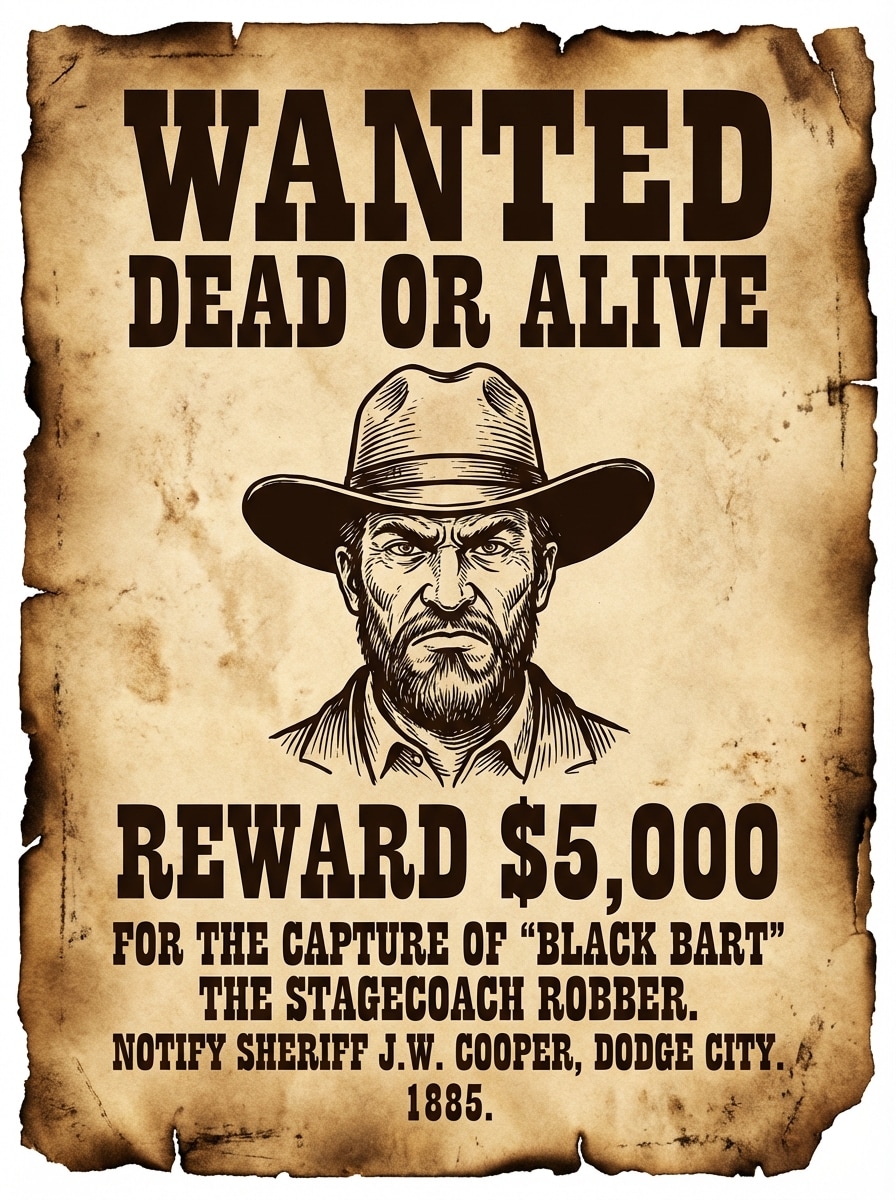
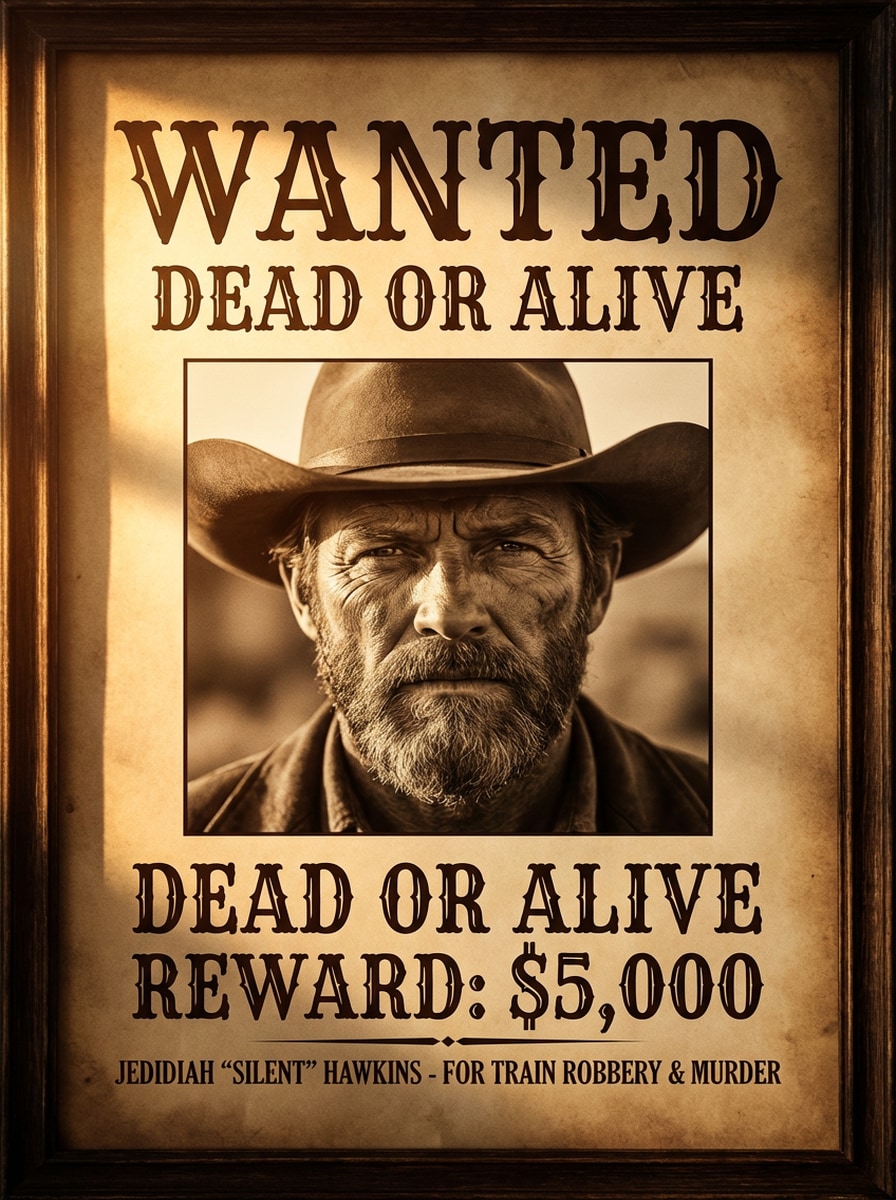
Old West Sepia
Use the uploaded image as the main subject and transform it into a classic Old West wanted poster with a centered portrait, bold western serif WANTED headline, sepia parchment background, distressed paper grain, burnt edges, sheriff-style reward text, warm brown tones, cinematic contrast, and authentic 1800s frontier poster composition.
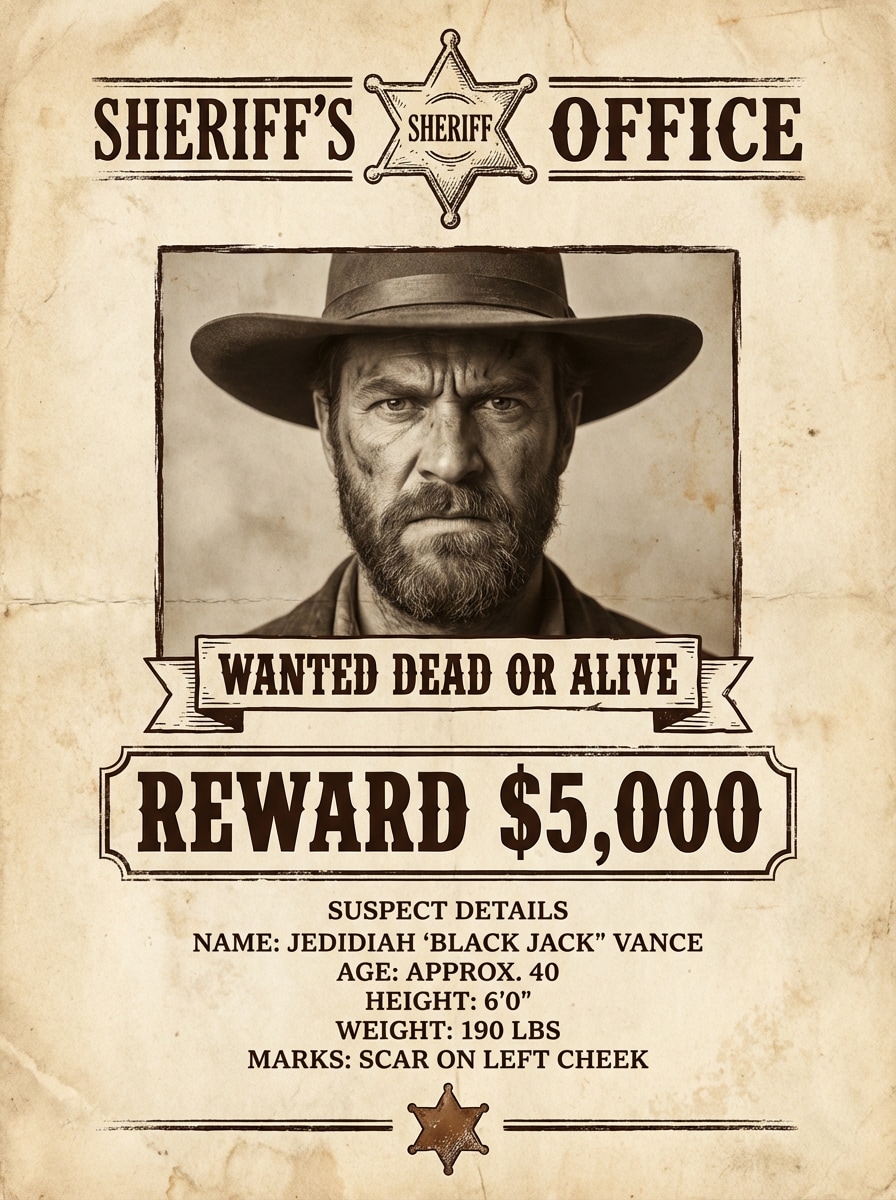
Sheriff Office Bulletin
Use the uploaded photo as the suspect portrait and create a sheriff office wanted notice with antique paper texture, dark brown ink typography, centered headshot, reward amount section, suspect details block, rustic badge accents, balanced margins, and a realistic printed-poster look that feels official and vintage.
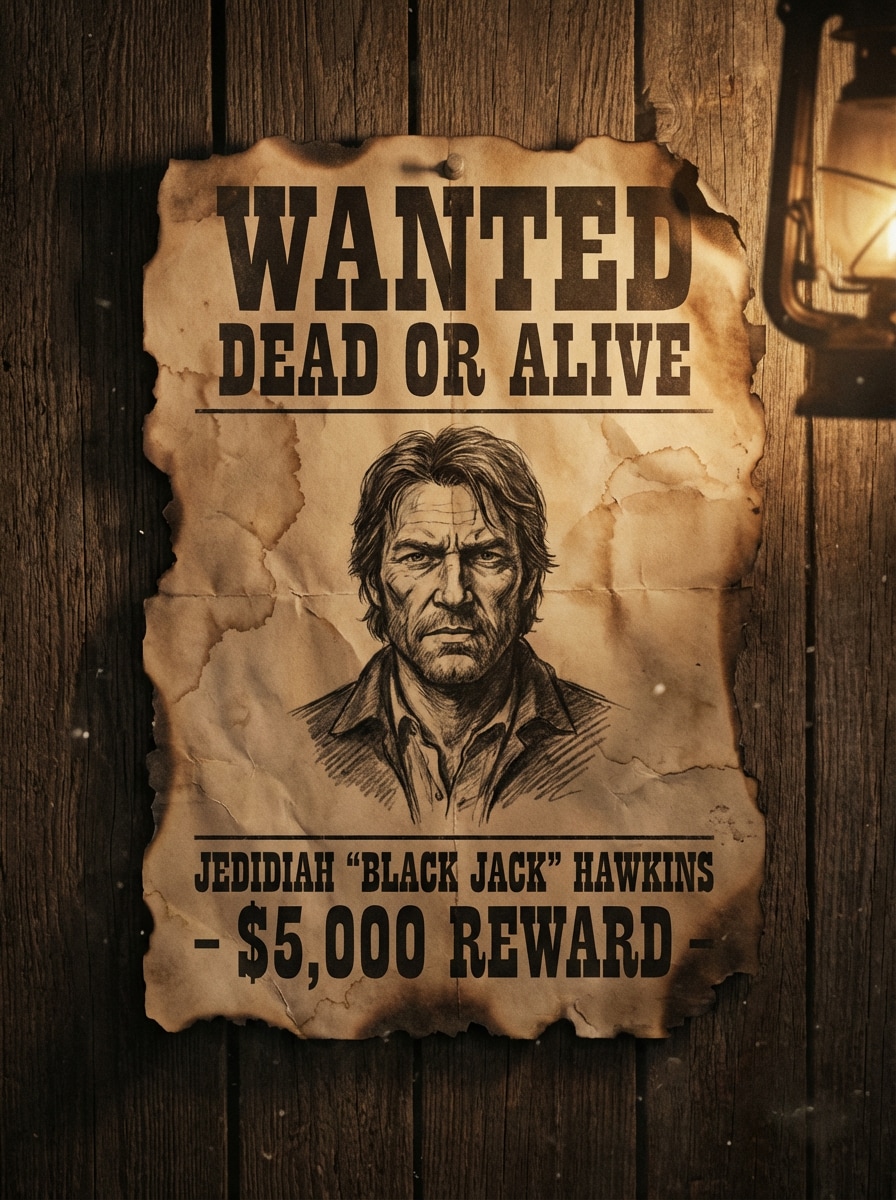
Burnt Edge Saloon Poster
Use the uploaded image as the featured portrait and turn it into a dramatic saloon wall wanted poster with torn and burnt paper edges, dusty sepia tones, weathered texture, strong western typography, moody lighting, dark vignette, and a rugged frontier atmosphere that looks aged and cinematic.
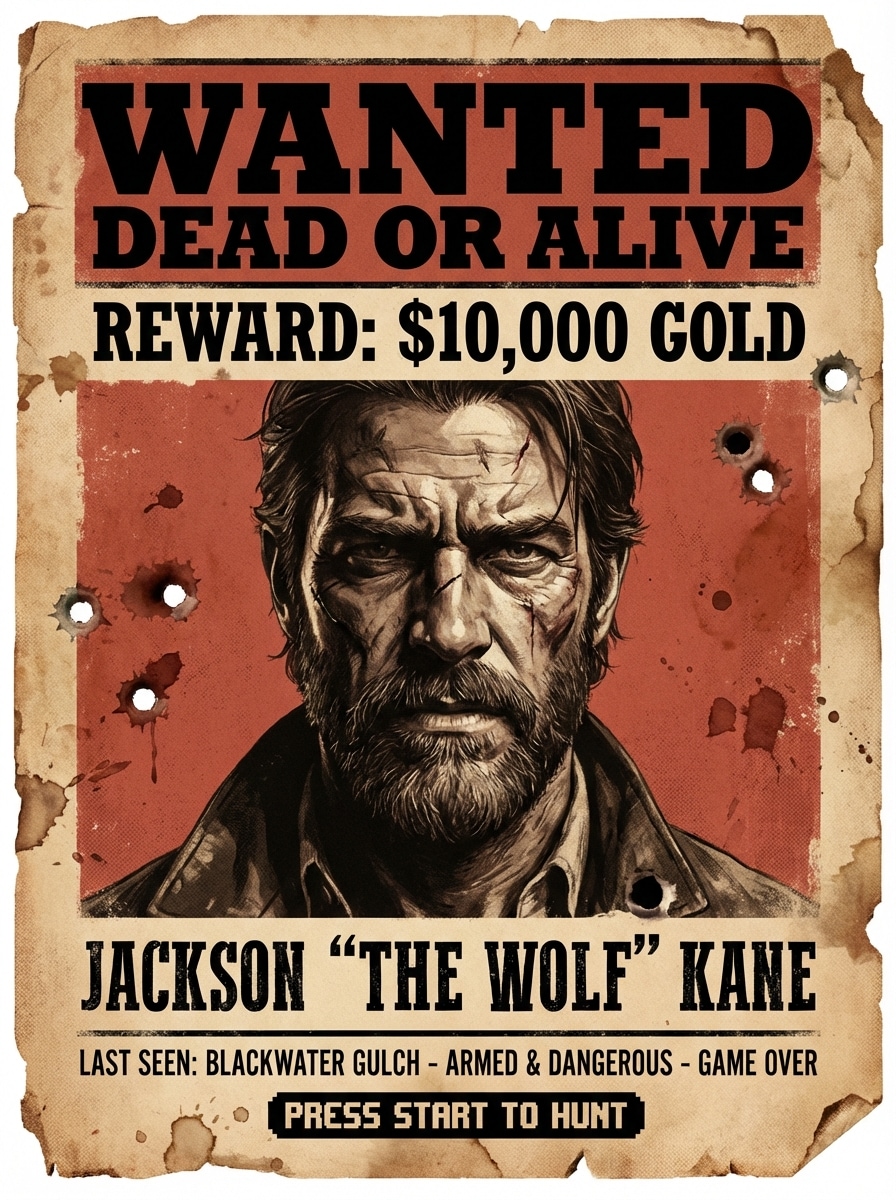
Red Dead Inspired
Use the uploaded portrait as the subject and transform it into a gritty frontier-action wanted poster with dusty red and sepia tones, distressed western paper, bold reward headline, rugged facial detail, dramatic shadows, cinematic outlaw mood, and a highly shareable game-inspired composition.
Cinematic Outlaw Portrait
Use the uploaded selfie as the main portrait and convert it into a cinematic outlaw wanted poster with dramatic side lighting, an aged parchment backdrop, refined western serif lettering, sharp facial detail, rich sepia-brown palette, premium editorial framing, and a polished movie-poster finish.
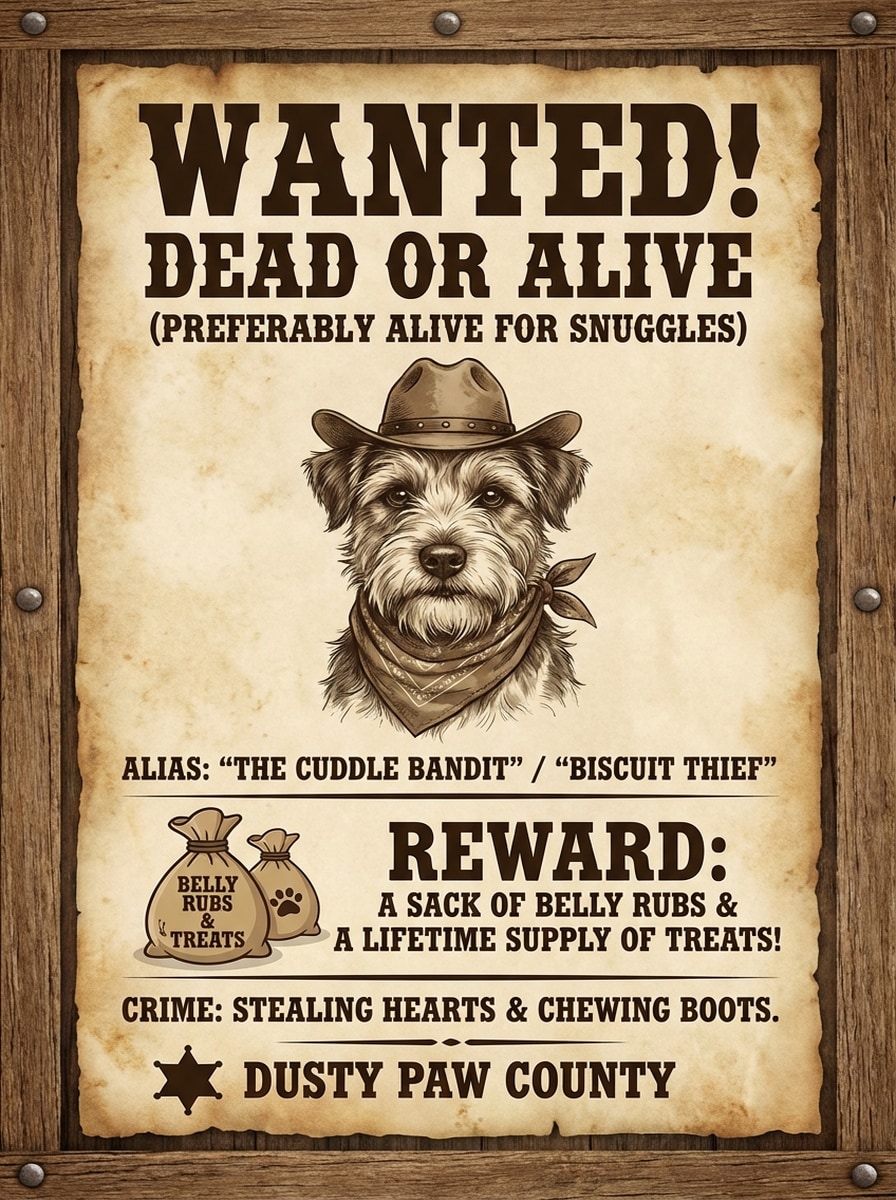
Pet Wanted Poster
Use the uploaded pet photo as the center portrait and create a funny wanted poster with old west paper texture, warm sepia colors, playful reward area, antique framing, clear western headline, charming outlaw mood, soft rustic lighting, and a cute but authentic vintage poster layout.
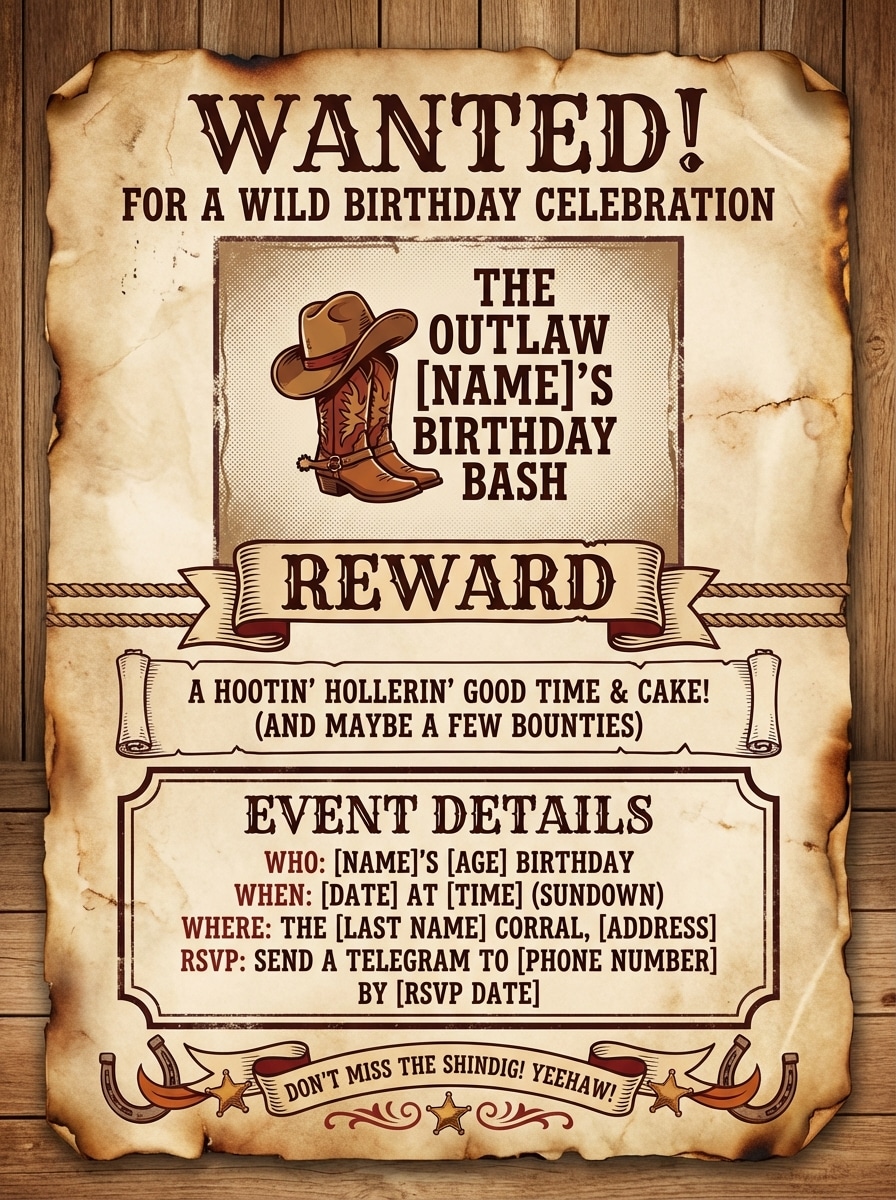
Birthday Party Wanted Poster
Use the uploaded image as the main portrait and turn it into a birthday party wanted poster invitation with old west parchment, fun western fonts, readable reward and event text areas, warm rustic tones, centered composition, festive but vintage styling, and a print-ready poster feel.
Funny Friend Poster
Use the uploaded portrait as the subject and create a funny wanted poster with distressed western paper, exaggerated outlaw mood, bold WANTED title, clear reward section, rustic brown typography, centered face crop, social-media-friendly vertical framing, and a humorous vintage poster aesthetic.
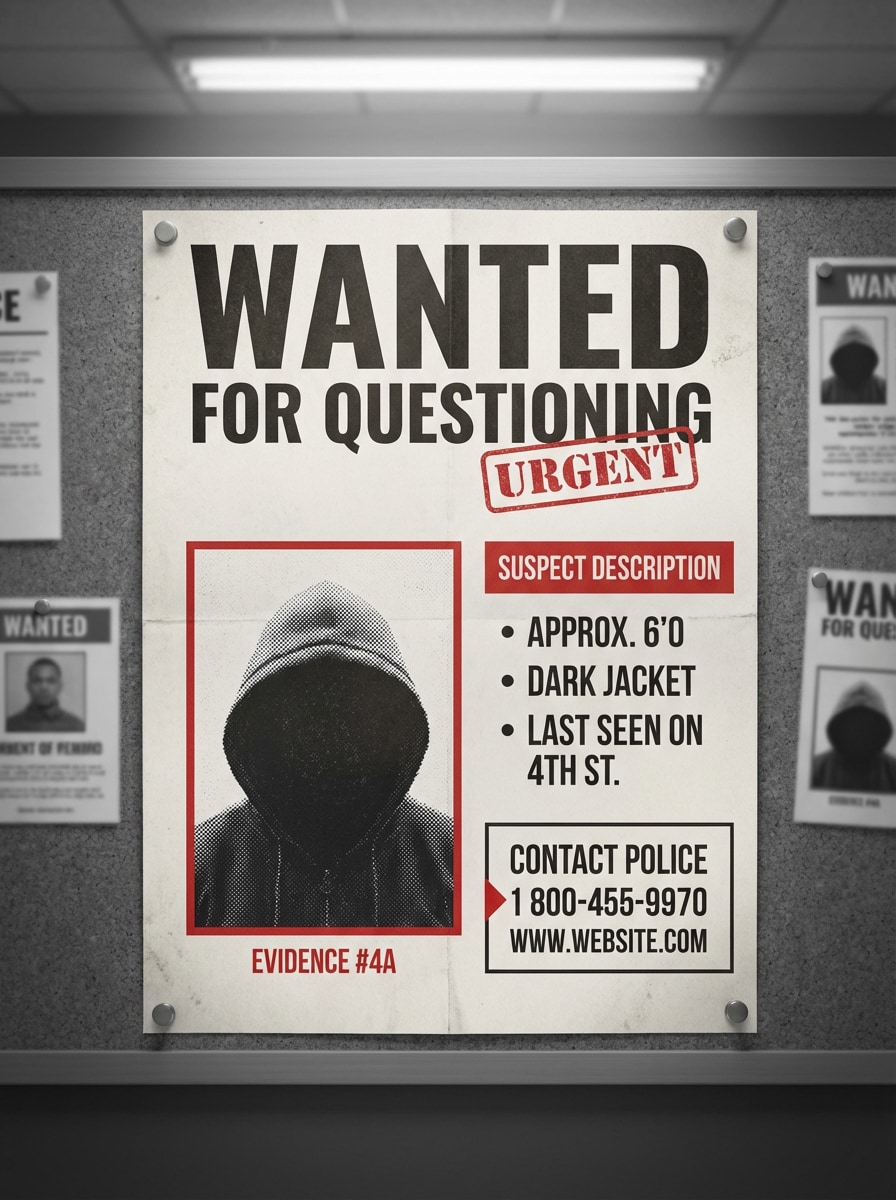
Modern Crime Board Poster
Use the uploaded image as the featured suspect photo and transform it into a modern wanted poster inspired by a police notice board, with monochrome tones, red accent highlights, clean layout, bold headline, evidence-style framing, contemporary typography, and a realistic printed bulletin finish.
Halloween Spooky Poster
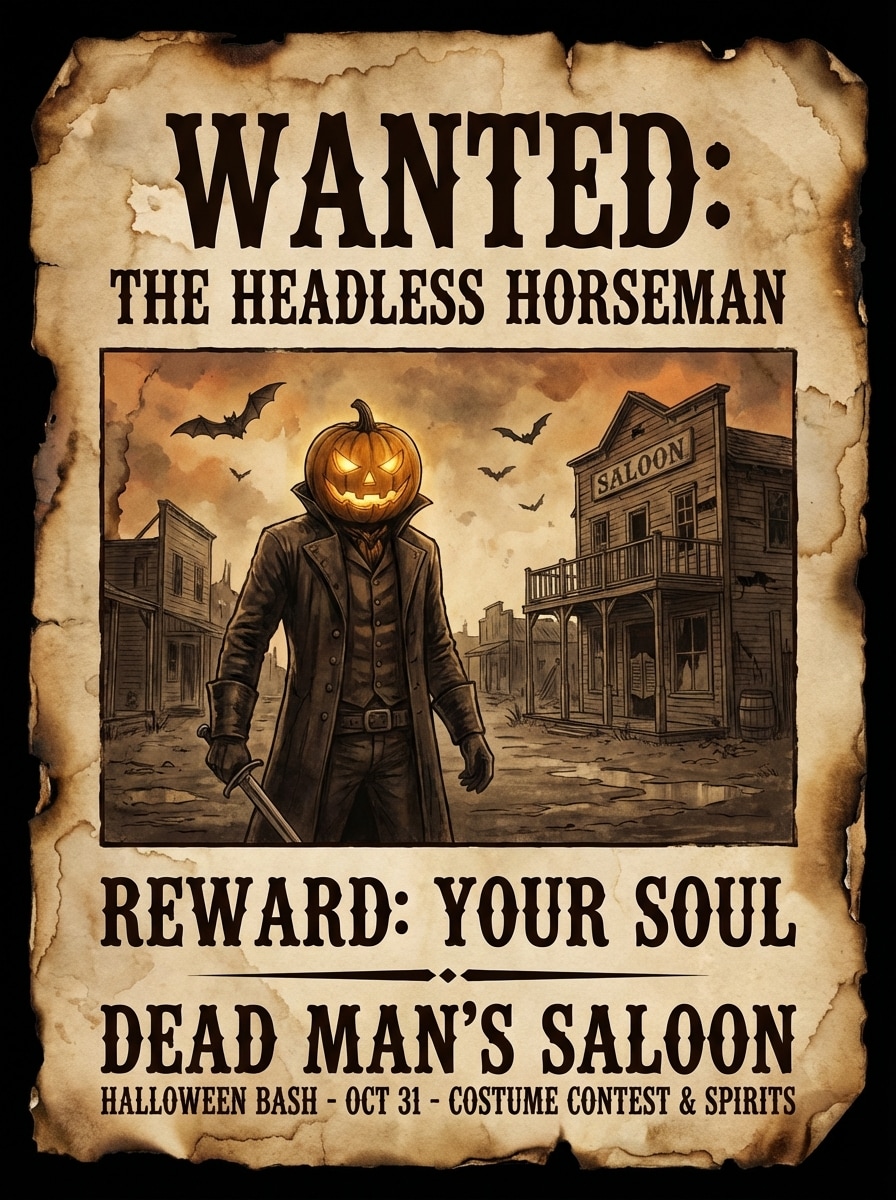
Use the uploaded image as the portrait and generate a spooky Halloween wanted poster with haunted parchment texture, dark sepia and muted orange tones, eerie western typography, ghost-town atmosphere, distressed edges, dramatic center framing, and a seasonal party-ready poster look.
Why Use Media.io for an AI Wanted Poster Generator
Upload a Photo and Restyle It Instantly
Turn your own portrait, selfie, or pet image into a wanted poster from photo using AI image-to-image generation. Media.io supports JPG, PNG, and JPEG uploads for fast style transformation.
Choose Sharp Output up to 4K
Create posters in 1K, 2K, or 4K resolution for social sharing, gifts, party invites, or home printing. High-resolution export helps your old west wanted poster generator results stay crisp and readable.
Control Format, Ratio, and Variations
Pick aspect ratios like 1:1, 9:16, 16:9, 4:3, or 3:4 depending on whether you need a poster for print, story posts, or feed graphics. You can also generate 1 to 4 variations in one batch.
Advanced AI Models for Better Styling
Media.io uses advanced image models including Nano Banana Pro and Nano Banana 2, plus specialized options such as Media 2.0 for stronger character consistency and visual control across stylized poster designs.
How to Make a Wanted Poster From Your Photo
1
2
3
1
Open Media.io Wanted Poster Generator
Go to media.io/ai and open the Wanted Poster Generator under AI -> Image to Image. This online tool runs in your browser, so you can create a wanted poster on Windows, Mac, iPhone, Android, or any device with a browser.
2
Upload Your Image and Describe the Style
Upload a JPG, PNG, or JPEG photo, then enter a detailed prompt such as: “Use my portrait as the subject and turn it into a sepia Old West wanted poster with distressed parchment, burnt edges, bold western typography, reward text, and cinematic outlaw lighting.” Adjust aspect ratio, resolution, or batch settings if needed.
3
Generate, Refine & Download
Click Generate to create your AI wanted poster. If needed, refine the style and generate more variations. When you like the result, download the final image in high resolution for social posts, invitations, classroom activities, or printing.
"Perfect for party invitations" I uploaded a birthday photo and got a fun western-style wanted poster in minutes. The result looked much better than a basic template and was easy to print for our party decorations.
Derek P.
Content Creator
"Great for social posts" The AI style options made a big difference. I tried a classic sepia version and a game-inspired one, and both looked polished enough for Instagram and short-form video thumbnails.
Nina R.
Pet Owner
"My pet poster came out hilarious" I used my dog’s photo and turned it into a funny wanted poster. The vintage paper texture and centered portrait looked authentic, and everyone in my family wanted a copy.
Jordan T.
Teacher
"Useful for classroom projects" I needed a wanted poster generator from photo for a classroom activity. Uploading was simple, and the high-resolution output made the finished posters clear and easy to read when printed.
1. How can I make a wanted poster from my own picture?
Open Media.io’s image-to-image AI tool, upload a JPG, PNG, or JPEG photo, and describe the poster style you want, such as an old west wanted poster or a modern police bulletin design. Then generate the image and download your result.
2. Can I put my own photo on a wanted poster?
Yes. Media.io supports reference image uploads for image-to-image generation, so you can use your own portrait, selfie, or pet photo as the starting point for a wanted poster transformation.
3. Can I make a wanted poster for free?
Yes. Free users get 3 credits per day to try the wanted poster generator. Free exports may include a watermark. If you want more credits or watermark-free high-resolution downloads, you can upgrade here: https://www.media.io/pricing.html
4. How do I make an old west wanted poster?
Upload your image to Media.io and use a prompt that specifies a vintage western look, such as sepia parchment, distressed paper texture, burnt edges, bold slab-serif typography, and reward text. This helps the AI create a more recognizable old west wanted poster layout.
5. What size or format can I use for a wanted poster?
Media.io lets you choose from multiple aspect ratios, including Auto, 1:1, 9:16, 16:9, 4:3, 3:4, 3:2, and 2:3. You can also select 1K, 2K, or 4K resolution depending on whether you need a poster for social media or printing.
6. Are uploaded photos private when using the wanted poster maker?
Media.io is web-based and includes privacy protection for uploads. Images you upload are automatically deleted from Media.io servers after 7 days to help protect your data and personal photos.