
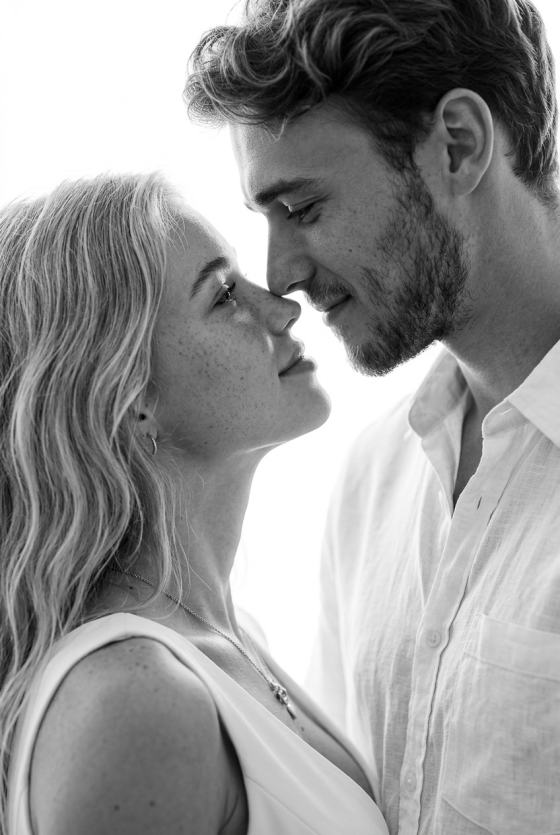
FAQs on Double Exposure AI Effect Generator
1. What is a double exposure effect?
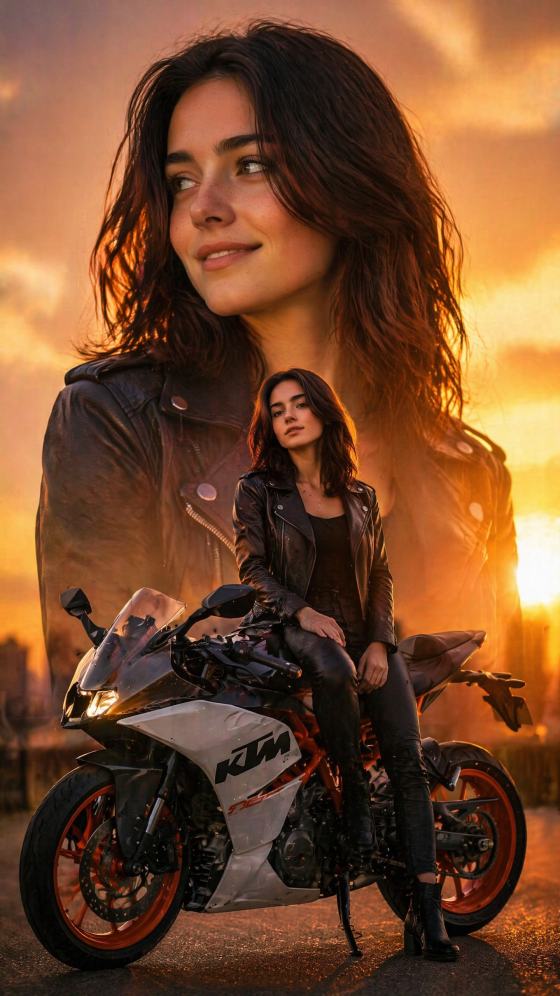
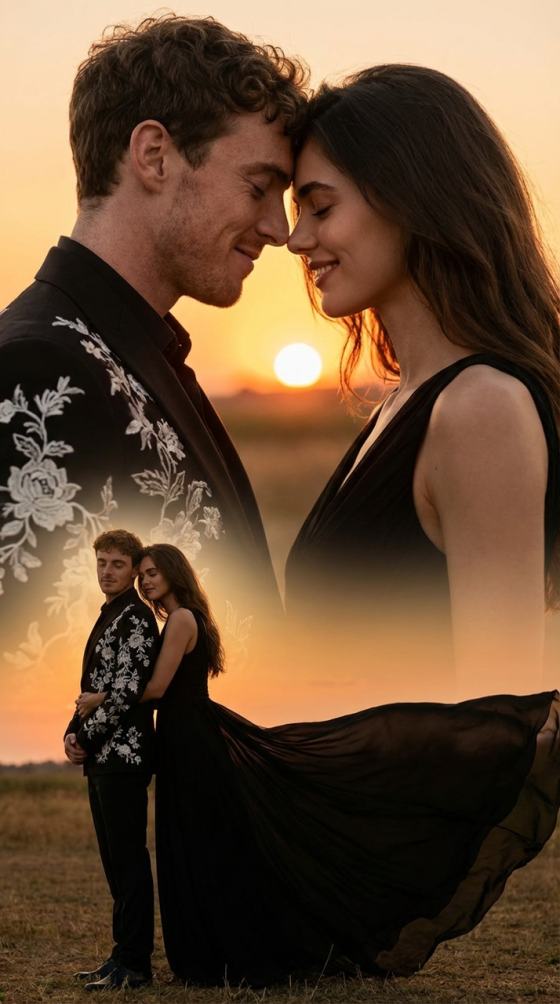
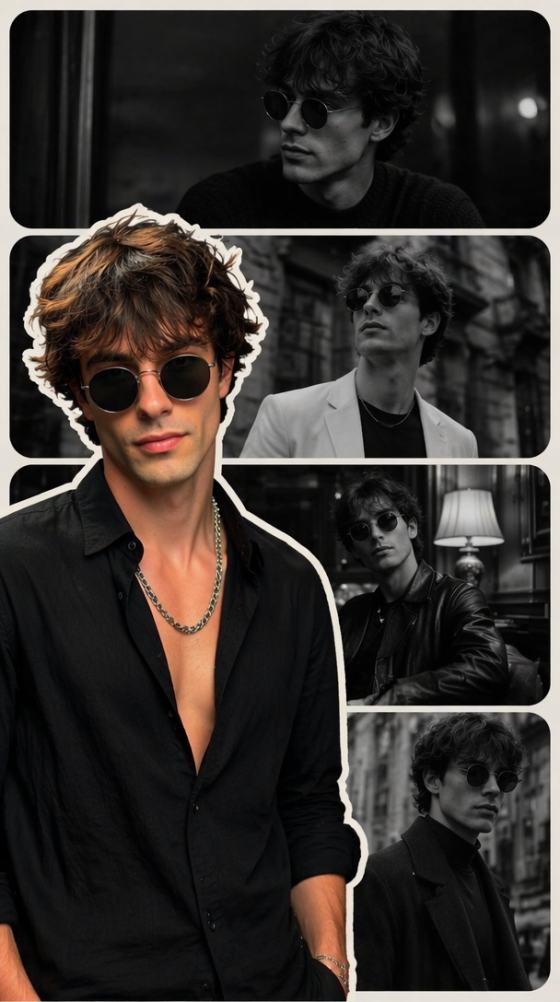
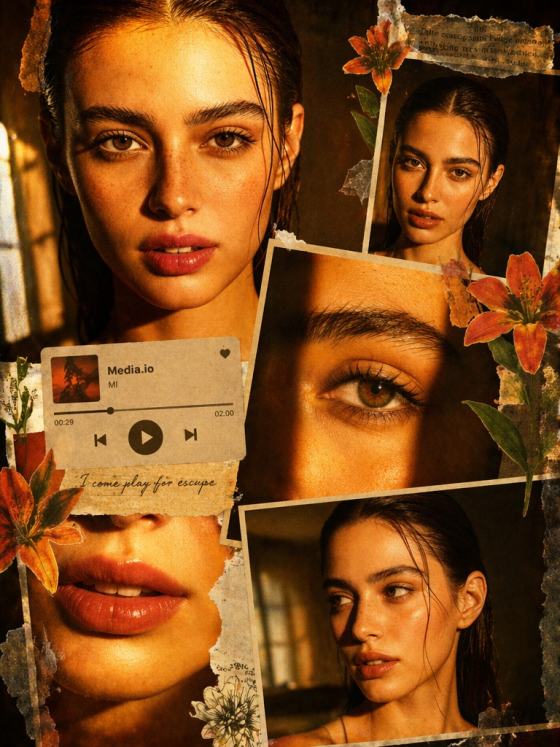
The double exposure effect blends two images into one artistic composition—often combining a portrait with landscapes, textures, or abstract visuals. With AI, this effect is created automatically without layers, masks, or Photoshop skills.
2. How does AI generate a double exposure image?
AI analyzes your photo’s subject, lighting, and structure, then merges it with a second image or a generated overlay. It creates smooth transitions, natural blending, and cinematic contrast without any manual editing.
3. Do I need two photos to create a double exposure?
No. With modern AI (including Nano Banana Pro), you can create a double exposure effect from one single portrait by using a prompt. The AI automatically blends your subject with scenery, textures, lights, or abstract elements.
4. What types of images work best for double exposure AI effects?
Clear portraits with good lighting produce the best results, but you can also use:
- Full-body photos
- Product shots
- Silhouettes
- Landscape photos
- Minimalist backgrounds
AI will adapt the blending style to match the composition.
5. Can I customize the double exposure style?
Yes. You can describe the look you want in a prompt—such as forest overlay, neon cityscape, mountain silhouette, bokeh lights, vintage texture, or black-and-white cinematic effect. The AI generates variations based on your chosen aesthetic.
6. Is the double exposure generator free to use?
Yes. You can create AI double exposure images using free daily credits and download your results in high-quality without a watermark.
7. Can I use double exposure AI images for social media or artwork?
Absolutely. These AI-generated double exposure effects are ideal for:
- Instagram posts and reels
- Posters and album covers
- Creative projects
- Photo edits
- YouTube thumbnails
- Portfolio artwork
They are yours to download and share anywhere.
Not Just Double Exposure Effects — Explore More Fun AI Image Filters at Media.io
 4.7 (162,357 Votes)