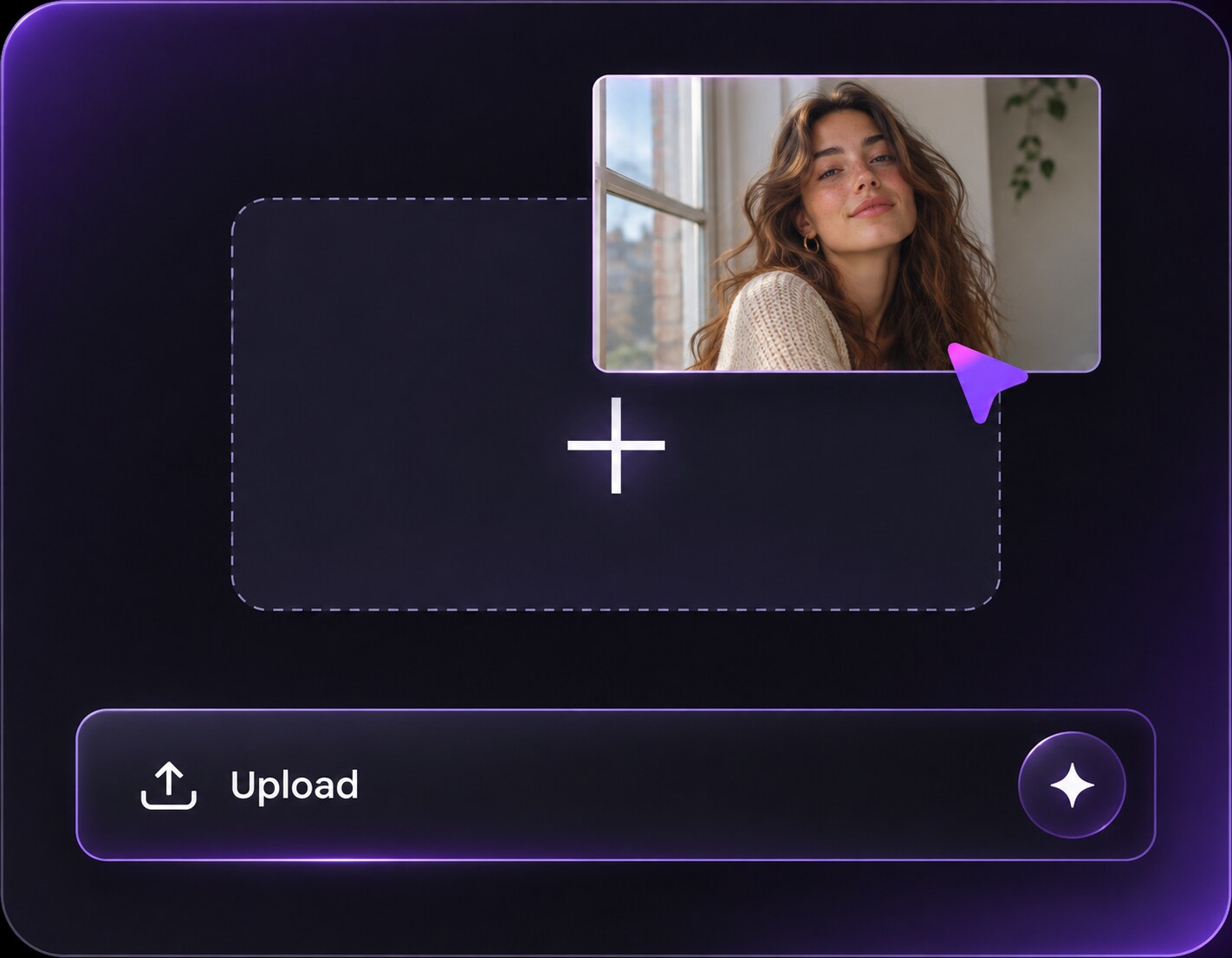
jpg, jpeg, png 이미지를 최대 50MB까지 업로드할 수 있으며, 가로/세로 최소 300px이어야 합니다.
Sunset Photo Filter: Bring Evening Color to a Daytime Picture
You reached the lookout early, got the perfect photo and missed the actual sunset. A sunset photo filter can shift that existing scene toward evening: lower-angle amber light, a warmer horizon and shadows that make sense beside the original buildings or trees. Unlike a pink-sky-only effect, this edit changes the time-of-day mood across the entire composition. Use it for travel photos and outdoor portraits when the location matters as much as the color.
Choose an outdoor image with a clear light direction and enough depth to support warm low-angle evening light.
Sunset Photo Editing Prompts for Real Outdoor Settings
Choose the way sunset would realistically enter your existing scene. A mountain overlook can take warm rim light; a city street needs longer shadows and a low horizon glow.
Coastal Amber Horizon
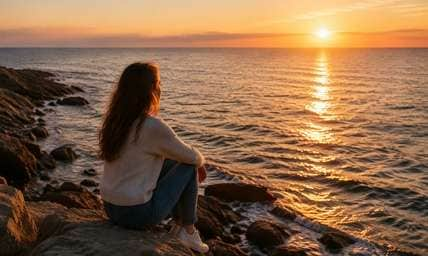
Edit my uploaded reference photo: Warm the sea horizon and create a low sun path across existing water, with rocks and shoreline kept intact. Keep the original person, identity, expression, hairstyle, clothes, scene geometry and camera angle unless the named era style specifically calls for clothing or setting changes. Maintain realistic physical proportions and credible photographic detail. Do not add captions, logos, extra people, collages or unrelated props.
City Street at 6 PM
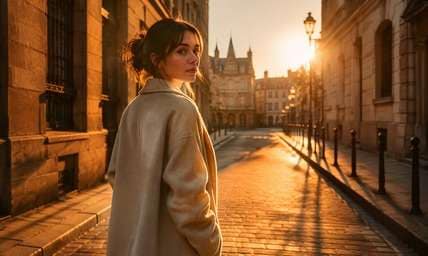
Edit my uploaded reference photo: Shift neutral afternoon color into amber sunset spilling between buildings, lengthening pavement shadows consistently. Keep the original person, identity, expression, hairstyle, clothes, scene geometry and camera angle unless the named era style specifically calls for clothing or setting changes. Maintain realistic physical proportions and credible photographic detail. Do not add captions, logos, extra people, collages or unrelated props.
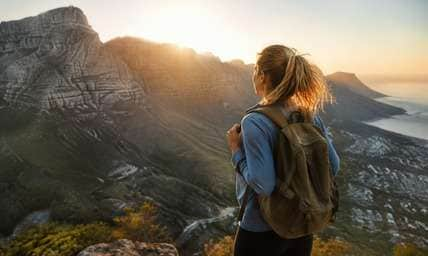
Mountain Overlook Gold
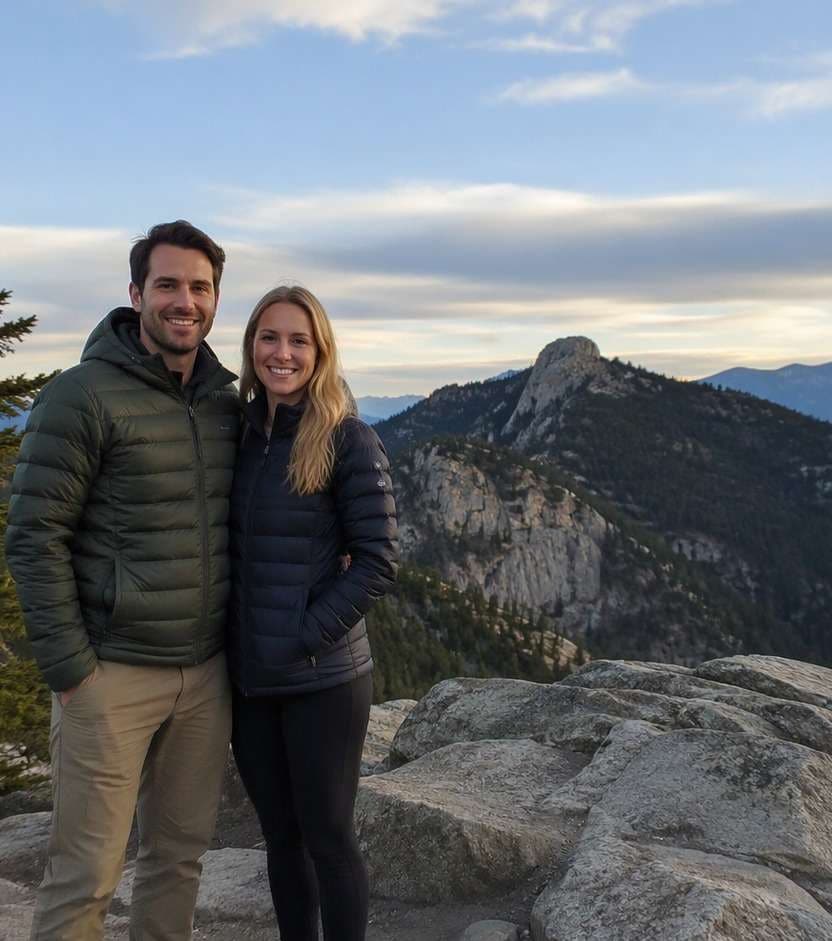
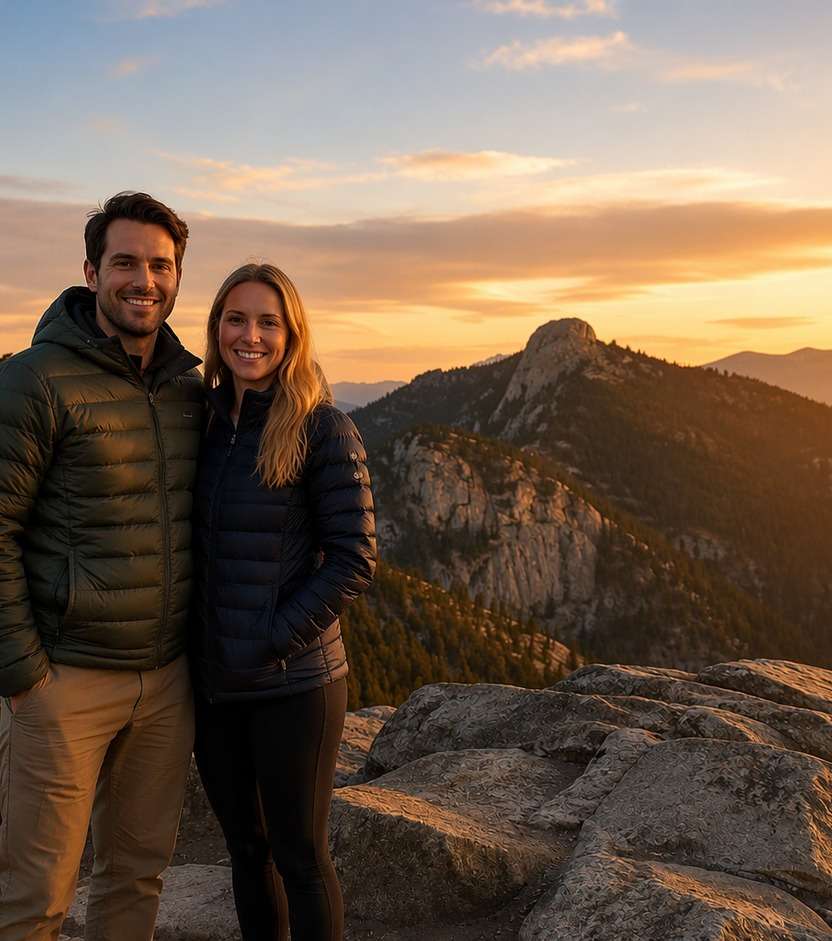
Edit my uploaded reference photo: Add a soft low sun behind the actual ridge and gentle backlight on a traveler, keeping the landforms fixed. Keep the original person, identity, expression, hairstyle, clothes, scene geometry and camera angle unless the named era style specifically calls for clothing or setting changes. Maintain realistic physical proportions and credible photographic detail. Do not add captions, logos, extra people, collages or unrelated props.
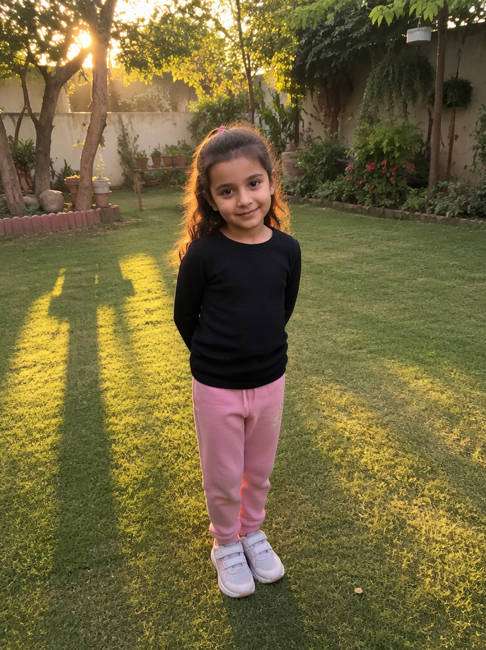
Backyard Family Evening
Edit my uploaded reference photo: Restyle lawn light into quiet golden hour with long tree shadows, natural children's skin and recognizable garden objects. Keep the original person, identity, expression, hairstyle, clothes, scene geometry and camera angle unless the named era style specifically calls for clothing or setting changes. Maintain realistic physical proportions and credible photographic detail. Do not add captions, logos, extra people, collages or unrelated props.
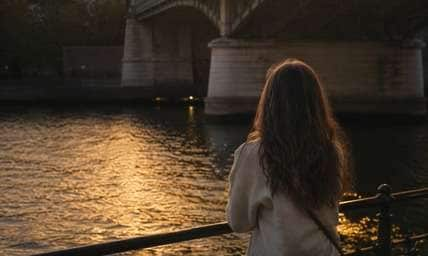
Riverside Sunset Walk
Edit my uploaded reference photo: Set low light on the far bank, warm the water ripple edges and keep bridge structure unchanged. Keep the original person, identity, expression, hairstyle, clothes, scene geometry and camera angle unless the named era style specifically calls for clothing or setting changes. Maintain realistic physical proportions and credible photographic detail. Do not add captions, logos, extra people, collages or unrelated props.
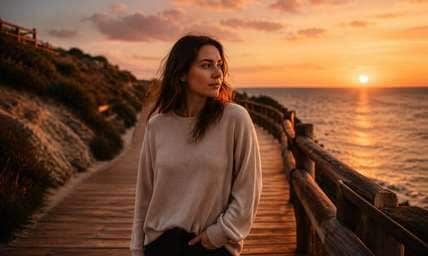
Beach Boardwalk Orange-Peach
Edit my uploaded reference photo: Add coral horizon light and amber on wooden boards, avoiding wholesale sky replacement. Keep the original person, identity, expression, hairstyle, clothes, scene geometry and camera angle unless the named era style specifically calls for clothing or setting changes. Maintain realistic physical proportions and credible photographic detail. Do not add captions, logos, extra people, collages or unrelated props.
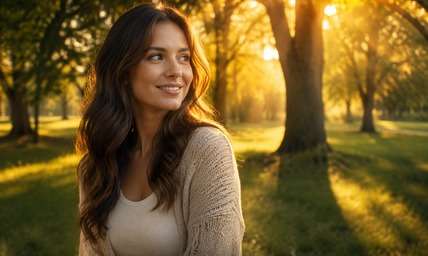
Autumn Park Evening
Edit my uploaded reference photo: Place golden light through existing trees with consistent leaf shadows, rather than repainting every leaf orange. Keep the original person, identity, expression, hairstyle, clothes, scene geometry and camera angle unless the named era style specifically calls for clothing or setting changes. Maintain realistic physical proportions and credible photographic detail. Do not add captions, logos, extra people, collages or unrelated props.
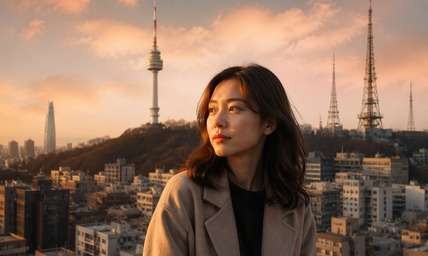
Urban Rooftop Sunset
Edit my uploaded reference photo: Preserve antennas and neighboring towers while adding low warm side lighting and subtle peach clouds. Keep the original person, identity, expression, hairstyle, clothes, scene geometry and camera angle unless the named era style specifically calls for clothing or setting changes. Maintain realistic physical proportions and credible photographic detail. Do not add captions, logos, extra people, collages or unrelated props.
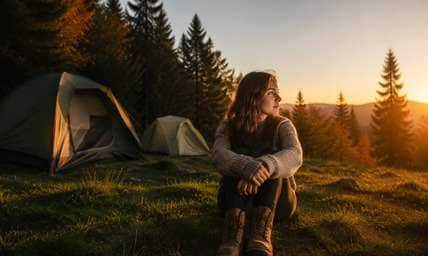
Campground Last Light
Edit my uploaded reference photo: Give tents and the actual treeline late-evening golden edges with natural darker grass and no new campfire. Keep the original person, identity, expression, hairstyle, clothes, scene geometry and camera angle unless the named era style specifically calls for clothing or setting changes. Maintain realistic physical proportions and credible photographic detail. Do not add captions, logos, extra people, collages or unrelated props.
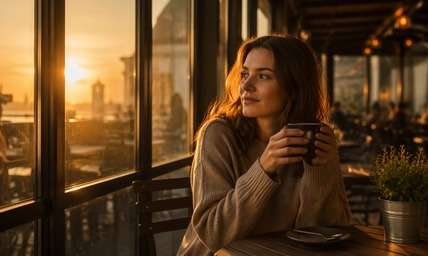
Cafe Window Sunset
Edit my uploaded reference photo: Bring low amber light through an existing terrace window, keeping glass reflections and tables realistic. Keep the original person, identity, expression, hairstyle, clothes, scene geometry and camera angle unless the named era style specifically calls for clothing or setting changes. Maintain realistic physical proportions and credible photographic detail. Do not add captions, logos, extra people, collages or unrelated props.
Turn the Time of Day without Rebuilding the Scene
Choose the Sunset Position First
A convincing edit starts with a sun source near the actual horizon. Once you choose left, right or behind, highlights on faces, paving and buildings should all follow the same direction.
Keep Color under Control
Orange is not the only sunset tone. A mountain viewpoint may need quiet amber while a coastal shot benefits from muted coral and gold; ask for a palette that respects the original colors.
Protect the Landscape You Chose
The city skyline, trail railings or beach rocks were the point of taking the picture. Request relighting and sky mood while explicitly preserving these recognizable background anchors.
Avoid the Fake-Glow Trap
If the entire scene gets yellow, the result looks filtered rather than shot at sunset. Low, directional light and longer plausible shadows add more realism than saturation alone.
How to Turn a Photo into a Sunset Picture Online
Use the general sunset photo filter route when you want a daylight-to-evening change, not only pink sky color or a small glow around the subject.
Step 1
Upload Your Daytime Outdoor Photo
Open Media.io AI Face Editor and upload a photo that shows the setting you want to keep. A coastline, road, rooftop or clear horizon makes the light direction easier to judge.
Step 2
Place the Sunset in Your Prompt
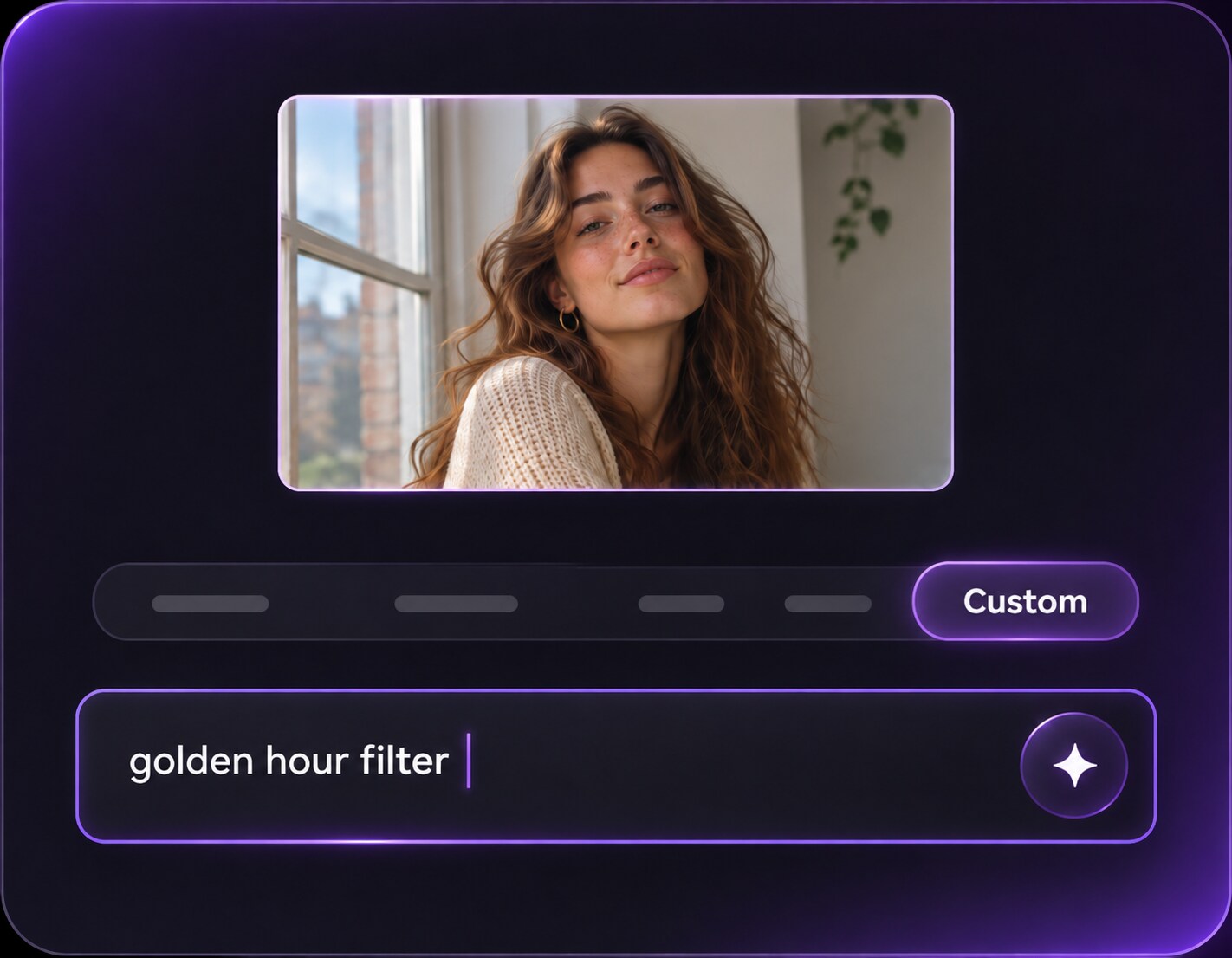
Specify where the low sun should sit, which surfaces receive amber light and how the sky should warm. Ask to retain all people, architecture and camera framing.
Step 3
Generate and Check the Shadows
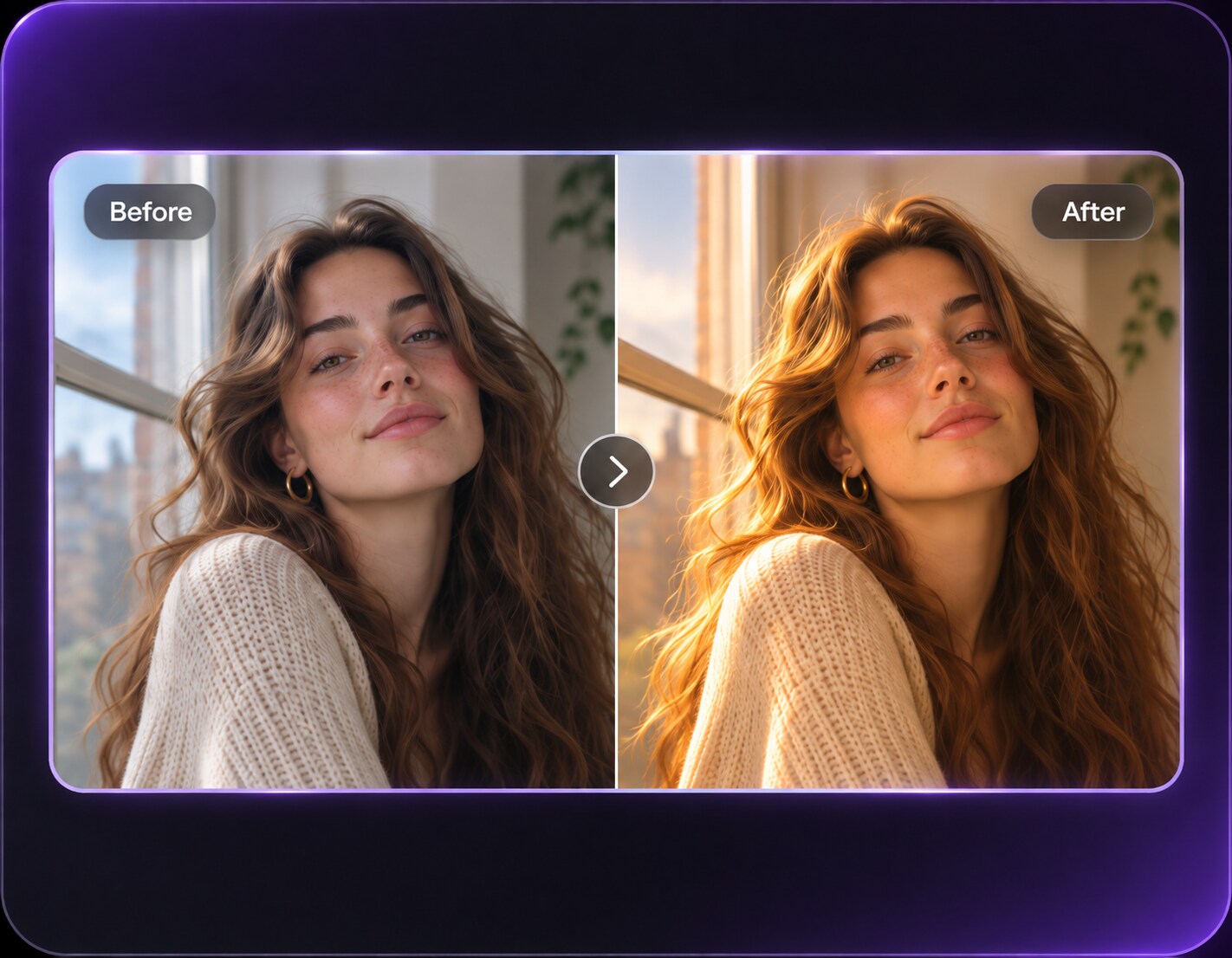
Click Generate and compare the result. Watch for shadows moving in conflicting directions, a replaced skyline or strong orange color on skin.
This broader sunset effect is useful when the picture needs a new time-of-day story rather than one isolated tone.
Viewpoint Travel Photos
Keep the mountain or city view you traveled to see, but add warm low-angle light. It helps when the only available group photo was taken before the golden light arrived.
Outdoor Family Pictures
Give a lawn or backyard portrait soft evening warmth while keeping children's faces and clothes recognizable. The effect should make the moment cozier, not change who was there.
Restaurant Terrace and Street Views
Add low sunshine between existing buildings and long shadows across pavement. Retaining the actual signage and seating helps the edit work as a genuine location memory. Place the imagined low sun behind the end of the street so terrace chairs, people and facade shadows all point consistently away from it.
Sunset Conversion Review Checklist
Sun Direction
Photo preview checklist
"Can you identify a single believable sunset source?" Highlights and shadows should agree across faces, buildings and ground.
Time-of-Day Cues
Photo preview checklist
"Do sky, pavement and windows feel like the same evening?" A glowing sky above noon-bright sidewalks breaks the illusion.
Original Landmarks
Photo preview checklist
"Are ridgelines, storefronts and shorelines unchanged?" A different destination is not a faithful sunset edit.
Skin Color
Photo preview checklist
"Are people warmly lit rather than solid orange?" Warmth belongs in highlights with natural midtone skin and readable expressions.
Yes, by requesting a lower light angle, warmer sky and shadows consistent with that imagined sun. Outdoor photos with visible depth work best.
2. Is Sunset Photo Filter different from Golden Hour Filter?
A general sunset conversion can change the sky and the scene's time of day. Golden hour typically emphasizes flattering low sunlight falling on the subject, often with the original sky retained.
3. What if my photo has no visible sky?
Ask for warm side lighting and longer shadows on the existing scene instead of an invented sky. An indoor shot may suit golden-hour window light better.
4. Will the editor preserve buildings and landscapes?
Your prompt can ask to retain the original scene, but AI can still change small details. Check distinctive signs, horizons and architecture before sharing.
5. Should I request a bright orange sunset?
Not always. Pale amber, coral or muted peach often looks more photographic than an intense orange overlay, especially around faces.
6. What is the best starting picture?
A clear outdoor photo with a visible horizon, reliable perspective and some room for shadows gives the edit useful light cues.