Sunset Glow Filter: Bring Evening Sunlight Into Your Photo
The scene was beautiful, but your camera missed the last warm light. A sunset glow filter can help your favorite portrait or travel photo feel closer to that golden moment, with light catching faces, hair edges and the surrounding scene. Start with the photo you already have, then choose a gentle peach glow, directional backlight or richer sunset reflection. The goal is a believable light source, not an orange layer over every pixel.
Follow existing window or horizon cues. Golden light looks better when shadows agree with its direction.
Sunset Glow Photo Editing Prompts for 10 Evening Scenes
A believable ai sunset glow effect responds to the scene: window light touches one side of a face, a beach horizon reflects warm tones, and backlit portraits gain a narrow golden edge. Start with your uploaded image and specify where the imagined sun sits, how strong the glow should be and which existing details must remain.
Peach Glow Portrait
Use the uploaded photo as your exact visual reference. Soft peach light across one cheek, faint warm side shadow and detailed skin without uniform orange saturation. For the result, keep the camera position, facial features, garments and background consistent with the uploaded image. If the existing scene cannot support a requested light source, use a subtler adjustment instead of inventing unrelated objects. Keep texture, edges and local color believable. No text, labels, logos or collage.
Beach Horizon Reflection
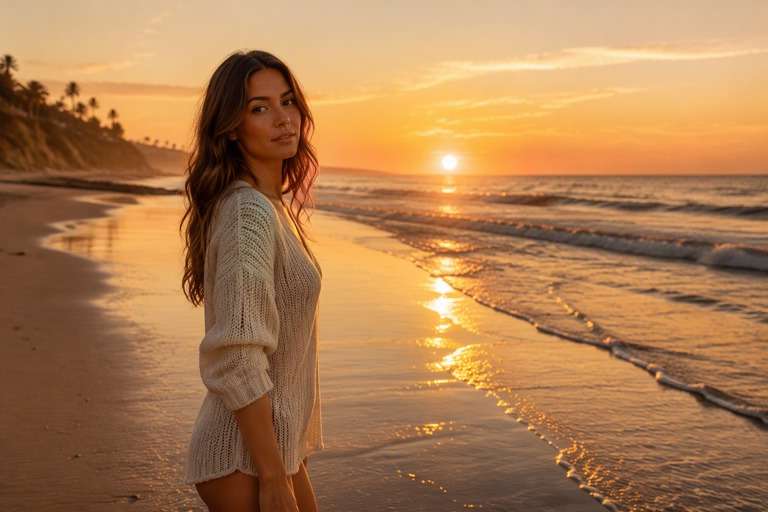
Use the uploaded photo as your exact visual reference. Low golden sun on the existing horizon with subdued peach reflection on the water and no change in shoreline. For the result, keep the camera position, facial features, garments and background consistent with the uploaded image. If the existing scene cannot support a requested light source, use a subtler adjustment instead of inventing unrelated objects. Keep texture, edges and local color believable. No text, labels, logos or collage.
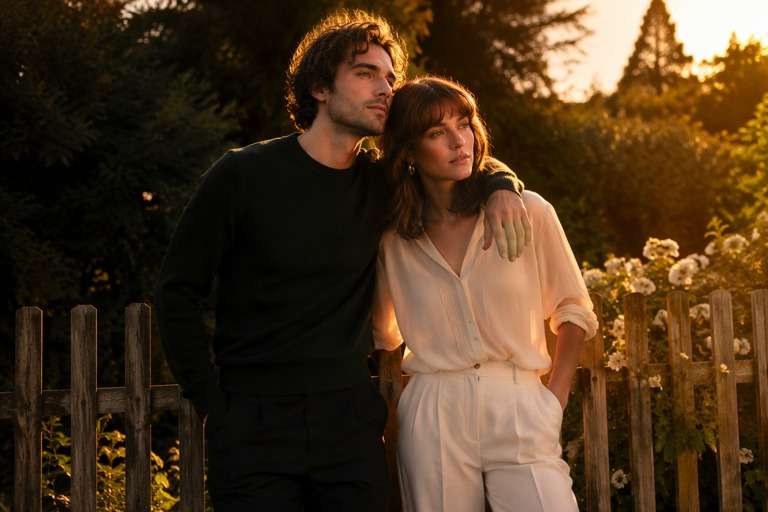
Sunset Rim on a Couple
Use the uploaded photo as your exact visual reference. Subtle warm rim along two figures against darker trees, eyes and faces still readable, with no new lens flare. For the result, keep the camera position, facial features, garments and background consistent with the uploaded image. If the existing scene cannot support a requested light source, use a subtler adjustment instead of inventing unrelated objects. Keep texture, edges and local color believable. No text, labels, logos or collage.
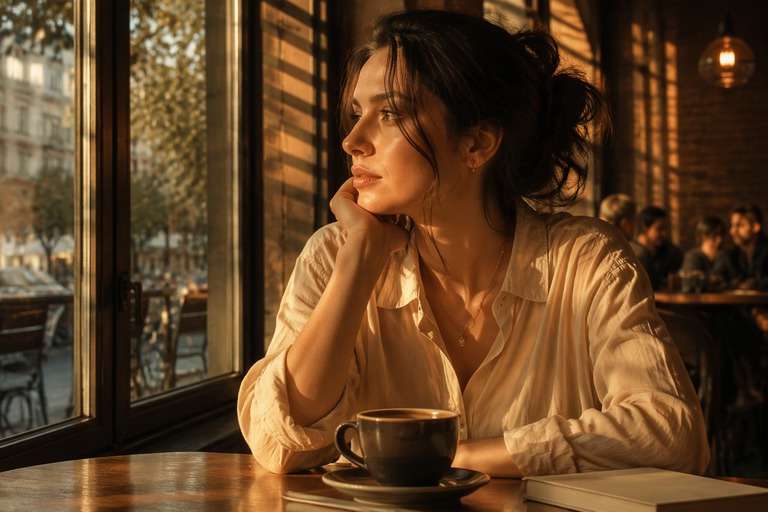
Window Sunset Spill
Use the uploaded photo as your exact visual reference. Warm light entering through an existing window, believable striped shadows across the room, restrained amber skin highlights. For the result, keep the camera position, facial features, garments and background consistent with the uploaded image. If the existing scene cannot support a requested light source, use a subtler adjustment instead of inventing unrelated objects. Keep texture, edges and local color believable. No text, labels, logos or collage.
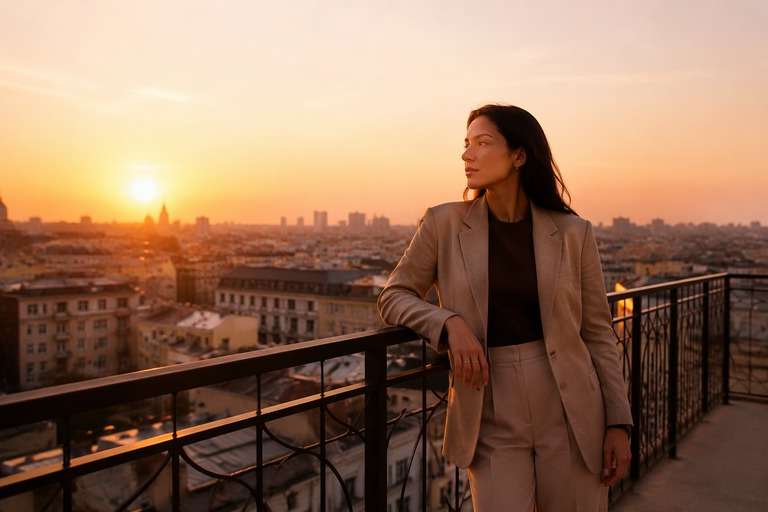
Golden Terrace Hour
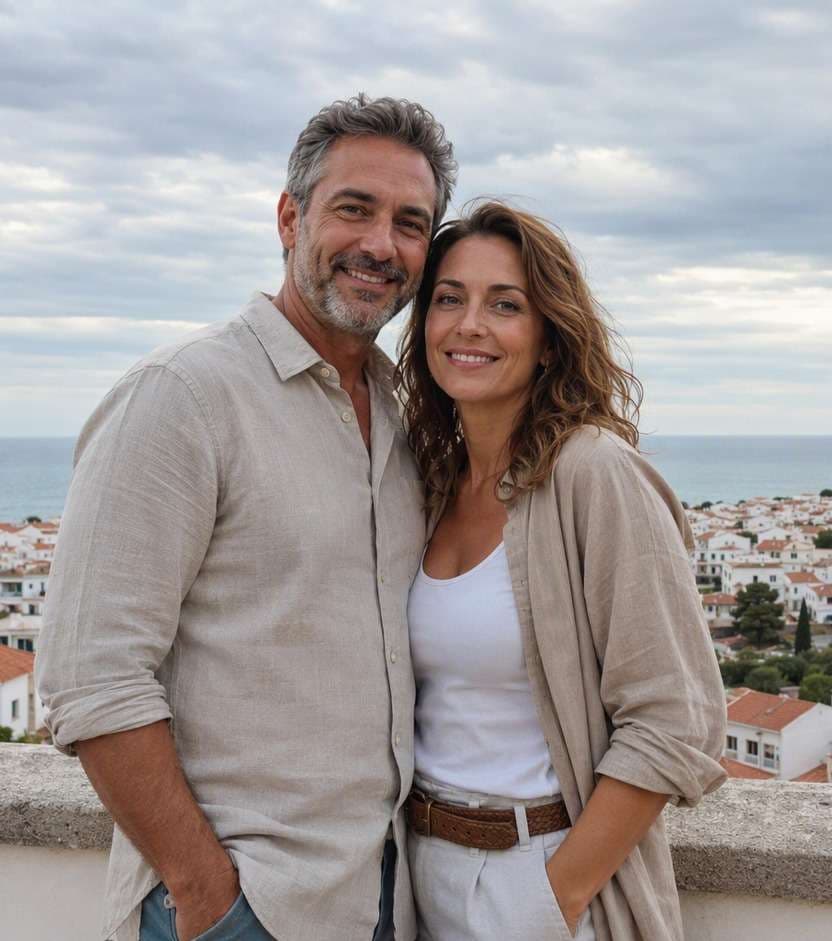
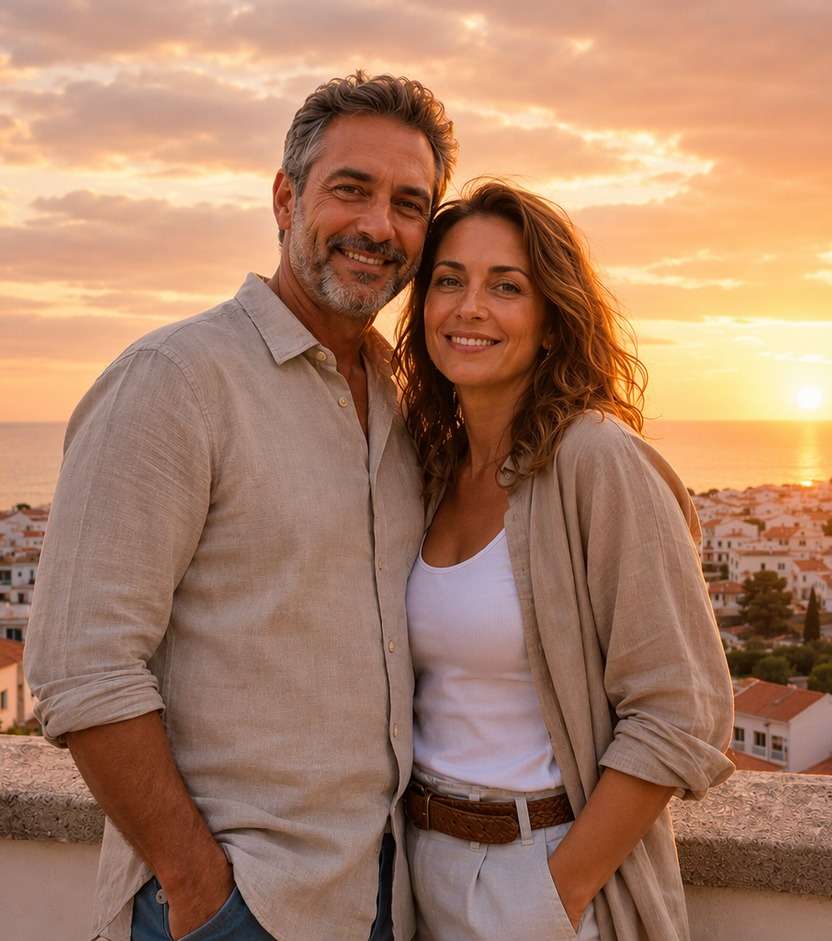
Use the uploaded photo as your exact visual reference. Warm side illumination on architecture and person, gentle peach sky gradient, consistent shadow direction across terrace railings. For the result, keep the camera position, facial features, garments and background consistent with the uploaded image. If the existing scene cannot support a requested light source, use a subtler adjustment instead of inventing unrelated objects. Keep texture, edges and local color believable. No text, labels, logos or collage.
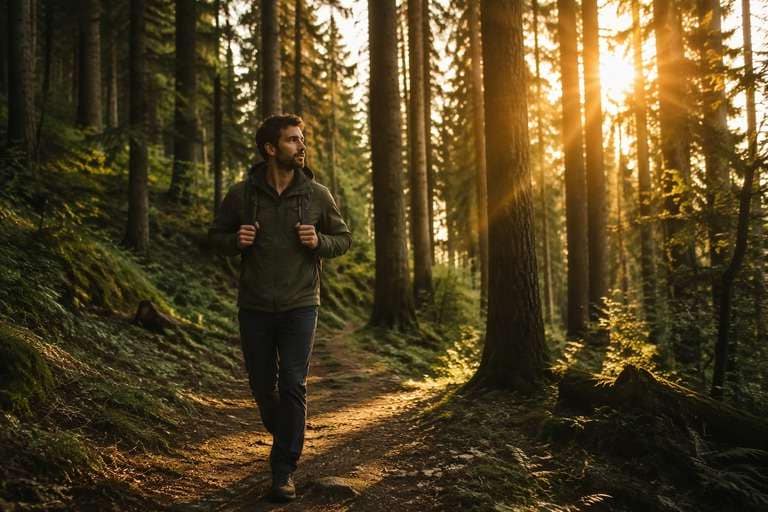
Warm Forest Path
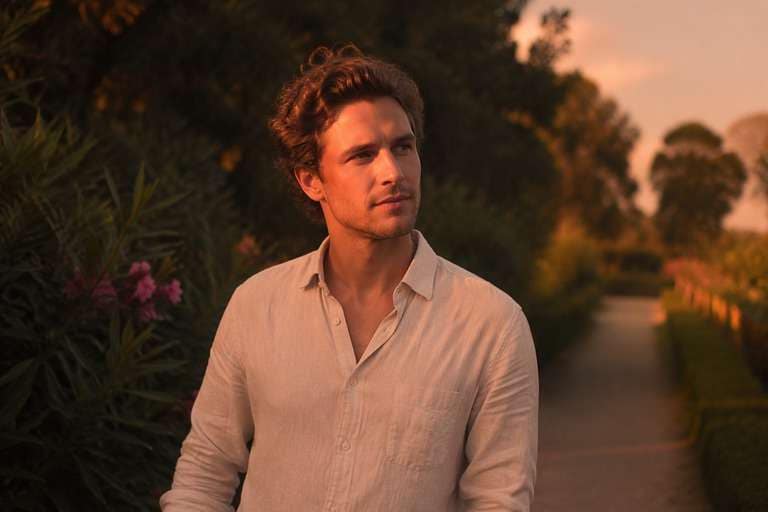
Use the uploaded photo as your exact visual reference. Late sun shafts between existing tree trunks, soft edge glow on jacket, retain natural deep green color in shadows. For the result, keep the camera position, facial features, garments and background consistent with the uploaded image. If the existing scene cannot support a requested light source, use a subtler adjustment instead of inventing unrelated objects. Keep texture, edges and local color believable. No text, labels, logos or collage.
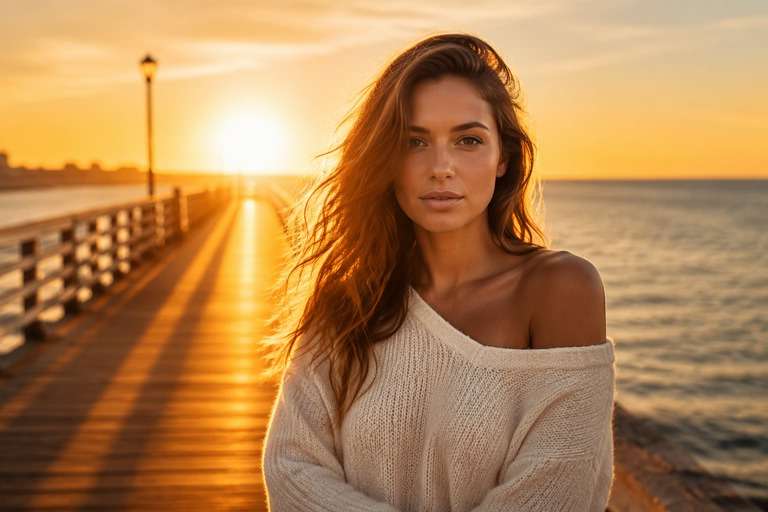
Coastal Backlight
Use the uploaded photo as your exact visual reference. Backlit silhouette edges with retained face detail, golden sky separated from ocean, no false flare crossing the subject. For the result, keep the camera position, facial features, garments and background consistent with the uploaded image. If the existing scene cannot support a requested light source, use a subtler adjustment instead of inventing unrelated objects. Keep texture, edges and local color believable. No text, labels, logos or collage.
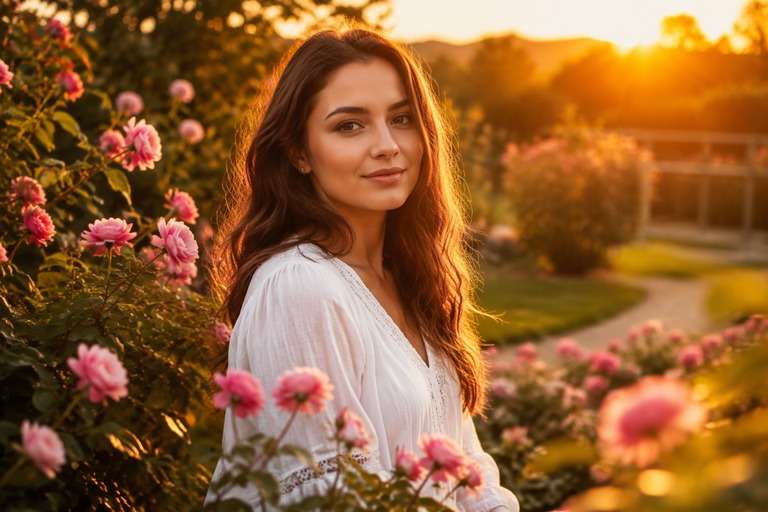
Sunset Garden Bloom
Use the uploaded photo as your exact visual reference. Warm highlights on flowers and face, naturally balanced greens and pinks, softly radiant foreground bokeh. For the result, keep the camera position, facial features, garments and background consistent with the uploaded image. If the existing scene cannot support a requested light source, use a subtler adjustment instead of inventing unrelated objects. Keep texture, edges and local color believable. No text, labels, logos or collage.
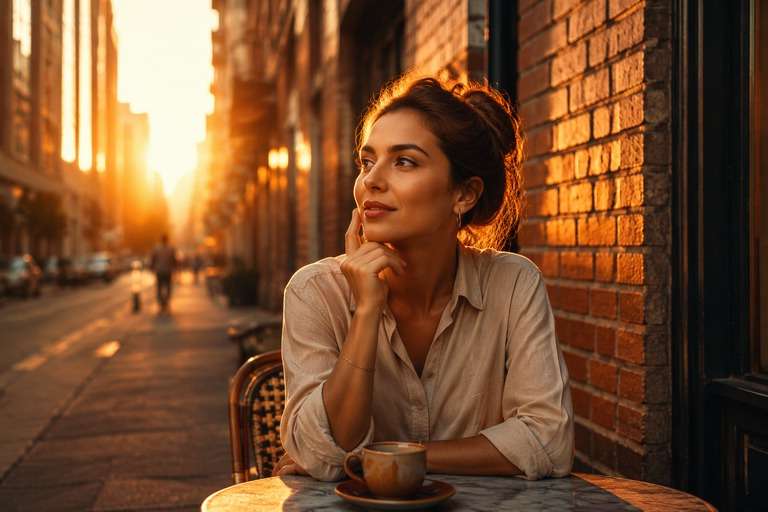
Amber Street Cafe
Use the uploaded photo as your exact visual reference. Natural orange-amber sun between buildings, concrete remains neutral in shade and the person stays recognizable. For the result, keep the camera position, facial features, garments and background consistent with the uploaded image. If the existing scene cannot support a requested light source, use a subtler adjustment instead of inventing unrelated objects. Keep texture, edges and local color believable. No text, labels, logos or collage.
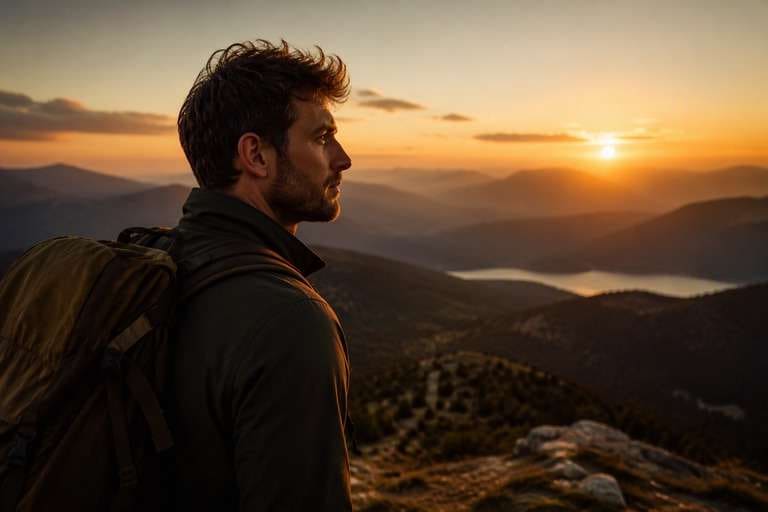
Last Light Travel Memory
Use the uploaded photo as your exact visual reference. Subtle warm gradient near a mountain horizon with realistic foreground shadows and no fabricated landmarks. For the result, keep the camera position, facial features, garments and background consistent with the uploaded image. If the existing scene cannot support a requested light source, use a subtler adjustment instead of inventing unrelated objects. Keep texture, edges and local color believable. No text, labels, logos or collage.
Make Sunset Glow Look Like Light, Not an Orange Tint
Give the Sunset a Clear Direction
When the sun sits low outside the frame, one side of a face or building should be brighter. Ask for matching shadows and warmer highlights along that side. A glow that appears everywhere at once can make even a lovely portrait look computer-generated.
Balance Peach Highlights with Real Skin
A warm peach-gold finish can flatter a portrait without turning cheeks orange or flattening freckles. Keep natural skin texture, neutrally colored eyes and believable fabric. Compare the edited result at normal viewing size and close up before deciding which warmth feels right.
Match Reflections to the Landscape
At a shoreline or terrace, sunset can be visible in water, window glass or polished surfaces. Describe only the reflections that the original scene could support. Avoid inventing a second sun or replacing the entire sky when a localized warm reflection is enough.
Choose Gentle Glow or Golden Rim Light
A soft sunset portrait uses a mild warm wash and delicate highlight transitions. A backlit couple photo benefits from a slender glowing contour at the shoulders instead. Keep the result tied to the framing so the edit feels intentionally photographed rather than merely filtered.
How to Add a Sunset Glow Filter to a Photo Online
Use a sunset glow photo editor workflow to describe the position and warmth of the evening light instead of selecting an unverified one-tap preset. The same image remains your starting point while you compare different intensities of the sunset light effect.
Step 1
Upload the Photo Before the Light Fades
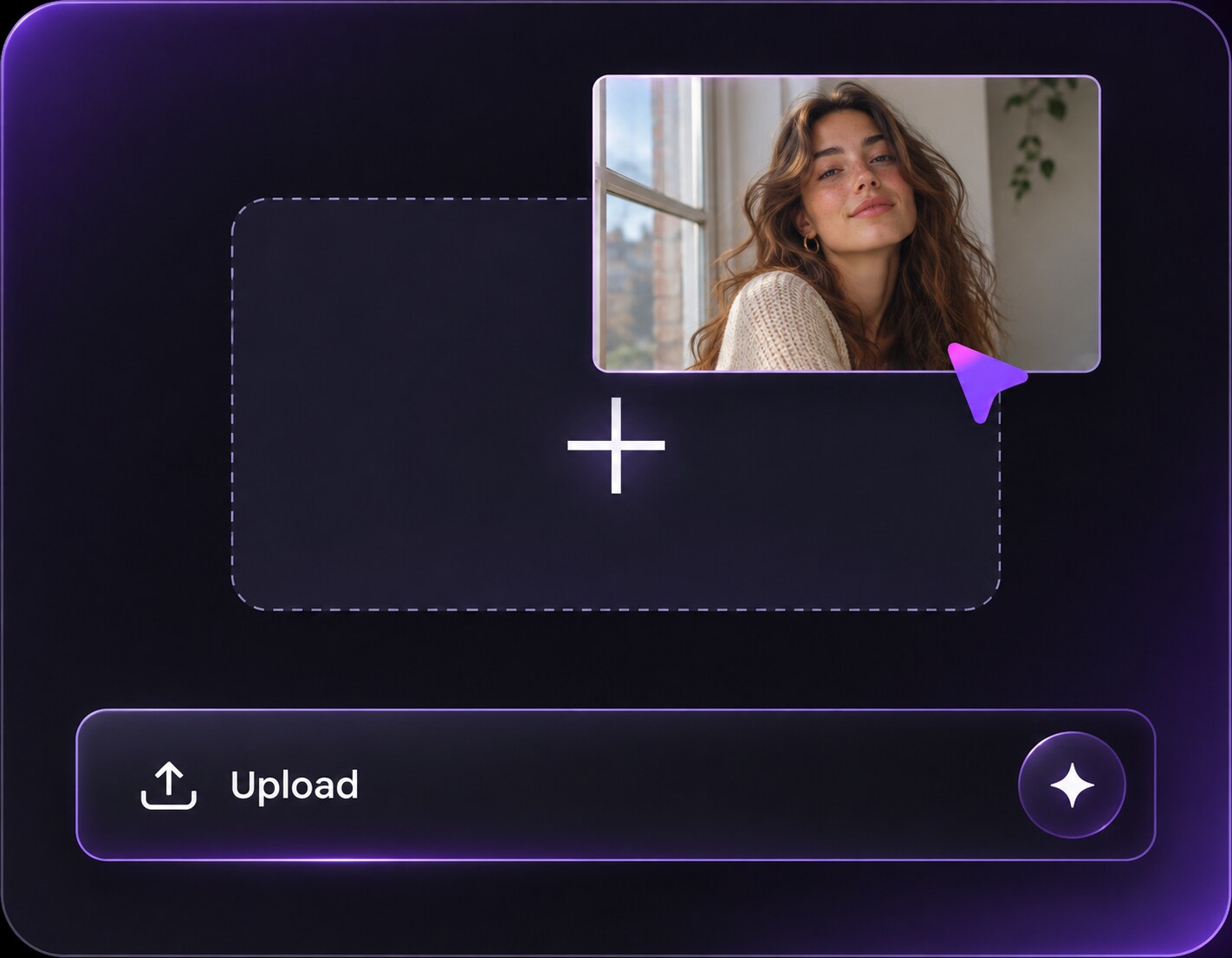
Upload a clear portrait, couple photo or travel image to Media.io AI Face Editor. A visible horizon, window edge or outline of the subject helps you decide where the new warm light could realistically come from.
Step 2
Describe the Direction of Sunset Light
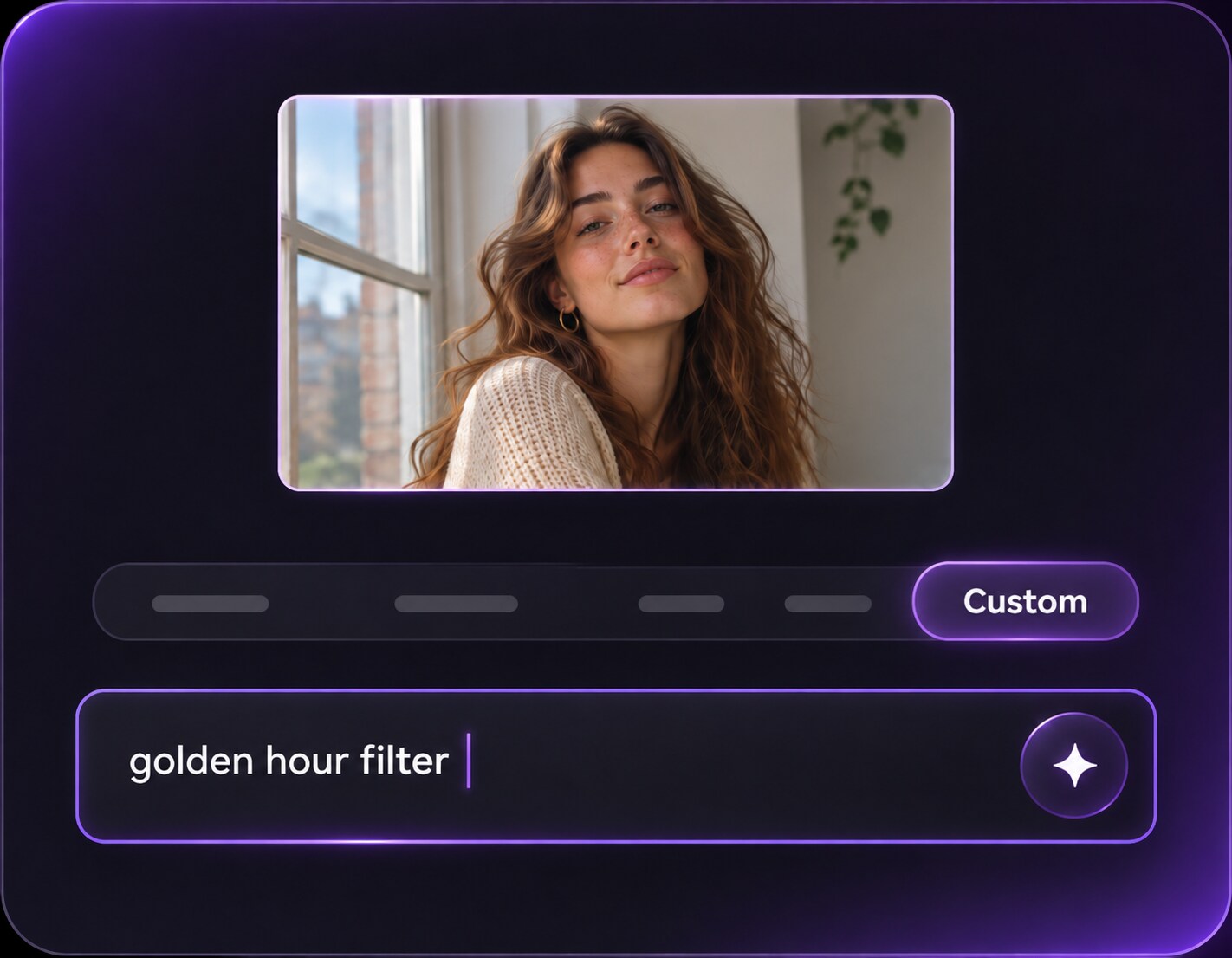
In the custom prompt, request peach-gold light from a specified side, soft shadows and highlights that follow the existing scene. Keep faces, clothes, objects and framing unchanged. Choose subtle warmth first if your photo already contains some evening light.
Step 3
Generate and Compare the Evening Glow
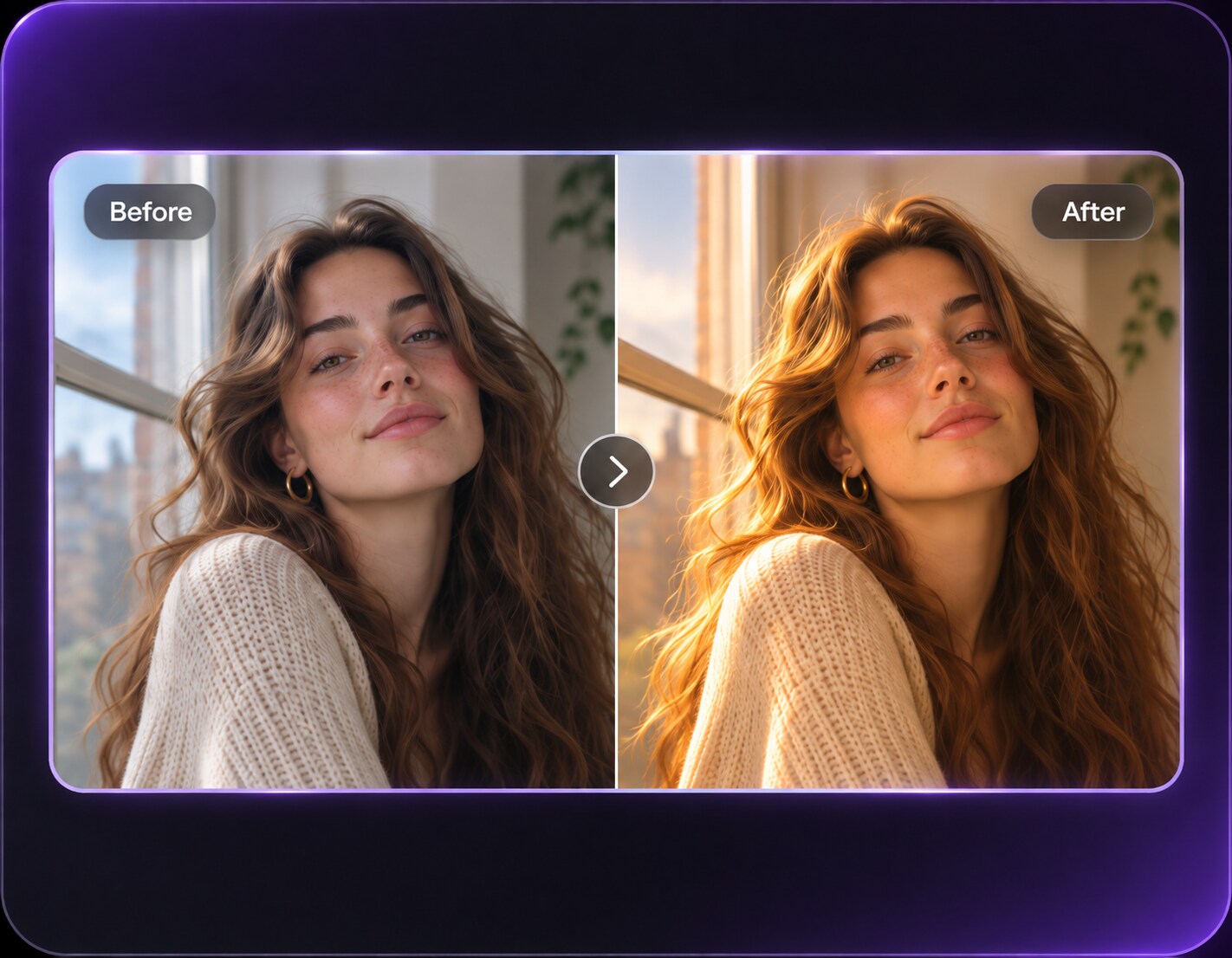
Click Generate and review the edited image against your original. Look for consistent light on skin and background, preserved horizon lines and natural shadows. If the result looks too orange, ask for a cooler skin balance or gentler golden highlights.
A sunset glow photo editor is most convincing when light has somewhere meaningful to land. Pick the version that brings out the original memory without making the location look like a different place.
Couple Portraits with a Gentle Edge Glow
An overcast engagement picture can gain warmth from a low backlight that separates shoulders from trees or architecture. Keep both faces readable and do not erase the background. A subtle peach rim makes the moment feel intimate without turning skin or clothing into a uniform orange shape.
Vacation Photos Taken Too Early
A seaside shot made before sunset may have a lovely composition but cool water and flat light. Ask for low sun from the existing horizon, warm reflection on the waves and soft foreground shadows. Keep shorelines, buildings and the people exactly where they are.
Outdoor Cafe and Garden Portraits
A daylight portrait in a garden or cafe can work with soft directional light filtering through leaves or a nearby window. Choose a warm highlight path that matches the setting; strong lens flares across eyes or signs often distract from the person you wanted to remember.
Sunset Glow Photo Preview Checklist
Sun Position
Preview checklist
"Can you tell where the sun is?" Light on faces and props should point back to one credible off-camera direction.
Skin Tone
Preview checklist
"Do people still look like themselves?" Warm highlights should not wash out freckles, natural skin tone or eye detail.
Reflections
Preview checklist
"Are water and window reflections plausible?" Check that the same implied sunset affects reflective surfaces consistently.
Light Intensity
Preview checklist
"Does the glow suit the mood?" A romantic portrait may need a soft edge, while a beach horizon can handle brighter gold.
It is a photo-editing treatment inspired by low evening sun, with warm highlights, softer shadow transitions and sometimes a subtle backlit rim. A prompt-guided edit can try to add light direction, not only yellow saturation, but the result depends on the original photograph.
2. How is sunset glow different from a golden hour filter?
Both describe warm low-angle light. Sunset glow emphasizes the luminous bloom and peach-gold atmosphere near the end of the day, while golden hour edits can focus more broadly on warm directional sunlight. Use a specific prompt to get the balance you prefer.
3. Can I add sunset glow to a portrait shot on a cloudy day?
You can request evening warmth on a cloudy portrait, especially if the photo already has soft shadows. State where the imagined light should enter and ask to keep the same person, background and composition. Dramatic sunbeams may look out of place without visible openings in the setting.
4. What do I write for a natural sunset light effect?
Try a direction-based prompt such as: add soft peach-gold sunset light from camera left, gentle rim highlights on the subject and consistent shadows; keep skin tones realistic and the scene unchanged. Start subtle, then strengthen the warmth only if needed.
5. Will the filter replace my sky or move the people in the photo?
A prompt can request preservation of the original sky, people and framing. An AI edit may still vary small details, so inspect landmarks, clothing and faces before saving. If you specifically want a completely different sky, that is a separate sky-editing request.
6. Which photos are hardest to relight as sunset?
Strong midday shadows in the wrong direction, blown-out highlights and intricate reflective surfaces can be challenging. Pick an image with readable detail and simpler light cues when possible, and compare the edited result carefully for inconsistent shadows or color casts.