Creations are stored for only 7 days. Assets created after upgrading to a Membership plan will be stored permanently.
Unlock your creative potential and experience the magic of Media AI right away!
Create a Natural-Looking AI Dating Profile Photo That Still Feels Real
Turn an ordinary selfie into a polished ai dating profile photo with realistic lighting, cleaner backgrounds, and subtle portrait upgrades. Media.io helps you create believable, app-ready pictures for Tinder, Bumble, and Hinge while keeping your identity natural and recognizable.
Review these example directions, then tailor the prompt details to get stronger results with this Dating Profile.
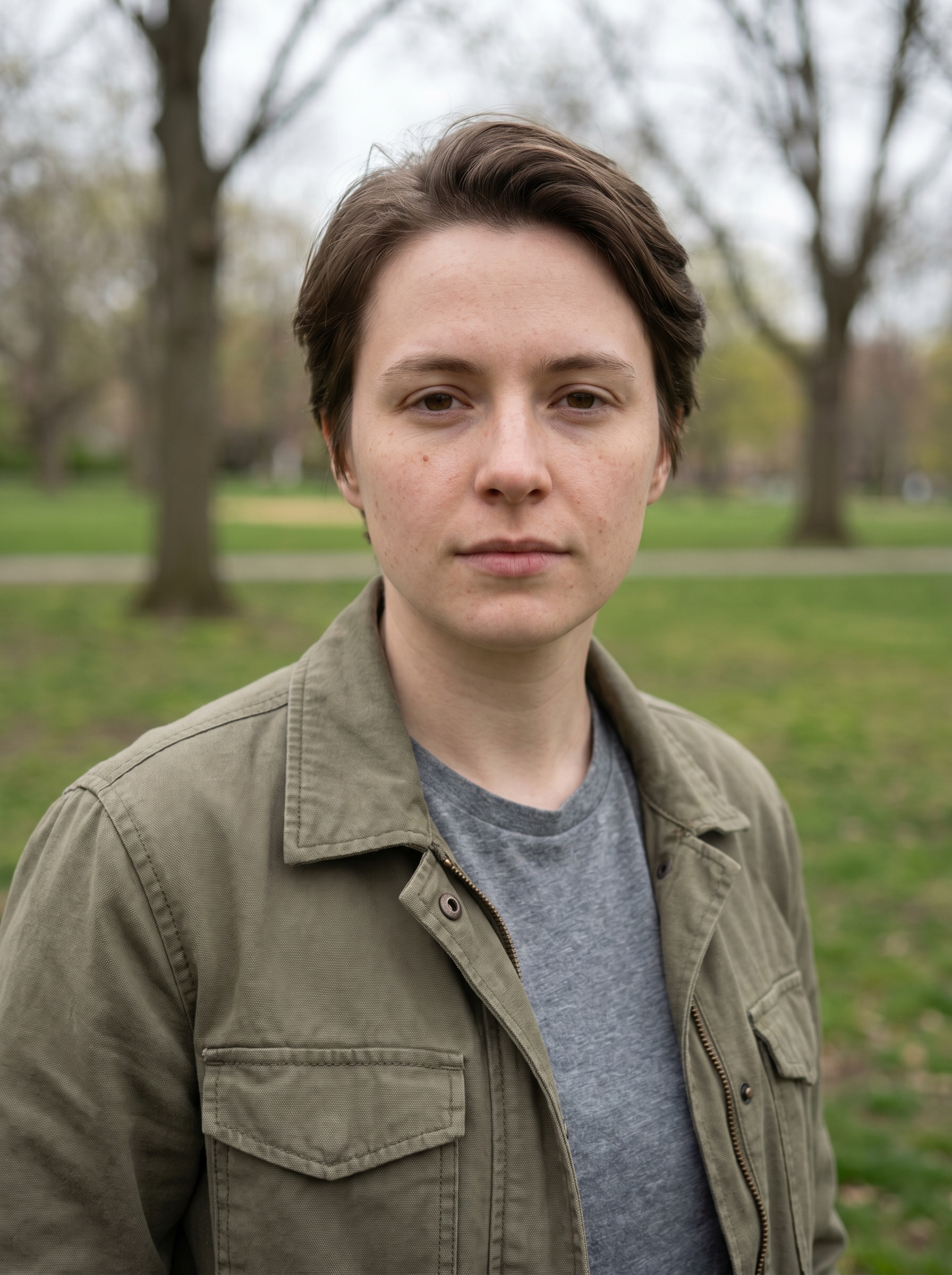
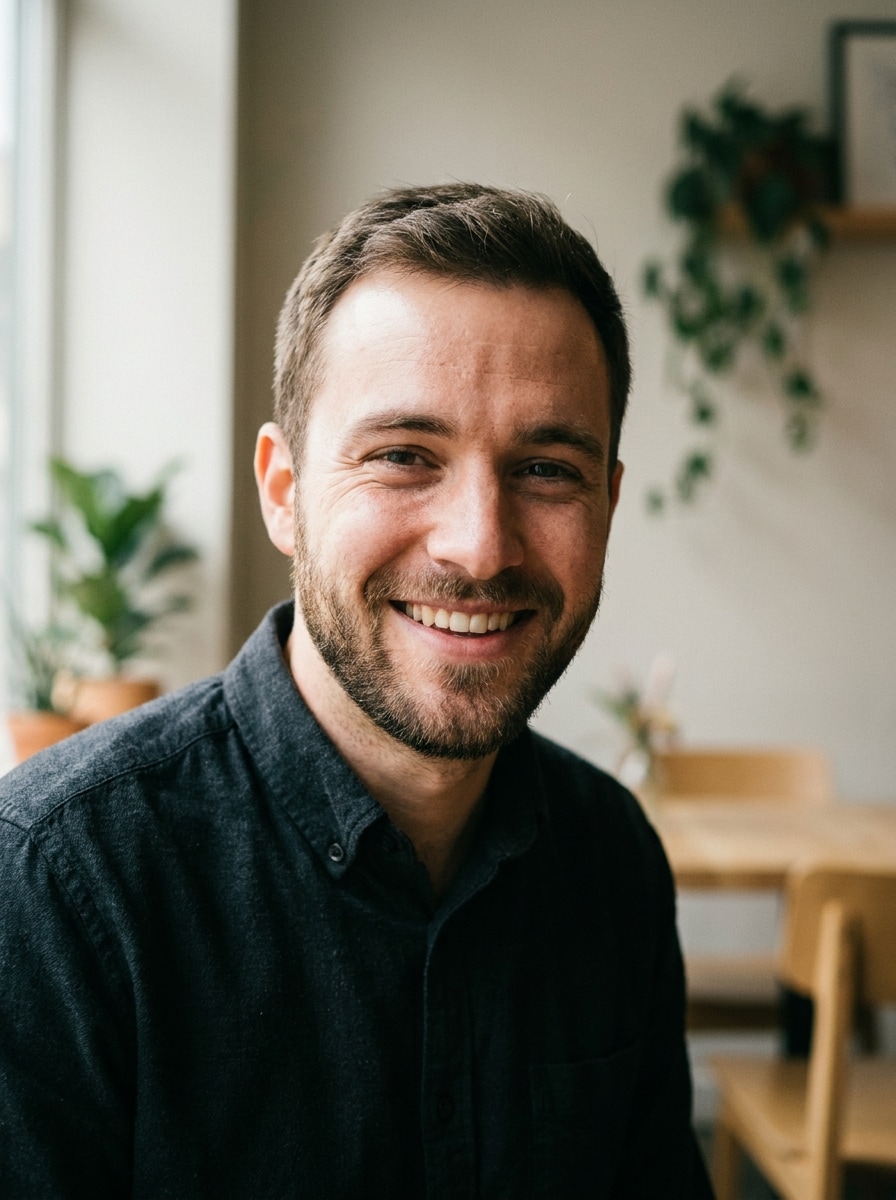
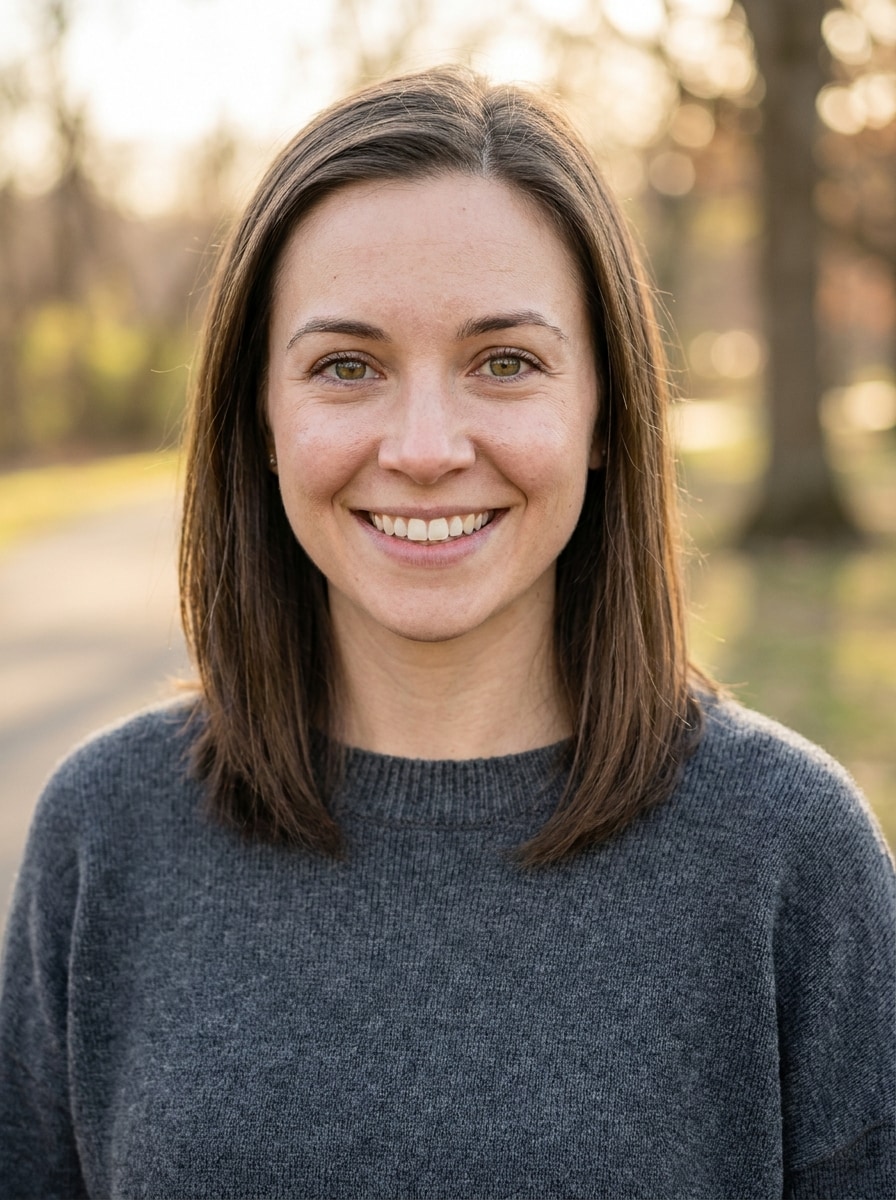
Natural Professional Headshot
Use the uploaded image as the subject and transform it into a realistic professional dating portrait. Keep the face recognizable, add soft studio lighting, natural skin texture, gentle background blur, balanced contrast, crisp eyes, and a clean modern look with flattering composition and authentic color tones.
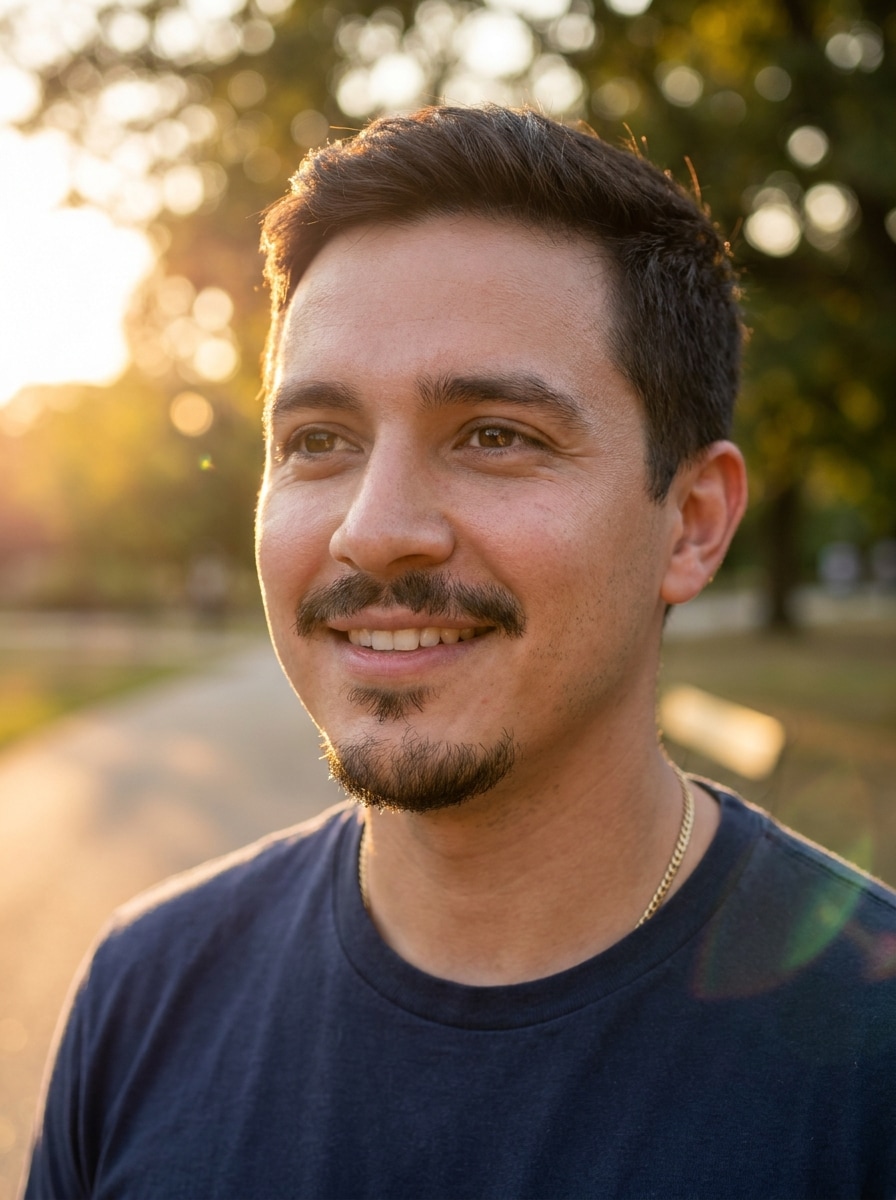
Golden Hour Outdoor Portrait
Use the uploaded image as the subject and turn it into a warm golden hour dating profile portrait. Preserve facial identity, add soft sunset light, natural skin tones, shallow depth of field, flattering side light, smooth background blur, and an inviting outdoor mood with realistic detail.
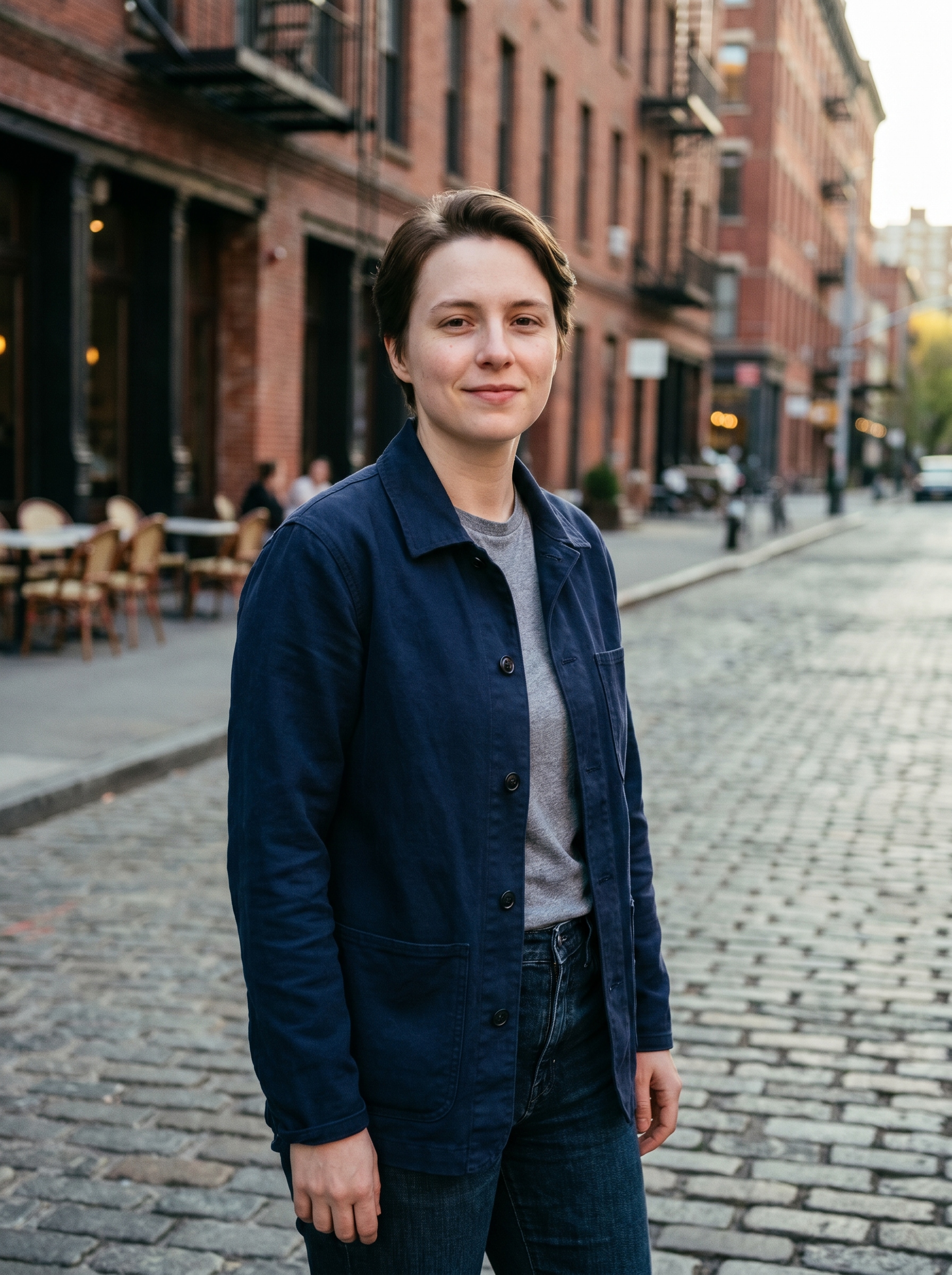
Urban Lifestyle Candid
Use the uploaded image as the subject and transform it into a stylish city candid for a dating app. Keep the face natural, add a modern street backdrop, clean wardrobe styling, cinematic color grading, gentle motion-free realism, and soft ambient light for a confident but believable look.
Tinder Confident Close-Up
Use the uploaded image as the subject and edit it into a confident close-up dating portrait. Preserve real facial features, sharpen focus, improve directional lighting, simplify the background, enhance eye contact, and keep skin texture natural for a strong yet authentic app-ready first photo.
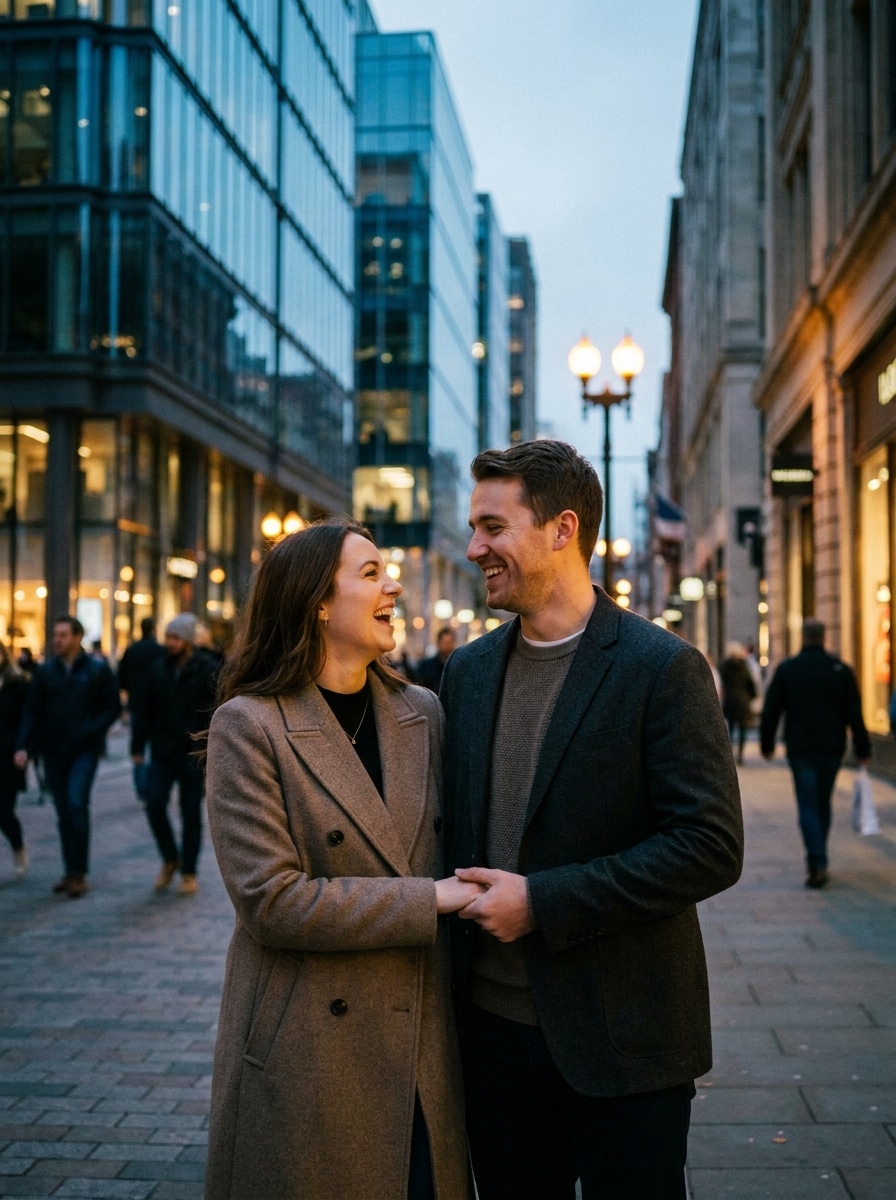
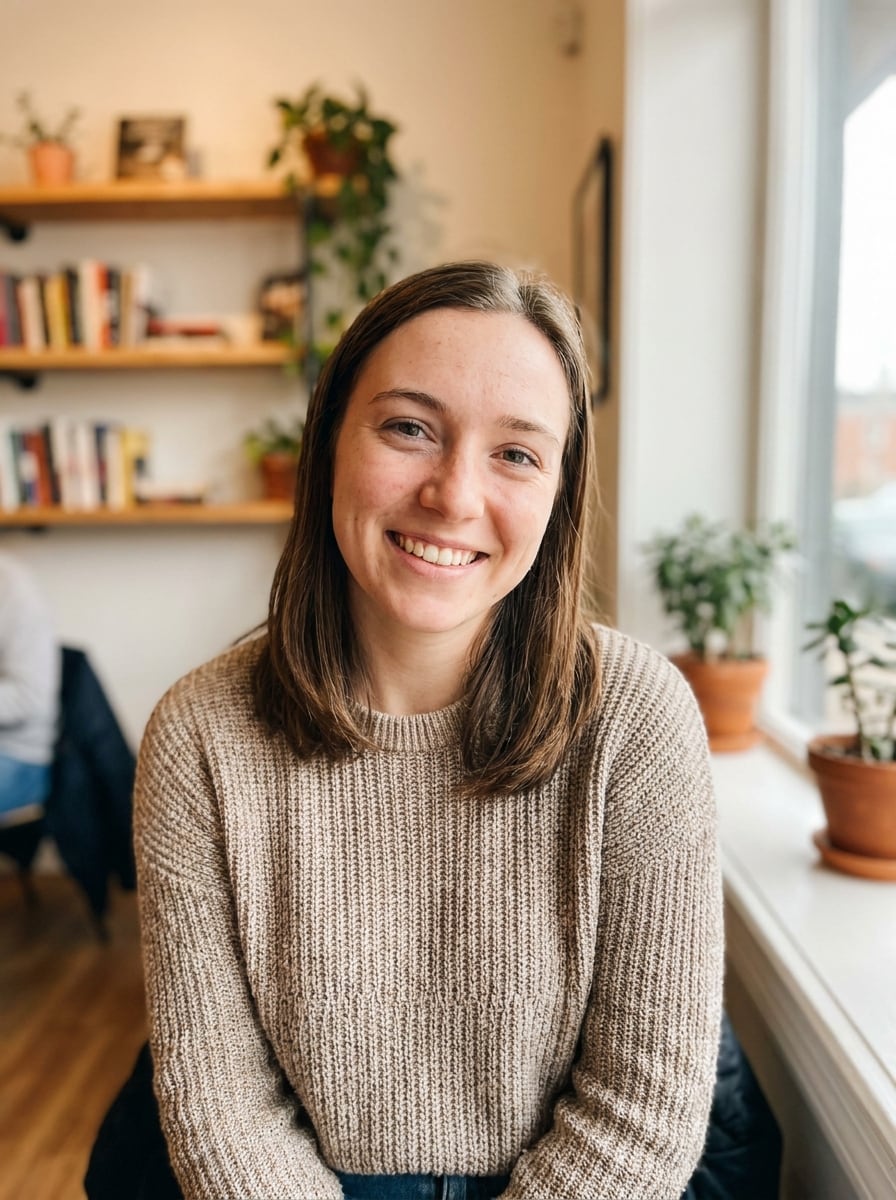
Bumble Friendly Lifestyle Shot
Use the uploaded image as the subject and make it feel warm, friendly, and approachable for a lifestyle-style dating profile photo. Keep the face recognizable, brighten the tone, add soft natural light, tasteful background context, and subtle enhancements that stay realistic and inviting.
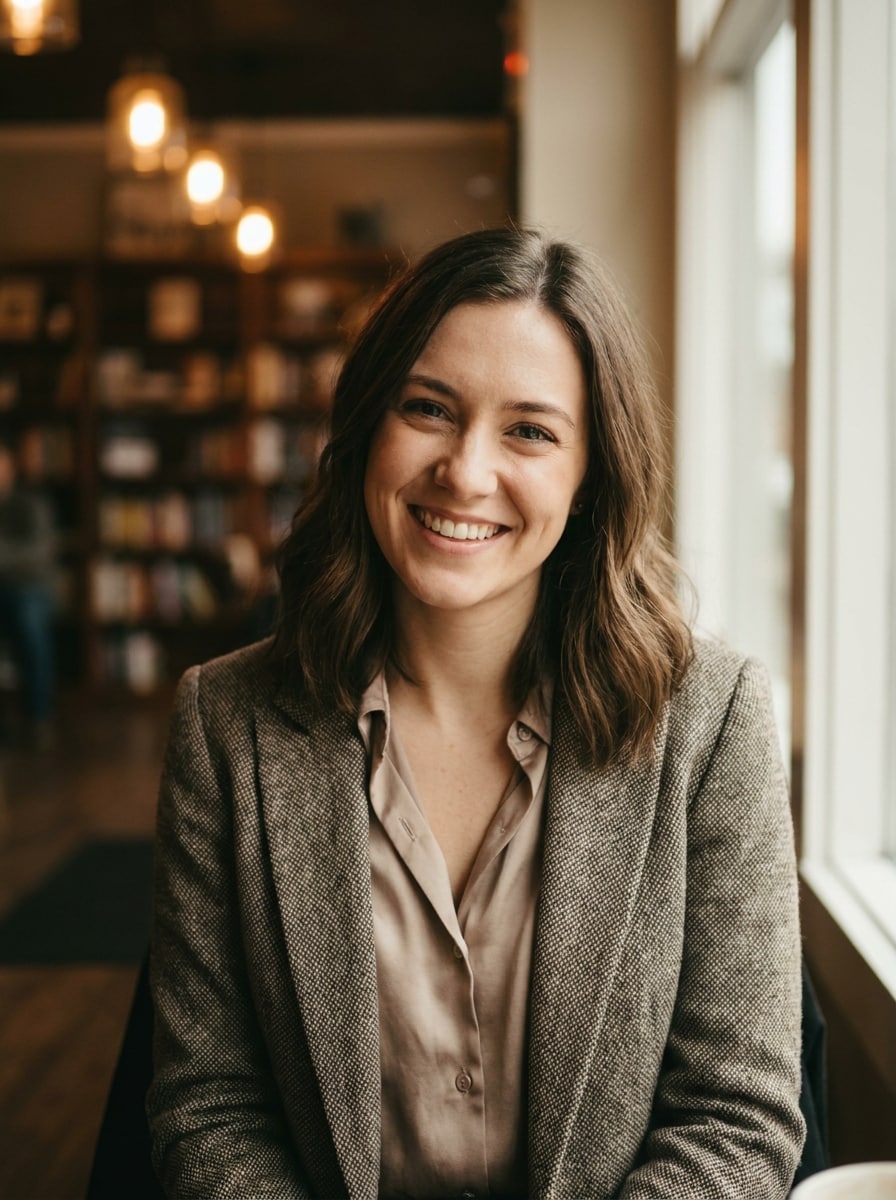
Hinge Sophisticated Portrait
Use the uploaded image as the subject and refine it into a sophisticated portrait for a polished dating profile. Preserve the person’s true look, add elegant styling, subtle contrast, premium color grading, shallow depth of field, and realistic lighting for a refined but believable result.
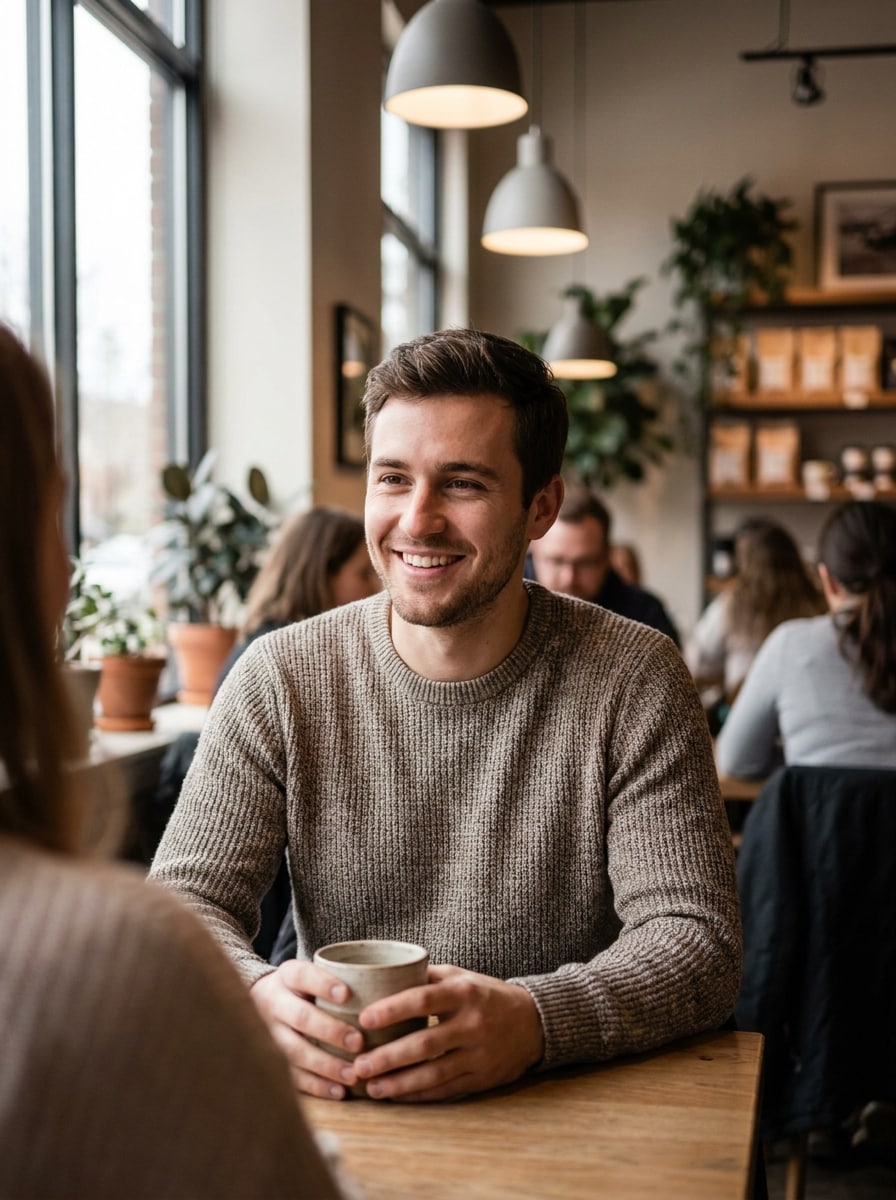
Cafe Date Vibe
Use the uploaded image as the subject and place it in a cozy upscale cafe portrait setting. Keep the face natural, add soft window light, warm wood textures, shallow depth of field, authentic proportions, and a relaxed social mood that feels polished without looking artificial.
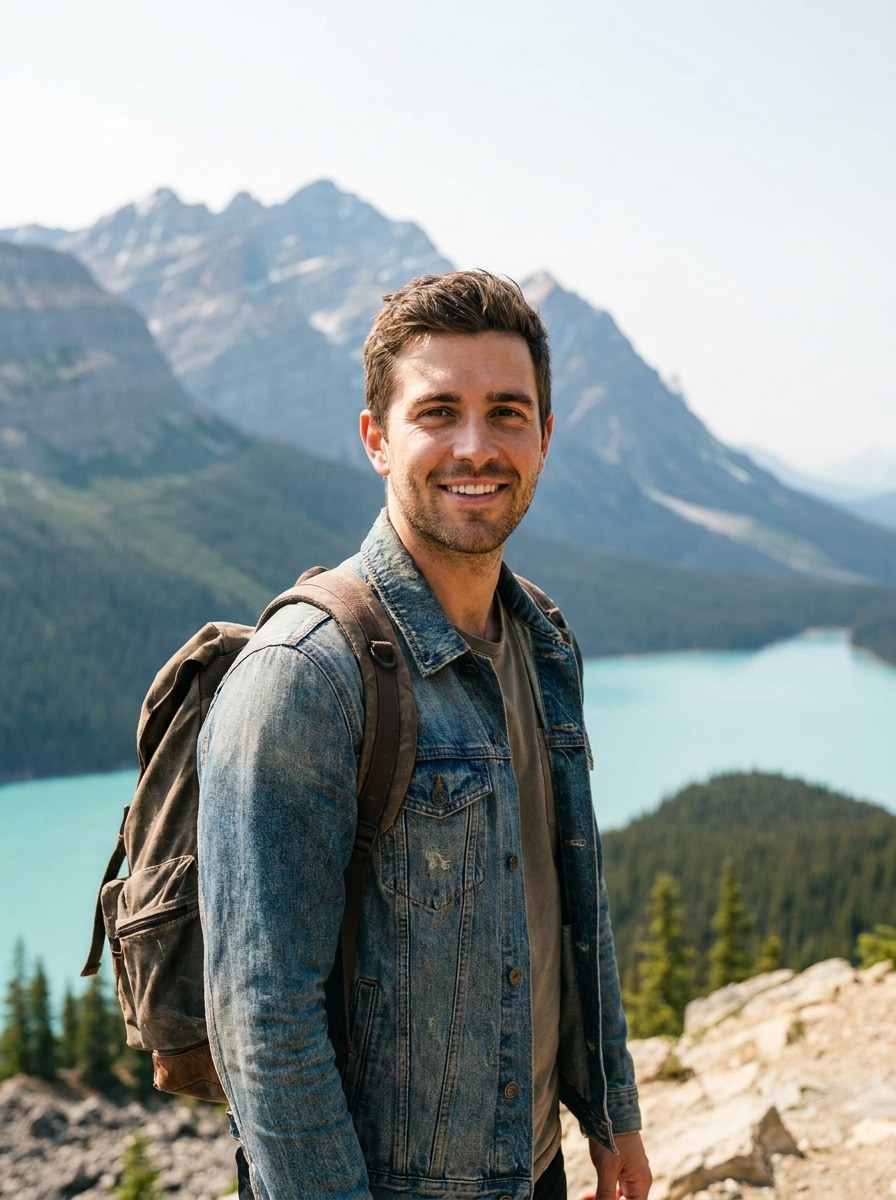
Travel Explorer Look
Use the uploaded image as the subject and turn it into a travel-inspired dating profile photo. Preserve the person’s real face, add a scenic but believable background, clean daylight, confident posture, vibrant natural colors, and a fresh adventurous mood with realistic portrait quality.
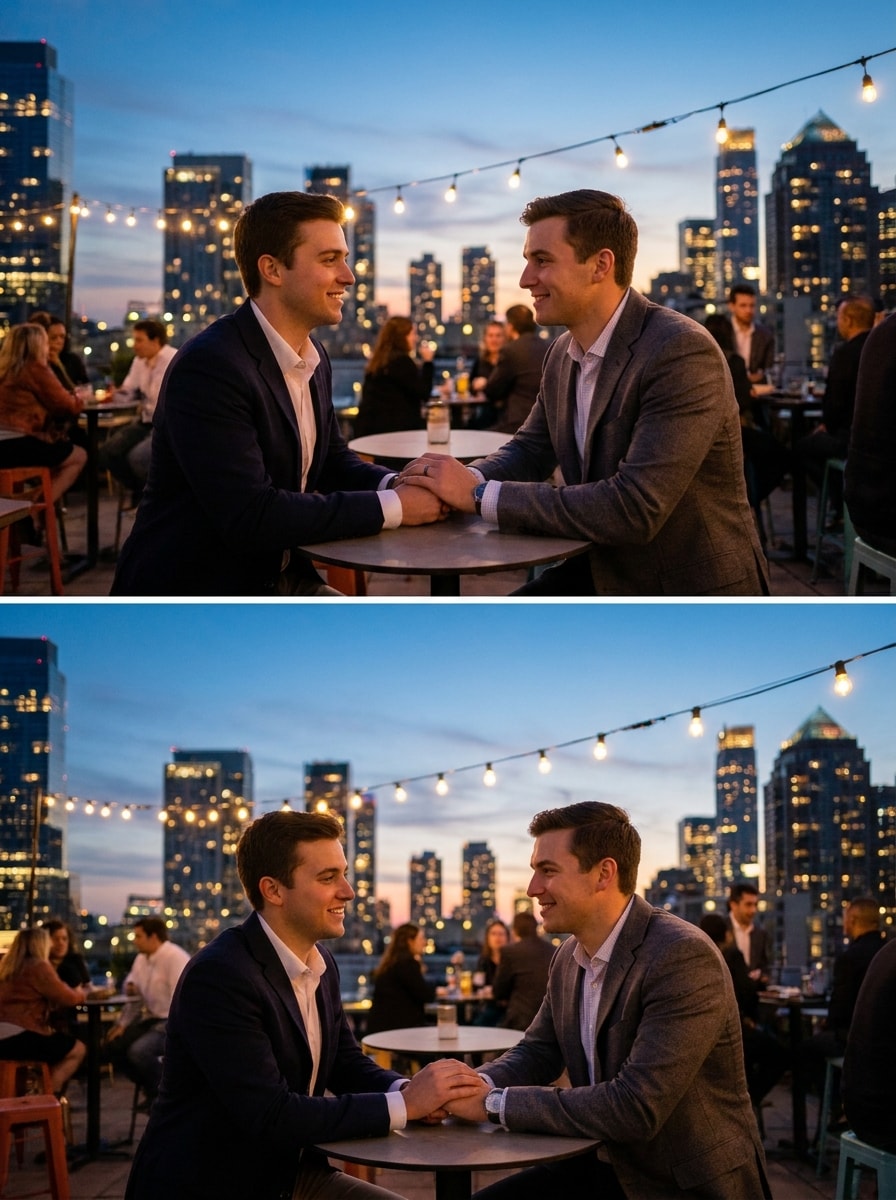
Rooftop Evening Portrait
Use the uploaded image as the subject and transform it into a stylish rooftop evening portrait for a dating app. Keep the facial features authentic, add soft city lights, cinematic dusk ambiance, balanced skin tones, crisp subject detail, and realistic environmental lighting.
Clean Skin Realism
Use the uploaded image as the subject and improve it with subtle, realistic glow-up edits. Keep pores and skin texture visible, brighten the eyes, correct lighting, refine focus, and maintain authentic facial proportions so the result looks like a better version of the original photo.
Why Use Media.io for Dating Profile Photo Upgrades
Built for Realistic Image-to-Image Edits
Upload a JPG, PNG, or JPEG and transform one existing photo into a more polished dating portrait while keeping your look believable. It works especially well for background cleanup, lighting fixes, and subtle glow-up edits.
Natural Identity Preservation
Media.io supports photorealistic portrait enhancement so your dating profile ai image can look sharper and more flattering without turning into an obviously synthetic face. This helps you create profile photos that still feel honest and recognizable.
Flexible Resolution and Aspect Ratios
Generate 1K, 2K, or 4K outputs and choose aspect ratios like 3:4, 4:3, 1:1, or 9:16. That makes it easy to create profile-ready portraits for Tinder, Bumble, Hinge, and other social platforms.
Powerful Models in Your Browser
Media.io runs online and uses advanced models including Nano Banana Pro, Nano Banana 2, Media 2.0, Seedream 5.0 Lite, and Media 1.0. You can create polished dating portraits on Windows, Mac, iPhone, or Android without installing software.
How to Make a Better AI Dating Profile Photo
1
2
3
1
Open Media.io AI Image Generator
Go to AI Image to Image Generator and open the AI Image Generator under AI -> AI Image Generator. This online tool runs in your browser, so you can create a polished dating profile photo on desktop or mobile without installing anything.
2
Upload a Photo and Enter Your Prompt
Upload a clear selfie or portrait, then type a detailed prompt like: “Use the uploaded image as the subject and create a natural golden hour dating profile portrait with warm light, soft background blur, realistic skin texture, and authentic facial details.” Adjust aspect ratio, resolution, and image count as needed.
3
Generate, Refine & Download
Click Generate. Tweak the prompt or settings if you want a cleaner background, sharper lighting, or a different portrait style. When the result looks natural and flattering, download your high-resolution image for your dating app profile.
See how creators use this Dating Profile for content, marketing, and personal projects, then adapt each idea to fit the brief.
Upgrade a Basic Selfie Into a Strong First Impression
If your current profile picture feels flat or low-effort, Media.io can turn a simple selfie into a cleaner, more flattering portrait with better lighting, sharper focus, and a more polished background. It’s a practical way to create a realistic ai dating profile image without looking overedited.
Create App-Ready Photos for Tinder, Bumble, and Hinge
Different apps reward different visual tones. You can make a confident close-up for Tinder, a warm approachable look for Bumble, or a refined portrait for Hinge, all from one uploaded image. This helps tailor your profile photo to each platform while staying consistent.
Test Natural Styles Before a Real Photo Shoot
Use Media.io to preview how subtle retouching, travel backdrops, cafe scenes, or rooftop portraits might look before booking a professional session. It’s useful for exploring a better dating profile ai style direction while keeping results realistic and close to your actual appearance.
What Users Say
Jordan M.
Hinge User
"Realistic upgrade, not a fake face" I wanted a cleaner dating profile photo without looking like a different person. Media.io kept my features natural, improved the lighting, and gave me a much better first-picture option for Hinge.
Sofia R.
Bumble User
"Easy way to fix weak selfies" I uploaded a normal indoor selfie and used one of the lifestyle prompts. The result looked like a much better version of my original photo, with a softer background and more flattering color. Great for Bumble.
Ethan L.
Tinder User
"Fast and surprisingly believable" Most AI portrait tools make the face look too artificial. This one worked better because I could start from my own photo and aim for a realistic close-up. It felt usable for Tinder right away.
Maya C.
Content Creator
"Helpful for testing profile photo styles" I used Media.io to compare a professional headshot style, golden hour look, and cafe background. It saved me time and helped me figure out which portrait style felt most authentic before updating my dating apps.
1. Can I use AI to improve my dating profile photo?
Media.io works well for improving a dating profile photo by transforming an uploaded image with better lighting, cleaner backgrounds, sharper focus, and more polished portrait styling. Because it uses image-to-image generation, you can start with your own selfie and guide the result toward a realistic, app-ready look.
2. Will an AI dating profile picture still look like me?
It can, especially when you use a clear reference photo and prompt for subtle, photorealistic edits. Media.io supports image-to-image workflows designed to preserve the subject from your upload, which is helpful if you want natural-looking dating profile photos instead of a completely synthetic portrait.
3. Is there a free AI dating profile photo generator?
Media.io offers free credits for new and free users, so you can try an AI dating profile photo workflow before upgrading. Free users may see watermarks, while paid plans support watermark-free high-resolution downloads. For more usage details, check the pricing page. Free users can use free credits. For more usage, users can subscribe to a plan on the pricing page. Upgrade to a paid plan on the pricing page for more credits and watermark-free high-resolution downloads.
4. How do I turn a normal selfie into a better dating app photo?
Upload a clear selfie, then describe the style you want, such as a professional headshot, golden hour portrait, or subtle glow-up edit. In Media.io, you can adjust resolution, aspect ratio, and prompt details to create a more flattering photo with realistic lighting, background improvements, and natural facial detail. Media.io is a web-based tool that works on any device with a browser (Windows, Mac, iOS, Android).
5. Can I make profile photos for Tinder, Bumble, and Hinge?
Media.io lets you create different profile photo styles from one source image, which is useful for Tinder, Bumble, and Hinge. You can generate a confident close-up, a friendly lifestyle portrait, or a more refined editorial-style image depending on the tone you want for each app.
6. How long does it take to generate an AI dating profile image?
Generation time can vary depending on your prompt, selected model, settings, and output choices, but the process is designed to be fast and browser-based. You can generate, review, and refine your image online without installing software, which makes it easy to test several realistic profile photo looks quickly.