Click or drag to upload, or choose from My HistoryClick To UploadMy History
No ideas? Generate an image first >
Upload jpg, jpeg, png images up to 50 MB, with a minimum width/height of 300 px.
Rim Light Effect: Make Your Subject Stand Out with Edge Light
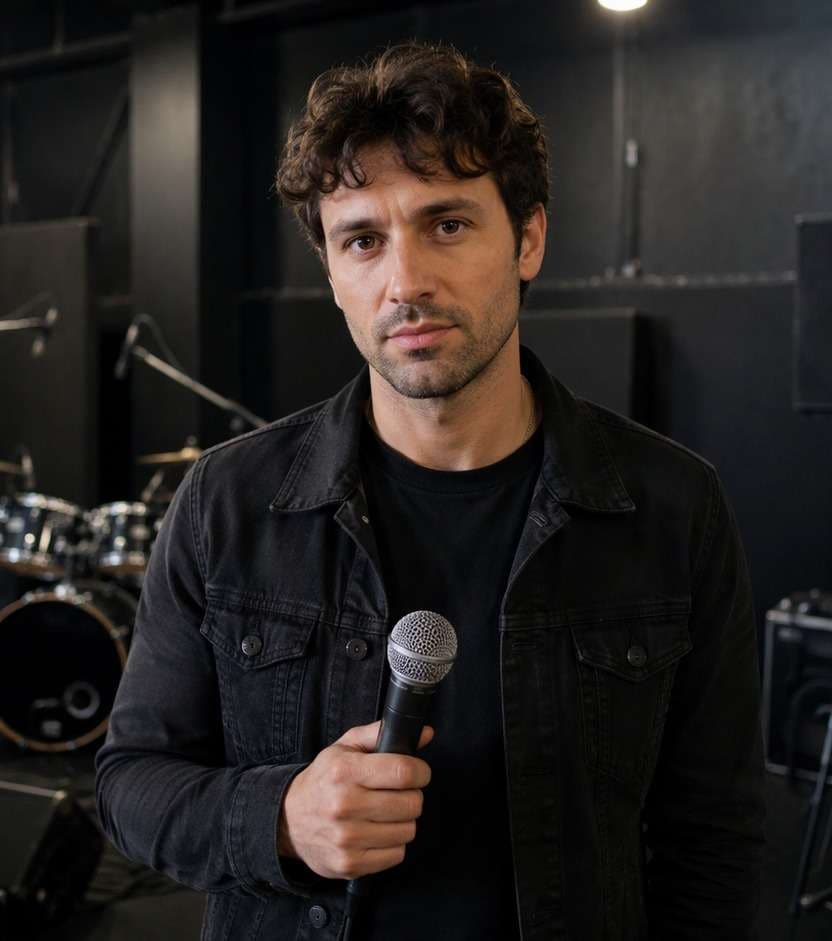
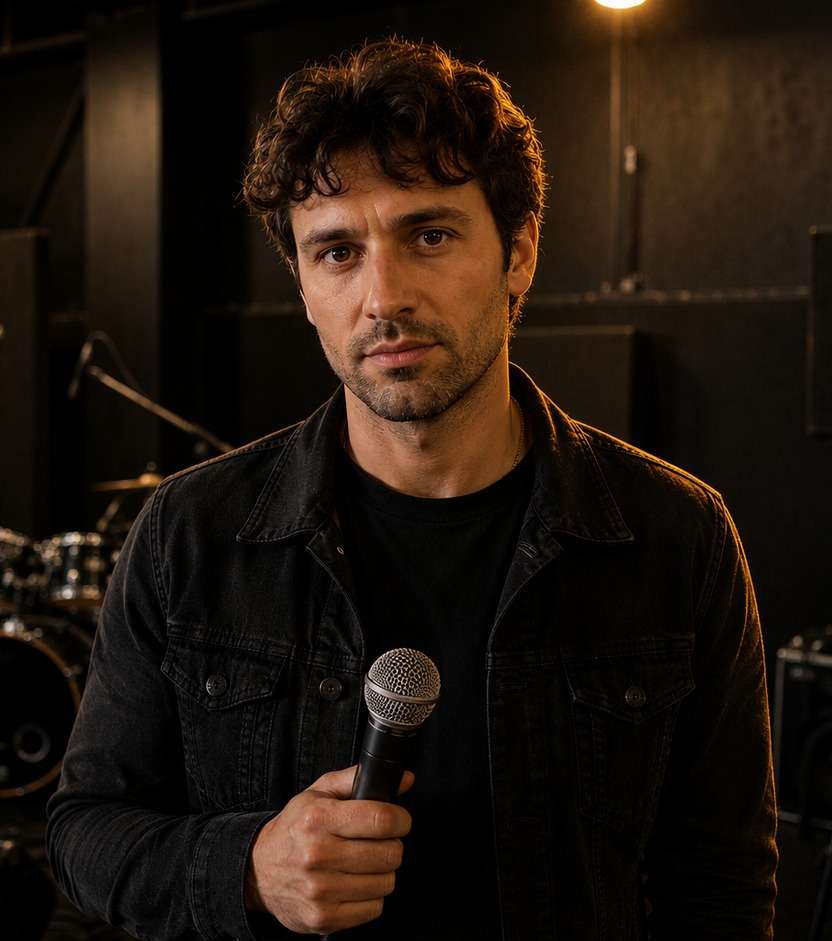
Your portrait has the right expression, but the dark jacket disappears into the background. A rim light effect can separate the subject with a slim line of backlight along the hair, shoulders and outer silhouette. Choose subtle white studio light, a warm sunset edge or a cooler blue cinematic outline without moving the person or changing the original backdrop. The aim is depth and definition, not a cartoon neon sticker around the body.
Pick a portrait with visible shoulders and a darker background so the narrow edge light can follow a credible silhouette.
Rim Light Effect Prompts for Portrait and Stage Backlight
Rim light follows the subject contour. These examples show how to use it for dark outfits, stage-inspired portraits and natural window backlight without painting a bright outline around every object.
Tungsten Artist Edge
Edit my uploaded reference photo: Add a narrow amber rim to the right hair and coat shoulder against the existing rehearsal-room darkness, keeping the face exposure stable. Keep the original person, identity, expression, hairstyle, clothes, scene geometry and camera angle unless the named era style specifically calls for clothing or setting changes. Maintain realistic physical proportions and credible photographic detail. Do not add captions, logos, extra people, collages or unrelated props.
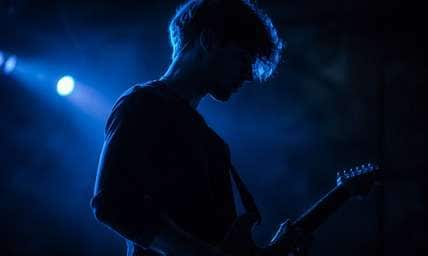
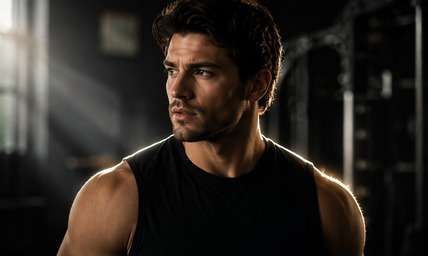
Blue Backstage Halo
Edit my uploaded reference photo: Introduce cool cobalt edge light from behind a performer with black clothing, limiting light to shoulder and hair contours. Keep the original person, identity, expression, hairstyle, clothes, scene geometry and camera angle unless the named era style specifically calls for clothing or setting changes. Maintain realistic physical proportions and credible photographic detail. Do not add captions, logos, extra people, collages or unrelated props.
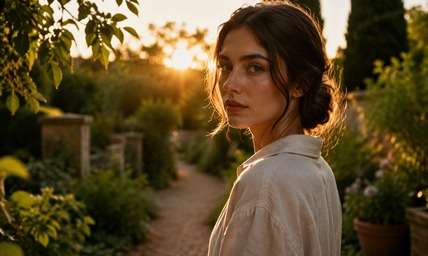
Golden Garden Backlight
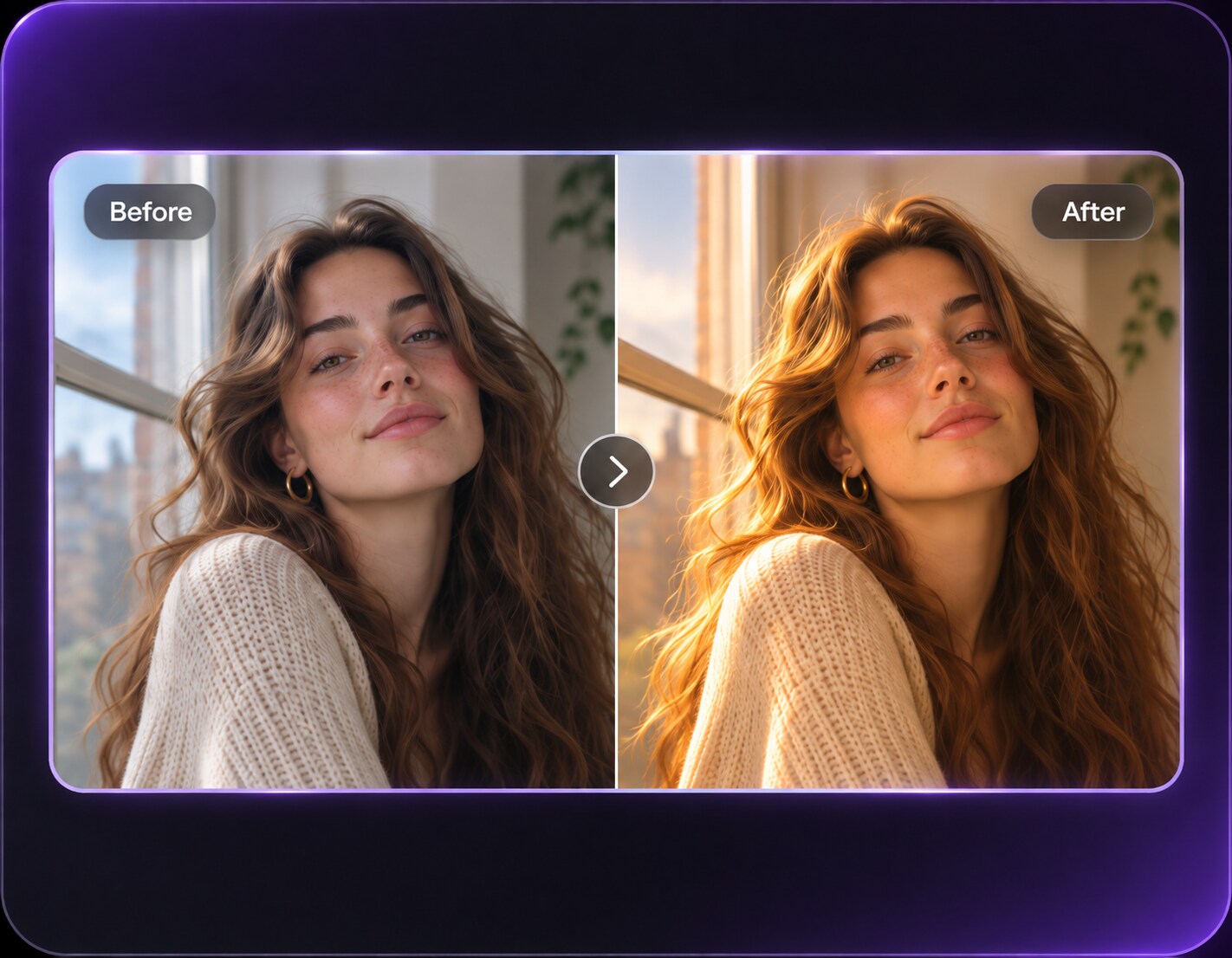
Edit my uploaded reference photo: Let low existing sun trace loose hair strands and the linen collar while keeping leaves and garden path in place. Keep the original person, identity, expression, hairstyle, clothes, scene geometry and camera angle unless the named era style specifically calls for clothing or setting changes. Maintain realistic physical proportions and credible photographic detail. Do not add captions, logos, extra people, collages or unrelated props.
White Studio Separation
Edit my uploaded reference photo: Create a subtle clean rim along both shoulders using an unseen studio backlight without adding a glowing ring around the head. Keep the original person, identity, expression, hairstyle, clothes, scene geometry and camera angle unless the named era style specifically calls for clothing or setting changes. Maintain realistic physical proportions and credible photographic detail. Do not add captions, logos, extra people, collages or unrelated props.
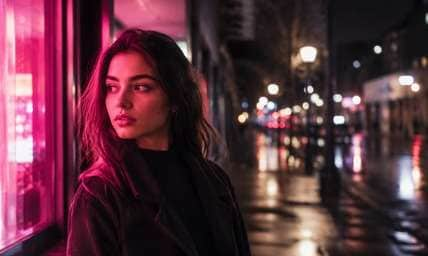
Neon Alley Side Edge
Edit my uploaded reference photo: Catch only the camera-left side of a street portrait with magenta sign light reflected from an existing storefront. Keep the original person, identity, expression, hairstyle, clothes, scene geometry and camera angle unless the named era style specifically calls for clothing or setting changes. Maintain realistic physical proportions and credible photographic detail. Do not add captions, logos, extra people, collages or unrelated props.
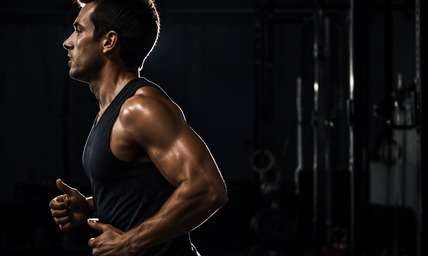
Athletic Silhouette Light
Edit my uploaded reference photo: Use a strong but thin backlight on the arm and shoulder of a runner, retaining muscle shape and dark gym background. Keep the original person, identity, expression, hairstyle, clothes, scene geometry and camera angle unless the named era style specifically calls for clothing or setting changes. Maintain realistic physical proportions and credible photographic detail. Do not add captions, logos, extra people, collages or unrelated props.
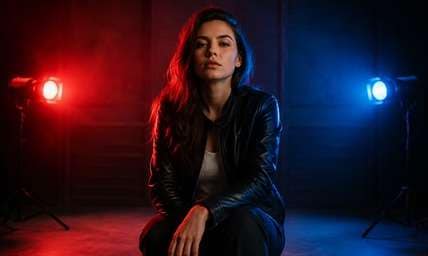
Stage Red-Blue Split
Edit my uploaded reference photo: Add a restrained red rim on one side and blue on the other, each connected to stage fixtures in the original scene. Keep the original person, identity, expression, hairstyle, clothes, scene geometry and camera angle unless the named era style specifically calls for clothing or setting changes. Maintain realistic physical proportions and credible photographic detail. Do not add captions, logos, extra people, collages or unrelated props.
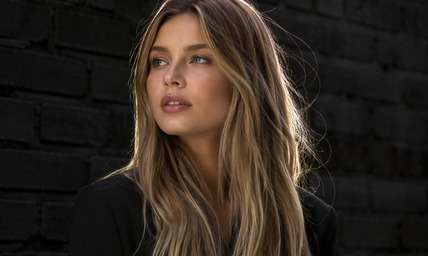
Silver Hair Outline
Edit my uploaded reference photo: Give fine flyaway strands a delicate neutral outline against dark brick without altering hair color or cut. Keep the original person, identity, expression, hairstyle, clothes, scene geometry and camera angle unless the named era style specifically calls for clothing or setting changes. Maintain realistic physical proportions and credible photographic detail. Do not add captions, logos, extra people, collages or unrelated props.
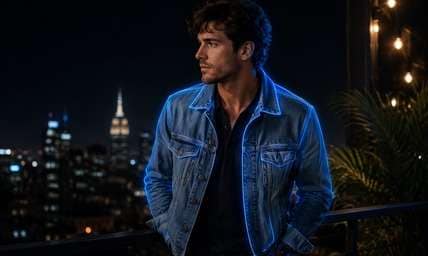
Moonlit Cool Shoulder
Edit my uploaded reference photo: Add a pale-blue edge to a denim jacket against a nighttime terrace, with natural dark front lighting. Keep the original person, identity, expression, hairstyle, clothes, scene geometry and camera angle unless the named era style specifically calls for clothing or setting changes. Maintain realistic physical proportions and credible photographic detail. Do not add captions, logos, extra people, collages or unrelated props.
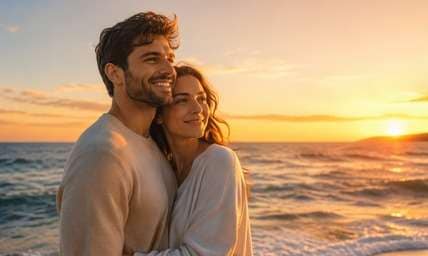
Sunset Shoulder Warmth
Edit my uploaded reference photo: Place soft amber backlight on the sun-facing side of a couple portrait and keep the original horizon and posture unchanged. Keep the original person, identity, expression, hairstyle, clothes, scene geometry and camera angle unless the named era style specifically calls for clothing or setting changes. Maintain realistic physical proportions and credible photographic detail. Do not add captions, logos, extra people, collages or unrelated props.
Separate the Subject without Cutting Them Out
Follow Real Hair and Shoulder Edges
A believable rim highlight catches the surfaces facing a backlight. It varies in thickness along curls, shoulders and jacket seams rather than forming a uniform glowing border.
Match the Edge to the Source
A warm edge makes sense beside a low sun or tungsten lamp; cool blue fits a stage or dusk alley. Specify the source direction so the whole photo follows the same lighting logic.
Keep Face Light Independent
Rim lighting improves separation, but it should not bleach the face or erase expression. Ask to preserve the existing face exposure while adding a narrow contour highlight from behind.
Avoid the Cutout Halo
Overbright outlines can make a person look pasted onto the scene. Ask for a restrained falloff into the background and keep stray hair, fabric texture and shadows realistic.
How to Add a Rim Light Effect to a Photo Online
Choose a portrait where the subject edge is visible against the background. Describe a light source behind or beside the person, then compare the outline at normal viewing size.
Step 1
Upload a Portrait with Clear Edges
Open Media.io AI Face Editor and upload a headshot, stage image or upper-body portrait. A dark outfit against a medium-dark background gives the edge light a clear purpose.
Step 2
Choose the Backlight Direction and Color
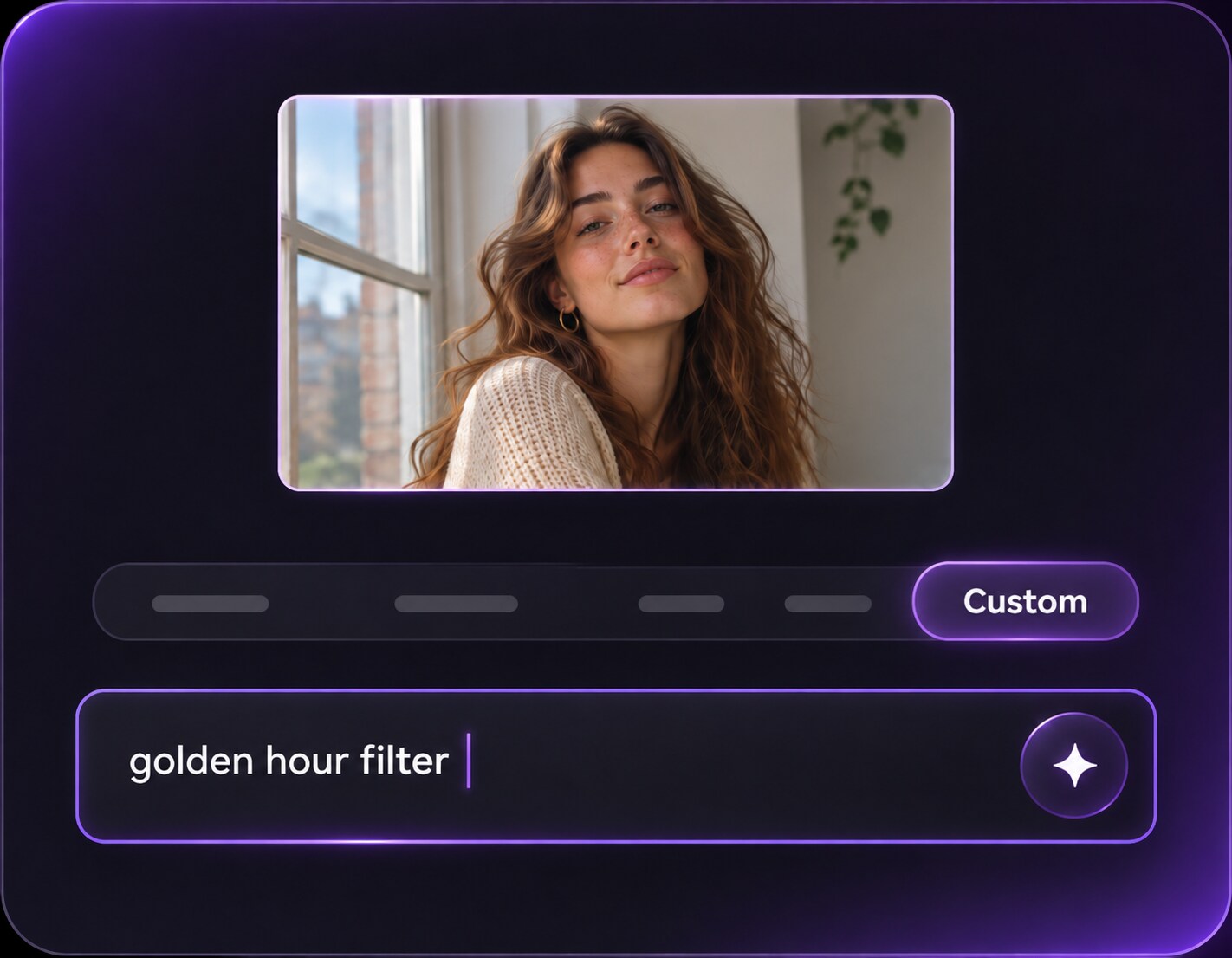
Request rim light along the camera-left hair and shoulder from a back-right source, or choose a warm or cool edge to fit the existing location. Keep face exposure and pose intact.
Step 3
Generate and Check the Silhouette
Click Generate and look closely at stray hair, jacket edges and glasses. Reduce outline width if the person looks digitally cut out.
Rim light belongs to images where separating the person from the background improves the composition, especially dark clothing and stage scenes.
Dark-Jacket Artist Portraits
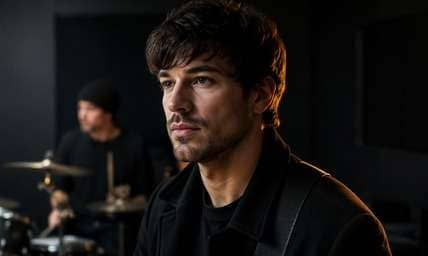
A narrow edge highlight can reveal the shape of a black coat against a charcoal wall while leaving the face moody. It is especially useful for music-cover portraits without a fake background replacement.
Performance and Dance Photos
A cool or warm rim can emphasize a performer's shoulder and arm movement. Keep the body shape and venue in place so the light suggests an existing stage source.
Backlit Outdoor Portraits
Add a gentle amber rim to the side already closest to the sun. It can rescue a flat sunset portrait while avoiding dramatic changes to sky and face.
Rim Lighting Edge Review Checklist
Outline Thickness
Photo preview checklist
"Is the light narrow, irregular and physically plausible?" Uniform neon borders make the subject look like a pasted cutout.
Source Direction
Photo preview checklist
"Does the illuminated edge face a possible light source?" A camera-left edge should correspond to light behind that side of the subject.
Hair Detail
Photo preview checklist
"Do flyaways and curls remain naturally separated?" A blurred solid strip around hair is a sign the light is too heavy.
Face Exposure
Photo preview checklist
"Is the face still lit as originally intended?" Rim light should emphasize depth, not wash the subject with front-facing light.