Click or drag to upload, or choose from My HistoryClick To UploadMy History
No ideas? Generate an image first >
Upload jpg, jpeg, png images up to 50 MB, with a minimum width/height of 300 px.
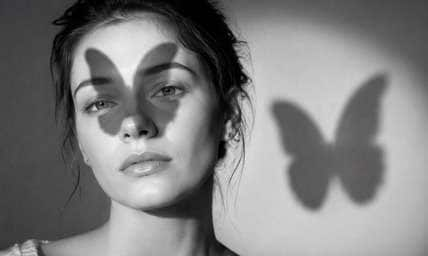
Butterfly Lighting Effect: Preview a Classic Beauty Portrait Setup
The face is in focus, but flat room lighting makes the portrait feel unfinished. A butterfly lighting effect can mimic the classic beauty setup: a main light above the camera, centered on the face, with a small symmetrical shadow beneath the nose. It is useful for beauty portraits, headshots and editorial close-ups where shape matters more than colorful filters. Keep your expression, facial proportions and makeup; change only how the light describes them.
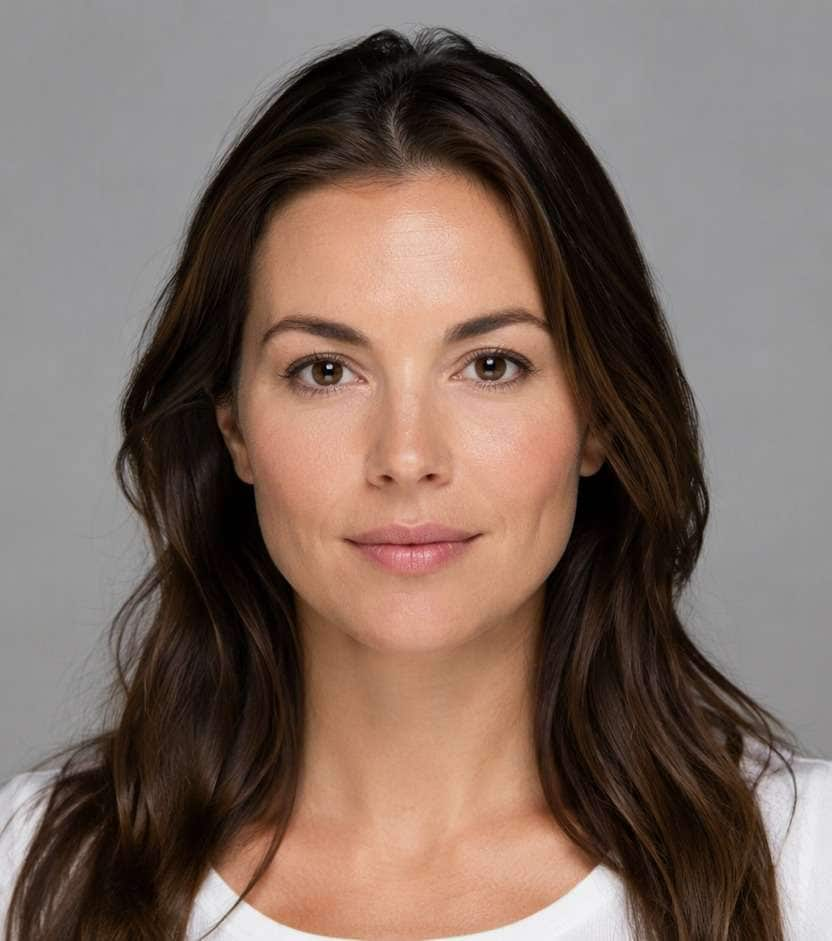
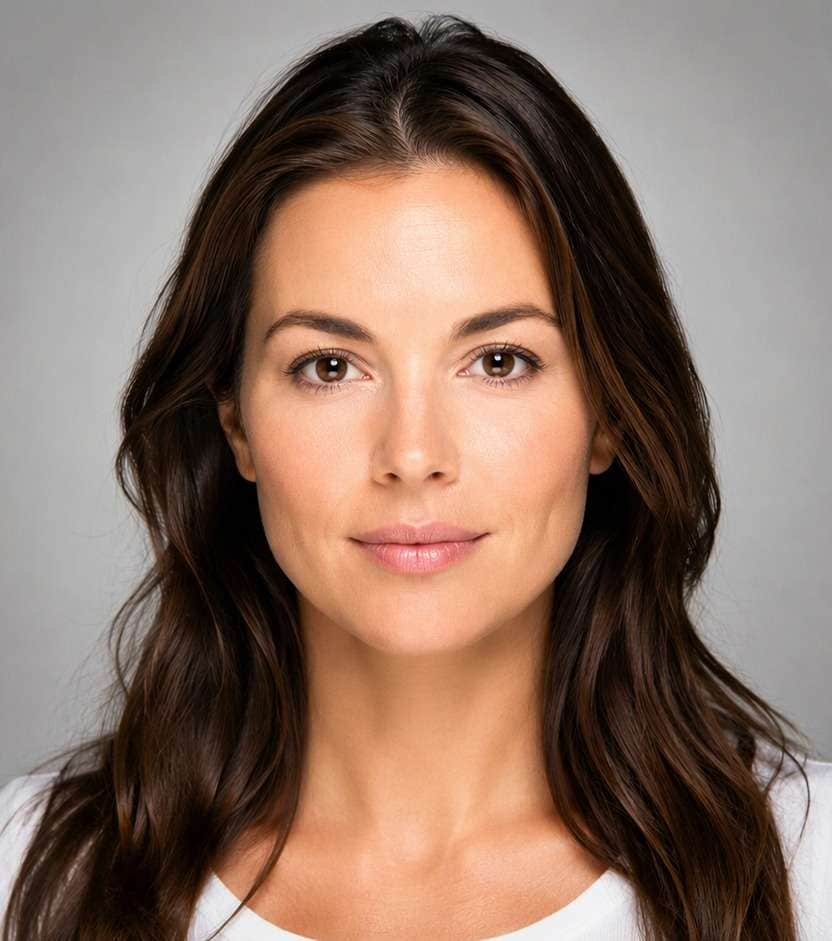
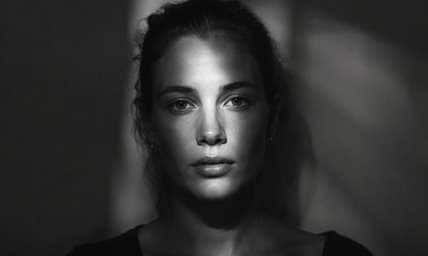
A forward-facing portrait makes the light-centered nose shadow and symmetrical catchlights easier to evaluate.
Butterfly Lighting Prompts from Soft Beauty to Hollywood Contrast
The recognizable detail is the small nose shadow, not an overall glow. Pick a version based on how much cheek definition and under-chin fill your portrait needs.
Soft Beauty Dish Portrait
Edit my uploaded reference photo: Set a centered diffused key slightly above the camera, with a tiny nose shadow and gentle cheek highlights on a clean beauty portrait. Keep the original person, identity, expression, hairstyle, clothes, scene geometry and camera angle unless the named era style specifically calls for clothing or setting changes. Maintain realistic physical proportions and credible photographic detail. Do not add captions, logos, extra people, collages or unrelated props.
Classic Paramount Black and White
Edit my uploaded reference photo: Turn a neutral headshot monochrome and use a higher but centered key with crisp butterfly shadow and softly filled eyes. Keep the original person, identity, expression, hairstyle, clothes, scene geometry and camera angle unless the named era style specifically calls for clothing or setting changes. Maintain realistic physical proportions and credible photographic detail. Do not add captions, logos, extra people, collages or unrelated props.
Corporate Headshot Fill
Edit my uploaded reference photo: Use a broad overhead front light with light under-chin fill so a professional portrait remains natural and approachable. Keep the original person, identity, expression, hairstyle, clothes, scene geometry and camera angle unless the named era style specifically calls for clothing or setting changes. Maintain realistic physical proportions and credible photographic detail. Do not add captions, logos, extra people, collages or unrelated props.
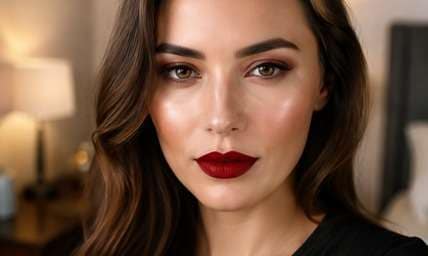
Bronze Makeup Close-Up
Edit my uploaded reference photo: Give a makeup close-up symmetrical cheek highlights and catchlights without changing lipstick, eyelid color or facial proportions. Keep the original person, identity, expression, hairstyle, clothes, scene geometry and camera angle unless the named era style specifically calls for clothing or setting changes. Maintain realistic physical proportions and credible photographic detail. Do not add captions, logos, extra people, collages or unrelated props.
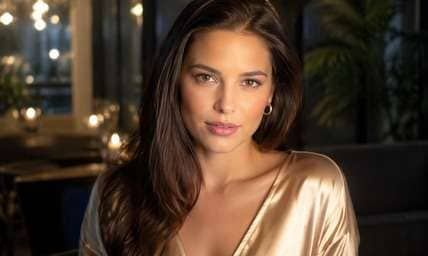
Hollywood Silk Blouse
Edit my uploaded reference photo: Sculpt the face with centered glamour light and subtle chin shadow while retaining the silk highlights and original neckline. Keep the original person, identity, expression, hairstyle, clothes, scene geometry and camera angle unless the named era style specifically calls for clothing or setting changes. Maintain realistic physical proportions and credible photographic detail. Do not add captions, logos, extra people, collages or unrelated props.
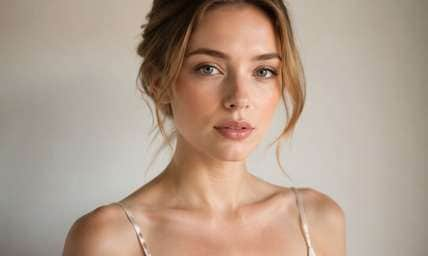
Soft Pearl Background
Edit my uploaded reference photo: Keep the pale studio backdrop and add a gentle centered key with a faint nose shadow that does not reach the lip. Keep the original person, identity, expression, hairstyle, clothes, scene geometry and camera angle unless the named era style specifically calls for clothing or setting changes. Maintain realistic physical proportions and credible photographic detail. Do not add captions, logos, extra people, collages or unrelated props.
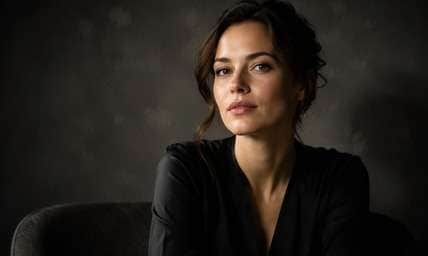
Dramatic Dark Backdrop
Edit my uploaded reference photo: Add an elevated front key, deeper cheek-to-chin falloff and an understated butterfly shadow against the original charcoal backdrop. Keep the original person, identity, expression, hairstyle, clothes, scene geometry and camera angle unless the named era style specifically calls for clothing or setting changes. Maintain realistic physical proportions and credible photographic detail. Do not add captions, logos, extra people, collages or unrelated props.
Monochrome Actor Portrait
Edit my uploaded reference photo: Create a restrained centered light pattern on a grayscale headshot, preserving pores and the original facial expression. Keep the original person, identity, expression, hairstyle, clothes, scene geometry and camera angle unless the named era style specifically calls for clothing or setting changes. Maintain realistic physical proportions and credible photographic detail. Do not add captions, logos, extra people, collages or unrelated props.
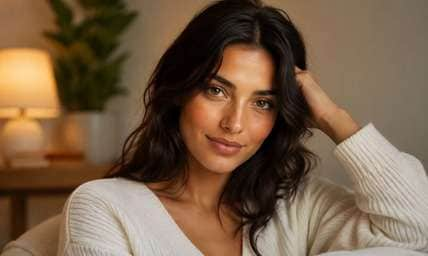
Warm Studio Editorial
Edit my uploaded reference photo: Shift the studio key slightly warm but preserve symmetrical nose and cheek shading with believable white clothing. Keep the original person, identity, expression, hairstyle, clothes, scene geometry and camera angle unless the named era style specifically calls for clothing or setting changes. Maintain realistic physical proportions and credible photographic detail. Do not add captions, logos, extra people, collages or unrelated props.
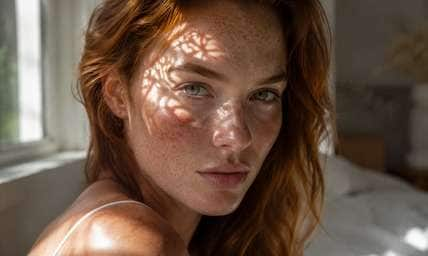
Minimal No-Retouch Beauty
Edit my uploaded reference photo: Change only light placement to create a subtle butterfly pattern; retain freckles, skin texture and original hair. Keep the original person, identity, expression, hairstyle, clothes, scene geometry and camera angle unless the named era style specifically calls for clothing or setting changes. Maintain realistic physical proportions and credible photographic detail. Do not add captions, logos, extra people, collages or unrelated props.
Add the Portrait Light Pattern Photographers Actually Use
Put the Key Light Above the Camera
Butterfly light is not random face brightening. Ask for a centered source slightly above eye level, with the nose casting a short symmetrical shadow. The direction matters more than the filter's warmth.
Preserve Catchlights in Both Eyes
A high key can hollow the eye sockets if it sits too far above the face. Subtle upper-eye catchlights and gentle under-chin fill keep the subject alert and flattering.
Choose Beauty or Glamour Contrast
A soft beauty-dish look gives smooth cheek transitions; an Old Hollywood edit can deepen the small nose and chin shadows. Both should stay symmetrical around the center of the face.
Keep Makeup and Identity Intact
For a beauty portfolio or acting headshot, altered lipstick, eye shape or hair can misrepresent the subject. Ask for lighting-only changes and inspect small facial details before using the result professionally.
How to Add a Butterfly Lighting Effect to a Portrait Online
Start with a face-forward photo. Describe a high, centered key and a modest shadow under the nose; ask for realistic fill rather than a beauty-smoothing transformation.
Step 1
Upload a Clear, Face-Forward Portrait
Open Media.io AI Face Editor and upload a front or near-front headshot with both eyes visible. Extreme side profiles hide the butterfly shadow pattern.
Step 2
Describe the Centered High Key
Request a studio light just above the camera axis, soft highlights on both cheeks, a short shadow below the nose and natural eye catchlights. Keep face shape and makeup unchanged.
Step 3
Generate and Check Nose and Eye Shadows
Click Generate and inspect symmetry. If eyes look hollow or the nose shadow reaches the lip, request a lower, softer key with gentler fill.
This is a lighting treatment for controlled, face-forward portraits. It is different from rim lighting, which outlines the subject from behind.
Makeup Portfolio Close-Ups
A centered high key can show both cheeks and eye makeup evenly while preserving a little facial shape. It works better than an arbitrary glow when the makeup details are the point of the photo.
Actor and Professional Headshots
For a simple portrait against a plain background, butterfly lighting can add a polished studio feel while keeping the person's real expression and facial proportions recognizable. A short nose shadow can add face shape without making the eyes look tired, which matters for casting and business profiles.
Vintage Glamour Editorials
Stronger but symmetrical highlights suit black-and-white beauty portraits and classic fashion imagery. Keep the signature nose shadow small and the chin shadow controlled. Keep both eye catchlights and a controlled upper-lip shadow so the glamour treatment still looks like intentional studio lighting.
Butterfly Lighting Portrait Checklist
Nose Shadow
Photo preview checklist
"Is there a small centered shadow directly under the nose?" A long slanted shadow suggests the light is too high or off to one side.
Eye Catchlights
Photo preview checklist
"Do both eyes retain believable highlights?" A high key should not make eye sockets empty or unnaturally dark.
Cheek Symmetry
Photo preview checklist
"Are left and right cheek highlights balanced?" One bright cheek with a long side shadow may be loop lighting instead.
Identity
Photo preview checklist
"Did the edit keep makeup, face shape and expression?" A lighting preview is useful only when it still shows the real subject.
It is a front portrait-lighting pattern created by placing the main light centered and above the face, making a short butterfly-shaped shadow under the nose.
2. How does butterfly lighting differ from rim light?
Butterfly lighting shapes the front of the face; rim light comes from behind and outlines hair, shoulders or the side of the subject.
3. Will this look work on a side-profile portrait?
The signature symmetrical nose shadow is much harder to see on a full profile. Use a front-facing or slightly turned face for a clearer test.
4. Why do my eye sockets look too dark?
The simulated light may be too high. Ask for a lower key position or soft fill below the camera while keeping the nose shadow short.
5. Can I create a vintage Hollywood portrait?
Yes. Request stronger but centered contrast and controlled chin shadows, optionally with black-and-white tonality. Keep the original expression and proportions.
6. Does Media.io replace a real studio lighting session?
No. A generated preview shows a possible lighting treatment, not the exact shadows a physical softbox would produce on your face.
More Butterfly Lighting Effect and Related Photo Tools