ダブルエクスポージャーAI効果ジェネレーターのよくある質問
1. ダブルエクスポージャー効果とは何ですか?
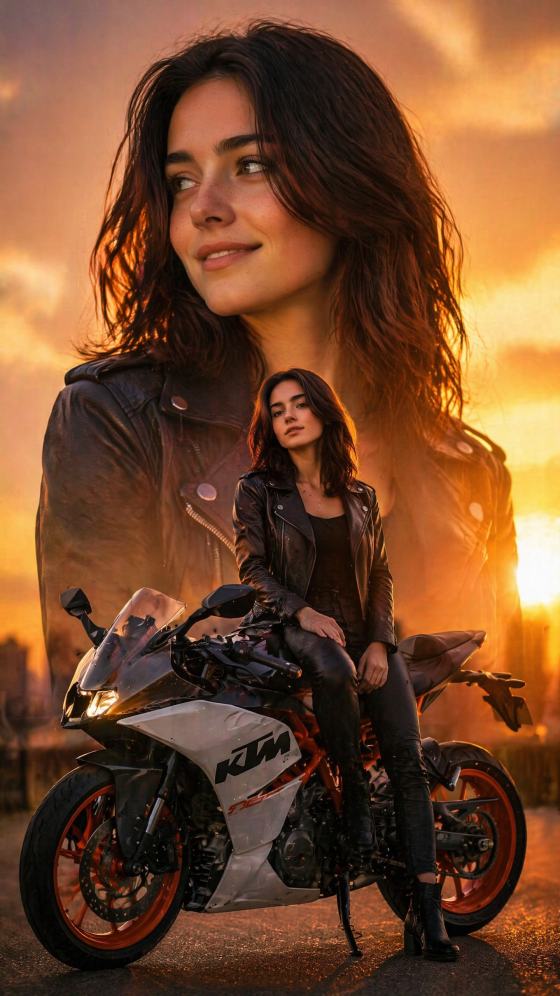
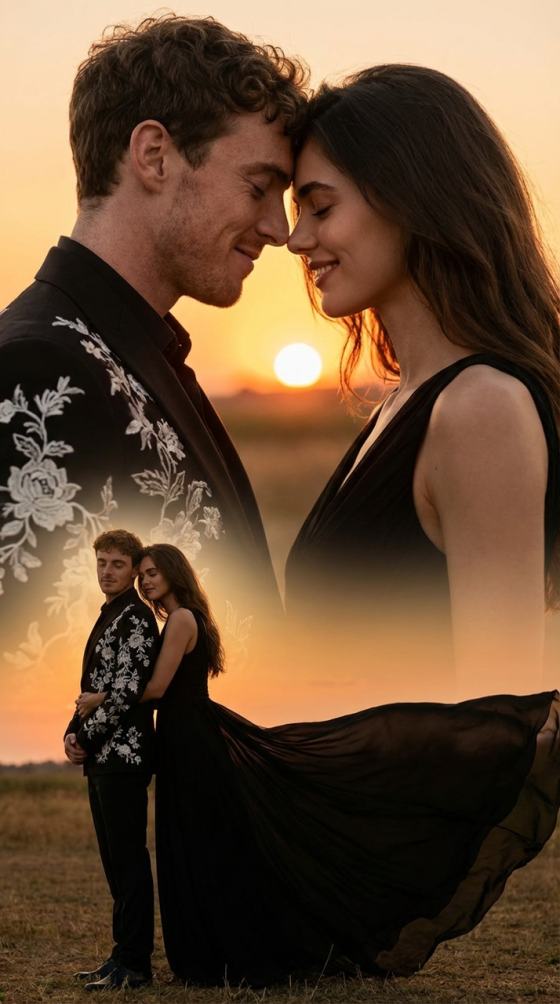
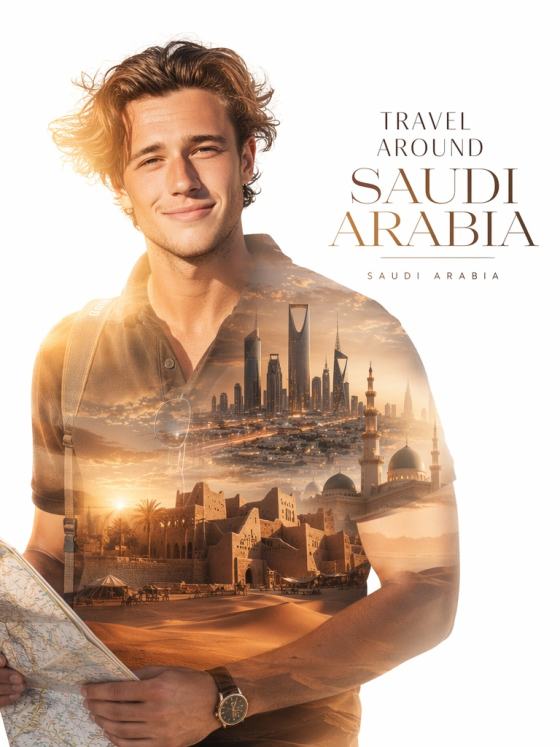
ダブルエクスポージャー効果は、2枚の画像を1つのアート作品のように合成するもので、人物と風景や質感、抽象的なビジュアルなどを組み合わせることが多いです。AIを使えば、レイヤーやマスク、Photoshopのスキルがなくても自動でこの効果を作成できます。
2. AIはどのようにダブルエクスポージャー画像を生成しますか?
AIは写真の被写体、ライティング、構造を分析し、2枚目の画像や生成されたオーバーレイと組み合わせます。なめらかなトランジションや自然なブレンド、シネマティックなコントラストを手作業なしで作成します。
3. ダブルエクスポージャーを作るのに2枚の写真が必要ですか?
いいえ。最新のAI(Nano Banana Proを含む)なら、1枚のポートレートとプロンプトだけでダブルエクスポージャー効果を作成できます。AIが自動で人物と風景やテクスチャ、光、抽象要素をブレンドします。
4. ダブルエクスポージャーAI効果に最適な画像はどんなものですか?
ライティングが良く、はっきりとしたポートレートが最適ですが、以下の画像も使用できます:
- 全身写真
- 商品写真
- シルエット写真
- 風景写真
- ミニマリストな背景
AIが自動で構図に合わせてブレンドスタイルを調整します。
5. ダブルエクスポージャースタイルはカスタマイズできますか?
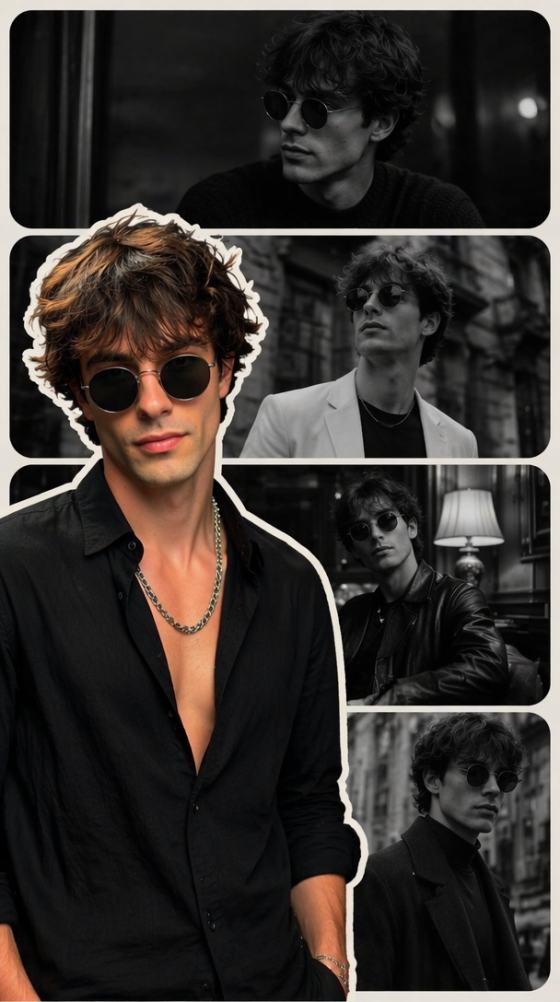
はい。森のオーバーレイ、ネオンの都市風景、山のシルエット、ボケの光、ヴィンテージテクスチャ、白黒映画風など、お好みの見た目をプロンプトで指定できます。AIは選んだ美的感覚に応じたバリエーションを生成します。
6. ダブルエクスポージャージェネレーターは無料で利用できますか?
はい。無料のデイリークレジットでAIダブルエクスポージャー画像を作成でき、透かしなしの高画質でダウンロードできます。
7. ダブルエクスポージャーAI画像をSNSやアート作品に使えますか?
もちろんです。これらのAI生成ダブルエクスポージャー効果は以下に最適です:
- Instagram投稿やリール
- ポスターやアルバムカバー
- クリエイティブなプロジェクト
- 写真編集
- YouTubeサムネイル
- ポートフォリオ作品
ダウンロードして自由にシェアできます。
ダブルエクスポージャー効果だけじゃない — Media.ioでさらに多彩なAI画像フィルターを体験!
Media.io オンラインAIツールの品質評価:
 4.7(162,357 件の投票)