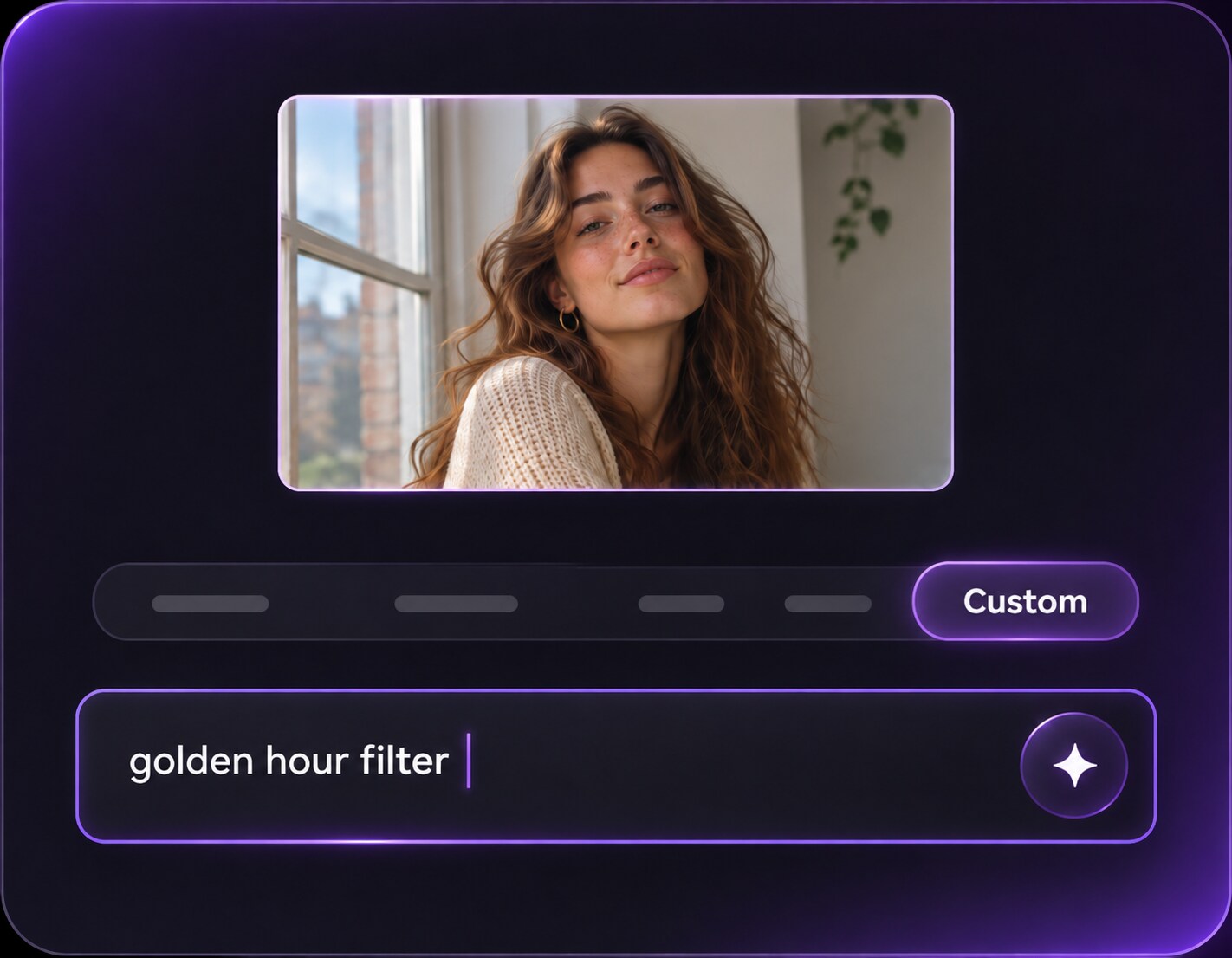
Klicken oder ziehen, um hochzuladen, oder wählen Sie aus Meine HistorieKlicken Sie zum HochladenMeine Historie
Keine Ideen? Erstellen Sie zuerst ein Bild. >
Laden Sie jpg-, jpeg- oder png-Bilder bis zu 50 MB hoch, mit einer Mindestbreite/-höhe von 300 px.
Cobalt Blue Photo Filter: Try a Bold Midnight-Blue Look
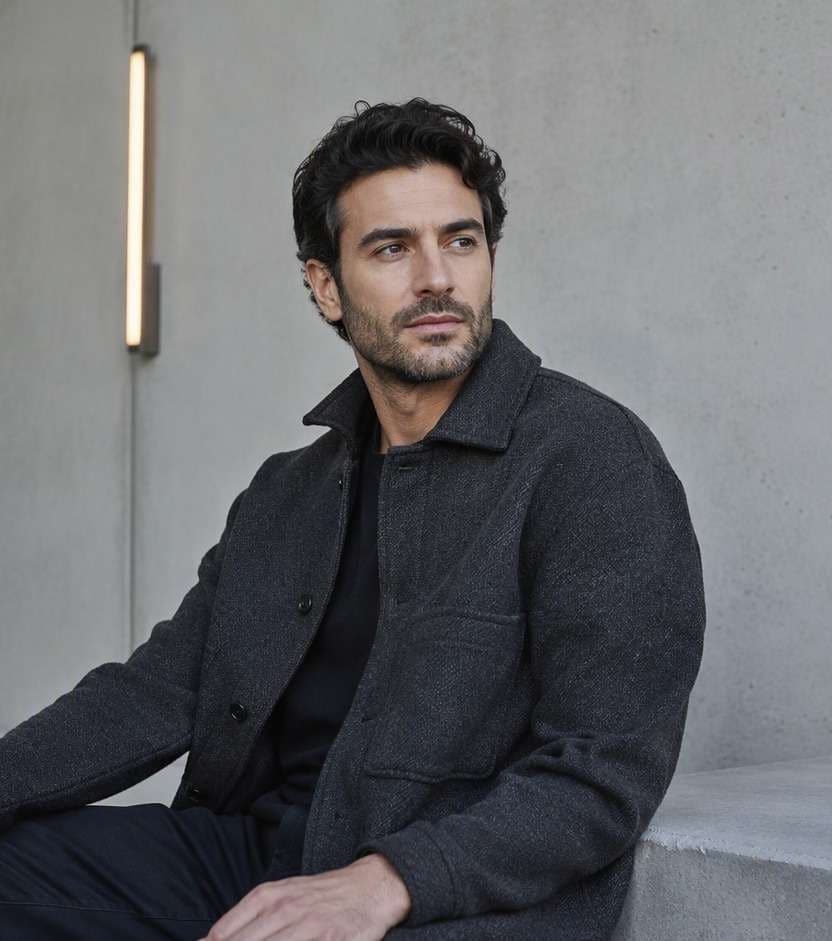
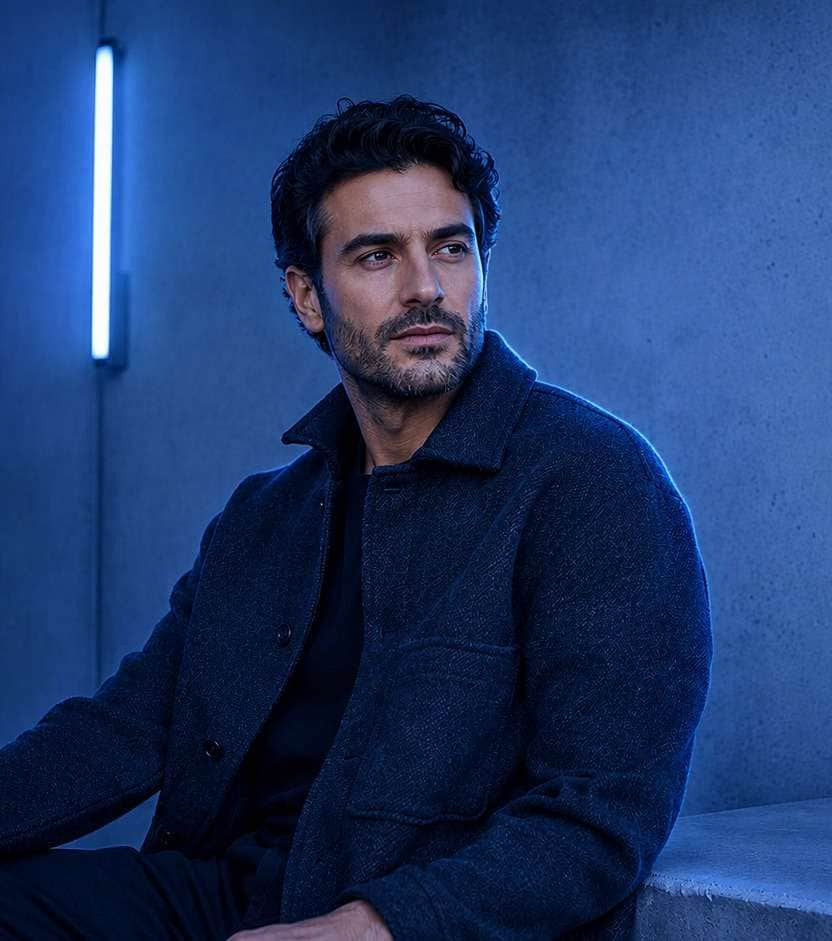
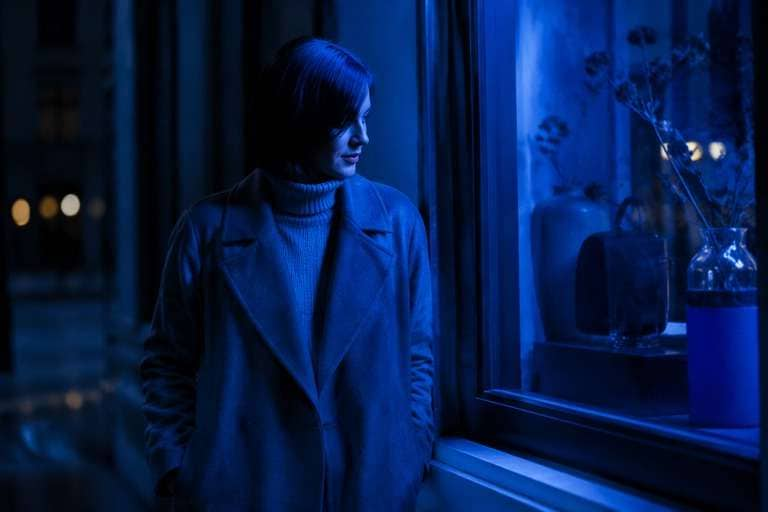
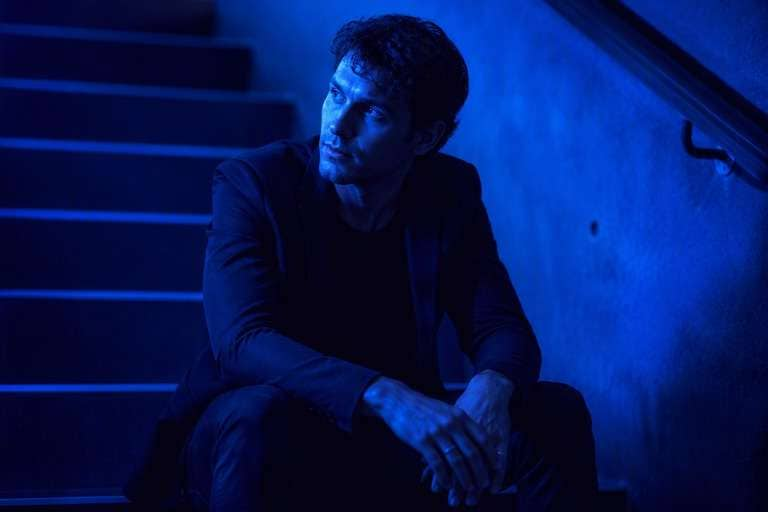
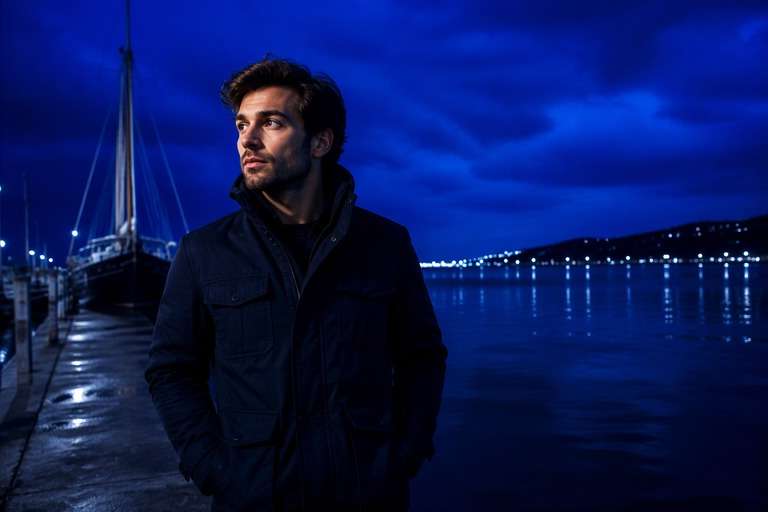
Some photos call for mood, not realistic twilight. A cobalt blue photo filter can turn a familiar portrait into a striking ultramarine color study, with deep indigo shadows, saturated blue highlights and just enough detail to keep the subject visible. Try it on fashion portraits, city nights or graphic editorial shots. Unlike blue hour, the look is deliberately stylized; you control how far the color grade travels from natural lighting.
Protect the face and key textures from disappearing into dark blue shadows. Strong color works best with visible separation.
Cobalt Blue Photo Aesthetic Prompts for 10 Bold Looks
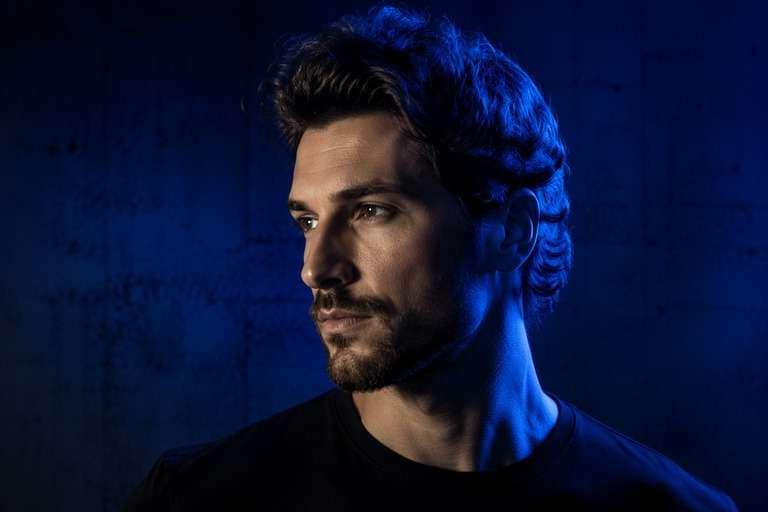
A cobalt blue photo aesthetic can be luminous and saturated or nearly ink-dark. These editing prompts distinguish shadow depth, highlight color and selective color contrast. Upload your original photo and specify whether you want the subject bathed in ultramarine or a more restrained blue rim against black.
Cobalt Rim Portrait
Use the uploaded photo as your exact visual reference. Selective ultramarine edge light outlining face and hair against dark navy background, maintain natural facial structure. For the result, keep the camera position, facial features, garments and background consistent with the uploaded image. If the existing scene cannot support a requested light source, use a subtler adjustment instead of inventing unrelated objects. Keep texture, edges and local color believable. No text, labels, logos or collage.
Electric Blue Fashion
Use the uploaded photo as your exact visual reference. High-saturation cobalt key light on contemporary fashion, dark indigo negative space and visible garment texture. For the result, keep the camera position, facial features, garments and background consistent with the uploaded image. If the existing scene cannot support a requested light source, use a subtler adjustment instead of inventing unrelated objects. Keep texture, edges and local color believable. No text, labels, logos or collage.
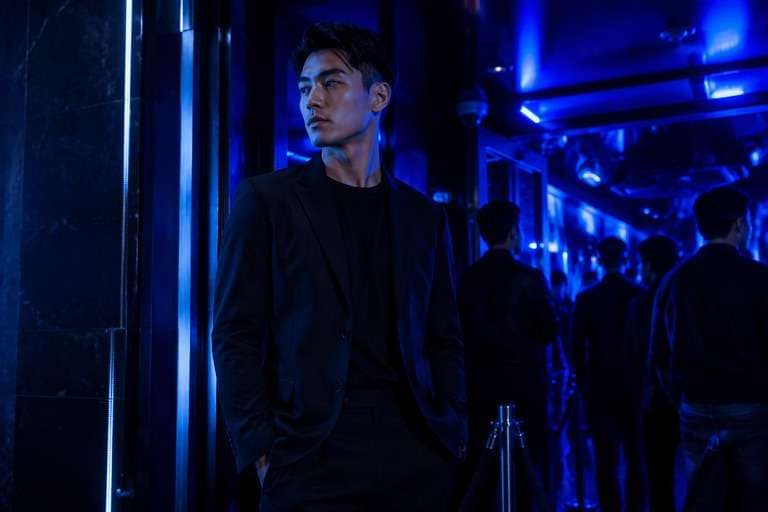
Blue Club Entrance
Use the uploaded photo as your exact visual reference. Existing club signage and practical fixtures glowing electric blue with controlled dark silhouettes. For the result, keep the camera position, facial features, garments and background consistent with the uploaded image. If the existing scene cannot support a requested light source, use a subtler adjustment instead of inventing unrelated objects. Keep texture, edges and local color believable. No text, labels, logos or collage.
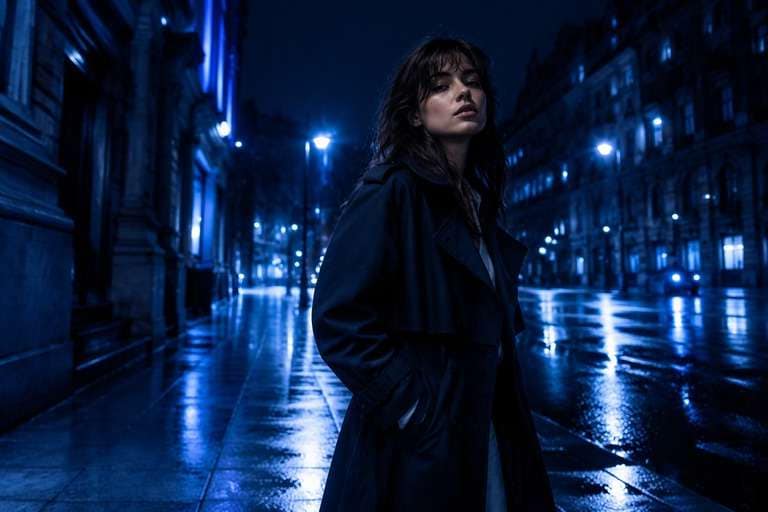
Midnight Cobalt City
Use the uploaded photo as your exact visual reference. Deep navy urban architecture with cobalt highlights on wet street, preserve street detail and remove unnecessary orange signs. For the result, keep the camera position, facial features, garments and background consistent with the uploaded image. If the existing scene cannot support a requested light source, use a subtler adjustment instead of inventing unrelated objects. Keep texture, edges and local color believable. No text, labels, logos or collage.
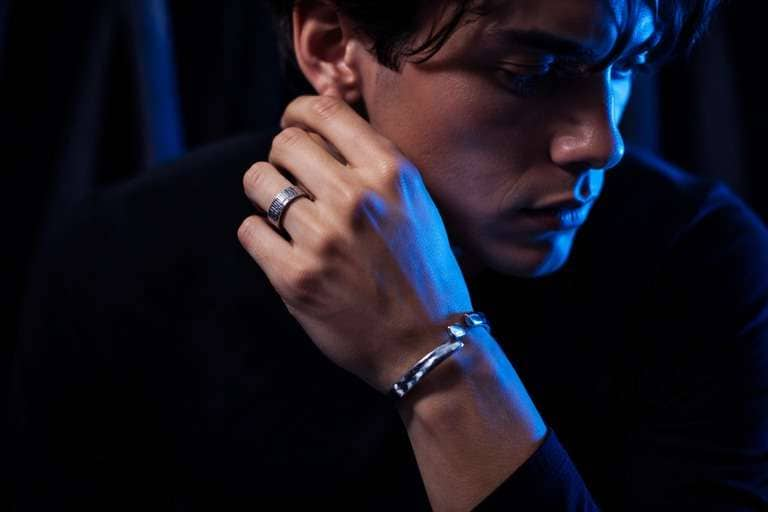
Ultramarine Metallic Detail
Use the uploaded photo as your exact visual reference. Cobalt edge highlights on metal jewelry with recognizably unchanged shapes and dark neutral shadows. For the result, keep the camera position, facial features, garments and background consistent with the uploaded image. If the existing scene cannot support a requested light source, use a subtler adjustment instead of inventing unrelated objects. Keep texture, edges and local color believable. No text, labels, logos or collage.
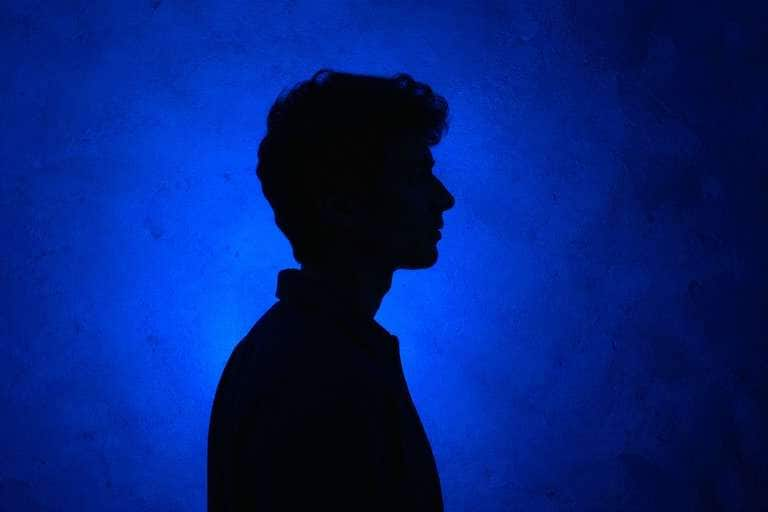
Graphic Blue Silhouette
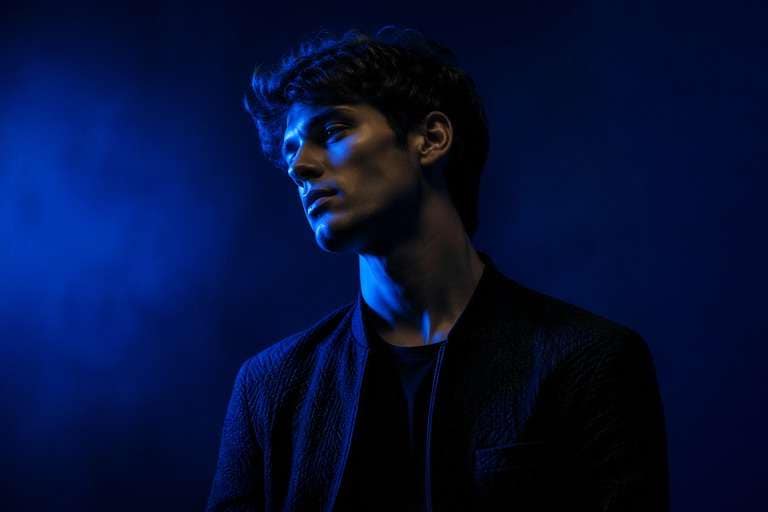
Use the uploaded photo as your exact visual reference. Strong cobalt background glow and deep navy silhouette with readable profile, no added fantasy light streaks. For the result, keep the camera position, facial features, garments and background consistent with the uploaded image. If the existing scene cannot support a requested light source, use a subtler adjustment instead of inventing unrelated objects. Keep texture, edges and local color believable. No text, labels, logos or collage.
Blue Neon Window
Use the uploaded photo as your exact visual reference. Selective ultramarine light from an existing window fixture, realistic glass reflections and intact outfit. For the result, keep the camera position, facial features, garments and background consistent with the uploaded image. If the existing scene cannot support a requested light source, use a subtler adjustment instead of inventing unrelated objects. Keep texture, edges and local color believable. No text, labels, logos or collage.
Indigo Cobalt Duotone
Use the uploaded photo as your exact visual reference. Controlled two-tone blue lighting with cobalt highlight and indigo shadow, retain midtone detail and recognizable hands. For the result, keep the camera position, facial features, garments and background consistent with the uploaded image. If the existing scene cannot support a requested light source, use a subtler adjustment instead of inventing unrelated objects. Keep texture, edges and local color believable. No text, labels, logos or collage.
Cobalt Water Reflection
Use the uploaded photo as your exact visual reference. Cobalt sky reflections in dark calm water with visible horizon line, intentionally graphic rather than real dusk. For the result, keep the camera position, facial features, garments and background consistent with the uploaded image. If the existing scene cannot support a requested light source, use a subtler adjustment instead of inventing unrelated objects. Keep texture, edges and local color believable. No text, labels, logos or collage.
Minimal Cobalt Beauty
Use the uploaded photo as your exact visual reference. Subtle cobalt side fill against charcoal gray backdrop, preserve natural skin highlights and crisp eye detail. For the result, keep the camera position, facial features, garments and background consistent with the uploaded image. If the existing scene cannot support a requested light source, use a subtler adjustment instead of inventing unrelated objects. Keep texture, edges and local color believable. No text, labels, logos or collage.
Build a Cobalt Blue Grade with Deliberate Contrast
Use Cobalt for Impact, Not Real-World Weather
A midnight cobalt effect is a creative color treatment. It can saturate a portrait even if the original scene was photographed in ordinary daylight. Keep the visual logic clear: deep blues support the subject, while bright accents define edges and make the image readable.
Shape Ultramarine Highlights and Indigo Shadow
Cobalt is stronger and more electric than an everyday cool filter. Ask for rich ultramarine highlights and deep navy-indigo shadows without flattening everything into one opaque blue layer. Color separation helps faces, hair and fabrics remain recognizable.
Keep Enough Skin and Texture Detail
Blue grading can easily hide eye details or turn skin into a featureless silhouette. Specify clear facial structure, believable proportions and controlled shadow lift. For fashion photography, compare the fabric and jewelry against the original to make sure an important item has not been redrawn.
Choose Editorial Blue or Nightclub Intensity
A subdued cobalt edge light can add fashion-editorial atmosphere to a portrait; a high-saturation electric-blue room feels closer to an underground club or music poster. Match the strength to your message instead of using maximum saturation on every photograph.
How to Add a Cobalt Blue Photo Filter Online
A cobalt hour filter is best treated as a creative blue color grade. In the Face Editor workflow, describe whether you want saturated highlights, deep navy shadows or selective blue rim lighting, then compare the edited output with your original details.
Step 1
Upload a Photo with Clear Edges
Upload a portrait, street fashion shot or nightlife photo to Media.io AI Face Editor. Aim for readable faces and fabric texture with enough background contrast. Cobalt color shifts are easier to judge when the source contains clear contours.
Step 2
Request a Specific Cobalt Palette
Use the custom prompt to describe ultramarine light, indigo shadow and desired saturation. Ask to preserve the same person, outfit, hairstyle and composition, and specify whether neutral skin highlights should remain. Do not request a realistic blue hour sky unless that is what you want.
Step 3
Generate and Check Shadow Separation
Click Generate and inspect eyes, clothing seams and background edges at full size. If the subject disappears into navy, request lifted shadow detail or a softer highlight grade. Compare blue saturation with the original to ensure the artistic effect is intentional.
Creative Ways to Use a Cobalt Blue Photo Aesthetic
The midnight cobalt effect works best as a deliberate style decision. Use it when the cool, saturated palette reinforces the photograph rather than pretending it was taken during natural blue hour.
Fashion Portraits with Graphic Blue Light
A portrait against simple architecture can become an editorial with strong cobalt highlights and navy-negative space. Keep the silhouette, expression and wardrobe unchanged. A single source of saturated blue along one cheek often looks more composed than tinting every surface equally.
Nightlife and Music-Inspired Images
An indoor venue shot can take on club-poster character with ultramarine lamps and dark indigo shadows. Preserve the people and existing furniture while enriching plausible light sources. It is an atmosphere choice for creative posts, not a documentary representation of what the venue lighting was.
Minimalist Product and Detail Photography
A close-up of metal jewelry or clothing detail can gain a crisp cobalt edge against darker surroundings. Ask to retain the actual shape, labels and materials. High-saturation blue should emphasize the object rather than recolor it beyond recognition if product fidelity matters.
Cobalt Blue Photo Quality Checklist
Subject Separation
Preview checklist
"Is the main subject still readable?" Keep a clear edge between the cobalt-lit person and the deeper navy background.
Color Hierarchy
Preview checklist
"Are cobalt and indigo doing different jobs?" Let highlights carry richer ultramarine while deep shadows stay navy, not a flat blue wash.
Skin and Fabric
Preview checklist
"Do important details still exist?" Inspect eyes, clothing stitching and reflective surfaces after strong color grading.
Creative Intent
Preview checklist
"Is the look intentionally stylized?" Do not confuse an electric midnight-blue editorial treatment with real post-sunset photography.
It is a creative color-grade style built around saturated ultramarine, cobalt highlights and darker indigo shadows. You can use a photo-editing prompt to describe the intensity and contrast while asking the model to preserve the subject. This is intentionally stylized rather than a claim about real light.
2. Is a cobalt hour filter the same as blue hour?
Not exactly. Blue hour refers to natural twilight and usually keeps a recognizable blue sky with warm artificial lights. A cobalt hour filter often refers to a stronger, deliberately blue-tinted aesthetic. If you want an authentic twilight photograph, choose blue hour language instead of extreme saturation.
3. How do I keep my face visible in a dark blue edit?
Request readable facial contours, controlled cobalt highlights and lifted indigo shadows. Avoid asking for a completely black exposure with pure blue everywhere. Look at the eyes, lips and hairline after editing because deep shadows can erase fine details.
4. Can I apply a midnight cobalt effect to daytime photos?
You can ask for a saturated cobalt color treatment on a daytime source, especially with portraits or fashion images. The output may no longer represent real-world light. Preserve the original geometry and inspect the background, outfit and facial detail for unintended changes.
5. How is this different from Media.io Photo Midnight Effect?
Media.io already has a Photo Midnight Effect page covering an atmospheric deep-blue and indigo color grade. This proposed page focuses more specifically on selective cobalt highlights, strong editorial color hierarchy and controlled subject separation. Because the queries overlap, an editor should decide whether to merge this content into the existing page before publishing.
6. Which photos suit a cobalt blue aesthetic best?
Portraits with simple backgrounds, nighttime fashion photographs and close-up reflective details usually give the deep-blue palette room to stand out. Keep faces and important surfaces clear. A cluttered group image may be harder to color-grade dramatically without losing individual detail.