Klicken oder ziehen, um hochzuladen, oder wählen Sie aus Meine HistorieKlicken Sie zum HochladenMeine Historie
Keine Ideen? Erstellen Sie zuerst ein Bild. >
Laden Sie jpg-, jpeg- oder png-Bilder bis zu 50 MB hoch, mit einer Mindestbreite/-höhe von 300 px.
Blue Hour Filter: Bring Twilight Blue to Your Photos
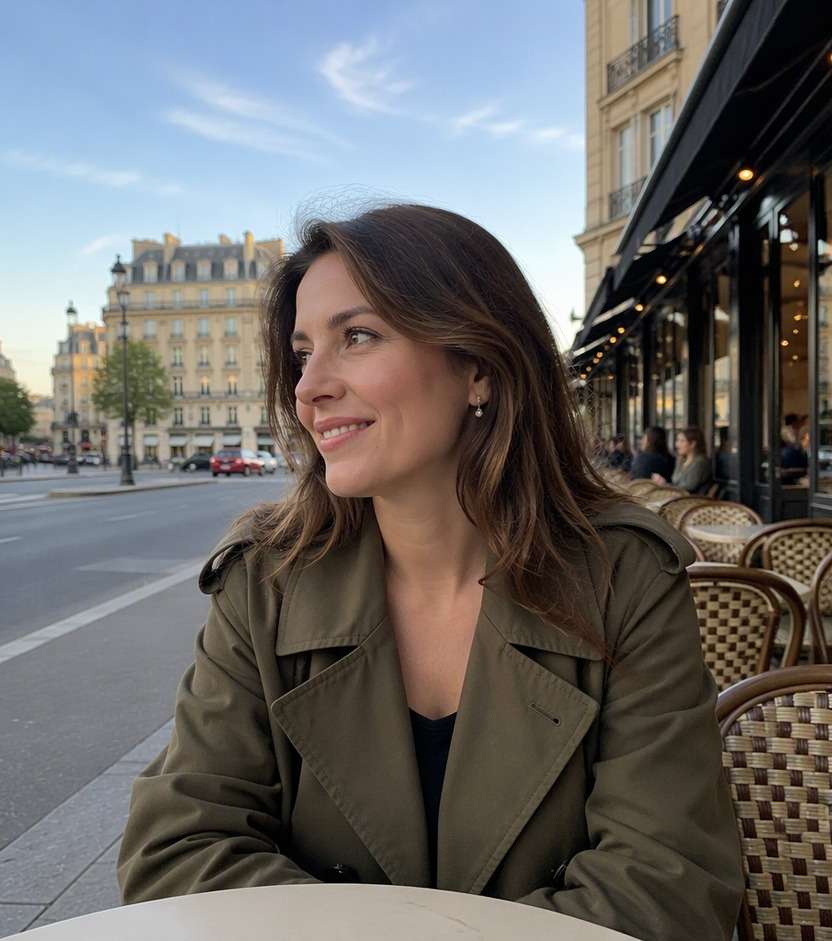
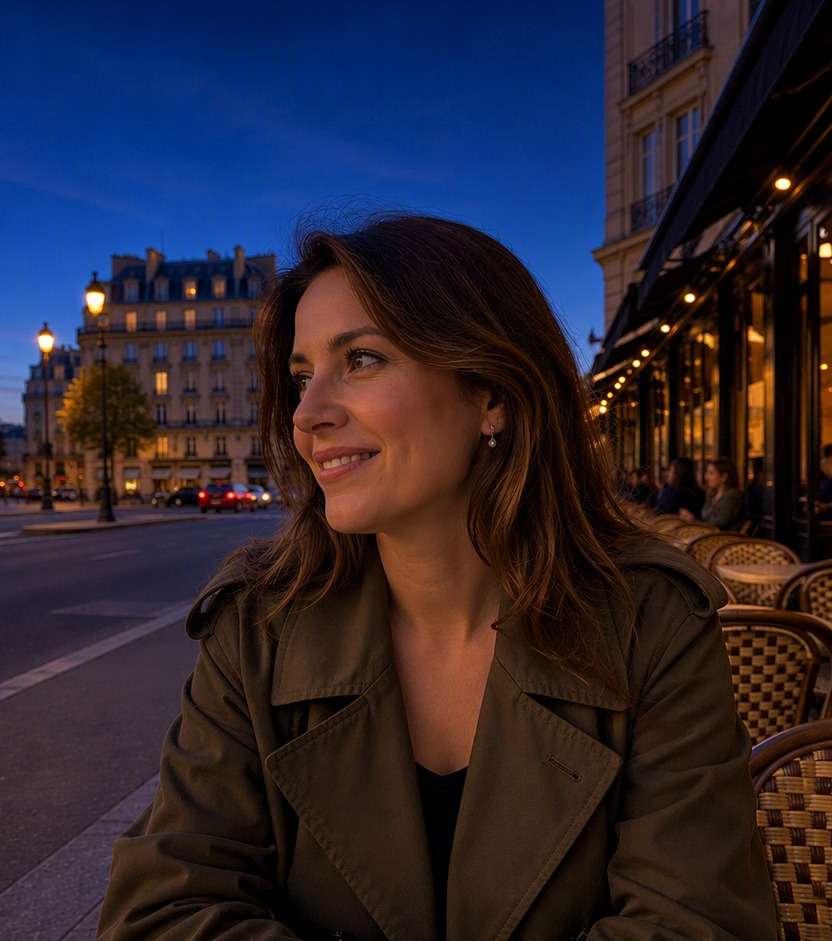
You loved the city view, but the daylight shot misses the mood that arrives just after sunset. A blue hour filter can help you explore that quieter moment: a cool indigo sky, soft ambient light and warm windows still visible beneath it. Try the effect on your own street portrait, waterfront photo or cityscape. Keep the architecture and people in place as you turn the lighting toward dusk, not full midnight.
Leave some sky and building detail visible. Blue hour is twilight, not a blacked-out night scene.
10 Blue Hour Photo Effect Prompts for Real Twilight Scenes
A blue hour photo effect has more nuance than painting the whole picture navy. The sky can carry cobalt and soft lavender while window lights and wet pavement hold warmer reflections. Use the source image as your guide for horizon, depth, light sources and the time just after sunset.
City Window Contrast
Use the uploaded photo as your exact visual reference. Indigo twilight ambience with existing warm window lights and preserved building edges. For the result, keep the camera position, facial features, garments and background consistent with the uploaded image. If the existing scene cannot support a requested light source, use a subtler adjustment instead of inventing unrelated objects. Keep texture, edges and local color believable. No text, labels, logos or collage.
Riverside Twilight
Use the uploaded photo as your exact visual reference. Cool blue sky and water with believable reflections from existing shoreline lamps. For the result, keep the camera position, facial features, garments and background consistent with the uploaded image. If the existing scene cannot support a requested light source, use a subtler adjustment instead of inventing unrelated objects. Keep texture, edges and local color believable. No text, labels, logos or collage.
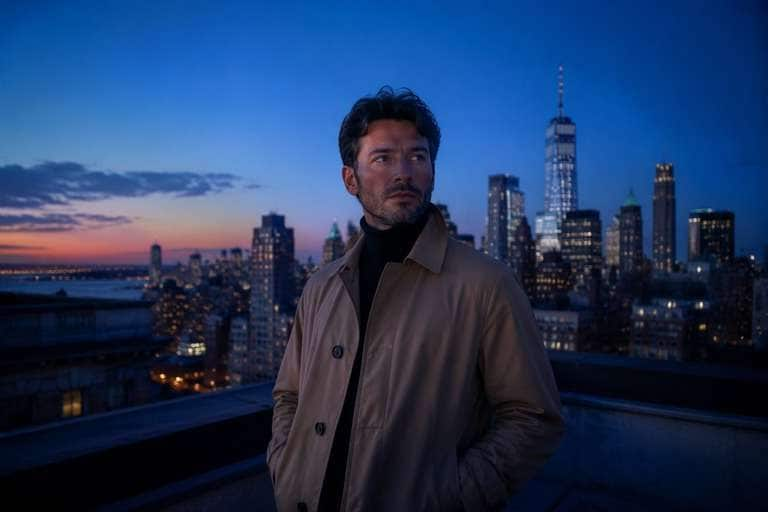
Rooftop Blue Hour Portrait
Use the uploaded photo as your exact visual reference. Gentle cobalt sky gradient behind recognizable buildings, keep face visible without studio spotlight. For the result, keep the camera position, facial features, garments and background consistent with the uploaded image. If the existing scene cannot support a requested light source, use a subtler adjustment instead of inventing unrelated objects. Keep texture, edges and local color believable. No text, labels, logos or collage.
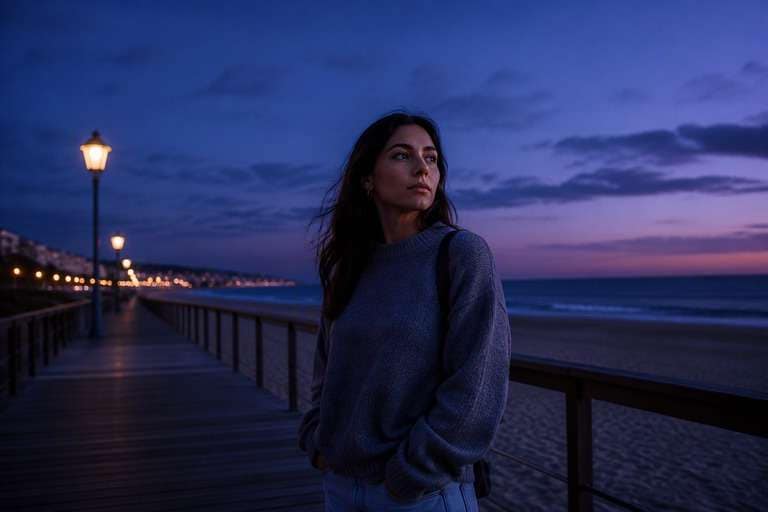
Seaside Blue Dusk
Use the uploaded photo as your exact visual reference. Retain beach horizon with subtle blue lavender shift and softly lit sand, no fantasy moon. For the result, keep the camera position, facial features, garments and background consistent with the uploaded image. If the existing scene cannot support a requested light source, use a subtler adjustment instead of inventing unrelated objects. Keep texture, edges and local color believable. No text, labels, logos or collage.
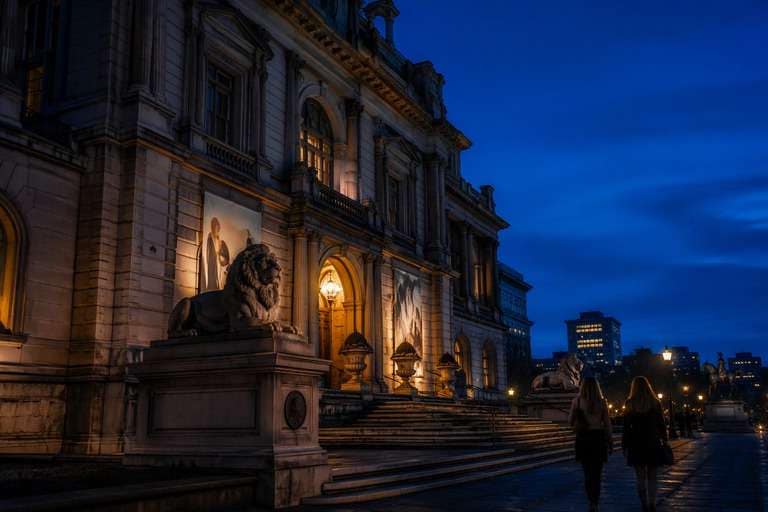
Architecture After Sunset
Use the uploaded photo as your exact visual reference. Dim building facade naturally while preserving structure and existing warm entrance lighting. For the result, keep the camera position, facial features, garments and background consistent with the uploaded image. If the existing scene cannot support a requested light source, use a subtler adjustment instead of inventing unrelated objects. Keep texture, edges and local color believable. No text, labels, logos or collage.
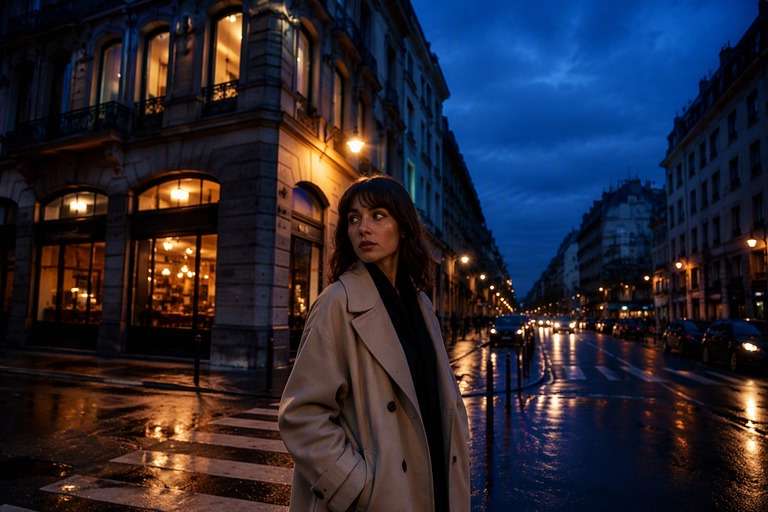
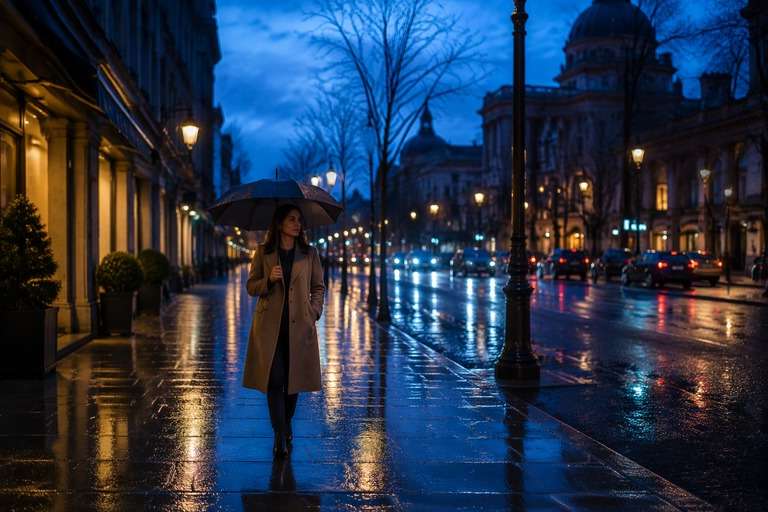
Rainy Blue Street
Use the uploaded photo as your exact visual reference. Deep twilight blue sky reflected in wet pavement, restrained warm road lighting, no neon overload. For the result, keep the camera position, facial features, garments and background consistent with the uploaded image. If the existing scene cannot support a requested light source, use a subtler adjustment instead of inventing unrelated objects. Keep texture, edges and local color believable. No text, labels, logos or collage.
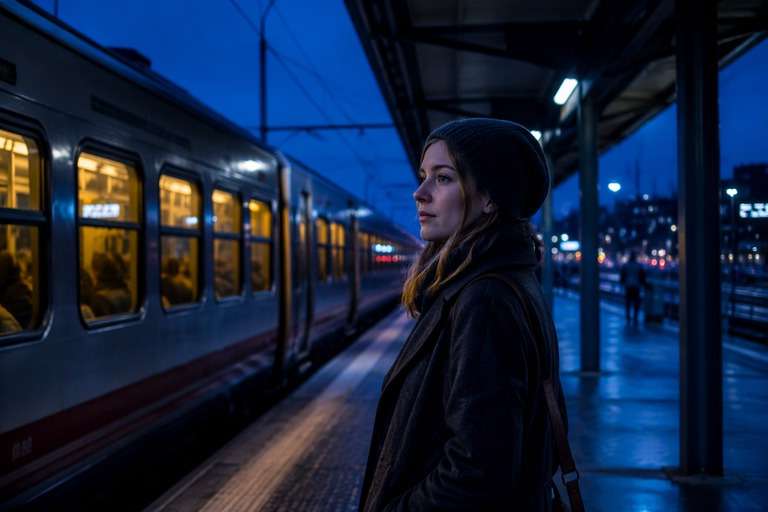
Urban Train Station Dusk
Use the uploaded photo as your exact visual reference. Cool diffuse ambient light with accurate platform geometry and modest fluorescent contrast. For the result, keep the camera position, facial features, garments and background consistent with the uploaded image. If the existing scene cannot support a requested light source, use a subtler adjustment instead of inventing unrelated objects. Keep texture, edges and local color believable. No text, labels, logos or collage.
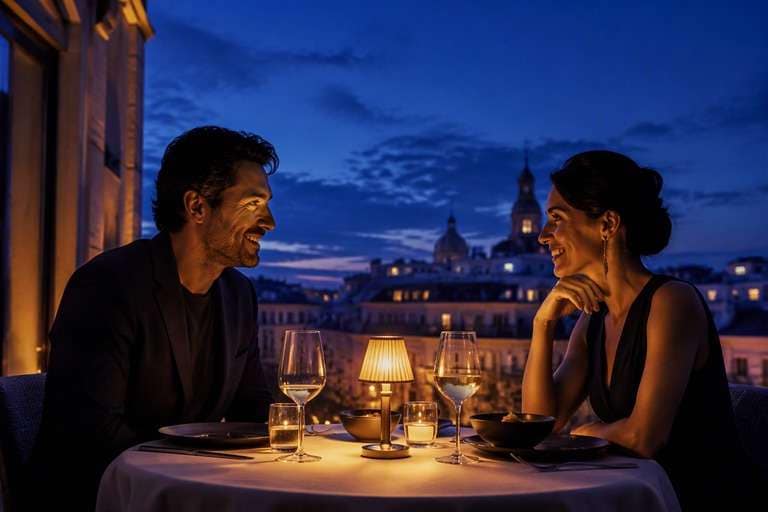
Blue Hour Terrace Dinner
Use the uploaded photo as your exact visual reference. Evening cobalt sky behind warm table lamps and realistic guest faces. For the result, keep the camera position, facial features, garments and background consistent with the uploaded image. If the existing scene cannot support a requested light source, use a subtler adjustment instead of inventing unrelated objects. Keep texture, edges and local color believable. No text, labels, logos or collage.
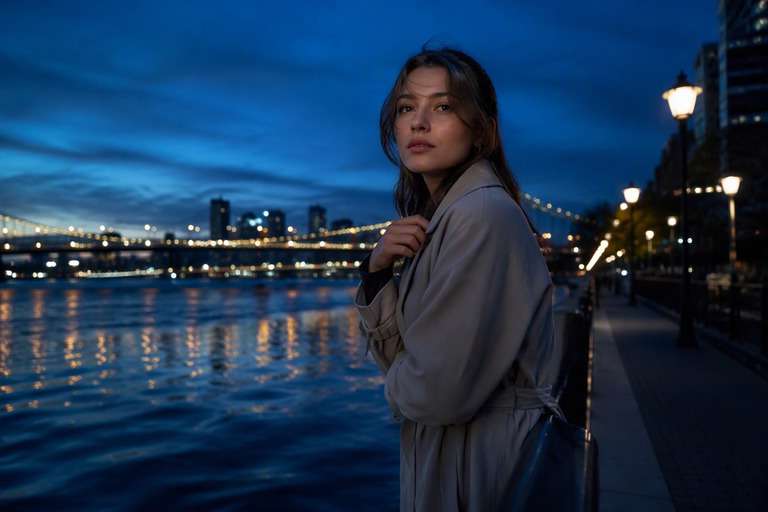
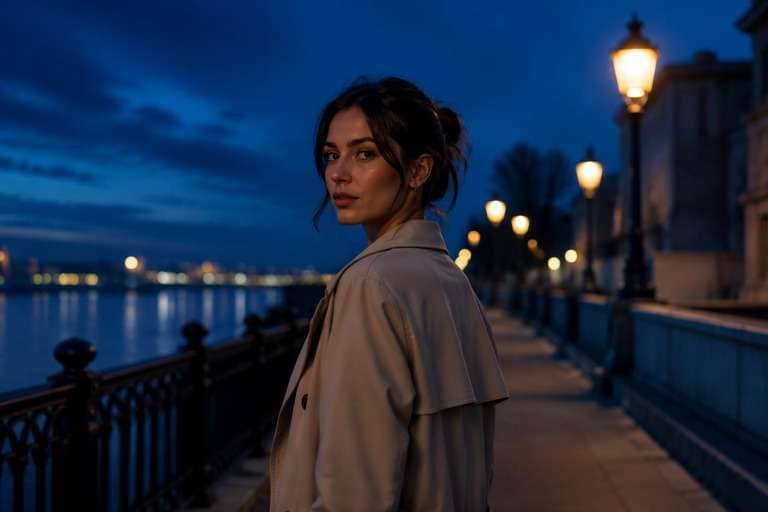
Twilight Bridge Walk
Use the uploaded photo as your exact visual reference. Soft blue river sky separated from bridge railing silhouettes, with existing lamp bokeh. For the result, keep the camera position, facial features, garments and background consistent with the uploaded image. If the existing scene cannot support a requested light source, use a subtler adjustment instead of inventing unrelated objects. Keep texture, edges and local color believable. No text, labels, logos or collage.
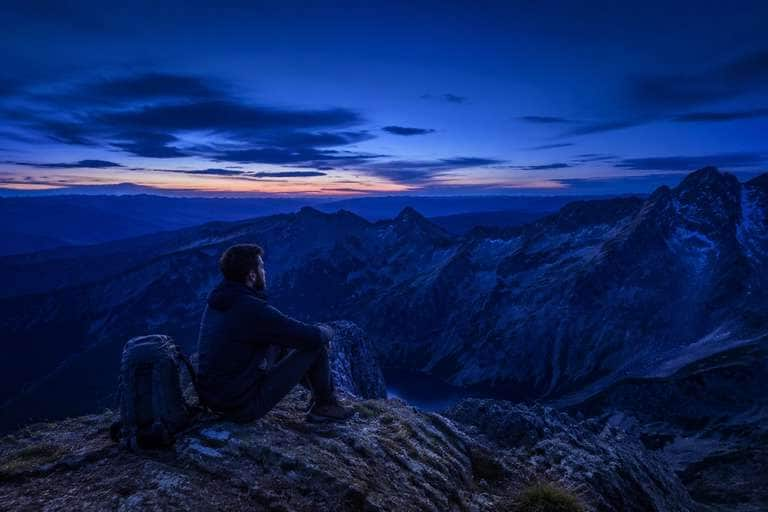
Mountain Blue Hour
Use the uploaded photo as your exact visual reference. Quiet indigo horizon above mountain silhouette, keep natural landscape detail in lower exposure. For the result, keep the camera position, facial features, garments and background consistent with the uploaded image. If the existing scene cannot support a requested light source, use a subtler adjustment instead of inventing unrelated objects. Keep texture, edges and local color believable. No text, labels, logos or collage.
Build a Blue Hour Scene Around Real Twilight Cues
Keep Detail in the Blue Sky
Blue hour has a recognizable saturated evening sky even when sunlight is gone. Ask for deep cobalt-to-indigo color with readable cloud or skyline edges. A pitch-black sky would make the result look like midnight rather than the short twilight window you are trying to recreate.
Let Warm Lights Contrast with Cool Air
City windows, street lamps and cafe interiors often remain warm while the ambient sky turns blue. Preserve existing light sources and use small natural pools of amber, instead of turning every object blue. This cool-warm contrast is what gives many believable evening photographs their depth.
Maintain a Soft, Even Evening Mood
Without strong direct sunlight, blue hour lighting tends to be gentle and diffuse. Avoid sharp golden-hour shadows or hard white paparazzi flashes unless they were already part of the photo. The edited image should feel calm, with subdued faces and soft building edges.
Preserve Landmark Shapes and Reflections
Twilight can emphasize an existing river, skyline or bridge. Keep the architecture, horizon and waterline unchanged while describing restrained blue reflections and exposure. Check that new glow on the water has a source in the original scene instead of becoming a random neon streak.
How to Apply a Blue Hour Filter to a Photo Online
For a blue hour filter photo, choose an image with visible sky, buildings or natural scene depth. Request cool twilight ambience rather than darkness alone, then review the balance between sky detail and any existing warm lamps.
Step 1
Upload a Photo with Visible Sky or Lights
Upload a city, waterfront, terrace or environmental portrait into Media.io AI Face Editor. Start with an image that has readable structures and lighting cues, since a detailed daytime source makes it easier to recognize what the twilight edit should preserve.
Step 2
Describe Twilight Blue and Warm Accents
In the prompt, ask for a deep blue sky after sunset, soft ambient evening light and warm windows only where light sources already exist. Keep all people, buildings, horizon lines and the camera angle unchanged. Avoid full-night darkness or artificial neon everywhere.
Step 3
Generate and Inspect Sky Detail
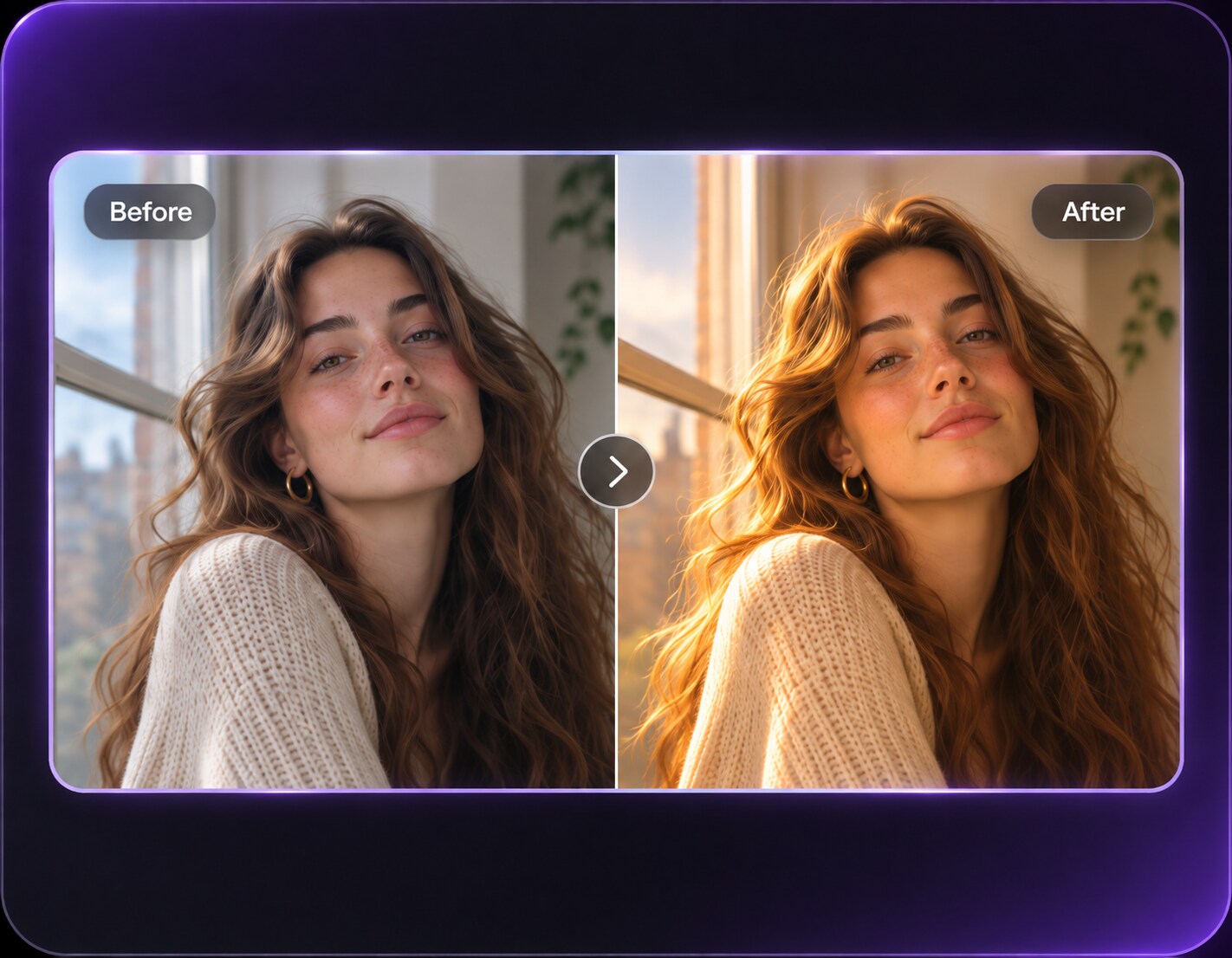
Click Generate and compare the source with the edited photo. Confirm that the sky still has tonal detail and that street lights, water and faces remain legible. If it looks like midnight, request brighter dusk exposure and a lighter cobalt gradient.
With an ai blue hour filter, the best result is often quieter than a cinematic night scene. Choose the photographs where the atmosphere of twilight supports the subject, not just a trend color.
City Streets with Lit Windows
An early evening street photo can turn atmospheric when the sky becomes indigo while store windows remain warm. Use gentle contrast so people and signs stay readable. The scene should suggest the moment after sunset, when businesses are still open and the city feels calm.
Waterfront and Travel Views
A riverbank or seaside photo offers reflections that can echo a deep blue sky without losing the shoreline. Ask for subtle cool gradients and small warm highlights from existing lamps. Keep the horizon accurate; exaggerated blue saturation can make water look metallic or unreal.
Architectural and Rooftop Portraits
Twilight can separate a person from a skyline while keeping surrounding buildings recognizable. Use soft blue ambient light and a small warm source from a window or terrace lamp. Avoid dramatic spotlights that compete with the subject or erase details of the location.
Blue Hour Photo Preview Checklist
Sky Detail
Preview checklist
"Is the sky blue rather than black?" Look for visible tonal range from cobalt to indigo near the original horizon.
Warm Light Sources
Preview checklist
"Are lamps placed where they belong?" Existing windows and street lights can glow warmly, but new lights should not appear at random.
Architecture
Preview checklist
"Are the skyline and street lines unchanged?" Inspect buildings, bridge railings and horizons for accidental geometry changes.
Portrait Visibility
Preview checklist
"Can you still recognize the person?" Faces may be softly shadowed in twilight but should retain natural features and readable expressions.
It aims to create the cool, diffused twilight appearance seen just before sunrise or after sunset. A blue hour photograph often retains deep blue sky detail and small warm artificial light sources. The effect should be different from a fully dark midnight color grade.
2. How is blue hour different from golden hour?
Golden hour usually features warmer, low-angle direct sunlight and longer shadows. Blue hour occurs when direct sun has dropped away and the sky becomes a cooler ambient light source. Choose blue hour for city lights, reflective water and quiet evening architecture rather than sunny warmth.
3. Can I apply blue hour to a photo taken in daylight?
You can request a twilight edit of a daylight image, especially when the horizon and buildings are visible. The model may change local exposure or artificial lights to make the scene plausible. Inspect details carefully because a strong time-of-day conversion can introduce new visual errors.
4. Will the sky become cobalt blue or very dark navy?
A believable blue hour sky can range from clear cobalt to deeper indigo depending on the implied time and exposure. To avoid a midnight look, ask for visible clouds and skyline separation. If you want a uniform dramatic deep-blue treatment, a cobalt photo filter is a different editing choice.
5. What kinds of photos work best for blue hour?
City skylines, rooftop portraits, waterfront travel photos and streets with existing lamps can all show the twilight contrast clearly. Flat studio portraits without environmental context may give the model fewer cues, so a lighter blue ambient edit may be safer.
6. How do I avoid an artificial blue overlay?
Specify cool sky illumination and controlled blue shadows instead of asking for blue everywhere. Keep warm lights warm, maintain skin tones and preserve the original scene geometry. Compare the output with the source around windows, water reflections and bright signs.