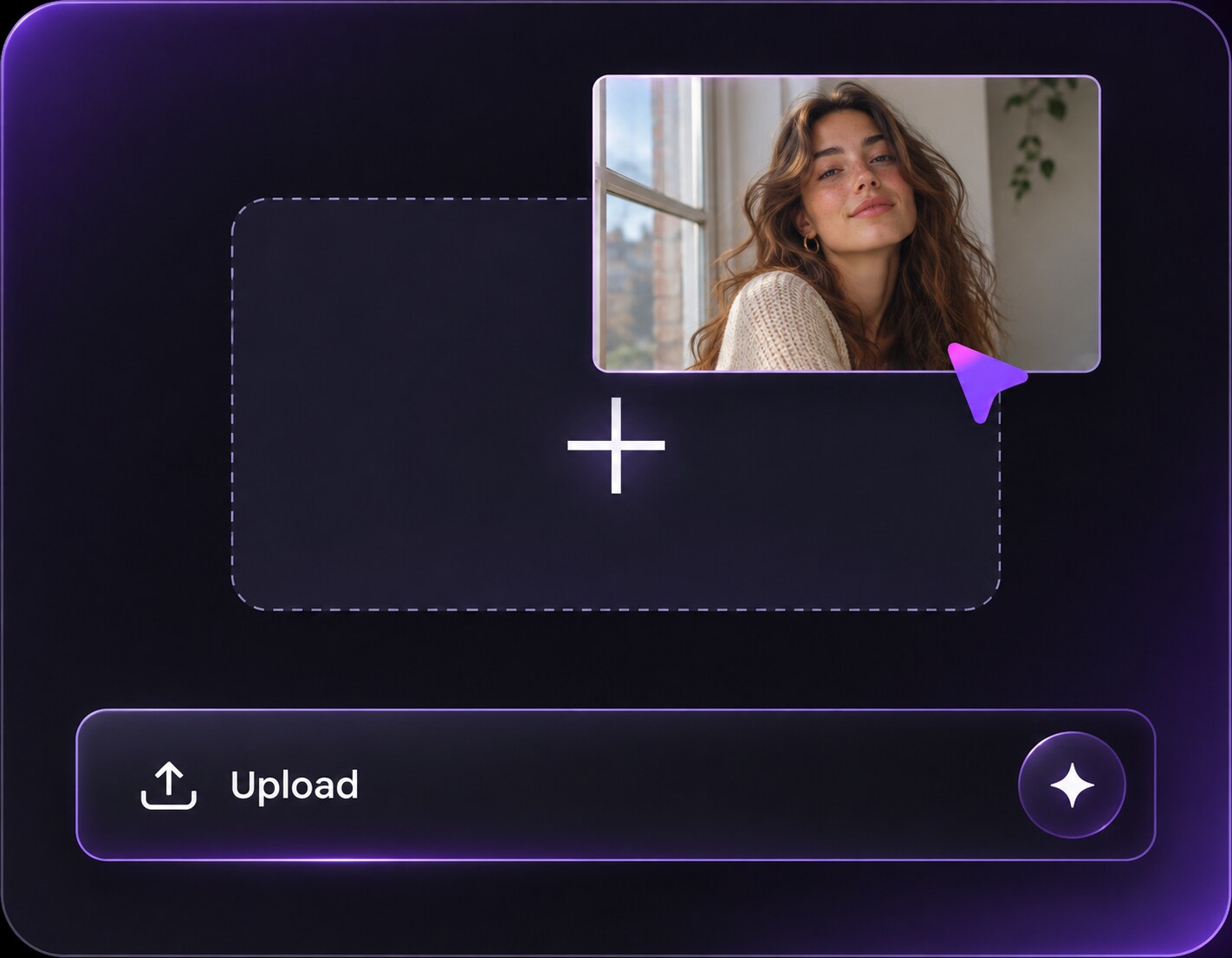
Click or drag to upload, or choose from My HistoryClick To UploadMy History
No ideas? Generate an image first >
Upload jpg, jpeg, png images up to 50 MB, with a minimum width/height of 300 px.
Bloom Photo Effect: Give Highlights a Cinematic Light Spill
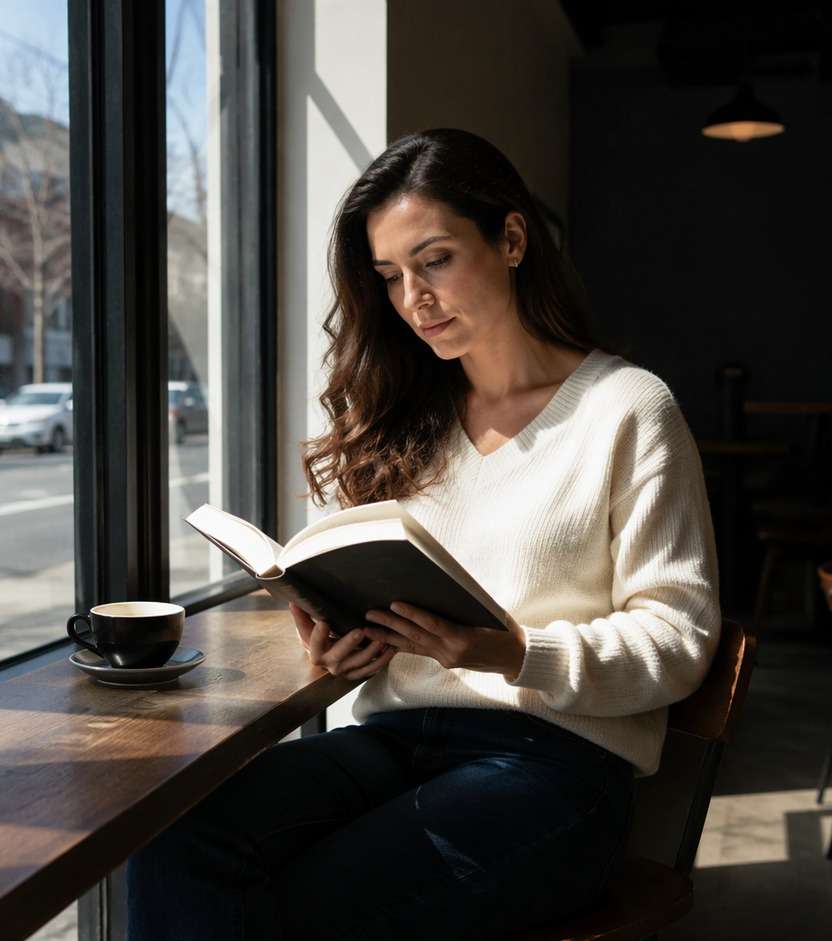
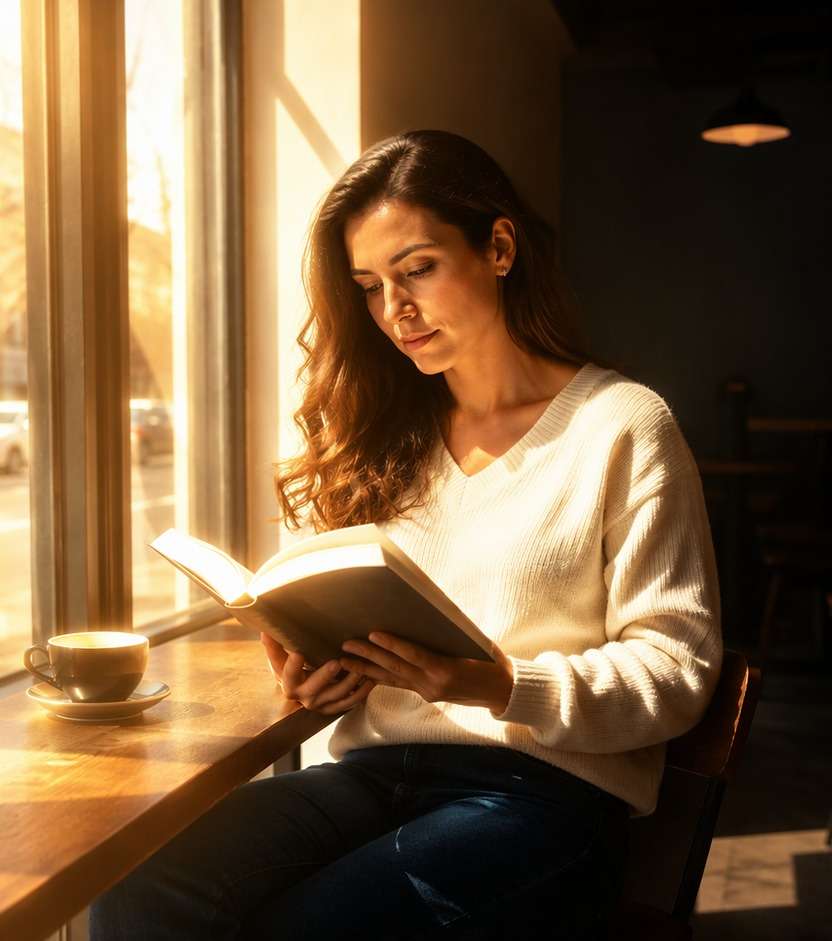
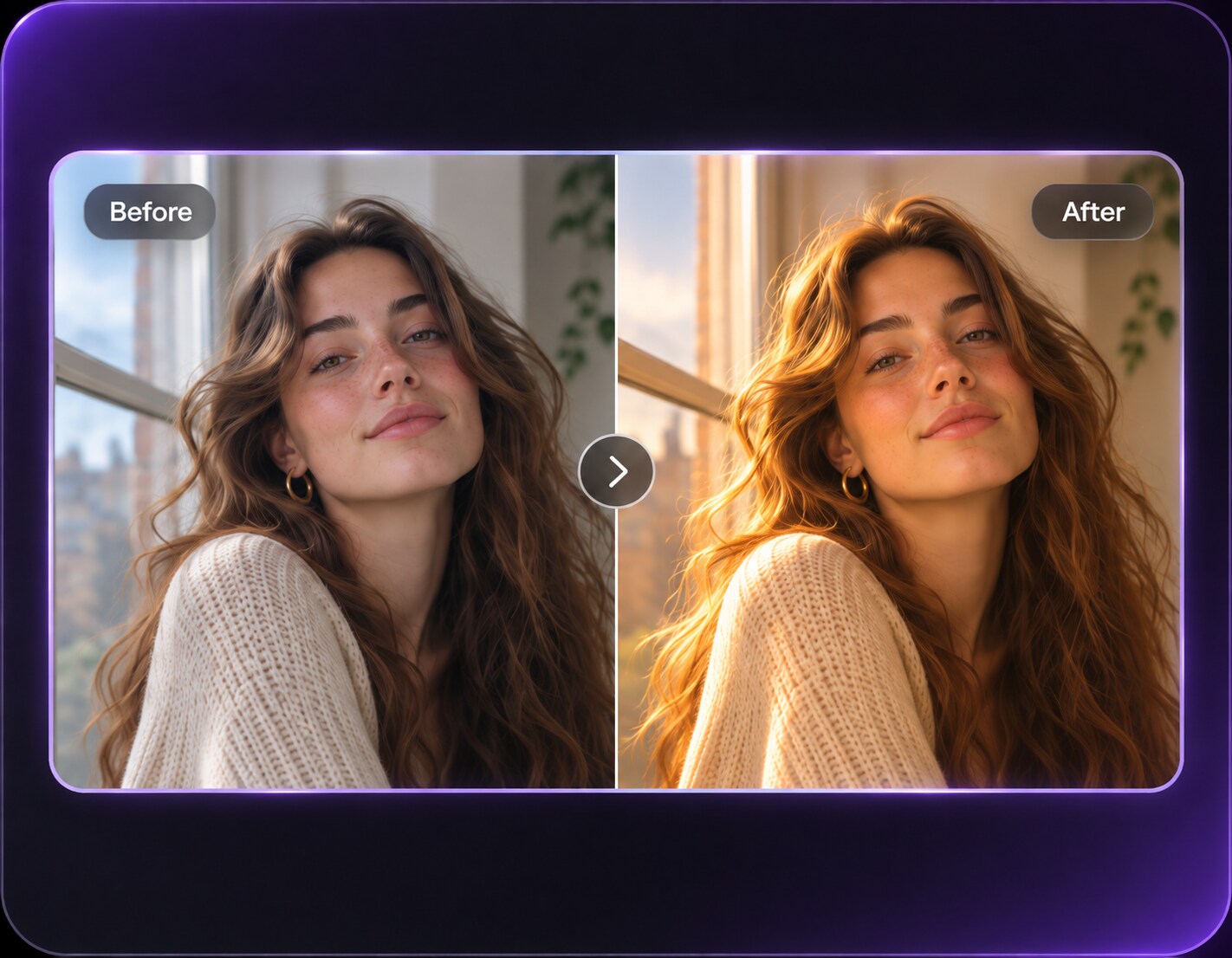
The cafe window is bright, but the photograph lacks the luminous atmosphere you pictured. A bloom photo effect lets highlights spill softly beyond their edges, so lamps, sunlit curtains and neon reflections feel more radiant. Unlike soft glow, bloom is driven by the brightest parts of the frame; unlike halation, it does not need a red film fringe. Start with an image that already contains strong lights, then choose how far the glow should spread.
Choose an image with windows, headlights or bright sun so the glow can bloom around actual highlights.
Bloom Effect Prompts for Windows, Lamps and City Lights
Use a real bright object as the anchor for each bloom variation. Wide luminous spill fits a sunlit window, while night signs often need a narrower highlight radius and deeper shadows.
Cafe Window Luminance
Edit my uploaded reference photo: Expand bright sunlight around an existing cafe window with a soft ivory halo while keeping the seated woman's eyes clear. Keep the original person, identity, expression, hairstyle, clothes, scene geometry and camera angle unless the named era style specifically calls for clothing or setting changes. Maintain realistic physical proportions and credible photographic detail. Do not add captions, logos, extra people, collages or unrelated props.
Streetlamp Night Bloom
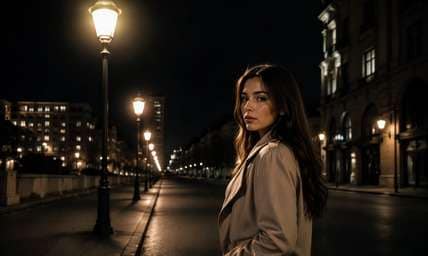
Edit my uploaded reference photo: Add a restrained neutral glow around the lamp heads in a dark city street, with black sky still deep. Keep the original person, identity, expression, hairstyle, clothes, scene geometry and camera angle unless the named era style specifically calls for clothing or setting changes. Maintain realistic physical proportions and credible photographic detail. Do not add captions, logos, extra people, collages or unrelated props.
Golden Curtain Light
Edit my uploaded reference photo: Make sunlight through sheer curtains spill more broadly into the room without washing out the furniture. Keep the original person, identity, expression, hairstyle, clothes, scene geometry and camera angle unless the named era style specifically calls for clothing or setting changes. Maintain realistic physical proportions and credible photographic detail. Do not add captions, logos, extra people, collages or unrelated props.
Neon Storefront Radiance
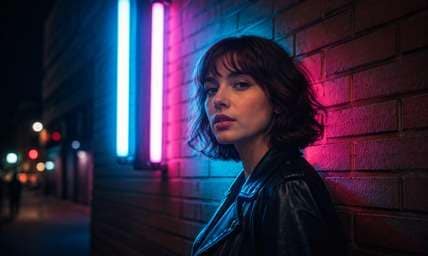
Edit my uploaded reference photo: Let existing blue and pink sign tubes glow softly outward while sign lettering and brick edges remain sharp. Keep the original person, identity, expression, hairstyle, clothes, scene geometry and camera angle unless the named era style specifically calls for clothing or setting changes. Maintain realistic physical proportions and credible photographic detail. Do not add captions, logos, extra people, collages or unrelated props.
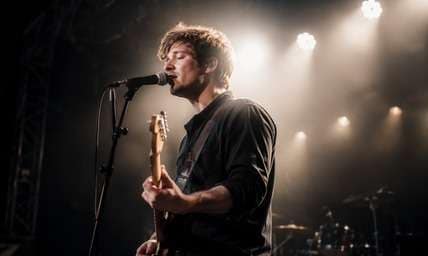
Concert Backlight
Edit my uploaded reference photo: Add moderate white bloom around stage spotlights behind an artist without replacing instruments or venue. Keep the original person, identity, expression, hairstyle, clothes, scene geometry and camera angle unless the named era style specifically calls for clothing or setting changes. Maintain realistic physical proportions and credible photographic detail. Do not add captions, logos, extra people, collages or unrelated props.
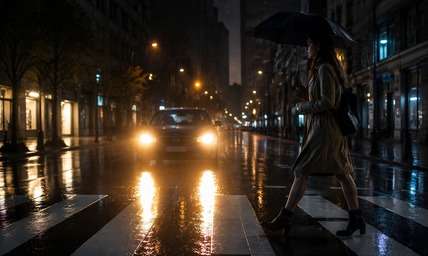
Headlight Rain Reflection
Edit my uploaded reference photo: Extend halo and wet-pavement reflection only from the original headlights, retaining road markings. Keep the original person, identity, expression, hairstyle, clothes, scene geometry and camera angle unless the named era style specifically calls for clothing or setting changes. Maintain realistic physical proportions and credible photographic detail. Do not add captions, logos, extra people, collages or unrelated props.
Sunlit Leaf Bokeh
Edit my uploaded reference photo: Give bright leaf highlights a warm glowing spread while keeping the foreground face and foliage recognizable. Keep the original person, identity, expression, hairstyle, clothes, scene geometry and camera angle unless the named era style specifically calls for clothing or setting changes. Maintain realistic physical proportions and credible photographic detail. Do not add captions, logos, extra people, collages or unrelated props.
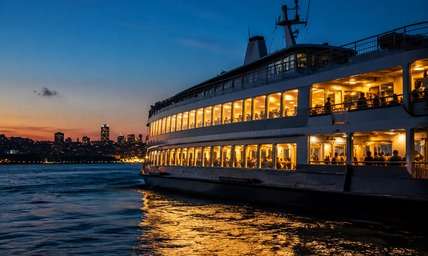
Night Ferry Window Light
Edit my uploaded reference photo: Make warm ferry windows luminous against dark water with narrow bloom and crisp boat geometry. Keep the original person, identity, expression, hairstyle, clothes, scene geometry and camera angle unless the named era style specifically calls for clothing or setting changes. Maintain realistic physical proportions and credible photographic detail. Do not add captions, logos, extra people, collages or unrelated props.
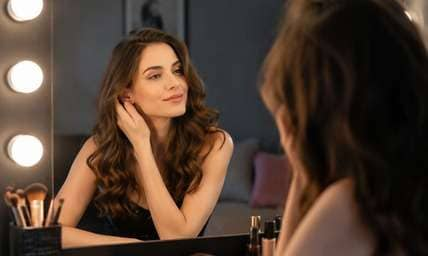
Bathroom Vanity Glow
Edit my uploaded reference photo: Soften the brightest mirror-bulb highlights without changing facial shape or the existing room colors. Keep the original person, identity, expression, hairstyle, clothes, scene geometry and camera angle unless the named era style specifically calls for clothing or setting changes. Maintain realistic physical proportions and credible photographic detail. Do not add captions, logos, extra people, collages or unrelated props.
Coastal Sun Reflection
Edit my uploaded reference photo: Add gentle luminous spill around the sun path on water, preserving shoreline and the vacation subject. Keep the original person, identity, expression, hairstyle, clothes, scene geometry and camera angle unless the named era style specifically calls for clothing or setting changes. Maintain realistic physical proportions and credible photographic detail. Do not add captions, logos, extra people, collages or unrelated props.
Make Highlights Radiant without Washing Out the Scene
Let Only Bright Areas Bloom
The effect is most convincing when light begins at bright pixels and expands outward. Dark walls, jackets and night sky should not all glow at the same strength.
Choose the Glow Width
A narrow halo adds lens-like brightness around a streetlamp; a wider soft halo creates sun-drenched atmosphere around curtains. The desired spread belongs in the prompt instead of an assumed preset slider.
Keep Dark Areas Dark
Deep shadows give bloom contrast and impact. If the whole image becomes milk-colored haze, ask to lower the ambient softness and restrict the glow to true highlights.
Separate Bloom from Halation
Bloom can be warm, cool or neutral and generally spreads farther. If you specifically want a red-orange fringe around light sources, the halation page is the more accurate intent.
How to Add a Bloom Photo Effect Online
Pick an image with existing bright points and describe their intensity, halo spread and color in Media.io AI Face Editor.
Step 1
Upload a Highlight-Rich Photo
Open Media.io AI Face Editor and select a photo with a bright window, sunlit edge, neon sign or visible streetlamp. Those objects give bloom a plausible starting point.
Step 2
Describe Where the Light Should Spill
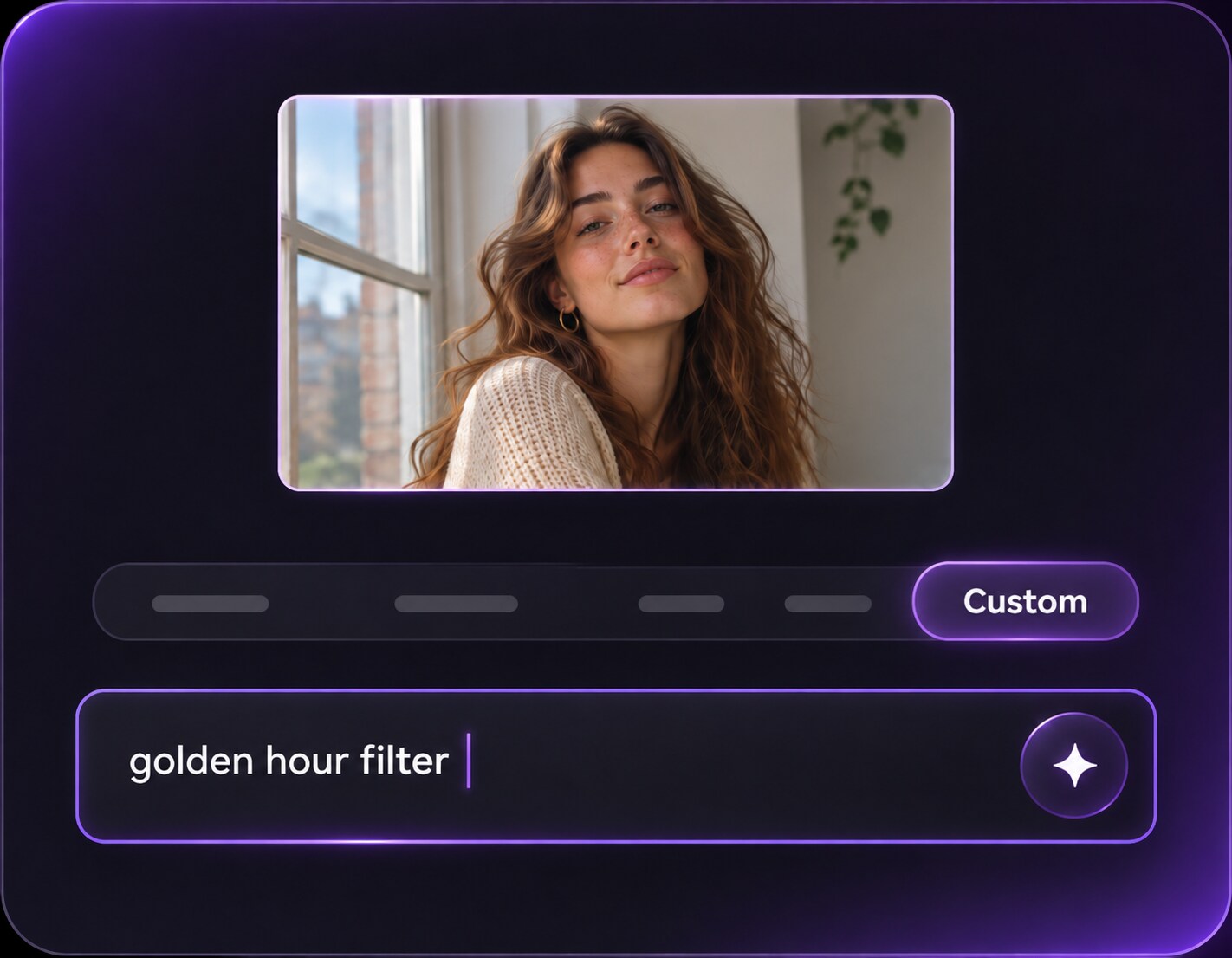
Ask for soft cinematic bloom around the existing brightest objects, with a specific narrow or broad spread. Request crisp eyes and preserved dark backgrounds.
Step 3
Generate and Compare the Bright Areas
Click Generate and check the lamps, windows and face. If midtones turn white, reduce bloom strength or specify a higher highlight threshold.
Bloom is a mood-building effect for strong light sources. It works when those sources already help tell the visual story.
Sunlit Window Portraits
A bright window behind a seated person can gain a wider luminous halo, giving the cafe a cinematic warmth. Keep the face exposure stable so the subject remains the focal point.
Night Street and Neon Posts
Streetlights and sign edges can bloom while wet asphalt and dark facades stay detailed. The brighter-to-darker contrast is what makes the night scene cinematic. Restrict the strongest halos to existing lamp heads and illuminated signs, letting rain-dark pavement remain deep for visual contrast.
Backlit Summer Lifestyle Photos
Strong sun filtering through curtains or leaves can expand into soft light spill, producing a warm summer memory without adding unrelated lens flares. Ask for broad light spill around the actual sun-facing leaf edges without turning clothing, skin and shaded areas uniformly white.
Bloom Highlight Control Checklist
Light Anchor
Photo preview checklist
"Does each glow connect to a real bright source?" Unattached floating glow looks less photographic than a clear lamp or window halo.
Spread Size
Photo preview checklist
"Is the bloom narrow or wide for a reason?" A streetlamp may need a small halo; a sunny curtain can support a broader spill.
Shadow Contrast
Photo preview checklist
"Are dark areas still dark enough to create depth?" Lower overall haze if shadows become flat gray.
Face Clarity
Photo preview checklist
"Does the subject remain readable beside the bloom?" Bright highlights should support the portrait, not obscure it.
Bloom is light that appears to spread from bright areas into nearby pixels, making a photo feel more luminous or cinematic. The rest of the frame should remain readable and carry normal shadow contrast.
2. How is bloom different from halation?
Bloom is a broad highlight glow that can be any color. Halation usually refers to a tighter warm red-orange fringe around film-like highlights.
3. What photos show bloom best?
Photos with bright windows, lamps, sunlit leaves, headlights or neon signs show the strongest visual difference. A dark frame with one luminous sign often shows a clearer before-and-after difference.
4. Can bloom leave the shadows dark?
Yes, and it often looks better that way. Ask for highlight-only spill and retained shadow contrast. Deep shadows help the bright areas appear more luminous by contrast.
5. Why did my whole photo become hazy?
The effect may have been applied too widely. Specify the brightest sources and request crisp midtones and darker backgrounds. Ask for glow only above the brightest highlight level rather than general atmosphere.
6. Is bloom the same as soft glow?
Not quite. Soft glow is a generally gentle portrait treatment, while bloom centers on visible luminous spill around strong highlights. The difference is most visible on scenes that contain both bright lamps and deep shade.