
AI Anime Story Video Generator for
Complete Stories and Consistent Characters
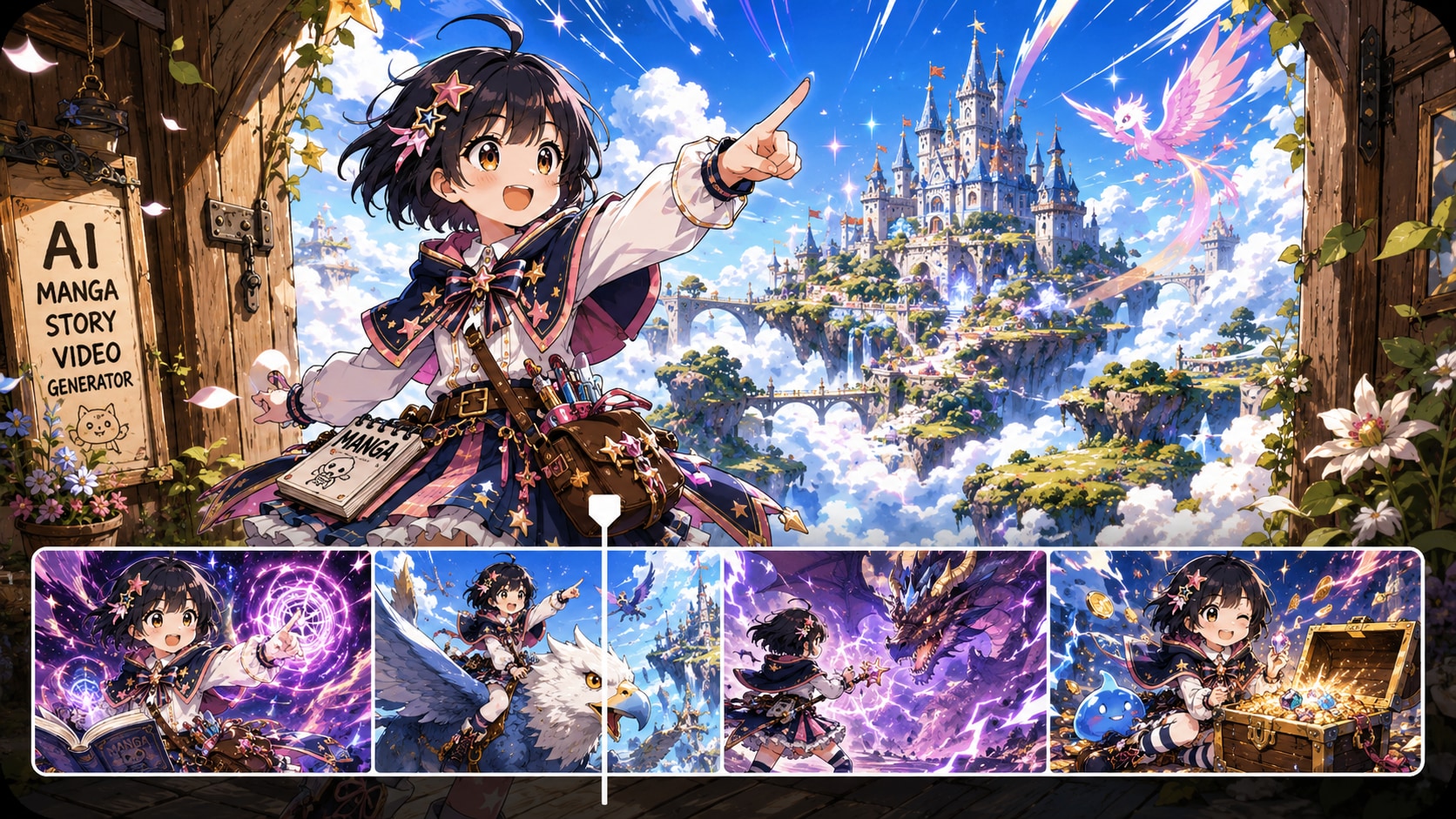
Turn a complete script, screenplay draft, or episode outline into an anime story video that feels connected from scene to scene. Media.io works best with full story context — dialogue, character actions, scene notes, and emotional beats — helping you shape cleaner story flow, keep your cast recognizable, edit scene cards, and create anime-style Shorts or YouTube episodes with more control. Explore more AI script to video generators →.
Turn Full Scripts into Anime Story Videos People Actually Finish
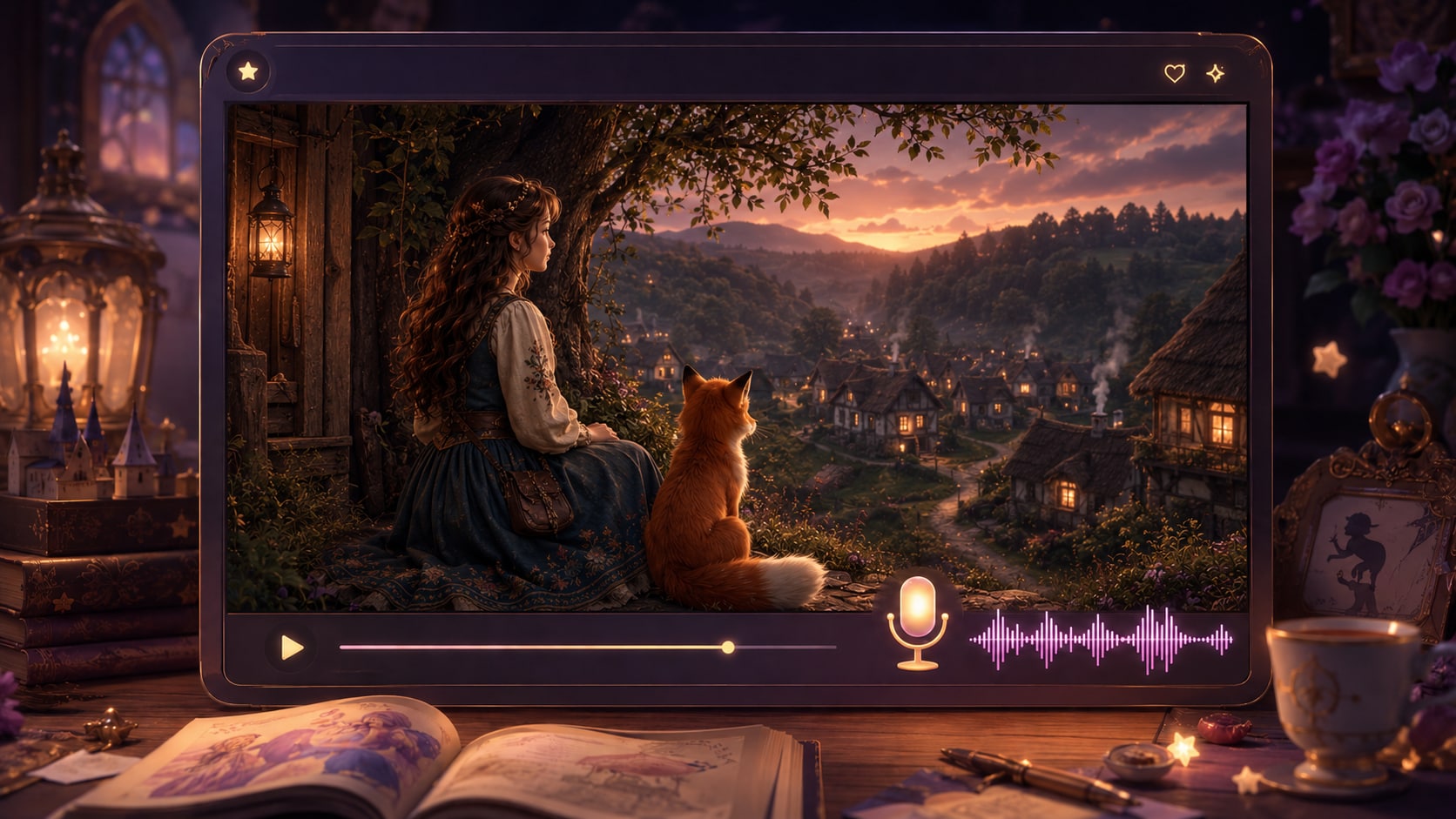
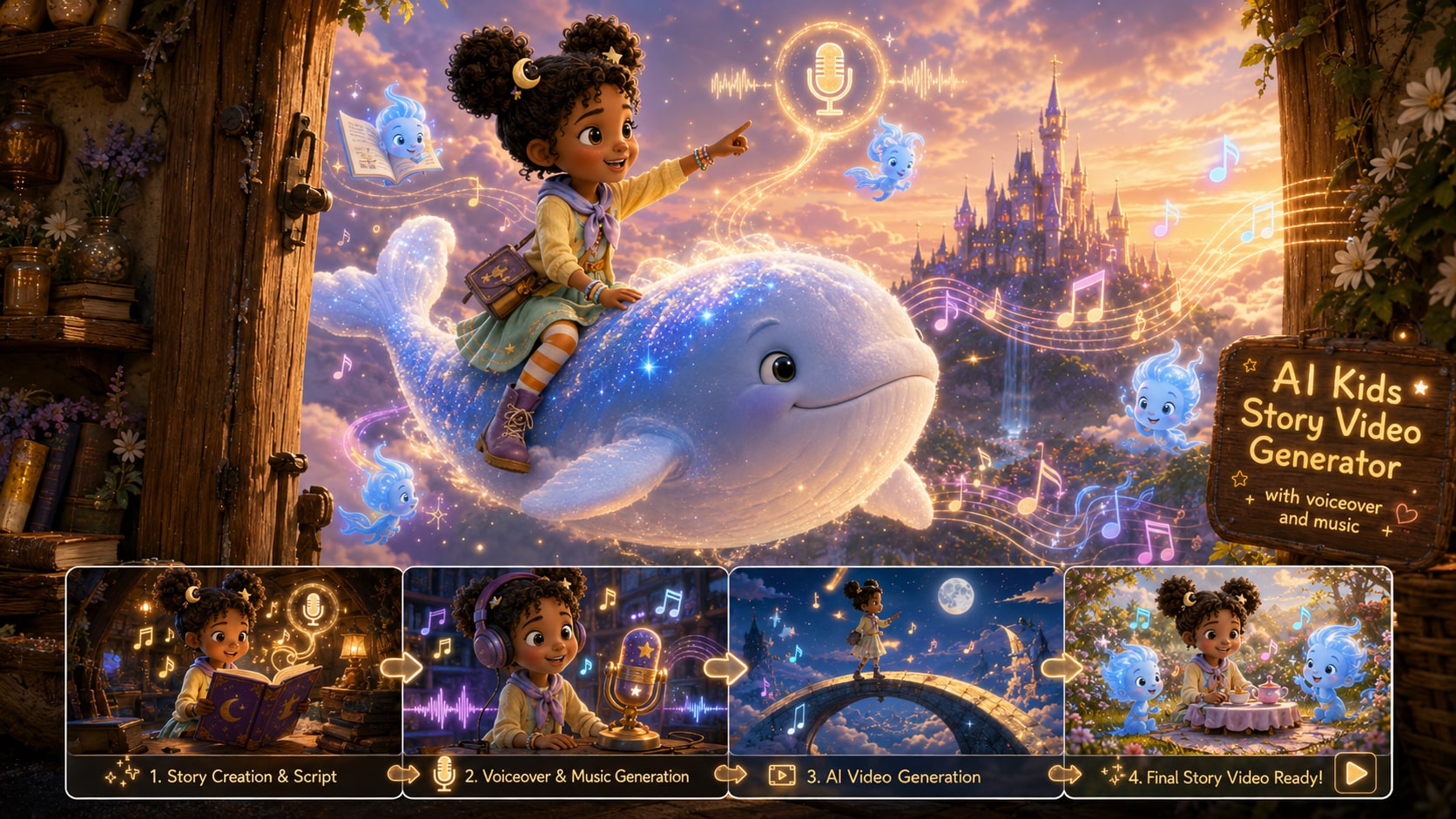
Media.io's AI Anime Story Video Generator is built for script-first creation. Start with a complete script, screenplay draft, or episode outline, then shape the cast, scenes, pacing, and final video in one online workflow.
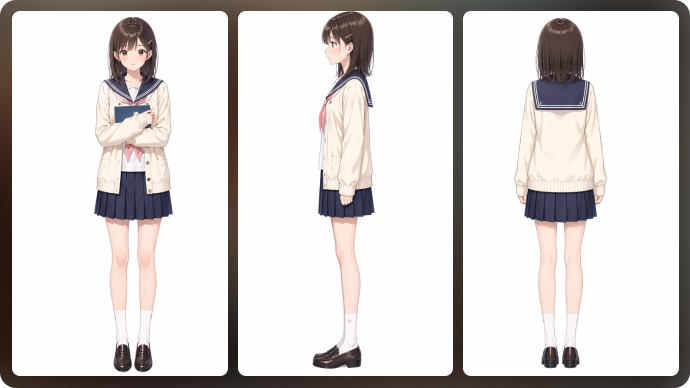
Keep Your Anime Cast Recognizable Across the Story
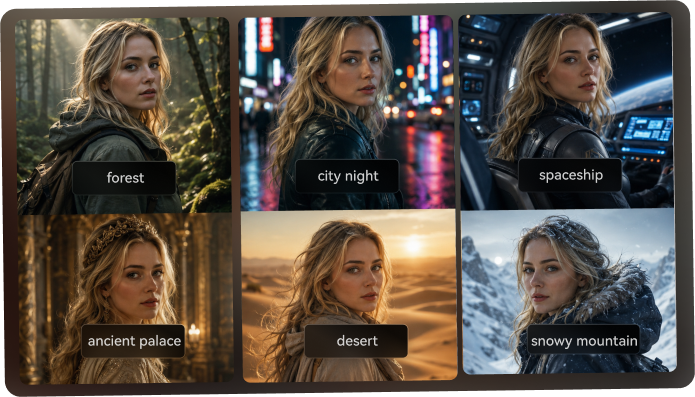
A good anime story video needs more than a nice first shot. Define your main characters before production, then use character references and style settings to help each scene stay visually connected as your script moves forward.
- Character Inputs - Create characters from a photo, sketch, or text description
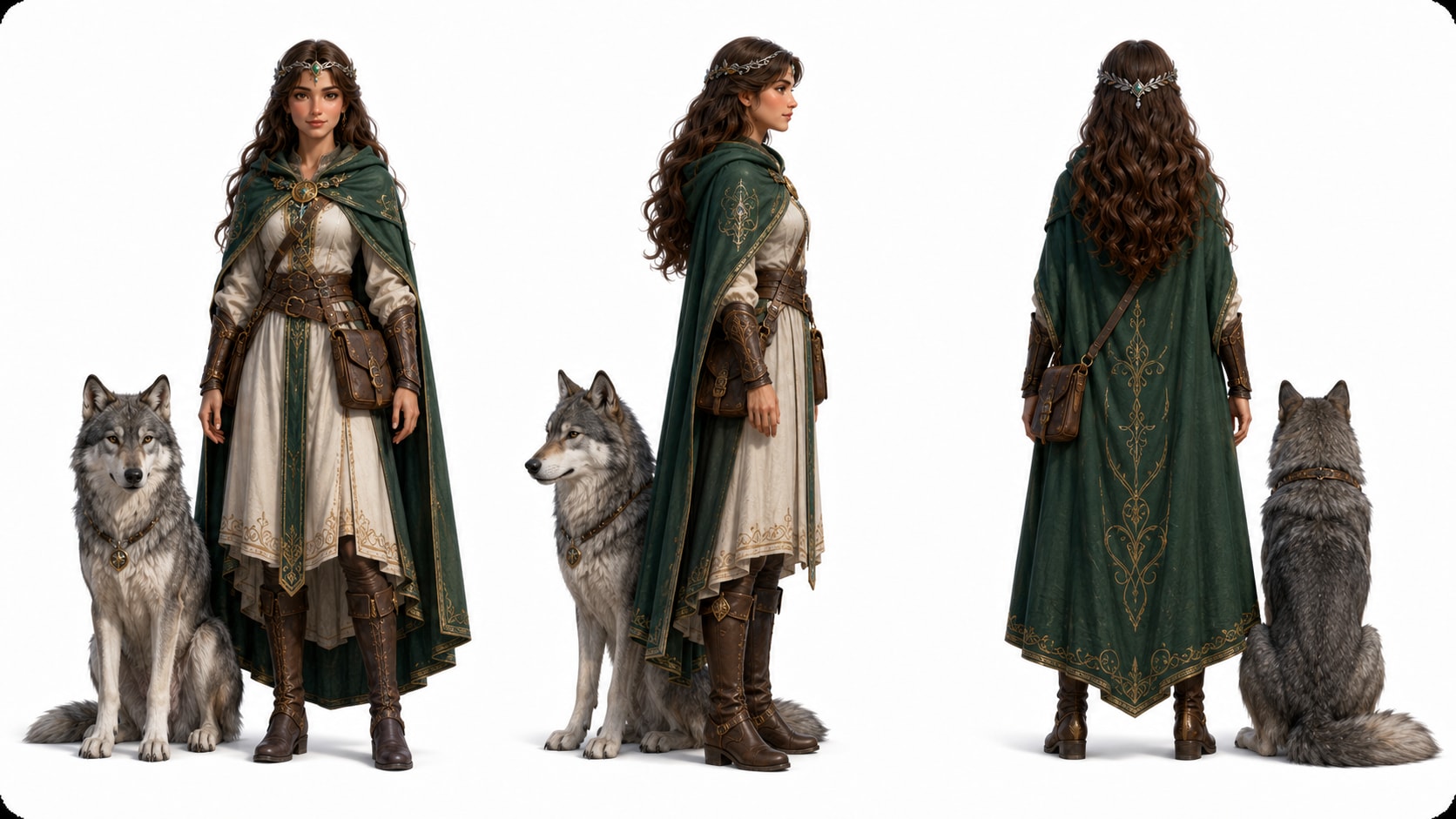
- Three-View References - Use front, side, and back views to guide recurring angles
- Anime Style Control - Keep line work, shading, and visual mood closer across scenes
- Named Cast - Label key characters so the story is easier to manage scene by scene
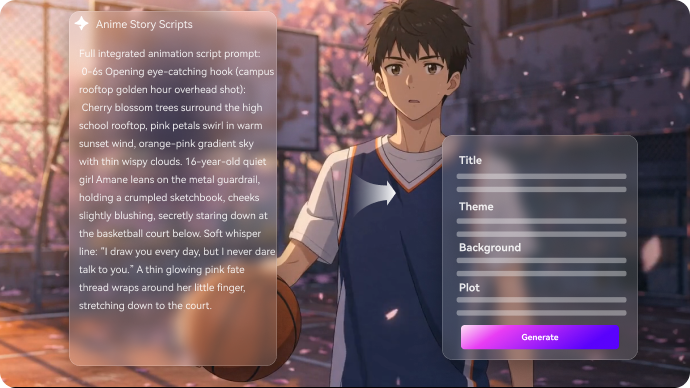
Turn a Script into Clear Anime Story Beats
Start with the kind of input that gives AI enough story context: a complete script, screenplay draft, dialogue scene, or episode outline. Media.io helps extract the title, theme, setting, character goals, and plot beats so every scene has a clear purpose.
- Script to Outline - Convert your story text into an editable structure
- Scene Purpose - Keep each shot tied to a plot beat, not just a visual prompt
- Setting Control - Guide locations such as a classroom, rooftop, shrine, or neon alley
- Generation Setup - Choose resolution, ratio, anime style, and model before production
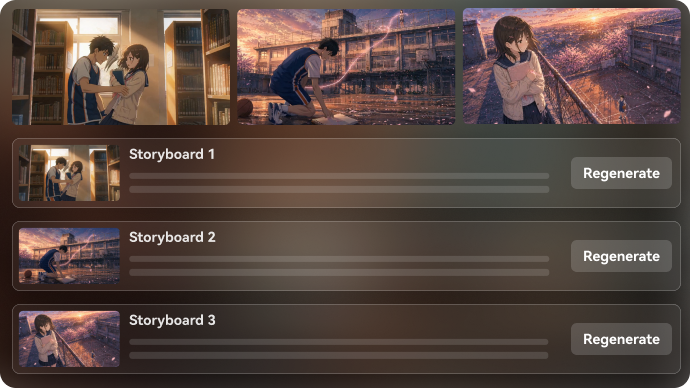
Edit the Storyboard Before the Final Anime Video
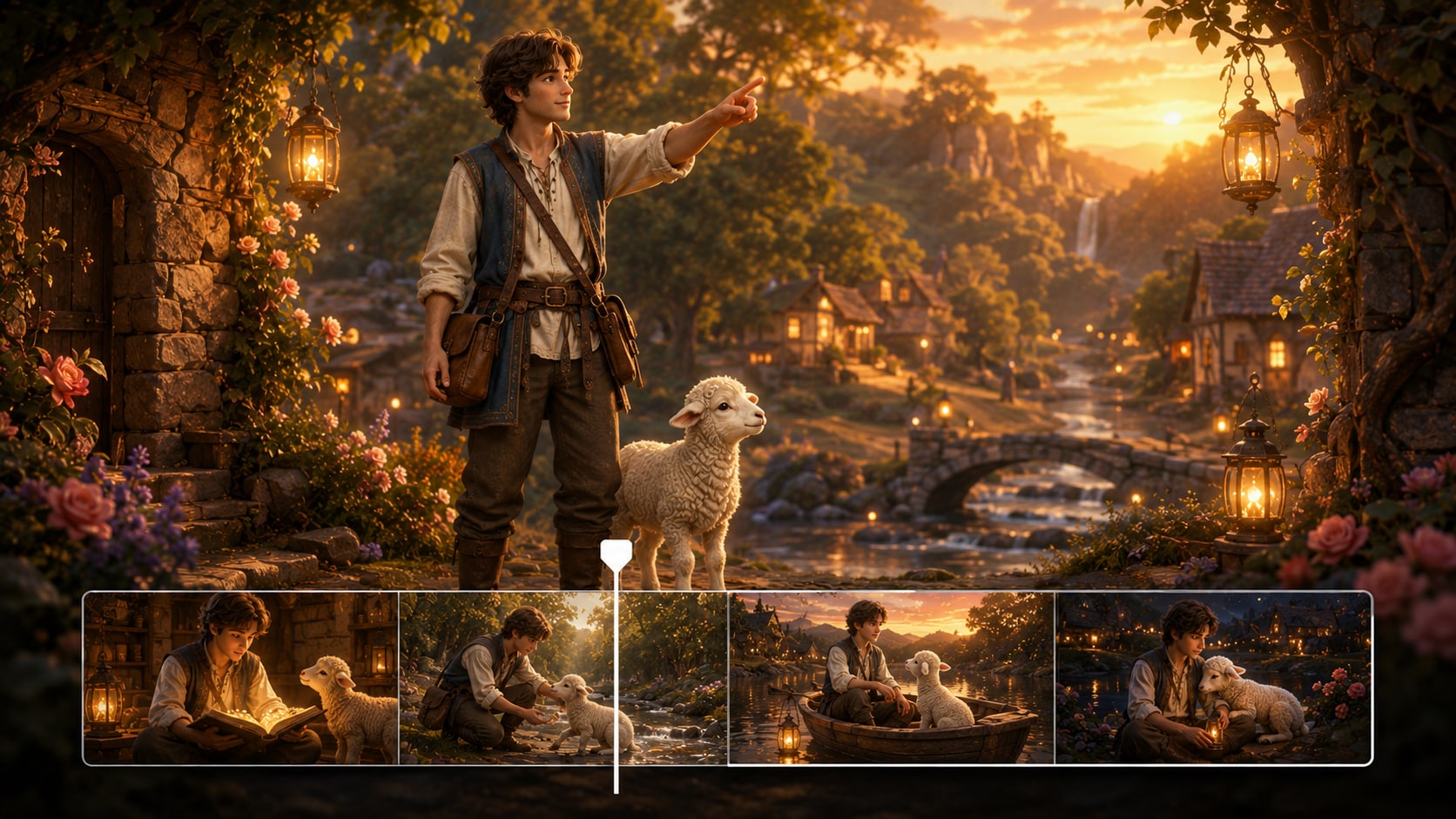
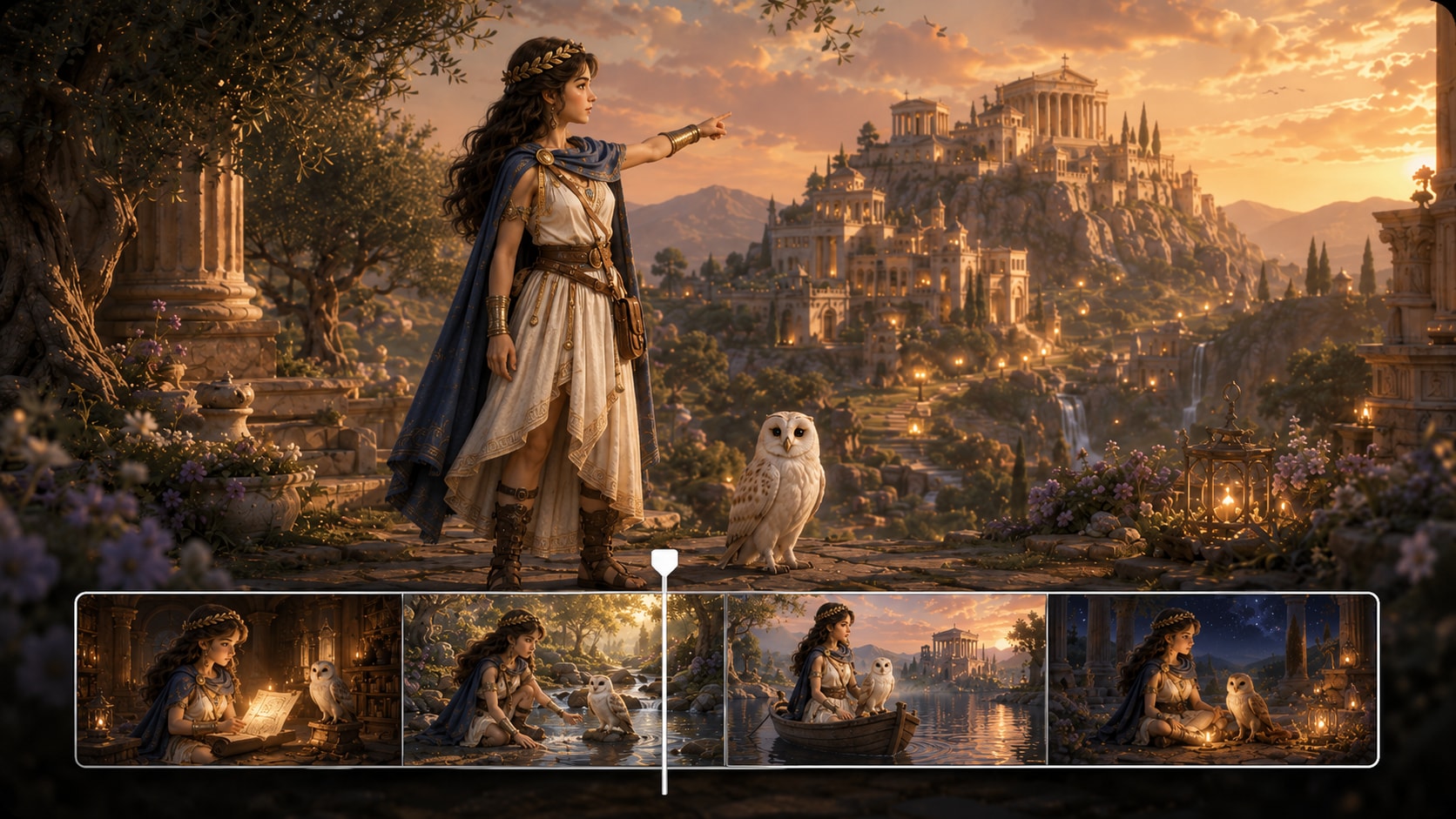
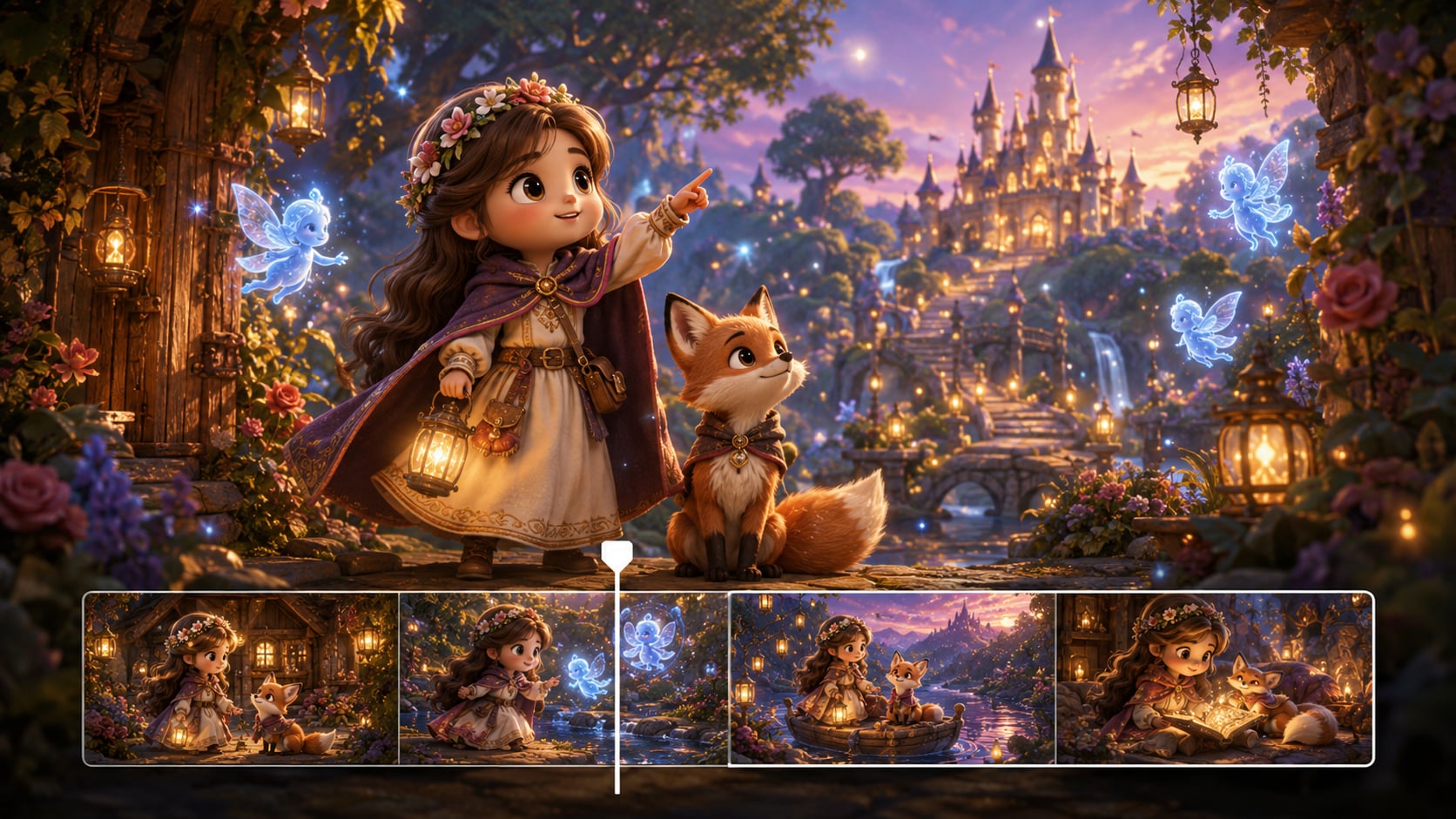
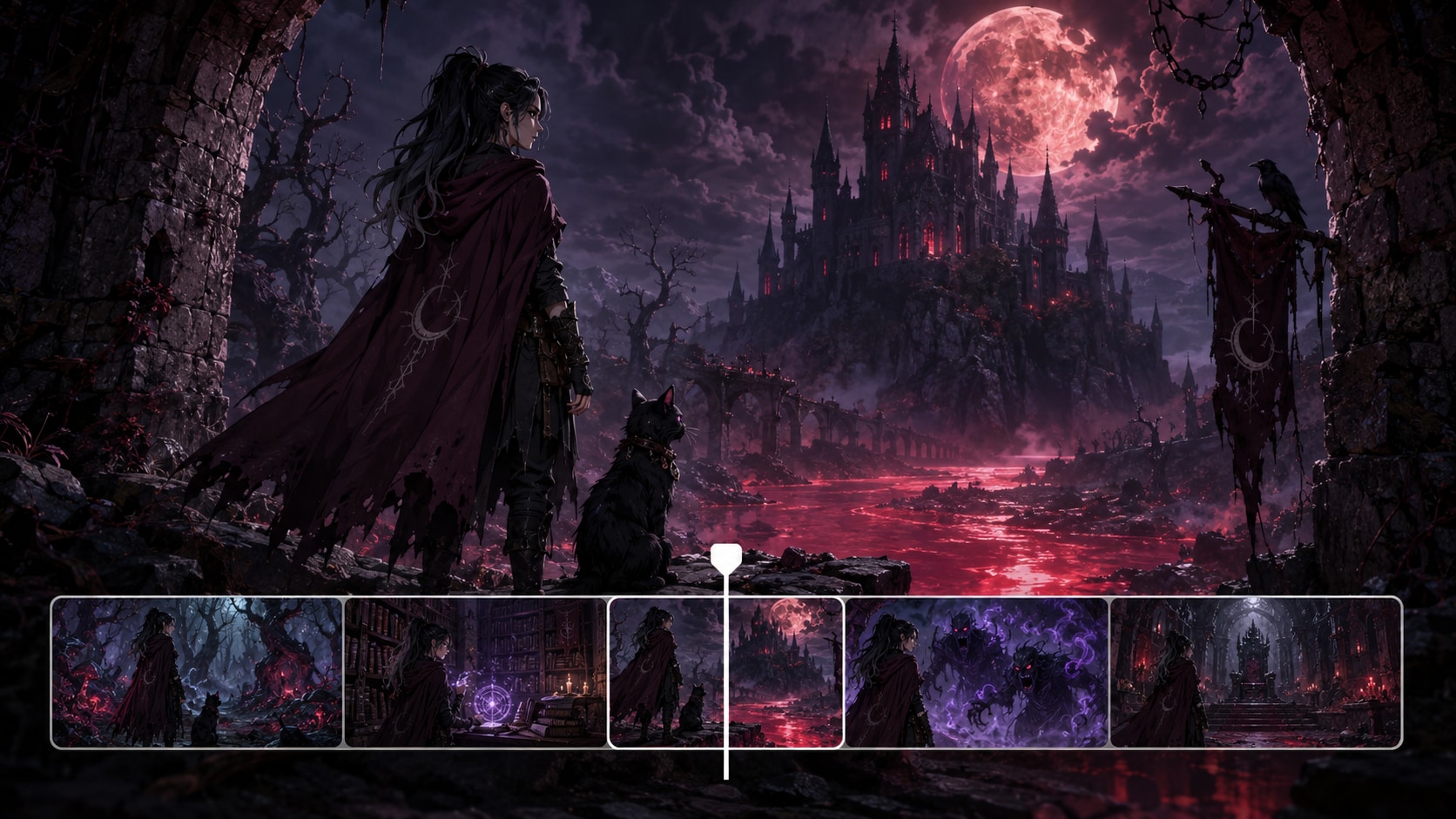
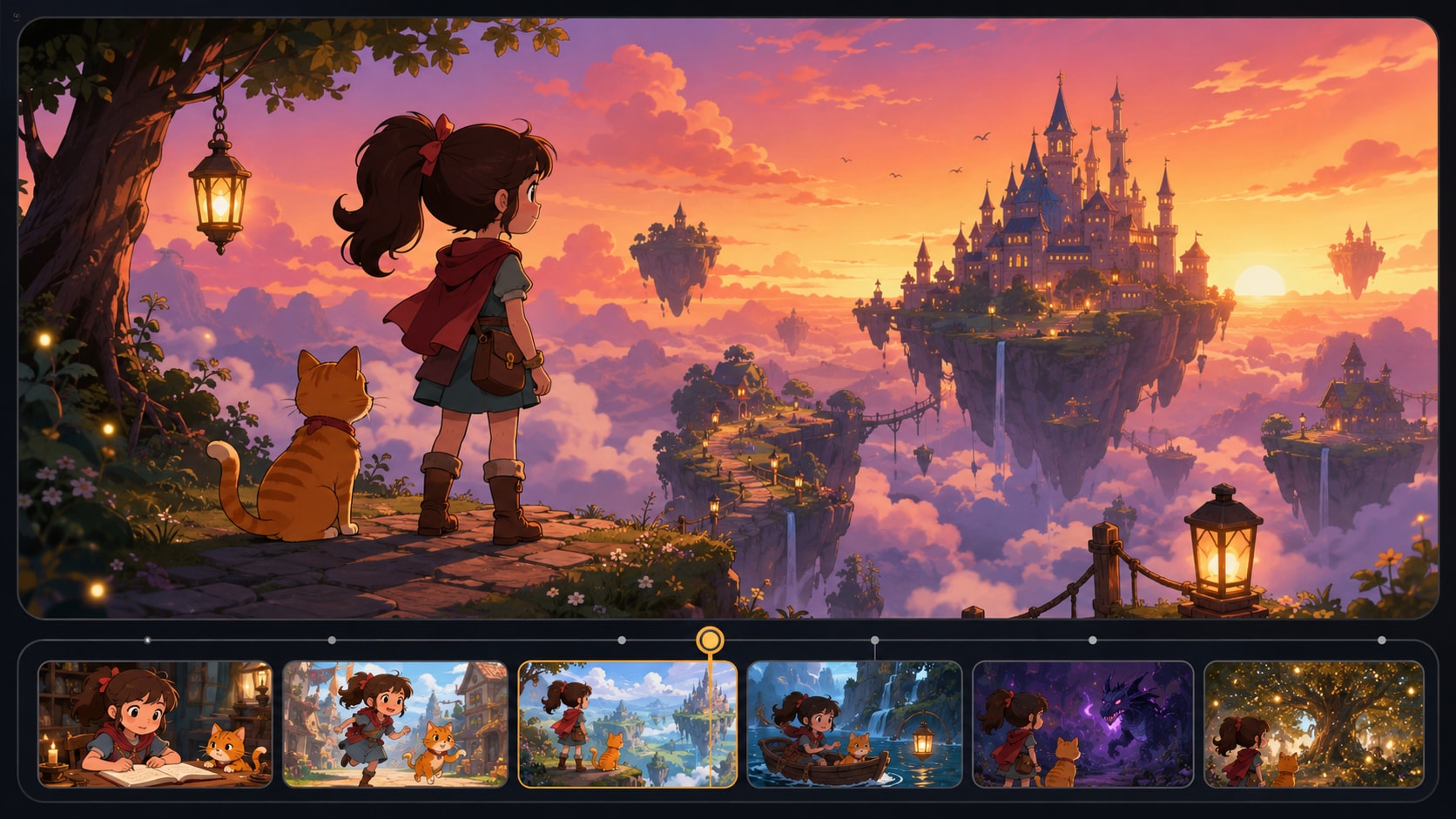
Review your anime story scene by scene instead of relying on one final render. Adjust storyboard cards, refine the action and camera direction, then regenerate a single shot when a pose, expression, or transition does not match the moment.
- Storyboard Cards - Check the full story arc before final generation
- Single-Shot Regeneration - Fix one weak scene without restarting the whole video
- Scene-Level Prompt Edits - Tune action, emotion, and framing for each beat
- Short-Form Pacing - Shape cleaner cuts for anime Shorts, Reels, and YouTube clips
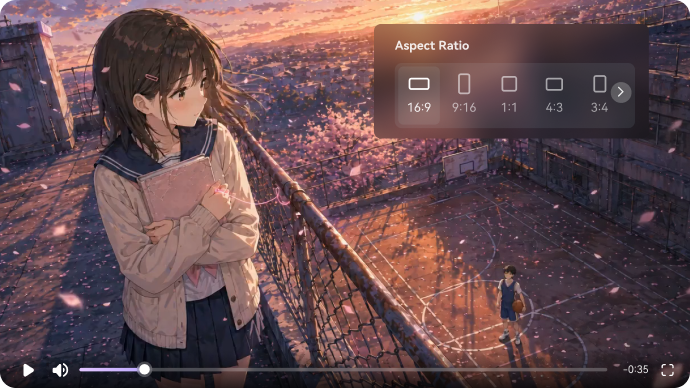
Export Anime Shorts, Reels, and YouTube Episodes
Create anime-style videos in formats made for creator channels. Choose 9:16, 1:1, or 16:9, export up to 720P and 2 minutes, then continue polishing your result with Media.io tools like Video Enhancer, Video Extend, or Object Remover.
- 720P Export - Create share-ready anime videos for social platforms
- Format Presets - Generate 9:16, 1:1, or 16:9 videos for different channels
- Post-Production Tools - Enhance quality, extend scenes, or remove unwanted objects
- Model Options - Choose available video models for different anime story styles
How to Make an Anime Story Video from a Script
Start with your script, then let Media.io help turn it into an editable anime story workflow.
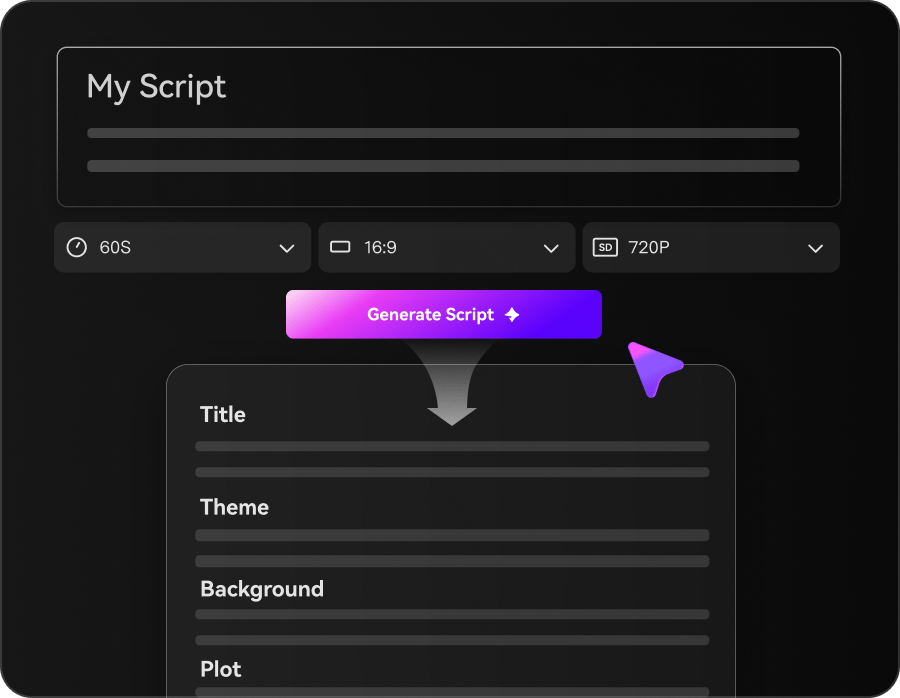
Add Your Script
Paste a complete script, screenplay draft, dialogue scene, or episode outline. Then choose your format, resolution, aspect ratio, and video duration before generation starts.
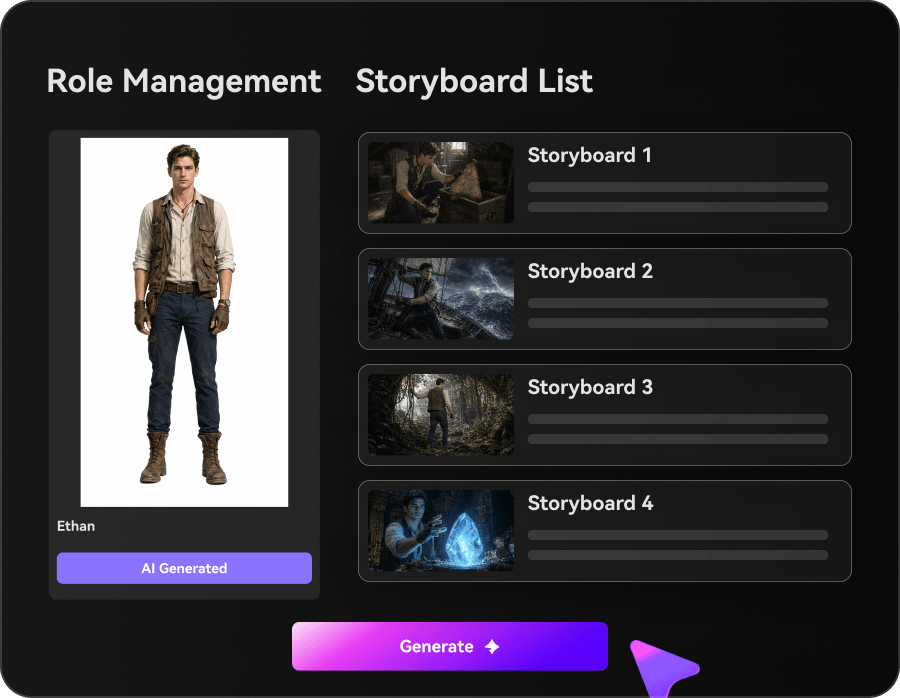
Review the Story Plan
Media.io extracts the outline, builds the cast, and creates storyboard cards for each scene. Review the structure, adjust scene prompts, and refine characters before creating the full anime video.
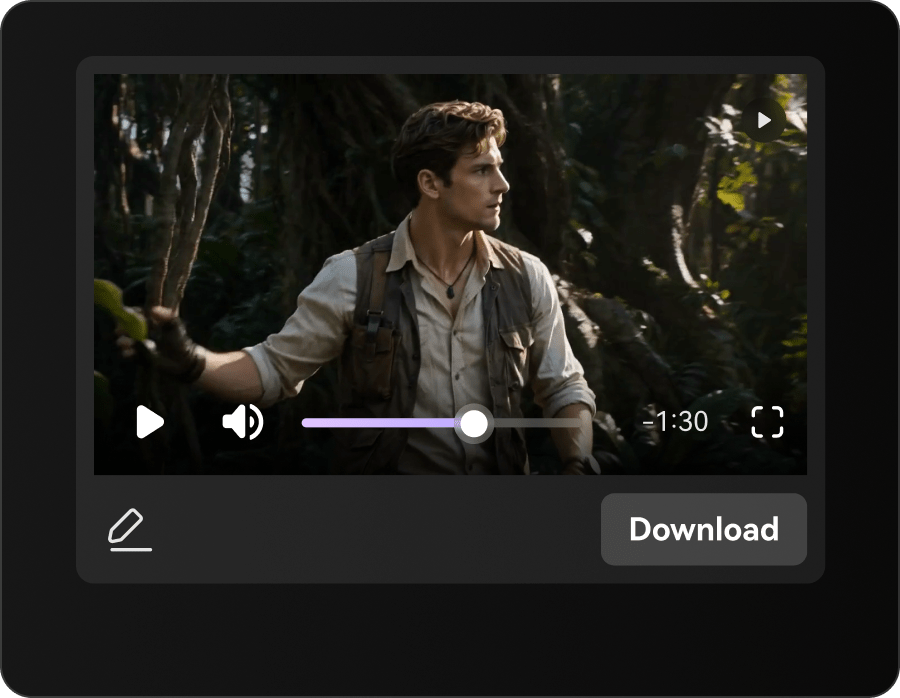
Generate, Polish, and Export
Generate the full anime story video, then polish the result with Media.io tools such as Video Enhancer, Video Extend, and Object Remover. Export a ready-to-post video for Shorts, Reels, TikTok, or YouTube.
Media.io vs. Basic AI Anime Story Video Generators
See how Media.io goes beyond one-off anime clips with a script-first workflow built for connected scenes, recognizable characters, editable story beats, and anime story videos you can actually direct.
Support Anime Creators with Deadlines
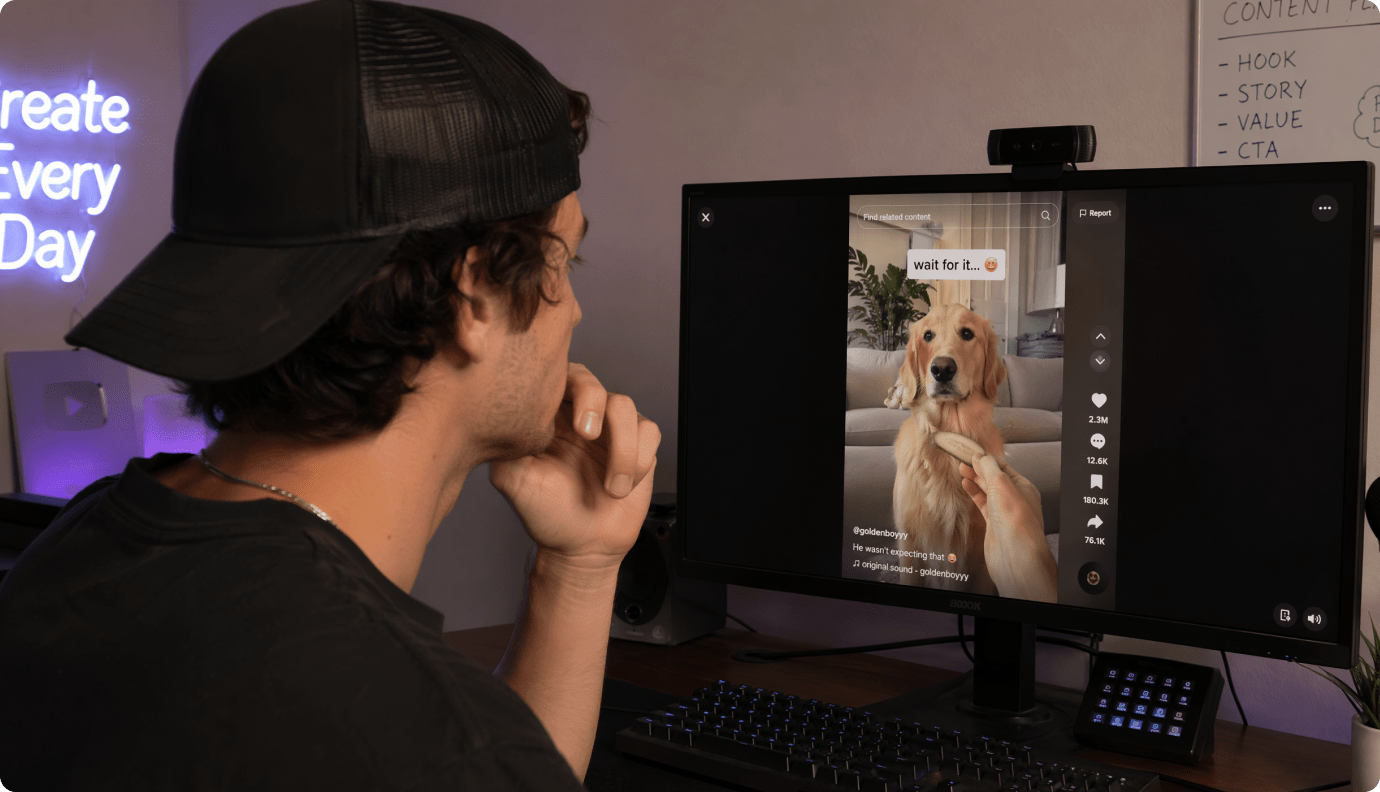
Manga Artists
Turn chapter beats into short animated previews that keep the same lead and outfit across scenes.
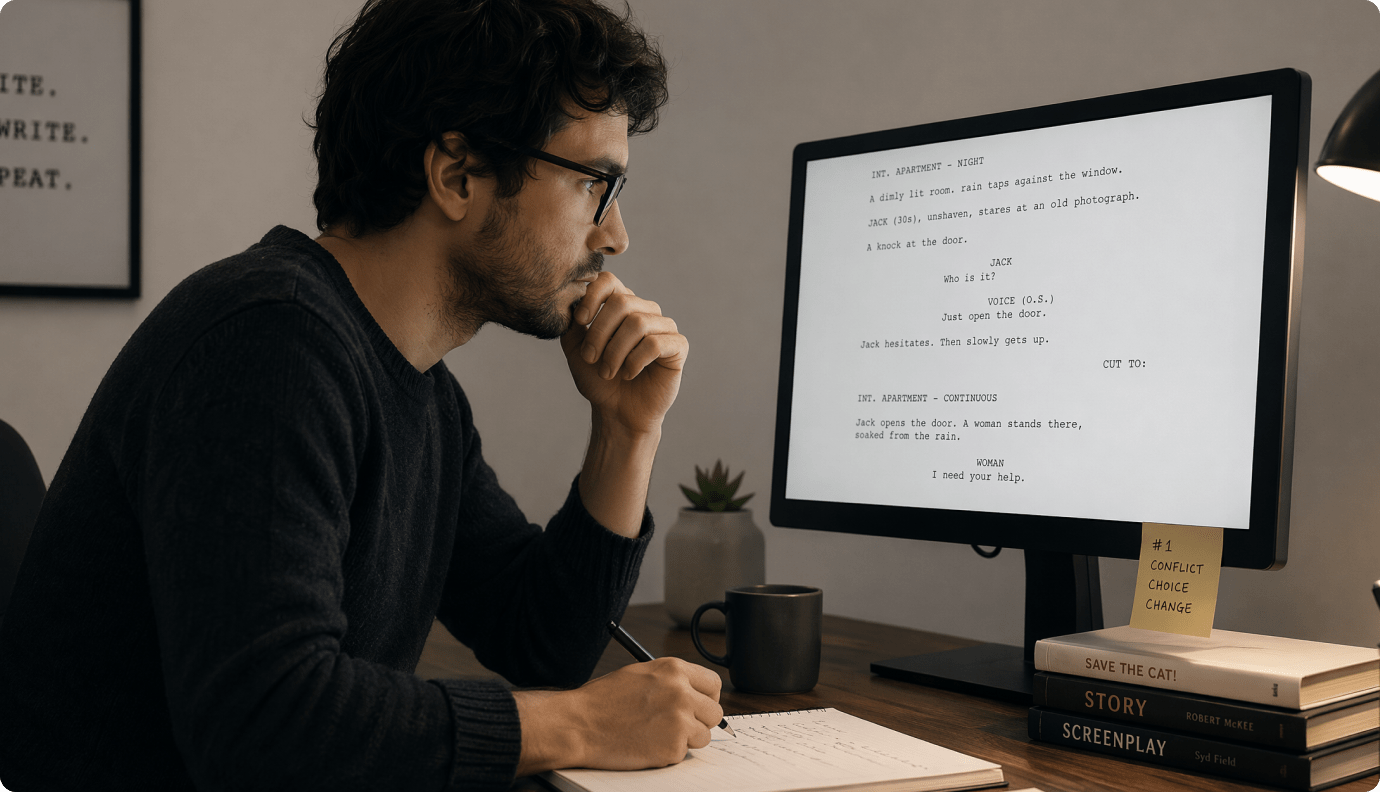
AMV Editors
Build original narrative interludes and hook scenes that match your track's vibe before you cut the full edit.
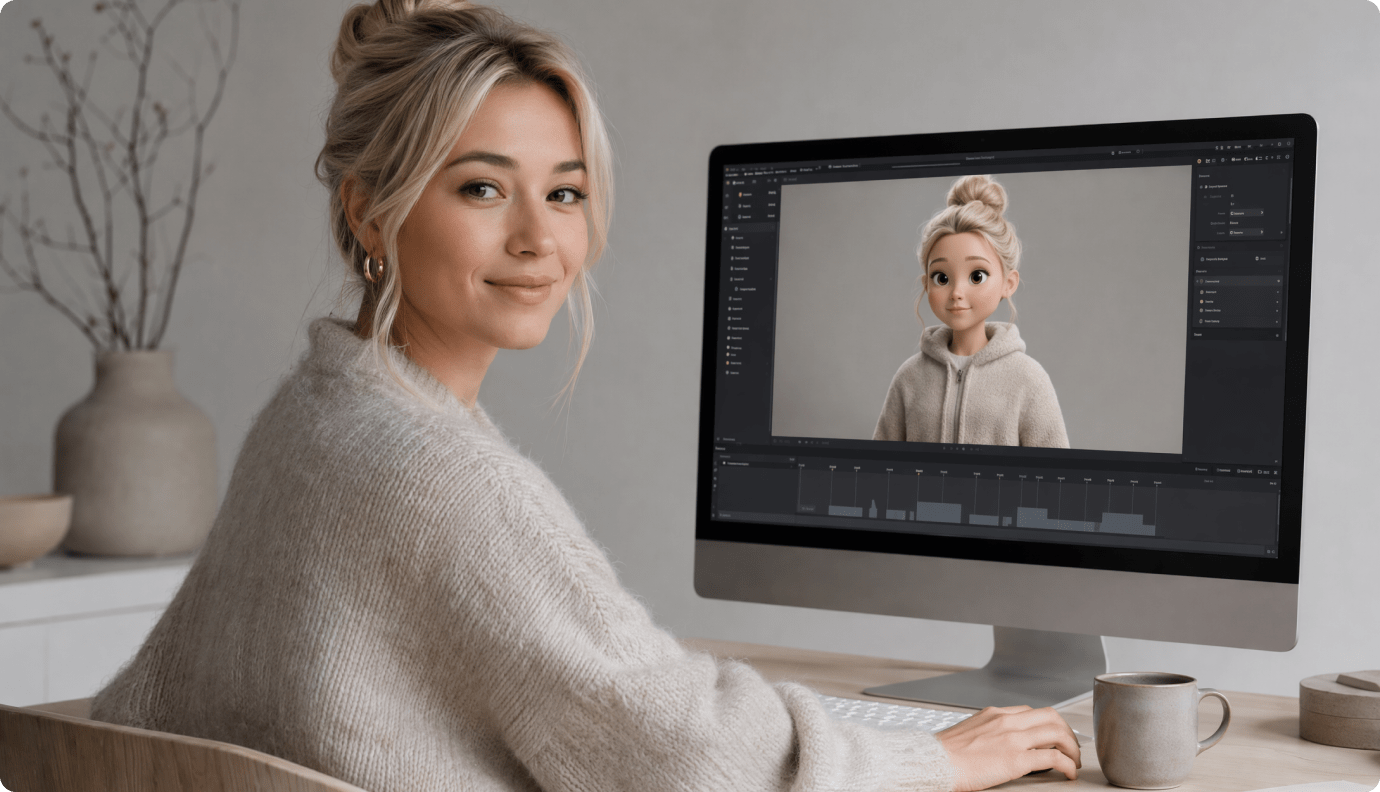
VTubers
Post lore drops and mini-episodes with a consistent character look, even when you change settings each scene.
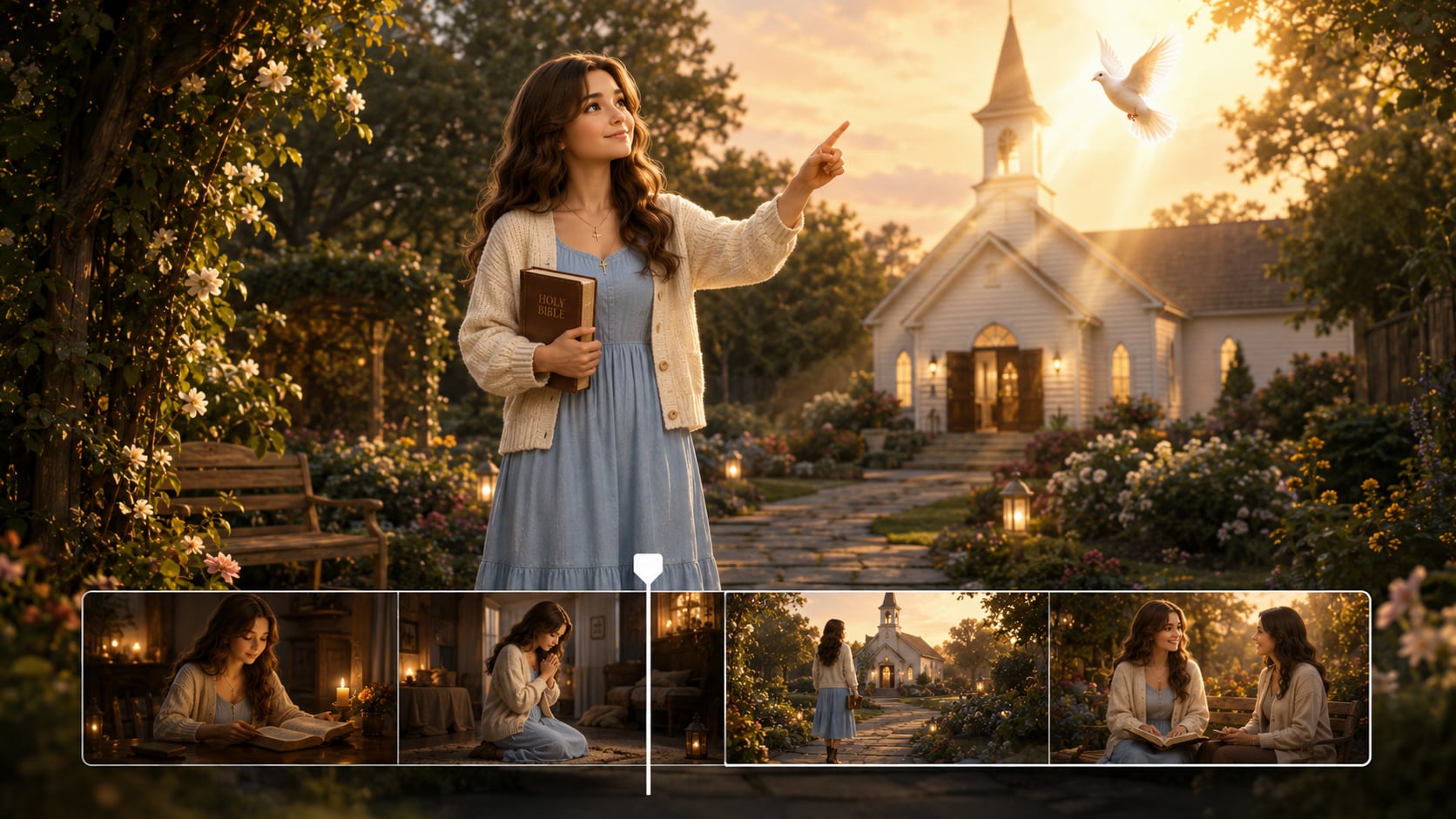
Anime Short Creators
Go from a simple plot outline to a 30-120s short you can publish in the ratio your platform wants.
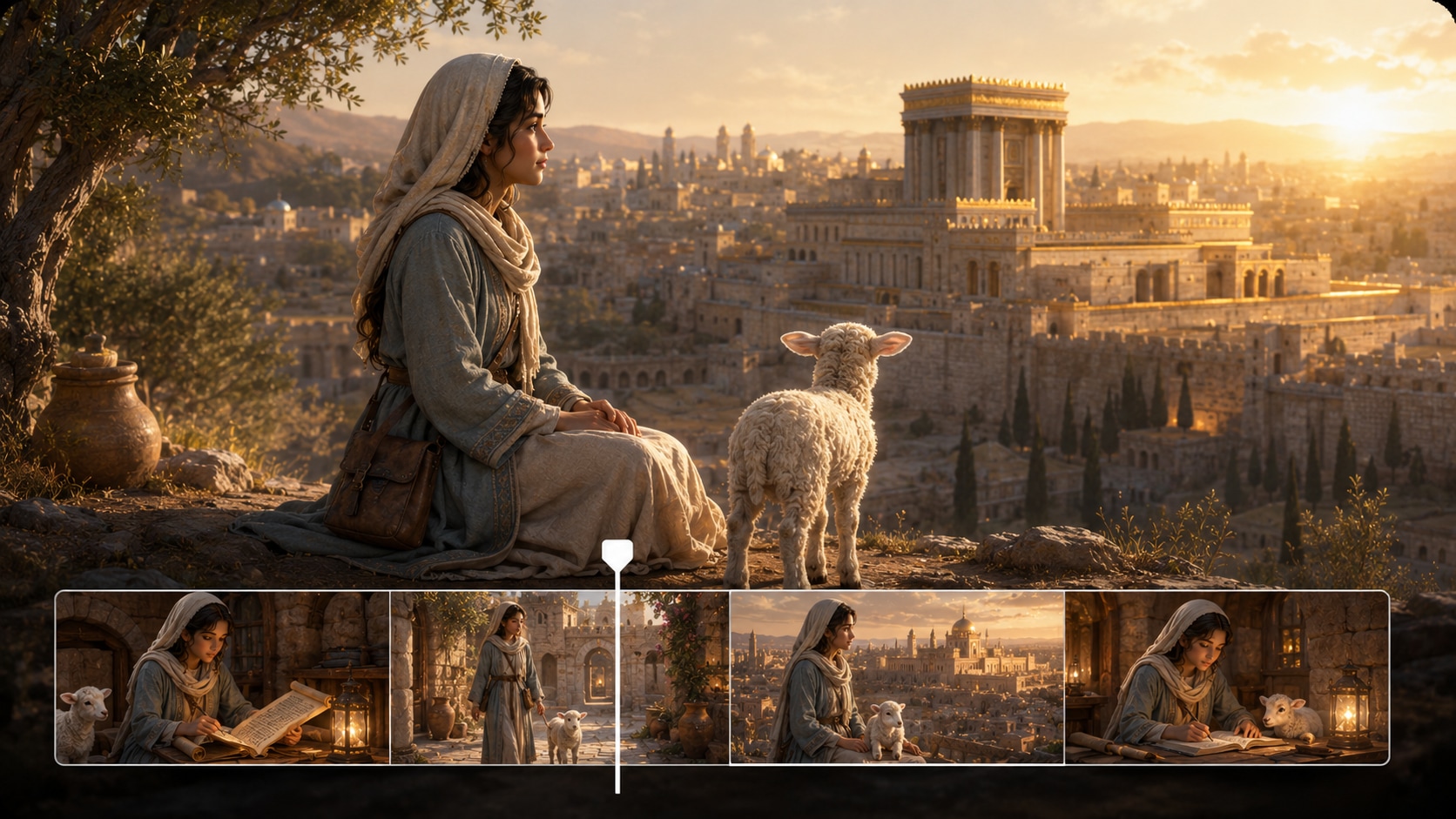
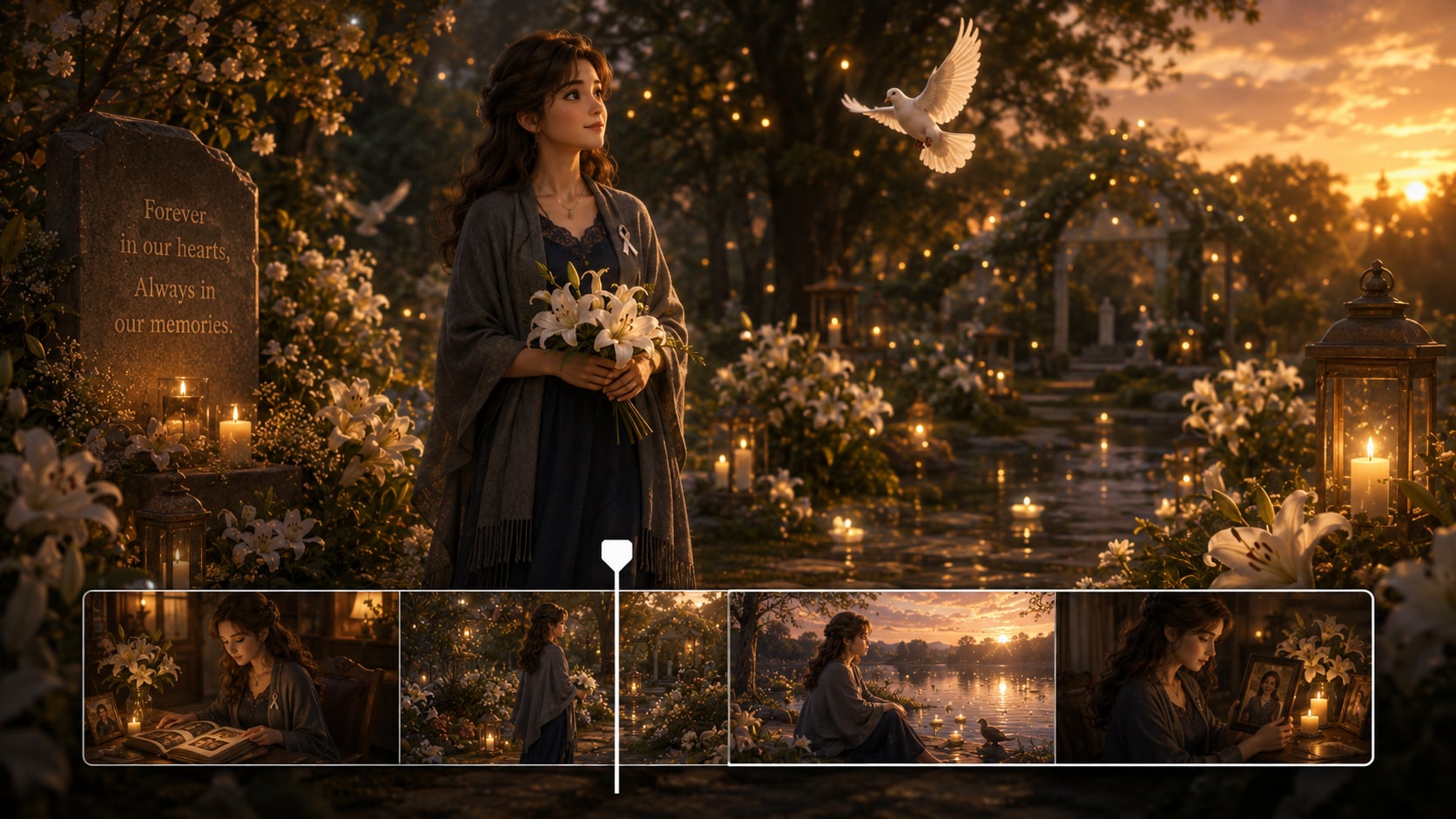
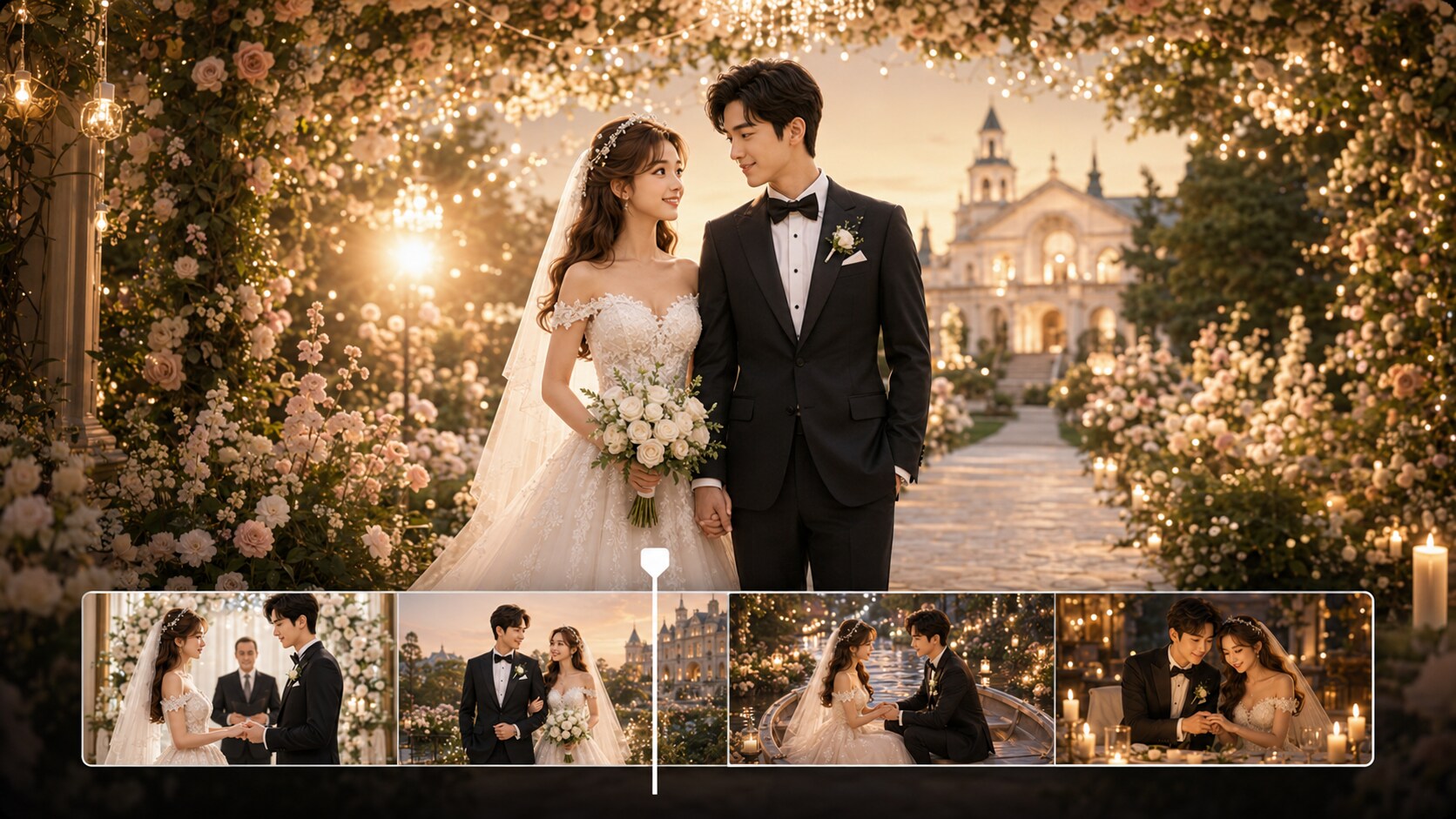
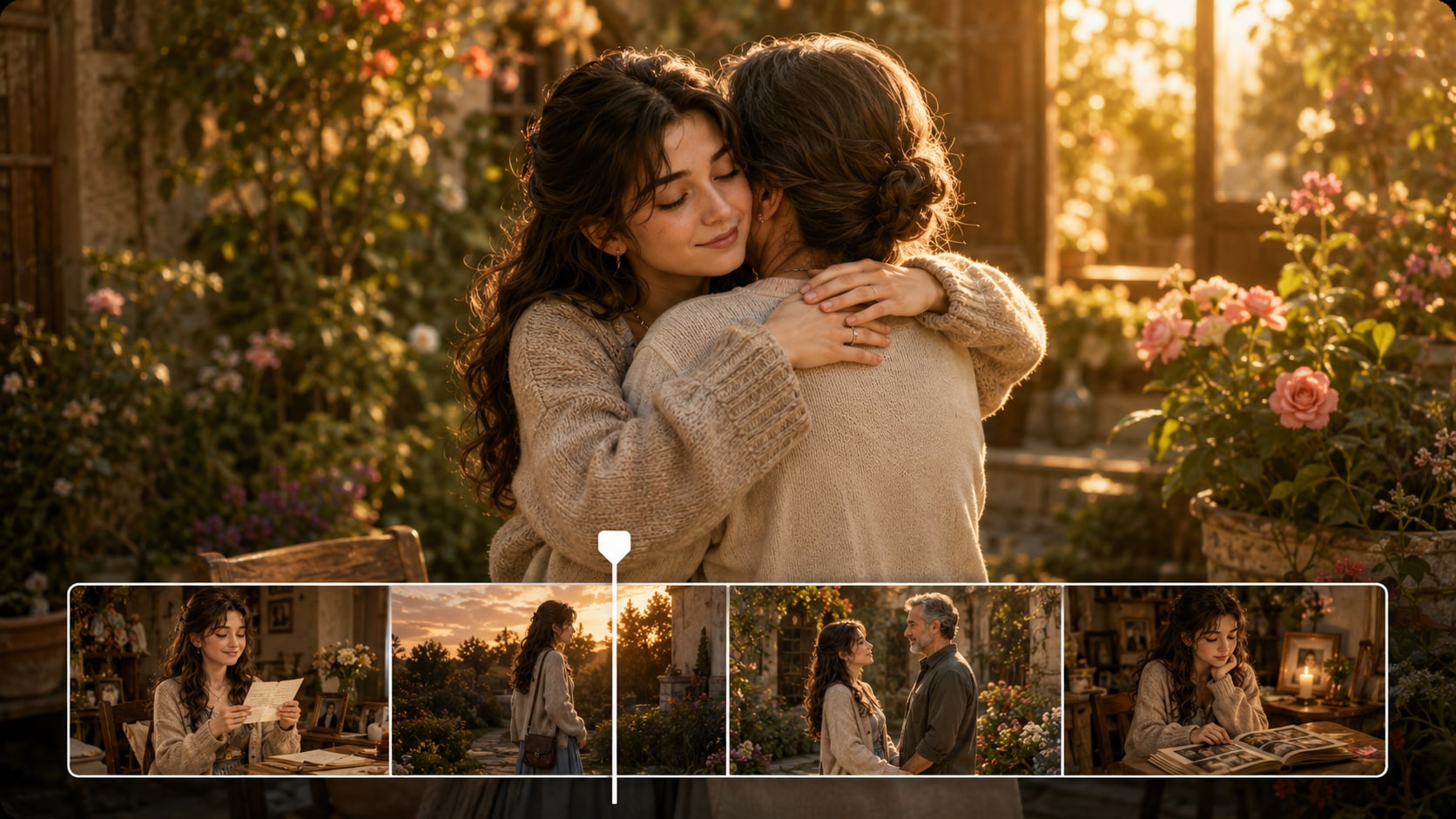
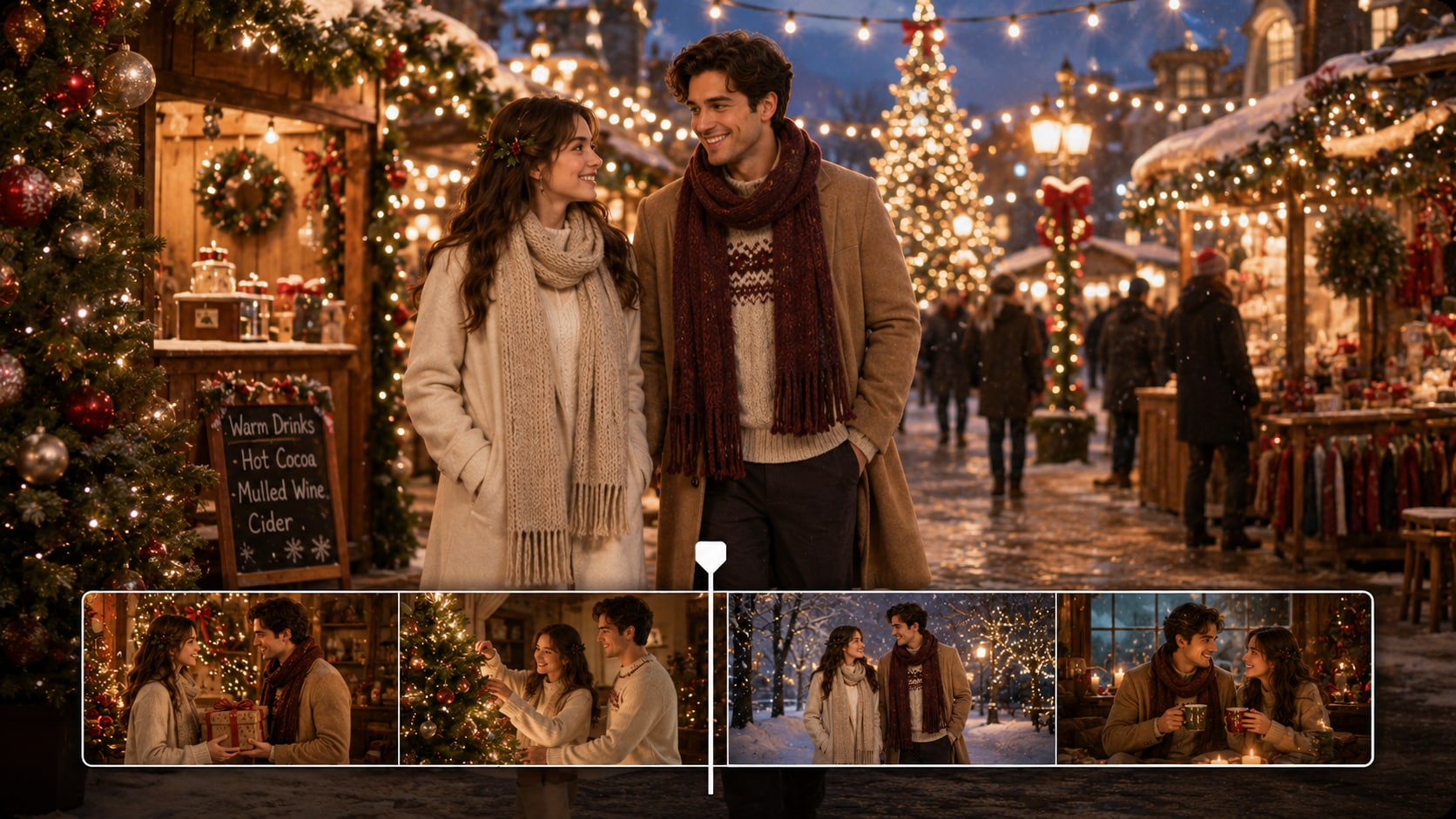
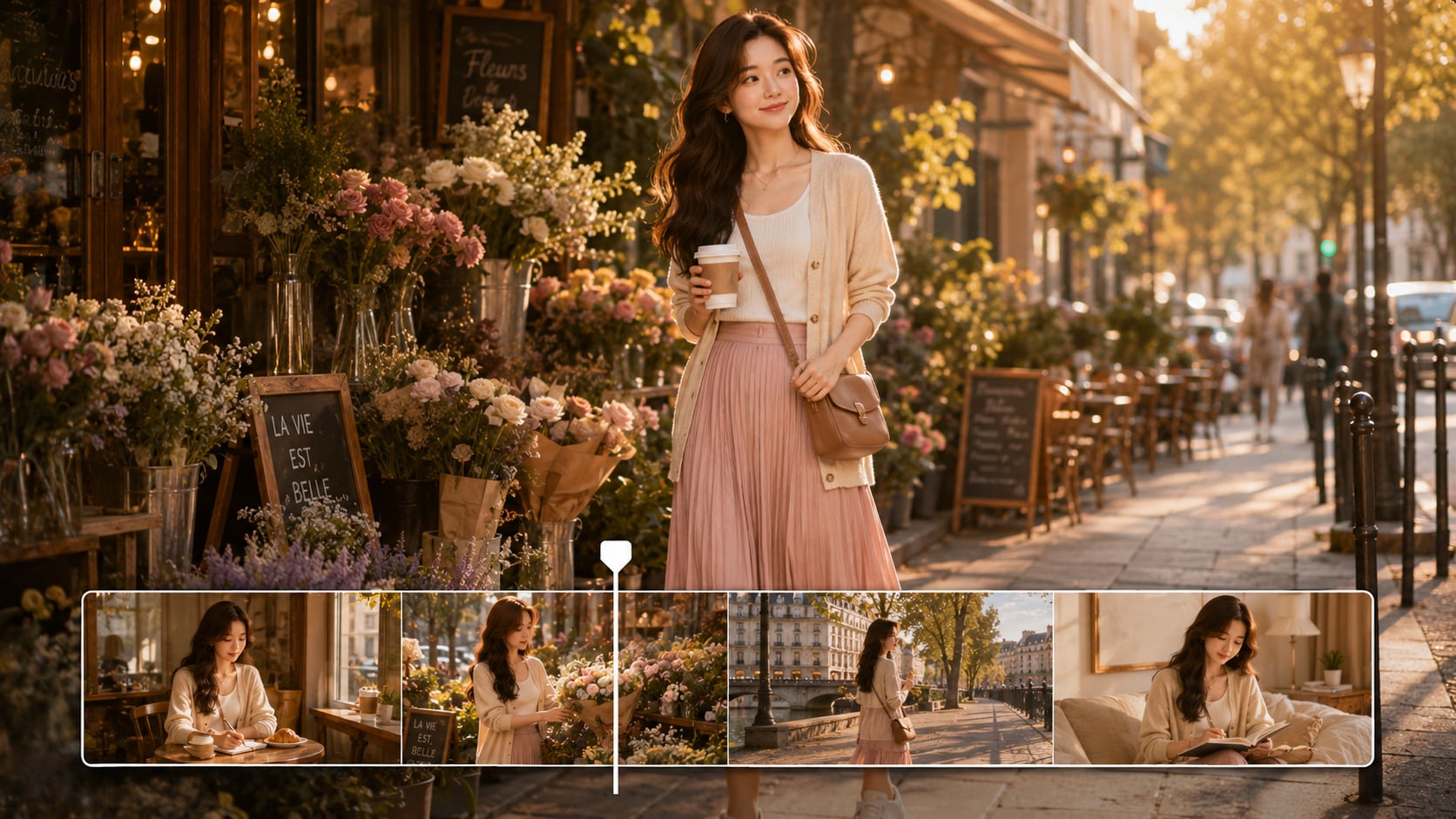
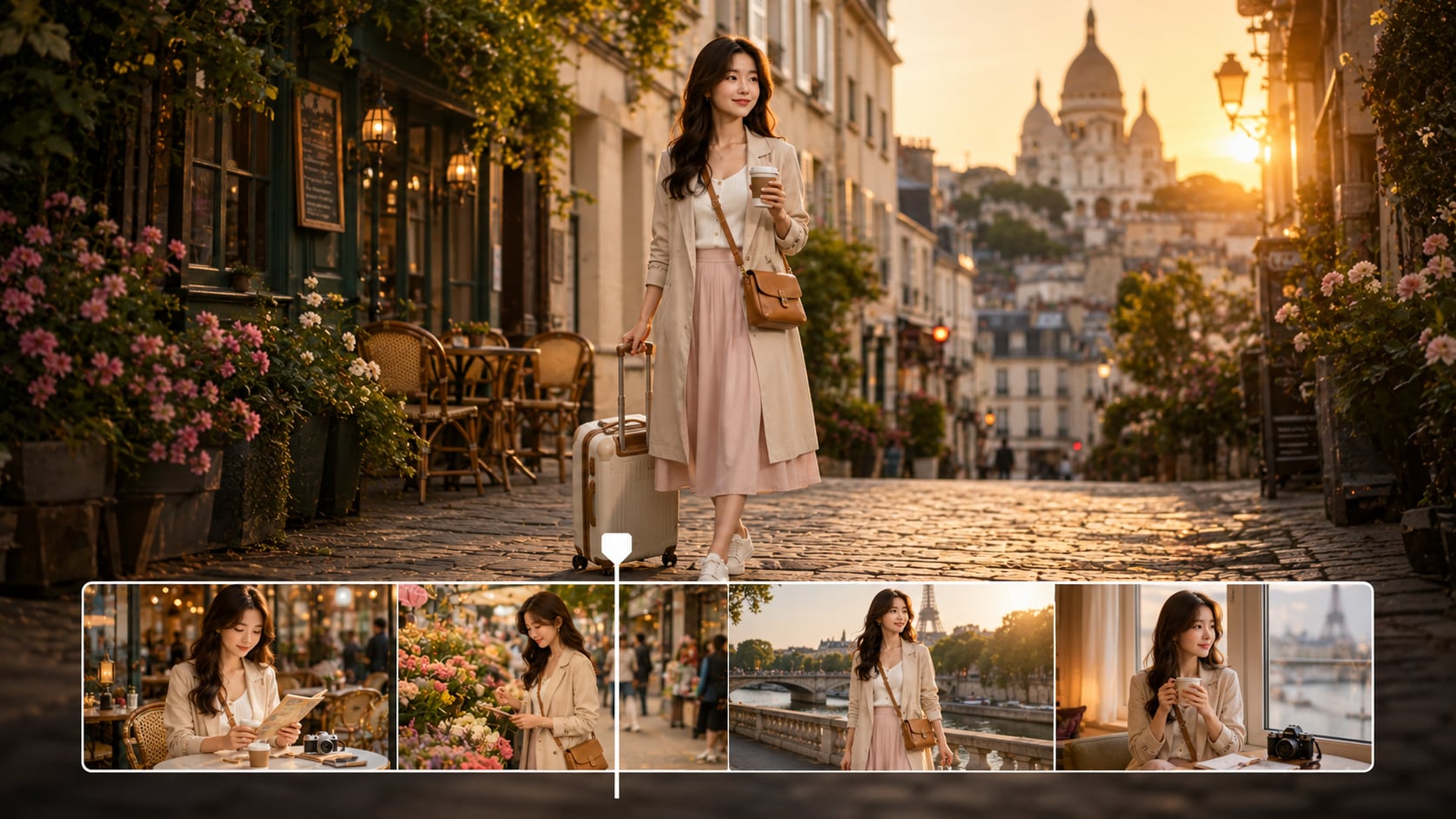
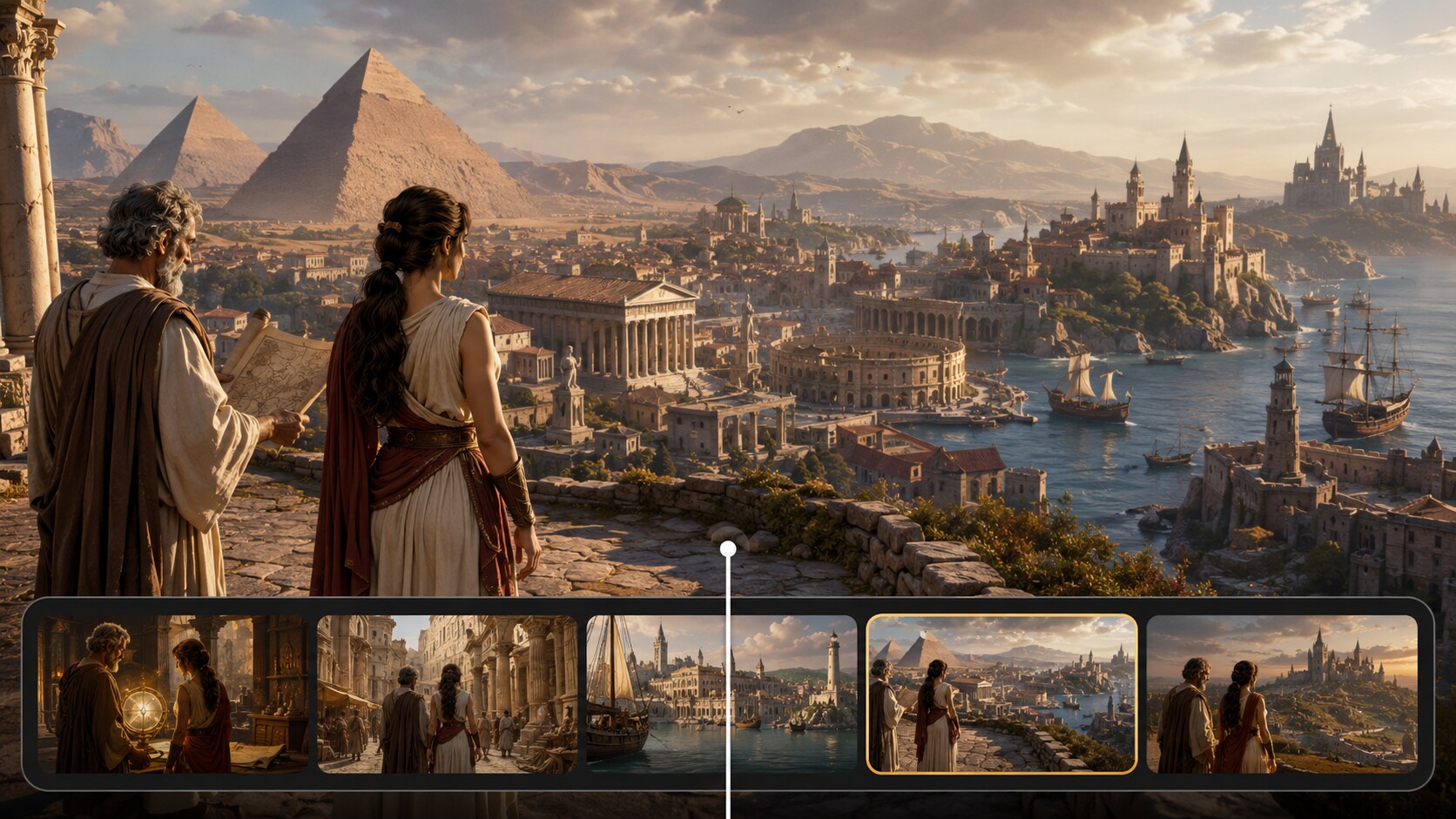
See What Creators Ship
Ship in Different Story Formats
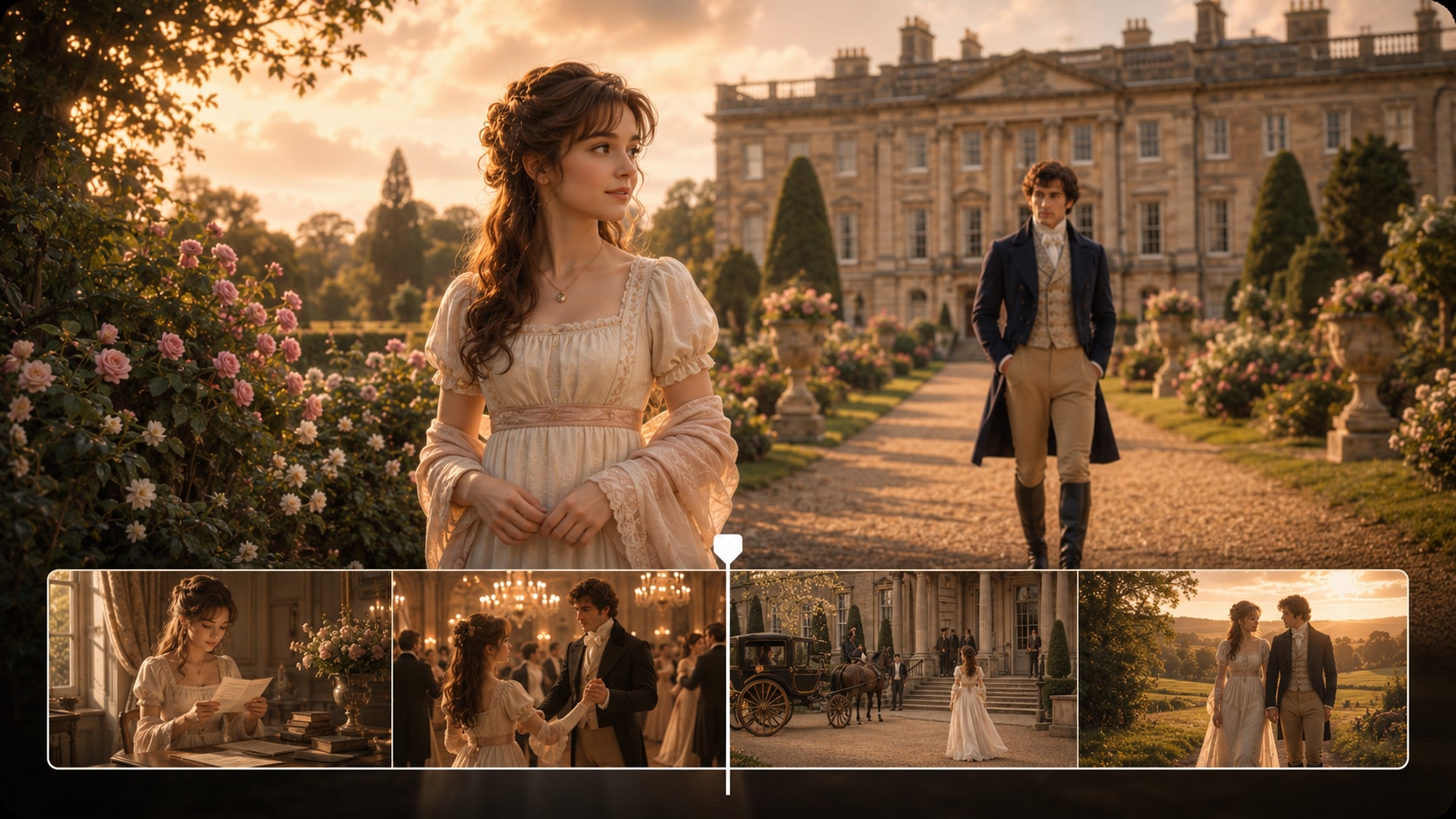
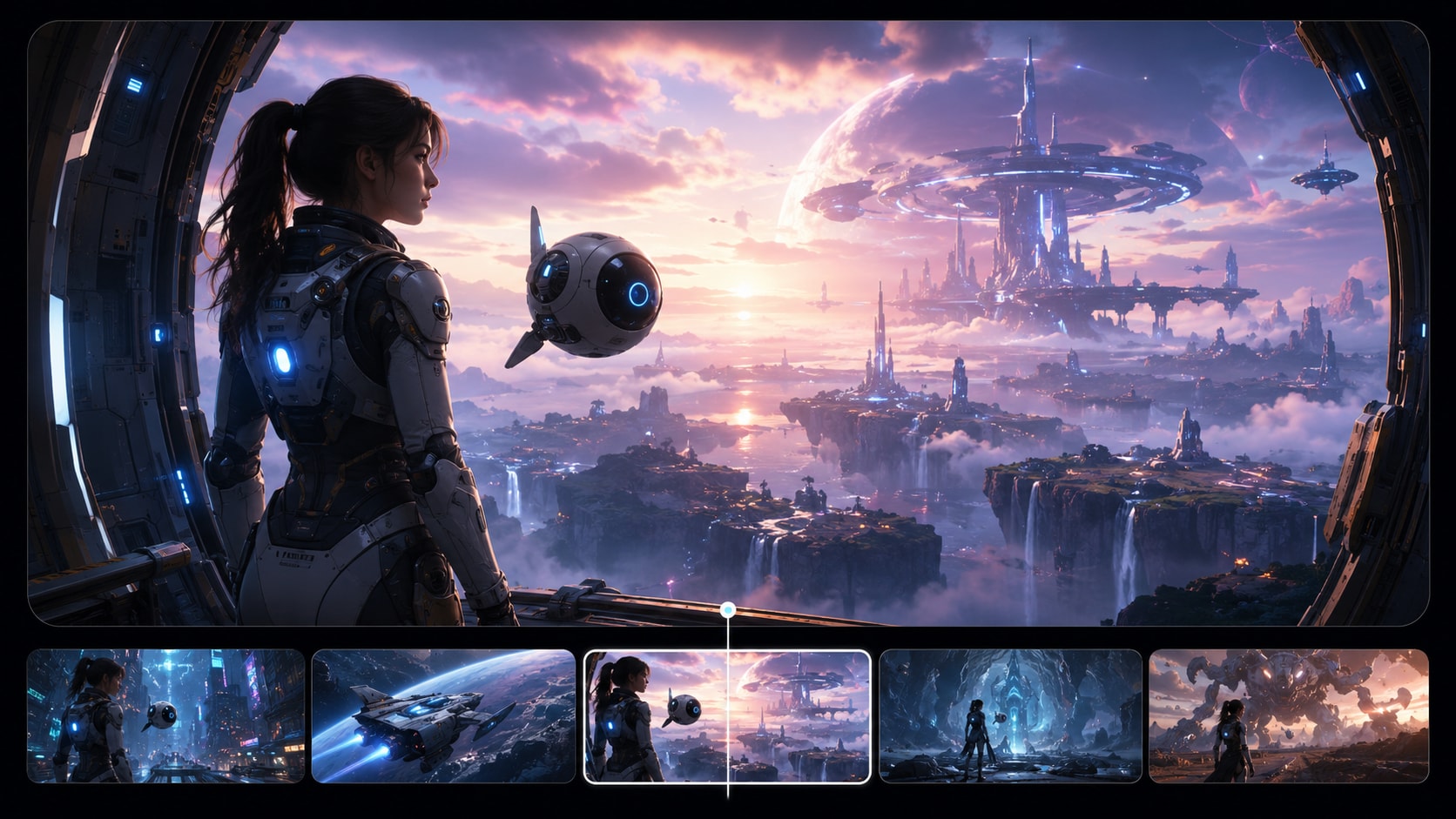
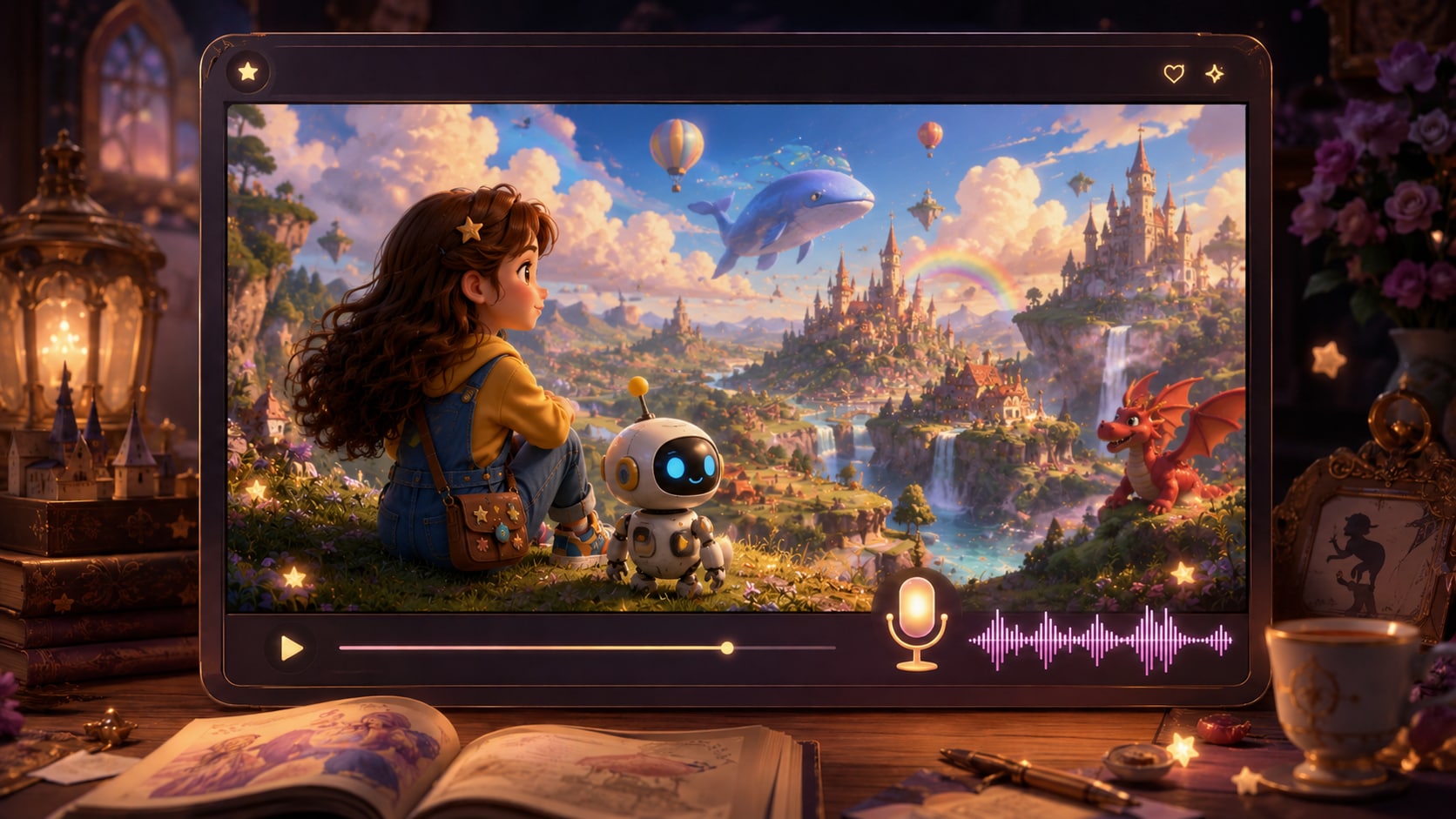
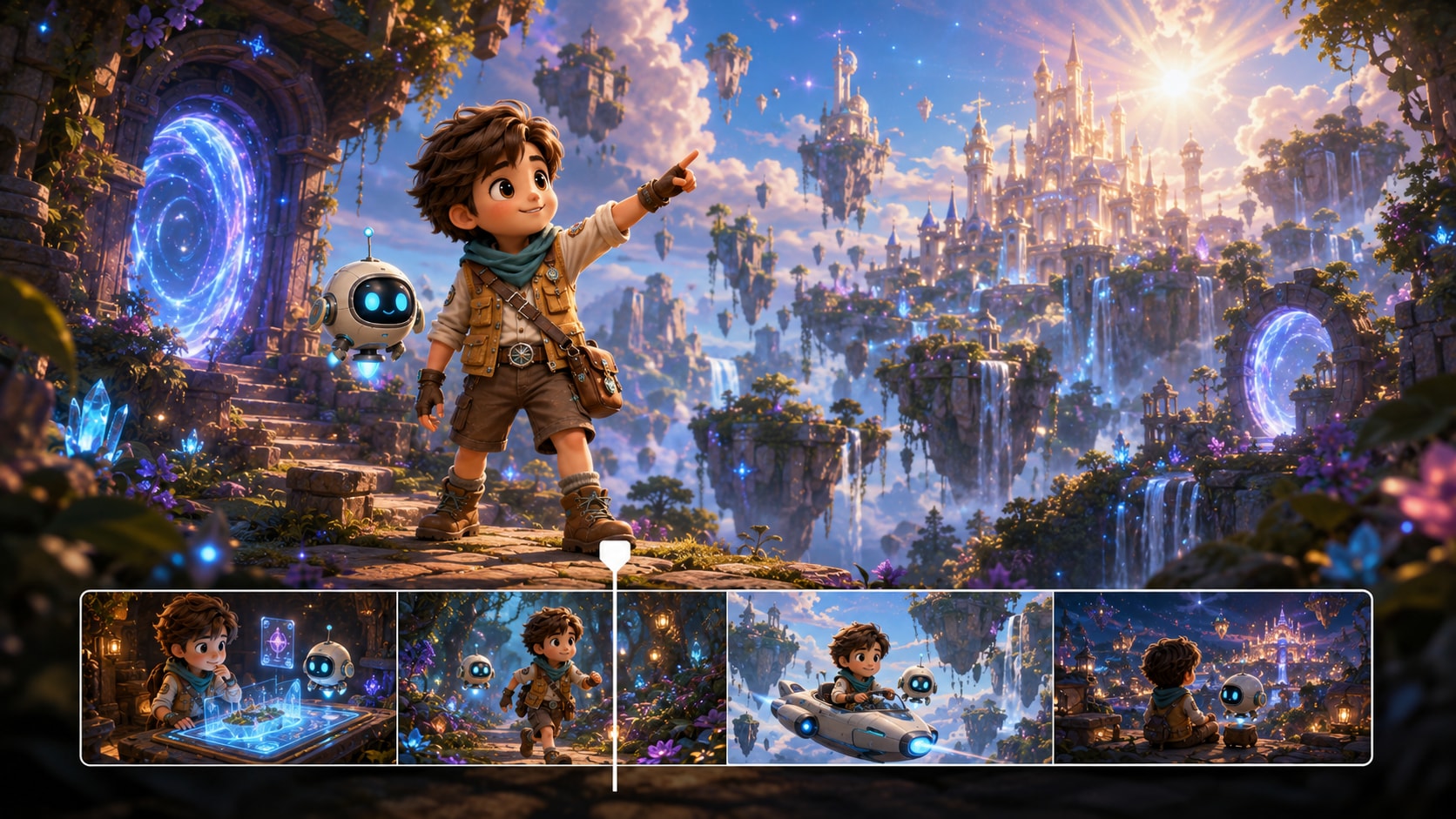
Explore finished examples, then use the same workflow to build your own anime narrative clips.
Hear Creator Reviews from the Anime Side of the Internet
Feedback from people who care about continuity, pacing, and post-ready exports.


"I needed a consistent OC for a weekly series, and the three-view references helped a lot. The storyboard cards made it easy to spot where the pacing dragged, and re-rolling one scene saved my whole post. Solid anime story video maker."

"For AMVs, I'm always hunting for a clean hook scene. I pasted my beat notes, generated a few scenes, and just re-rolled the weak shot until the expression hit. Exporting vertical for Shorts was painless. Great AMV story video generator."

"As a VTuber, I care about keeping my look recognizable. Using a reference image and then editing scene prompts gave me a coherent lore clip instead of random anime shots. The 720P export looked good on YouTube. Perfect for VTuber lore video generator use."

"The outline extraction is underrated. It organizes my messy script into setting, plot, and characters, which makes the visuals come out more coherent. I also used Enhance Video Quality before posting. Helpful anime script to video generator for quick episodes."

"I adapt short scenes from my web novel and wanted an anime vibe without learning new software. Storyboard editing plus Video Extend let me hold on a reaction beat longer. It finally feels like manga to video, not a slideshow."

"Most tools give pretty frames but no control. Here, I can fix one scene, remove a distracting object, and keep the cast stable. That makes it usable for a content schedule. Strong text to anime story video workflow overall."
FAQs on AI Anime Story Video Generator
What Is an AI Anime Story Video Generator?
It's a tool that turns a short script or prompt into a multi-scene anime-style video. Media.io adds structure (outline + storyboard) so your story reads clearly instead of feeling like disconnected clips.
What Should I Paste as the Script for Best Results?
Use a short episode beat: who the scene is about, where it happens, what changes, and a clear ending beat. Media.io supports up to 5000 characters and extracts an outline you can edit before generating.
Can I Keep the Same Character Across Multiple Scenes?
Yes. You can create characters from a real photo, a sketch, or text, then generate three-view references to guide consistency across the storyboard.
Can I Make Videos for YouTube Shorts or TikTok?
Yes. Choose a vertical preset during setup and export up to 720P, designed for Shorts / Reels / TikTok-style publishing and quick iteration.
How Long Can the Anime Story Video Be?
You can generate videos up to 2 minutes. If you need a longer moment, Video Extend can help you hold or expand a scene after generation.
Can I Use These Videos Commercially or Monetize Them?
You can use the outputs in creator workflows, including monetized channels, as long as your inputs (scripts, characters, references, music) are rights-safe. Always avoid copyrighted franchises or assets you do not own or have permission to use.
Which Aspect Ratios Does Media.io Support?
You can choose 9:16, 1:1, or 16:9 during setup, so the same story concept can be framed for Shorts, feeds, or standard YouTube.
Can I Edit the Storyboard or Re-Generate Just One Scene?
Yes. Media.io generates scene-by-scene storyboard cards you can edit, and it supports re-rolling a single shot so you can fix one bad moment without restarting the whole video.
What Makes Media.io a Good Choice for Anime Storytelling?
It combines script-to-outline structure, character references for continuity, and storyboard-level control with single-shot re-roll. That mix is what turns "anime style" into a story you can actually direct and publish.
Explore More AI Script to Video Generators
Need a more specific way to turn scripts into videos? Explore Media.io AI video generators for anime stories, horror scripts, faceless channels, general story videos, animation ideas, and more creator workflows built around different script styles.

Ship Your Next Anime Story Short
With a Cast That Stays on-Model
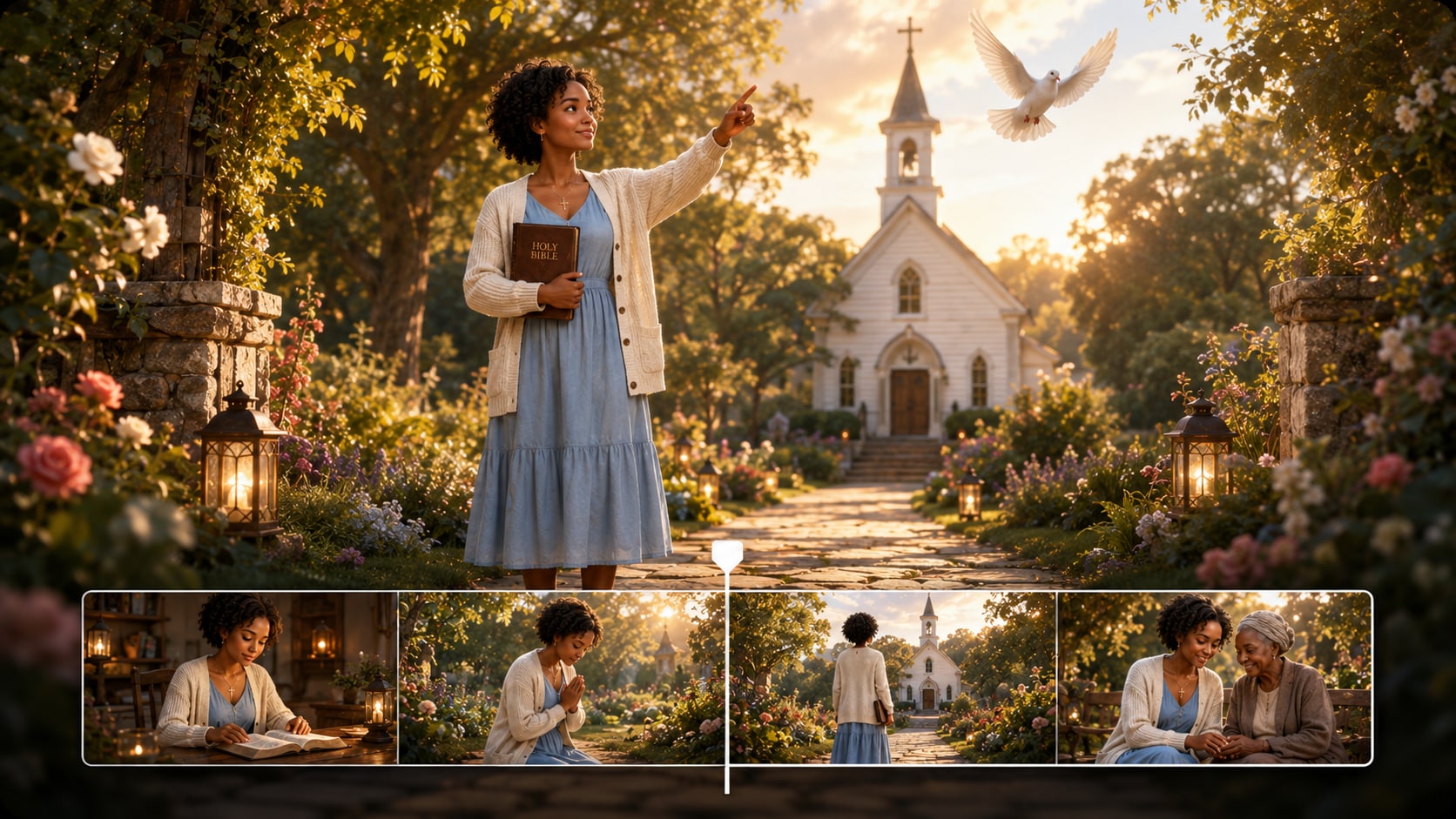
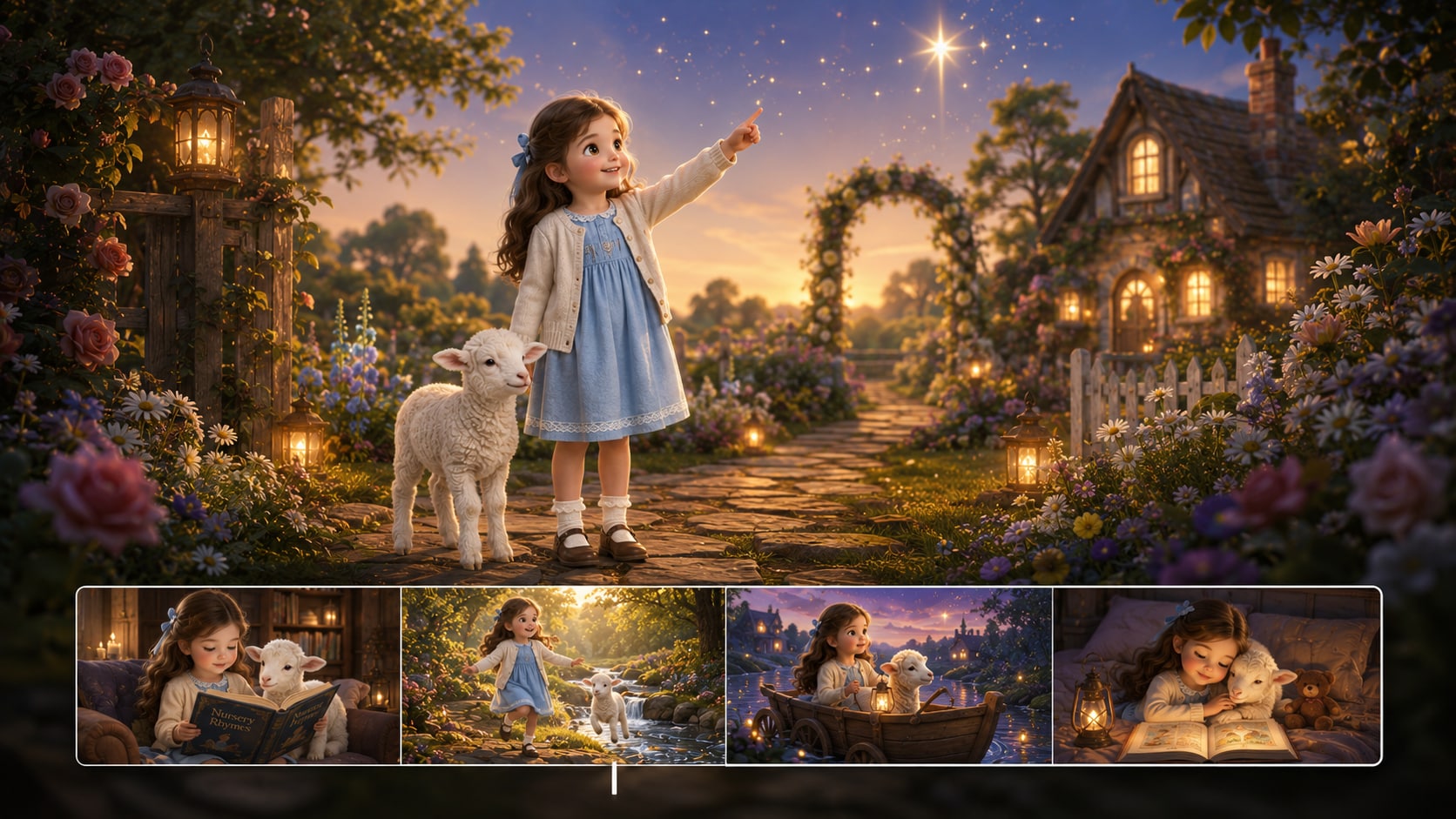
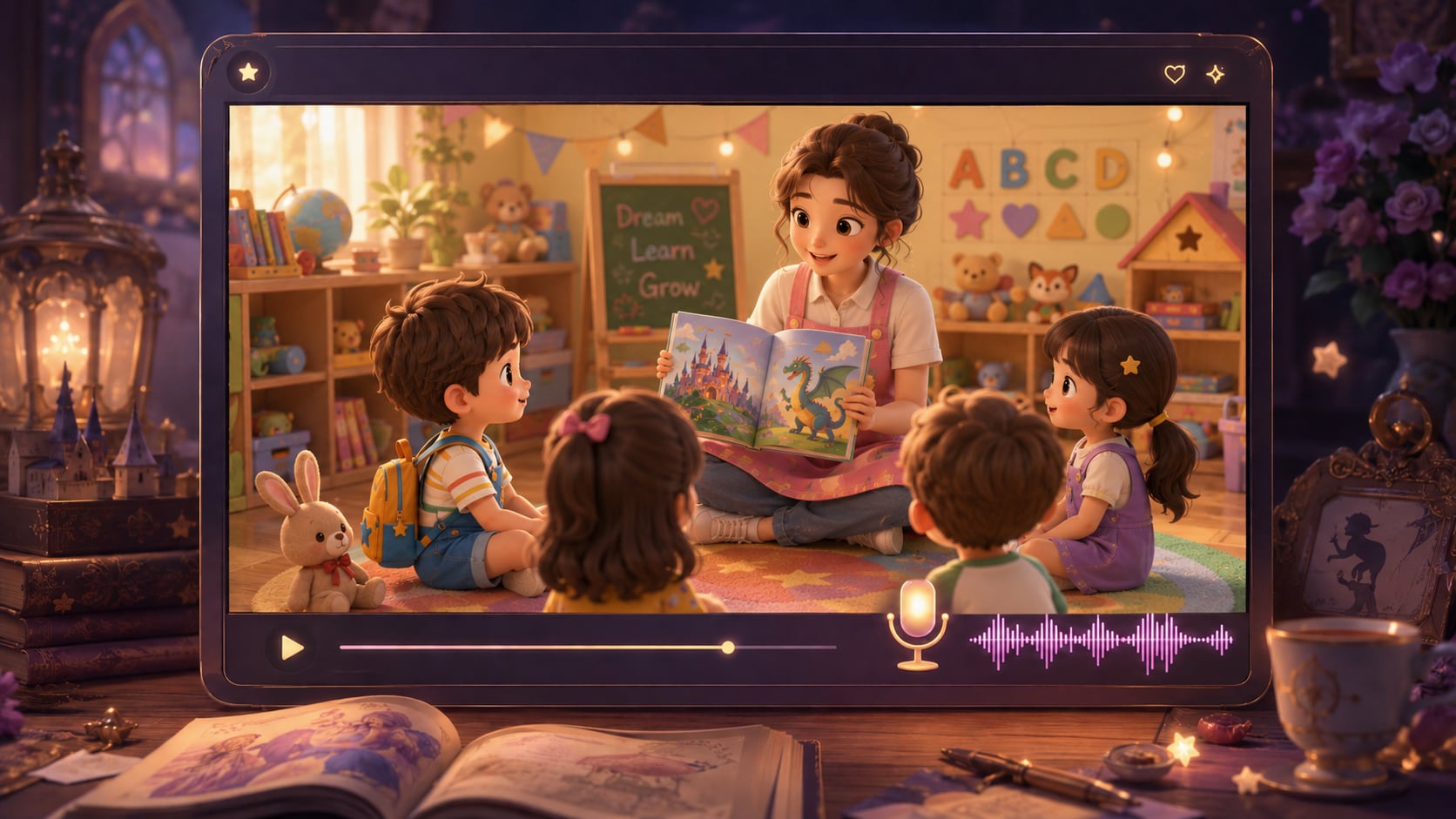
Paste your beat, lock your characters, tweak the storyboard, and export a clean anime clip ready for Shorts, Reels, or YouTube.
 4. 8 (58241 Votes)