
AI Holiday Story Video Generator for Festive Shorts and Seasonal Stories
Plan a Christmas tale, winter classroom story, New Year recap, or seasonal brand message from a real script. With Media.io's AI Holiday Story Video Generator, creators can shape the outline, guide festive characters, review storyboard images, and generate a warm story video with voiceover and music based on the script.
Create Holiday Stories That Feel Warm, Clear, and Shareable
Build festive videos around the script, mood, characters, and publishing moment your audience actually expects.
Build a Festive World Viewers Recognize Immediately
Set a clear holiday direction before generation, from a snowy town square to a candlelit family dinner or a bright classroom celebration. It also fits AI story video maker workflows when the audience expects topic-specific scenes.
- Seasonal Setting - Guide scenes with winter, Christmas, New Year, or community celebration details
- Warm Mood - Shape the look with festive lighting, cozy interiors, or cheerful outdoor moments
- Genre Fit - Aim for heartfelt, funny, educational, cinematic, or campaign-friendly storytelling
- Visual Direction - Prepare format, style, and visual choices before the storyboard is generated
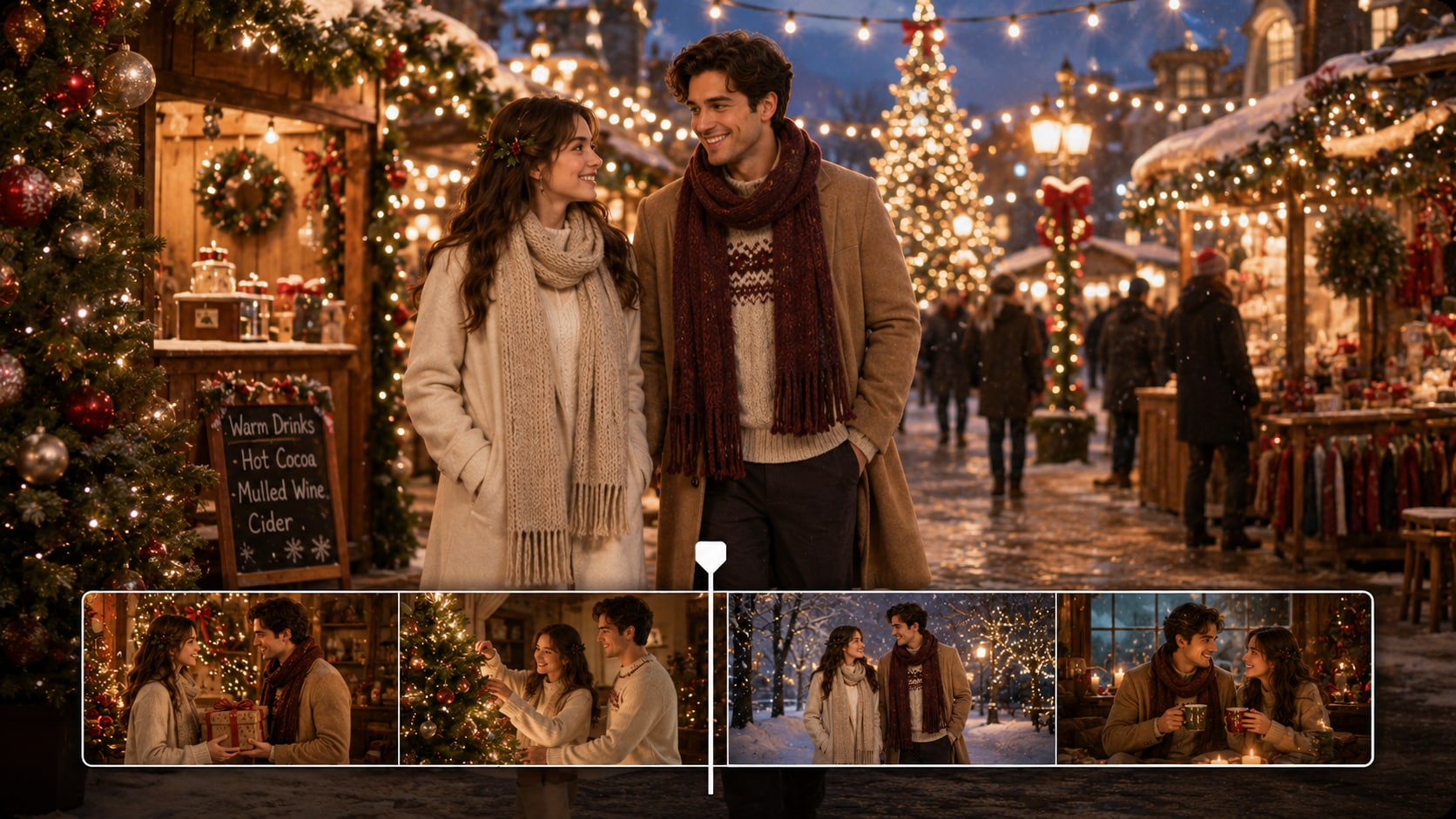
Turn Holiday Scripts into Clear Story Scenes
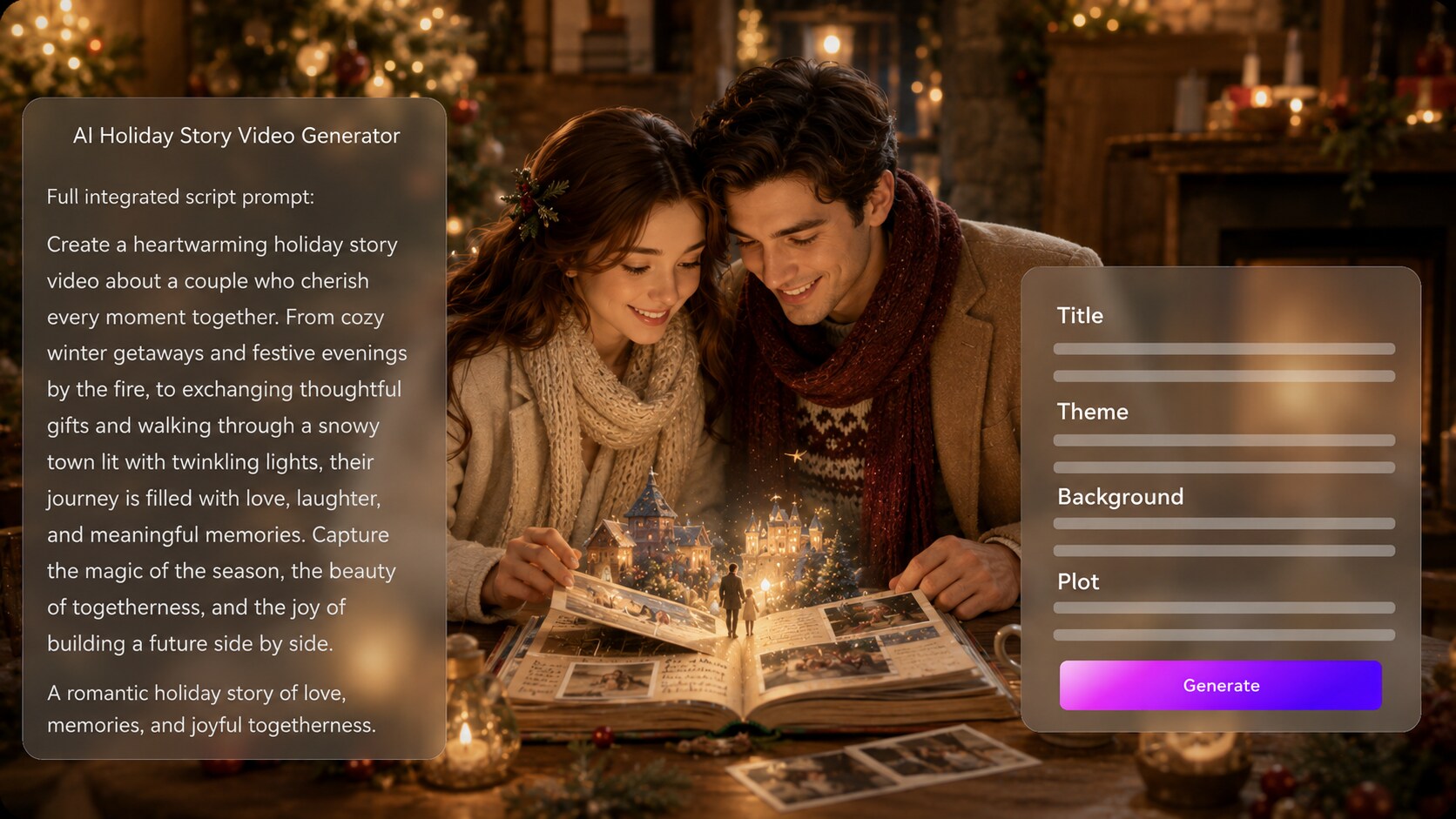
Paste a detailed narration draft, short screenplay, lesson story, or seasonal campaign script and let Media.io extract an editable outline. Use it for script to video generator ideas without adding another editing step.
- Outline Extraction - Start with structured story input, not just a one-line idea
- Editable Fields - Review title, theme, background, plot, and character details
- Scene Logic - Keep the gift reveal, lesson, memory, or ending easy to follow
- Creator Control - Adjust the direction before moving into storyboard generation
Guide Characters for Family Tales, Mascots, and Hosts
Create recognizable holiday characters from text descriptions, real photos, or sketches when your story needs a grandparent narrator, festive mascot, classroom guide, or recurring creator persona.
- Text Characters - Describe outfits, age, personality, and holiday role
- Photo Guidance - Use real photos when a personal or host-style story needs familiarity
- Sketch Input - Start from a simple drawing for mascots, elves, snow friends, or original heroes
- Recurring Cast - Keep the story centered on characters the audience can recognize

Match the Story Rhythm to Shorts, Lessons, or Campaigns
Let the final video include voiceover and music based on the script so the emotional beats land more naturally.
- Script-Based Audio - Generate voiceover and music that follow the written story
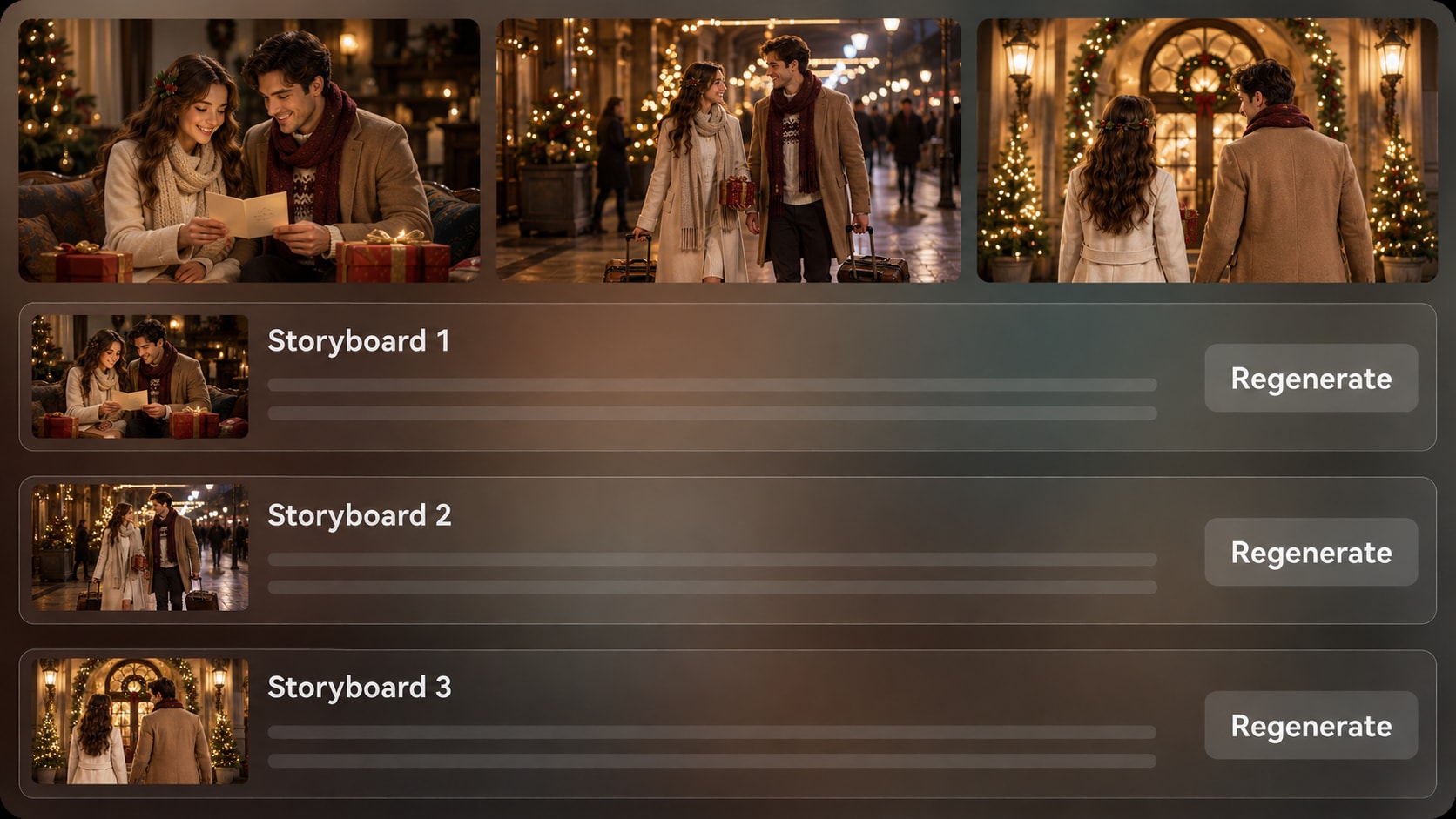
- Storyboard Review - Check the visual sequence before the final video is created
- Shot Regeneration - Click Regenerate when a specific storyboard image misses the moment
- Post-Generation Polish - Improve the final video with Media.io tools when needed
Create a Holiday Story Video from a Script in Three Steps
Start with a detailed seasonal story, review the structure, and refine the generated video for your audience.

Write the Script
Provide a detailed script or structured story input, such as a Christmas short, classroom tale, New Year message, or seasonal campaign narration. Review and edit the extracted outline fields, including title, theme, setting / background, story plot, and characters, then choose an aspect ratio such as 9:16, 1:1, or 16:9 during setup.

Guide the Scenes
Set the holiday direction with available format, style, and visual choices. Add character guidance from text, photos, or sketches when useful, then review the generated storyboard images to see whether the festive setting, cast, and story beats match your script.

Generate and Polish
Generate the final story video with voiceover and music based on the script. If a specific storyboard image does not fit the scene, use Regenerate for that shot before final generation, then review the finished video and polish it with Media.io tools such as Enhance Video Quality when needed.
Compare an AI Holiday Story Video Generator with Generic Video Tools
Holiday stories need seasonal structure, emotional pacing, recognizable characters, and reviewable scenes, not just a quick festive background clip.
Create Holiday Videos for the People Who Need Them Fast

YouTube Creators
Turn festive narrations, countdown stories, or year-end tales into Shorts and channel-friendly holiday episodes.

TikTok Creators
Create quick seasonal story clips with strong openings, warm visuals, and script-based narration for scroll-first audiences.

Educators
Build classroom holiday stories, winter culture explainers, or seasonal lesson recaps with clear plots and friendly visuals.

Seasonal Marketers
Shape brand messages, gift guides, sale stories, or year-end thank-you videos around a more memorable narrative arc.
Explore More AI Scripts to Video Stories
Explore how seasonal scripts can become social clips, educational stories, brand narratives, and cinematic holiday moments.
Loved by Holiday Story Creators
Creators like using script structure, storyboard review, and festive character guidance before publishing seasonal videos.


"I used a scripted Christmas memory and the outline step helped me keep the ending emotional instead of random."

"The storyboard preview made it easier to spot which holiday scenes needed another try before I generated the final clip."

"I made a winter classroom story from a lesson script, and the character guidance kept the tone friendly for students."

"Our year-end thank-you message felt more like a story after we shaped the plot and setting in the outline."

"It was useful for testing a holiday short concept with visual beats before building a full production board."

"I turned a local holiday event script into a warm opener and polished the final video before sharing it."
FAQs on AI Holiday Story Video Generator
What Is an AI Holiday Story Video Generator?
An AI holiday story video generator helps turn a detailed seasonal script or structured story input into a video with festive scenes, characters, narration, and music. Media.io is designed for creators who want a clearer story workflow instead of a single disconnected holiday clip.
What Can I Use as Input for a Holiday Story Video?
You can start with a Christmas story, winter tale, New Year message, holiday lesson, seasonal marketing script, family memory, or structured narration draft. The more specific your scenes, characters, setting, and ending are, the better the generated outline can guide the video.
Can the Script Guide the Voiceover and Music?
Yes. The final generated video can include voiceover and music based on the script, so a warm family story, playful classroom tale, or emotional year-end message can follow the intended rhythm more closely.
How Should I Write a Better Holiday Video Script?
Write with clear scenes: introduce the setting, name the main characters, define the holiday conflict or surprise, and end with a specific emotional payoff. Add visual cues like snowy streets, gift tables, classroom decorations, candles, or countdown moments so the video has useful scene direction.
How Do I Avoid a Generic Holiday Video?
Avoid vague prompts such as make a Christmas video. Use a detailed script with named characters, a clear setting, a specific tradition or problem, and a defined audience, such as kids, shoppers, students, donors, or short-form viewers.
Can I Create Recognizable Holiday Characters?
Media.io can generate character guidance from real photos, sketches, or pure text descriptions. This can help create recognizable characters such as a family narrator, festive mascot, teacher, shop owner, or original holiday hero, though it should not be treated as guaranteed clear character guidance.
Can I Make Holiday Videos for YouTube Shorts or TikTok?
Yes. During setup, you can choose a format such as 9:16, 1:1, or 16:9 based on where you plan to publish. Review the finished video and polish it with Media.io tools when needed before posting to social platforms, classroom screens, or campaign pages.
Can I Review or Regenerate Holiday Story Scenes?
You can review and edit the extracted outline before storyboard generation. The storyboard images themselves are not manually editable, but if a specific storyboard image does not match the scene, you can click Regenerate to create that shot again.
Why Use Media.io for Holiday Story Videos Instead of a Generic AI Video Maker?
Media.io supports a more story-first workflow for holiday videos: detailed script input, editable outline extraction, character guidance, storyboard image review, specific-shot regeneration, script-based voiceover and music, and post-generation polish tools.
Explore More Script-to-Video Ideas for Seasonal Creators
Holiday stories often connect with adjacent formats such as bedtime tales, classroom explainers, brand stories, and social narration. Explore related AI Script to Video generators when you want to adapt the same idea for another audience or publishing style.















Create a Holiday Story
Your Audience Will Want to Watch
Start with a detailed seasonal script, shape the outline, review the scenes, and generate a festive video with Media.io.
 4.8 (281 Votes)