
AI Marketing Story Video Maker for Campaign Stories That Sell with Context
Shape product briefs, founder notes, customer pain points, and social ad scripts into branded video narratives. Media.io's AI Marketing Story Video Maker helps marketers extract a usable outline, guide characters and visual style, review storyboard images, and generate voiceover-backed campaign videos for launches, ads, explainers, and creator channels.
Build Marketing Videos Around Message, Proof, and Momentum
Move from campaign idea to narrative video without losing the brand point that made the story worth telling.
Shape Campaign Ideas into a Watchable Story Arc
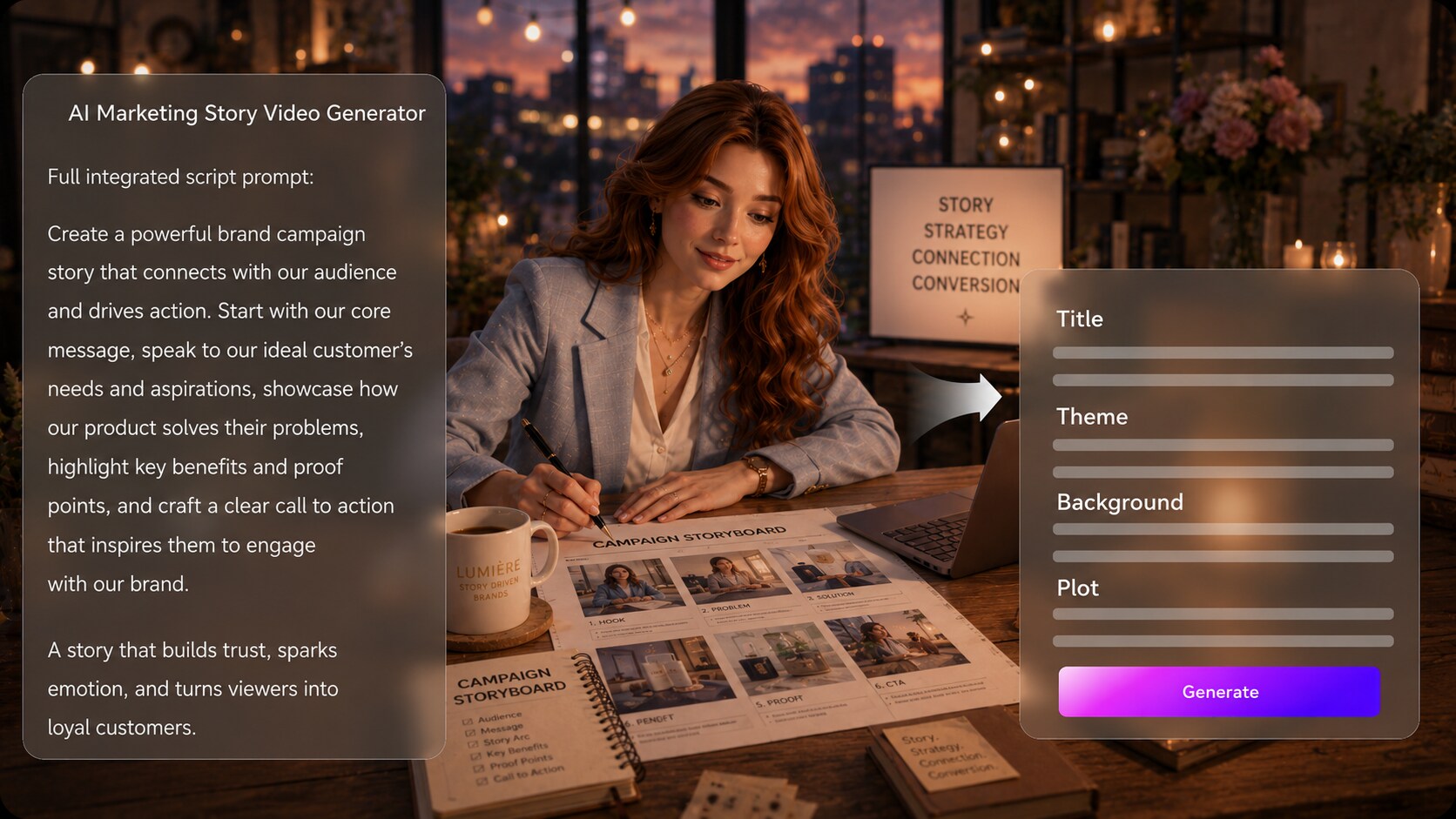
Start with the message your audience needs to remember. Paste a detailed campaign script, product brief, founder story, or customer problem, then use the extracted outline to refine the title, theme, setting, plot, and characters before visuals are generated.
- Brief To Plot - Turn scattered notes into a clearer story sequence
- Message First - Keep the value proposition visible in every scene
- Audience Context - Frame problems, stakes, and outcomes for the right viewers
- Editable Outline - Review the story structure before video generation
Create Branded Worlds Instead of Random Ad Clips
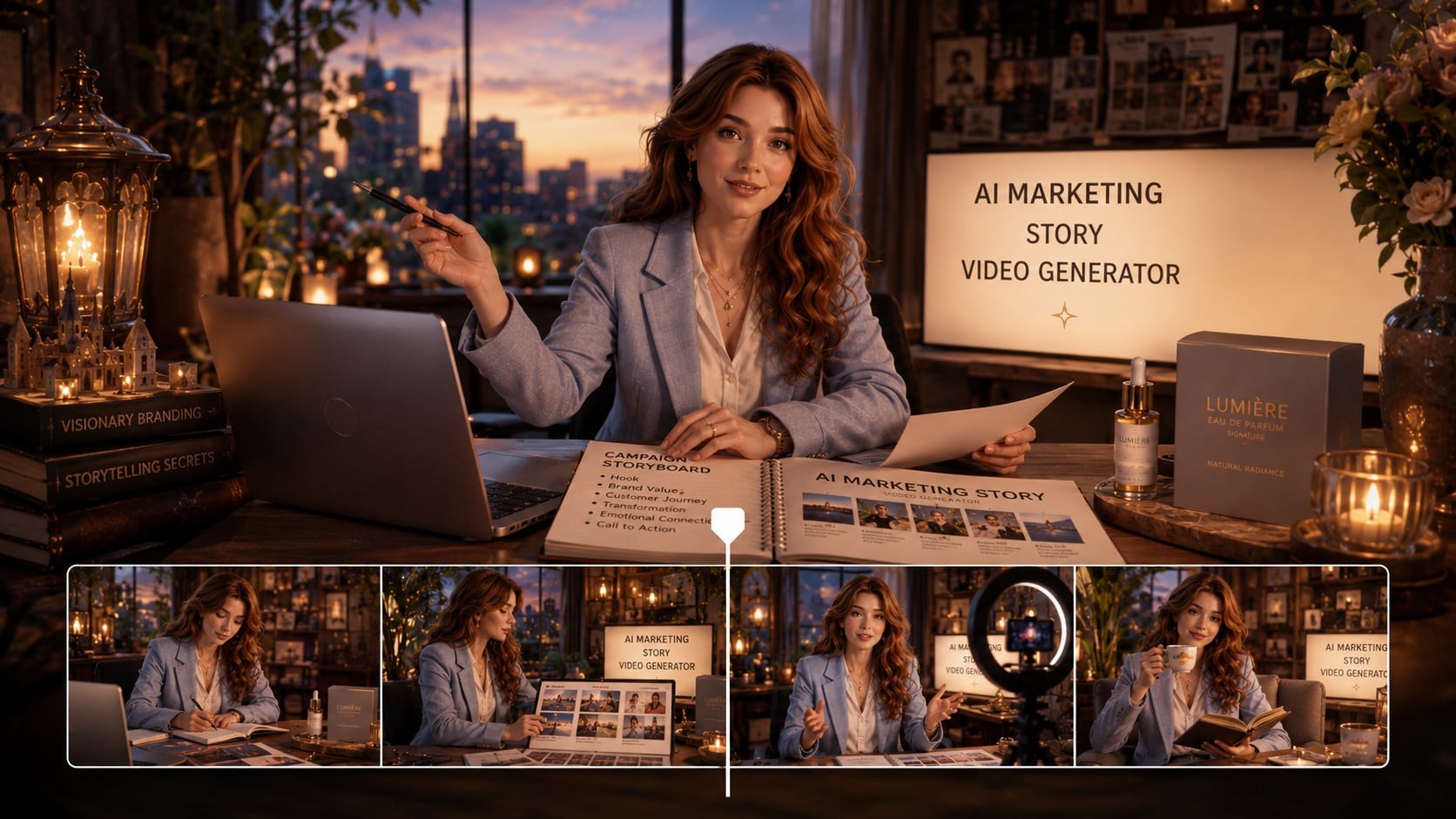
Guide the visual direction so your video feels tied to the campaign, not pulled from a generic stock library. Choose the format, style, and visual setup that fit a launch teaser, social proof clip, educational promo, or brand story video generator workflow.
- Visual Direction - Set the look before storyboard images appear
- Campaign Setting - Match locations to product use, audience, or industry
- Tone Control - Aim for premium, playful, educational, or cinematic framing
- Format Fit - Prepare video direction for vertical, square, or wide publishing
Guide Brand People, Products, and Recurring Characters
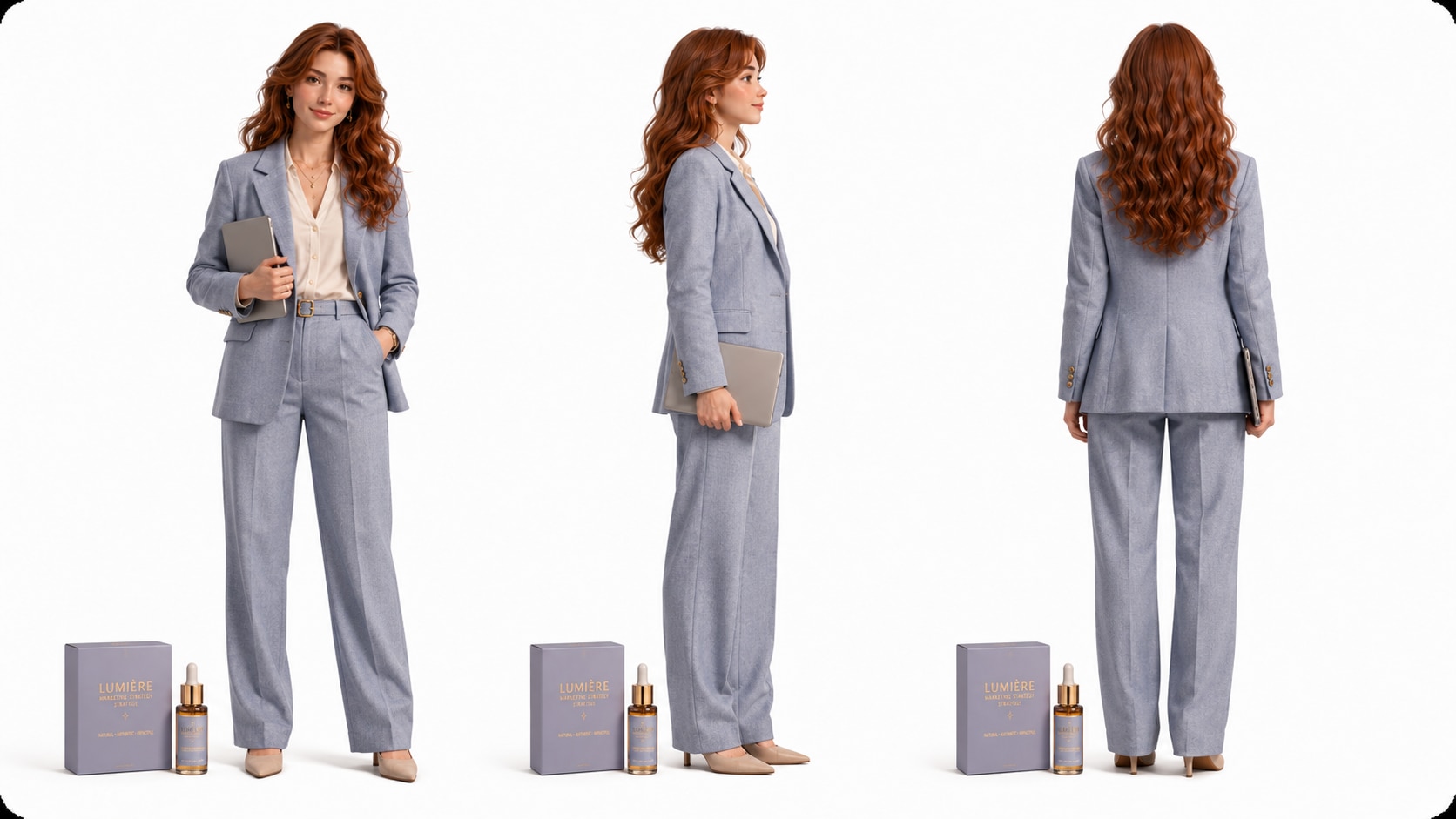
Build trust with recognizable faces, mascots, spokespersons, or customer-style characters.
- Photo References - Use real images to guide character appearance
- Text Characters - Describe founders, buyers, educators, or spokespeople
- Sketch Support - Turn rough concepts into clearer visual character guidance
- Brand Recognition - Keep the cast aligned with the campaign identity
Polish Review the Storyboard Before the Campaign Goes Public
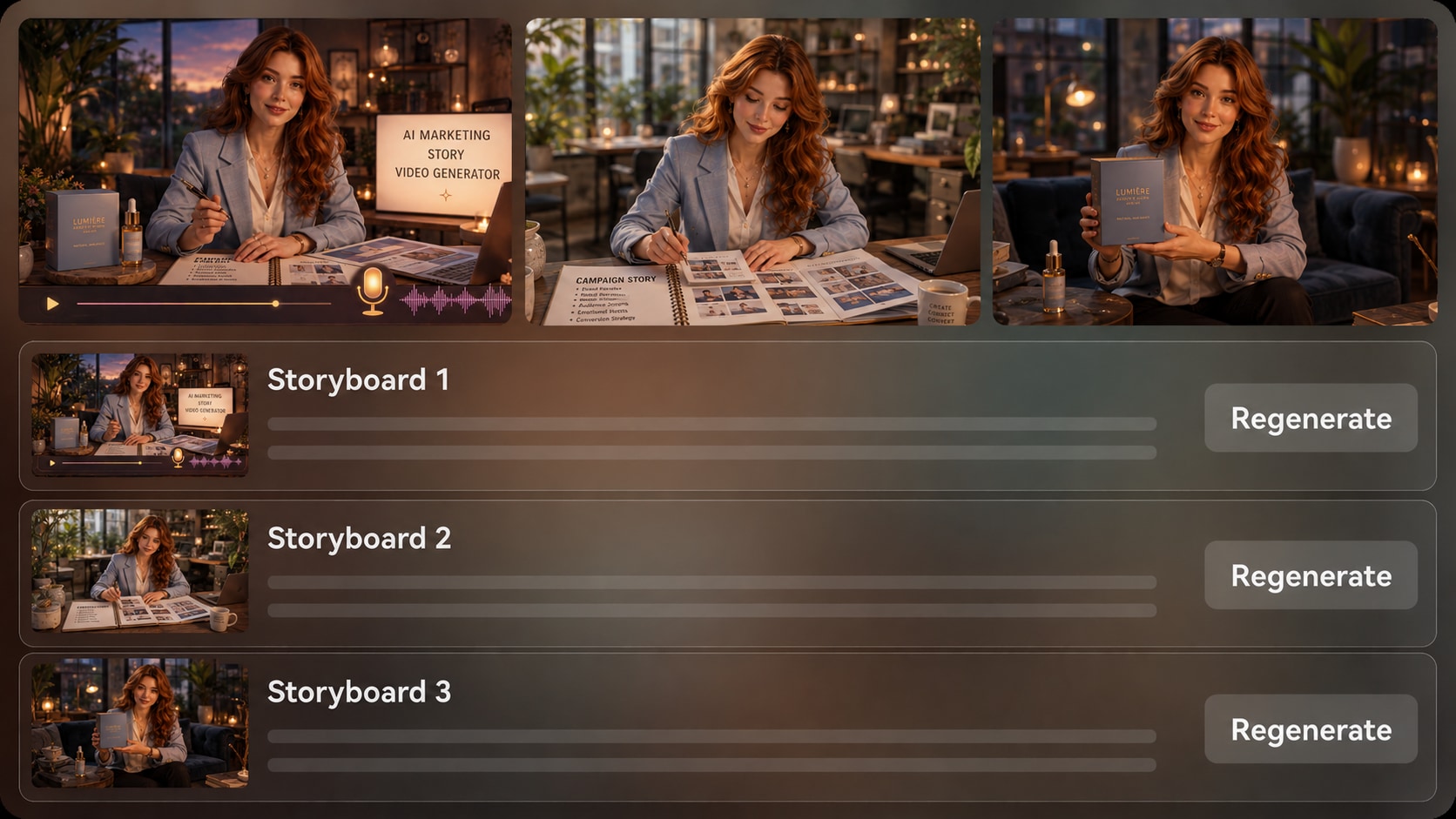
Check the generated storyboard images for pacing, clarity, and message fit before creating the final video. If one shot weakens the narrative, regenerate that specific storyboard image, then generate a video with voiceover and music based on your script.
- Storyboard Images - Preview how the marketing story unfolds scene by scene
- Specific Regenerate - Create a new version of an unsatisfying shot
- Script-Based Audio - Let narration and music follow the written story
- Final Polish - Review the video and improve it with Media.io tools when needed
Create a Marketing Story Video from Script to Publishable Draft
Use a story-first workflow built for campaign messages, not disconnected visual clips.

Paste the Script
Provide a detailed script or structured story input, such as a product brief, founder note, customer pain point, or launch narrative. Review and edit the extracted outline fields, including title, theme, setting or background, story plot, and characters, then choose an aspect ratio such as 9:16, 1:1, or 16:9 during setup.

Prepare the Storyboard
Set the video direction with the available format, style, and visual choices. Add clear character guidance from text, photos, or sketches when relevant, then review the generated storyboard images to see whether the campaign message, scene order, and visual tone feel right.

Generate and Polish
Generate the final video with voiceover and music based on your script. If a storyboard image does not support the message, regenerate that specific image before final generation. Afterward, review the video and use Media.io tools such as Enhance Video Quality when extra polish is needed.
Why Choose an AI Marketing Story Video Maker over a Generic Video Tool?
Marketing story videos need message structure, brand cues, audience context, and reviewable scenes, not only fast text-to-video output.
Create Story Videos for Every Marketing Team and Channel

Growth Marketers
Build short campaign narratives that explain a problem, introduce the offer, and prepare viewers for the next click.

Brand Storytellers
Turn mission notes, founder memories, and customer impact into videos that make the brand feel more human.

YouTube Creators
Convert sponsor scripts, product explainers, and channel updates into story-led videos for long-form intros or Shorts.

TikTok Creators
Create hook-driven marketing stories with quick conflict, visual momentum, and a clear reason to keep watching.
Explore Different Video Examples
Explore fixed sample categories, then adapt the story logic to product launches, brand moments, and creator campaigns.
Loved by Marketing Creators
Teams use the workflow to turn campaign scripts into clearer visual stories before publishing.


"The outline step helped us catch weak campaign logic before we generated the video, which saved a lot of revision time."

"I used it for a sponsor story and liked that the scenes followed the script instead of feeling like random B-roll."

"The character guidance and visual setup made it easier to keep our founder story close to the brand tone."

"It gave me a practical way to test multiple story angles for short campaign clips without building every draft from scratch."

"Turning a feature brief into a user problem story made the launch video feel much clearer for non-technical viewers."

"I use it to show students how a marketing message becomes a sequence of scenes, not just a list of benefits."
FAQs on AI Marketing Story Video Maker
What Is an AI Marketing Story Video Maker?
An AI marketing story video maker helps turn campaign scripts, product briefs, customer stories, or founder notes into narrative videos for ads, social content, launches, and brand communication. Media.io works best when you provide detailed story input so the outline, visuals, voiceover, and music can follow a clear message.
What Should I Paste into Media.io for a Marketing Story Video?
Use a detailed script, structured campaign brief, product description, founder story, customer pain point, testimonial-style narrative, or short ad script. Include the audience, offer, tone, setting, characters, and desired takeaway for stronger results.
Can the Script Guide the Voiceover and Music?
Yes. The final generated video can include voiceover and music based on the script, so write with narration rhythm, emotional cues, and scene intent in mind. Clear script structure helps the audio match the marketing message more naturally.
How Do I Write a Better Script for a Marketing Story Video?
Start with the customer problem, introduce the product or idea as the turning point, show a specific use moment, and close with the outcome or next step. Avoid packing every feature into the script; one clear story usually performs better than a crowded pitch.
How Can I Avoid Generic Marketing Video Results?
Give Media.io concrete details: brand tone, target audience, product context, scene locations, visual references, and the emotional shift you want viewers to feel. Review the extracted outline before generation so the message does not drift away from the campaign goal.
Can I Use Photos or Sketches to Guide Brand Characters?
Yes. Media.io can use real photos, sketches, or text descriptions to create clearer character guidance for founders, customers, spokespeople, mascots, or recurring campaign characters. Treat this as recognizable guidance, not a guarantee of perfectly recognizable characters in every frame.
Can I Make Videos for TikTok, YouTube Shorts, or Landing Pages?
Yes. During setup, choose a format direction that fits the intended channel, such as vertical for TikTok or Shorts, square for social feeds, or wide for landing pages and presentations. Review the final video before publishing and polish it if needed.
Can I review the storyboard for a Campaign Video?
You can review and edit the extracted outline before storyboard generation. The storyboard images themselves are generated as visual previews; if a specific image does not fit the campaign message, you can regenerate that image to create a better shot.
Why Use Media.io for Marketing Story Videos Instead of a Generic AI Video Generator?
Media.io is built around a story workflow: detailed script input, editable outline extraction, visual direction setup, character guidance, storyboard image review, and final video generation with script-based audio. That makes it better suited for campaign storytelling than tools focused only on quick text-to-video clips.
Explore More AI Story Video Generators for Different Campaign Types
Want to create beyond marketing story videos? Explore more Media.io AI Story Video Generators for product stories, brand storytelling, faceless narration, realistic scenes, animated explainers, customer-style stories, educational videos, and other script-to-video workflows built for different audiences, tones, and campaign goals.















Turn Your Campaign Script
Into a Story Video Viewers Understand
Start with a detailed marketing script or brief, shape the outline, review the visuals, and create a branded story video ready for your next channel.
 4.8 (286 Votes)