Greyscale Generator for High-Quality Black and White Photo Effects
Turn any color image into a polished black and white visual in seconds. This browser-based greyscale generator lets you upload a photo, apply stylish grayscale looks, and download crisp results with no software or editing experience required.
Explore our curated collection of greyscale generator styles.
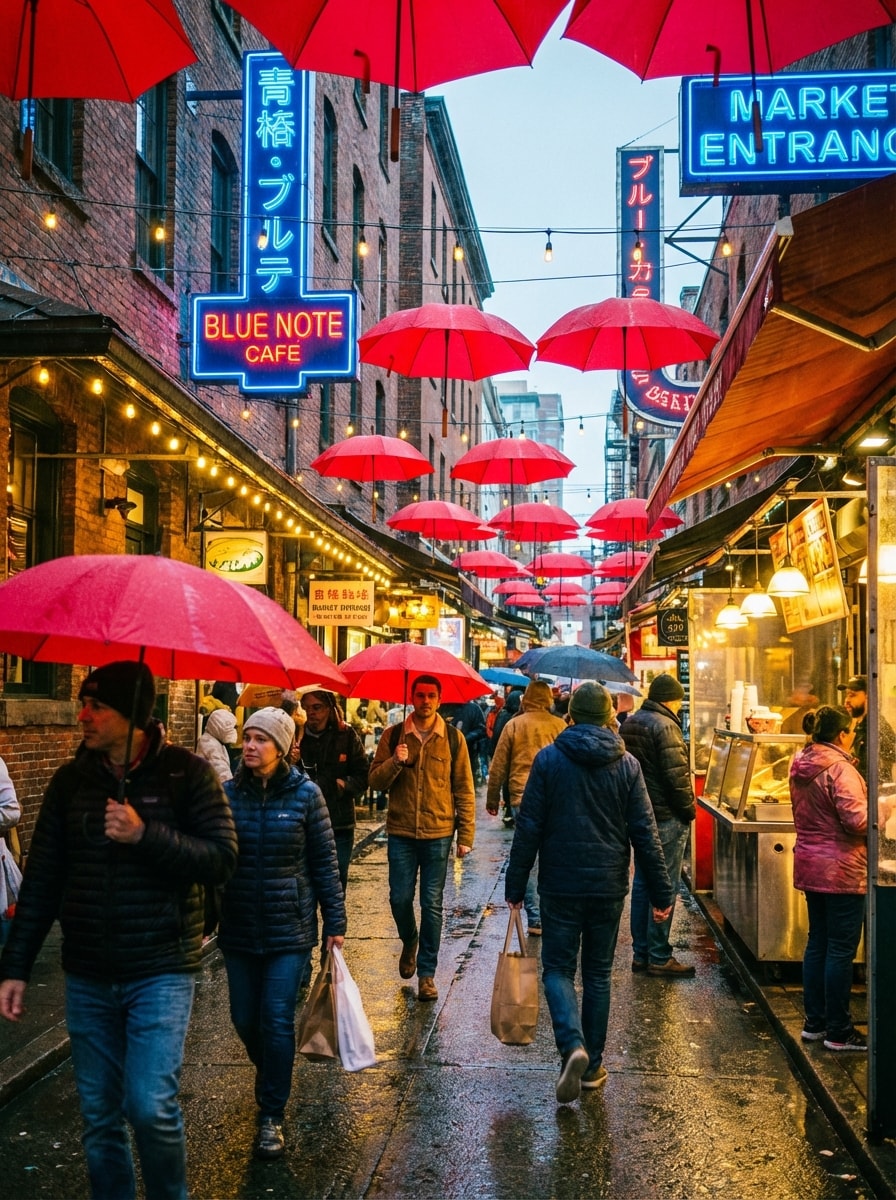
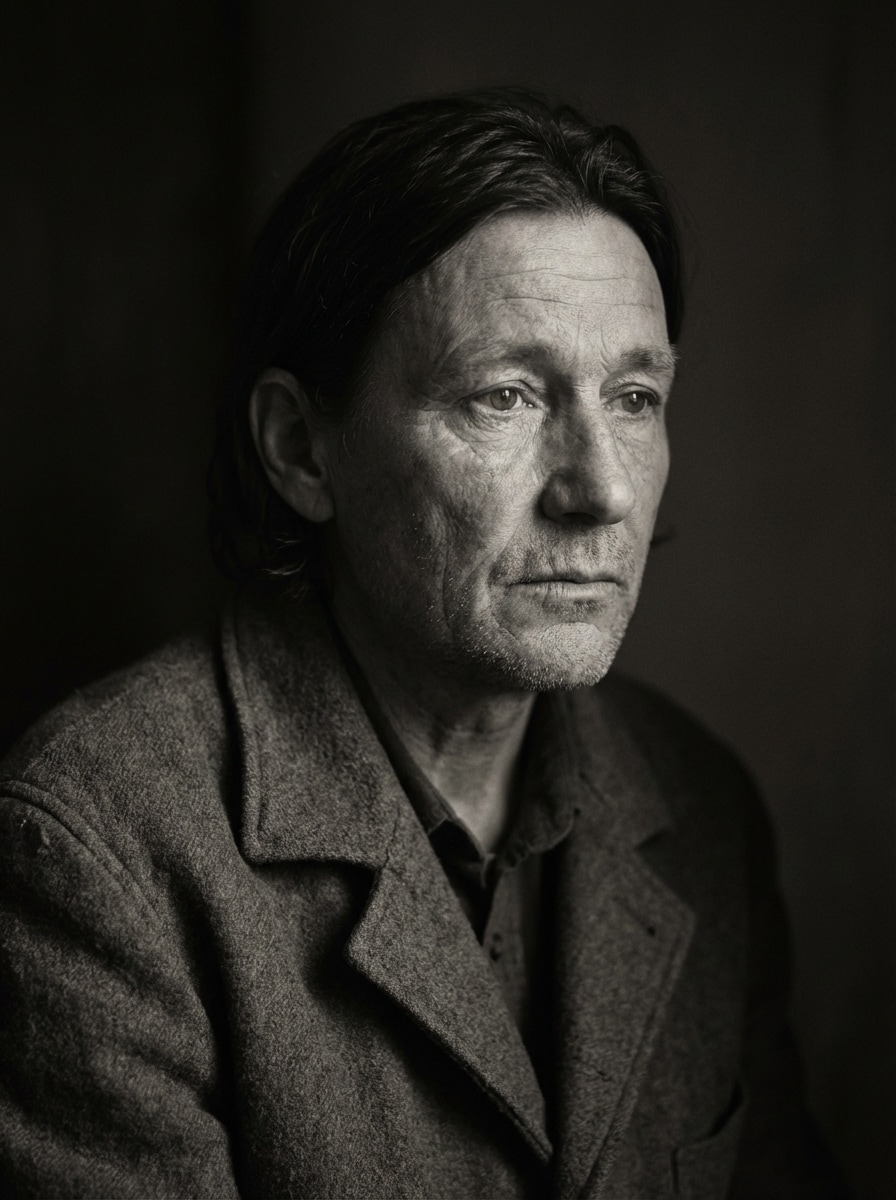
Clean Monochrome Greyscale
Use the uploaded image as the source. A realistic portrait photo transformed into clean natural grayscale, balanced tonal range, soft neutral lighting, preserved skin texture and fabric detail, realistic contrast, smooth gray transitions, minimal grain, elegant monochrome mood, sharp focus, high-resolution black-and-white photography.
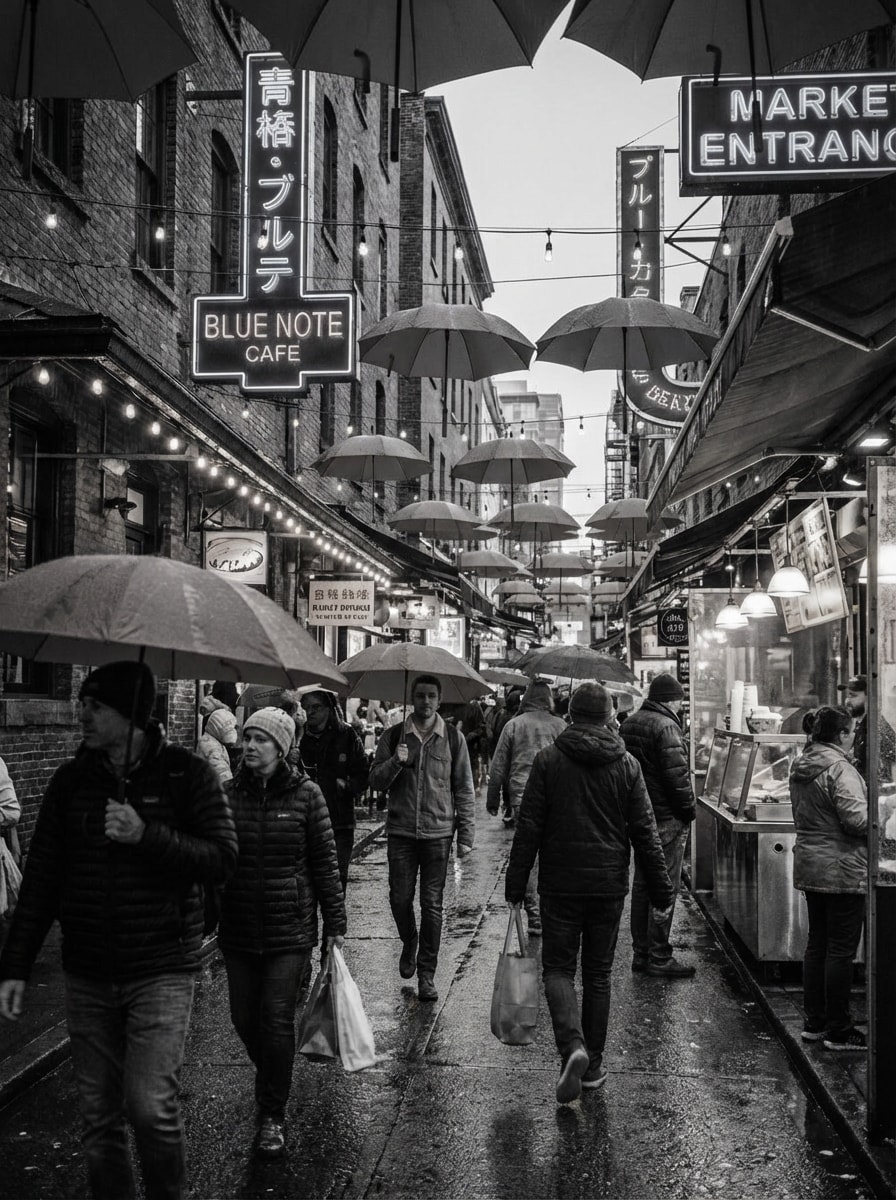
High Contrast Black White
Use the uploaded image as the source. A portrait transformed into high-contrast black and white, deep blacks, luminous highlights, crisp edges, dramatic directional lighting, bold editorial mood, strong tonal separation, refined detail retention in hair and clothing, premium fashion-photography look, ultra-sharp monochrome output.
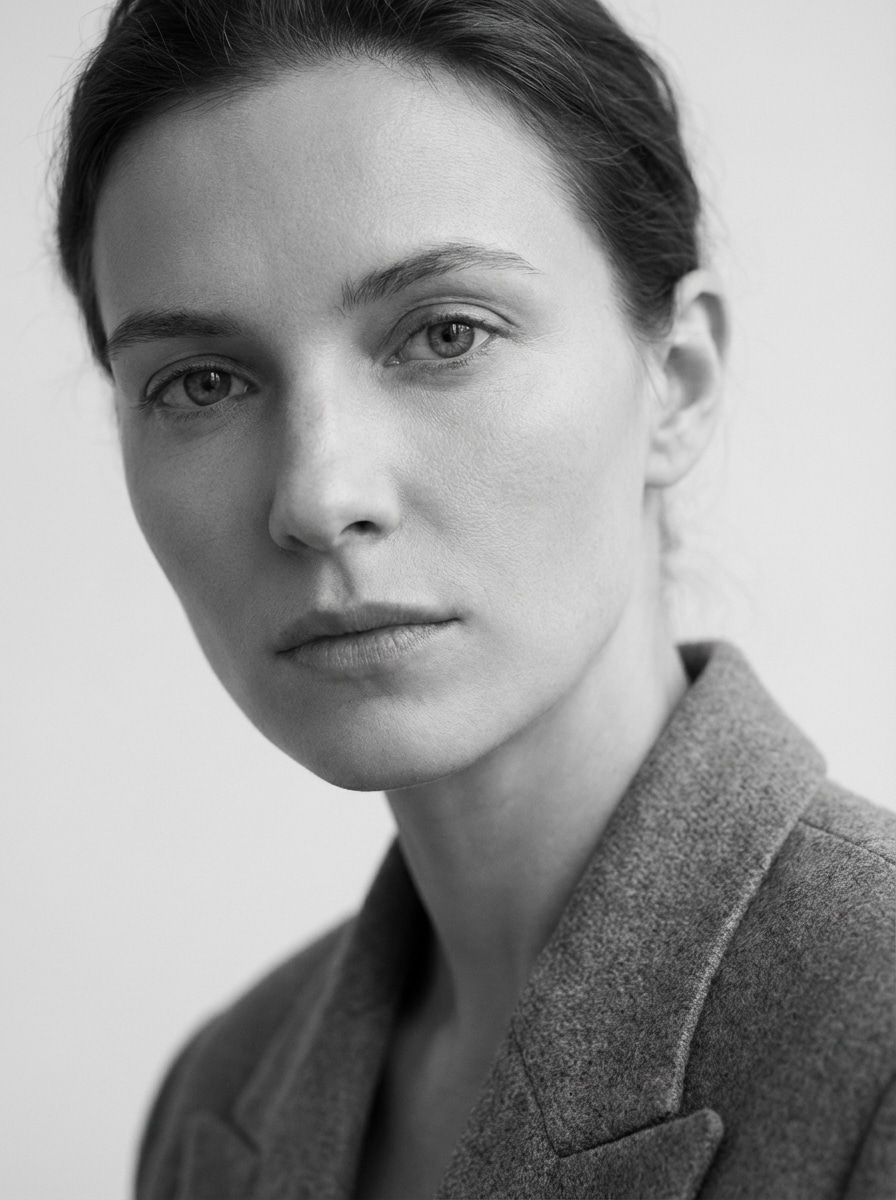
Moody Portrait Greyscale
Use the uploaded image as the source. A moody portrait in grayscale with soft shadows, cinematic side lighting, subtle film grain, rich tonal depth, delicate gray transitions, emotional atmosphere, realistic skin detail, matte blacks, fine texture retention, elegant monochrome portrait photography, high resolution.
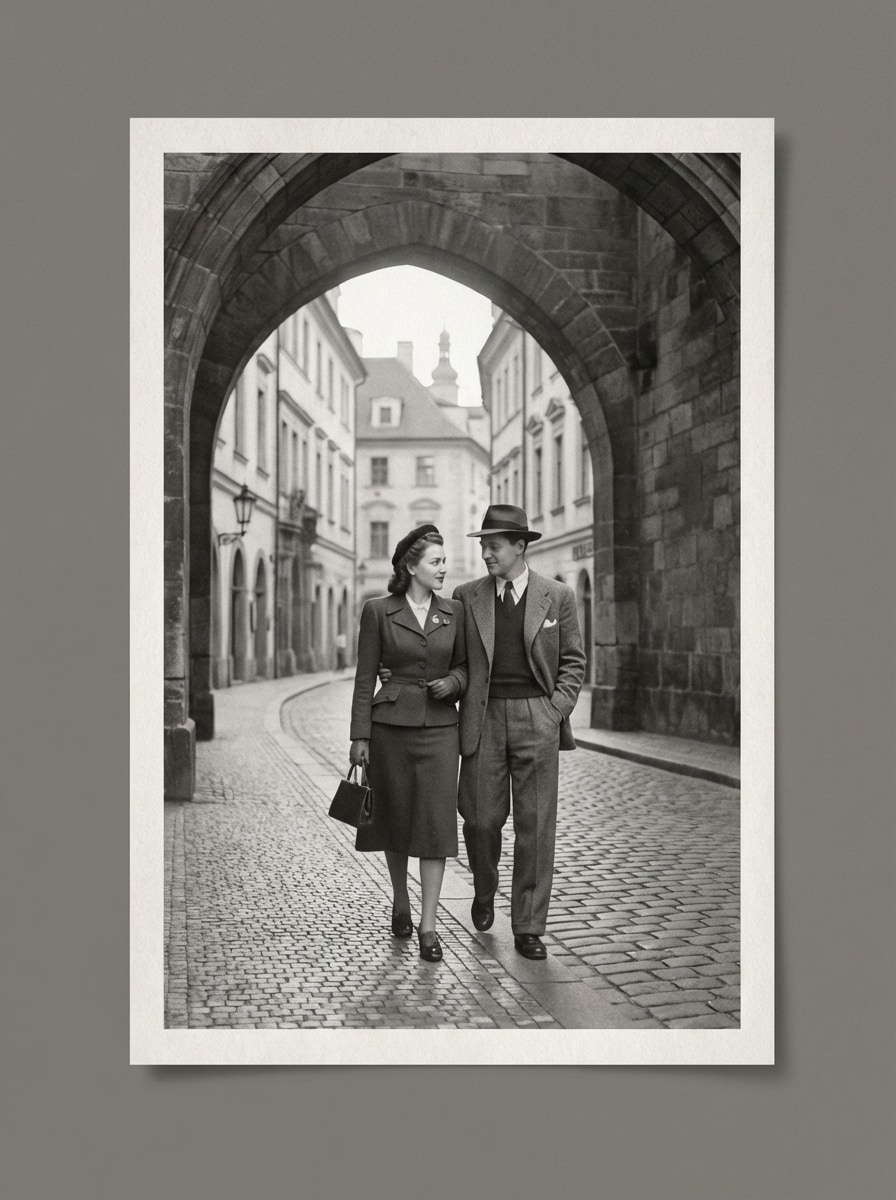
Vintage Film Greyscale
Use the uploaded image as the source. A photo converted into vintage film grayscale, soft contrast, fine analog grain, slightly faded blacks, gentle highlights, classic monochrome tonal balance, nostalgic atmosphere, subtle texture, realistic detail retention, timeless black-and-white photography, high-resolution retro finish.
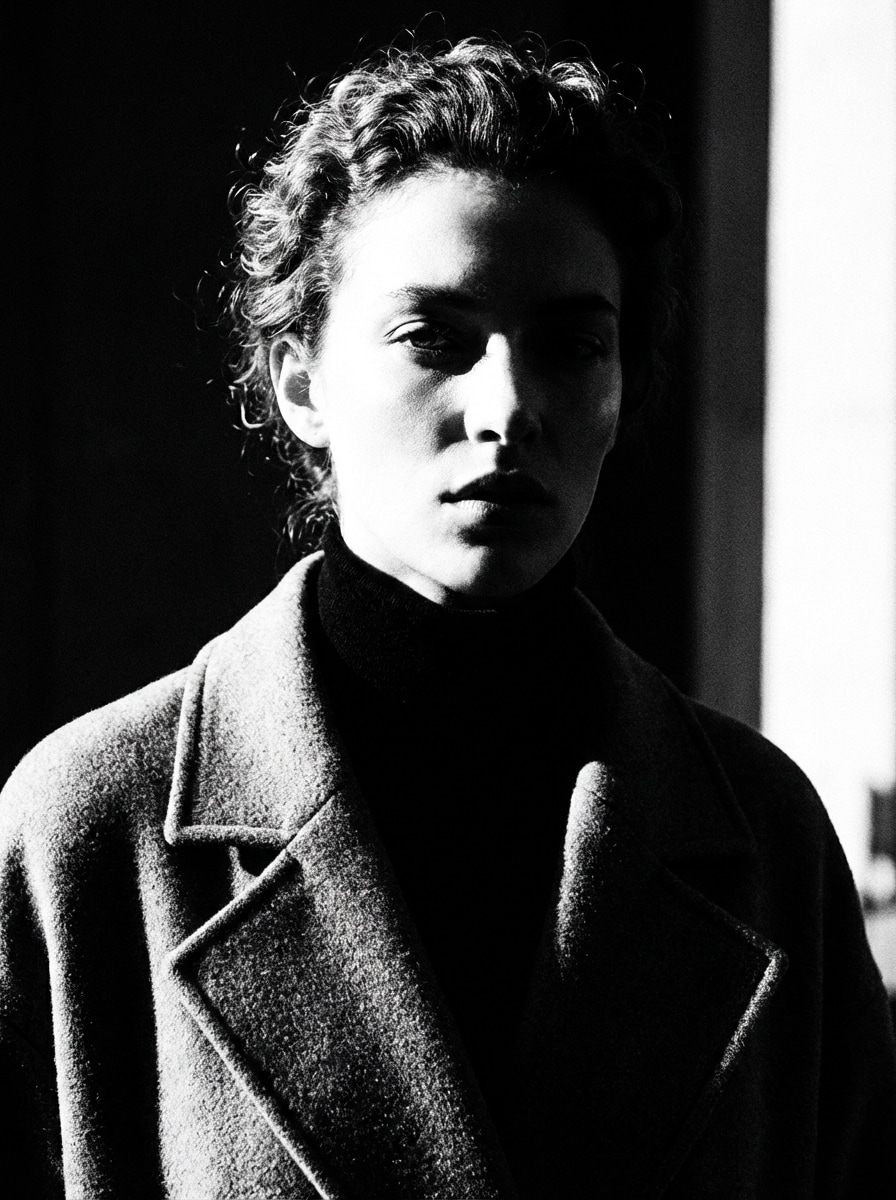
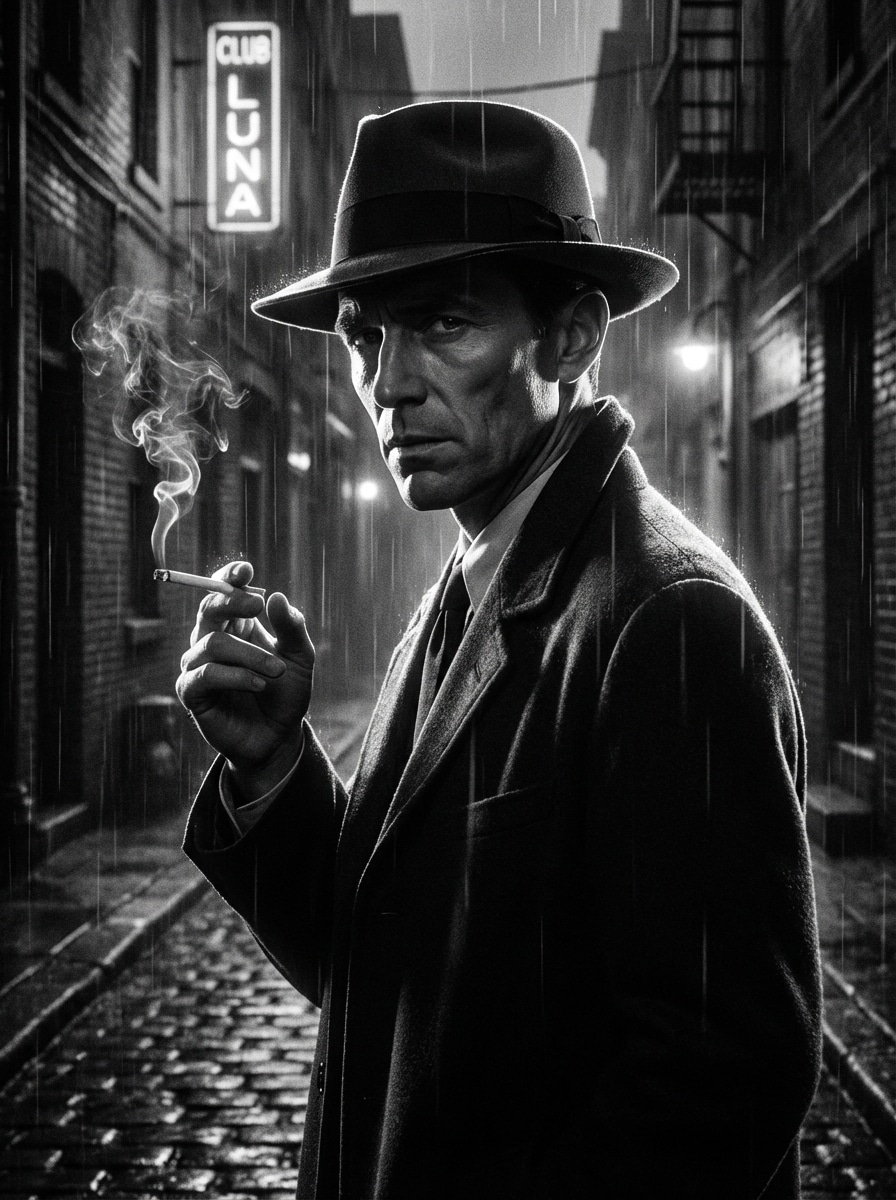
Cinematic Noir Greyscale
Use the uploaded image as the source. A cinematic noir portrait in grayscale, dramatic directional lighting, deep blacks, bright rim highlights, atmospheric contrast, subtle grain, sharp facial definition, smoky urban mood, powerful monochrome storytelling, sleek composition, high-resolution movie-inspired black-and-white image.
Why Use Media.io for Greyscale Image Conversion
Upload a Photo and Transform It Instantly
Turn a color image into a grayscale or black and white version in a fast browser-based workflow. Just upload your JPG, PNG, or JPEG file and apply a polished monochrome effect without installing software.
More Control Than Basic Desaturation
Go beyond flat grayscale conversion. Use image-to-image editing to create editorial, cinematic, soft film, or premium product monochrome looks with better contrast, tonal depth, and subject emphasis.
High-Resolution Output Options
Keep your photo detail sharp with 1K, 2K, and 4K resolution choices. Media.io helps you create grayscale images that are suitable for social posts, creative projects, presentations, and polished visual content.
Works on Desktop and Mobile Browsers
Use this greyscale generator on Windows, Mac, iPhone, iPad, or Android devices. Since it runs online in your browser, you can convert images to grayscale anytime without downloading extra apps.
How to Use the Greyscale Generator Online
1
2
3
1
Open Media.io AI Image Generator
Go to AI Image to Image Generator and open the AI Image Generator under AI -> AI Image Generator. This online tool runs in your browser, so you can create a grayscale image effect on desktop or mobile without installing software.
2
Enter a Prompt or Upload
Upload your reference photo and type a detailed prompt, such as "Use the uploaded image as the subject and convert it into a cinematic grayscale portrait with rich contrast, soft shadows, and refined monochrome detail." Adjust style, aspect ratio, and resolution as needed.
3
Generate, Refine & Download
Click Generate. Tweak the grayscale style if needed for stronger contrast, softer film tones, or a cleaner black and white finish. Then download your high-resolution image for social posts, design work, or personal projects.
Discover how creators and professionals are using our AI-powered Greyscale Generator to transform their creative workflows and bring unique ideas to life.
Create Dramatic Black and White Portraits
Turn everyday selfies or professional headshots into expressive monochrome portraits with stronger mood, cleaner contrast, and a polished editorial feel. It is a simple way for creators, photographers, and personal brands to build a more timeless visual style.
Upgrade Product Photos for Premium Branding
Use the greyscale generator to give product images a luxury, minimalist look for landing pages, mood boards, ads, or catalogs. Black and white product visuals can help emphasize shape, texture, and premium presentation without distracting color noise.
Build Cohesive Social and Campaign Visuals
Convert photos to grayscale online for a consistent social feed, campaign concept, or presentation deck. Whether you want a cinematic black and white effect or a clean modern monochrome style, you can quickly create images that feel unified and intentional.
What Users Say About This Greyscale Generator
Maya Collins
Social Media Manager
"Fast grayscale edits for content planning" I needed a quick black and white photo converter for campaign mockups, and this worked smoothly in the browser. The results looked sharper and more stylish than a basic desaturation filter.
Daniel Reeves
Portrait Photographer
"Better control over monochrome mood" What I like is that I can upload a real photo and guide the final grayscale look with a prompt. It is useful for testing editorial, film, and cinematic black and white styles before final delivery.
Aisha Patel
Ecommerce Designer
"Clean monochrome product images" I used it to make several product shots grayscale for a premium landing page concept. The contrast stayed clean, the edges remained crisp, and the workflow was much easier than opening full editing software.
Luca Bennett
Content Creator
"Easy to use on mobile" I converted a color photo into black and white directly from my phone. The tool was simple, quick, and the output looked polished enough for Instagram and portfolio posts.
Yes, free users can try the greyscale generator with available free credits. If you need more usage or want extra benefits such as watermark-free high-resolution downloads, you can check the pricing page. Free users can use free credits. For more usage, users can subscribe to a plan on the pricing page.
2. How do I convert an image to grayscale online?
Open Media.io in your browser, go to the AI image tool, upload your JPG, PNG, or JPEG photo, and enter a prompt describing the black and white style you want. Then generate the result, refine the look if needed, and download your grayscale image. This helps you create greyscale generator results more consistently.
3. Will the grayscale converter keep my image quality?
Media.io supports high-quality output and offers 1K, 2K, and 4K resolution options for image-to-image generation. That helps preserve clarity and detail when you convert a color photo into a grayscale or black and white version. Free users may have watermarks. This helps you create greyscale generator results more consistently.
4. Can I turn a color photo into black and white on my phone?
Yes. Media.io is web-based and works on mobile browsers, so you can use the greyscale generator on iPhone, iPad, or Android devices. You do not need to install desktop software to convert a photo to black and white.
5. What file formats does the greyscale image generator support?
For image uploads, Media.io supports JPG, PNG, and JPEG formats. You can upload one of these file types as your reference image, apply the grayscale effect you want, and then download the generated result. This helps you create greyscale generator results more consistently.
6. Is my uploaded photo stored or deleted after processing?
Uploaded images are automatically deleted from Media.io servers after 7 days to help protect user privacy. This makes the online grayscale image workflow more convenient while still following a defined file deletion policy. Uploaded images are automatically deleted from our servers after 7 days to ensure user privacy. This helps you create greyscale generator results more consistently.