图生图
Nano Banana Pro
上传图片
0 / 9
点击或拖拽上传,或选择 历史记录
没灵感?先生成一张图片试试 >
支持上传格式:jpg、png、jpeg。
提示
0/2000
比例
自动
9:16
16:9
1:1
4:3
3:4
3:2
2:3
21:9
分辨率
1K
2K
4K
Banana Pro不限量模式
生成图片数量
1
2
3
4
公开可见性
全部
图片
视频
音频
生成列表
生成结果将保留 7 天,请及时保存
ai_video_generator立即释放你的创造潜力,体验Media AI的魔力!

AI Photo Border Generator for Stylish Frames and Social-Ready Edits

AI Photo Border Generator Before
AI Photo Border Generator After

Turn any upload into a polished framed image in seconds with Media.io’s AI photo border generator. Create Polaroid, film, floral, editorial, and custom border looks for Instagram posts, portraits, product shots, and scrapbook-style visuals with fast online editing.

Create My Photo Border

Type your idea -> AI designs it. Free to try.

Explore our curated collection of ai photo border generator styles.

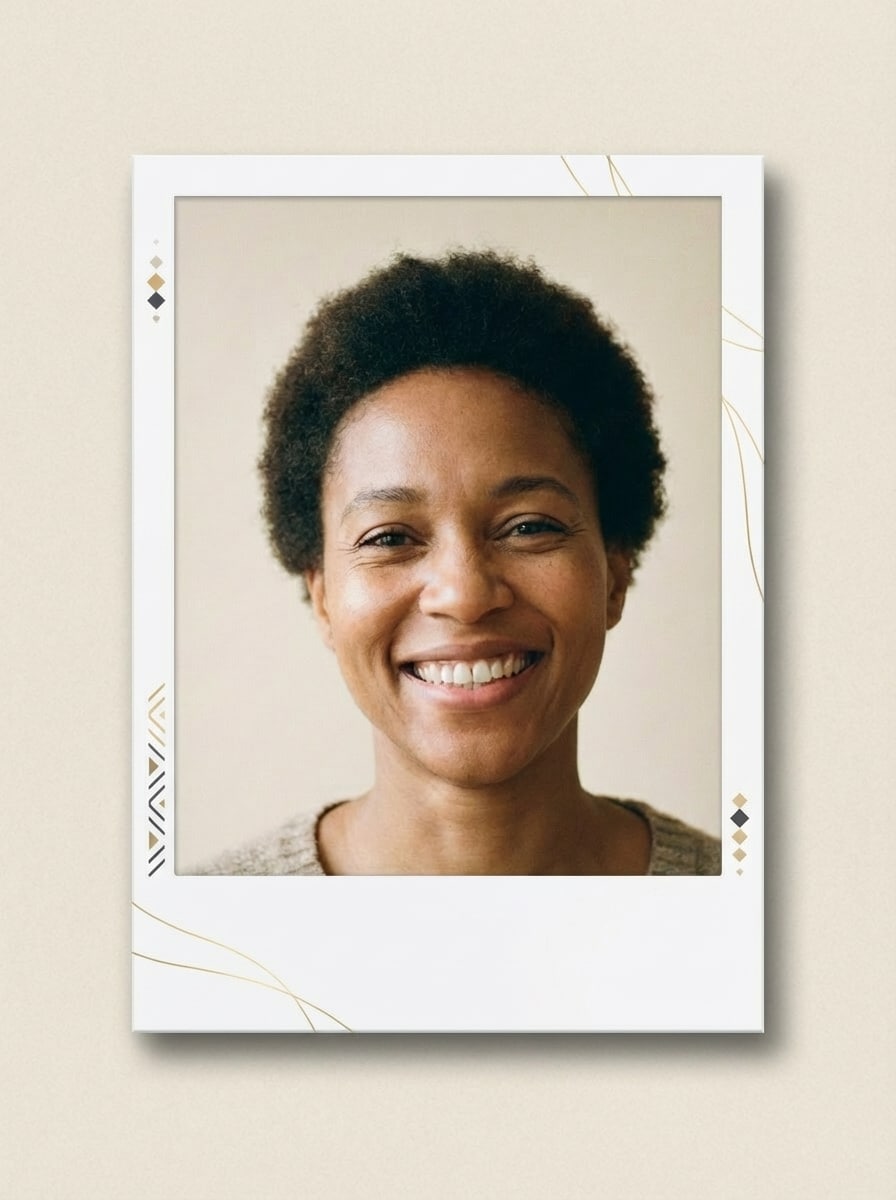
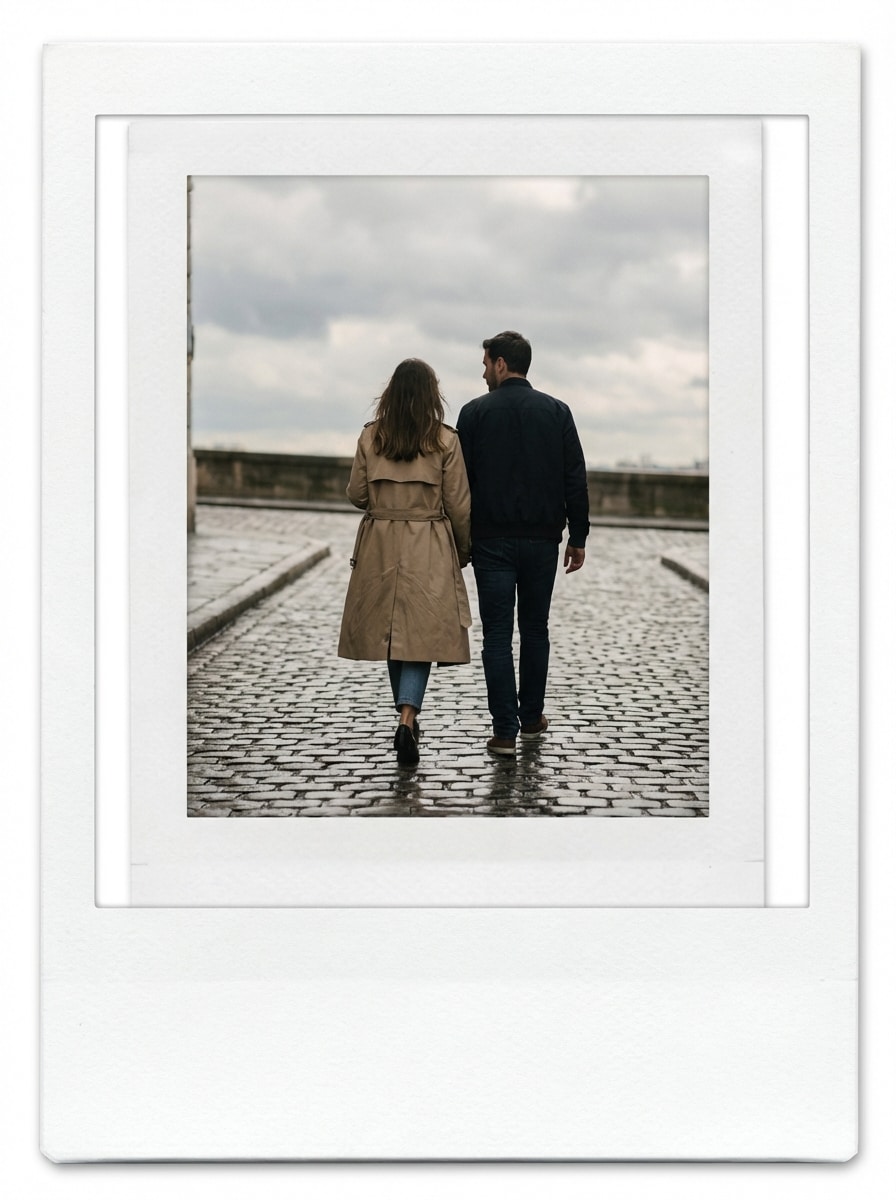
Polaroid White Frame

Polaroid White Frame

Use the uploaded image as the source. Transform the photo into a realistic Polaroid-style image with a bright white frame, wide bottom caption space, soft paper grain, delicate shadow depth, centered composition, clean highlights, gentle contrast, minimal modern aesthetic, and authentic instant camera print quality.
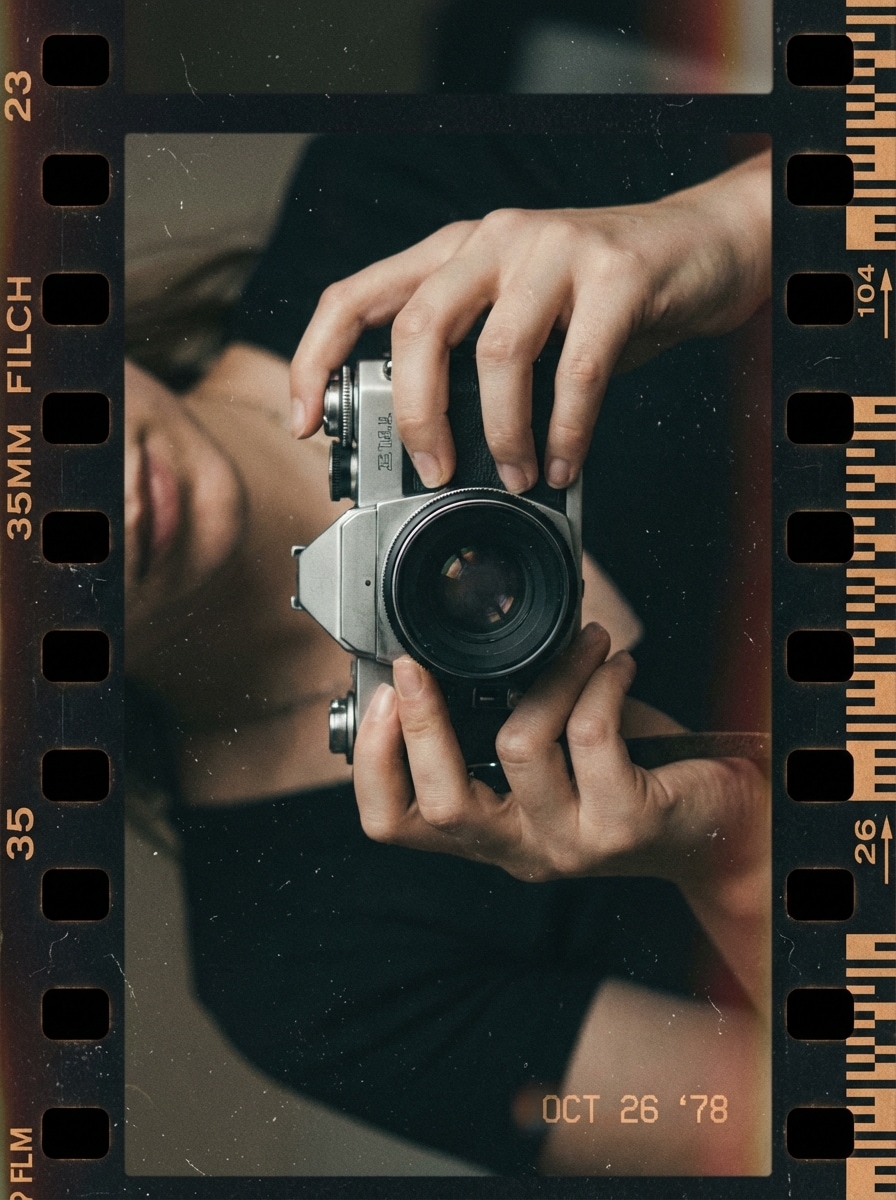
35mm Film Border

35mm Film Border

Use the uploaded image as the source. Add a realistic 35mm film frame around the image with dark border edges, visible film texture, fine grain, understated analog imperfections, a soft date-stamp feel, moody vintage color grading, and a classic archival photo aesthetic while keeping the subject clear.

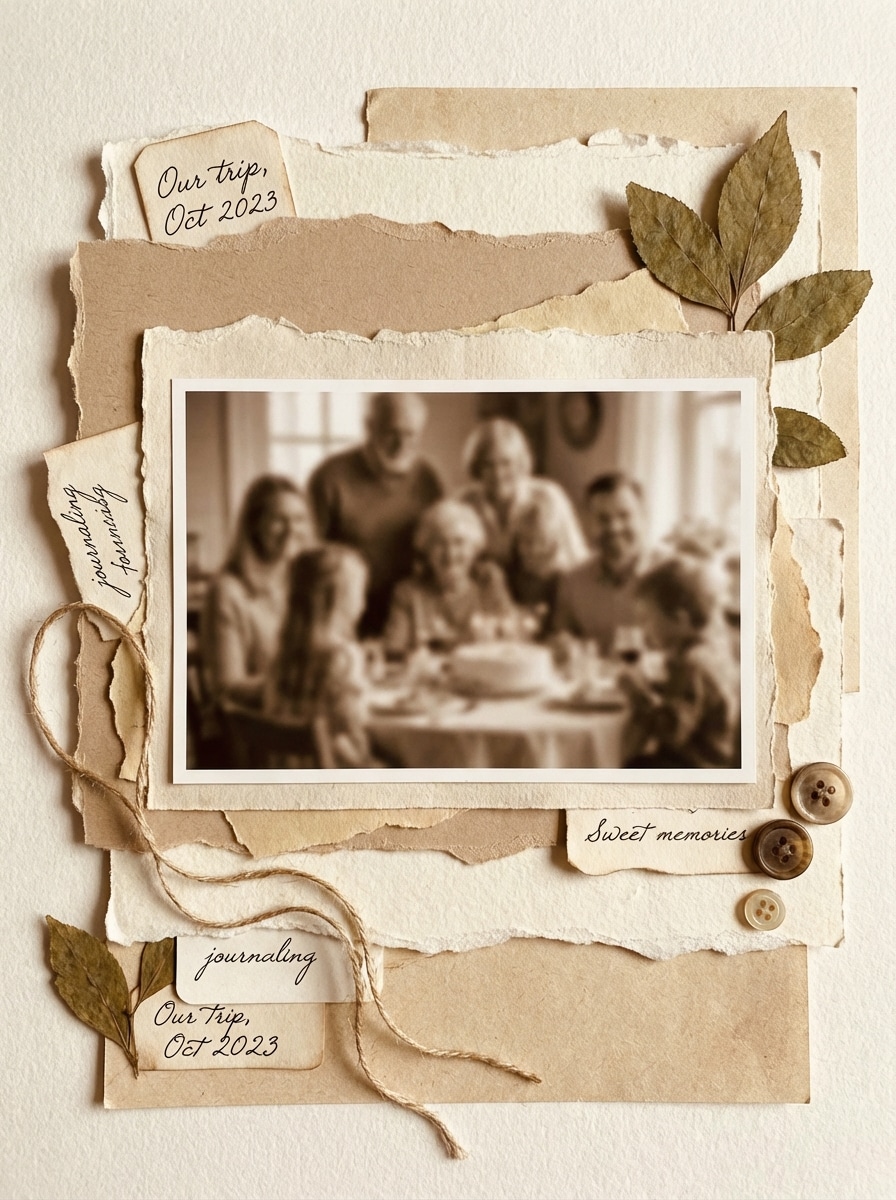
Torn Paper Scrapbook Border

Torn Paper Scrapbook Border

Use the uploaded image as the source. Create a scrapbook-style border around the photo using torn paper layers, textured card stock, soft shadow separation, neutral cream and tan tones, subtle journaling accents, handcrafted collage composition, and an aesthetic memory-keeping feel that frames the image naturally.

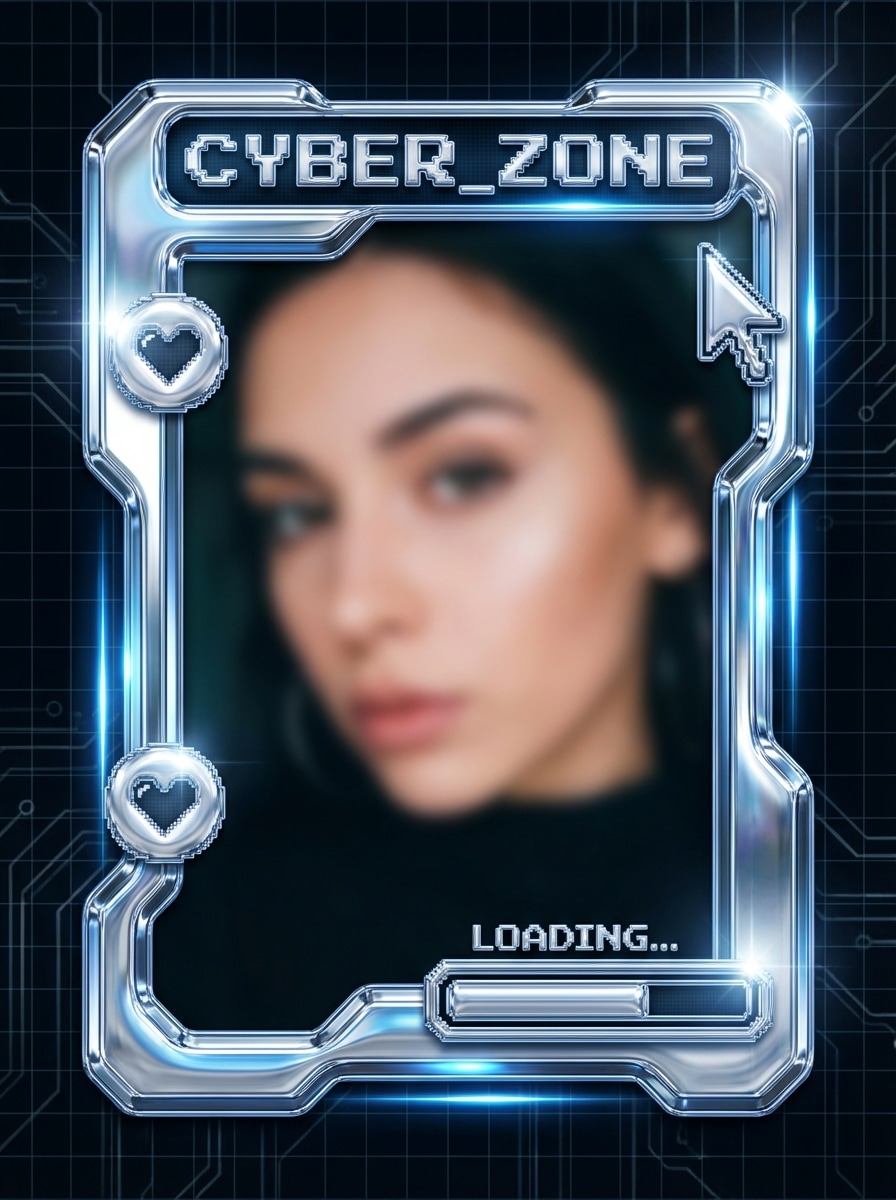
Chrome Y2k Border

Chrome Y2k Border

Use the uploaded image as the source. Generate a shiny Y2K-inspired metallic frame around the image with reflective chrome surfaces, smooth silver gradients, glossy specular highlights, sharp futuristic contours, cool blue undertones, nostalgic internet-era energy, and a polished trend-driven social media aesthetic.

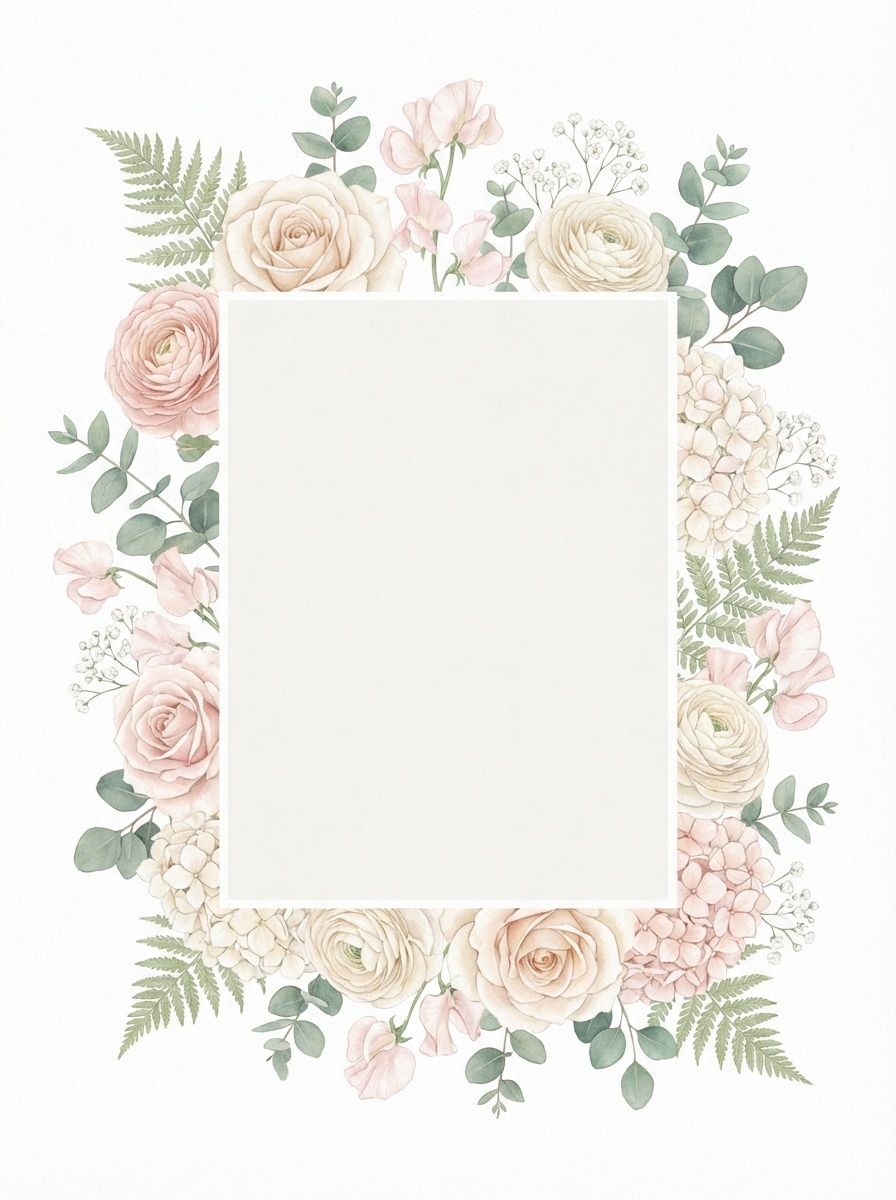
Pastel Floral Border

Pastel Floral Border

Use the uploaded image as the source. Add a soft floral border around the image using pastel blossoms, cream and blush color tones, gentle botanical details, subtle depth, airy composition, romantic feminine mood, clean framing balance, and polished invitation-worthy visual quality.

Why Use Media.io for AI Photo Borders

Built for Upload-Based Border Styling

Upload a JPG, PNG, or JPEG photo and turn it into a framed design with AI-guided image-to-image editing. It’s ideal for adding Polaroid, film, floral, editorial, or sticker-style borders to your existing pictures.

Precise Control for Border Output

Refine your framed image with resolution choices up to 4K, popular aspect ratios like 1:1, 9:16, and 3:4, plus batch generation of 1 to 4 images for faster comparison and selection.

Advanced AI Models for Clean Transformations

Media.io is powered by Nano Banana Pro, Nano Banana 2, and specialized models including Media 2.0, Seedream 5.0 Lite, and Media 1.0, helping you generate polished border effects with consistent, high-quality results.

Works Anywhere in Your Browser

Create custom photo borders on Windows, Mac, iPhone, iPad, or Android without installing software. The web-based workflow makes it easy to frame images on desktop or mobile whenever inspiration hits.

How to Use the AI Photo Border Generator

1
2
3
1
Step 1: Open Media.io AI Photo Border Generator

Go to AI Image to Image Generator and open the AI Photo Border Generator under AI -> Image to Image. This online tool runs in your browser, so you can add borders to photos on desktop or mobile without installing extra software.

2
Step 2: Upload Your Photo and Enter a Prompt

Upload your image in JPG, PNG, or JPEG format, then describe the border style you want. For example: “Use my uploaded photo and add a clean white Polaroid border with a thicker bottom edge and soft shadow.” Adjust model, aspect ratio, resolution, or batch settings as needed.

3
Step 3: Generate, Refine & Download

Click Generate to create your bordered image. If needed, tweak the prompt or settings to try a different frame style, then download the result in high resolution for Instagram posts, prints, invitations, or personal projects.

Step 1
Step 2
Step 3

Unlock the Potential of AI Photo Border Generator

Discover how creators and professionals are using our AI-powered Photo Border Generator to transform their creative workflows and bring unique ideas to life.

Make Instagram Posts Look More Premium

Add editorial, black gallery, or neon-style borders to make lifestyle shots, selfies, and brand content feel more polished in the feed. It’s a fast way to create Instagram-ready framing without opening a complicated design app.

Create Polaroid and Retro Memory Frames

Turn travel photos, couple portraits, or event snapshots into nostalgic keepsakes with Polaroid and 35mm film border effects. These styles are perfect for scrapbook boards, digital journals, moodboards, and memory-themed social posts.

Frame Product and Portrait Images for Promotions

Use floral, sticker, or minimal custom borders to highlight product shots, pet photos, portraits, and invitations. A well-designed frame helps your subject stand out while giving ads, listings, and seasonal visuals a more finished look.

What Users Say About Media.io

user
Lena Brooks

Content Creator

star star star star star

"Great for Polaroid and Instagram borders" I wanted a fast AI photo border generator for Reels covers and carousel posts, and this worked really well. The Polaroid and editorial looks are clean, and I like that I can generate different framed versions quickly.

user
Marcus Hill

Small Business Owner

star star star star star

"Helpful for product images" I use it to add borders to product photos before posting online. The results look much more polished, especially with minimal and sticker-style frames. It saves me time compared with doing everything manually.

user
Ava Chen

Lifestyle Blogger

star star star star star

"Easy on both phone and laptop" I’ve used Media.io on my phone and desktop to create floral and film-style borders for photos. The browser workflow is simple, and the finished images are good enough for blog visuals and social media.

user
Daniel Ortiz

Freelance Designer

star star star star star

"Good mix of speed and control" What I like most is that it’s quick but still gives useful settings like aspect ratio and higher resolution output. For mockups, framed portraits, and retro edits, it’s a practical online option.

AI Photo Border Generator FAQs

1. Is this AI photo border generator free to use?

Yes, free users can try the AI photo border generator with free credits. If you need more generations or expanded usage, you can choose a paid plan on the pricing page. Free users can use free credits. For more usage, users can subscribe to a plan on the pricing page.

Open Media.io’s image-to-image tool in your browser, upload your photo, and enter a prompt describing the border you want, such as a Polaroid, film, floral, or editorial frame. Then click Generate to create the bordered version online in just a few steps. This helps you create ai photo border generator results more consistently.

Yes. You can guide the result through your prompt and choose the border style you want, such as minimalist, retro film, floral, or sticker-like framing. Media.io also supports settings such as aspect ratio, resolution, and batch generation to help you refine the output. This helps you create ai photo border generator results more consistently.

Media.io supports high-resolution output with 1K, 2K, and 4K options, helping you create bordered photos that stay sharp for social posts, branding, and print-ready uses. The available output settings make it easier to preserve strong image quality during the framing process. Free users may have watermarks. This helps you create ai photo border generator results more consistently.

Yes. This AI photo border generator works well for Instagram-ready frames, Polaroid-style borders, retro film looks, and other social-friendly designs. You can also choose aspect ratios like 1:1, 9:16, 16:9, 4:3, and 3:4 to better fit different platforms and layouts.

Yes. Media.io is a web-based tool that works on any device with a browser, including Windows, Mac, iPhone, iPad, and Android devices. You can upload a photo and create custom borders without installing desktop software or a mobile app. Media.io is a web-based tool that works on any device with a browser (Windows, Mac, iOS, Android). This helps you create ai photo border generator results more consistently.

Media.io Online AI Tools Quality Rating:
vote 4.7 (162,357 Votes)