Consejos: Utilice consejos en inglés para obtener mejores resultados.
1K
9:16
1
Modo Ilimitado Banana Pro
Creaciones
Centro de Ideas
Cómo funciona
Todo
Funciones populares
Ver todo
Historia de Frutas con IA
Ver todo
Video de Historia de IA
Ver todo
Videos Virales Hoy
Ver todo
Videos de Productos de IA
Ver todo
Personaje de IA
Ver todo
Tendencias de Baile
Ver todo
GPT Image 2
Ver todo
Seedance 2.0
Ver todo
Emparejamiento de Celebridades con IA
Ver todo
Indicaciones de Poses para Parejas
Ver todo
Prompts de Poses de Chica AI Estética
Ver todo
Sugerencias de Pose Elegante para Chicos AI
Ver todo
Lista de generación
Tus creaciones solo se guardan durante 7 días. Los recursos creados después de actualizar a Membresía se almacenarán de forma permanente.
¡Desbloquea tu potencial creativo y experimenta la magia de Media AI ahora mismo!
Generador de Doodles con IA para Bocetos Limpios y Divertidos en Segundos
Convierte simples descripciones de texto en doodles creativos, bocetos de cuaderno, iconos kawaii y arte de líneas imprimibles con Media.io. Crea imágenes de doodles pulidas rápidamente, explora múltiples estilos y genera resultados de alta calidad en línea sin necesidad de saber dibujar.
Escribe tu idea -> La IA la diseña. Prueba gratuita.
Explora nuestra colección curada de generador de doodles estilos.
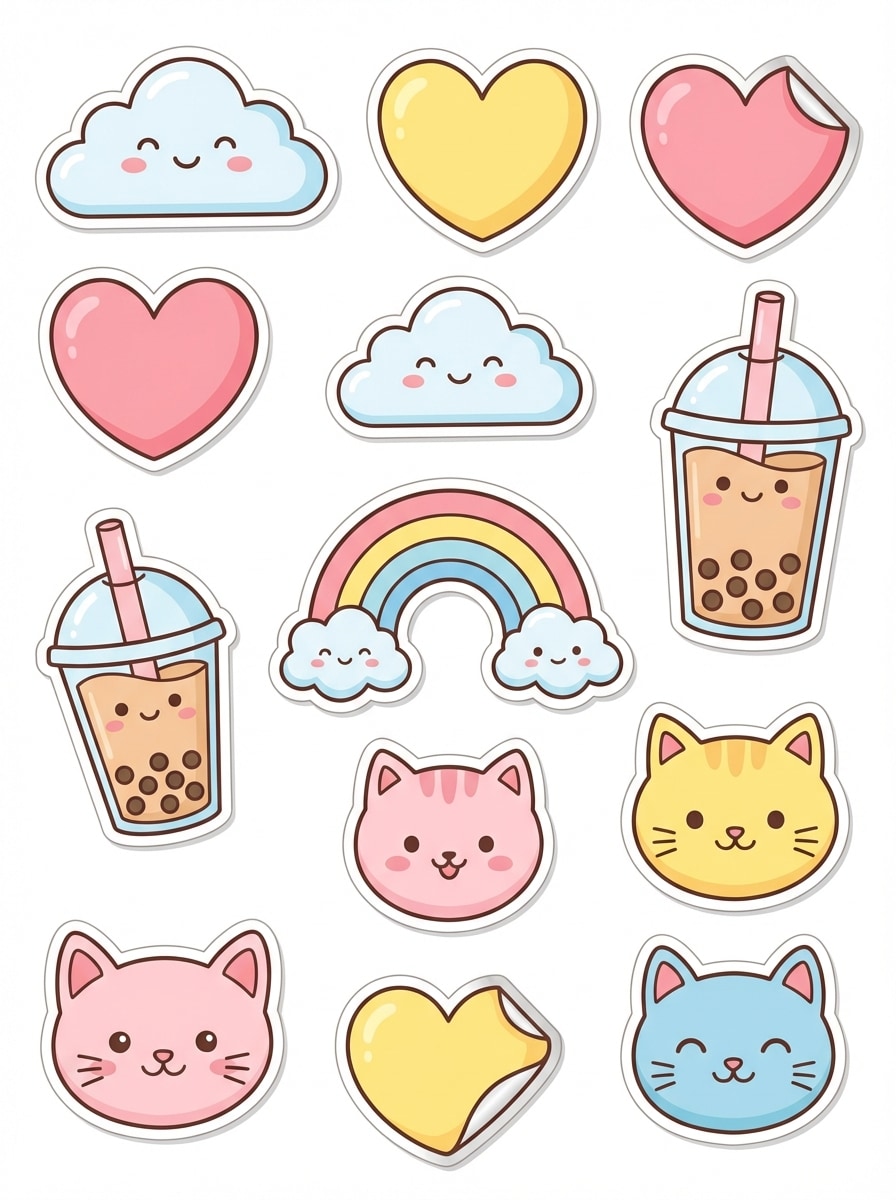
Doodle de Sticker Kawaii
Crea una pegatina doodle kawaii de un gato sonriente sosteniendo una fresa grande, composición centrada, contornos negros gruesos, acentos rosados y rojos suaves en color pastel, fondo blanco limpio, efecto brillante de pegatina, detalles simples dibujados a mano, ambiente alegre, bordes nítidos, arte lineal de alta calidad.
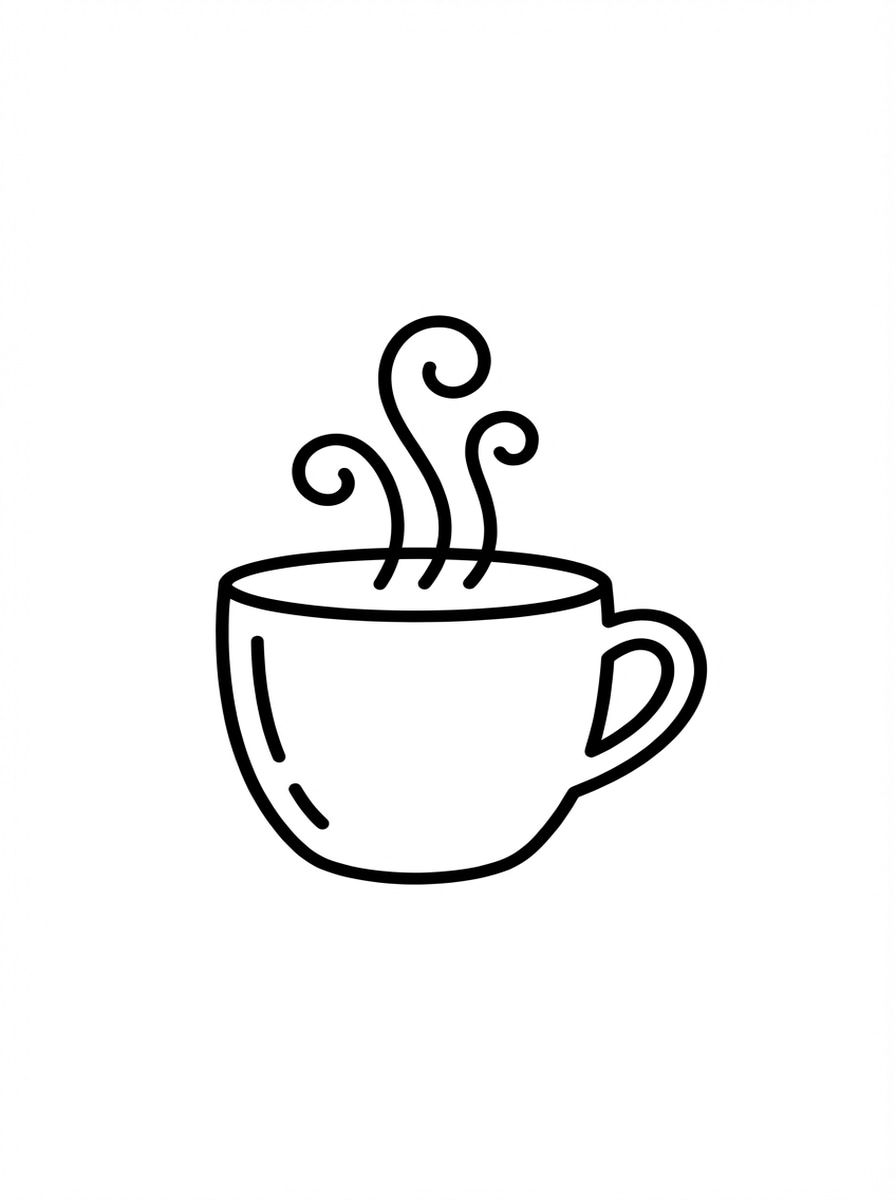
Doodle Minimalista Monolínea
Genera un doodle monolínea limpio de una taza de café con vapor rizado, centrado sobre fondo blanco brillante, líneas negras suaves de un solo peso, estilo de ícono moderno minimalista, espacio negativo equilibrado, encanto sutil de dibujo a mano, composición simple, ambiente relajante y acogedor, línea nítida y escalable.
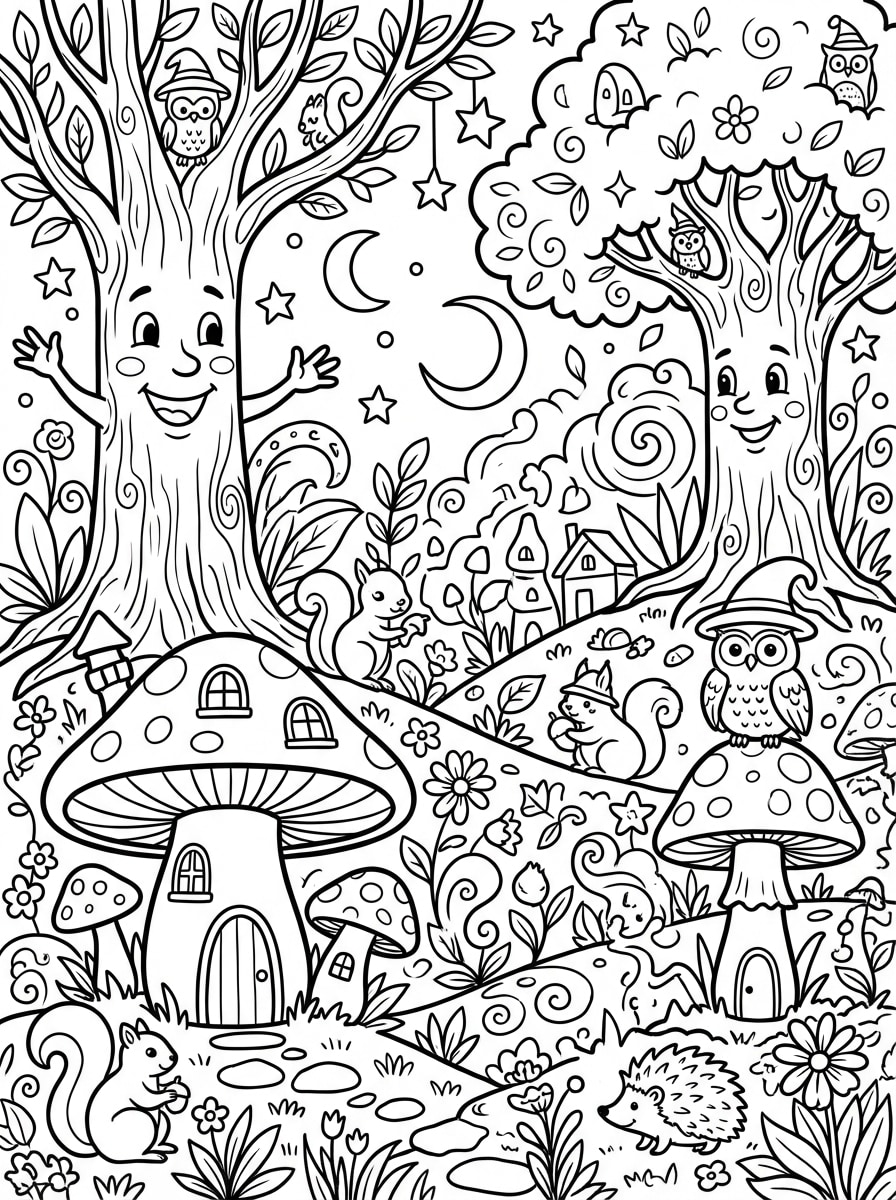
Doodle para Colorear Imprimible
Crea una página de doodle imprimible para colorear con una escena de bosque mágico con árboles amigables, hongos, estrellas y animales pequeños, contornos negros gruesos, sin relleno de color, alto contraste sobre fondo blanco, distribución detallada pero fácil de leer, atmósfera de cuento infantil, diseño seguro para niños, composición limpia y lista para imprimir.
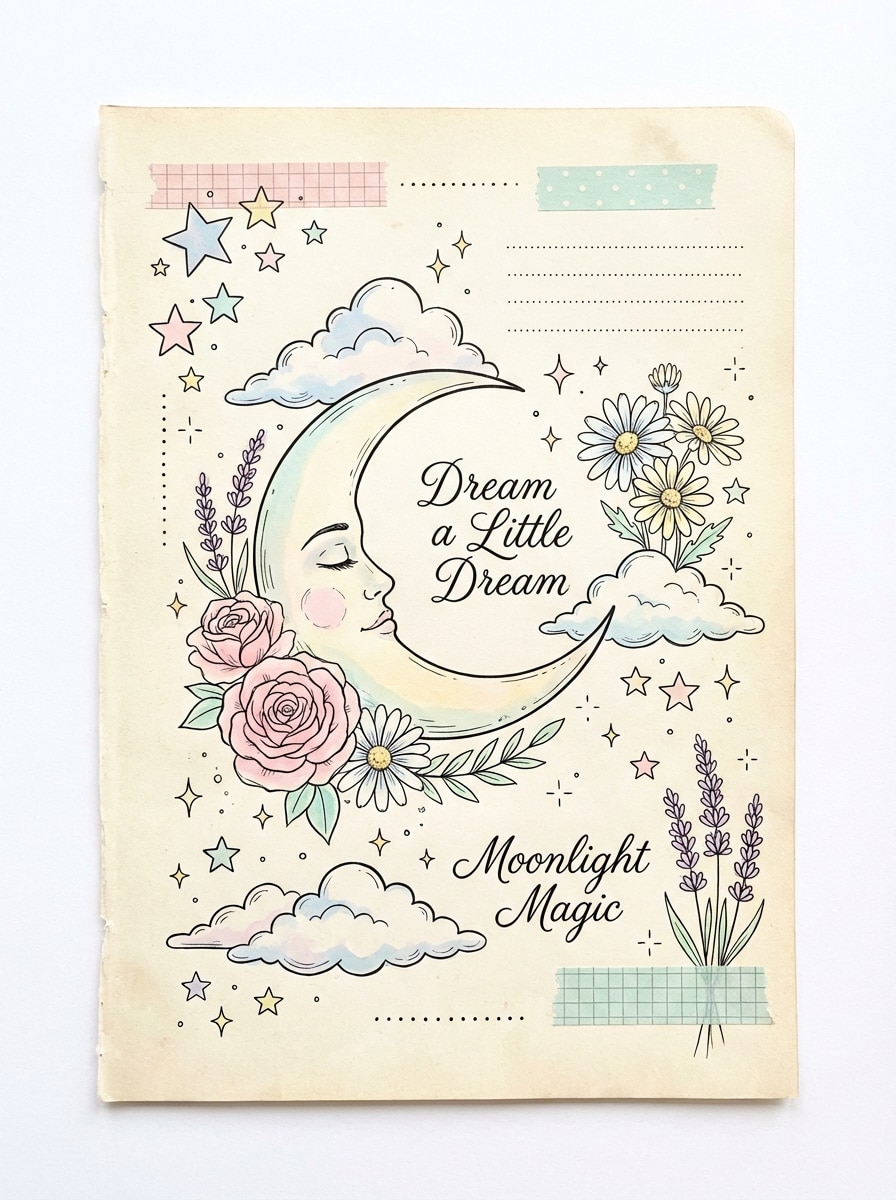
Doodle Soñador para Diario
Ilustra un diseño soñador de doodle para diario con una luna creciente, estrellas, nubes esponjosas, flores y pequeñas chispas, composición aerea y equilibrada, contornos delicados en negro con suaves acentos en tonos pastel, espacios inspirados en recortes, ambiente suave y fantasioso, fondo limpio, textura elegante dibujada a mano y acabado pulido listo para redes sociales.
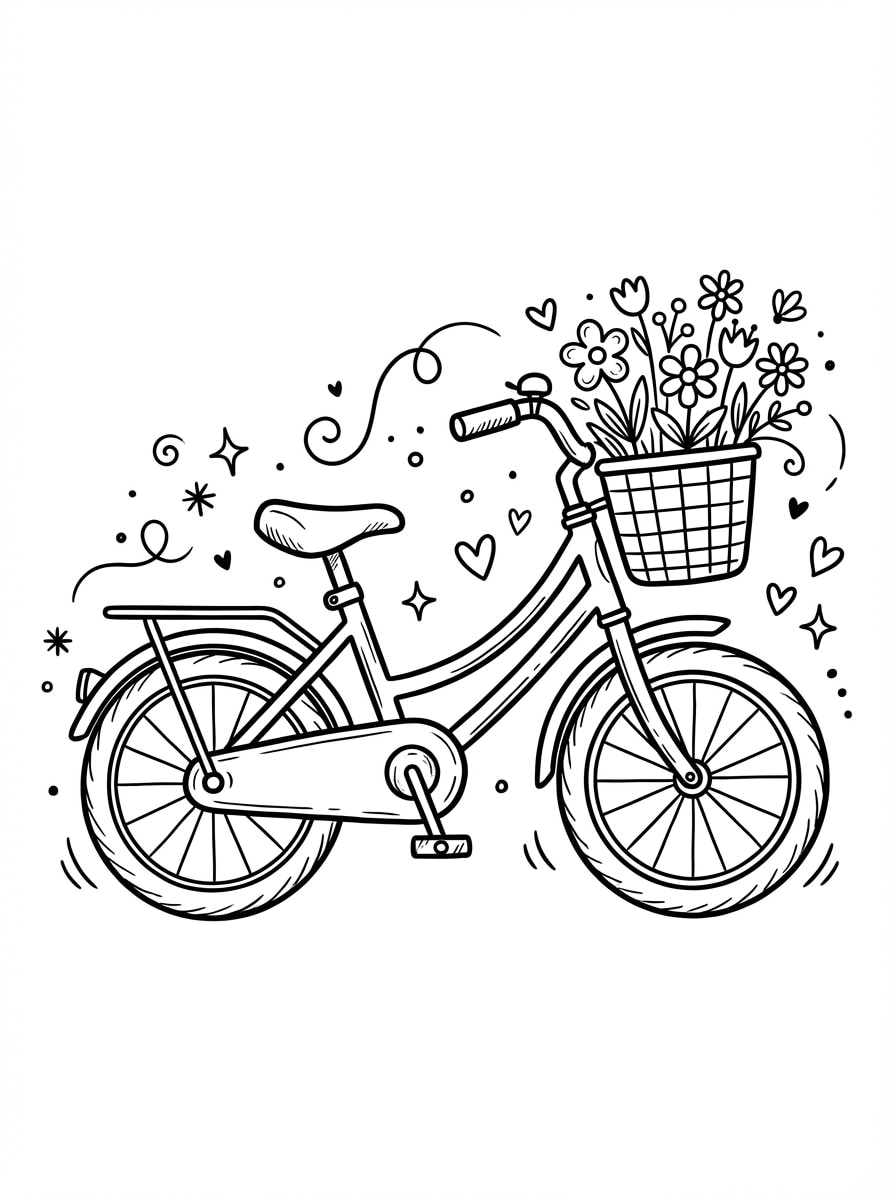
Doodle Boceto en Blanco y Negro
Dibuja un doodle en blanco y negro de una bicicleta pequeña con flores en la canasta, líneas de bolígrafo desiguales y juguetonas, fondo blanco, sin sombreado, toques decorativos ligeros y fantasiosos, composición lateral equilibrada, ambiente encantador y artesanal, contraste nítido y detalle limpio adecuado para stickers o impresiones.
¿Por qué usar Media.io para Generar Doodles con IA?
Creación Rápida de Texto a Doodle
Convierte ideas simples en doodles limpios en segundos con modelos de IA avanzados. Es una forma fácil de crear bocetos, arte lineal e iconos divertidos sin experiencia en ilustración.
Múltiples Estilos para Cada Idea de Doodle
Genera desde stickers kawaii e iconos minimalistas monolínea hasta doodles para colorear y bocetos fantasiosos. Media.io soporta una amplia variedad de estilos visuales para distintas necesidades creativas.
Salida en Alta Resolución y Proporciones Flexibles
Crea imágenes de doodle en resoluciones 1K, 2K o 4K y elige relaciones de aspecto como 1:1, 9:16, 16:9, 4:3 y más. Perfecto para publicaciones en redes sociales, stickers, hojas de ejercicios y diseños imprimibles.
Funciona Sin Problemas en Cualquier Dispositivo
Media.io funciona en tu navegador en Windows, Mac, iOS y Android. Haz un doodle rápido desde tu portátil, móvil o tablet sin instalar programas adicionales.
Cómo Usar el Generador de Doodles de Media.io
1
2
3
1
Paso 1: Abre el Generador de Doodles con IA de Media.io
Ve a Generador de Imágenes de Texto a IA y abre el Generador de Doodles con IA en IA -> Texto a Imagen. Esta herramienta online funciona en tu navegador, así que puedes empezar a crear arte doodle al instante desde escritorio o móvil.
2
Paso 2: Ingresa un Prompt
Escribe un prompt detallado, como "un gato lindo sosteniendo una fresa en estilo doodle kawaii con contornos negros gruesos y acentos pastel." Ajusta el estilo, la proporción y la resolución según tus necesidades de creador de doodles.
3
Paso 3: Genera, Refina y Descarga
Haz clic en Generar para convertir tu texto en una imagen doodle. Modifica el texto o la configuración si es necesario, luego descarga tu resultado en alta resolución para compartir, imprimir, agregar a tu diario o crear stickers.
Descubre cómo creadores y profesionales están usando nuestro Generador de Doodles potenciado por IA para transformar sus flujos de trabajo creativos y hacer realidad ideas únicas.
Crea Doodles Kawaii Listos para Redes Sociales
Haz doodles lindos tipo stickers para publicaciones de TikTok, Instagram y Pinterest sin tener que dibujar desde cero. El generador de doodles IA rápido ayuda a los creadores a producir íconos divertidos, gráficos para diarios y recursos visuales llamativos en minutos.
Diseña Hojas de Trabajo y Páginas para Colorear Imprimibles
Maestros, padres y creadores de actividades pueden usar texto a doodle para crear páginas limpias en blanco y negro, mandalas y arte lineal apto para el aula. Es una forma práctica de generar contenido imprimible nuevo rápidamente.
Visualiza Ideas para Marca y Merchandising
Usa un creador de doodles para idear conceptos de logotipos, detalles de empaque, packs de stickers o gráficos de productos divertidos. Los resultados limpios de arte lineal facilitan probar direcciones visuales antes del diseño final.
Lo Que Dicen los Usuarios Sobre este Creador de Doodles
Maya Chen
Creadora de Contenido
"Ideal para doodles kawaii rápidos" Necesitaba doodles lindos para contenido corto, y Media.io hizo el proceso muy simple. Los prompts son fáciles de ajustar y los resultados son más limpios y útiles que el arte IA genérico.
Jordan Patel
Maestro de Primaria
"Útil para arte de aula imprimible" Lo uso para crear doodles tipo para colorear y elementos visuales simples para hojas de trabajo. El arte lineal en blanco y negro sale claro y es mucho más rápido que buscar ilustraciones en línea.
Elena Ruiz
Dueña de Tienda de Stickers
"Útil para probar conceptos de doodles" Este generador de doodles me ayuda a explorar muchas ideas de stickers rápidamente. Me gusta poder probar diferentes estilos de prompts, desde íconos minimalistas hasta doodles de personajes divertidos, antes de refinar mis diseños finales.
Noah Williams
Diseñador Estudiante
"Fácil incluso sin saber dibujar" No soy muy buen ilustrador, así que poder convertir un prompt de texto en una imagen doodle es genial. Funciona bien en mi tablet, lo que lo hace conveniente para experimentos creativos rápidos.
Explora los efectos de video e imagen con IA más populares
Preguntas Frecuentes sobre el Generador de Doodle con IA
1. ¿Qué es un generador de doodle con IA?
An generador de doodle con ia es una herramienta creativa que utiliza inteligencia artificial para convertir descripciones de texto en obras de arte de estilo dibujado a mano. Ya sea que necesites un boceto simple o un generador de arte doodle resultado complejo, Media.io te permite describir tu visión y ver cómo la IA crea ilustraciones únicas y divertidas en segundos.
2. ¿Puedo usar Media.io como generador de ideas de doodle o prompts?
¡Absolutamente! Si estás sin ideas, Media.io actúa como un potente generador de ideas para doodles. Ingresando palabras clave simples, nuestro generador de prompts para doodles te ayuda a visualizar diferentes conceptos. Puedes experimentar con estilos como "doodles kawaii", "zen-tangle" o "arte lineal minimalista" para inspirar tu propio dibujo.
3. ¿Funciona como generador de fuentes doodle?
Sí, puedes usarlo para diseñar tipografía única. Aunque no crea archivos TTF estándar, funciona como un generador de fuentes doodle visual. Solo pide a la IA "Letra A estilo doodle hecha de enredaderas" o "fuente burbuja graffiti" para crear caracteres de texto estilizados para logotipos, stickers de redes sociales o encabezados personalizados.
4. ¿Existe algún generador de video doodle con IA gratis?
Media.io ofrece una potente suite de herramientas IA. Si bien puedes usar el generador de arte doodle para imágenes estáticas, también puedes explorar las funciones gratuitas de generador de video doodle con IA para dar vida a tus bocetos. Convierte tus doodles estáticos en animaciones dinámicas o avatares parlantes para crear contenido atractivo para TikTok, YouTube o Instagram.
5. ¿Qué calidad de archivo produce el generador de doodles?
Nuestro generador de doodles ofrece resultados en alta resolución. Puedes exportar tus creaciones en 1K, 2K o hasta 4K de resolución. Esto asegura que incluso los detalles más intricados en tus proyectos de generador de arte doodle doodle permanezcan nítidos para imprimir en camisetas, stickers o monitores digitales premium.
6. ¿Puedo usar el generador de arte doodle en mi teléfono?
Sí, Media.io es un generador de doodles basado en web. Puedes acceder a todas las funciones desde cualquier navegador en iPhone, Android o tablets. Esto permite capturar ideas de doodle y generar arte siempre que te llegue la inspiración, sin tener que instalar ninguna aplicación.