Creations are stored for only 7 days. Assets created after upgrading to a Membership plan will be stored permanently.
Unlock your creative potential and experience the magic of Media AI right away!
Infographic Generator for Fast, Clear Visuals From Text and Ideas
Create polished infographics from prompts, notes, or outlines in minutes with Media.io’s infographic generator. This browser-based ai infographic generator helps teams, students, and marketers turn raw information into structured visuals fast, with flexible styles, high-resolution export, and simple online workflow.
Review these example directions, then tailor the prompt details to get stronger results with this Infographic Generator.
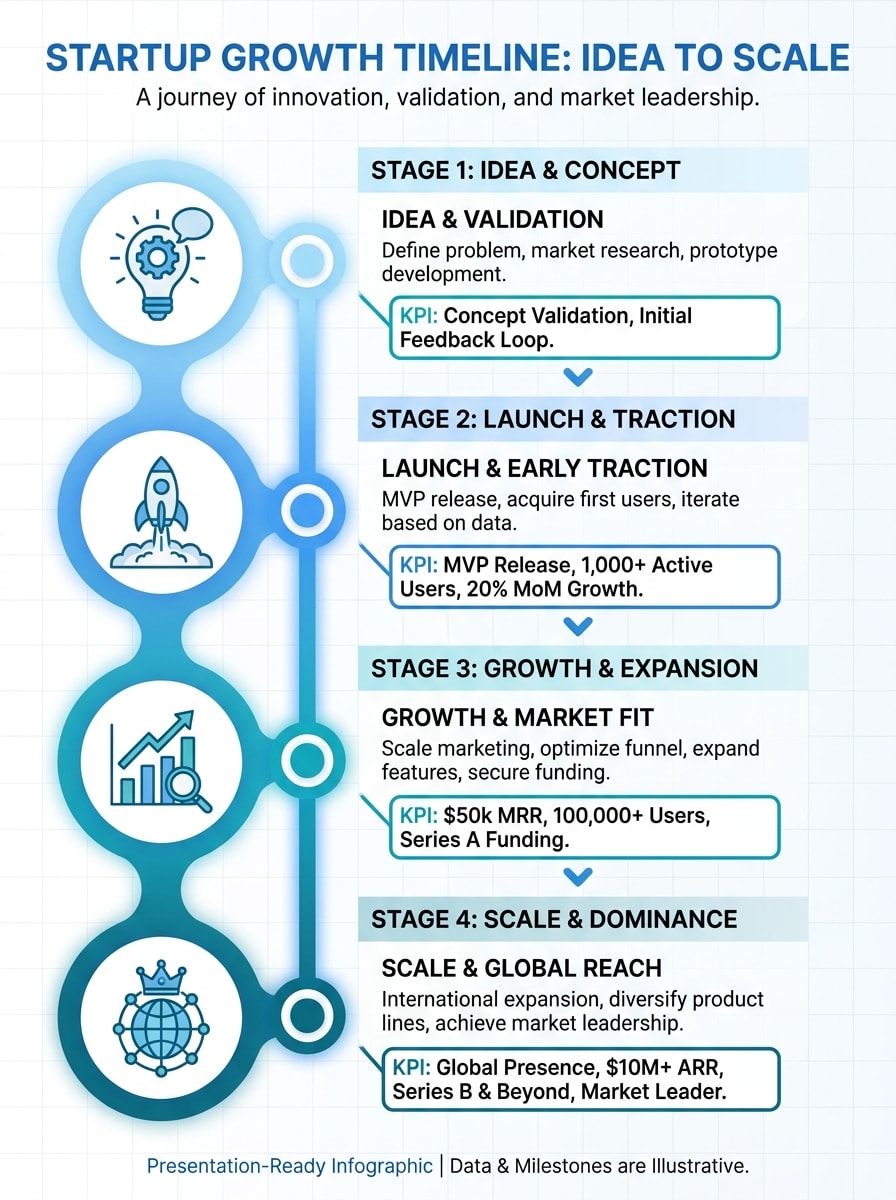
Startup Timeline Infographic
Create a vertical startup growth timeline infographic from idea to scale, using a clean blue and teal palette, milestone icons, concise KPI callouts, modern sans-serif typography, balanced spacing, subtle grid structure, polished white background, and presentation-ready visual hierarchy with high readability.
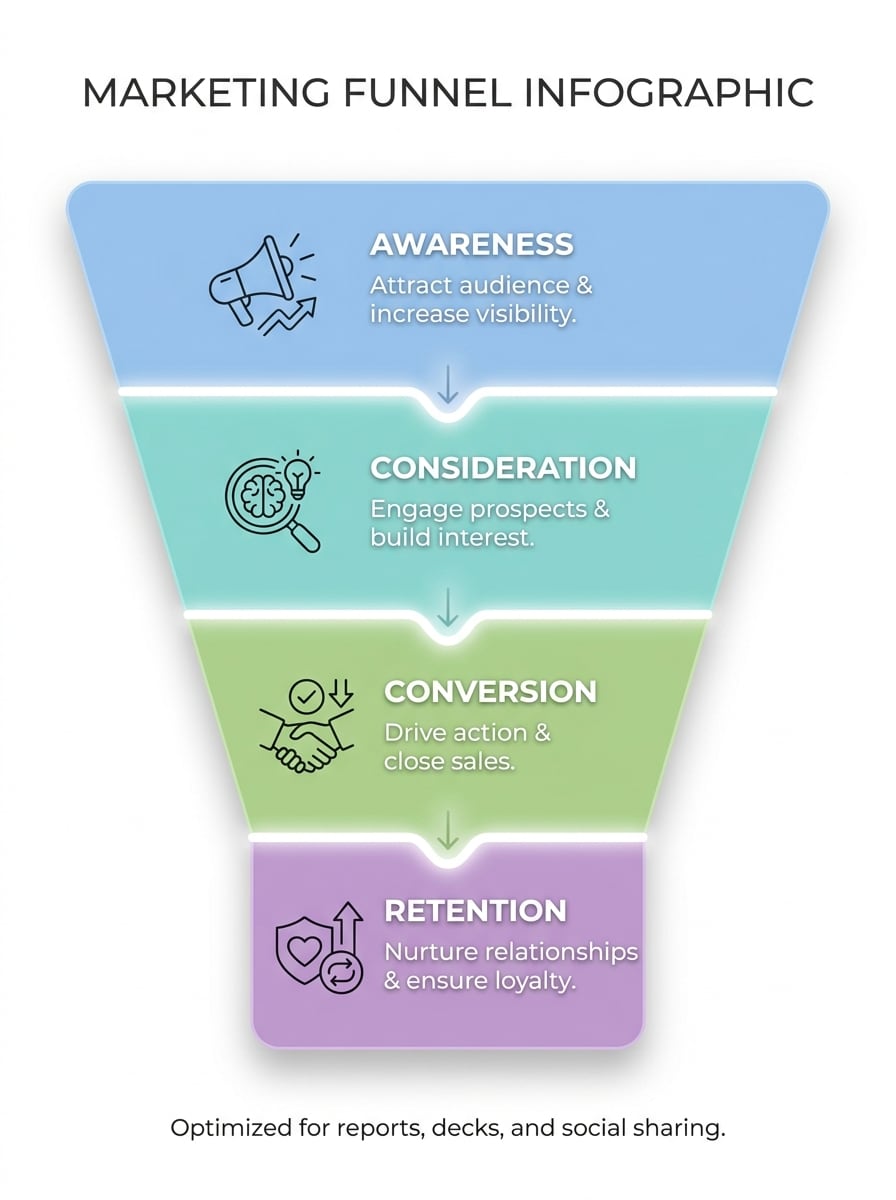
Marketing Funnel Infographic
Design a sleek marketing funnel infographic with awareness, consideration, conversion, and retention stages, using four color-coded sections, minimal icons, short explanatory captions, a clean white background, soft shadows, crisp alignment, and a modern business style optimized for reports, decks, and social sharing.
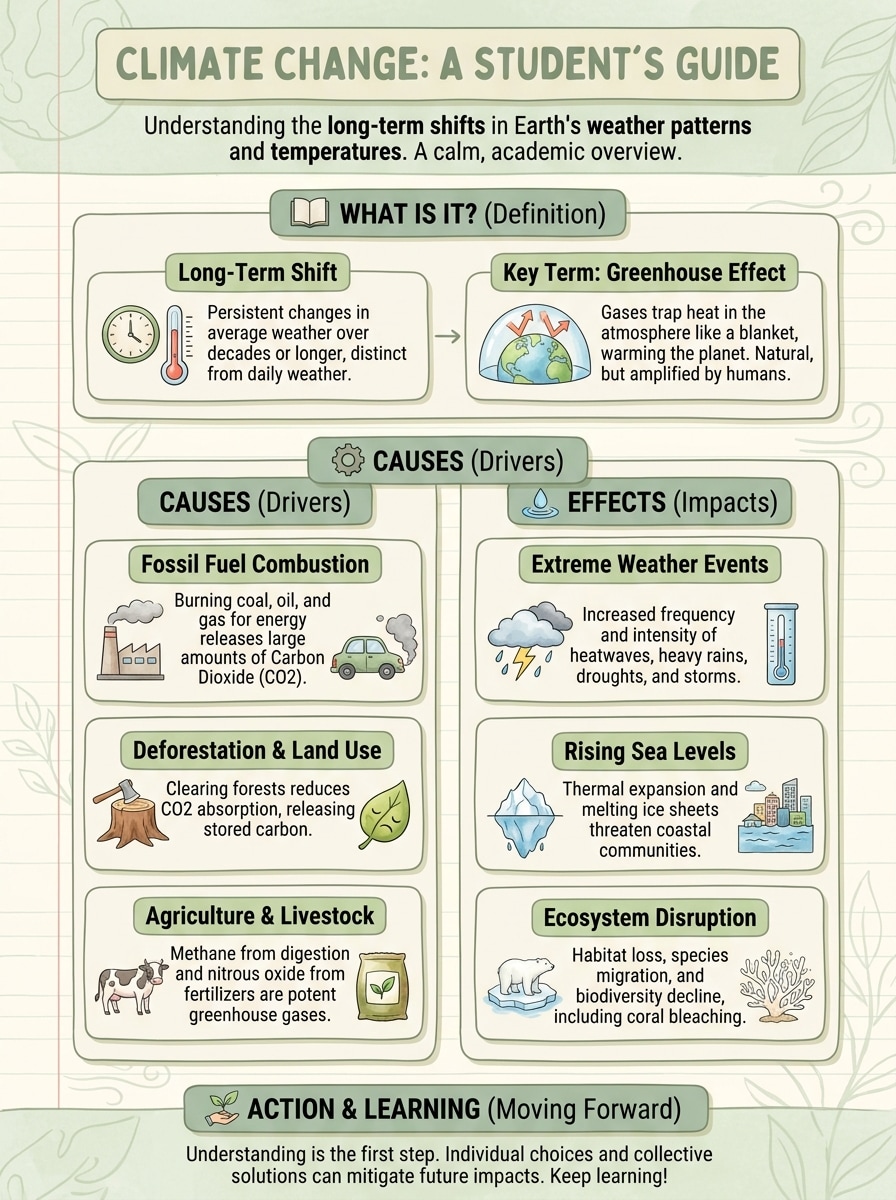
Study Notes to Infographic
Turn class notes on climate change into a student-friendly vertical infographic with clear section headers, definitions, causes, effects, supportive icons, soft green and cream palette, easy-to-scan cards, light illustrations, and a calm academic tone that improves clarity and retention.
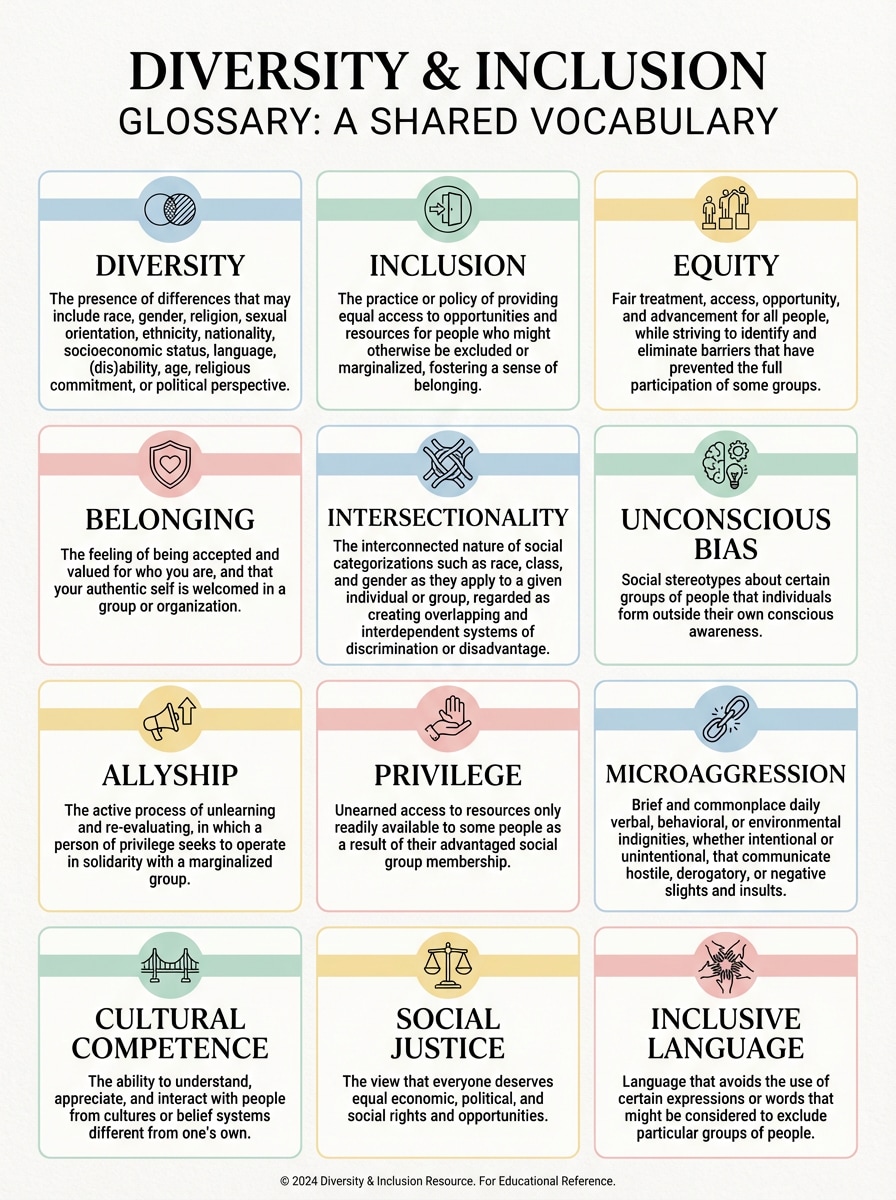
Glossary Grid Infographic
Create a glossary infographic explaining diversity and inclusion terms in a structured modular grid, with pastel accent colors, simple icons, short definitions, strong whitespace, consistent card styling, editorial typography, and a highly legible layout that feels professional, inclusive, and easy to reference.
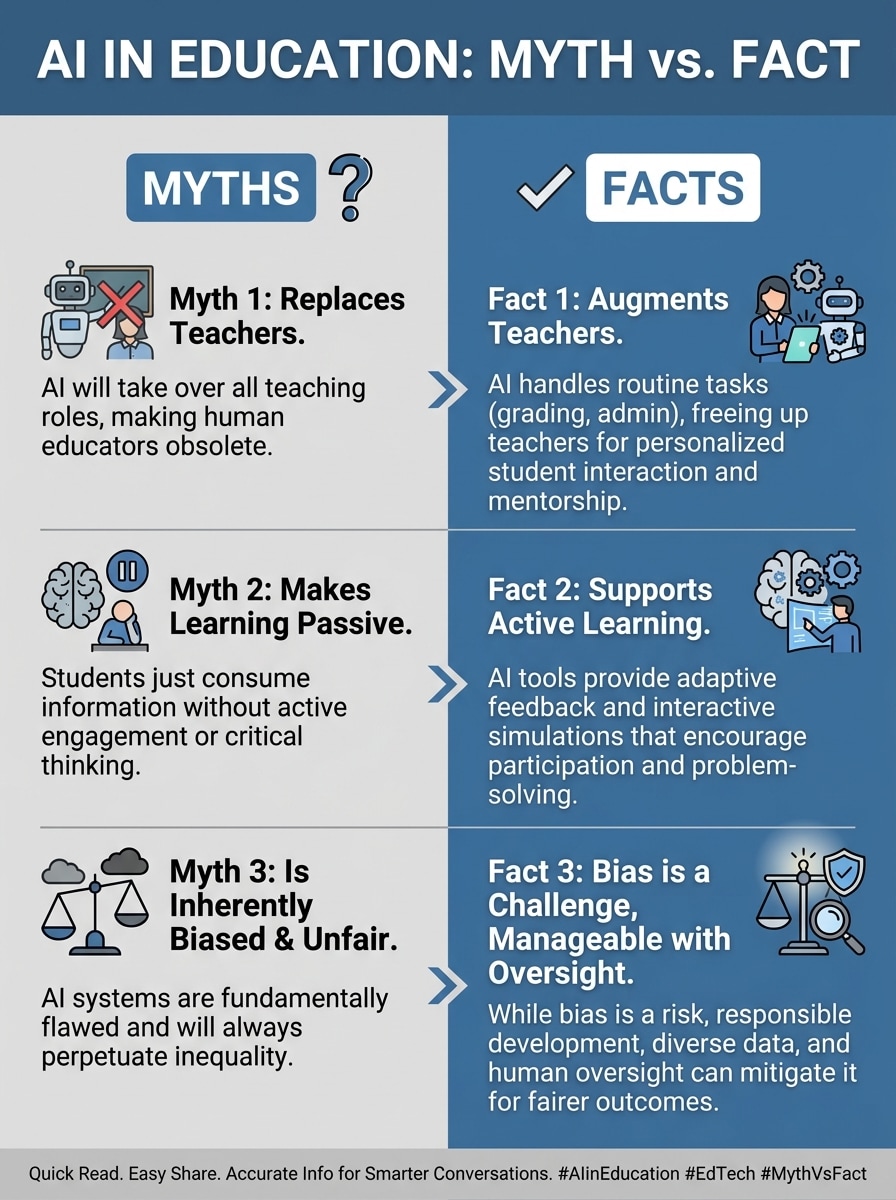
Myth vs Fact Infographic
Generate a myth versus fact infographic about AI in education using a clean split layout, contrasting panels, bold labels, academic iconography, neutral blue and gray palette, concise comparison text, strong visual hierarchy, and social-friendly formatting for quick reading and easy sharing.
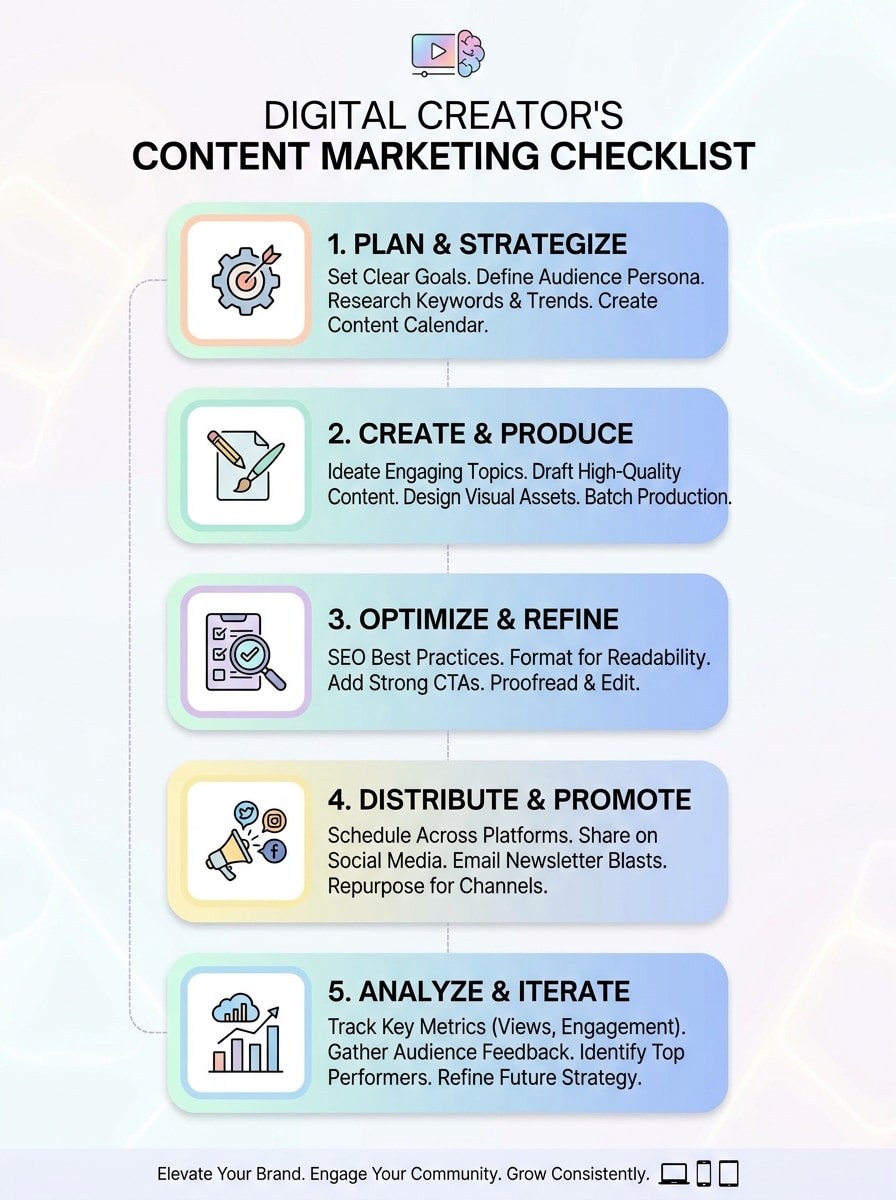
Checklist Infographic
Design a content marketing checklist infographic with numbered steps, rounded cards, subtle gradients, compact action text, clean iconography, soft pastel accents, mobile-friendly spacing, and a modern creator-focused look that works well for presentations, blog assets, and carousel-style educational posts.
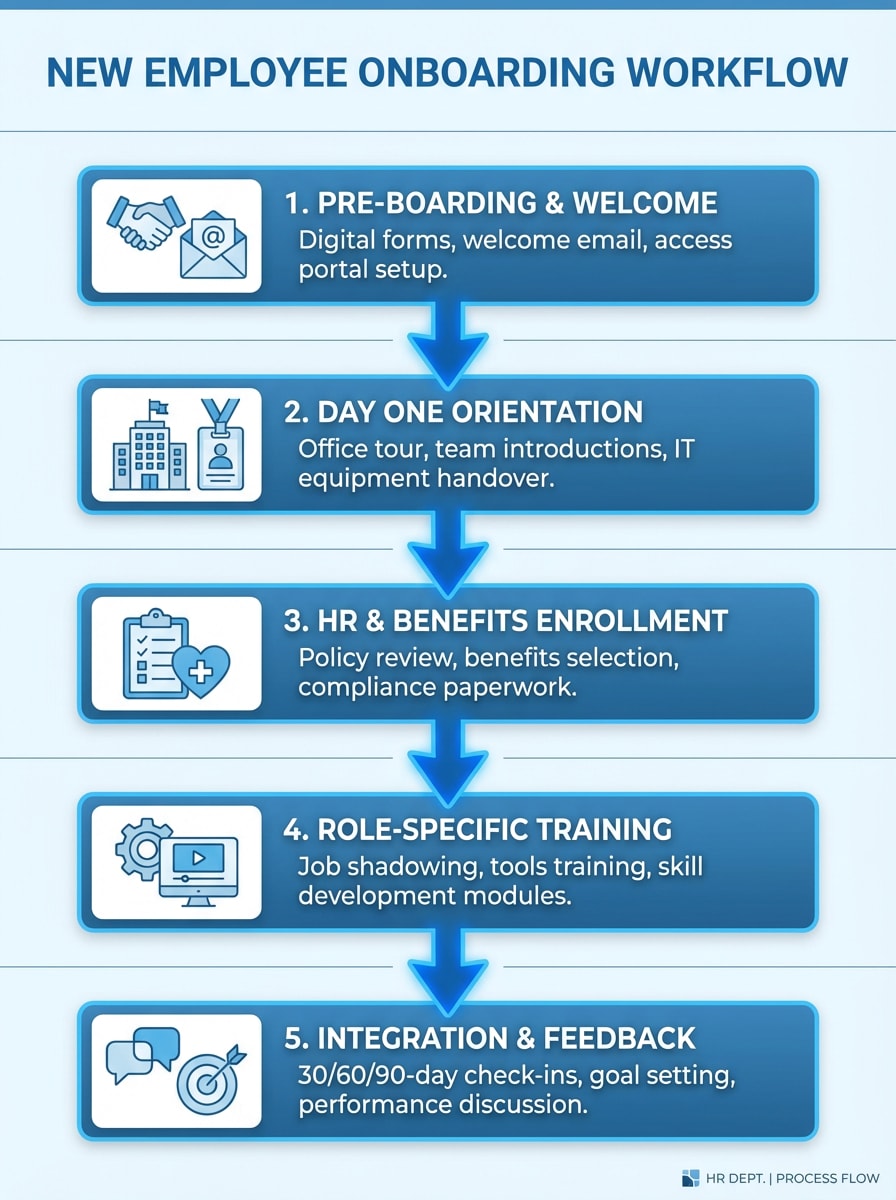
Step-by-Step Workflow
Build an onboarding workflow infographic for new employees in five clear steps, featuring connected blocks, directional arrows, HR-themed icons, spacious layout, corporate blue palette, subtle dividers, concise labels, and a polished process-driven structure that makes each step easy to follow.
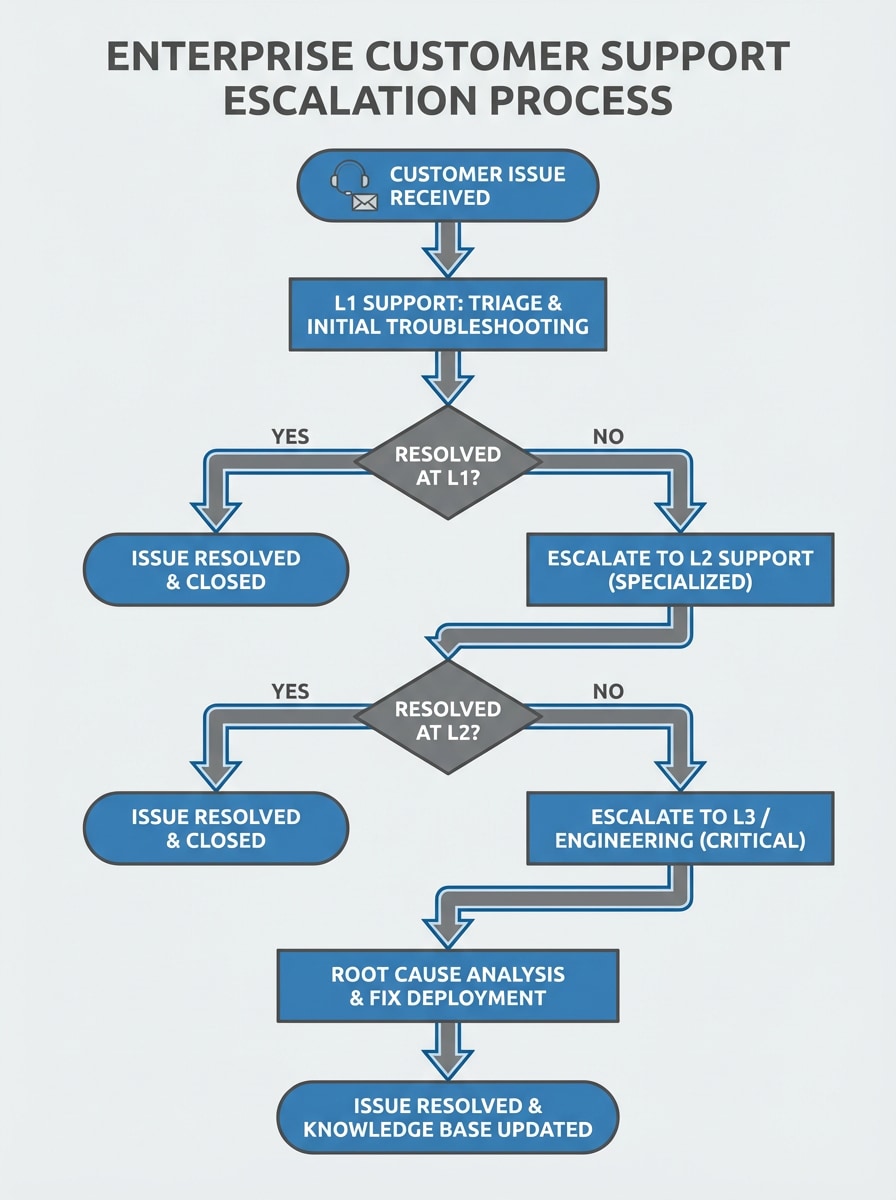
Flowchart Explainer
Visualize a customer support escalation process as a structured flowchart infographic with decision nodes, connecting arrows, minimal clutter, enterprise-friendly styling, gray and blue color scheme, compact text boxes, clear path logic, and a clean professional layout suitable for operations teams.
Stats Summary Infographic
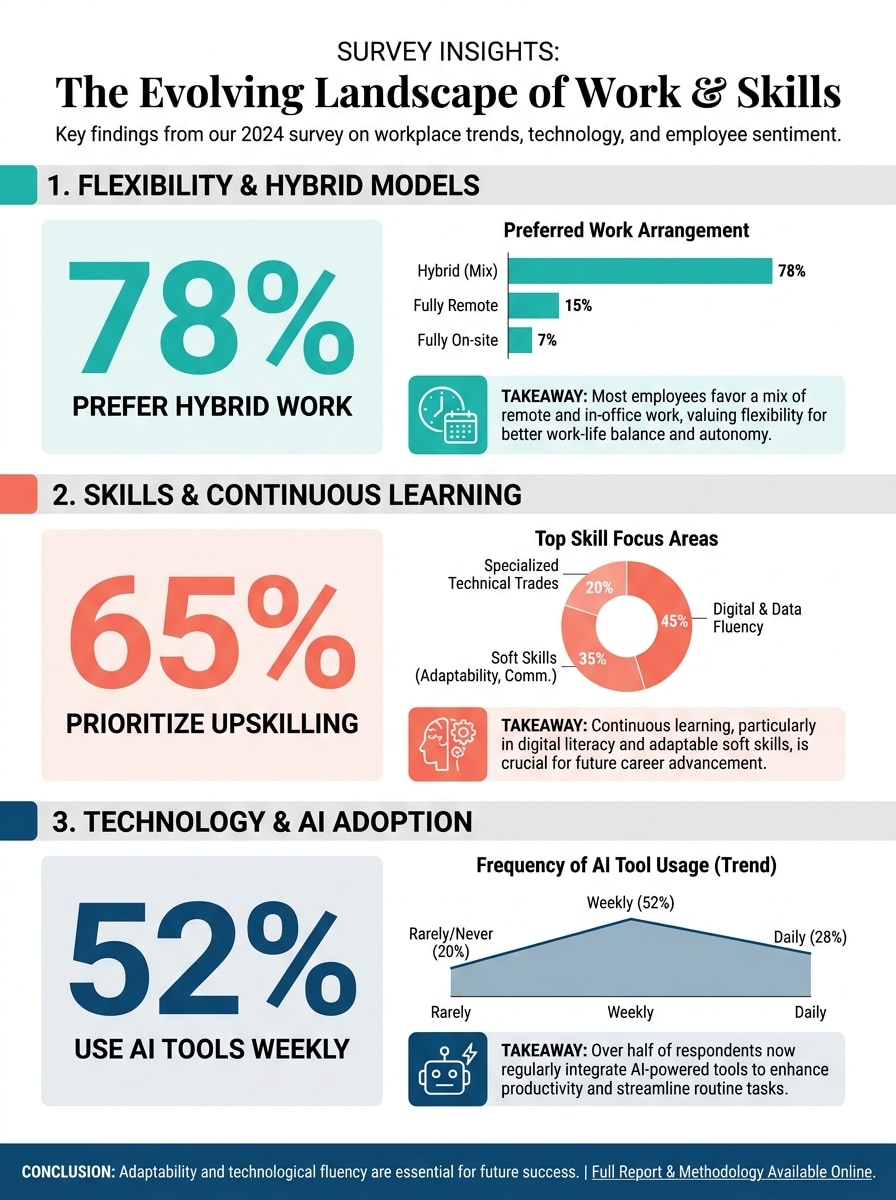
Turn survey results into a data-focused infographic with prominent percentage blocks, simple charts, concise takeaways, strong content hierarchy, editorial-style typography, modern accent colors, ample whitespace, and a polished one-page layout that highlights insights clearly for stakeholders or social audiences.
Report Snapshot Infographic
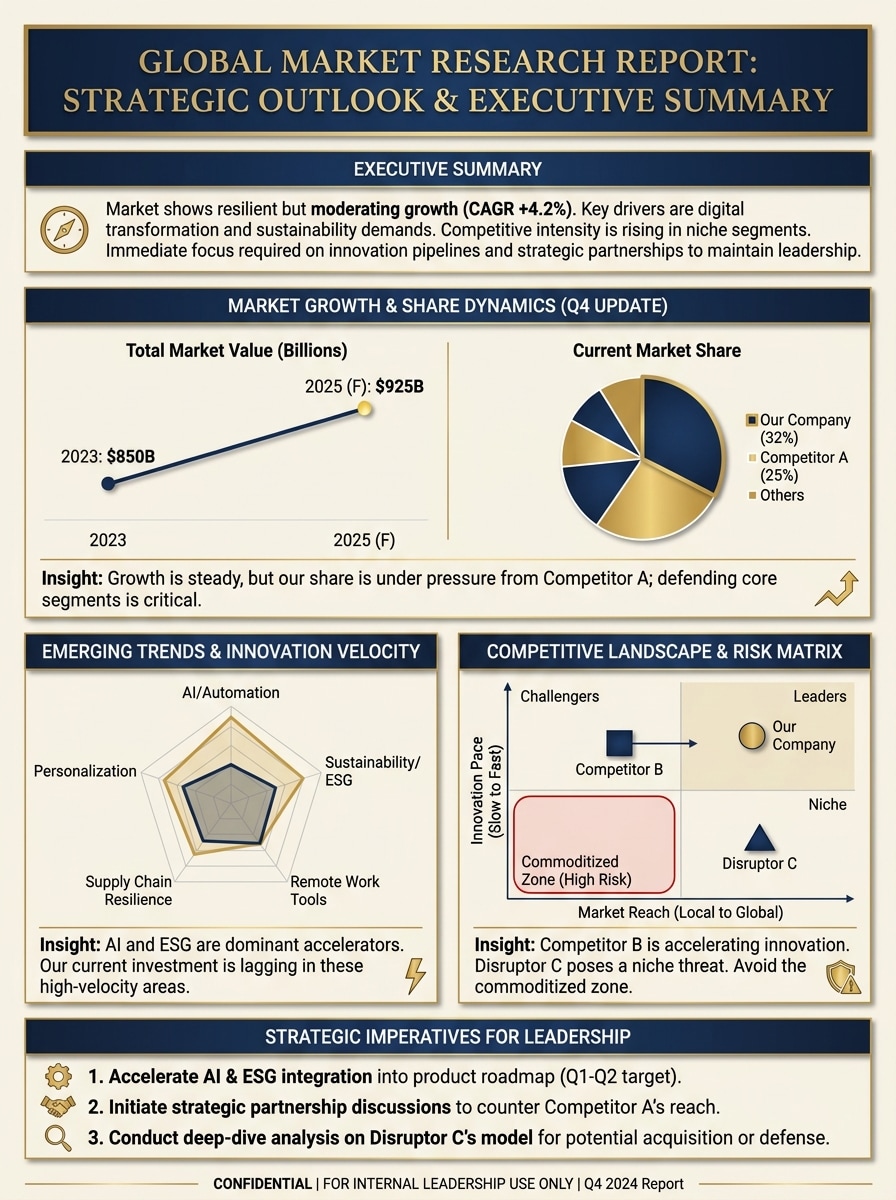
Summarize a market research report into a premium one-page infographic with executive summary sections, chart-ready blocks, concise insight captions, balanced spacing, navy and gold business palette, refined typography, and a presentation-quality layout designed for leadership updates and decision-making.
Why Use Media.io for an Infographic Generator Online
Turn Prompts Into Visual Concepts Fast
Use text prompts, rough ideas, or structured outlines to generate infographic-style visuals quickly. Media.io helps bridge the gap between a basic infographics creator and a faster AI-powered workflow for concepting layouts and visual directions.
High-Resolution Output Options
Generate sharp infographic assets in 1K, 2K, or 4K resolution. Whether you need social-ready visuals, presentation slides, or report graphics, the output stays crisp across common formats and screen sizes.
Flexible Aspect Ratios for Any Channel
Choose from square, vertical, landscape, and other popular ratios, including 1:1, 9:16, 16:9, 4:3, and 3:4. That makes it easier to adapt your infographic generator online free workflow for social posts, story slides, documents, or web headers.
Runs in Your Browser on Any Device
Media.io works on Windows, Mac, iOS, and Android without installing software. If you want an infographic maker free online for quick ideation on desktop or mobile, the tool is easy to access wherever you work.
How to Use Media.io Infographic Generator
1
2
3
1
Open Media.io Infographic Generator
Go to AI Text to Image Generator and open the Infographic Generator under AI -> Text to Image. This online tool runs in your browser, so you can start creating infographic-style visuals on desktop or mobile without installing extra software.
2
Enter a Prompt or Paste Your Content
Type a detailed prompt such as “Create a vertical timeline infographic showing a startup’s growth from idea to scale with milestone icons and clean blue typography,” or paste notes and outline points. Adjust style, aspect ratio, and resolution to match your goal.
3
Generate, Refine & Download
Click Generate to create your infographic concept. Tweak the prompt if needed for clearer hierarchy, stronger icons, or a different layout style, then download a high-resolution result for presentations, reports, or social content.
See how creators use this Infographic Generator for content, marketing, and personal projects, then adapt each idea to fit the brief.
Turn Notes Into Class-Ready Study Visuals
Students and teachers can use Media.io as a free infographic generator for draft concepts, turning lesson notes, summaries, and revision points into clearer visual study aids. It works well for explainers, glossaries, and process layouts that are easier to scan than plain text.
Create Marketing and Report Graphics Faster
Marketers, founders, and analysts can use this infographics creator to shape campaign funnels, survey highlights, and one-page report snapshots. It is especially useful when you need fast visual storytelling from raw bullets instead of starting from a blank canvas.
Build Timeline and Process Infographics for Teams
Operations, HR, and product teams can use Media.io as a timeline infographic generator for roadmaps, onboarding flows, support escalations, and internal explainers. If you need an infographic generator online for quick collaboration-friendly assets, it offers a fast browser workflow.
What Users Say About Media.io
Olivia Chen
Content Strategist
"Great for turning messy notes into clean visuals" I used Media.io to turn rough campaign notes into infographic concepts for a client deck. It was much faster than sketching layouts manually, and the output gave me a strong starting point for polished storytelling.
Marcus Bell
University Student
"Helpful for study summaries and timelines" I tested it for study material and got a clean infographic layout from my class notes in minutes. The vertical styles and simple visual hierarchy made it useful for revision, especially on topics with definitions and cause-effect sections.
Priya Nair
Marketing Manager
"Fast concept generation for reports and social posts" We used it to explore different infographic directions for survey data and funnel content. The speed was the main win. It helped us generate draft visuals quickly before finalizing assets for presentations and social media.
Daniel Ruiz
Startup Founder
"Easy browser-based workflow" I like that it runs in the browser and works on my laptop and phone. For quick stakeholder visuals, it’s a practical infographic generator ai workflow when I need to go from ideas to something presentation-ready without extra software.
An AI infographic generator is a tool that helps turn written prompts, ideas, or structured input into visual infographic concepts. Media.io is a web-based tool that uses AI image generation models and prompt-based workflows to help you create infographic-style outputs quickly in your browser.
2. Can I create an infographic from text or pasted notes?
Media.io supports prompt-based creation, so you can type a detailed description or paste notes and use them to guide the visual result. This makes it useful for users looking for an infographic ai generator or infographic generator ai workflow that starts from raw text, summaries, or outline points.
3. Is there a free infographic generator with no sign-up?
Media.io offers free credits for free users, so you can try the tool before upgrading. For additional usage and higher-volume creation, you can check the pricing page. Free users may also see watermarks, while paid plans support watermark-free high-resolution downloads. Free users can use free credits. For more usage, users can subscribe to a plan on the pricing page. Upgrade to a paid plan on the pricing page for more credits and watermark-free high-resolution downloads.
4. How fast can an infographic be generated online?
Generation is designed to be fast, and Media.io runs directly in your browser, so you can move from prompt to result in a short workflow. Speed can vary based on your prompt and selected model, but it is built for quick online creation when you need a free ai infographic generator concept or rapid visual draft. Nano Banana 2 is tuned for faster generation and quicker iteration.
5. Can I edit the infographic after AI creates it?
You can refine the result by adjusting your prompt, changing style direction, and regenerating outputs. Media.io supports a flexible prompt-driven workflow, which is useful when you want to iterate on layout feel, icon emphasis, or visual structure after the first generation.
6. What formats and resolution can I export?
Media.io supports high-resolution image generation in 1K, 2K, and 4K, giving you options for presentations, reports, and social sharing. Free users may have watermarks.