
















AI Coffee Date Video: The Viral NYC Café Trend You Can Recreate Anywhere
EVA Café—a pop-up billed as the world’s first AI dating café—is coming to New York City and going viral. Now you can recreate the same vibe as a cinematic AI coffee date video from a simple prompt—no filming crew, no editing app. Choose from top image-to-video engines like Sora 2, Veo 3.1, Kling 2.6, and Wan 2.6, then generate a realistic café date scene with smooth camera moves, natural expressions, and cozy “NYC coffee shop” lighting.
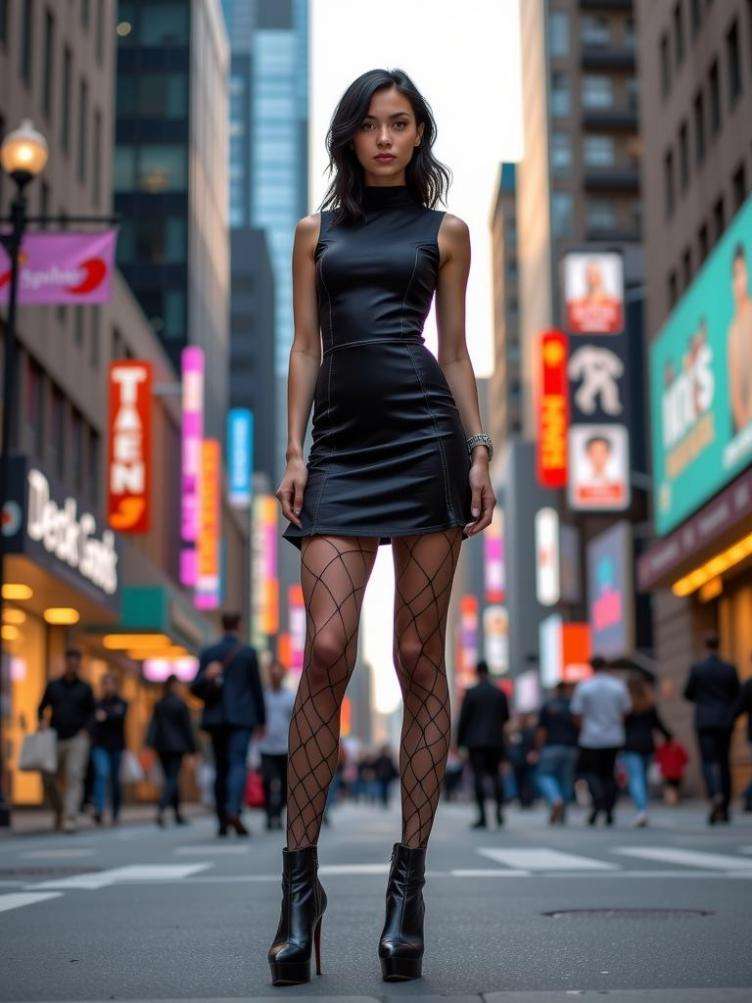
Video Prompt: The person walks from street into café, approaches table and sits down, places phone on stand showing AI boyfriend, picks up coffee and sips, smiles at screen while chatting, warm café atmosphere, smooth continuous movement, cinematic lighting, romantic mood
Make AI Coffee Date VideoHow to Create an AI Coffee Date Video (3 Easy Steps)
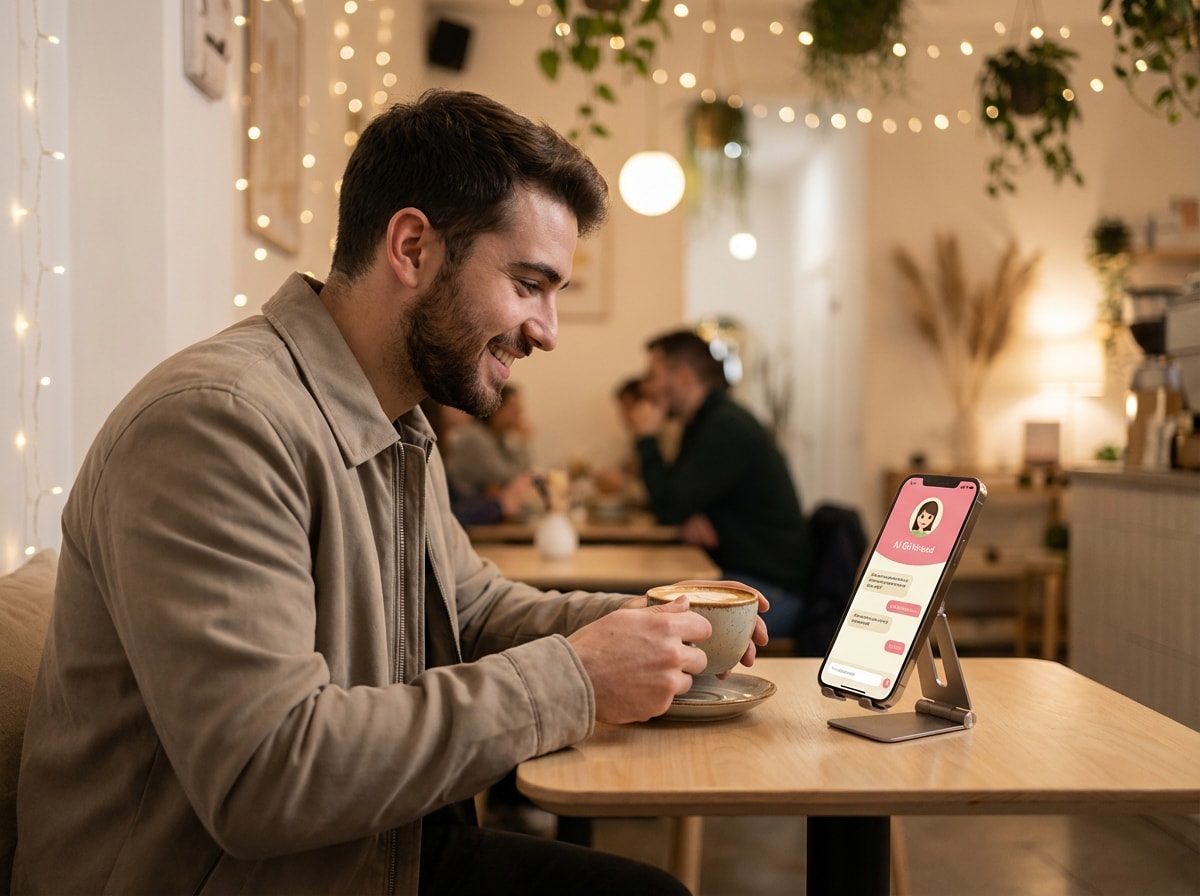
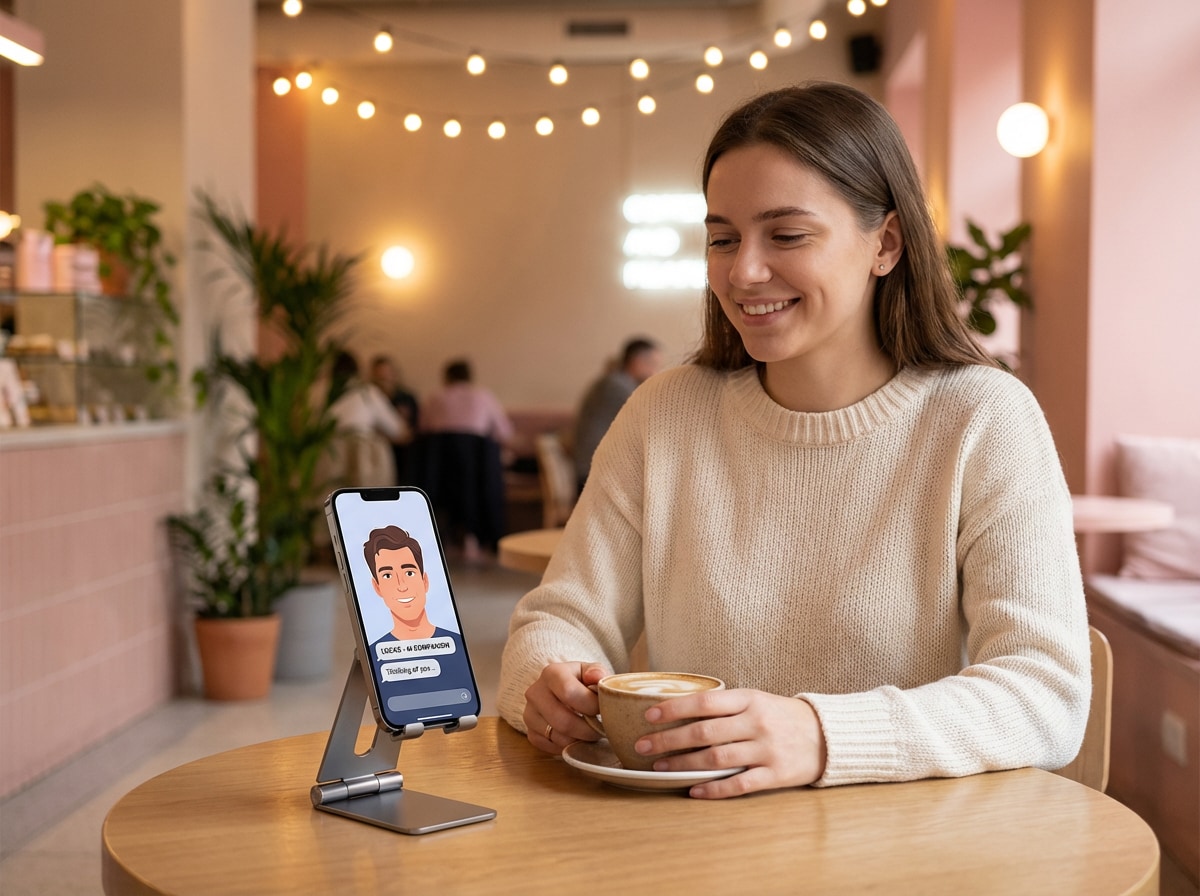
Step 1 — Upload Your Photo
Go to Media.io/ai and open Image-to-Video. Upload a clear photo (a portrait or full-body image works). Good lighting helps the video look more natural.
Step 2 — Paste the Coffee Date Prompt
Paste a ready-made prompt (like the one on this page) to describe the scene: walking into a café, sitting down, sipping coffee, and smiling at the screen. You can tweak details like mood, lighting, or camera movement if you want.
Step 3 — Generate & Download
Click Generate and wait a few seconds. Preview the result, then download your AI coffee date video in HD and share it on TikTok, Reels, or Shorts.
Explore the Hottest AI Video & Image Effects


Top Questions Answered on AI Coffee Date
1. What is the AI coffee date video trend?

The AI coffee date video trend is inspired by viral NYC café concepts where AI-generated characters appear to go on cinematic coffee dates. Instead of filming in a real café, people now recreate the vibe using text-to-video AI, generating realistic coffee date scenes from simple prompts.
2. Do I need to upload my own photo to make an AI coffee date video?

Not necessarily. You can create an AI coffee date video entirely from text, or upload a photo if you want the AI character to resemble a specific person. Both options work, depending on the style you’re aiming for.
3. What kind of coffee date scenes can I create?
You can generate cozy café dates, first-meet moments, awkward small talk, flirty conversations, cinematic slow pans, or aesthetic “NYC coffee shop” vibes. The scene style, mood, and camera movement are all controlled by your text prompt.
4. Which AI video models work best for coffee date videos?
Modern video models like Sora 2, Veo 3.1, Kling 2.6, and Wan 2.6 are especially good at café-style scenes because they handle facial expressions, body language, lighting, and camera motion more realistically.
5. Can I use AI coffee date videos for TikTok or Reels?
Yes. Most creators generate 9:16 vertical videos for TikTok, Instagram Reels, and Shorts. You can also export 16:9 if you want a cinematic or YouTube-style format.
6. Is this meant for real dating or just for fun?
AI coffee date videos are mainly for creative storytelling, trends, and entertainment. People use them for social posts, jokes, short films, or concept videos—not as a replacement for real dating.
Not Just an AI Age Guesser – Try More AI Photo Editing Tools at Media.io
 4.7 (162,357 Votes)