Red Photo Filter: Give a Portrait a Dramatic Red-Light Mood
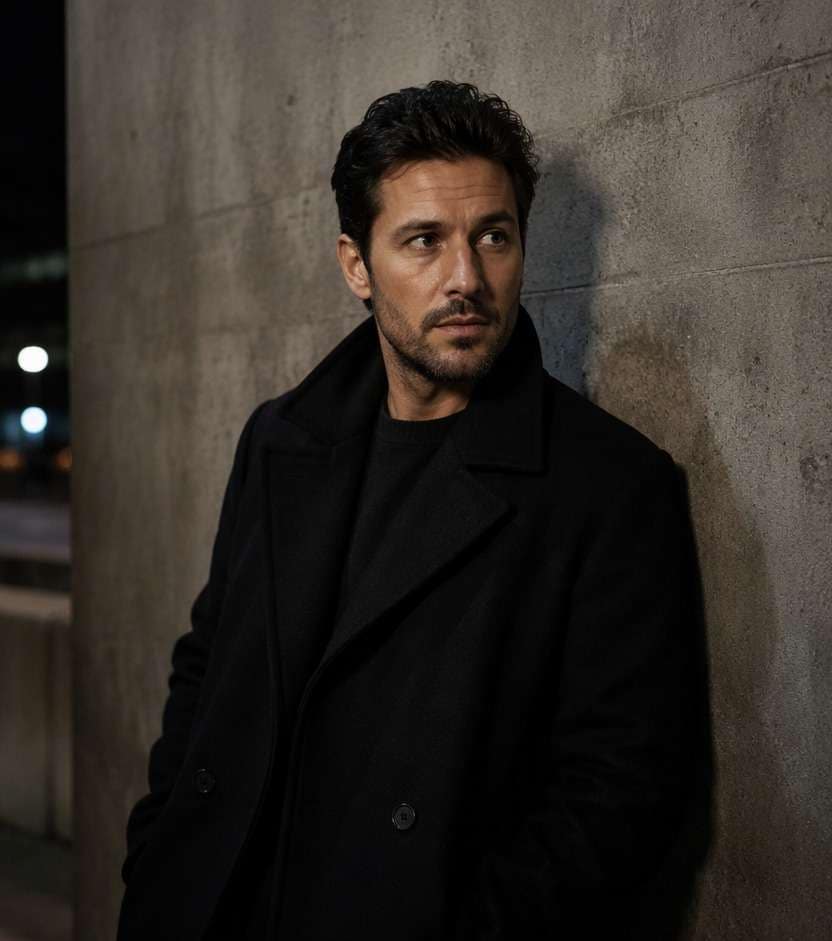
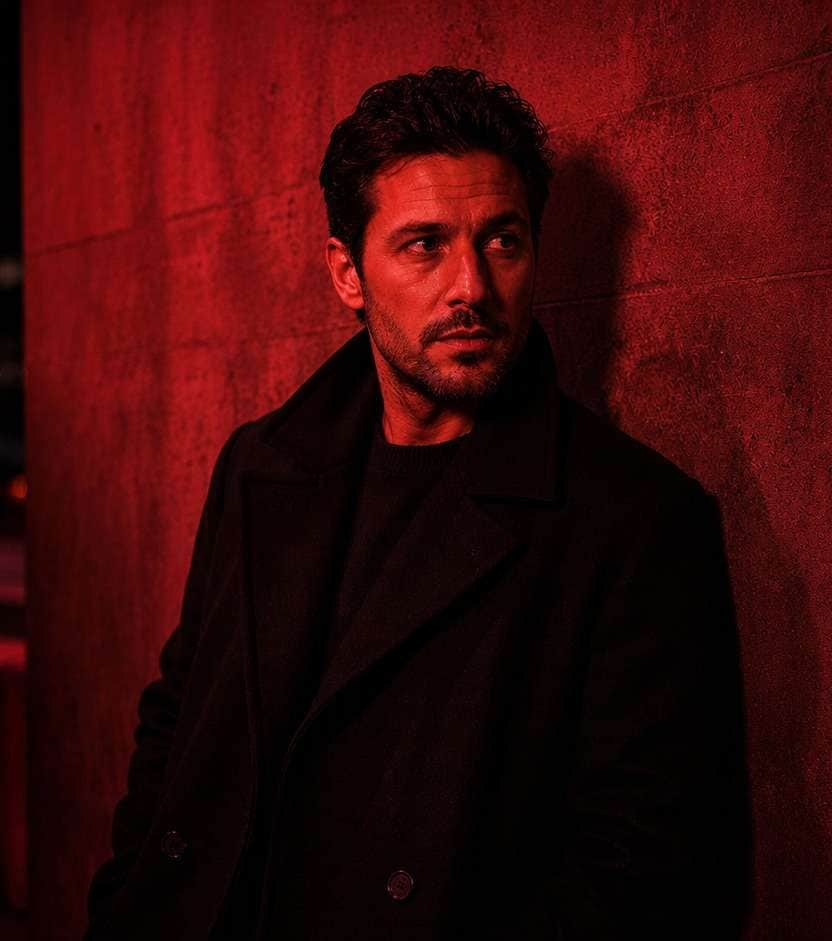
The portrait has attitude, but ordinary white room light takes away the nighttime mood. A red photo filter can introduce deep crimson shadows, a red neon accent or a full darkroom wash while keeping your expression, outfit and location intact. Red is a strong visual choice: a concert poster may benefit from saturation, but a fashion portrait needs enough contrast to show fabric and skin structure. Choose whether red should own the whole frame or come from one believable light source.
Start with a portrait with distinct shadow shapes; decide whether you want red ambient light or a full red-monochrome grade.
Red Light Photo Prompts for Club, Neon and Editorial Moods
Decide whether your photo needs one red source, a bold monochrome treatment or a subtle crimson accent. Each prompt aims to make that decision visible without creating a new person or background.
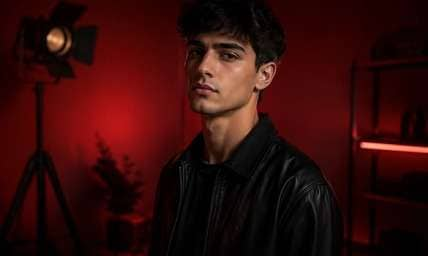
Darkroom Red Portrait
Edit my uploaded reference photo: Grade the studio room deep red with readable cheek highlights, keeping the person's black jacket and eye detail clear. Keep the original person, identity, expression, hairstyle, clothes, scene geometry and camera angle unless the named era style specifically calls for clothing or setting changes. Maintain realistic physical proportions and credible photographic detail. Do not add captions, logos, extra people, collages or unrelated props.
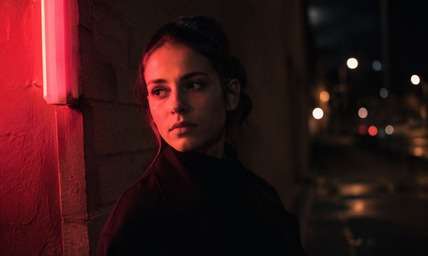
Single Neon Sign
Edit my uploaded reference photo: Let an existing red sign illuminate only the camera-left face and nearby wall, leaving the opposite cheek naturally dark. Keep the original person, identity, expression, hairstyle, clothes, scene geometry and camera angle unless the named era style specifically calls for clothing or setting changes. Maintain realistic physical proportions and credible photographic detail. Do not add captions, logos, extra people, collages or unrelated props.
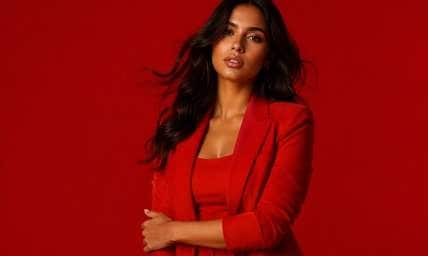
Scarlet Fashion Studio
Edit my uploaded reference photo: Convert a clean studio backdrop to graphic scarlet while keeping garment seams and subject proportions sharply defined. Keep the original person, identity, expression, hairstyle, clothes, scene geometry and camera angle unless the named era style specifically calls for clothing or setting changes. Maintain realistic physical proportions and credible photographic detail. Do not add captions, logos, extra people, collages or unrelated props.
Crimson Music Poster
Edit my uploaded reference photo: Add dark red side light and a slim neutral highlight to an artist portrait, preserving microphone and original framing. Keep the original person, identity, expression, hairstyle, clothes, scene geometry and camera angle unless the named era style specifically calls for clothing or setting changes. Maintain realistic physical proportions and credible photographic detail. Do not add captions, logos, extra people, collages or unrelated props.
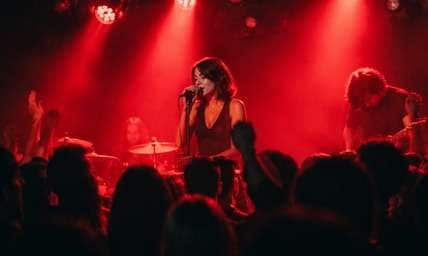
Concert Light Wash
Edit my uploaded reference photo: Let real red stage fixtures affect the performance scene and crowd shadows, avoiding a uniform red overlay. Keep the original person, identity, expression, hairstyle, clothes, scene geometry and camera angle unless the named era style specifically calls for clothing or setting changes. Maintain realistic physical proportions and credible photographic detail. Do not add captions, logos, extra people, collages or unrelated props.
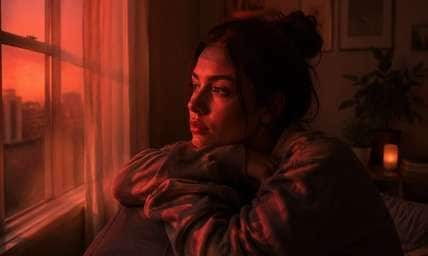
Red Window Room
Edit my uploaded reference photo: Add a plausible red glow entering through an existing window with shadows consistent on furniture and face. Keep the original person, identity, expression, hairstyle, clothes, scene geometry and camera angle unless the named era style specifically calls for clothing or setting changes. Maintain realistic physical proportions and credible photographic detail. Do not add captions, logos, extra people, collages or unrelated props.
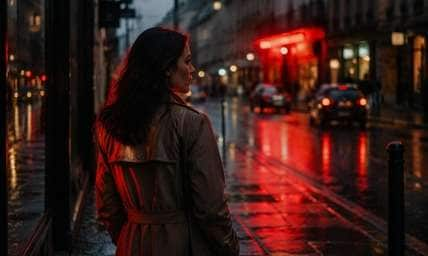
Midnight Street Crimson
Edit my uploaded reference photo: Use a distant red shop sign as the source of warm crimson reflections on wet pavement and an existing coat. Keep the original person, identity, expression, hairstyle, clothes, scene geometry and camera angle unless the named era style specifically calls for clothing or setting changes. Maintain realistic physical proportions and credible photographic detail. Do not add captions, logos, extra people, collages or unrelated props.
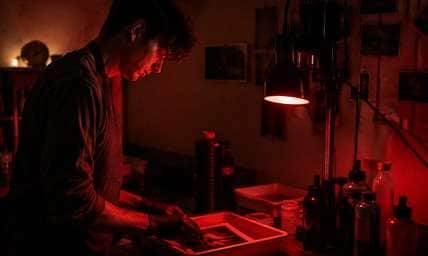
Analog Darkroom Mood
Edit my uploaded reference photo: Create a low-saturation red-safelight atmosphere in a quiet interior while keeping room objects identifiable. Keep the original person, identity, expression, hairstyle, clothes, scene geometry and camera angle unless the named era style specifically calls for clothing or setting changes. Maintain realistic physical proportions and credible photographic detail. Do not add captions, logos, extra people, collages or unrelated props.
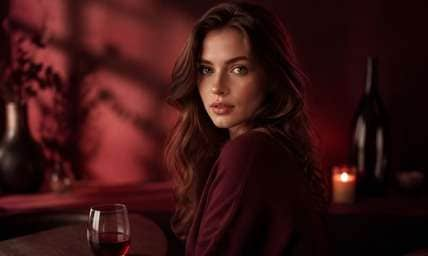
Deep Wine Portrait
Edit my uploaded reference photo: Shift background shadows toward wine red with soft highlight separation and natural facial structure. Keep the original person, identity, expression, hairstyle, clothes, scene geometry and camera angle unless the named era style specifically calls for clothing or setting changes. Maintain realistic physical proportions and credible photographic detail. Do not add captions, logos, extra people, collages or unrelated props.
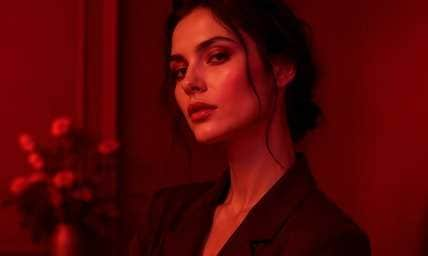
Bold Red Monochrome
Edit my uploaded reference photo: Give an existing editorial portrait a near-monochrome red palette with lighter scarlet on cheekbones and dark burgundy clothing. Keep the original person, identity, expression, hairstyle, clothes, scene geometry and camera angle unless the named era style specifically calls for clothing or setting changes. Maintain realistic physical proportions and credible photographic detail. Do not add captions, logos, extra people, collages or unrelated props.
Choose the Kind of Red Light That Fits the Image
One Source or Full Monochrome
A red club lamp can light one cheek and a wall; an editorial monochrome grade can recolor the entire image. Mixing both directions without intention often creates muddy, uneven skin.
Keep Form through Contrast
Strong red can collapse midtones, hiding the nose, jacket folds and hair outline. Request a small bright key or lighter crimson highlight so the subject remains recognizable.
Match Red to the Environment
A neon sign in an alley gives a logical reason for red reflections; an empty white room may suit a graphic studio wash instead. The source photo should support the chosen story.
Make the Color Useful for a Format
Music-cover squares, fashion carousels and cinematic stills use red differently. A poster-style portrait can take more saturation, while a profile picture usually needs readable facial detail.
How to Add a Red Filter to a Portrait Online
Start with the reason the scene should be red. Then ask for either source-based red illumination or an intentional monochrome grade in Media.io AI Face Editor.
Step 1
Upload a Clear Portrait or Night Photo
Open Media.io AI Face Editor and choose a picture with strong subject outlines. Plain studio walls or a real neon location make the red styling easier to control.
Step 2
Set the Red Light Style
Request darkroom crimson, directional neon red or saturated monochrome with readable facial planes. Preserve the original person, clothing and camera angle.
Step 3
Generate and Review Contrast
Click Generate and inspect whether eyes, coat folds and background edges remain visible. Ask for a small neutral fill if the entire image turns muddy red.
Red Photo Effects for Different Creative Decisions
Red can suggest energy, intimacy or tension. Choose the version that fits what the original photo is meant to communicate.
Indie Music Cover Portraits
Deep crimson light can make a black-coat portrait feel cinematic and urgent. Keep the singer's facial expression visible so the cover does not become an anonymous silhouette. Leave a narrow highlight on the nose bridge or coat lapel so the portrait reads at thumbnail size on streaming platforms.
Nightclub and Neon Lifestyle Posts
Red signage can tint the subject's nearest cheek and jacket edge while the rest of the street stays darker. It feels more natural when the original scene already has practical lights.
Fashion Editorial Color Blocks
A clean studio portrait can take a bold monochrome red look, with tonal separation between clothing and the backdrop for a graphic campaign image. Use lighter scarlet highlights on the cheek and burgundy shadow on the wall so red-on-red styling retains form.
Red Light Photo Quality Checklist
Red Intent
Photo preview checklist
"Is the edit a full red grade or light from a red source?" Pick one dominant interpretation instead of mixing both randomly.
Facial Definition
Photo preview checklist
"Can you still read the eyes, nose and expression?" Restore a slight neutral or brighter crimson fill if the face collapses.
Garment Separation
Photo preview checklist
"Does the outfit still separate from the background?" Saturated red on both subject and wall can erase silhouette and texture.
Lighting Logic
Photo preview checklist
"Could the red realistically come from the sign or lamp?" Directional accents feel better when they agree with a visible source.
It can create monochrome red styling, red neon lighting or a darkroom-style atmosphere for portraits, music images and creative photo posts. It works especially well when the original image already suggests stage or nightlife context.
2. Can I add red light to only one side of my face?
Yes. Ask for a directional red source from one side while keeping the other side under neutral or dim fill. Keep the opposite side dimmer so the result still has facial depth.
3. Why is my portrait too dark after applying red?
Strong red and deep shadows can remove midtone detail. Request readable facial planes, lighter crimson highlights and a slight neutral fill. A small neutral highlight can restore detail without ruining the red mood.
4. How is a red photo filter different from red-eye removal?
Red-eye removal fixes unwanted red pupils from flash photography. A red filter deliberately changes the overall lighting or color mood. Red lighting is an aesthetic treatment, not a correction for flash-damaged pupils.
5. Can a red filter work on daylight photos?
Yes, particularly for a stylized editorial wash. For a realistic night-neon look, a photo with actual signs or lamps is an easier starting point.
6. Should I choose bright scarlet or dark crimson?
Bright scarlet is more graphic and energetic; dark crimson is often moodier and cinematic. Choose based on the background and how clearly the subject must read.