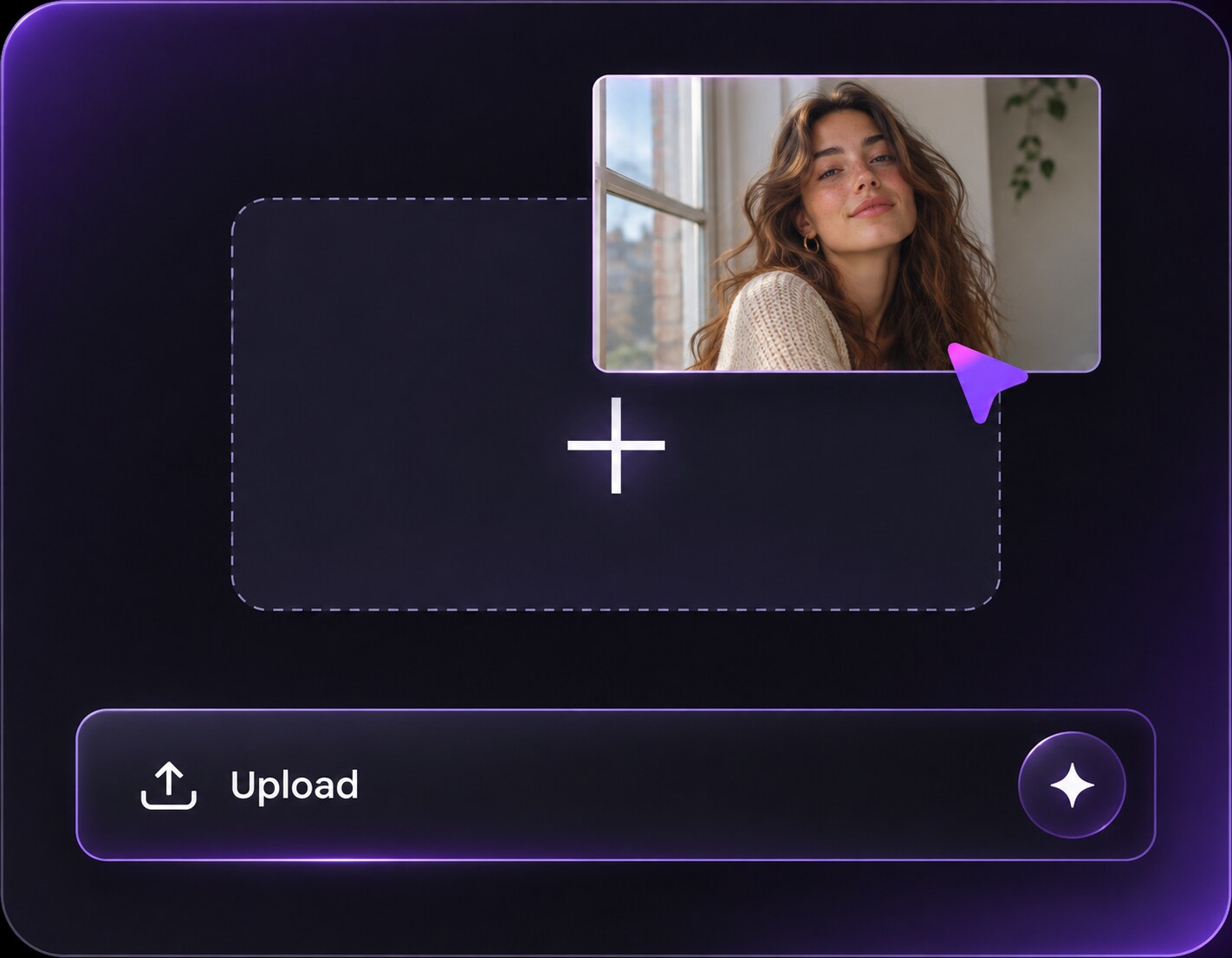
Click or drag to upload, or choose from My HistoryClick To UploadMy History
No ideas? Generate an image first >
Upload jpg, jpeg, png images up to 50 MB, with a minimum width/height of 300 px.
Try a Peach Girl Makeup Filter on Your Own Photo
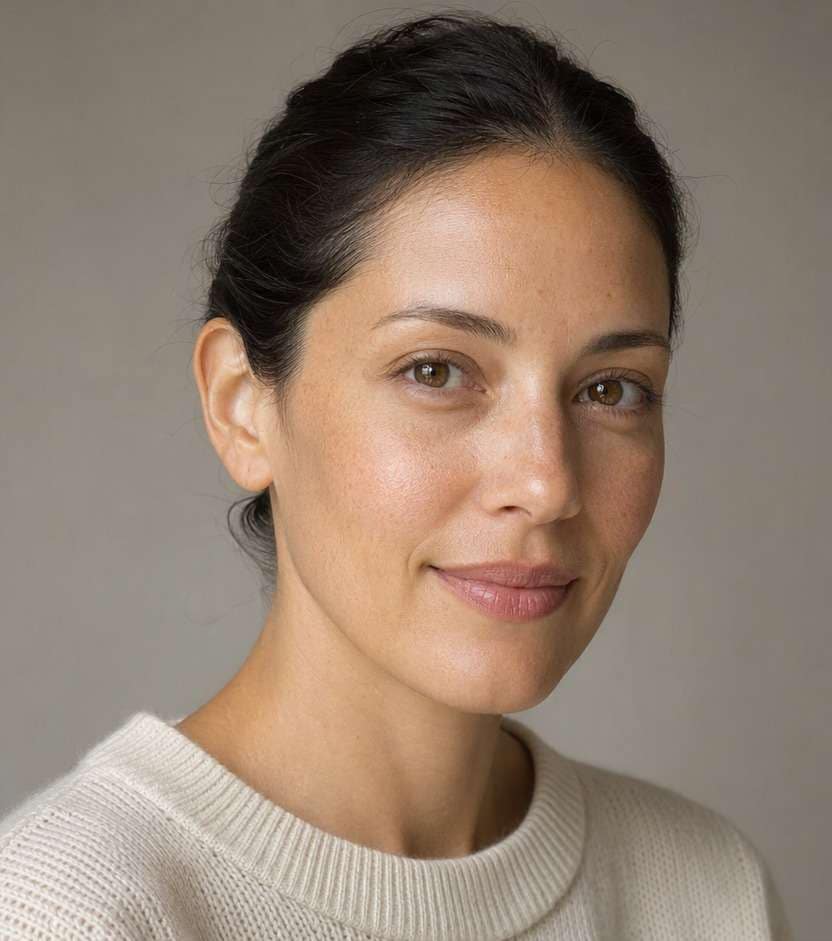
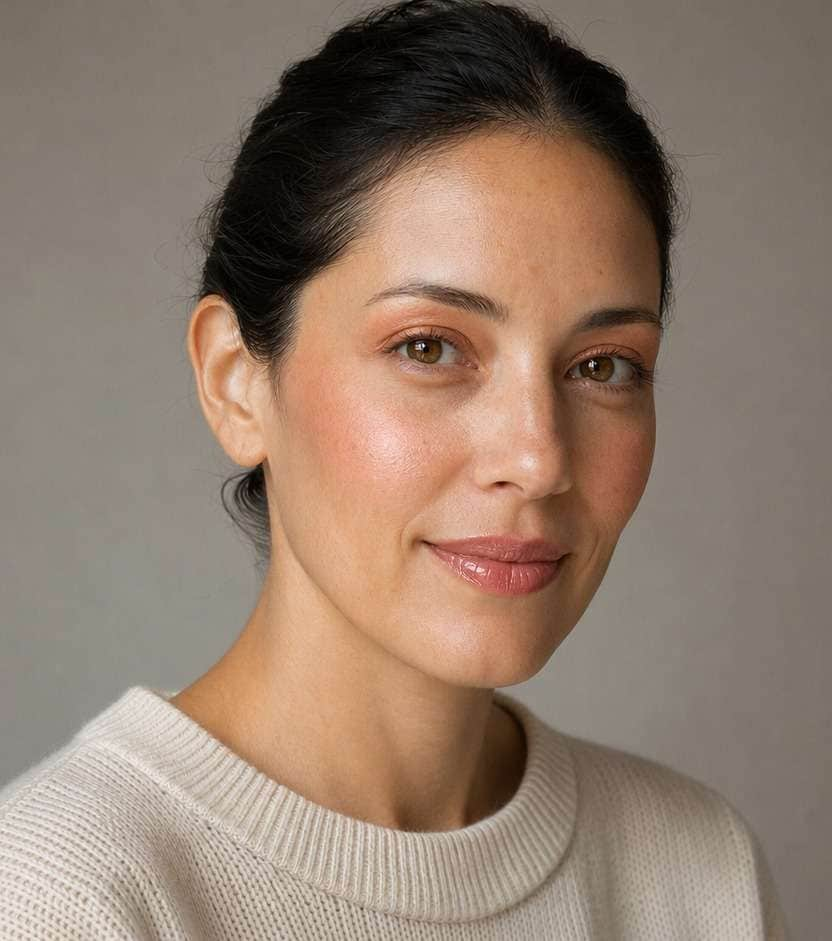
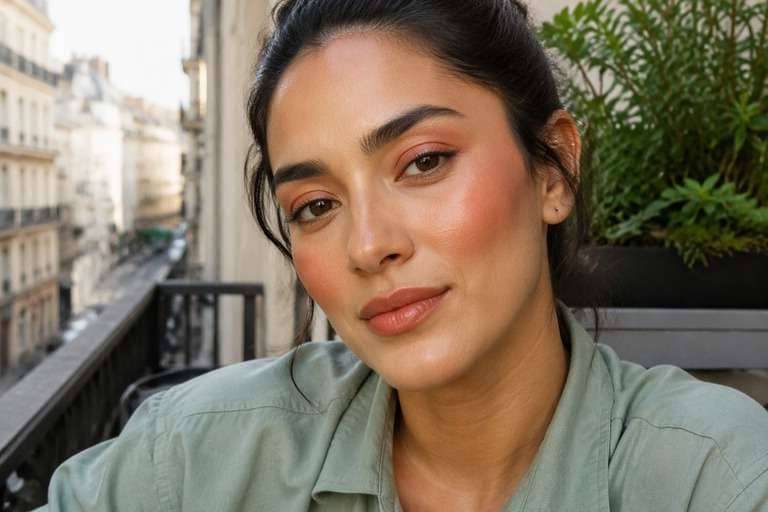
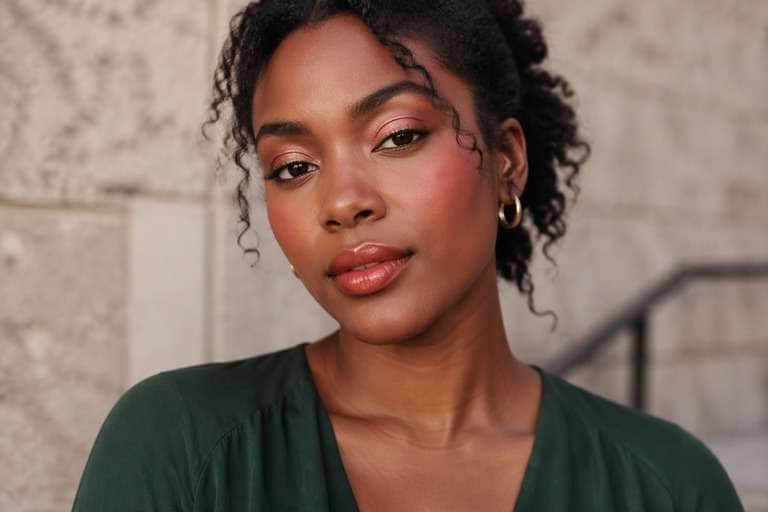
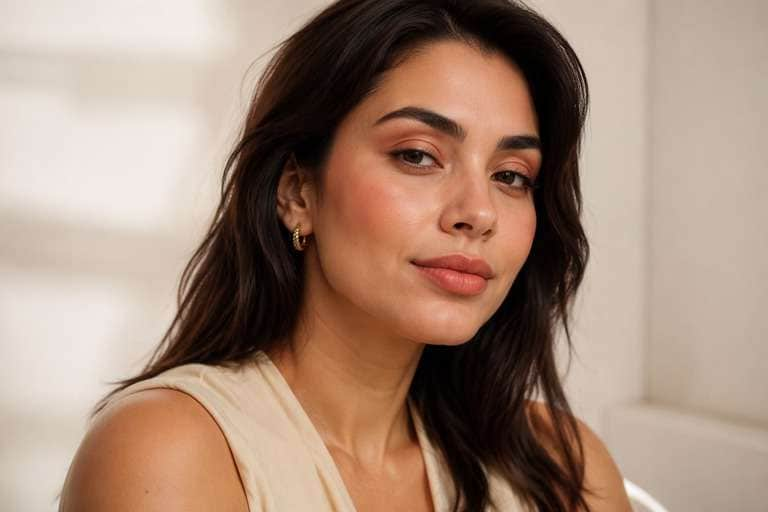
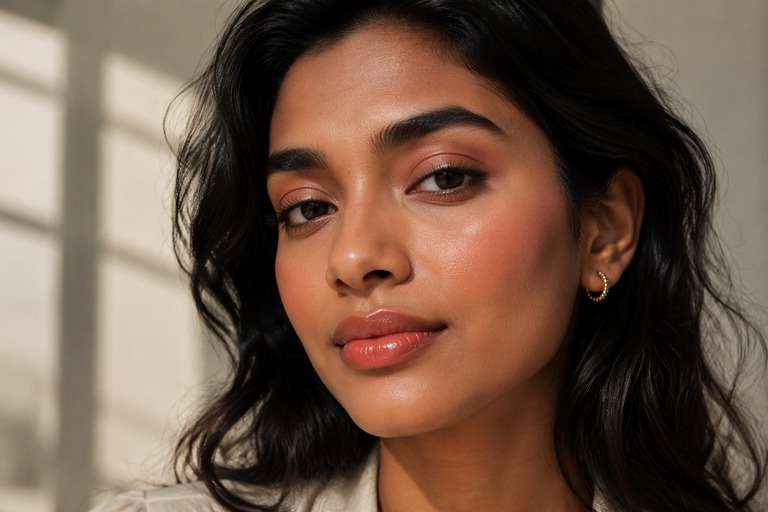
Love the soft peach look but unsure which blush shade will suit your photo? Try a peach girl makeup filter on your own portrait before choosing a look. Compare a sheer pink-peach flush with warmer apricot cheeks, softly blended eye color and glossy peach lips. Use Media.io AI Face Editor to describe the makeup you want, then check the result against your original face and skin tone. No need to change your hairstyle, outfit or background just to test a new color palette.
Start with a clear face photo and ask for makeup changes only - not an overall orange photo tint.
10 Peach Girl Makeup Looks to Try on Your Photo
Not every peachy makeup look needs a bold coral blush. Choose a peachy makeup photo filter prompt for your complexion, occasion or preferred finish, from translucent cream blush to deeper apricot and shimmering evening eyes. Copy a prompt, upload one portrait and keep the same face while exploring different shades. For the most useful comparison, test two looks on the same original picture.
Barely-There Peach Flush
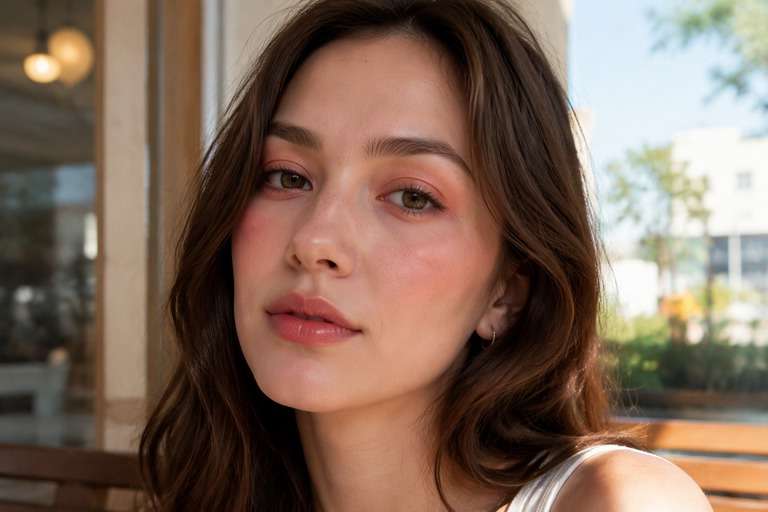
On my uploaded portrait, try a barely-there peach girl makeup look for a daytime coffee or class photo. Place a translucent pink-peach cream blush on the apples of both cheeks and diffuse its edges upward; add soft beige-peach lids, brushed natural brows, very light mascara and a peach lip balm. Keep natural freckles, pores and my real undertone visible. Preserve my facial identity, hair, pose, clothes, background and crop; do not warm the whole photograph or alter facial proportions.
Apricot Blush Lift
Edit my photo to preview apricot blush placed higher along my cheekbones and gently blended toward the temples, not spread all over my cheeks. Add a restrained tan-peach eyeshadow, brown tightlining and a satin apricot lip. Make the color vivid enough to compare against a lower cheek placement while keeping skin texture realistic. Retain my face shape, eye size, hairstyle, lighting, clothing and background. This is makeup applied to a face, not an orange color filter over the full image.
Coral Peach on Deep Skin
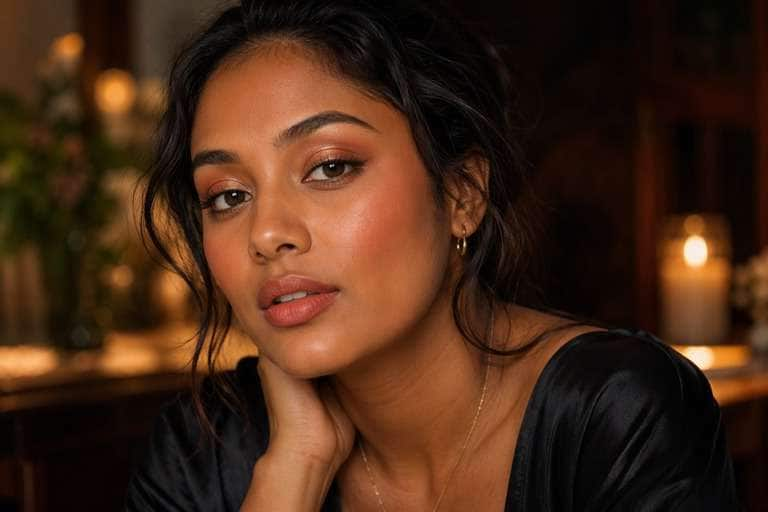
Use my uploaded face photo to test a rich coral-peach makeup look that stays visible against my natural deep skin tone. Apply a warm coral cream blush high on the cheeks, copper-peach shimmer lightly on the eyelids, softly defined lashes and an amber-coral gloss. Maintain realistic pigment blending and avoid an ashy pale pastel finish. Preserve my skin shade, features, facial structure, hair, clothes, scene and camera framing; no whitening, skin recoloring or beauty-face replacement.
All-Over Monochrome Peach
Give the person in my photo a coordinated monochrome peach girl makeup look. Use one harmonious peach-apricot color family across lightly blended eyelids, diffused cheek blush and satin lips, varying opacity rather than painting all areas the same solid shade. Keep brows natural and let real skin texture show through the base. Preserve the same person, hair, expression, outfit, background and camera angle. Avoid heavy contour, face reshaping, artificial smoothing and orange-tinted surroundings.
Peachy Beach Bronzed Look
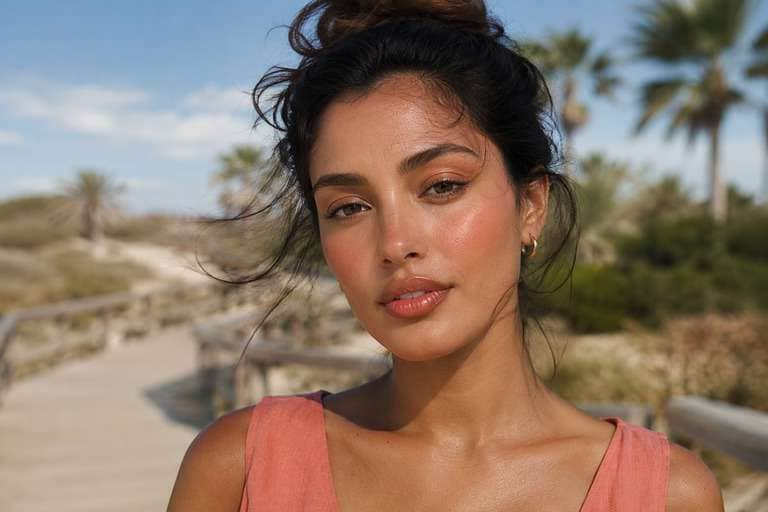
Edit this uploaded summer portrait with a beach-ready peach girl makeup look: a light honey bronzer around the face, warm coral-peach blush swept from cheeks toward temples, a tiny bridge-of-nose flush, soft caramel eyeliner and hydrated peach gloss. Keep the effect on the face, not on the beach, sky or clothes. Make the warm pigment complement the original skin tone rather than turning skin uniformly orange. Preserve identity, freckles, facial proportions, hair, pose, scene and crop.
Glossy Peach Lip Focus
Try a peachy makeup photo filter centered on the lips of the person in my uploaded portrait. Add sheer apricot-rose tinted lip gloss with a realistic reflective finish and soft defined lip edges, then balance it with only a whisper of peach blush and nude lids. Preserve the person's natural lip shape and do not enlarge or overline the lips. Keep the face, complexion, teeth, hair, clothes, pose and scene unchanged; avoid smoothing away texture or changing the photograph's global warmth.
Peach Bridal Guest Soft Glam
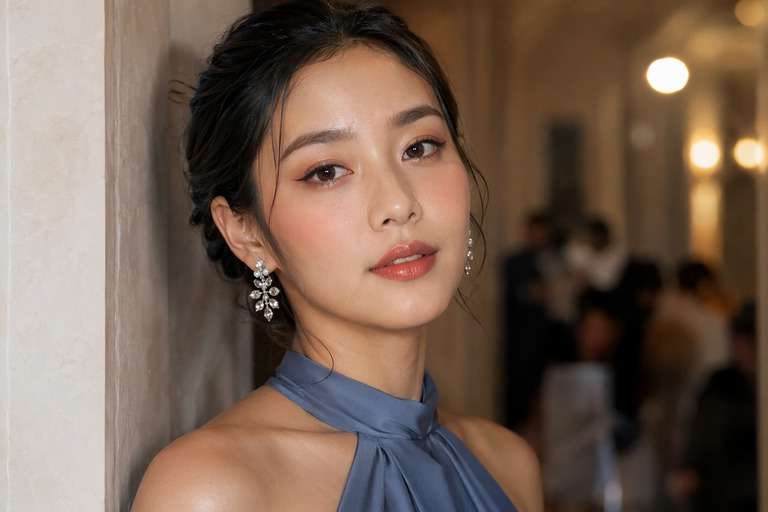
Apply an elegant peach soft-glam makeup preview to my uploaded event portrait: satin complexion with real texture, medium peach blush lifted along cheekbones, muted rose-peach eyeshadow, a subtle champagne highlight at the inner eyes, fine brown winged liner and a polished peach-rose satin lip. Keep the finish refined for wedding guest photos rather than theatrical bridal makeup. Preserve facial identity, hair, attire, jewelry and existing background; no face slimming, skin lightening, or scene replacement.
Pinky-Peach for Cool Undertones
Test a pink-led peach makeup look on my original photo rather than a strongly orange one. Add a sheer cool-friendly pink-peach blush centered on the cheeks, softly blended nude-rose-peach eyes and a peach-rose balm. Leave the original natural skin undertone intact so I can compare whether a softer peach suits me. Keep eye spacing, nose, lip shape, hair, outfit and lighting exactly recognizable; avoid shifting the whole image to a warm yellow cast.
Peach Shimmer Evening Eyes
On the uploaded photo, try an evening peach makeup style that still looks wearable: softly smoked copper-peach eyeshadow concentrated on the outer eyelids, a delicate champagne shimmer at the center, thin dark-brown liner, separated lashes, balanced coral-peach blush and a muted peach lip. The eye makeup should lead without burying facial detail. Keep the person's identity, natural complexion, hair, jewelry, original background and photographic perspective stable. No glitter stickers or false skin smoothing.
Peach Freckles and Fresh Cheeks
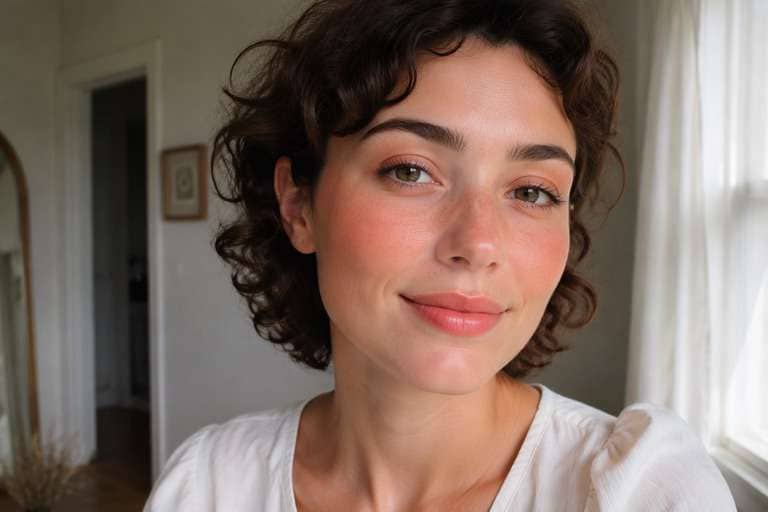
Create a fresh peach girl makeup preview on the uploaded daylight face photo. Keep existing natural freckles and beauty marks visible; add translucent coral-peach blush across the cheeks with the faintest connected flush over the nose, light peach eyeshadow, a touch of inner-eye brightness and a comfortable peach-pink gloss. Retain the real facial features, skin texture, hairstyle, clothing and original lighting. Do not invent freckles, reshape the face, add porcelain-skin blur or recolor the background.
Find Your Peach Makeup Match Before Applying a Brush
Find Your Peach, Not a Flat Orange Tint
Peach ranges from soft pink-apricot to bright coral. If lighter peach barely shows on your skin or vivid coral feels too bold, test each shade on the same portrait. Ask for pigment on cheeks, eyes and lips while keeping the original skin undertone and the rest of the photo unchanged.
Compare Blush Placement Before You Commit
High cheekbone blush can read lifted in a three-quarter portrait, while a diffused flush on the apples feels softer and more playful. Use the same photo to compare the two shapes. Keep the nose and cheeks recognizable so you are judging placement, not an AI-altered face.
Make Lips, Cheeks and Eyes Work Together
The peach girl makeup look is strongest when the three areas share a color story. Try sheer peach lips with quiet lids for daytime, or add apricot shimmer and richer blush for an evening photo. Comparing these combinations helps avoid a look where every feature competes for attention.
Keep the Skin You Recognize
A peach makeup preview should not mean a different complexion. Ask the model to retain freckles, texture, face shape and natural skin depth. Check the Before and After at full size, especially around eyelids and lip edges. If details drift, make the prompt narrower and try again.
How to Try a Peach Girl Makeup Filter on a Photo Online
Upload your portrait to Media.io AI Face Editor, describe where you want peach blush, eyeshadow and lip color, then generate and compare the preview. This is a prompt-guided makeup edit, not a verified one-tap Peach Girl preset.
Step 1
Upload a Clear Face Photo
Open Media.io AI Face Editor and upload a well-lit selfie or portrait showing your cheeks, eyes and lips. Choose a front or slight three-quarter angle so you can compare blush placement and lip color easily.
Step 2
Describe Your Peach Makeup Look
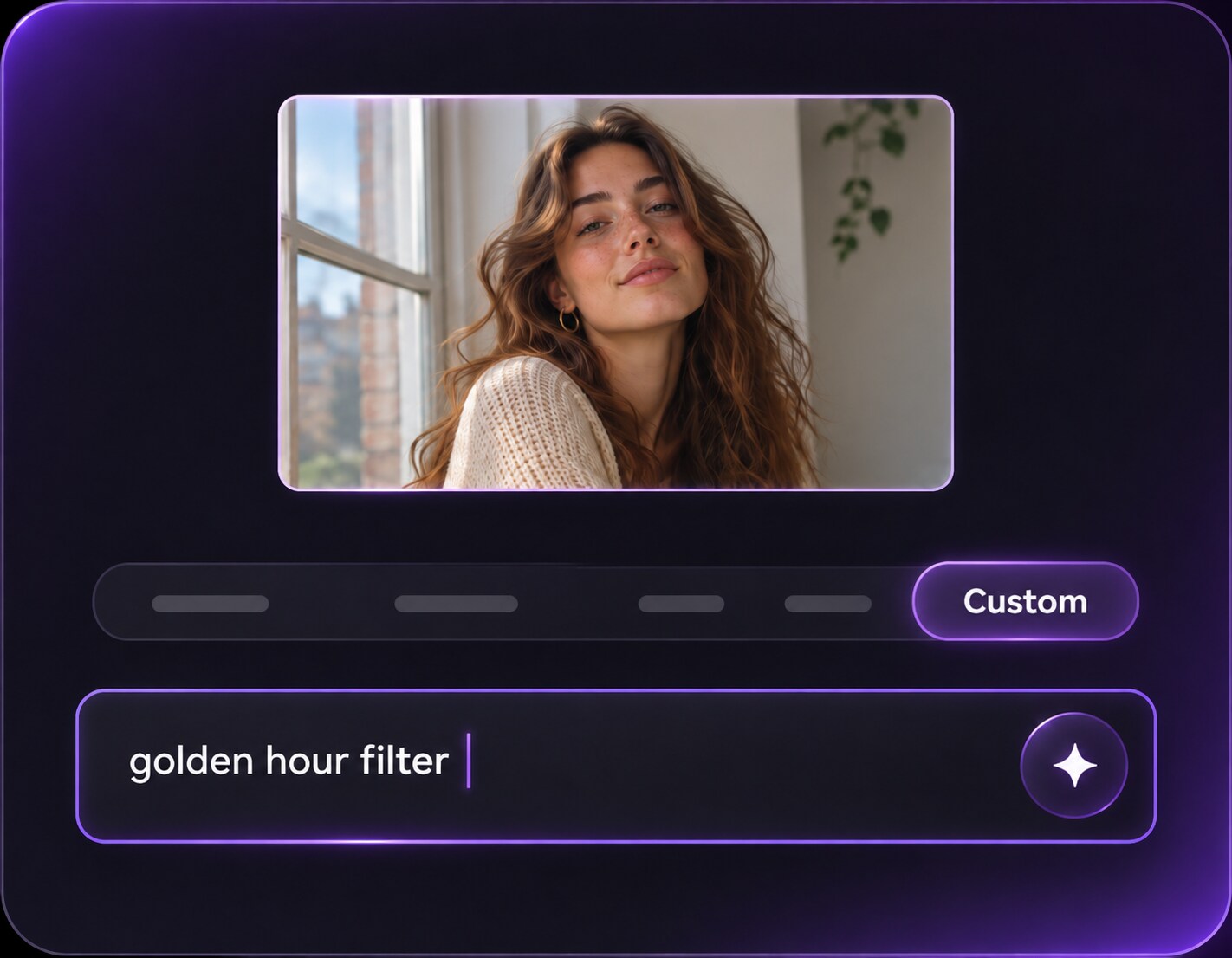
Use the available custom prompt or edit instructions to request peach blush, soft apricot eyeshadow and a matching glossy lip. Specify the shade intensity and where blush should sit. Ask to keep your actual skin tone, facial features, hair and background unchanged.
Step 3
Generate and Check the Details
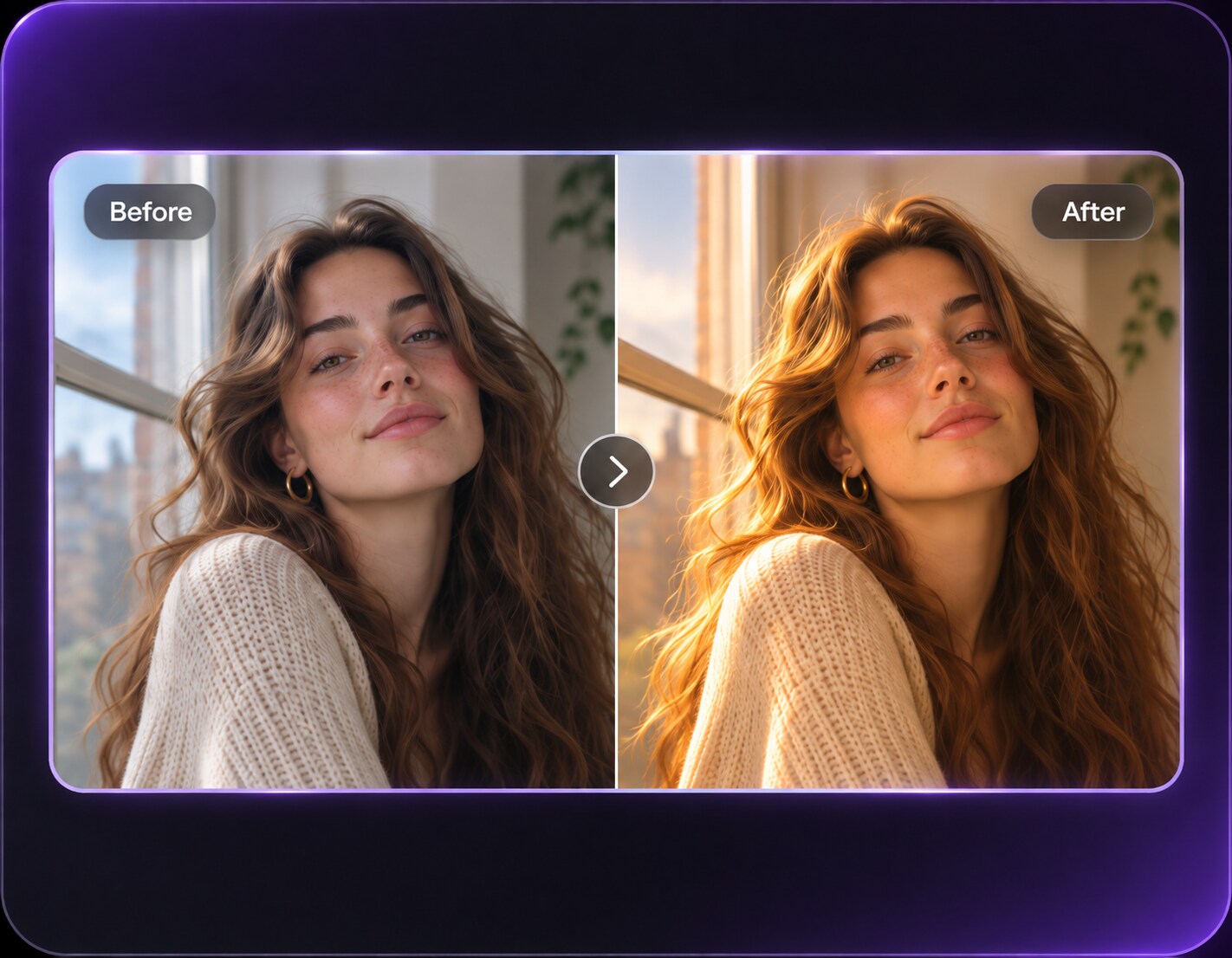
Click Generate and compare the edited result with your original photo. Check cheek symmetry, natural lip edges and skin texture. If the blush looks orange or the face changes, lower the color intensity and refine the prompt.
Peach Girl Makeup for Selfies, Summer and Date Nights
The right peach look depends on where the picture is going. Use peach makeup AI editing to compare light, bronzed and softly defined makeup on your original portrait before you share a selfie or plan an occasion look.
Choose a Daytime Look for Your Next Profile Photo
A favorite selfie may have good lighting but no clear makeup direction. Start with a light pink-peach cheek flush, subtle eyes and tinted balm to see whether you prefer an almost bare-faced finish. This is useful for refreshing a profile photo without looking overly made up or dramatically retouched.
Test a Peach Look for an Outdoor Summer Event
For a garden party, weekend picnic or vacation portrait, compare apricot blush with a warmer bronzed peach finish. A small amount across the upper cheeks can look fresh in bright light, while a richer coral may hold its color better in photos. Keep the outfit and daylight consistent for an honest comparison.
Plan Coordinated Makeup for Date-Night Photos
If your lipstick and eye color never seem to match, try a coordinated peach soft-glam version on one reference portrait before choosing a look. Soft copper-peach eyes with a satin lip read more polished; lighter lids and glossy lips feel more casual. Your generated image is a styling idea, not a guarantee of how actual cosmetics will wear.
Peach Makeup Photo Preview Checklist
Blush Color
Photo preview checklist
"Does the peach read as makeup, not a photo tint?" Look for color on the cheeks instead of warm orange spread across the neck, clothes and background.
Placement
Photo preview checklist
"Does the blush follow the face naturally?" Check both cheeks for realistic blending and avoid sharp floating shapes or mismatched placement.
Lip Detail
Photo preview checklist
"Are the lip edges and shine believable?" A glossy peach lip should follow the existing lip shape, without sudden enlargement or melted edges.
Skin Texture
Photo preview checklist
"Would you still recognize your own complexion?" Keep freckles, pores, undertone and facial structure visible, especially in the brighter After preview.
It is an AI-assisted photo edit that previews peach or apricot makeup on an existing face photo. Typical features include warm peach blush, soft peach eyeshadow and matching lip color. The goal is to visualize a makeup look, not apply a blanket orange filter.
2. How is peach girl makeup different from strawberry girl or tomato girl makeup?
Peach girl looks lean toward apricot, coral and bronzy pink warmth. Strawberry girl usually emphasizes pinker, berry-like flushed cheeks, while tomato girl often uses a stronger red flush. If you want the softer peach family, describe blush and lip color explicitly in your prompt.
3. Which peach blush shades should I try for my skin tone?
Try sheer pink-peach if you prefer a soft finish, apricot or warm coral for more warmth, and richer coral-peach if lighter shades look faint on deeper skin. These are starting points, not fixed rules. Keep your natural complexion unchanged while comparing each option.
4. Can I try peach makeup on my own photo without changing my face?
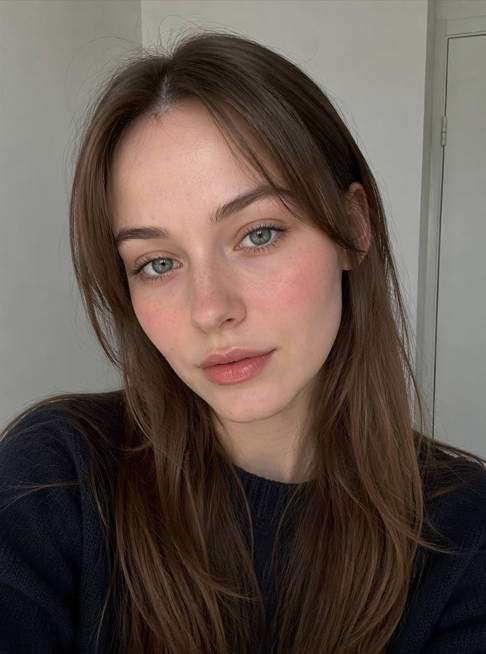
Upload a clear portrait and ask the editor to change only blush, eye makeup and lip color. Include instructions to preserve your facial features, hair, skin texture, outfit and setting. AI results can still change details, so inspect the Before and After before using the picture.
5. Do I need an existing makeup look in the original picture?
No. A clean, front-facing portrait with visible cheeks, eyes and lips is a good starting point. If the photo already has heavy lipstick or contour, explain which colors to replace rather than piling new shades over the old ones.
6. Can I make the peachy makeup look subtle for everyday photos?
Yes. Ask for a translucent cream-blush finish, lightly washed peach eyelids, brushed brows and a peach-nude balm. For more defined event makeup, increase the blush opacity and add fine liner or soft copper shimmer while keeping the rest of the portrait natural.