Select / @ character, describe the scene you want to generate.
0/2000
9:16
1K
1
Unlimited Banana Pro
Creations
Ideas Hub
How It Works
All
Popular features
View All
Halloween Creative Challenge
View All
AI Fruit Story
View All
AI Story Video
View All
Viral Videos Today
View All
AI Product Videos
View All
AI Character
View All
Dance Trends
View All
GPT Image 2
View All
Seedance 2.0
View All
AI Celebrity Match
View All
Couple Pose Prompts
View All
Aesthetic Girl Pose Prompts
View All
Stylish Boy Pose Prompts
View All
Generate List
Creations are stored for only 7 days. Assets created after upgrading to a Membership plan will be stored permanently.
Unlock your creative potential and experience the magic of Media AI right away!
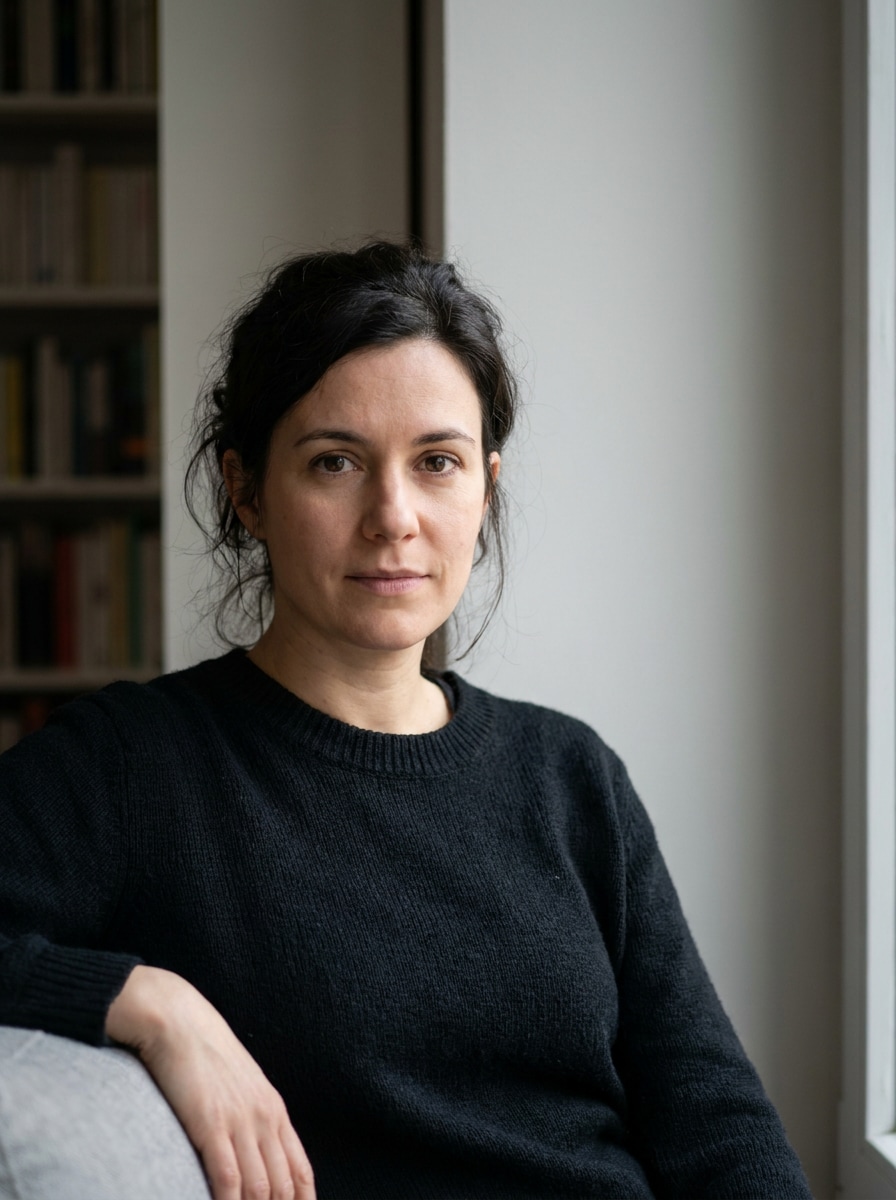
Mob Wife Filter for Glamorous, Identity-Preserving Photo Makeovers
Upload a selfie and turn it into a bold, photorealistic mob wife filter makeover. Media.io helps you create glossy hair, dramatic makeup, luxe faux fur, and rich nightlife styling fast—perfect for a mob wife aesthetic filter look that still feels like you.
Review these example directions, then tailor the prompt details to get stronger results with this Mob Wife Filter in Media.io.
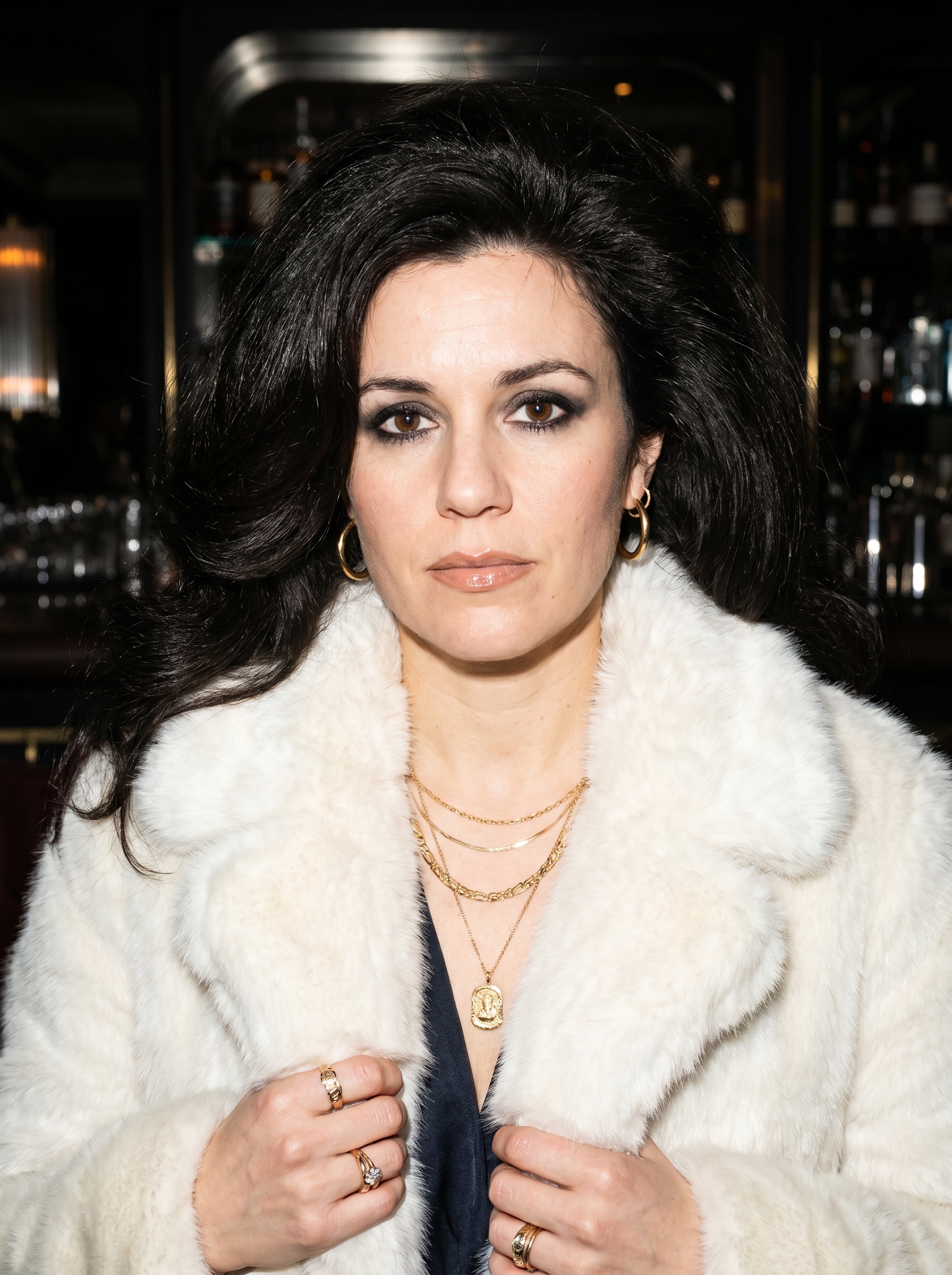
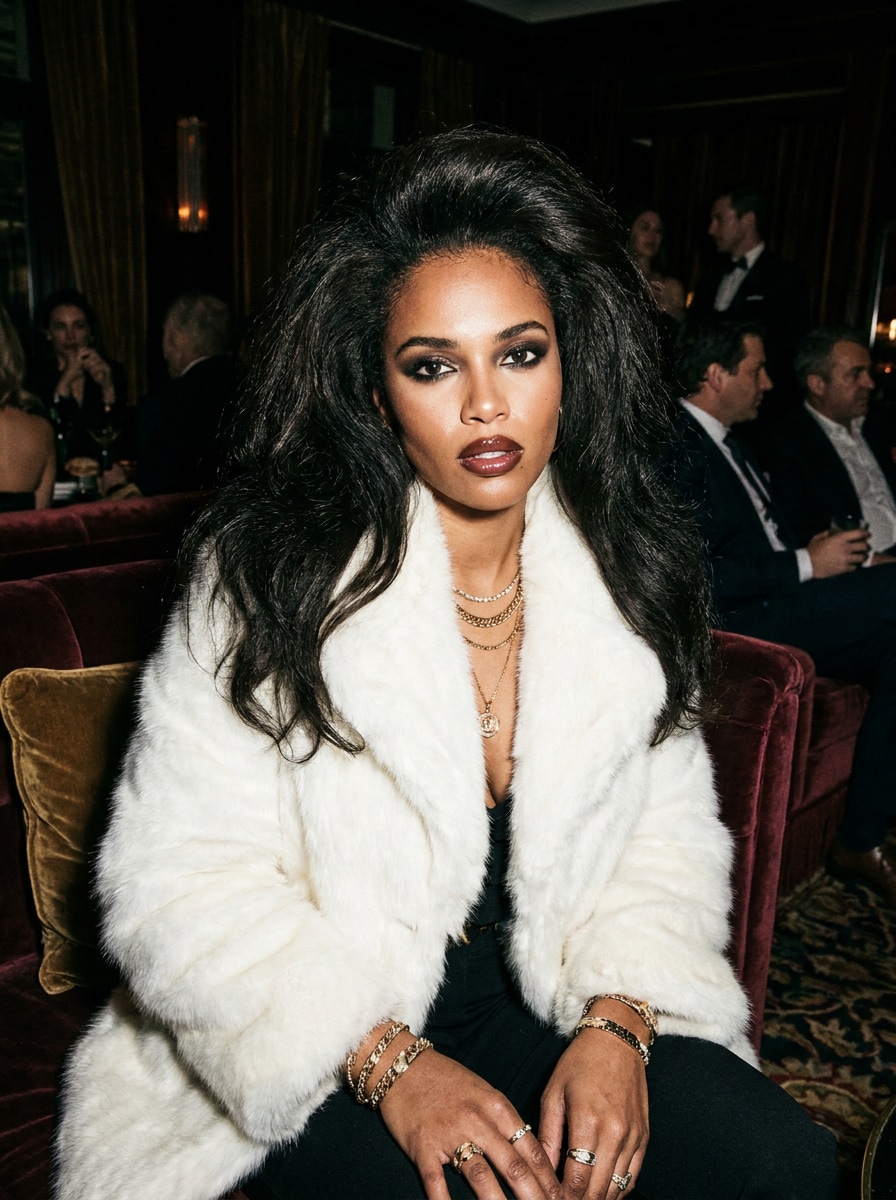
Photoreal Fur Coat Portrait
Use the uploaded image as the subject and transform it into a glamorous mob wife portrait with a white faux fur coat, layered gold jewelry, smoky eye makeup, glossy lips, and voluminous blowout hair. Keep the face recognizable, use flash-lit editorial lighting, high contrast, luxury nightlife mood, and crisp photoreal skin detail.
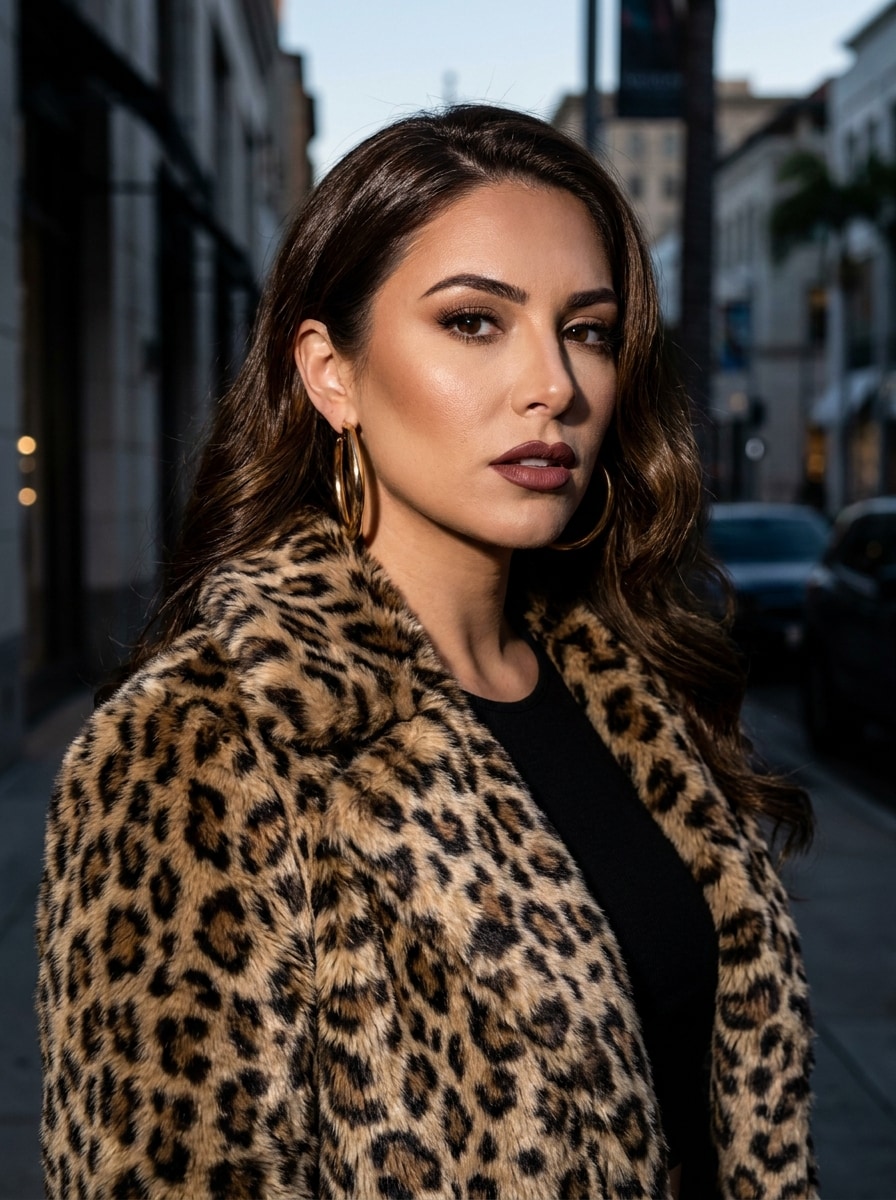
Leopard Print Luxe
Use the uploaded photo as the subject and restyle it into a dramatic leopard-print luxury portrait. Preserve facial identity while adding a statement animal-print coat, bold gold hoop earrings, glossy hair, sculpted glam makeup, and an upscale city backdrop with flash photography, rich shadows, and detailed textures.
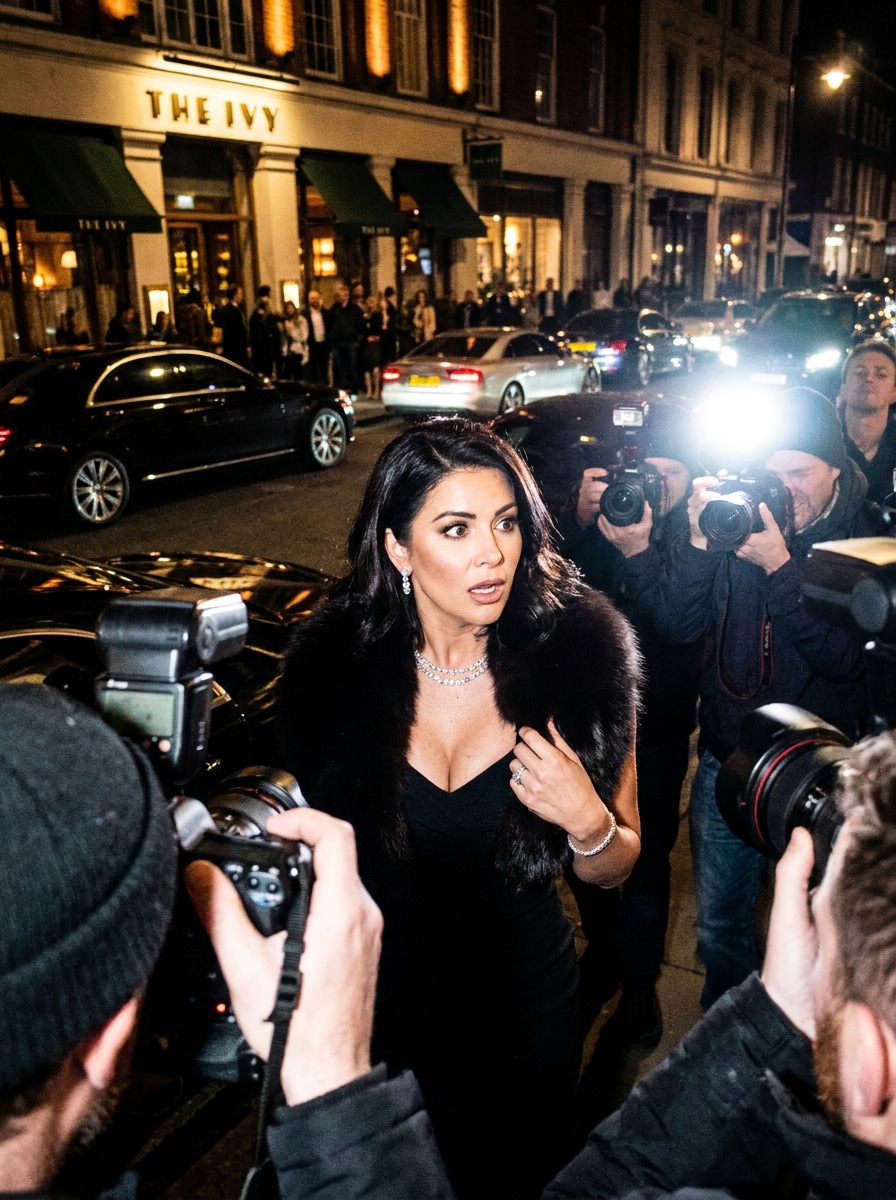
Flash Paparazzi Look
Use the uploaded selfie as the subject and transform it into a paparazzi-style nightlife portrait outside a luxury restaurant. Keep the same face while adding a black dress, fur stole, sparkling jewelry, glossy hair, direct flash lighting, dramatic shadows, and cinematic tabloid energy with an upscale evening atmosphere.
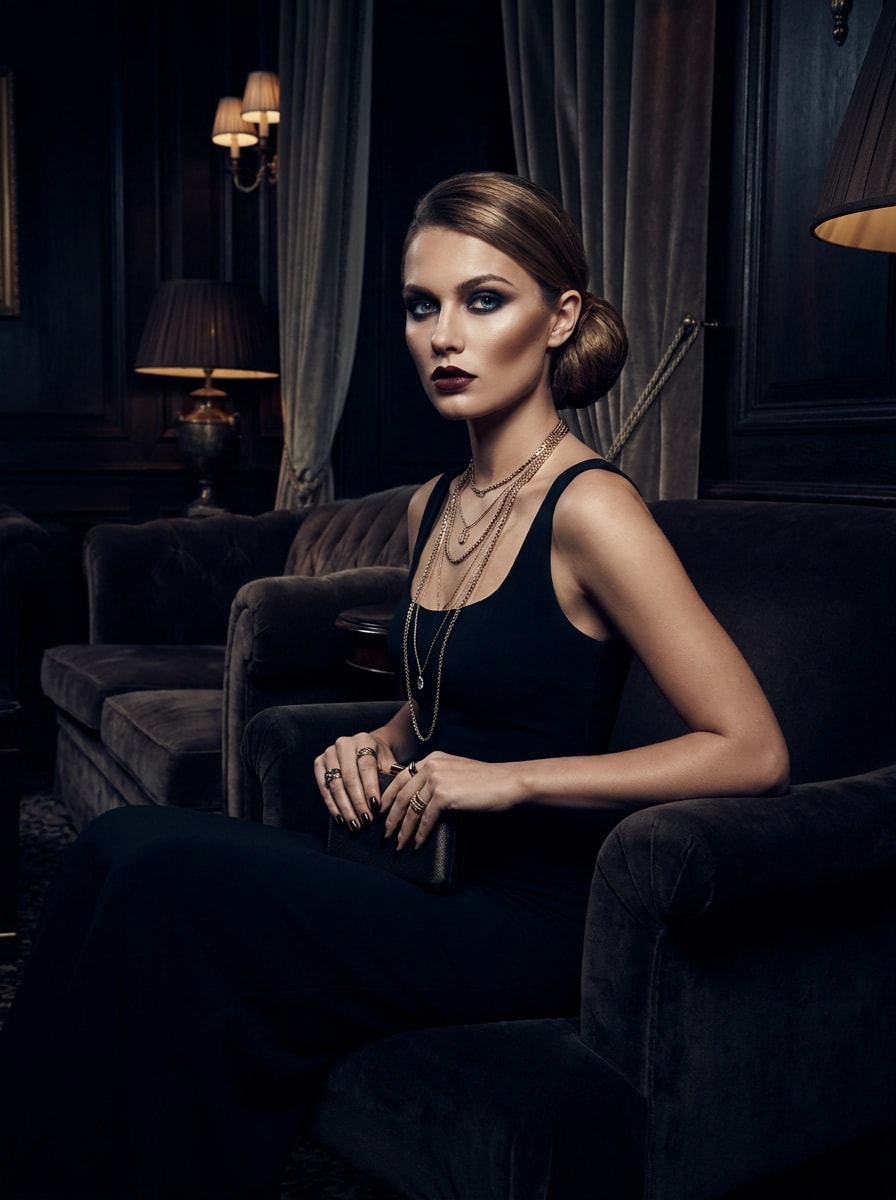
Black Dress Power Glam
Use the uploaded image as the subject and create a dark, glamorous makeover with a fitted black dress, layered gold chains, smoky eyes, defined contour, and polished hair. Maintain identity while placing the subject in a luxe interior with high-fashion lighting, strong contrast, and a confident editorial mood.
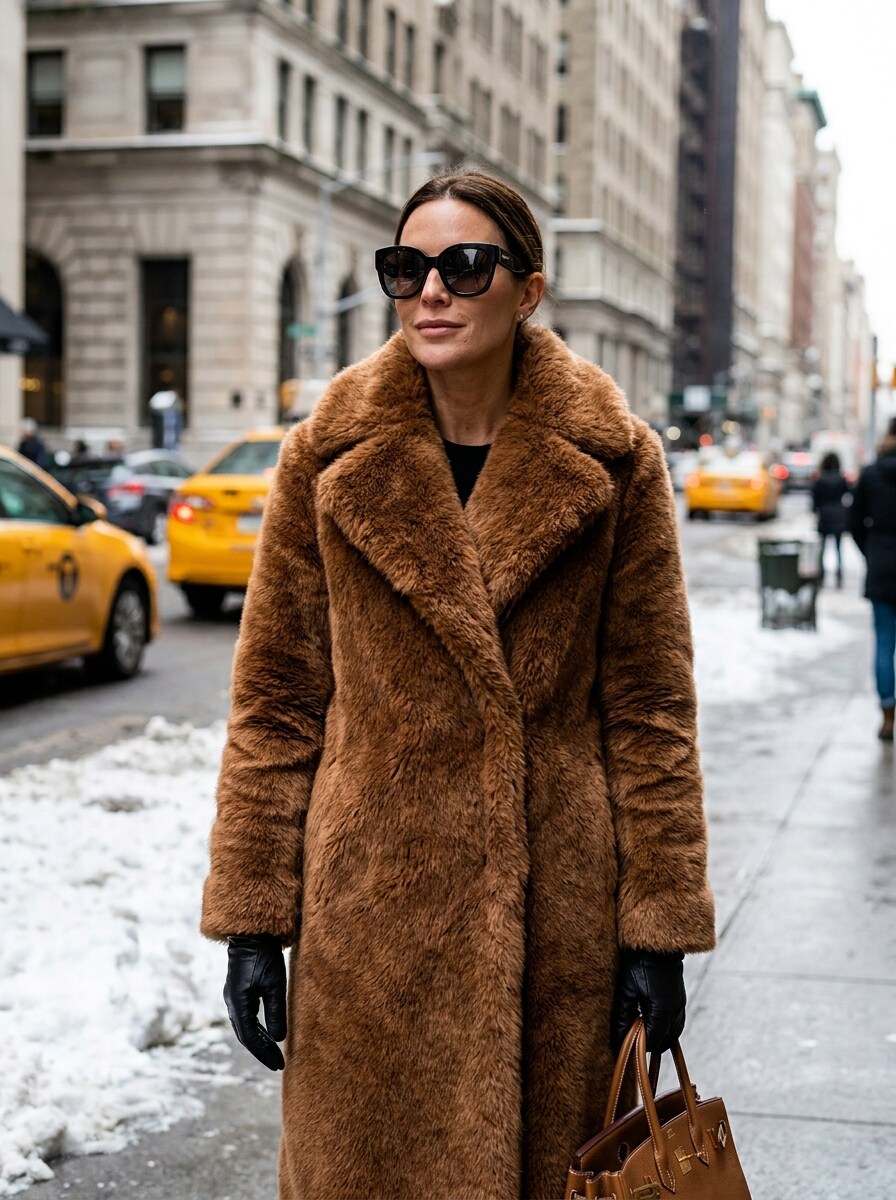
Old Money Street Glam
Use the uploaded picture as the subject and turn it into a winter street-luxury portrait with an oversized faux fur coat, leather gloves, designer sunglasses, and a premium handbag. Preserve the face, add cool-weather city ambience, polished editorial realism, and a confident old-money glamour mood.
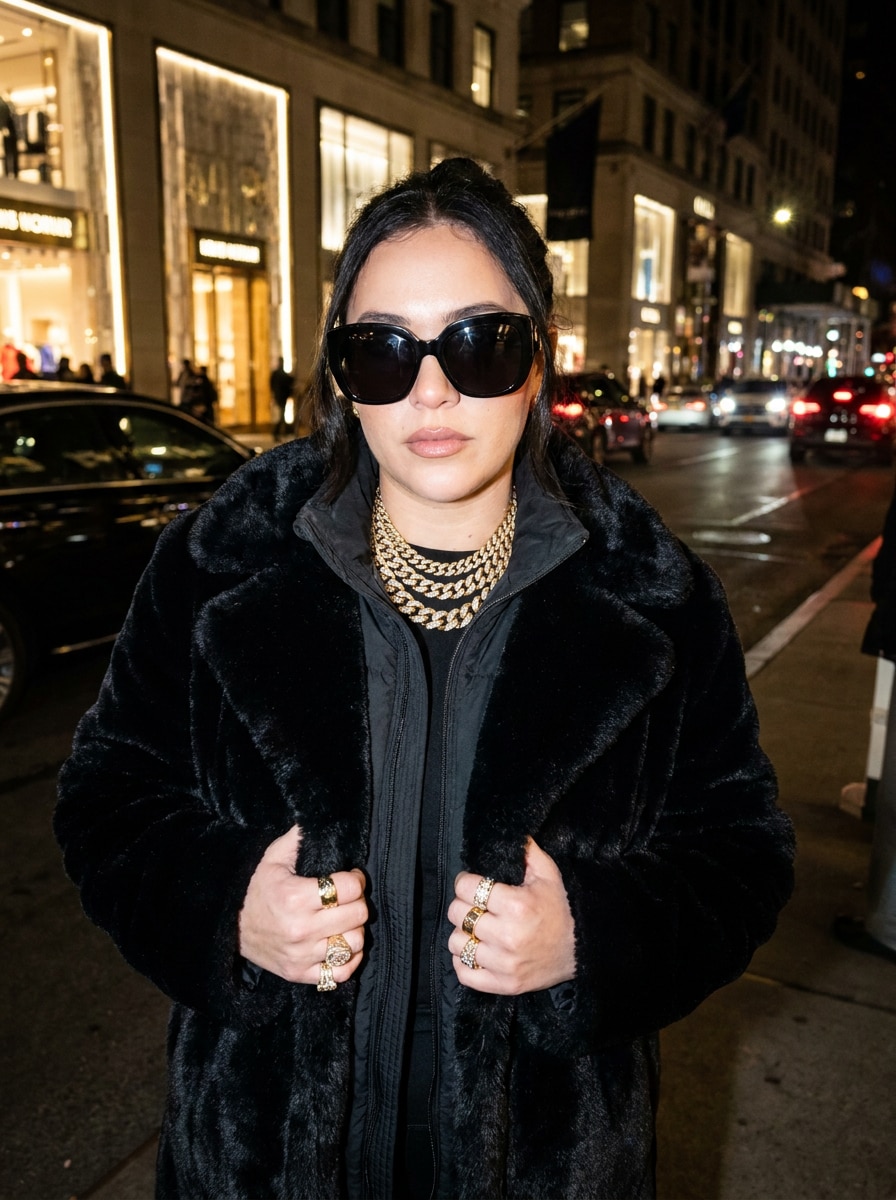
Sunglasses and Gold
Use the uploaded photo as the subject and apply a bold luxury makeover with dark oversized sunglasses, chunky gold jewelry, faux fur outerwear, and expensive winter styling. Keep facial identity recognizable while using flash-lit glamour, cinematic realism, and a sleek street-luxury palette of black, gold, and cream.
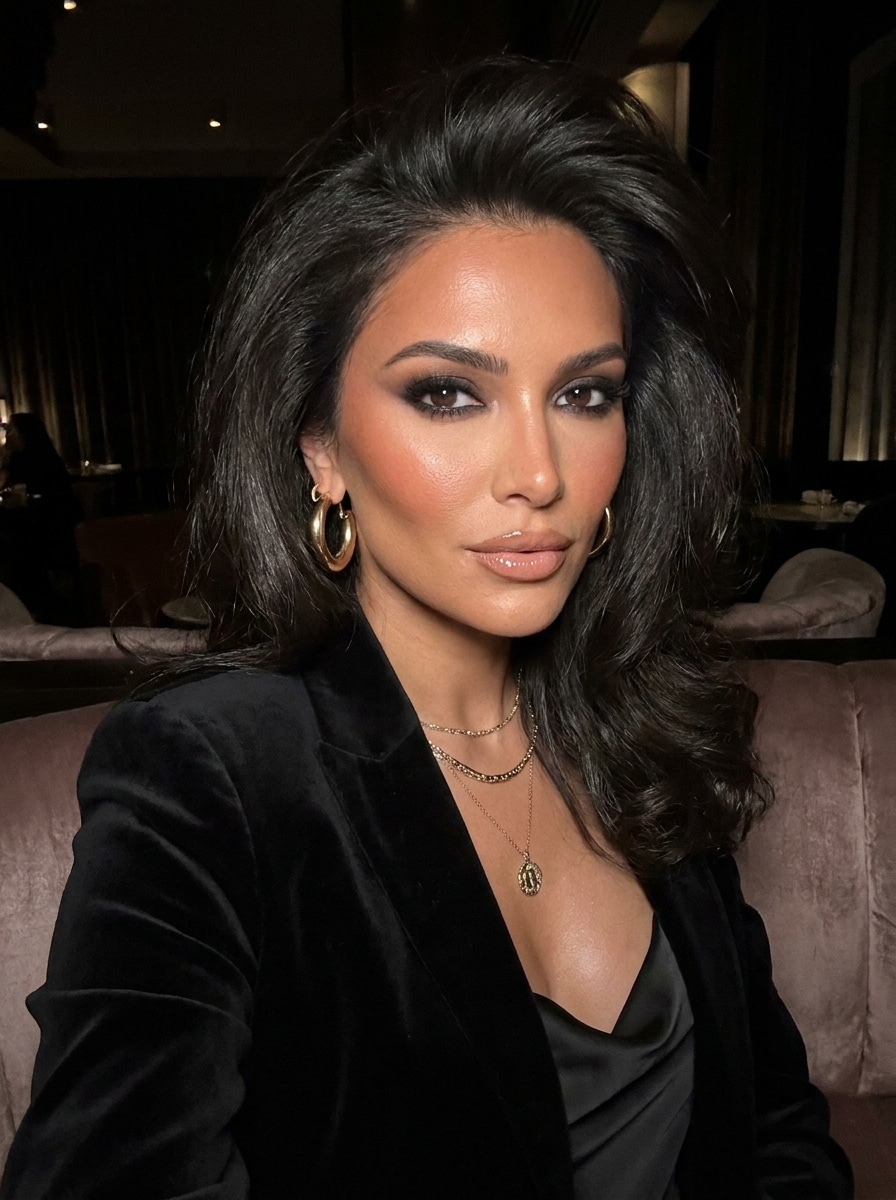
Smoky Eye Glam
Use the uploaded portrait as the subject and create a beauty-focused mob wife makeover with smoky eyes, sculpted cheeks, glossy neutral lips, and a voluminous salon blowout. Preserve the same face, add soft flash glamour, elegant gold accents, and refined photoreal skin texture for a polished beauty-editorial result.
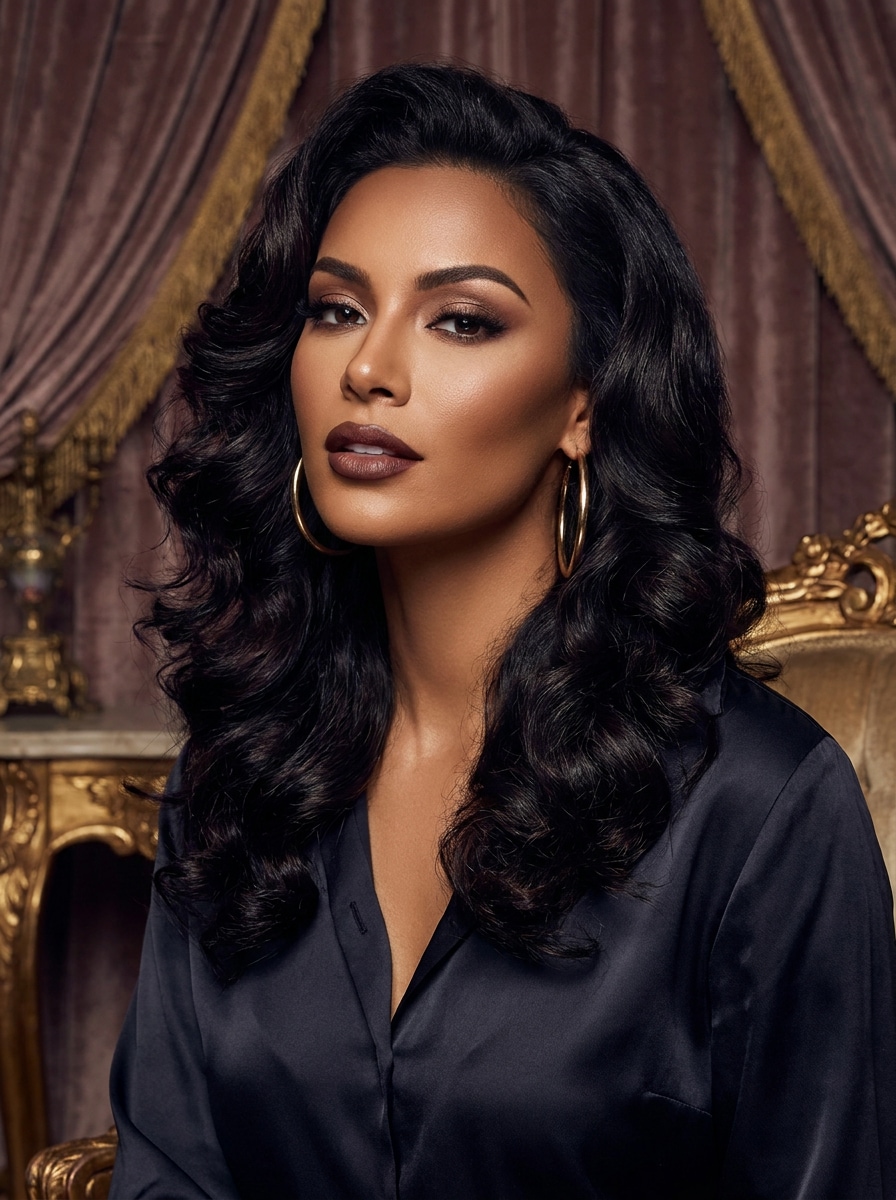
Glossy Blowout Portrait
Use the uploaded image as the subject and edit it into a glamorous headshot with big glossy hair, flawless makeup, gold earrings, and a luxury portrait backdrop. Keep identity intact, use soft editorial lighting, rich contrast, smooth styling, and premium detail for a chic beauty-meets-nightlife finish.
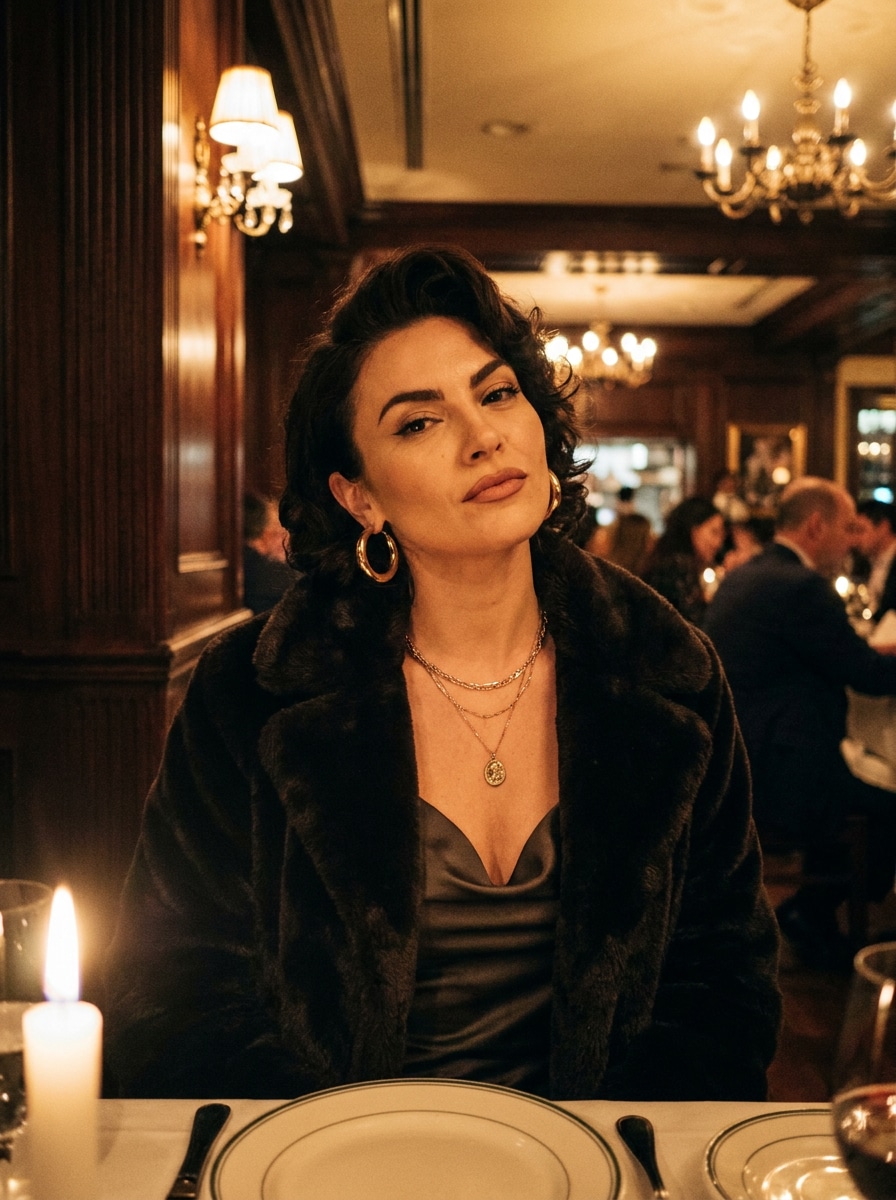
Italian Restaurant Scene
Use the uploaded photo as the subject and place it in a cinematic Italian restaurant scene with elegant tables, warm lighting, sparkling jewelry, and a faux fur coat draped over the shoulders. Preserve the face, add rich amber tones, confident expression, and filmic luxury atmosphere.
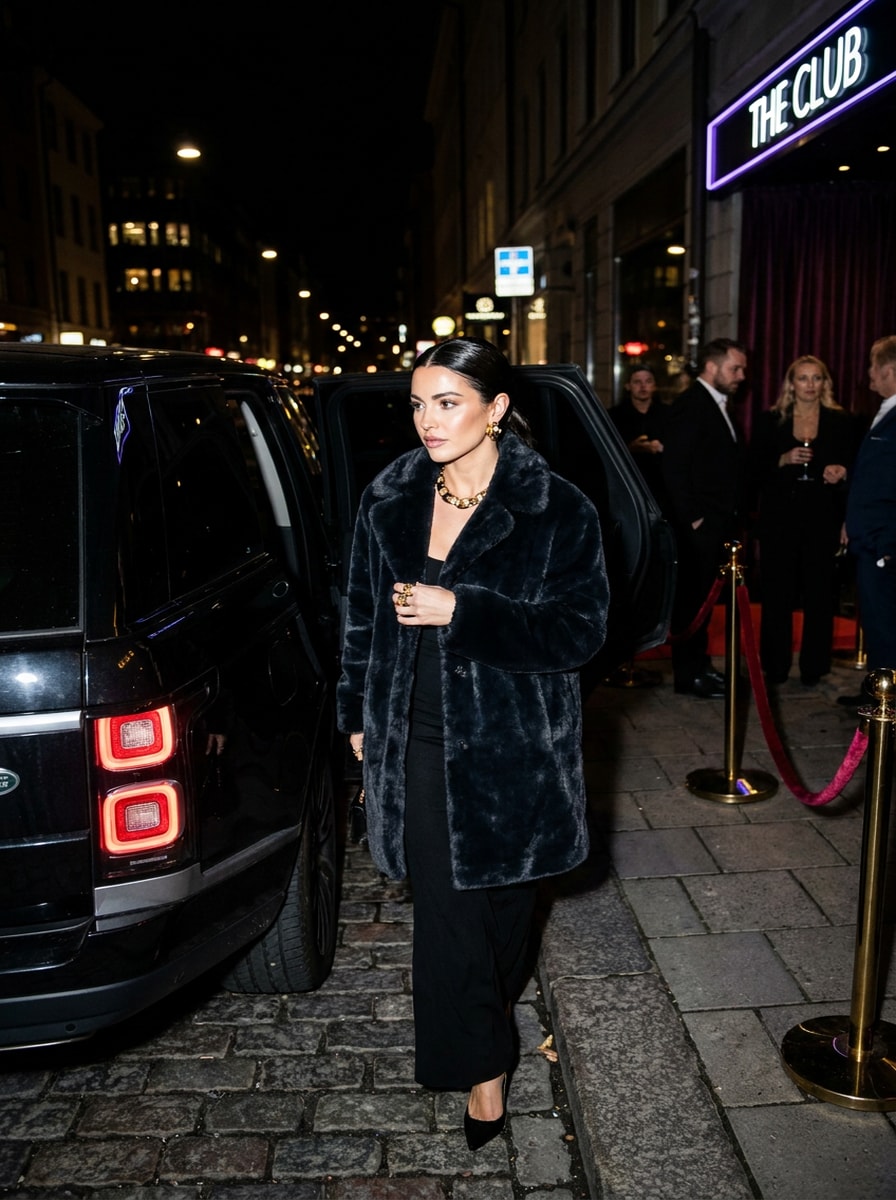
Luxury SUV Arrival
Use the uploaded image as the subject and transform it into a dramatic arrival scene beside a luxury SUV at night. Keep facial identity recognizable while adding a faux fur coat, black dress, gold jewelry, direct flash, glossy hair, affluent nightlife cues, and high-contrast editorial realism.
Why Use Media.io for a Mob Wife Makeover
Keep the Subject Recognizable in New Styles
Instead of piecing together makeup, outfit, and lighting effects by hand, Media.io turns a simple upload plus prompt into a polished mafia wife filter style image, so creators can build a trend-ready look quickly without advanced retouching skills.
Keep Your Look Recognizable While Changing the Style
One concept often needs multiple variations for different posts or briefs. Media.io helps you reinterpret the same mob wife filter idea across different styles, making it easier to create versions that better fit the project.
Create High-Resolution Images for Real Use
For a result that needs to go beyond a small preview, Media.io helps produce sharper mob wife filter visuals up to 4K, so the image stays more dependable for design mockups, presentations, and other practical uses.
Keep the Workflow Moving Across Devices
From planning a fur coat filter look on a computer to reviewing drafts on your phone, Media.io keeps the workflow browser-based so you can move between devices and continue editing with less friction.
How to Create a mob wife aesthetic filter Look
Turn your words into stunning visuals in three simple steps, then continue refining the result if you want to take it further.
Step 1
Upload Your Reference Image
Start with a clear selfie or portrait in JPG, PNG, or JPEG format. Choose a photo with a visible face, simple background, and decent lighting so the makeover can preserve your identity while upgrading the styling.
Step 2
Describe the Change and Set Options
Type the look you want—such as faux fur, leopard print, gold jewelry, smoky eyes, glossy hair, or paparazzi flash glamour—then choose your model and adjust aspect ratio, quality, and image count for the result you need.
Step 3
Generate, Download, and Keep Improving
Create your transformation, compare variations, and download your favorite version. If needed, refine the prompt for stronger luxury details, a cleaner background, or a more dramatic editorial mood, then generate again.
See how creators use this Mob Wife Filter for content, marketing, and personal projects, then adapt each idea to fit the brief.
Turn Everyday Selfies Into Viral Glam Portraits
Give a casual photo a dramatic rich-glam upgrade for TikTok, Instagram, or profile pictures. Media.io makes it easy to create a bold makeover with faux fur, statement jewelry, and nightlife energy without needing complex editing tools.
Create Trendy Before-and-After Content
Create side-by-side transformations that show how an everyday portrait can become a polished luxury persona. This is especially useful for creators testing the mob wife aesthetic filter trend and wanting eye-catching content with strong visual contrast.
Build Character Styling for Fashion or Moodboards
Use this style to mock up editorial personas, beauty references, or dramatic winter-luxury looks. From leopard coats to sleek black dresses, Media.io can help shape campaign concepts, aesthetic boards, or a polished mafia wife filter-inspired identity.
What Users Say
Vanessa R.
Lifestyle Creator
"Exactly the rich-glam look I wanted" I uploaded a basic selfie and got a dramatic luxury makeover that still looked like me. The fur, jewelry, and flash-photo vibe felt way more realistic than other trend filters I tried.
Talia M.
TikTok Content Maker
"Great for before-and-after posts" The results were perfect for social content. I made multiple versions with leopard print, black dress glam, and restaurant-night scenes, and the identity stayed surprisingly consistent.
Erica P.
Beauty Enthusiast
"Easy on phone and fast to test" I wanted a quick mob wife photo for Instagram stories, and the mobile workflow was simple. I could upload, prompt, and regenerate until the makeup and hair looked exactly right.
Gianna L.
Fashion Student
"Helpful for styling concepts" I used it to explore luxury character styling for a moodboard. The images had strong editorial energy, and the different aspect ratios made it easy to reuse the visuals in presentations.
A mob wife filter is an AI photo effect that transforms a portrait into a bold, luxury-inspired look with elements like faux fur, leopard print, dramatic makeup, glossy hair, and statement jewelry. With Media.io, you can upload a reference photo and generate a photorealistic makeover in that rich-glam style.
2. How do I turn my photo into a mob wife aesthetic image?
Upload a clear portrait to Media.io, then enter a prompt describing the look you want, such as a black dress, a faux fur coat, smoky eyes, gold jewelry, or paparazzi-style flash lighting. Then choose your preferred model and image settings, generate the result, and refine the prompt if you want a stronger transformation.
3. Can an AI mob wife filter keep my face and identity intact?
Yes, Media.io is designed for reference-based image editing, so you can upload your own photo to guide the transformation. That helps preserve recognizable facial features while changing styling elements like clothing, makeup, accessories, mood, and background.
4. Is there a free mob wife filter I can try online?
Yes, free users can try Media.io with free credits, which is useful if you want to test a mob wife aesthetic filter online before subscribing. Free downloads may include a watermark, while paid plans offer watermark-free high-resolution images and more credits. You can compare options on the pricing page.
5. What kind of photo works best for a mob wife makeover?
A clear, well-lit portrait usually works best, especially when the face is fully visible and not blocked by hats, hands, or deep shadows. Simple backgrounds also help Media.io focus on your features, which can improve the final makeover whether you want glossy beauty edits or a dramatic faux-fur nightlife scene.
6. How long does it take to generate a mob wife photo?
It usually takes only a short time to generate a result once your image and prompt are ready, though speed can vary based on the settings and model you choose. Media.io is built for quick upload-to-makeover workflows, so it works well for trend content and repeat testing.