Vos créations sont conservées pendant seulement 7 jours. Les éléments créés après la mise à niveau de l'Abonnement seront stockés de façon permanente.
Libérez votre potentiel créatif et découvrez la magie de l'IA médiatique dès mIAntenant!
générateur d’images clipart ai : des créations mignonnes, propres et prêtes à l’emploi
Transformez vos idées en clipart lumineux et soignés en quelques secondes grâce à Media.io. Créez des stickers, icônes pour la classe, packs saisonniers et visuels de branding avec des styles personnalisés, une sortie haute résolution et une génération rapide depuis n’importe quel appareil, directement dans votre navigateur.
Tapez votre idée -> l’IA la dessine. Essai gratuit.
Découvrez notre collection sélectionnée de générateur clipart ai styles.
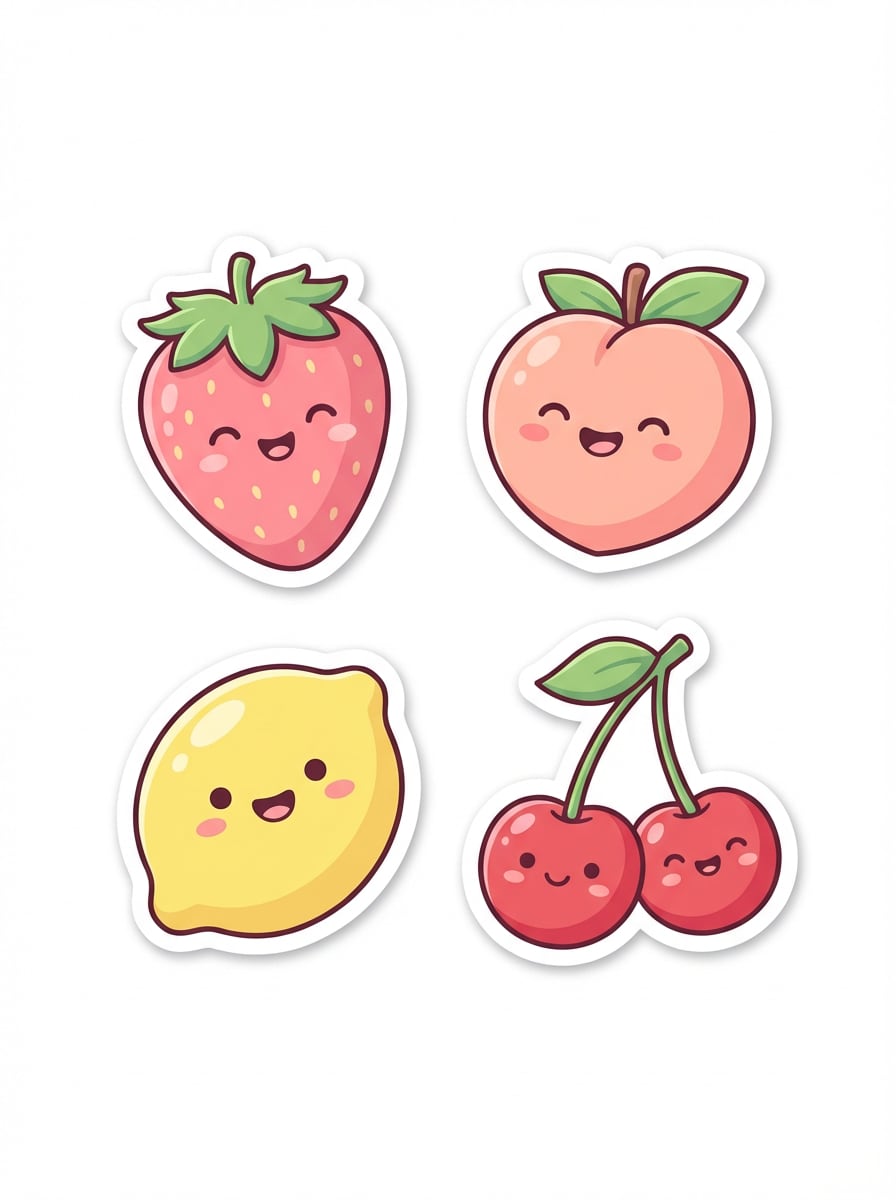
Pack stickers kawaii
Créez un pack de stickers clipart fruit kawaii avec fraises, pêches, citrons et cerises, tous avec de grands sourires et des formes arrondies. Utilisez une palette pastel, des contours blancs épais, des ombres douces, des bords nets façon vectoriel, une composition centrée isolée, une ambiance joyeuse et une finition impeccable de haute qualité.
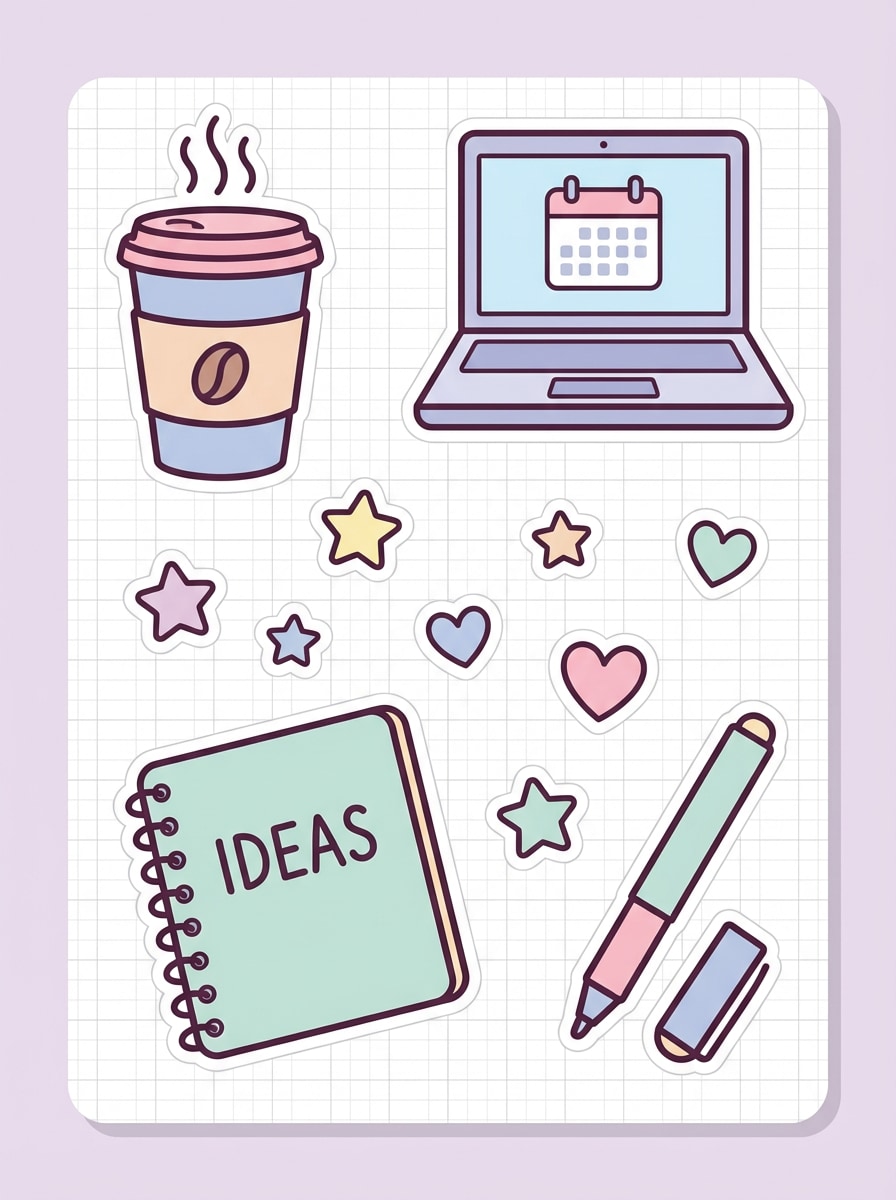
Stickers agenda à contours épais
Générez des stickers clipart pour planning avec une tasse de café, un ordinateur portable, un carnet, des étoiles, des cœurs et un stylo. Style plat inspiré vecteur, contours marqués, tons pastels doux, composition isolée simple, espacement équilibré, surfaces lisses, ambiance ludique et productive, et bords soignés adaptés aux agendas numériques.
Icônes fiches de classe
Créez des icônes clipart sur le thème de l'école avec crayons, une pomme, des livres, une règle, un crayon et un bus scolaire. Couleurs primaires vives, illustration plate adaptée aux enfants, formes simples, contours nets, composition isolée sur fond blanc, ambiance éducative claire et détails propres de haute qualité pour vos fiches et supports de cours.
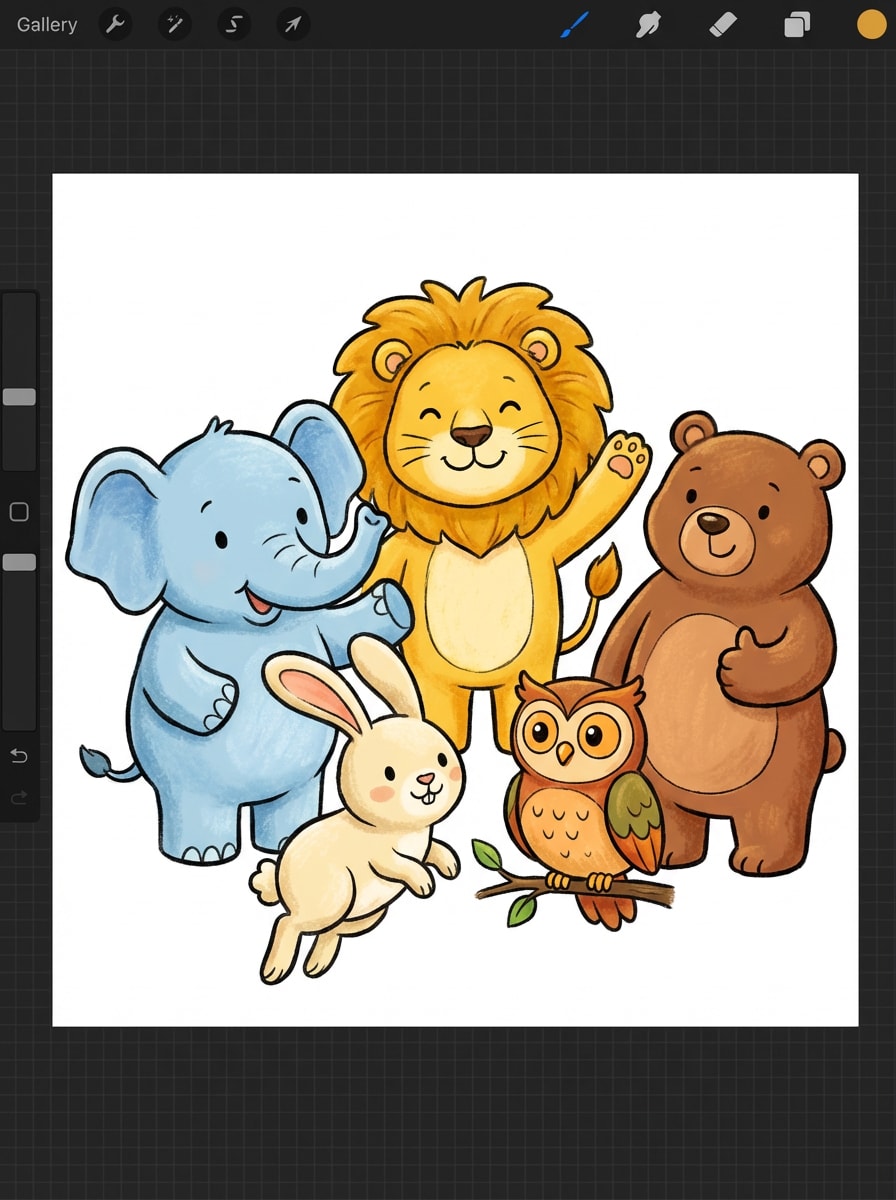
Animaux apprentissage enfants
Générez des clipart animaux pour la maternelle avec lion, éléphant, lapin, ours et hibou dans des poses sympas. Couleurs éclatantes, formes cartoon arrondies, textures douces, contours forts et propres, composition centrée isolée, ambiance chaleureuse et formes facilement repérables pour flashcards et cartes éducatives.
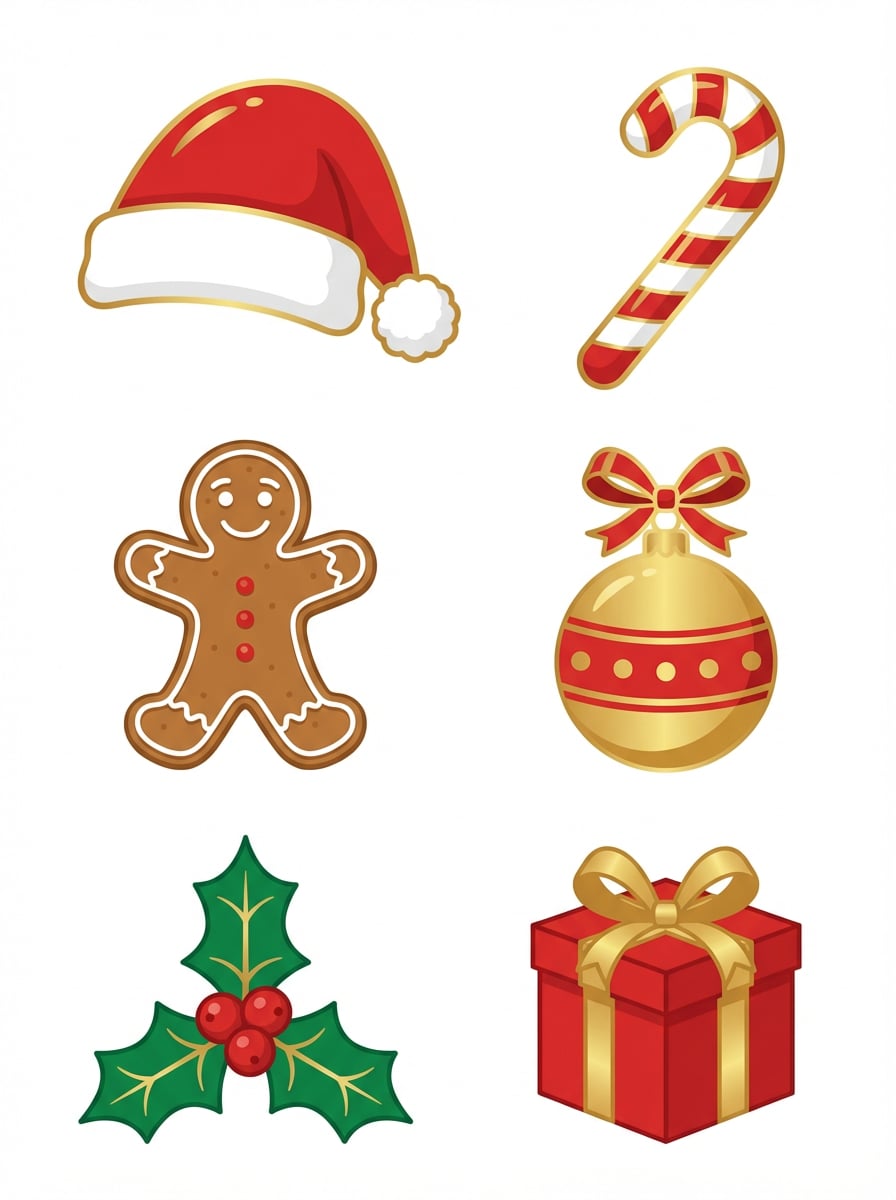
Pack clipart Noël
Créez un pack clipart de Noël avec un bonnet de Père Noël, un sucre d’orge, un biscuit pain d’épices, une boule, des feuilles de houx et une boîte cadeau. Tons festifs rouge, vert et or, formes façon vecteur plat, composition isolée nette, reflets subtils, ambiance festive et des bords nets parfaits pour des designs à imprimer.
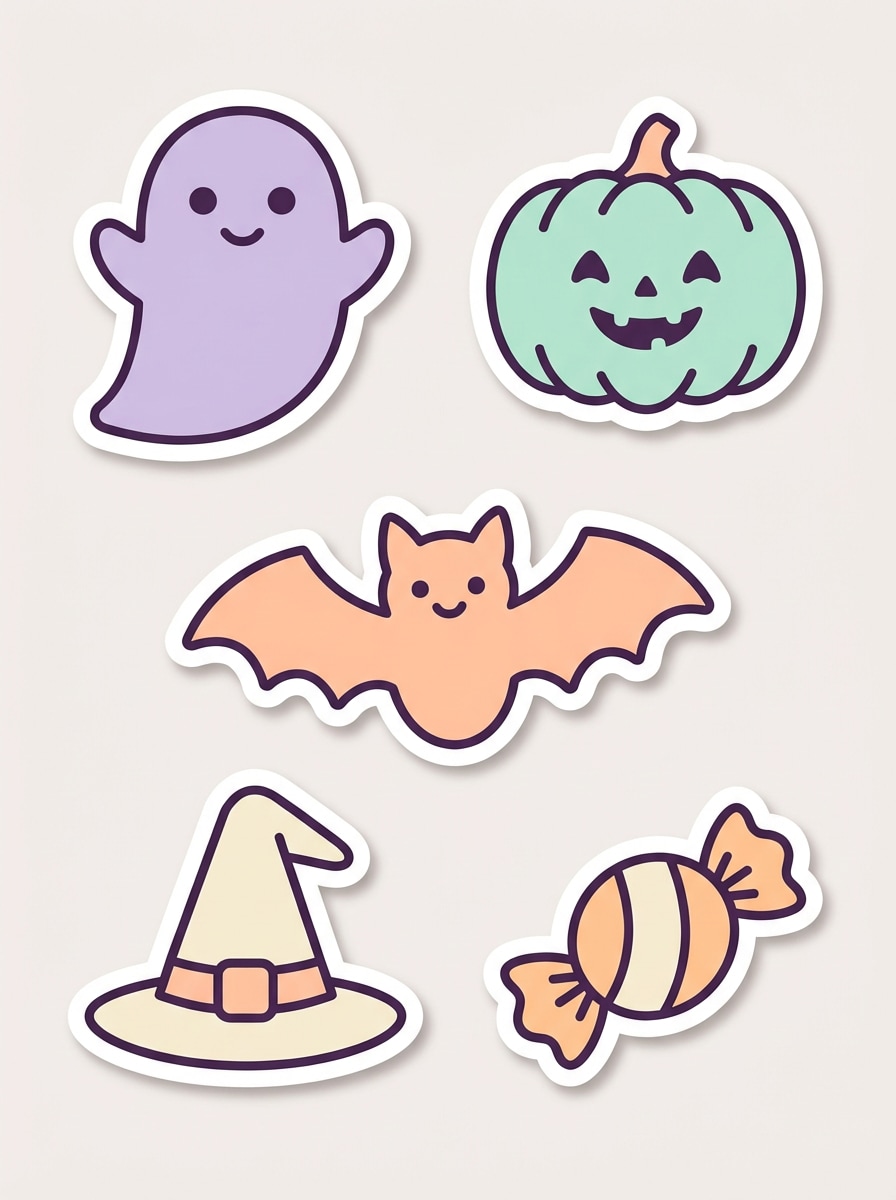
Icônes Halloween mignons
Générez des icônes clipart Halloween avec un fantôme souriant, une citrouille, une chauve-souris, un chapeau de sorcière et un bonbon emballé. Couleurs pastels effrayantes, contours épais façon sticker, formes plates simples, composition isolée, accents d’ombre doux, ambiance ludique de saison et bords propres de qualité pour stickers et visuels de fêtes.
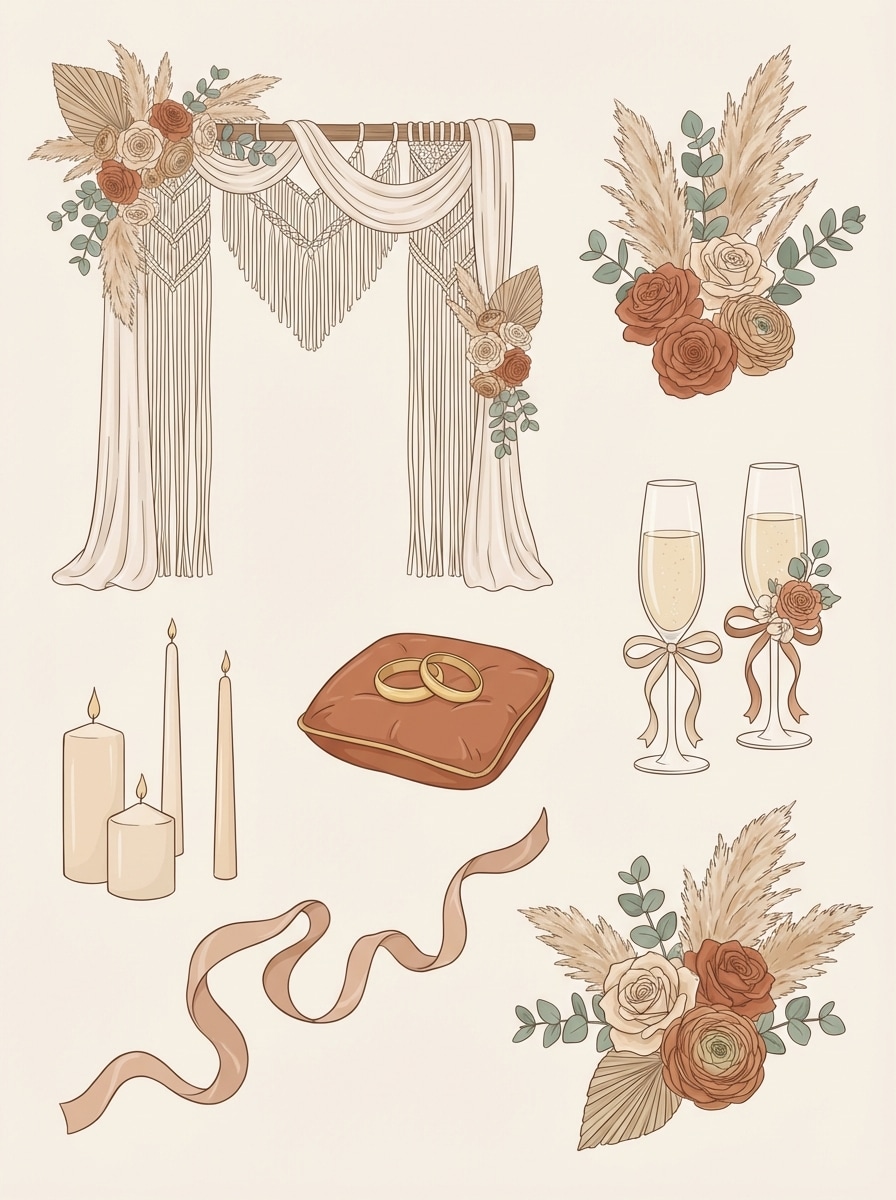
Clipart mariage bohème
Créez des clipart mariage bohème avec fleurs, alliances, arche, coupes de champagne, bougies et rubans. Tons doux beige, terracotta et sauge, style minimal façon vecteur, composition isolée élégante, traits fins délicats, ambiance romantique et bords propres raffinés pour invitations et signalétique.
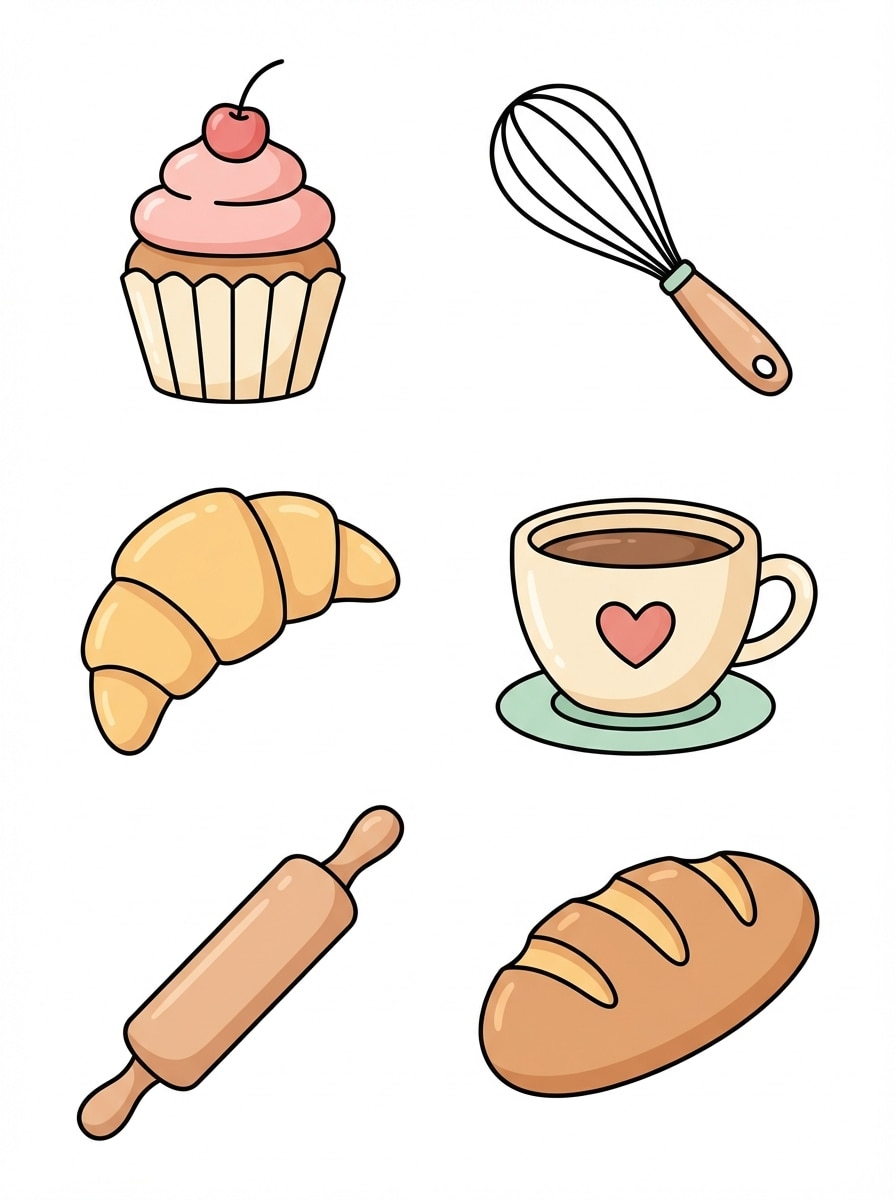
Icônes branding boulangerie
Générez des icônes clipart pour boulangerie avec cupcake, fouet, croissant, tasse à café, rouleau à pâtisserie et pain. Couleurs pastels chaudes, illustration plate charmante, mise en page isolée soignée, textures lisses, ambiance artisanale conviviale et formes prêtes pour la marque avec des contours propres et nets.
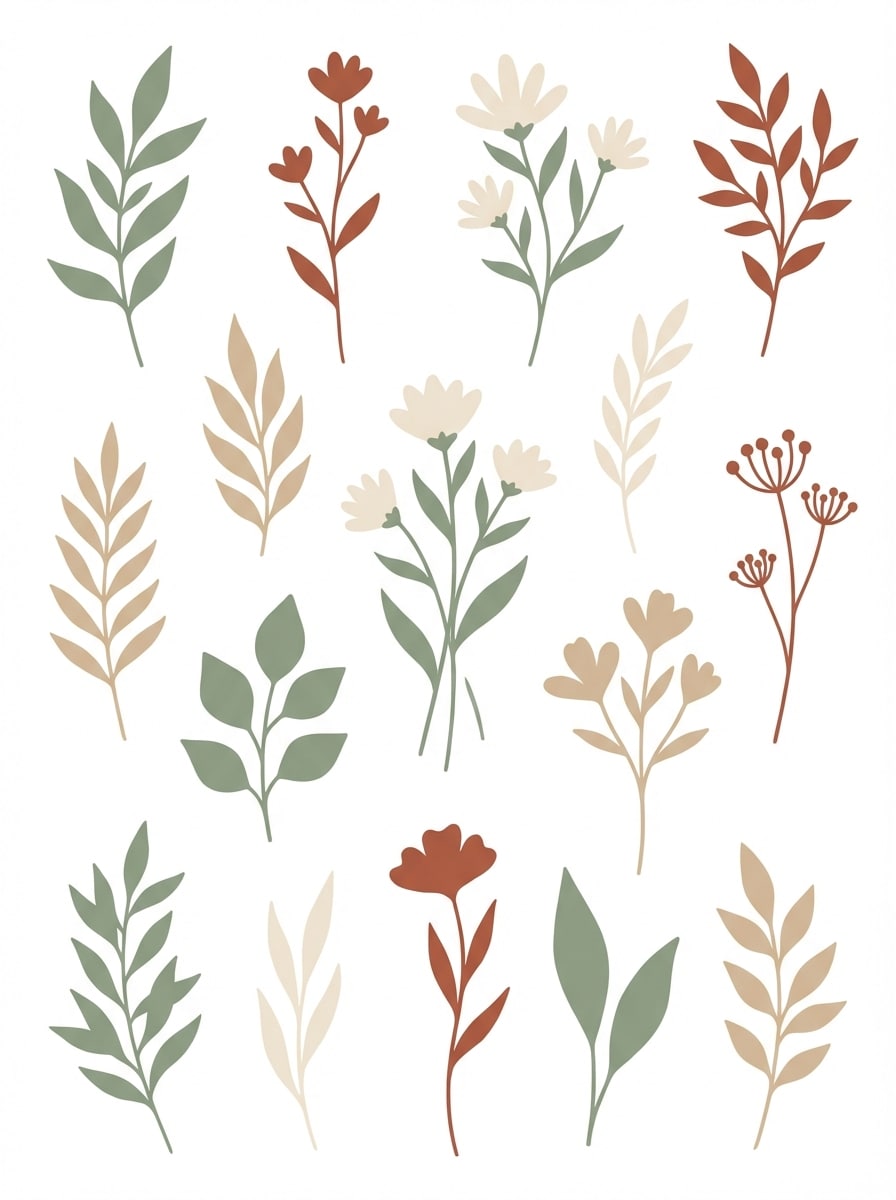
Clipart botanique minimal
Créez des clipart botaniques minimalistes avec feuilles, tiges, fleurs sauvages et branches. Palette naturelle terreuse (sauge, sable, crème, argile), formes modernes façon vecteur plat, beaucoup d’espaces libres, composition isolée élégante, ambiance nature apaisée et bords lisses et soignés pour déco et papeterie.
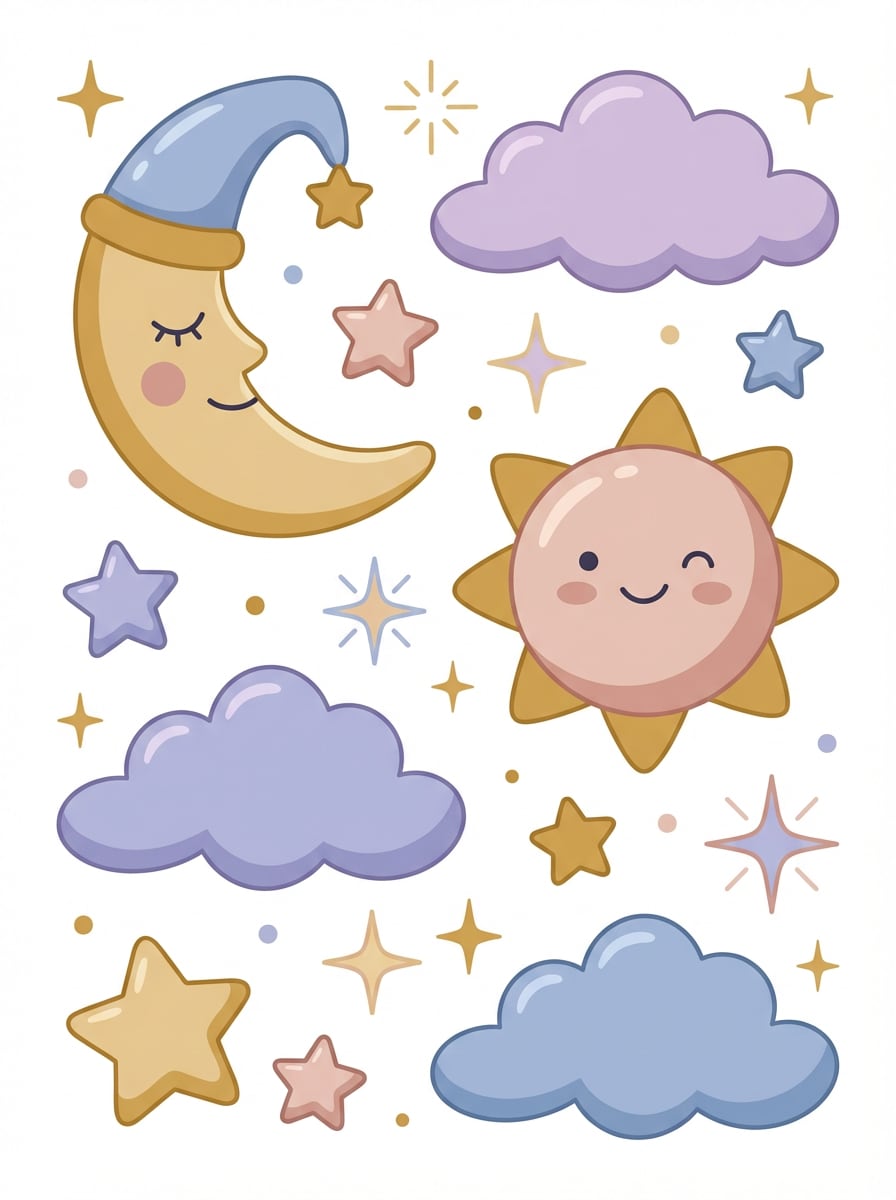
Icônes célestes féériques
Générez des clipart célestes féériques avec lune, soleil, étoiles, nuages et scintillements. Tons pastel rêveurs bleu, lavande, or et blush, formes arrondies, style illustration plate, composition équilibrée isolée, ambiance magique cosy et bords nets de haute qualité pour stickers et impressions.
Pourquoi utiliser Media.io pour générer vos clipart AI
Convertir un texte en clipart en un clin d’œil
Tapez un prompt simple ou détaillé et générez clipart ai en quelques secondes. Media.io est optimisé pour la création texte-en-image, idéale pour produire des illustrations style sticker, éducatives, saisonnières ou de branding sans compétence design.
Obtenir une haute résolution adaptée
Générez vos clipart en résolution 1K, 2K ou 4K pour présentations, impressions, fiches de classe, projets créatifs ou contenus réseaux sociaux. Une sortie supérieure rend vos résultats de texte en clipart plus propres et utilisables sur tous formats.
Adapter le format à chaque projet
Choisissez parmi Auto, 1:1, 9:16, 16:9, 4:3, 3:4, 3:2 et 2:3. Besoin d’un sticker carré, d’un visuel vertical social ou d’une image large pour présentation ? Media.io ajuste la génération de clipart au format voulu.
Profiter de modèles avancés et styles variés
Créez avec des modèles puissants comme Nano Banana Pro, Nano Banana 2, Seedream 5.0 Lite, Seedream 4.0, Nano Banana, Soul Character et Imagen 4. Explorez différents looks tout en réalisant des générateur stickers ai et des styles de clipart propres façon vectoriel.
Comment utiliser le générateur clipart AI
1
2
3
1
Ouvrir Media.io générateur clipart AI
Rendez-vous sur Media.io et ouvrez le Générateur Clipart AI dans IA -> Texte en image. Cet outil en ligne fonctionne dans votre navigateur : créez vos clipart sur Windows, Mac, iPhone, Android ou tout autre appareil sans installer de logiciel.
2
Entrer votre prompt
Tapez un prompt détaillé comme « icônes clipart mignonnes pour la classe avec crayons, pomme, livres, couleurs vives, style vectoriel plat, contours nets, isolé sur fond blanc ». Choisissez ensuite modèle, ratio et résolution souhaités pour le rendu.
3
Générer, affiner & télécharger
Cliquez sur Générer pour créer votre clipart. Modifiez si besoin le prompt pour un style, une ambiance ou une palette différente. Une fois satisfait du résultat, téléchargez l’image HD pour bricolages, fiches, présentations ou branding.
"Super pour les visuels de classe" J’utilise Media.io pour créer des icônes colorées pour mes fiches et des animaux style maternelle en illustration. Les prompts sont faciles à adapter, et les résultats sont bien plus propres que l’art IA générique quand je veux un clipart simple pour la classe.
Marcus T.
Vendeur Etsy
"Idéal pour des packs saisonniers vite fait" Ça m’a aidé à tester rapidement des idées de clipart Noël et Halloween. J’aime pouvoir générer plusieurs styles thématiques à partir du texte et télécharger des images haute résolution pour des maquettes imprimables.
Sofia L.
Designer réseaux sociaux
"Parfait pour des stickers graphiques" J’avais besoin d’assets style stickers mignons pour mes stories Instagram. Media.io m’a permis d’obtenir facilement des cliparts funs et harmonieux avec des formes nettes et des couleurs éclatantes, sans perdre des heures à dessiner tout à la main.
Daniel K.
Petit entrepreneur
"Top pour mes concepts branding rapides" J’ai utilisé le générateur clipart AI pour créer des icônes boulangerie pour des idées de packaging et du contenu social. Le workflow en ligne est simple, et le changement de ratios pratiques selon les besoins de mise en page.
Découvrez Les Effets Vidéo et d'Image IA Les Plus Populaires
1. Comment convertir un texte en clipart avec l'IA ?
Avec Media.io, il suffit d’ouvrir l’outil Texte en image, de saisir un prompt décrivant le clipart voulu, de choisir format et résolution, puis de générer l’image. Pour de meilleurs résultats, utilisez des prompts en anglais clairs avec détails sur sujet, palette, style et composition.
2. Quel est le meilleur générateur clipart AI pour stickers et illustrations simples ?
Si vous voulez créer du clipart à partir d’un texte en ligne, Media.io est pensé pour une génération rapide dans le navigateur avec plusieurs modèles IA, ratios flexibles et sorties 1K, 2K, 4K. Parfait pour illustrer des stickers, packs d’icônes thématisés et assets créatifs simples.
3. L’IA peut-elle générer du vectoriel ou clipart façon vecteur ?
Media.io génère des images raster, pas de vrais fichiers vectoriels modifiables. Cependant, vous pouvez demander un style flat, propre, façon vecteur pour obtenir des cliparts aux formes simples, bords lisses et rendu soigné idéal pour présentations, bricolages ou maquettes de design.
4. Media.io fonctionne-t-il sur mobile ou faut-il un ordinateur ?
Media.io est accessible via le web, compatible avec tout appareil disposant d’un navigateur (Windows, Mac, iOS, Android). Cela permet de générer du clipart IA sur ordinateur, tablette ou smartphone sans installer de logiciel.
5. Le générateur clipart IA est-il gratuit ?
Les utilisateurs gratuits ont 3 crédits par jour pour tester Media.io. Les téléchargements gratuits portent un filigrane, alors que les abonnés peuvent obtenir des images HD sans watermark. Pour plus de crédits ou d’exports propres, comparez les formules ici : https://www.media.io/fr/pricing.html
6. En quelle résolution puis-je exporter mon clipart IA ?
Media.io permet la génération d’images en 1K, 2K et 4K. Idéal pour créer des cliparts de qualité pour le digital, présentations, supports imprimés et projets créatifs nécessitant un rendu impeccable.
Au-delà du générateur clipart en ligne alimenté par l’IA