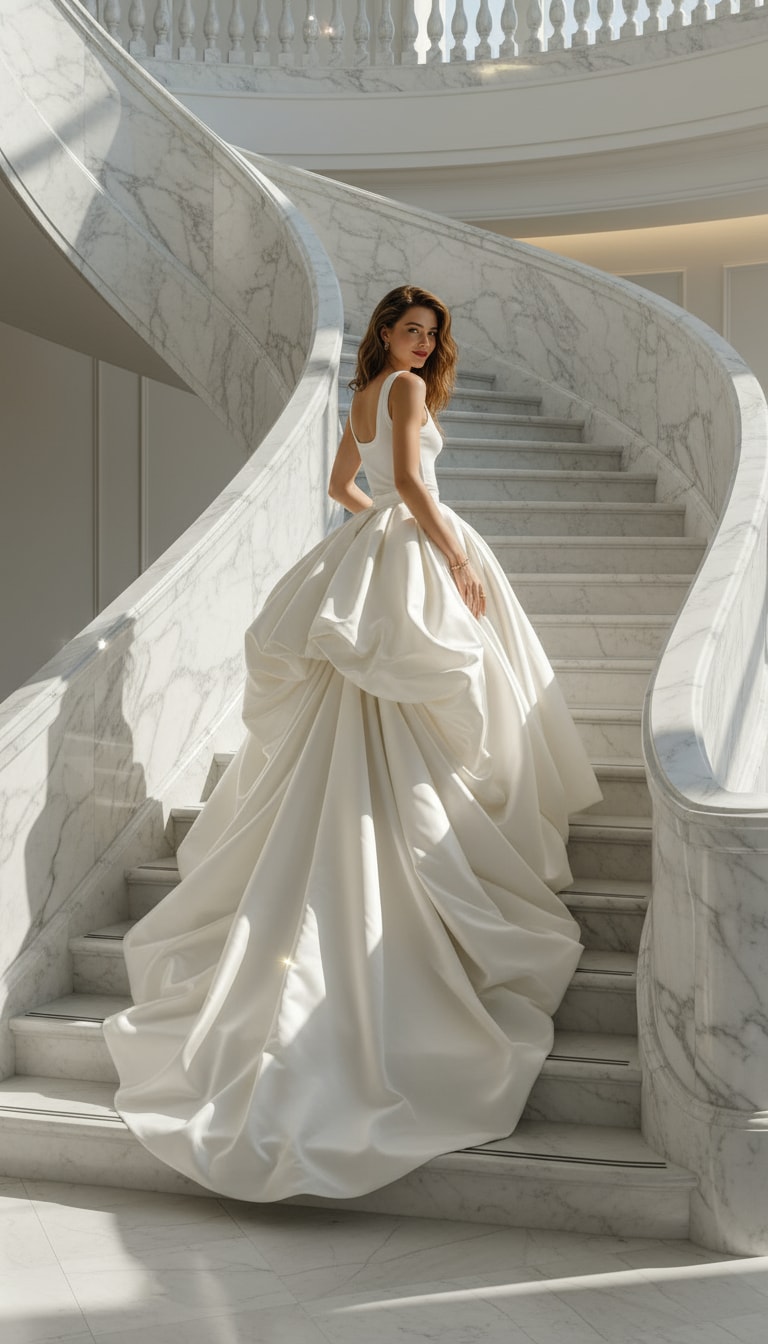
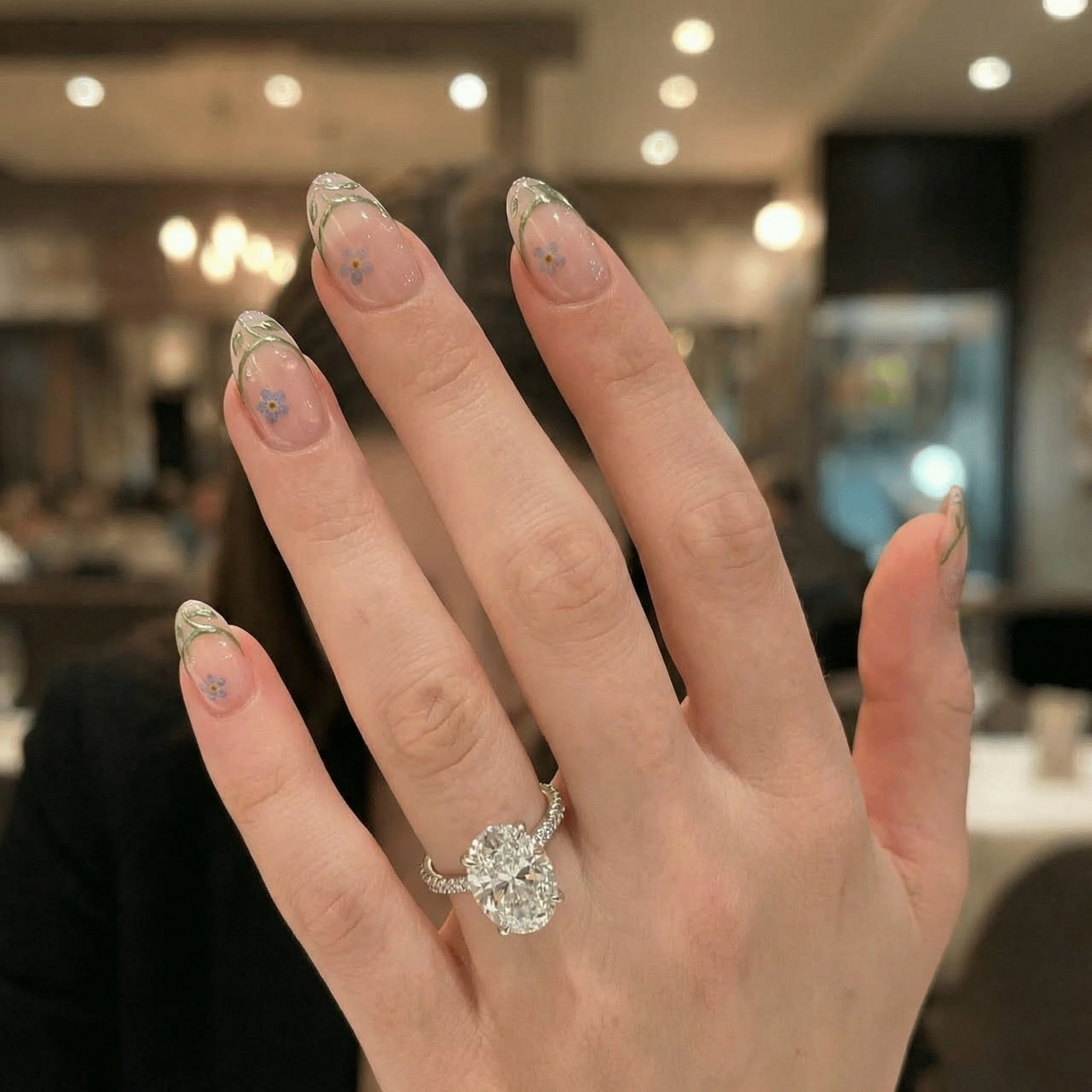
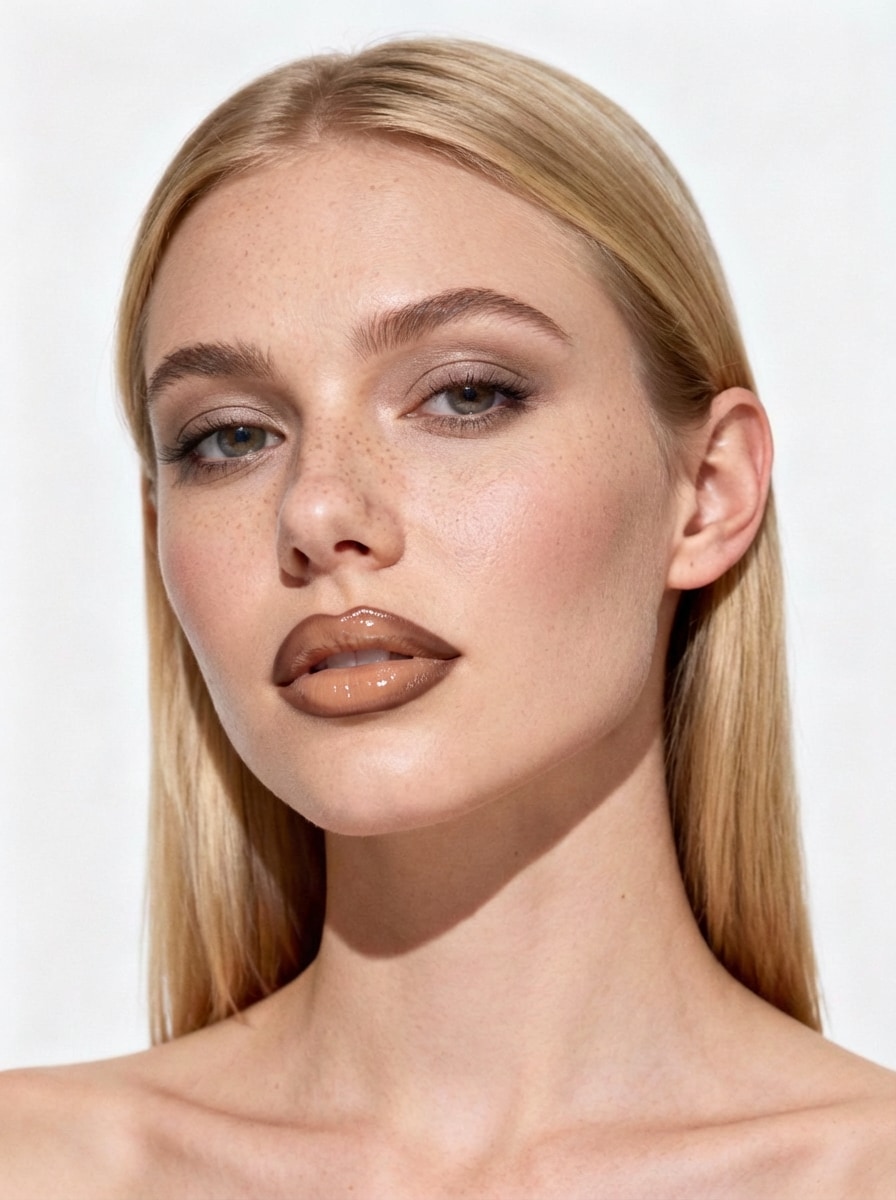
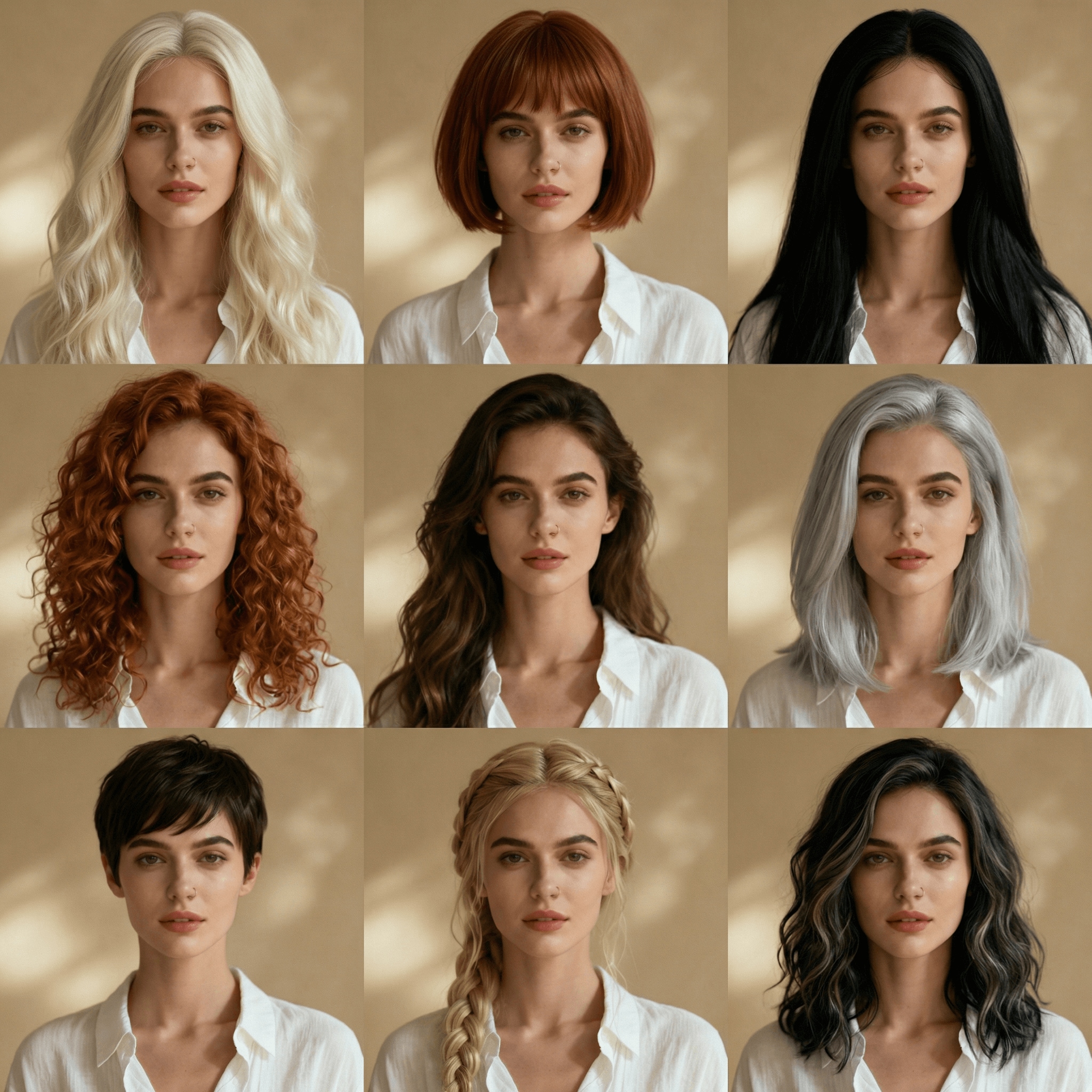
Image à image
Nano Banana Pro
Télécharger une image
0 / 9
Cliquez ou faites glisser pour télécharger, ou choisissez parmi Mon Historique
Pas d'idées ? Générer une image d'abord. >
Formats de téléchargement pris en charge: jpg, png, jpeg
Prompt
0/2000
Aspect ratio
Auto
9:16
16:9
1:1
4:3
3:4
3:2
2:3
21:9
Résolution
1K
2K
4K
Mode Illimité Banana Pro
Nombre d'images
1
2
3
4
Visibilité du public
Tout
Image
Vidéo
Audio
Générer une liste
Les résultats générés seront conservés pendant 7 jours. Veuillez les sauvegarder à temps.
ai_video_generatorLibérez votre potentiel créatif et découvrez la magie de l'IA médiatique dès mIAntenant!

AI Virtual Jewelry Try On from Any Photo

Upload a selfie or hand photo and let our virtual jewelry try on tool add earrings, necklaces, rings, and more in seconds. Match metal, gemstones, and lighting for realistic previews before you buy, style a shoot, or post on social media.

Try Jewelry on My Photo Explore AI Virtual Fitting Room

Type your idea -> AI designs it. Free to try.

Why Use Media.io for AI Jewelry Try On?

Ultra-Realistic Image-to-Image Jewelry Overlays

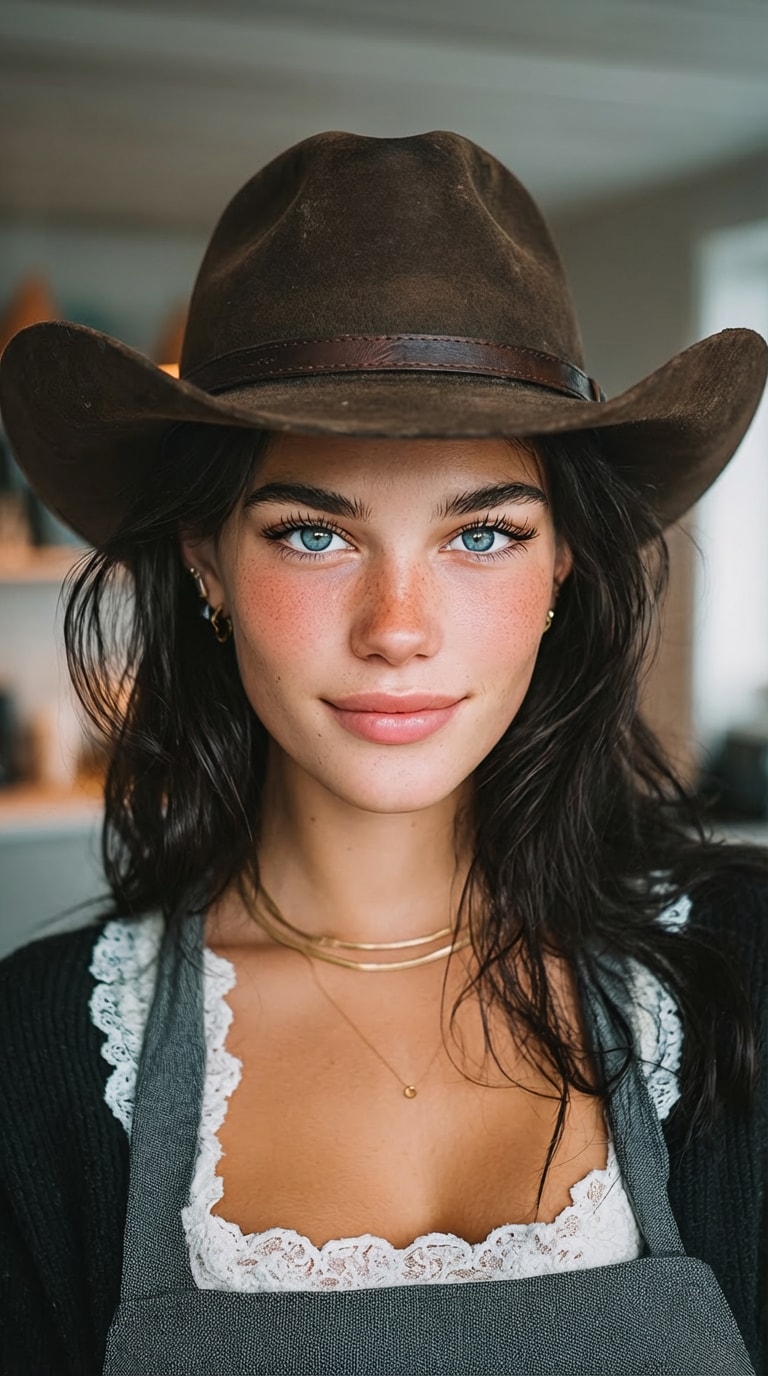
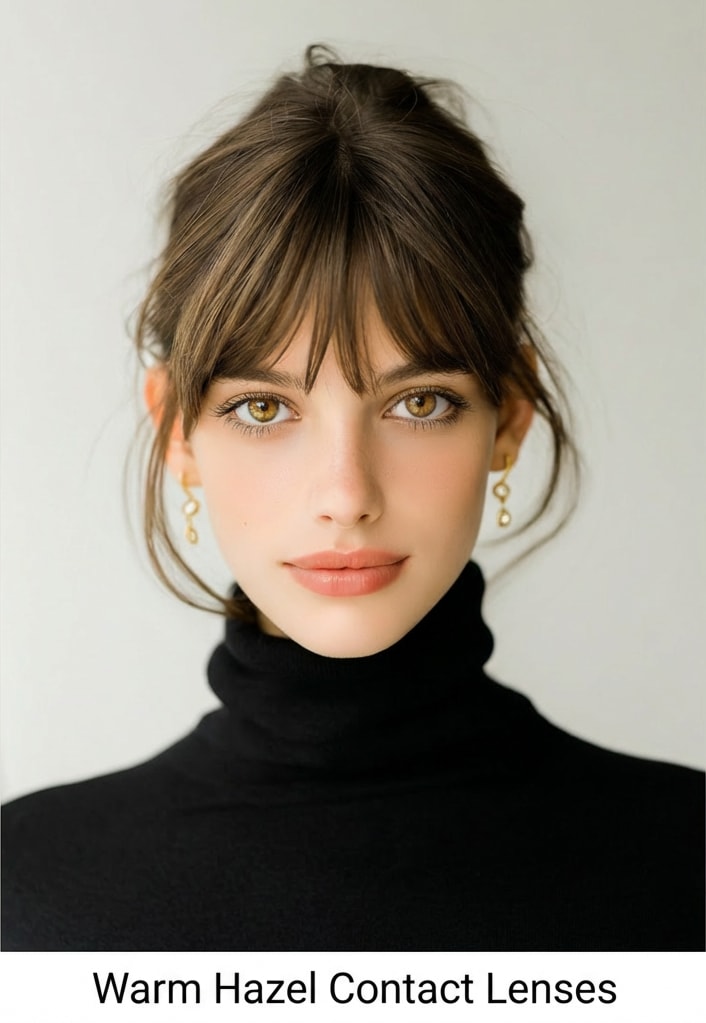
Media.io uses advanced models like Nano Banana Pro, Nano Banana 2 and Media 2.0 to place earrings, necklaces and rings directly onto your selfie or hand photo. The AI respects your original pose, lighting and skin texture for believable, non-cartoonish virtual try-ons.

High-Resolution Outputs for Shoppers & Sellers

Generate virtual jewelry previews in 1K, 2K or 4K resolution, with multiple aspect ratios such as 1:1, 9:16, 16:9 and more. Perfect for zoomable product images, catalog mockups and social posts that showcase metal shine and gemstone detail clearly.

Fast Browser-Based Workflow on Any Device

Media.io runs entirely in your browser on Windows, Mac, iOS and Android. Just open the site, upload a JPG or PNG, describe the jewelry you want, and generate results in seconds—no app install or heavy desktop software required.

Privacy-Friendly with Flexible Plans

Your uploaded images are automatically deleted from Media.io servers after 7 days. You can start with 3 free credits per day to explore AI jewelry generator results, then upgrade for more credits and watermark-free high-resolution downloads at https://www.media.io/pricing.html.

How to Use the AI Virtual Jewelry Try-On

1
2
3
1
Step 1: Open Media.io AI Virtual Jewelry Try-On

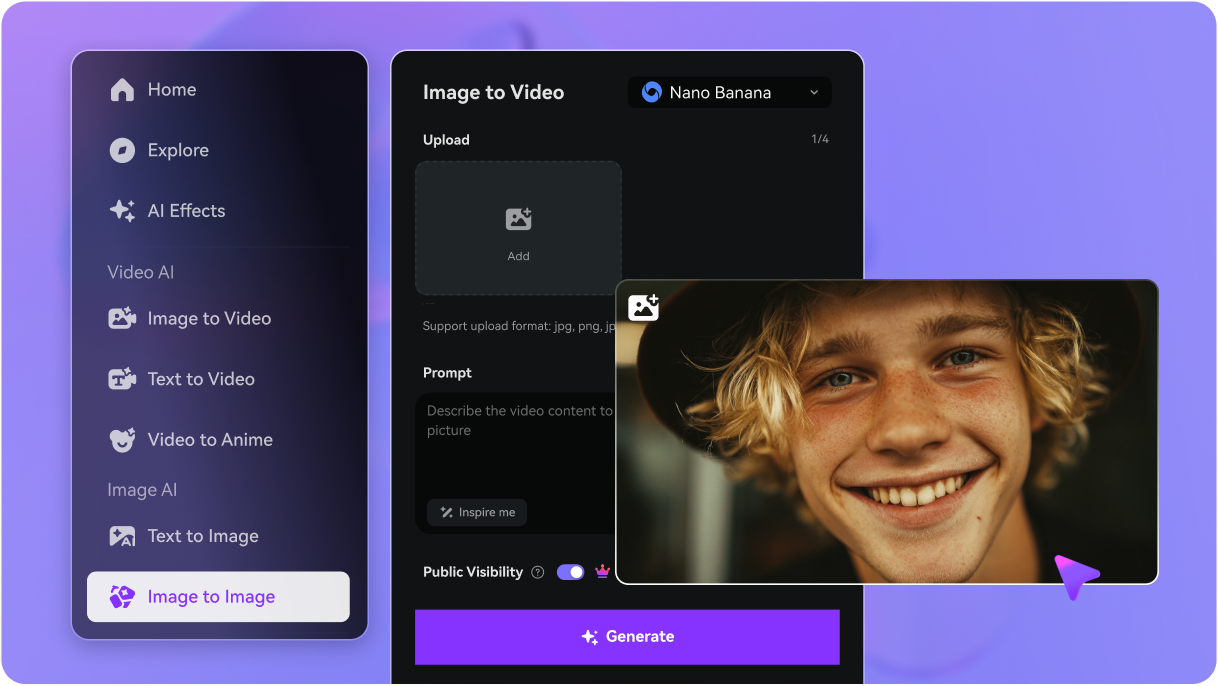
Open Media.io AI Virtual Jewelry Try-On. Go to media.io/ai and open the Virtual Jewelry Try-On under AI -> Image tools. This online tool runs in your browser, so you can use it on desktop or mobile without installing anything.

2
Step 2: Enter a Prompt or Upload

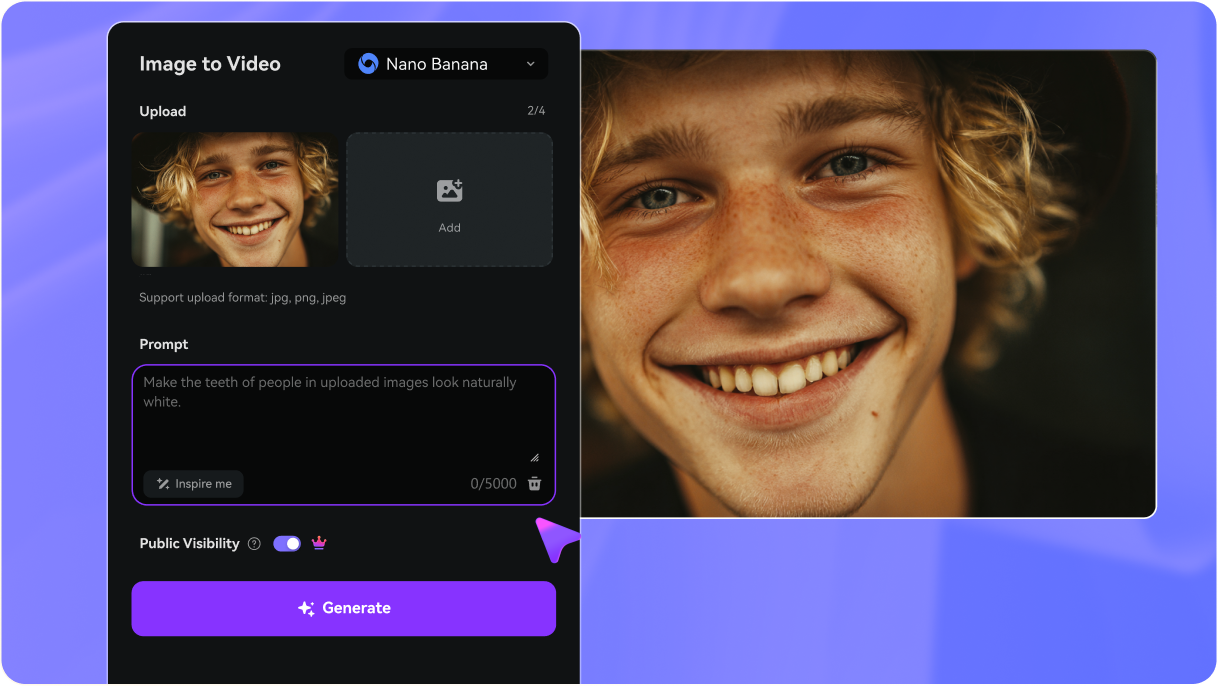
Enter a prompt or upload. Type a detailed prompt (e.g., "Add small gold hoop earrings to my ears with soft daylight lighting and realistic shadows") or upload a clear selfie or hand photo. Adjust style or settings to match rings, earrings, necklaces or full sets you want to preview.

3
Step 3: Generate, Refine & Download

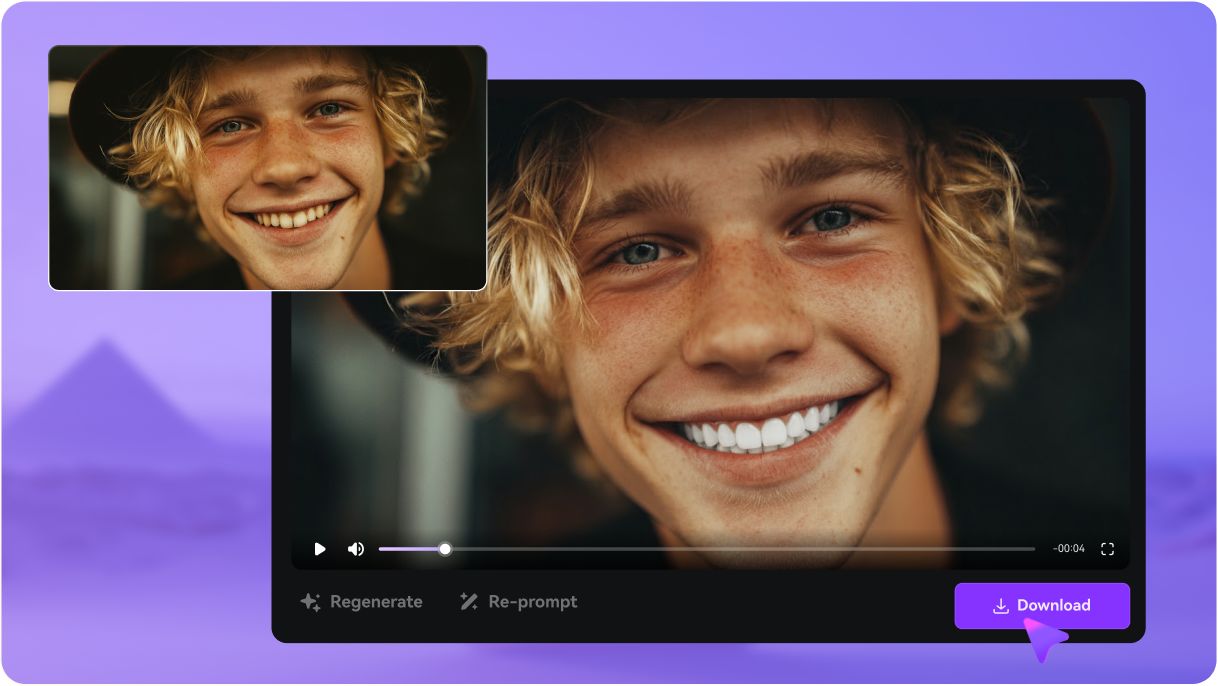
Generate, refine & download. Click Generate to create your AI jewelry try-on images. Compare variations, tweak your prompt if needed, then download high-resolution results for shopping decisions, social media, or ecommerce listings when you’re happy with the look.

Step 1
Step 2
Step 3

What Users Say About Media.io’s AI Jewelry Try On

user
Amelia R.

Fashion Creator & Instagram Blogger

star star star star star

"Made jewelry content without real shoots" I used Media.io’s AI virtual jewelry try on to test different earrings and layered necklaces on one selfie. The image-to-image results look surprisingly real, and exporting in high resolution makes my Reels and thumbnails look like full studio shoots.

user
Daniel K.

Online Jewelry Seller

star star star star star

"Great for quick ecommerce mockups" As a small Shopify brand, I can’t book models every time. With Media.io I upload a few hand and neck photos, describe the pieces, and get clean virtual try-on images in different aspect ratios for my product gallery and ads.

user
Sofia M.

Engagement Ring Shopper

star star star star star

"Helped me compare ring styles on my hand" I wanted to see if a solitaire or halo ring suited my hand. Media.io let me upload one photo and generate several AI ring try ons. It’s not for exact sizing, but for visualizing styles it was a huge help before I went to stores.

AI Virtual Jewelry Try-On FAQs

1. How does virtual jewelry try on work?

Media.io’s virtual jewelry try on tool uses AI image-to-image models like Nano Banana Pro and Media 2.0. You upload a JPG or PNG selfie or hand photo, describe the jewelry you want, and the AI generates a new image with realistic earrings, necklaces or rings added while keeping your original pose, lighting and skin texture. Free users get 3 credits per day to try it out, and you can upgrade for more at https://www.media.io/pricing.html.

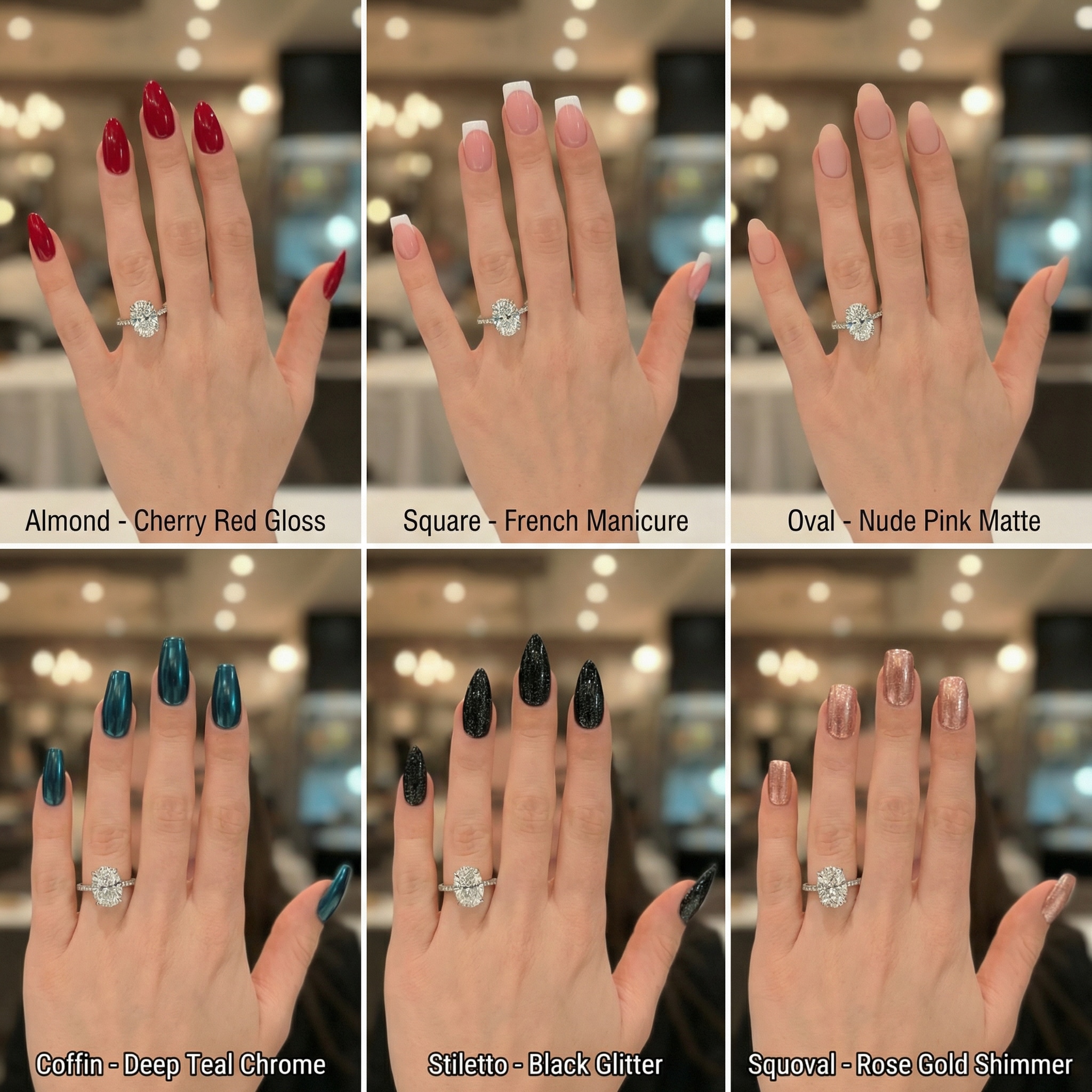
Yes. Upload a clear photo of your hand and use a descriptive prompt such as “oval solitaire engagement ring in white gold on my ring finger” or “sparkly halo engagement ring”. Media.io’s image-to-image engine will place the ring onto your existing hand photo. It’s ideal for visual style comparison, but not for precise ring sizing or fit.

Media.io offers a free tier so you can explore AI jewelry try on and AI jewelry generator features without paying upfront. Free users receive 3 credits per day and may see watermarks on downloads. If you need more generations or watermark-free high-resolution images for serious shopping or ecommerce use, you can upgrade at https://www.media.io/pricing.html.

You don’t need a separate app. Media.io is a web-based platform that works in any modern browser on Windows, Mac, iOS, and Android. Just visit media.io, open the AI virtual jewelry try-on tool, and upload your photo. Everything runs online, so there’s no software to install.

Yes. If you sell jewelry online, you can upload model, hand or neck photos and let Media.io’s image-to-image AI add rings, earrings or necklaces. You can choose resolutions up to 4K and different aspect ratios for product pages, ads and social posts. For consistent, watermark-free images at scale, consider a paid plan at https://www.media.io/pricing.html.

For the best results, use sharp, well-lit JPG or PNG photos where ears, neck or hands are clearly visible and not heavily blurred. Neutral backgrounds and even lighting help the AI match metal shine and shadows more accurately, creating more realistic AI ring try on and necklace or earring previews.

Media.io Online AI Tools Quality Rating:
vote 4.7 (162,357 Votes)