

Créez des photos produit e-commerce avec GPT Image 2.5
Transformez une photo de produit en prises de vue studio épurées, scènes de style de vie, images héros pour l'e-commerce et visuels prêts pour les campagnes. Gardez le produit reconnaissable tout en changeant l'arrière-plan, l'éclairage, la surface, le cadrage et la direction créative.
Aucune configuration requise · Crédits gratuits à l'inscription
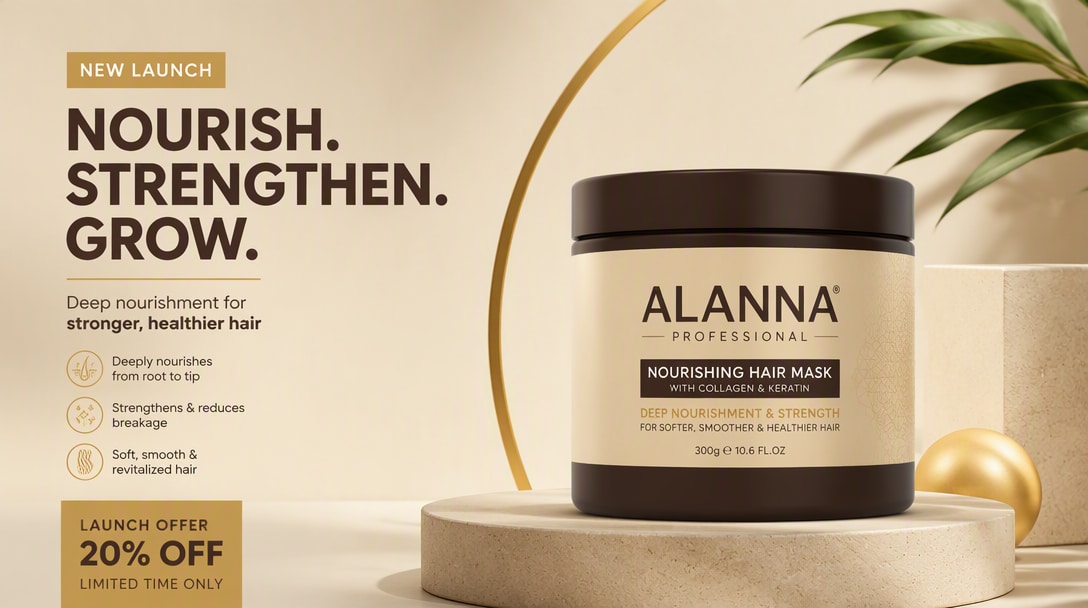
10 styles de photos produit à tester avec GPT Image 2.5
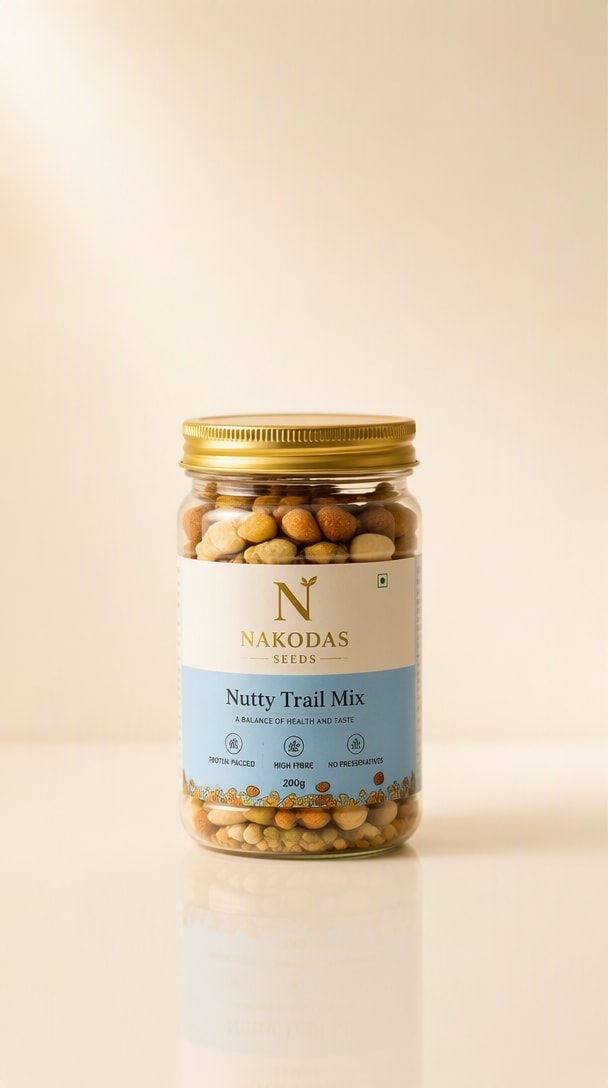
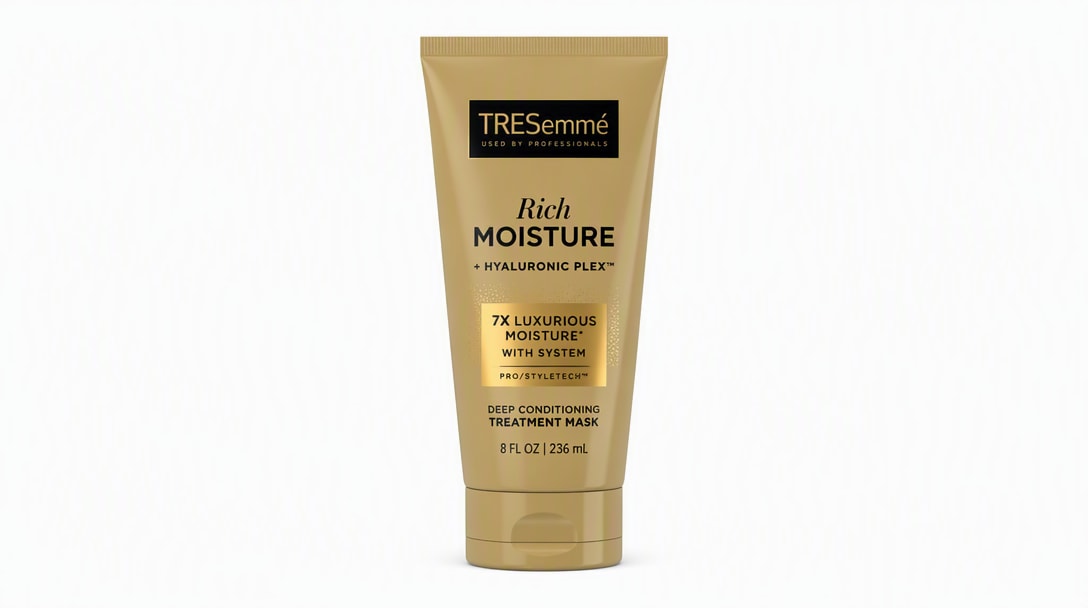
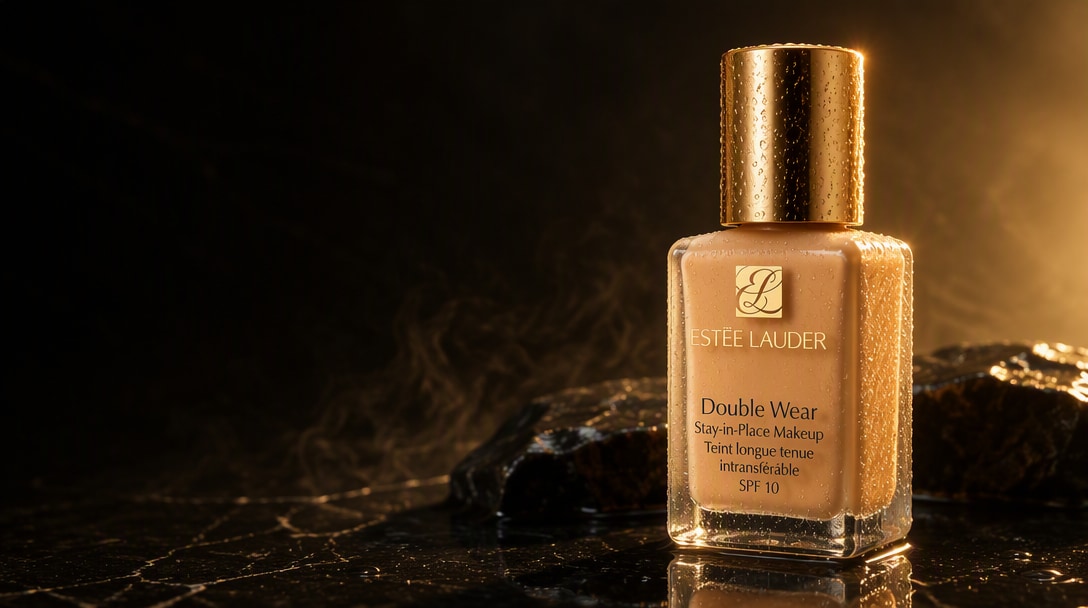
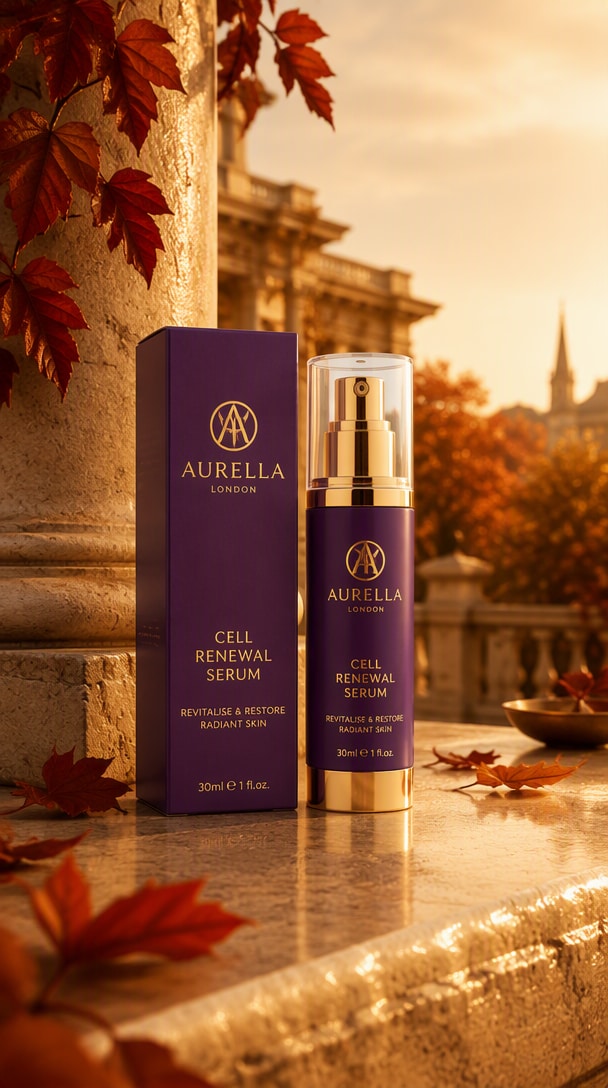
Des fonds blancs prêts pour les marketplaces aux campagnes beauté premium, ces exemples correspondent aux intentions de photographie produit qui apparaissent dans les résultats de recherche actuels. Survolez un résultat et copiez le prompt pour recréer le rendu avec votre propre image de produit.
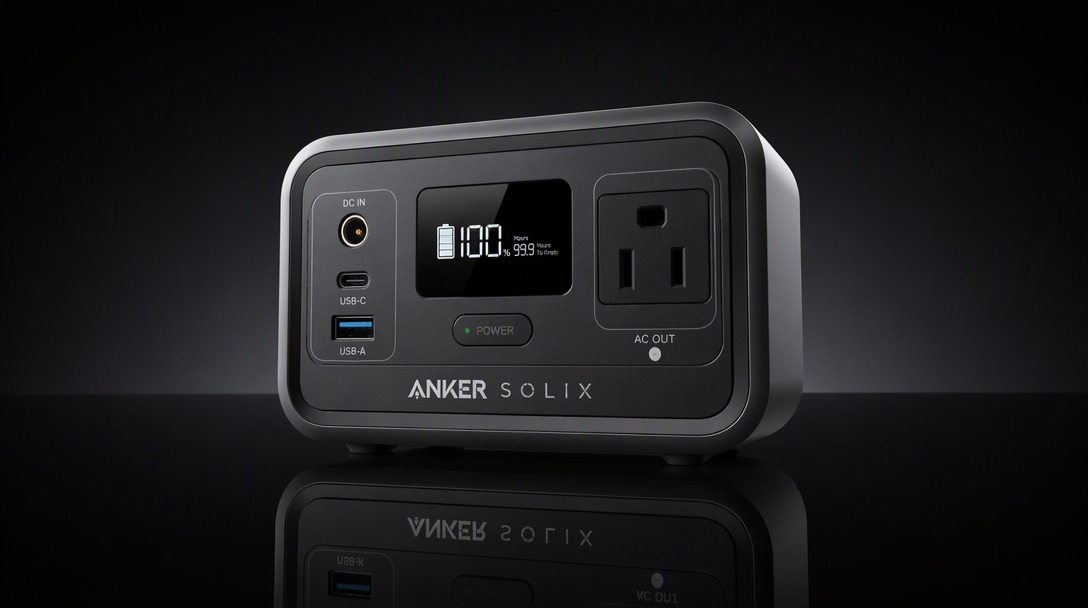
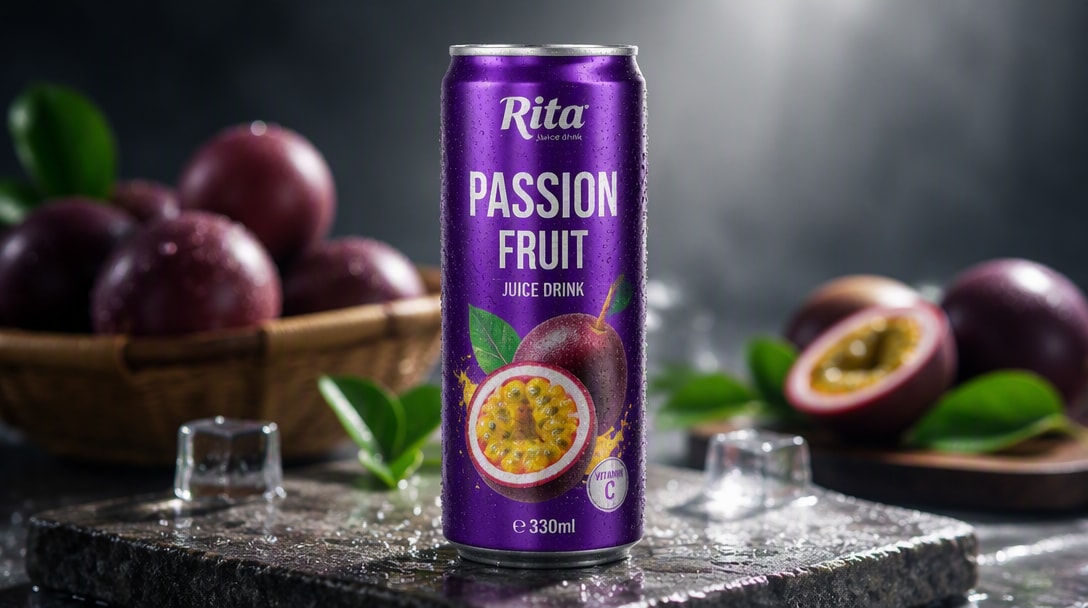
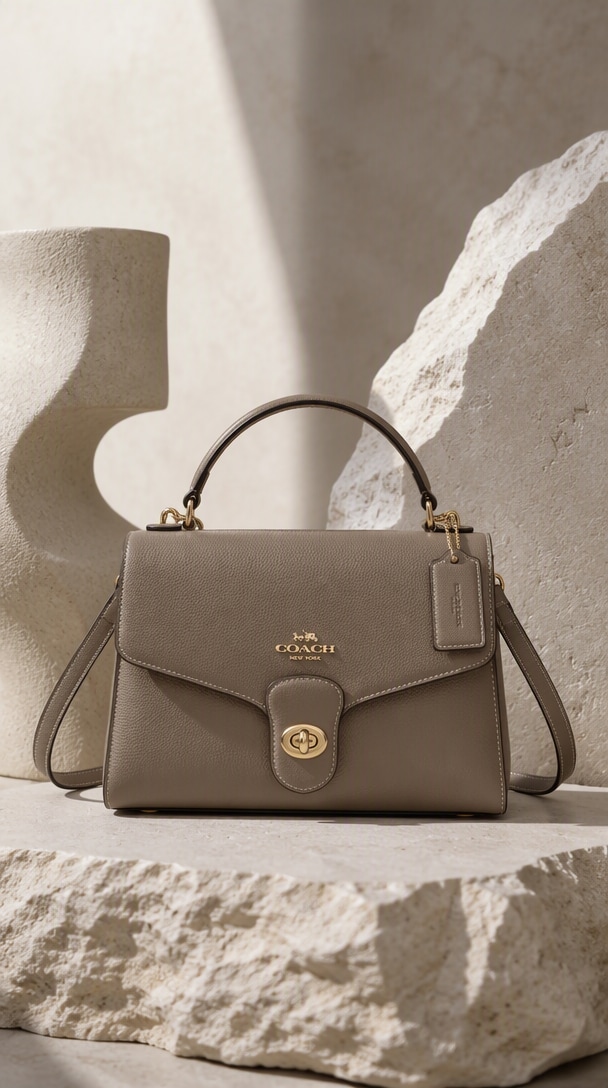
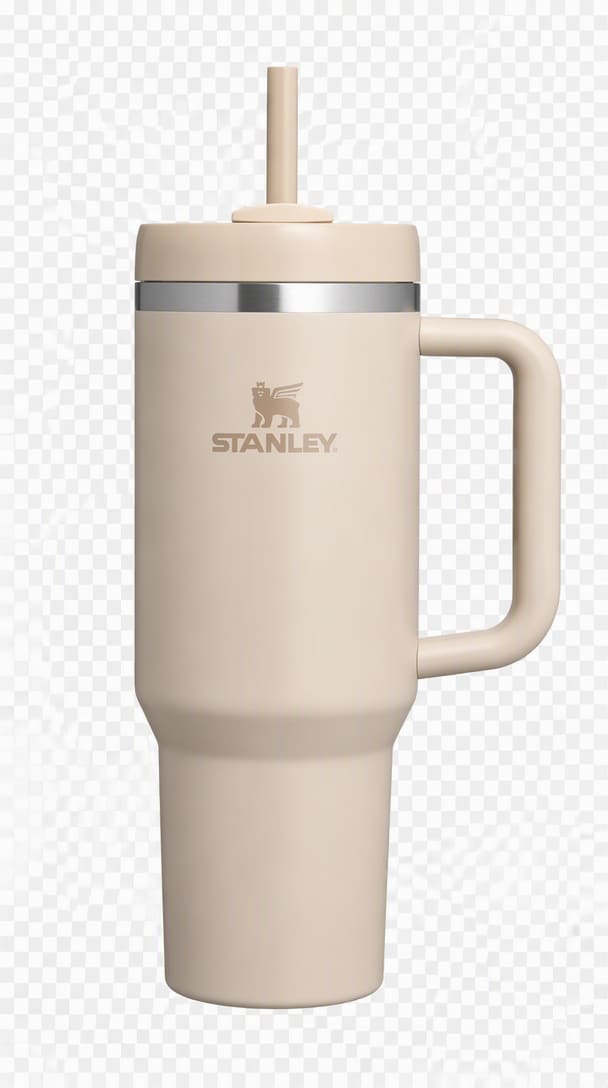
Pourquoi GPT Image 2.5 est utile pour les marketplaces et fiches produit
Garder le produit reconnaissable
GPT Image 2.5 gère des instructions plus détaillées avec une meilleure conscience de la scène, facilitant la création de visuels complexes, de mises en page brandées et d'images réalistes avec moins de tentatives.
Matériaux et éclairages plus naturels
Des publicités produits aux portraits, GPT Image 2.5 produit un éclairage plus propre, des textures plus nettes et une finition visuelle plus soignée pour les créateurs, les marketeurs et les usages commerciaux.
Conçu pour les flux de travail produit et campagne
Si vous construisez des flux de travail de production avec l' GPT Image 2.5 API , le modèle est particulièrement pertinent pour les développeurs qui intègrent la génération d'images, l'édition ou l'automatisation créative dans leurs produits et flux de travail.
Changer un élément, conserver le reste
GPT Image 2.5 est utile non seulement pour les nouvelles générations, mais aussi pour les retouches d'images, les changements de style, le raffinement des scènes et l'itération rapide dans les flux de travail marketing, design et contenu.
Un produit, plusieurs canaux
Que vous souhaitiez des visuels de campagne, des images produits, des ressources pour les réseaux sociaux ou des maquettes conceptuelles, GPT Image 2.5 offre un équilibre entre qualité, contrôle et rapidité pour les équipes du monde réel.
Fidélité produit · Éclairage studio · Variantes de campagne
5 styles de photos produit à créer à partir d’une seule image
Commencez avec une référence produit épurée, puis créez le format d'image dont votre canal a réellement besoin : marketplace, fiches produit, lifestyle, campagne de lancement ou création publicitaire saisonnière.
Visuels de scène : images horizontales indépendantes, format recommandé 16:10. Scenario 1: IA AdsCréer des images produits épurées pour marketplace
Transformez une photo prise avec un téléphone ou un détourage basique en une image de mise en vente sur fond blanc avec un éclairage uniforme, des contours naturels, une ombre portée réaliste et un espace blanc prêt pour le canal.
Créer une image marketplace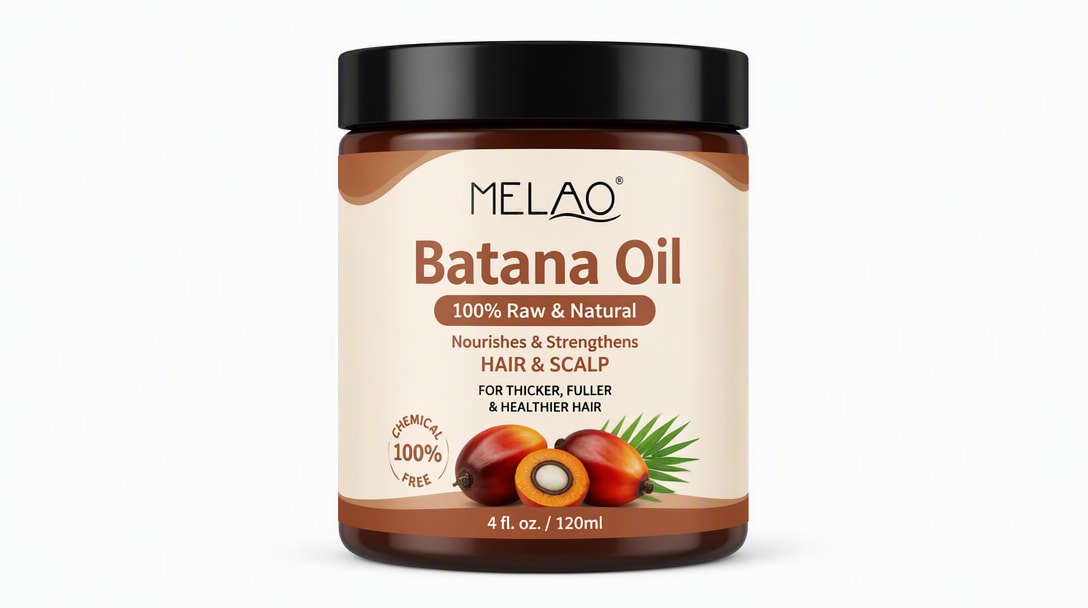
Produit source → fond blanc épuré → héros prêt pour la mise en vente.
Créer des images héros fiches produit premium
Créez des images héros studio soignées avec un éclairage softbox contrôlé, des reflets réalistes, un détail matière clair et un espace négatif pour les mises en page de pages e-commerce.
Créer un héros fiches produit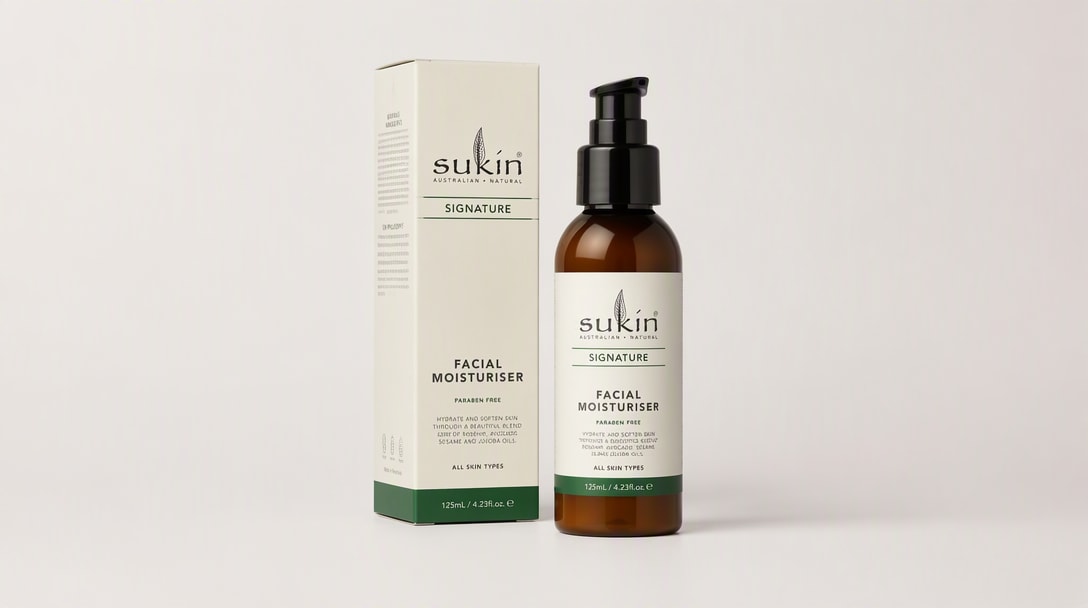
Produit source → lumière studio contrôlée → héros fiches produit premium.
Placer les produits dans des scènes lifestyle réalistes
Intégrez le même produit dans un cadre domestique, beauté, voyage, fitness ou espace de travail crédible tout en préservant l'emballage et l'identité du produit.
Créer une photo lifestyle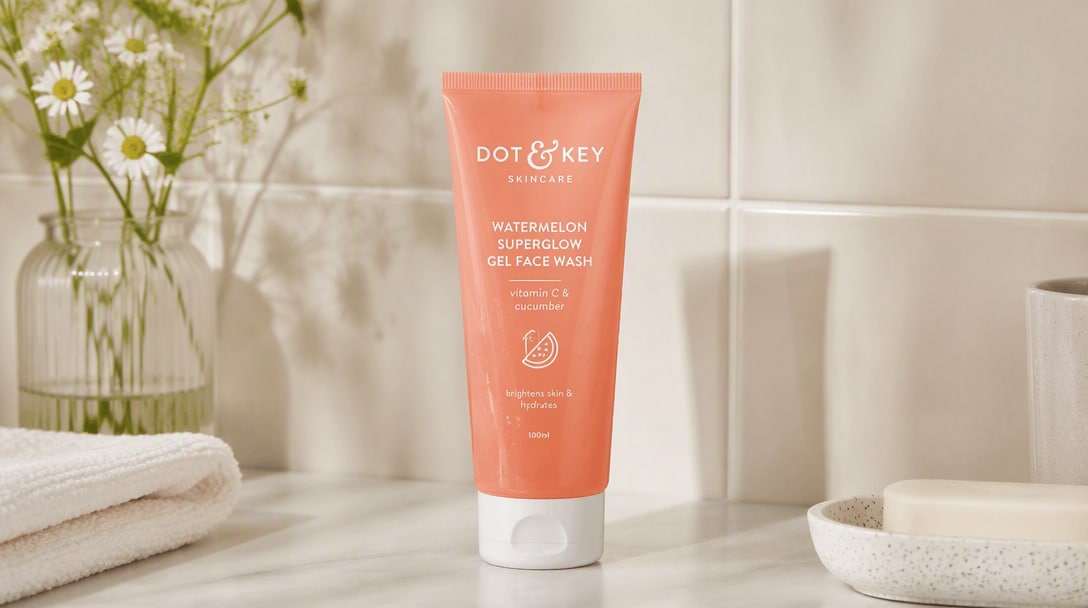
Produit source → environnement réaliste → image de commerce lifestyle.
Transformer une photo produit en création de campagne
Construisez des publicités beauté de luxe, des visuels de lancement, des ressources de campagne saisonnière et des compositions prêtes pour les réseaux sociaux autour du même produit tout en ancrant les détails clés de la marque.
Créer un visuel de campagne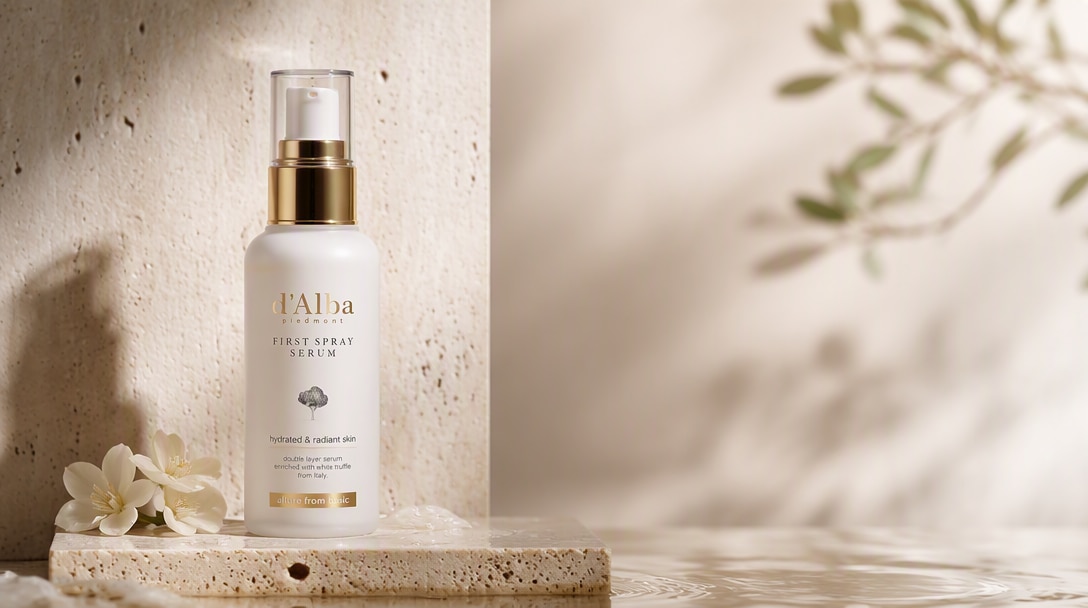
Produit source → direction artistique de campagne → création prête pour la publicité.
Changer la scène sans reconstruire le produit
Remplacez uniquement l'arrière-plan, la surface, les accessoires, l'éclairage ou le cadrage et demandez à GPT Image 2.5 de préserver le produit, l'emballage et la composition approuvée.
Retoucher la photo produit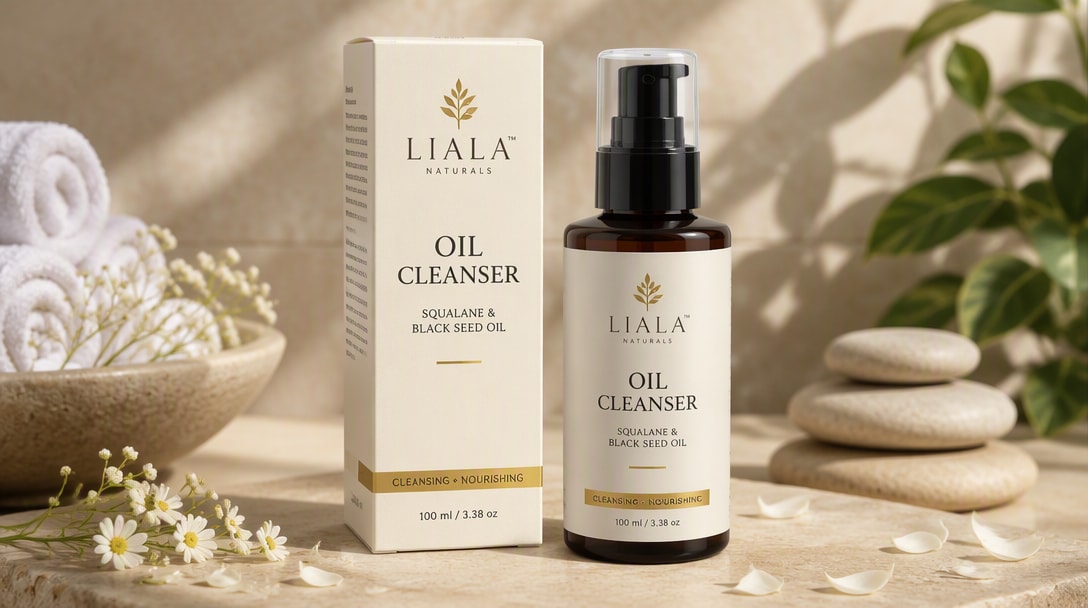
Image produit approuvée → retouche ciblée → détails produit protégés.
Rédiger un brief photo produit plus précis pour GPT Image 2.5
Les pages de photographie produit actuelles dans les résultats de recherche mettent systématiquement en avant les mêmes variables de production. Rédigez-les séparément pour contrôler le résultat et réviser une variable à la fois.
Identité du produit
Silhouette, proportions, emballage, emplacement du logo, couleur et détails distinctifs qui ne doivent pas changer.
Réponse matière
Décrivez le verre, le métal, le plastique mat, le tissu, le papier, le liquide, le brillant, la translucidité, les reflets ou la texture.
Caméra & angle
Face, trois quarts, vue du dessus, macro, rendu de l'objectif, hauteur du produit, cadrage et format d'image.
Éclairage
Direction du softbox, niveau de remplissage, lumière de contour, lumière du jour, douceur des ombres, contrôle des hautes lumières et comportement des reflets.
Scène & composition
Arrière-plan, surface, accessoires, espace négatif, hiérarchie de mise en page, environnement et emplacement du produit.
Contraintes
Indiquez ce qui ne doit pas changer : pas de redesign, pas de faux logo, pas d'objets supplémentaires, pas de produit dupliqué, pas de texte déformé.
Brief réutilisable
Utilisez le produit téléchargé comme référence faisant autorité
À conserver : [forme / emballage / logo / couleur / proportions].
Matériau : [verre / métal / tissu / mat / réfléchissant].
Prise de vue : [angle / recadrage / format].
Éclairage : [direction / douceur / reflets / ombre].
Scène : [arrière-plan / surface / accessoires / espace négatif].
Contraintes : [ce qui ne doit pas changer ou apparaître].
Comment créer des photos produit avec GPT Image 2.5
Étape 1 : Télécharger une photo produit claire
Décrivez le sujet, le style, l'arrière-plan, l'éclairage, l'ambiance, l'angle de la caméra et la composition. GPT Image 2.5 donne les meilleurs résultats lorsque vous lui fournissez une direction visuelle claire.
Étape 2 : Rédiger un brief de production
Utilisez GPT Image 2.5 pour créer de nouvelles images ou pour affiner un visuel existant. C'est l'une des raisons pour lesquelles le modèle gagne en popularité parmi les créateurs et les développeurs.
Étape 3 : Générer, vérifier et affiner
Ajustez la formulation, la direction stylistique ou les notes de composition pour améliorer l'image finale. L'itération est essentielle si vous souhaitez obtenir les meilleurs résultats de GPT Image 2.5 pour un usage en production.
Comment les équipes e-commerce utilisent GPT Image 2.5

Photographie produit

« Une photo source, de nombreuses ressources prêtes pour chaque canal. » J'ai testé de nombreux modèles d'image, et GPT Image 2.5 se distingue particulièrement lorsque vous souhaitez des visuels soignés et prêts pour les clients, avec un éclairage crédible, une texture réaliste et une finition générale plus premium.

Lifestyle & Campagne
« Même produit, nouvelle direction artistique. » Les résultats semblent plus prêts pour les campagnes que beaucoup d'outils d'images IA rapides. Pour les portraits, les affiches et les visuels créateurs-marques, il vous donne quelque chose qui ressemble déjà davantage à une ressource finalisée.

Retouche produit ciblée
« Changer une variable, protéger le produit. » Il ne s'agit pas seulement de créer des images sympas pour le plaisir. Si vous construisez des flux de travail pour la retouche, les créations publicitaires ou les maquettes produits, GPT Image 2.5 semble être quelque chose que les équipes peuvent réellement intégrer dans leurs outils.
Découvrez Les Effets Vidéo et d'Image IA Les Plus Populaires



FAQ GPT Image 2.5
Trouvez des réponses sur la disponibilité de GPT Image 2.5, Flare et Sunburst, l'édition d'images, la fidélité aux références, la rédaction de prompts, les photos de produits, les portraits et les flux de travail créatifs commerciaux.
1. GPT Image 2.5 peut-il créer des photos de produits?
GPT Image 2.5 est un modèle d'image IA avancé conçu à la fois pour la génération et l'édition d'images. Les utilisateurs s'appuient sur lui pour créer des visuels à partir de prompts textuels, transformer des photos existantes et produire des résultats plus soignés pour des projets créatifs et commerciaux.
Dans l'API, OpenAI propose GPT-Image-2.5 Flare pour la plupart des applications et GPT-Image-2.5 Sunburst pour les flux de travail premium nécessitant un contrôle d'édition plus précis.
2. GPT Image 2.5 peut-il maintenir la cohérence de mon produit?
L'accès gratuit à GPT Image 2.5 dépend de la plateforme, du type de compte et des limites d'utilisation. Certains services peuvent proposer des essais limités ou des crédits gratuits, tandis que d'autres peuvent nécessiter un abonnement payant pour un volume de génération plus élevé, l'édition d'images ou les exportations.
C'est pourquoi de nombreux utilisateurs explorent également des outils alternatifs lorsqu'ils souhaitent un moyen plus rapide ou plus simple de tester la génération d'images IA et l'édition image vers image.
3. Que dois-je inclure dans un prompt de photo de produit?
Le flux de travail habituel est simple : rédigez un prompt clair, générez une image, puis affinez le résultat avec des instructions plus précises ou des images de référence.
Pour de meilleurs résultats, incluez des détails tels que :
- sujet principal
- arrière-plan ou cadre
- style ou ambiance
- éclairage et angle de caméra
- composition et cadrage
- indicateurs de qualité comme cinématique, réaliste, éditorial ou commercial
Plus votre prompt est clair, plus GPT Image 2.5 est susceptible de produire une première ébauche utile.
4. Puis-je modifier uniquement l'arrière-plan ou l'éclairage?
Le API GPT Image 2.5 est principalement utile pour les développeurs, les startups et les équipes produit qui souhaitent intégrer la génération ou l'édition d'images IA dans leurs propres applications et flux de travail.
Les cas d'utilisation courants incluent :
- génération d'images IA dans les produits SaaS
- production automatisée de créations marketing
- flux de travail de création et d'édition d'images de produits
- assistance à la conception dans les outils internes
- fonctionnalités d'images personnalisées dans les plateformes de contenu
En bref, l'API est utile lorsque vous souhaitez des capacités d'image IA dans votre propre produit plutôt que uniquement dans une interface de chat.
5. Quels styles de photos de produits puis-je créer?
GPT Image 2.5 est suffisamment flexible pour les tâches d'images créatives et commerciales.
Les cas d'utilisation populaires incluent :
- créations publicitaires marketing
- visuels pour les réseaux sociaux
- images héros de produits
- graphiques de listes e-commerce
- portraits éditoriaux
- bannières héros de sites web
- maquettes de design et art conceptuel
- édition d'images et transfert de style
Il est particulièrement utile lorsque vous souhaitez des images soignées, premium et prêtes à être présentées.
6. GPT Image 2.5 est-il utile pour les vendeurs e-commerce?
Oui. Les débutants obtiennent généralement les meilleurs résultats en commençant par des prompts simples et structurés plutôt qu'en essayant de trop compliquer les instructions.
Vous n'avez pas besoin d'une ingénierie de prompts avancée pour commencer, mais l'ajout de détails clairs sur le sujet, le style, l'éclairage et l'arrière-plan améliorera considérablement le résultat.
7. Comment réduire la distorsion du produit et les modifications indésirables?
Un prompt GPT Image 2.5 efficace inclut généralement :
- sujet principal
- arrière-plan ou cadre
- direction stylistique
- éclairage ou ambiance
- angle de caméra ou cadrage
- termes de qualité tels que cinématique, réaliste, éditorial, commercial ou minimaliste
Par exemple, au lieu d'écrire « faire une photo de produit », essayez : « Un flacon de sérum de soin premium sur une surface réfléchissante, éclairage studio doux, ombres élégantes, style publicité beauté luxe, texture de verre réaliste, arrière-plan minimaliste. »
8. GPT Image 2.5 est-il meilleur pour la génération ou l'édition d'images?
L'une des raisons pour lesquelles GPT Image 2.5 se distingue est qu'il est utile à la fois pour la génération et l'édition d'images. Les utilisateurs se soucient souvent non seulement de créer des images de toutes pièces, mais aussi de créer des variantes, de changer de styles, d'affiner des scènes et d'améliorer les visuels existants.
En pratique, il peut être performant pour les deux tâches, surtout lorsque votre flux de travail repose sur l'itération et le raffinement plutôt que sur une génération unique.