

GPT Image 2.5 : générateur et éditeur d’images IA
Créez et modifiez des images avec GPT Image 2.5 sur Media.io. Transformez des photos de référence en photos de produits soignées, portraits, publicités, affiches et retouches d'images précises avec une meilleure fidélité au sujet et une itération créative plus rapide.
Aucune configuration requise · Crédits gratuits à l'inscription
Découvrez les principaux usages de GPT Image 2.5
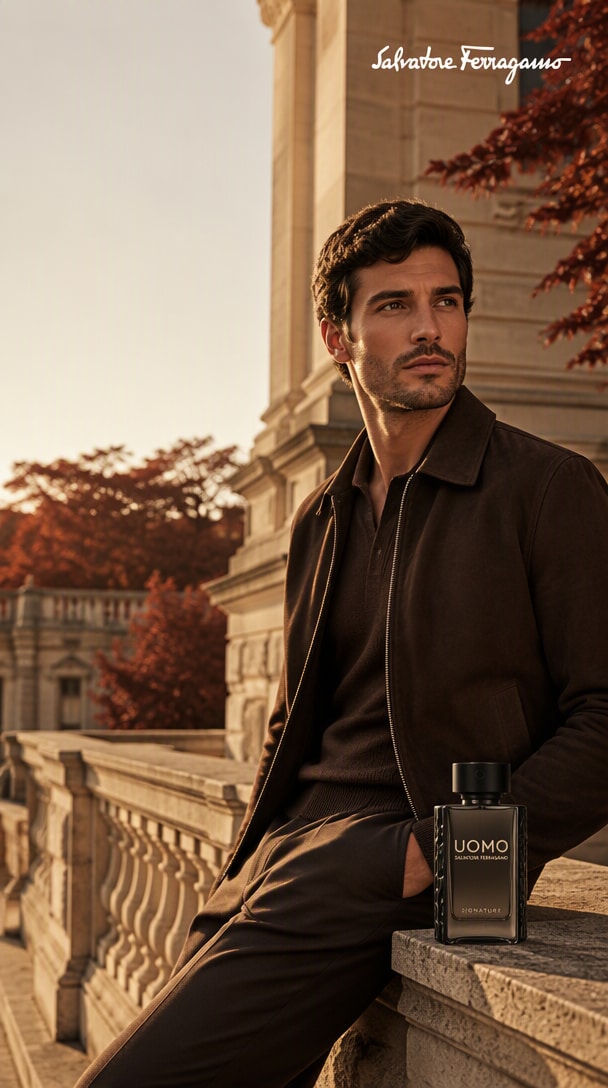
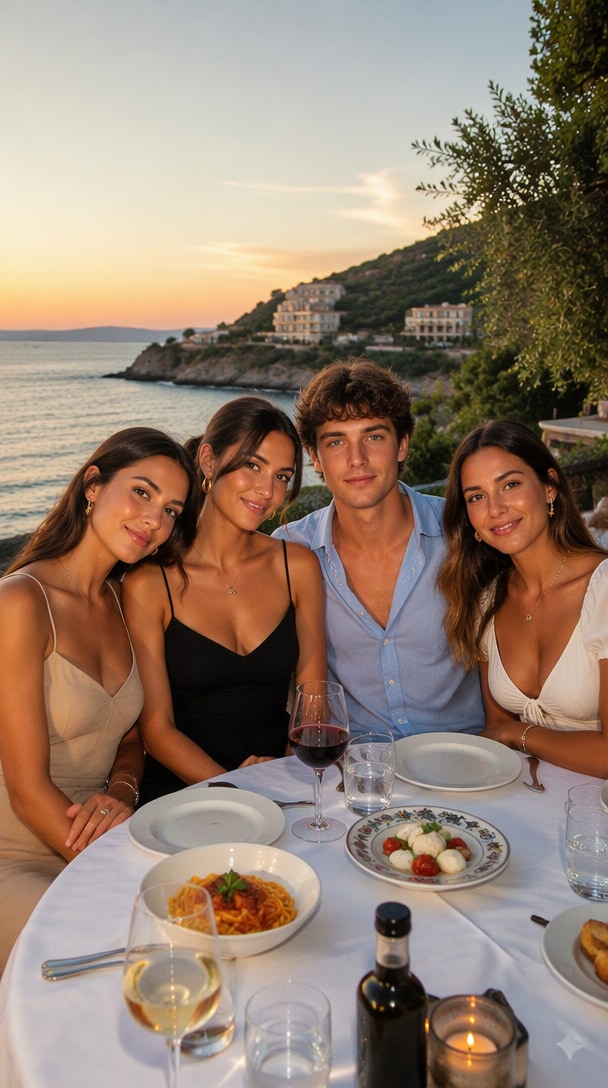
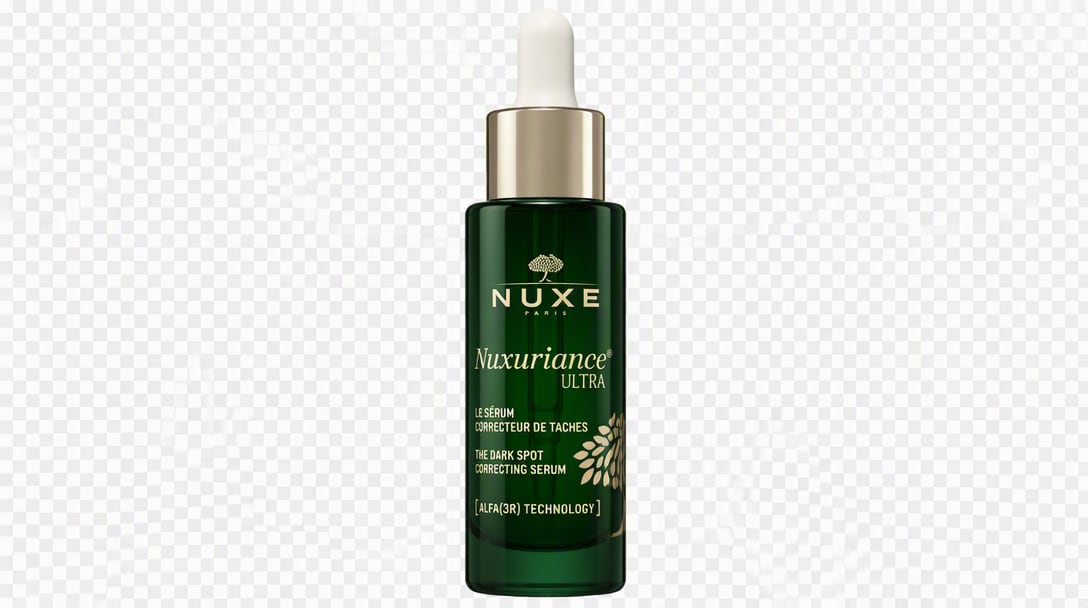
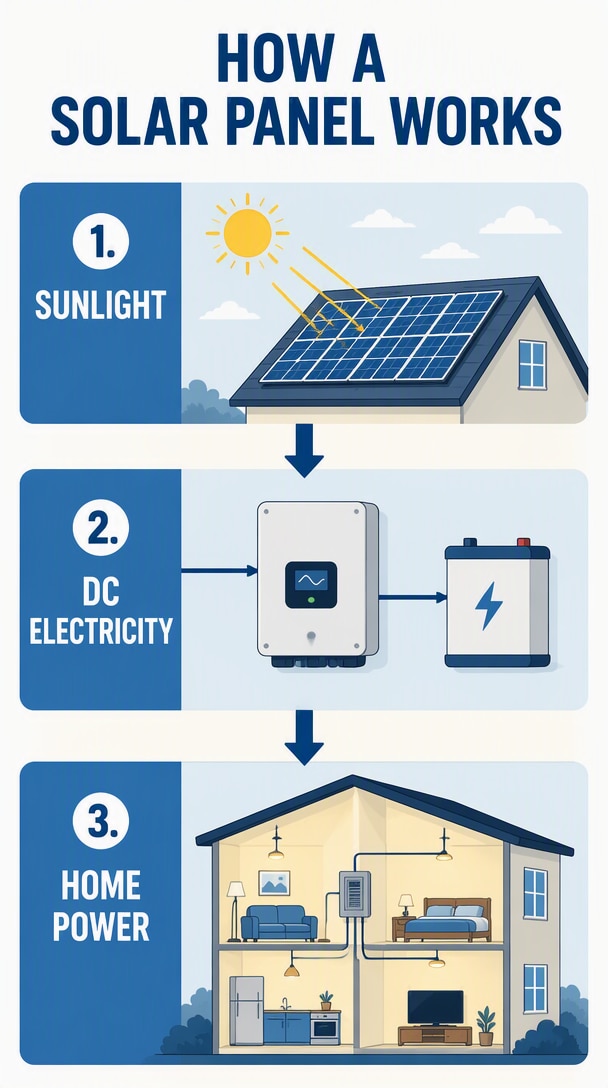
Fidélité aux références, retouches chirurgicales, visuels produits, mises en page à texte exact, compositions, ressources transparentes, infographies, remixes de styles et création à partir de croquis. Survolez un résultat et copiez le prompt pour recréer le flux de travail avec votre propre image.
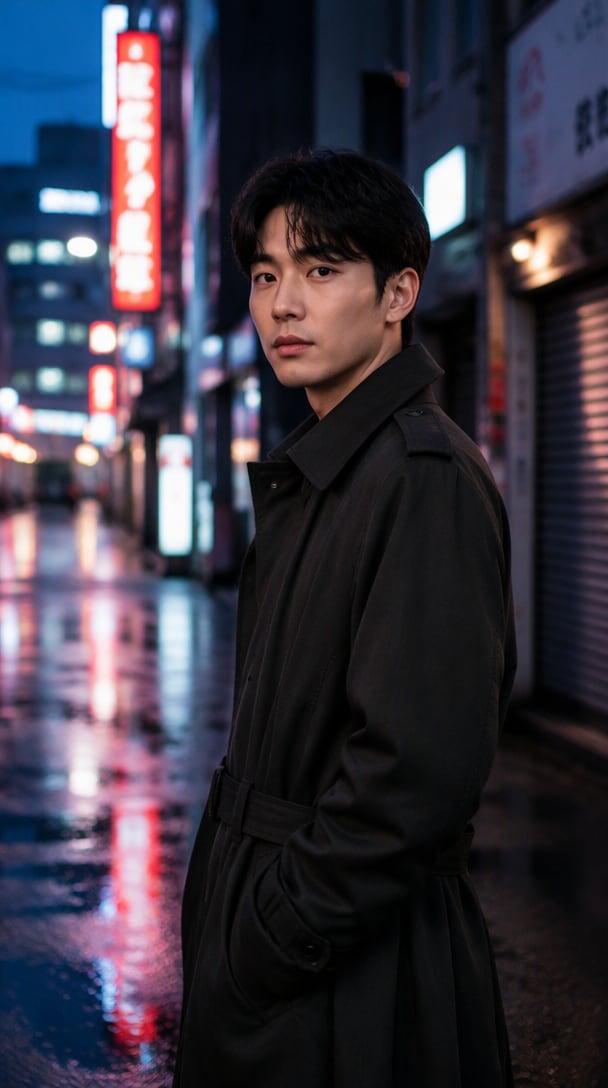
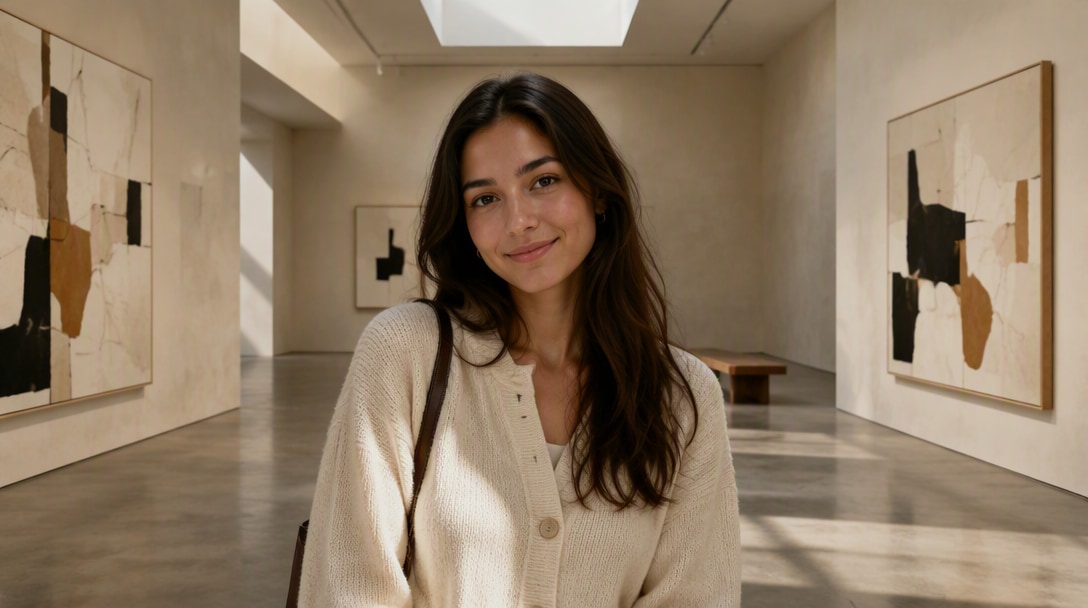
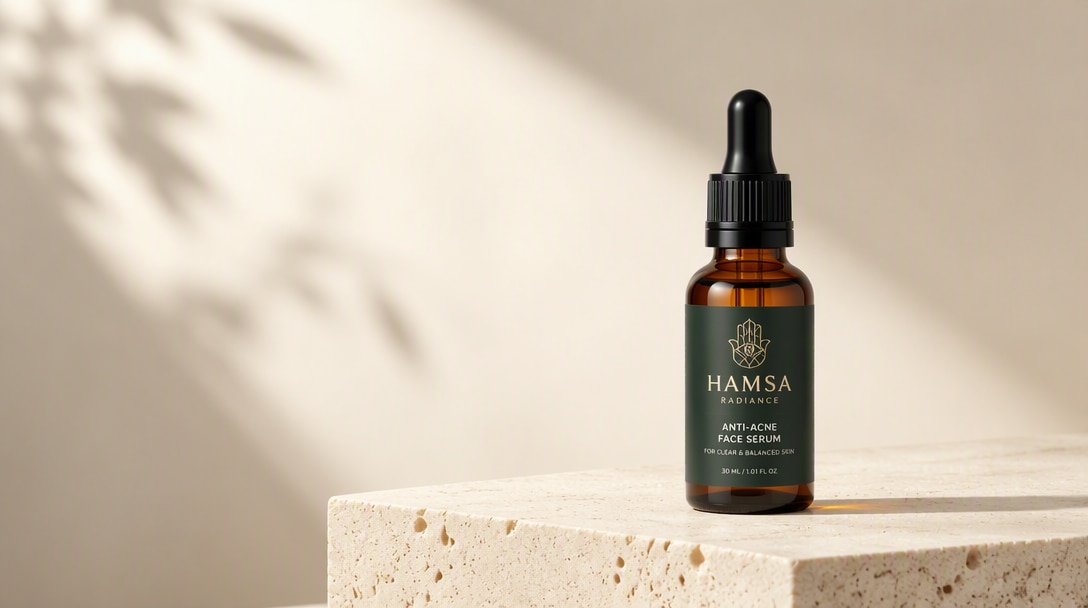
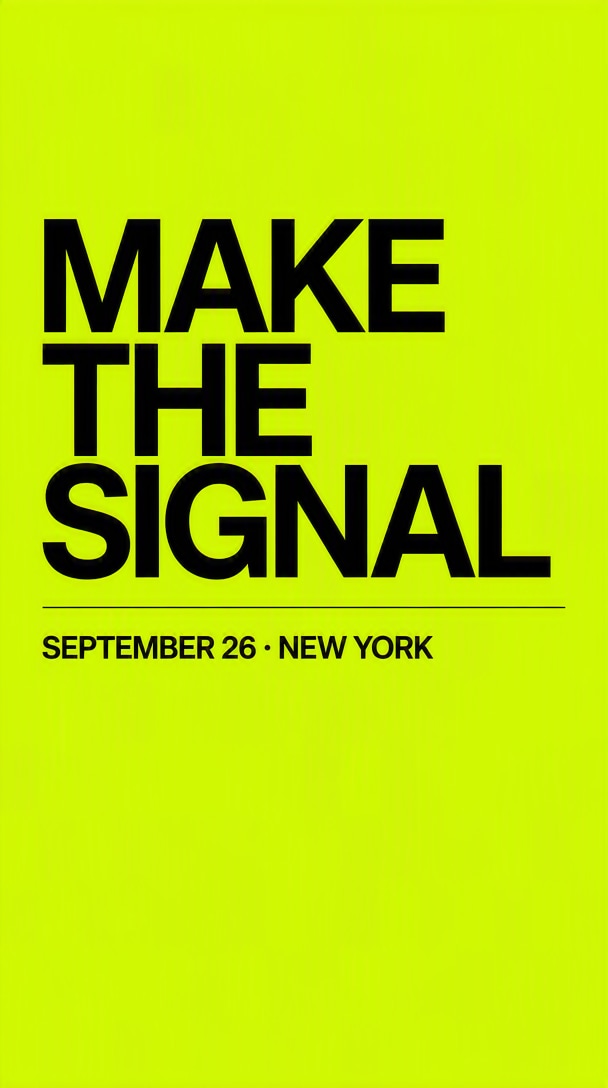


Ce qui distingue GPT Image 2.5
Meilleure fidélité aux références
GPT Image 2.5 gère des instructions plus détaillées avec une meilleure conscience de la scène, ce qui facilite la création de visuels complexes, de mises en page de marque et d'images réalistes avec moins de tentatives.
Détails plus nets et textures naturelles
Des publicités produits aux portraits, GPT Image 2.5 produit un éclairage plus propre, des textures plus nettes et un rendu visuel supérieur pour les créateurs, les spécialistes du marketing et les usages commerciaux.
Options API Flare et Sunburst
Si vous créez des flux de travail de production avec l' GPT Image 2.5 API , le modèle est particulièrement pertinent pour les développeurs qui intègrent la génération d'images, la retouche ou l'automatisation créative dans leurs produits et flux de travail.
Retouche sur plusieurs itérations plus précise
GPT Image 2.5 est utile non seulement pour les créations nouvelles, mais aussi pour les retouches d'images, les changements de style, le raffinement de scènes et l'itération rapide dans les flux de travail marketing, design et contenu.
Itération créative plus rapide
Que vous souhaitiez des visuels de campagne, des images produits, des ressources sociales ou des maquettes conceptuelles, GPT Image 2.5 offre un équilibre entre qualité, contrôle et rapidité pour les équipes réelles.
Fidélité aux références · Retouche précise · Itération plus rapide
5 façons de créer avec GPT Image 2.5 sur Media.io
Commencez par un produit, un portrait, une idée de campagne, une image existante ou un prompt. Chaque flux de travail s'ouvre dans une page GPT Image 2.5 dédiée pour passer de l'inspiration à la création plus rapidement.
Scenario 1: IA AdsCréer des publicités IA et des visuels de campagne
Transformez une référence produit ou de marque en visuels clés de campagne, ressources pour les réseaux sociaux payants, affiches de lancement et variantes publicitaires saisonnières tout en maintenant la cohérence des détails importants du sujet et de la marque.
Explorer les publicités IA GPT Image 2.5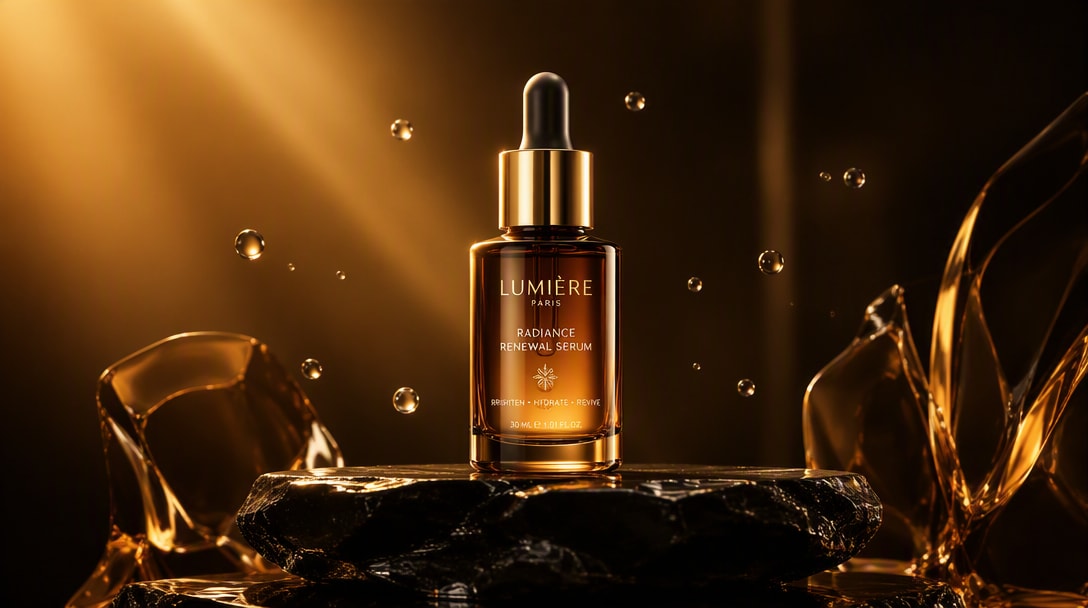
Référence produit → création de campagne premium → variante publicitaire prête pour les réseaux sociaux.
Transformez les photos de produits en images prêtes pour les campagnes
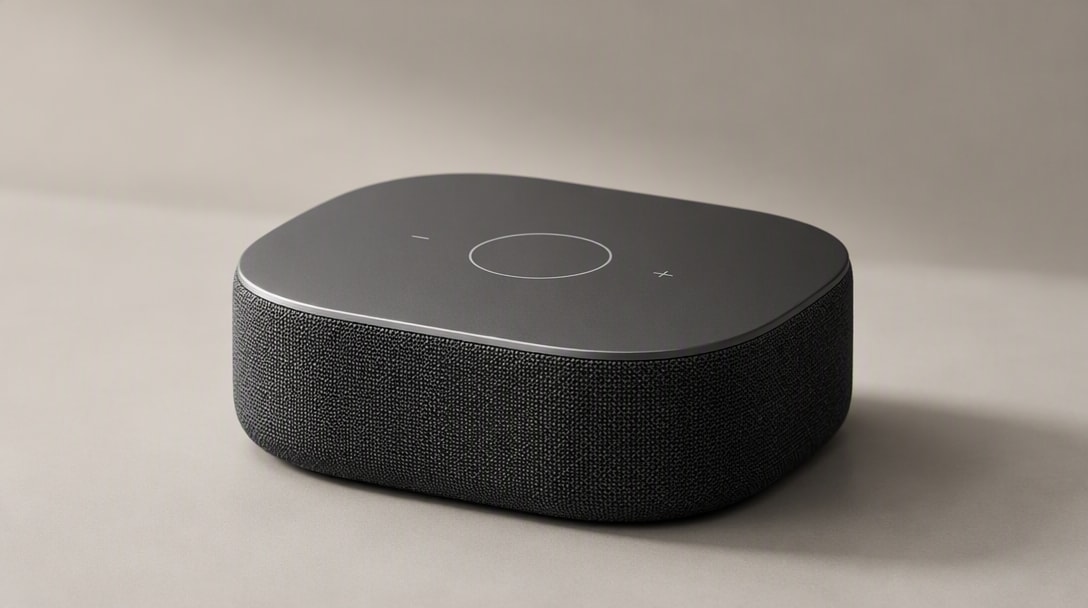
Téléchargez une photo de produit nette, préservez sa forme et ses détails distinctifs, puis modifiez l'environnement, l'éclairage, le recadrage, la surface et le traitement de campagne pour l'e-commerce, les marketplaces et la publicité.
Explorer la photo produit GPT Image 2.5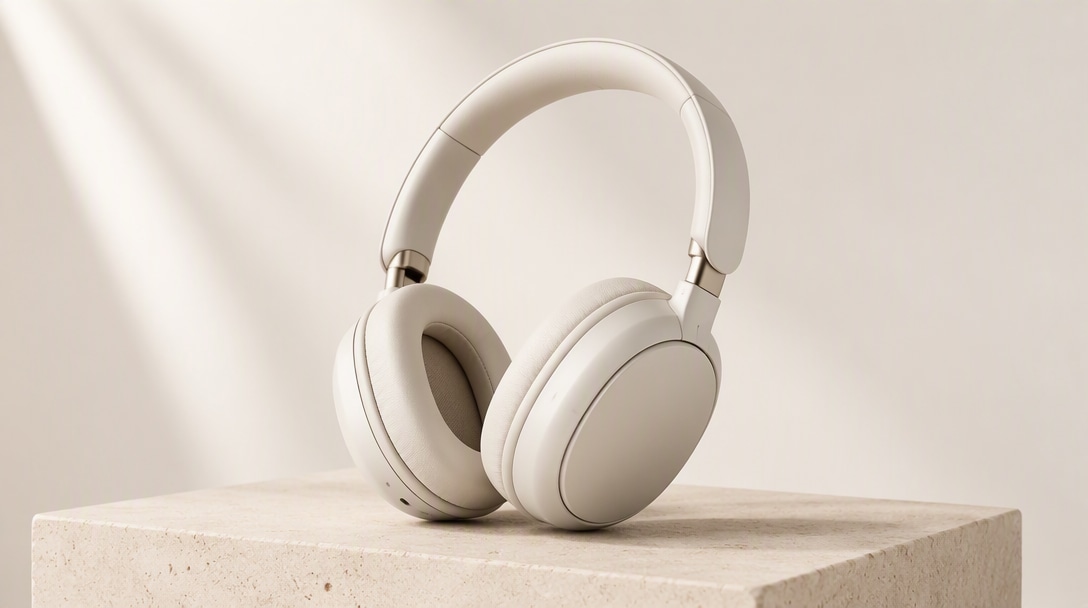
Produit original → scène studio premium → image héroïque e-commerce.
Gardez la même personne, créez un nouveau style
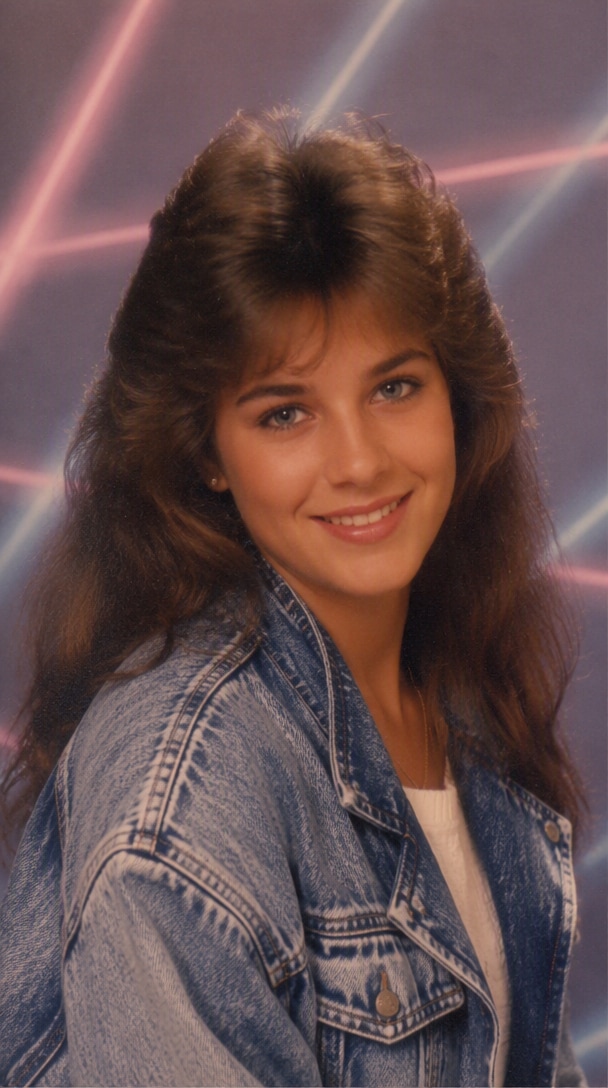
Transformez un portrait de référence en photos de profil professionnelles, éditoriaux de mode, photos cinématographiques, visuels de marque créateur, ou nouvelles tenues et lieux tout en gardant la personne reconnaissable.
Explorer le portrait GPT Image 2.5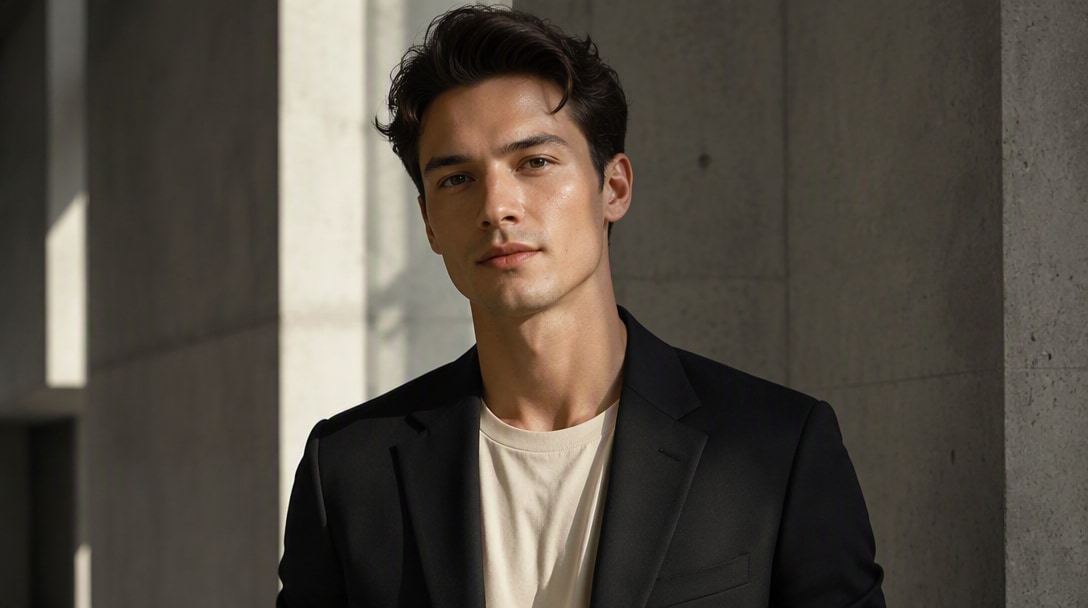
Portrait de référence → style éditorial → résultat cohérent avec l'identité.
Retouchez les images sans reconstruire toute la scène
Remplacez un arrière-plan, mettez à jour un objet, changez une tenue, ajustez le texte, ou affinez une partie d'une image existante tout en préservant explicitement les éléments qui doivent rester inchangés.
Explorer l'éditeur d'images GPT Image 2.5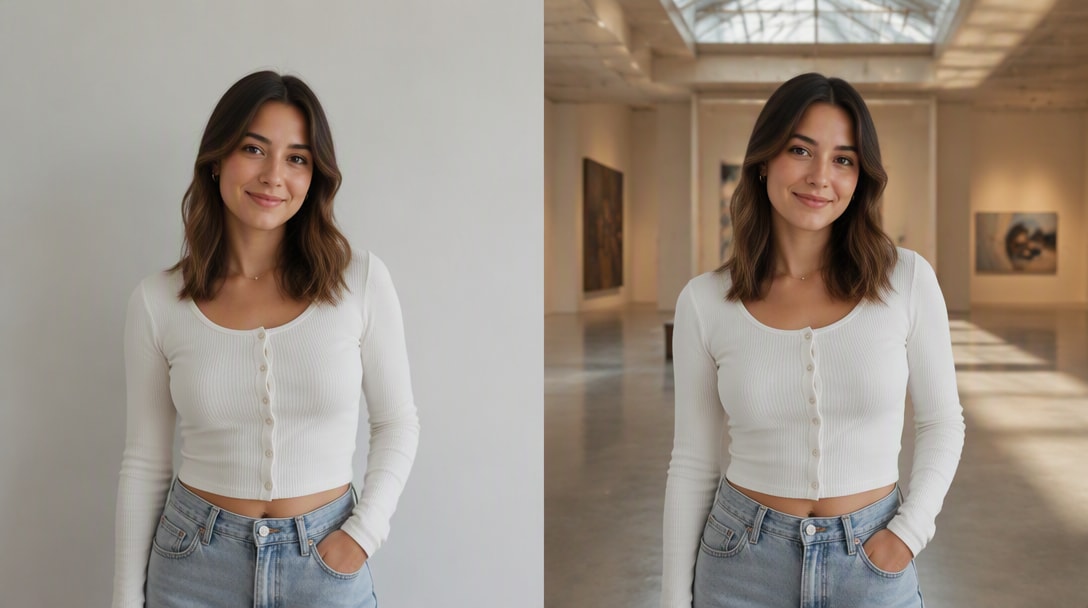
Image originale → retouche ciblée de l'arrière-plan → sujet protégé inchangé.
Démarrez plus vite avec les idées de prompts GPT Image 2.5
Parcourez des structures de prompts prêts à personnaliser pour la photographie de produits, les portraits, la publicité, les affiches, les retouches d'arrière-plan et les visuels sociaux, puis adaptez-les avec votre propre image de référence.
Explorer les prompts GPT Image 2.5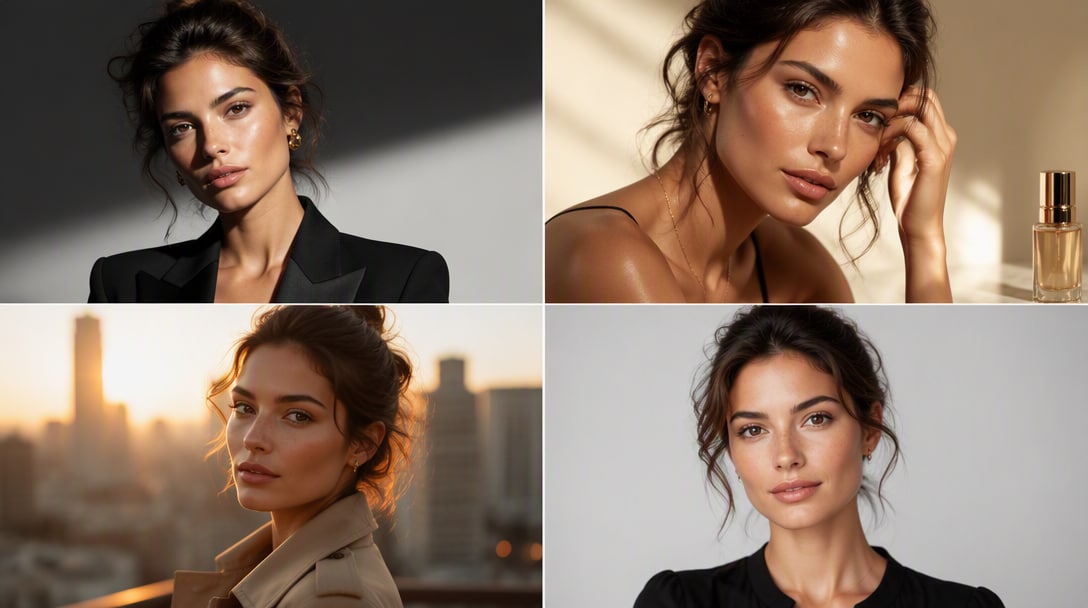
Une image de référence → plusieurs directions de prompts → résultats créatifs réutilisables.
Quel modèle d’image IA correspond à votre usage ?
Commencez par la tâche que vous devez réellement accomplir. Changez de flux de travail ci-dessous pour voir une recommandation pratique de point de départ, puis comparez le rôle de chaque modèle avant d'ouvrir le benchmark complet.
GPT Image 2.5
Un choix adapté lorsque la tâche consiste à préserver une personne, un produit ou une scène tout en apportant des modifications ciblées sur plusieurs retouches.
Ce qu'il faut comparer lors d'un test réel
- ✓Utilisez la même image source et la même prompt.
- ✓Vérifiez ce qui a changé — et ce qui n'aurait pas dû changer.
- ✓Effectuez au moins 3 à 5 retouches consécutives avant de juger la cohérence.
Les étiquettes d'adéquation sont indicatives, non des classements universels. Le choix final doit être validé avec le même prompt, la même image source, les mêmes paramètres, l'objectif de latence et les critères de sortie.
Comment créer ou modifier une image avec GPT Image 2.5
Étape 1 : Télécharger une photo ou commencer avec un prompt
Décrivez le sujet, le style, l'arrière-plan, l'éclairage, l'ambiance, l'angle de la caméra et la composition. GPT Image 2.5 fonctionne mieux lorsque vous lui donnez une direction visuelle claire.
Étape 2 : Décrire ce qu'il faut créer ou modifier
Utilisez GPT Image 2.5 pour la création d'images nouvelles ou pour affiner un visuel existant. C'est l'une des raisons pour lesquelles le modèle gagne en popularité auprès des créateurs et des développeurs.
Étape 3 : Affiner un détail à la fois
Ajustez la formulation, la direction stylistique ou les notes de composition pour améliorer l'image finale. L'itération est essentielle si vous souhaitez obtenir les meilleurs résultats de GPT Image 2.5 pour une utilisation en production.
Comment utiliser GPT Image 2.5 selon votre projet

Photographie de produit

« Garder le produit, changer la scène. » J'ai testé de nombreux modèles d'images, et GPT Image 2.5 se distingue particulièrement lorsque vous souhaitez des visuels soignés et orientés client avec un éclairage crédible, une texture réaliste et une finition globale plus premium.

Portraits guidés par référence
« Garder la personne, changer le style. » Les résultats semblent plus prêts pour une campagne que beaucoup d'outils d’IA rapides pour les images. Pour les portraits, les affiches et les visuels de marque créateur, il vous donne quelque chose qui ressemble déjà à un visuel finalisé.

Édition d'images itérative
« Changer une chose, préserver le reste. » Il ne s'agit pas seulement de créer des images sympas pour le plaisir. Si vous construisez des flux de travail pour l'édition, les créatifs publicitaires ou les maquettes de produits, GPT Image 2.5 donne l'impression d'être quelque chose que les équipes peuvent réellement intégrer dans leurs outils.
Découvrez Les Effets Vidéo et d'Image IA Les Plus Populaires



Les références aux capacités du modèle sont basées sur la version ChatGPT Images 2.5 d'OpenAI du 8 septembre 2026. La disponibilité et les options de modèle peuvent évoluer au fil du temps.
FAQ GPT Image 2.5
Trouvez des réponses sur la disponibilité de GPT Image 2.5, Flare et Sunburst, l'édition d'images, la fidélité aux références, la rédaction de prompts, les photos de produits, les portraits et les flux de travail créatifs commerciaux.
1. Qu'est-ce que GPT Image 2.5?
GPT Image 2.5 est un modèle d'image IA avancé conçu à la fois pour la génération et l'édition d'images. Les utilisateurs s'appuient sur lui pour créer des visuels à partir de prompts textuels, transformer des photos existantes et produire des résultats plus soignés pour des projets créatifs et commerciaux.
Dans l'API, OpenAI propose GPT-Image-2.5 Flare pour la plupart des applications et GPT-Image-2.5 Sunburst pour les flux de travail premium nécessitant un contrôle d'édition plus précis.
2. GPT Image 2.5 est-il gratuit?
L'accès gratuit à GPT Image 2.5 dépend de la plateforme, du type de compte et des limites d'utilisation. Certains services peuvent proposer des essais limités ou des crédits gratuits, tandis que d'autres peuvent nécessiter un abonnement payant pour un volume de génération plus élevé, l'édition d'images ou les exports.
C'est pourquoi de nombreux utilisateurs explorent également des outils alternatifs lorsqu'ils souhaitent un moyen plus rapide ou plus simple de tester la génération d'images par IA et l'édition image vers image.
3. Comment utiliser GPT Image 2.5?
Le flux de travail habituel est simple : rédigez un prompt clair, générez une image, puis affinez le résultat avec des instructions plus précises ou des images de référence.
Pour de meilleurs résultats, incluez des détails tels que :
- sujet principal
- arrière-plan ou décor
- style ou ambiance
- éclairage et angle de caméra
- composition et cadrage
- indicateurs de qualité comme cinématographique, réaliste, éditorial ou commercial
Plus votre prompt est clair, plus GPT Image 2.5 est susceptible de produire un premier jet utile.
4. À quoi sert l'API GPT Image 2.5?
L' API GPT Image 2.5 est principalement utile pour les développeurs, les startups et les équipes produit qui souhaitent intégrer la génération ou l'édition d'images par IA dans leurs propres applications et flux de travail.
Les cas d'utilisation courants incluent :
- génération d'images IA dans des produits SaaS
- production automatisée de créatifs marketing
- flux de travail de création et d'édition d'images de produits
- assistance au design dans des outils internes
- fonctionnalités d'images personnalisées dans des plateformes de contenu
En résumé, l'API est utile lorsque vous souhaitez des capacités d'images IA dans votre propre produit plutôt que uniquement dans une interface de chat.
5. À quoi peut servir GPT Image 2.5?
GPT Image 2.5 est suffisamment flexible pour les tâches d'images créatives et commerciales.
Les cas d'utilisation populaires incluent :
- créatifs publicitaires marketing
- visuels pour les réseaux sociaux
- images héros de produits
- visuels pour les fiches e-commerce
- portraits éditoriaux
- bannières héros de sites web
- maquettes de design et art conceptuel
- édition d'images et transfert de style
Il est particulièrement utile lorsque vous souhaitez des images soignées, premium et prêtes à être présentées.
6. GPT Image 2.5 est-il adapté aux débutants?
Oui. Les débutants obtiennent généralement les meilleurs résultats en commençant par des prompts simples et structurés plutôt qu'en essayant de compliquer les instructions.
Vous n'avez pas besoin d'une ingénierie de prompts avancée pour commencer, mais ajouter des détails clairs sur le sujet, le style, l'éclairage et l'arrière-plan améliorera considérablement le résultat.
7. Que dois-je écrire dans un prompt GPT Image 2.5 pour de meilleurs résultats?
Un prompt GPT Image 2.5 efficace inclut généralement :
- sujet principal
- arrière-plan ou décor
- direction stylistique
- éclairage ou ambiance
- angle de caméra ou cadrage
- termes de qualité tels que cinématographique, réaliste, éditorial, commercial ou minimal
Par exemple, au lieu d'écrire « faire une photo de produit », essayez : « Un flacon de sérum skincare premium sur une surface réfléchissante, éclairage studio doux, ombres élégantes, style publicité beauté luxe, texture de verre réaliste, arrière-plan minimal. »
8. GPT Image 2.5 est-il meilleur pour la génération ou l'édition d'images?
L'une des raisons pour lesquelles GPT Image 2.5 se démarque est qu'il est utile à la fois pour la génération et l'édition d'images. Les utilisateurs se soucient souvent non seulement de créer des images de toutes pièces, mais aussi de créer des variantes, de changer les styles, d'affiner les scènes et d'améliorer les visuels existants.
En pratique, il peut être performant pour les deux tâches, surtout lorsque votre flux de travail repose sur l'itération et l'affinage plutôt que sur une génération unique.