

Créez des visuels publicitaires avec Générateur de publicités GPT Image 2.5
Créez des visuels publicitaires accrocheurs avec GPT Image 2.5. Transformez des références produits et de marque en publicités pour les réseaux sociaux payants, promotions e-commerce, visuels de lancement, affiches et variantes de campagne, tout en gardant le contrôle sur les détails clés du produit et le message.
Aucune configuration requise · Crédits gratuits à l'inscription
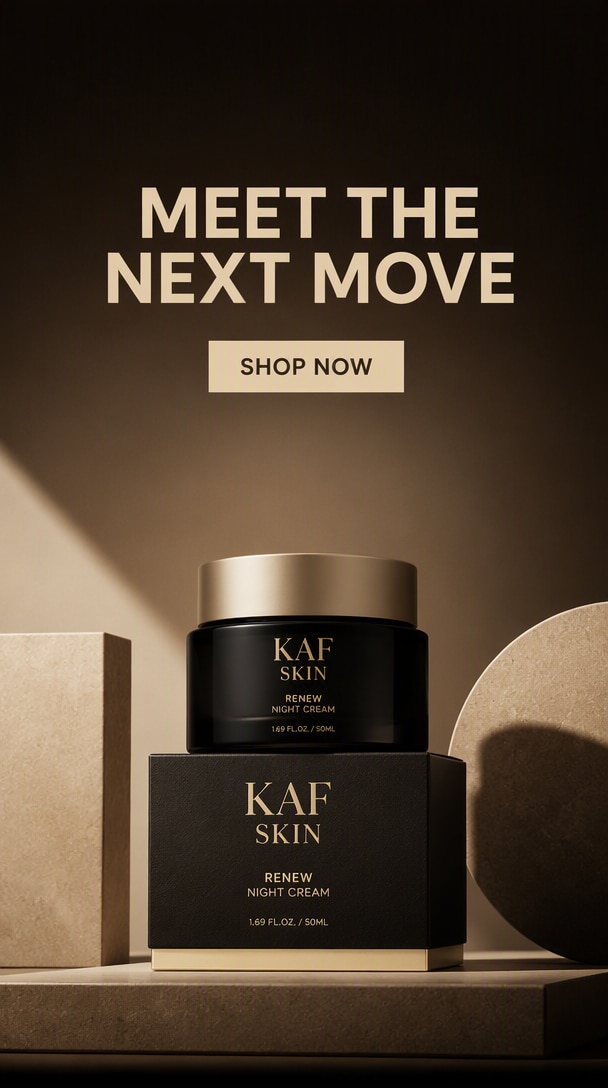
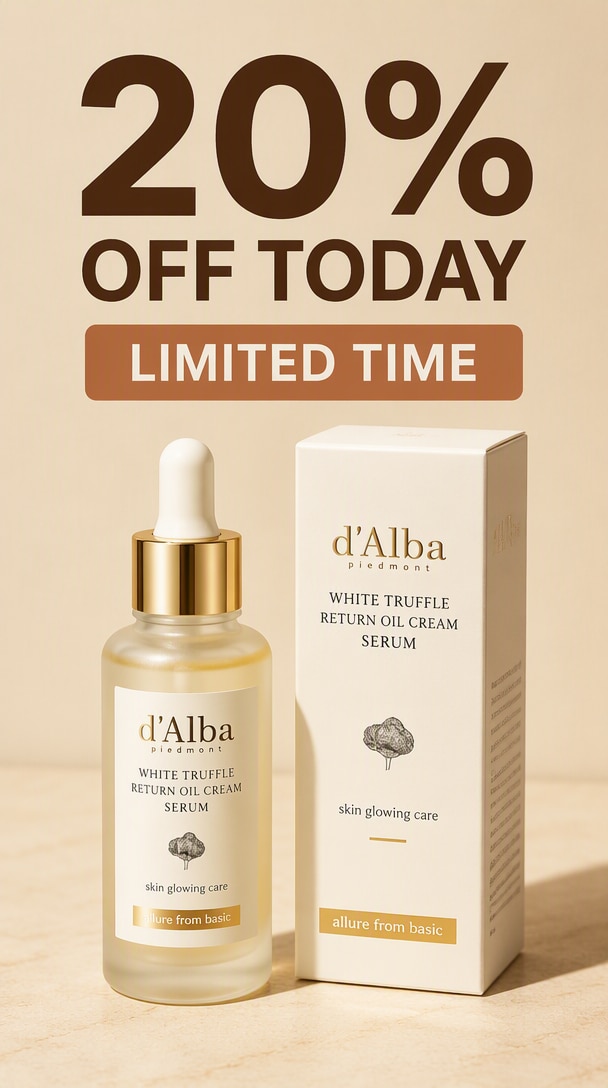
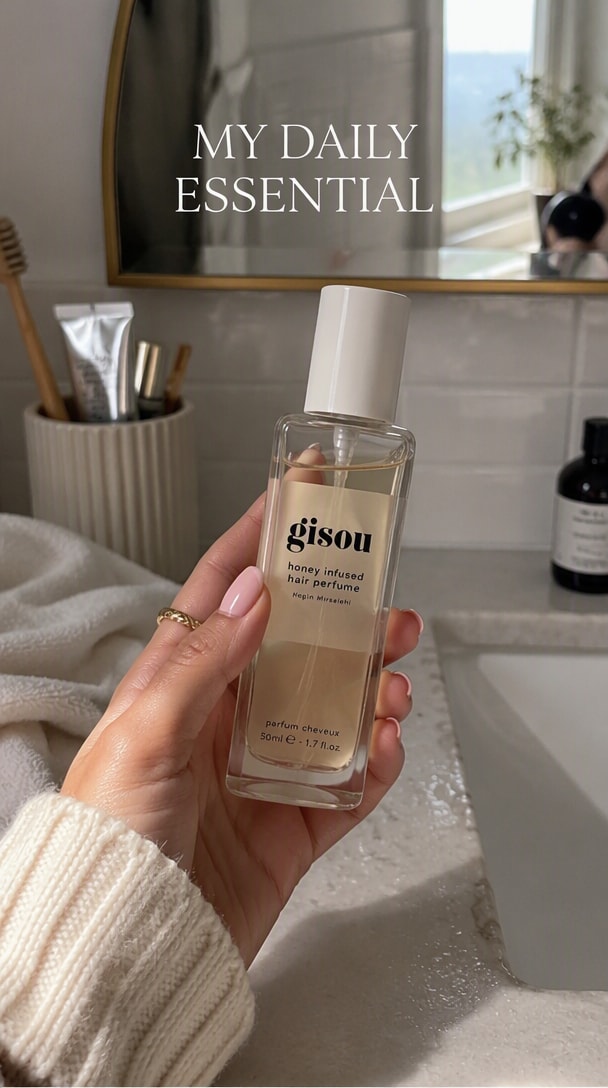
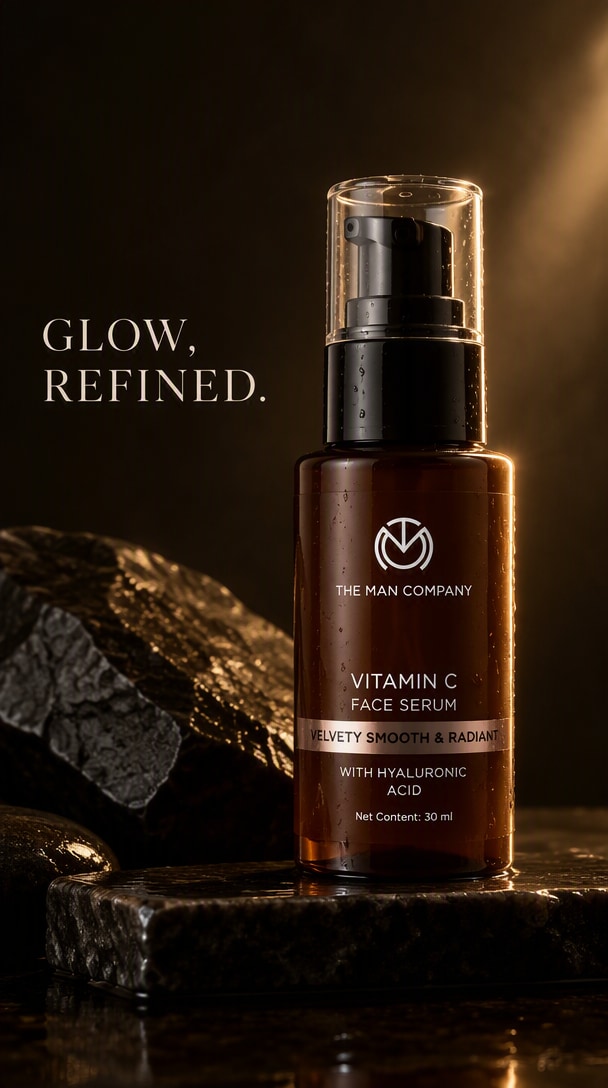
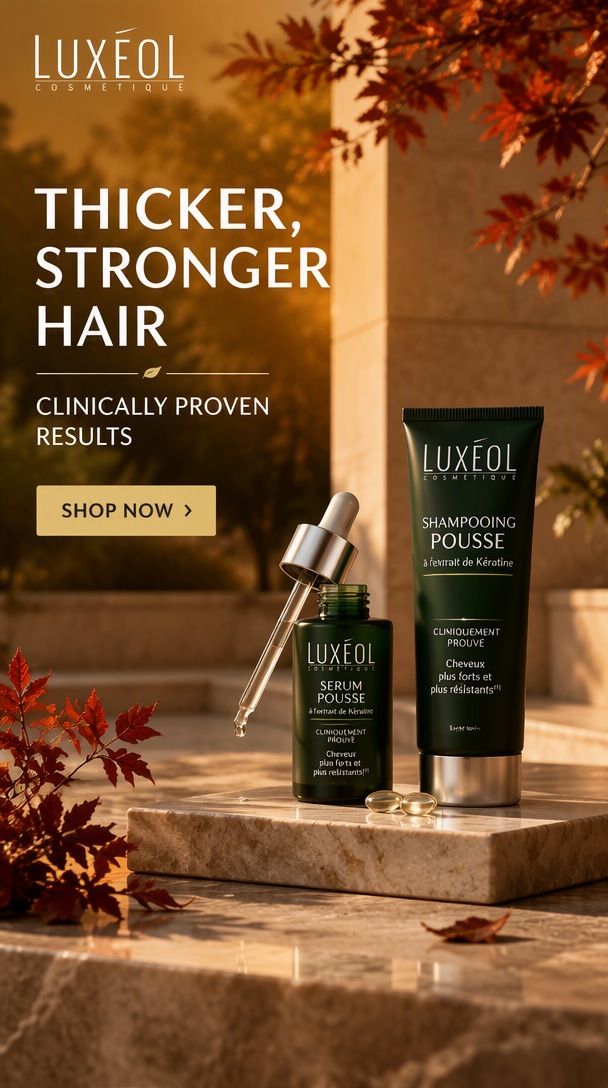
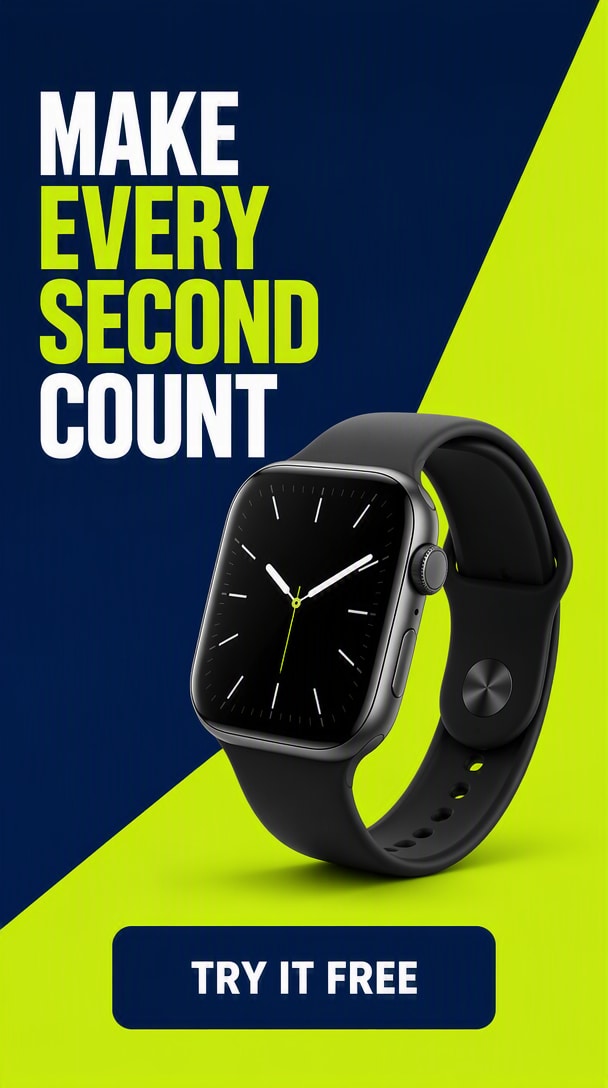
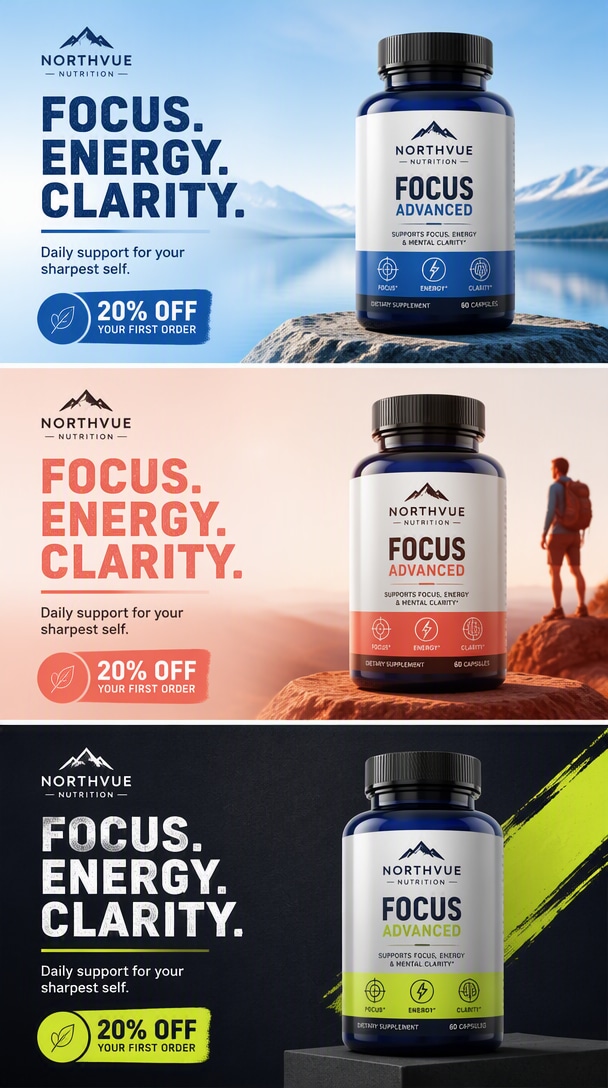
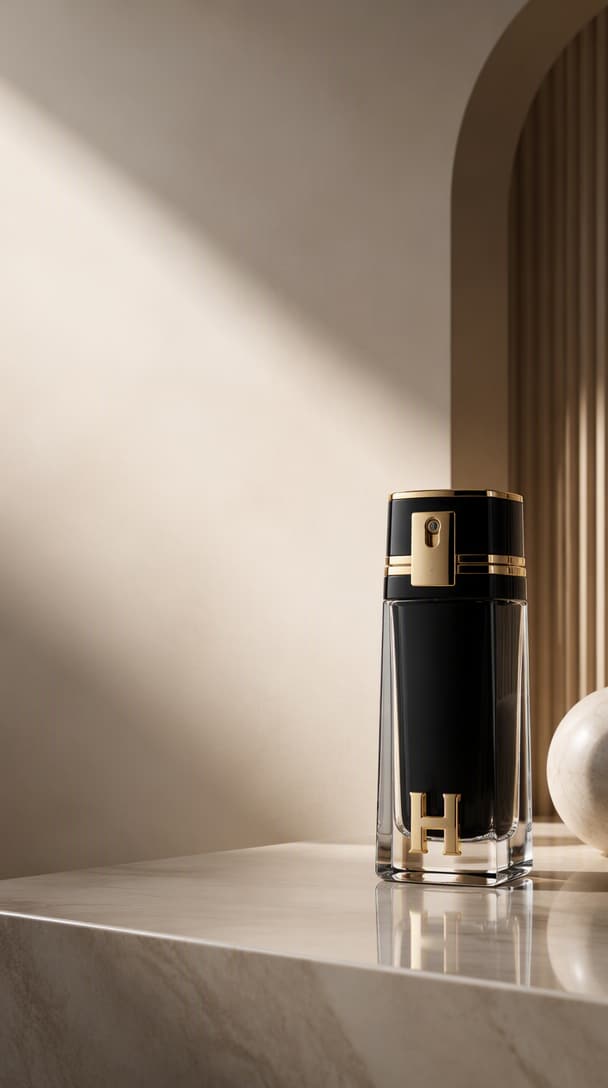
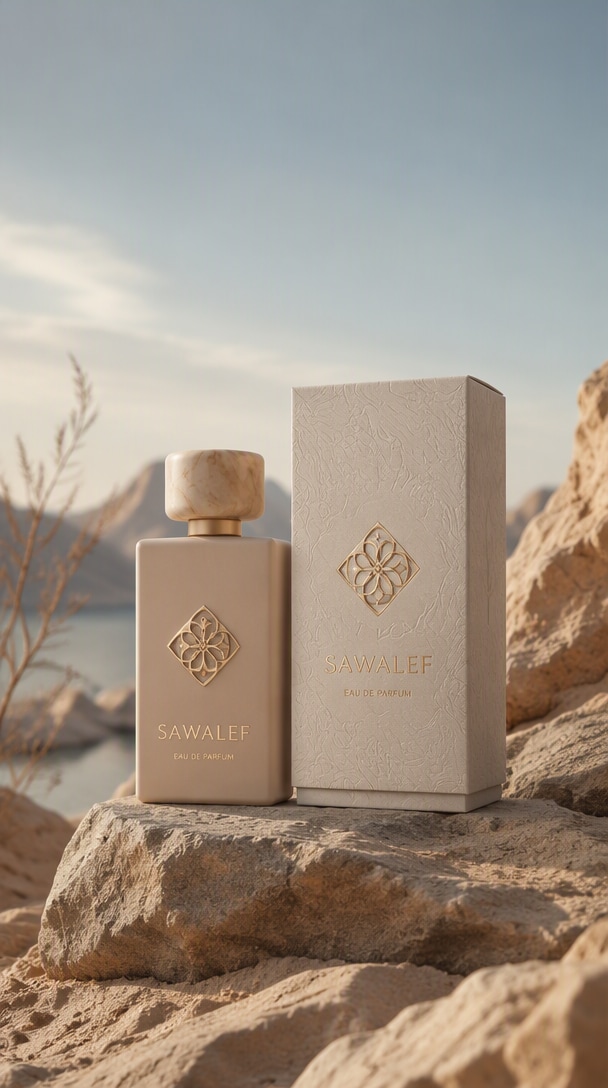
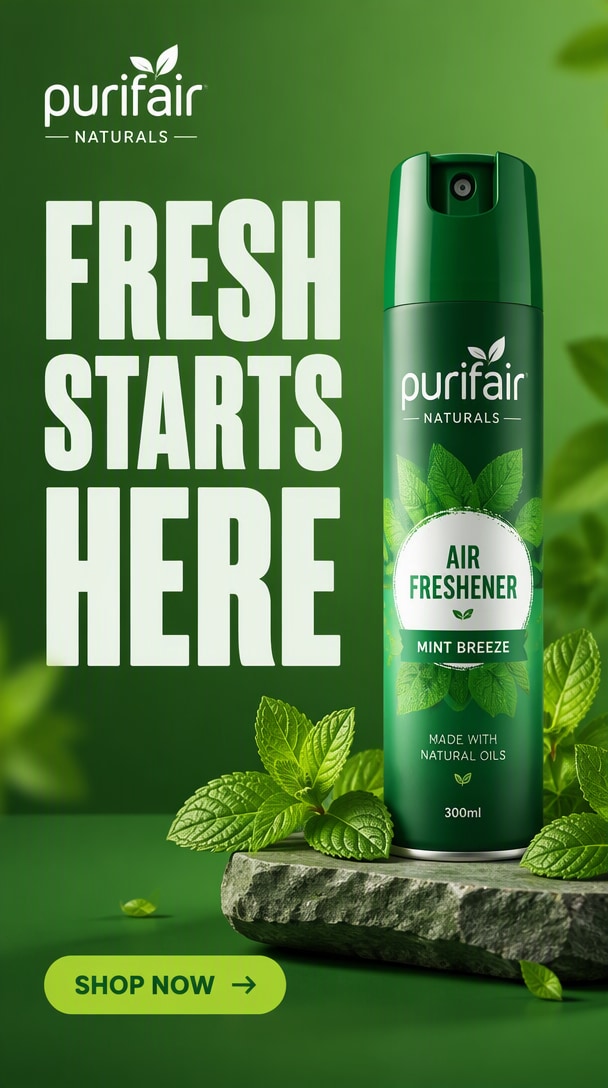
10 créations publicitaires GPT Image 2.5 à tester
Des publicités de lancement de produit et promotions e-commerce aux campagnes sociales, créations à texte exact, variantes saisonnières et mises en page prêtes à la localisation, ces exemples correspondent aux intentions créatives publicitaires qui apparaissent dans les résultats de recherche actuels. Survolez un résultat et copiez le prompt pour l'adapter à votre propre produit, offre et direction de marque.
Pourquoi GPT Image 2.5 est utile pour la création publicitaire
Stabilisez les produits et les repères de marque
La génération guidée par référence est utile lorsqu'une publicité doit conserver le même produit, l'emplacement du logo, l'emballage ou l'identité visuelle approuvée tout en changeant le traitement de la campagne.
Créez des mises en page prêtes pour chaque canal
Créez une hiérarchie visuelle plus claire pour les réseaux sociaux payants, l'e-commerce, les pages d'atterrissage, les affiches et les supports de campagne avec un placement produit délibéré, des zones sécurisées pour le texte et un message lisible.
Contrôlez le texte et la direction créative
Décrivez l'audience, l'offre, le canal, le rôle du produit, le titre, le CTA, la direction visuelle et les contraintes en langage naturel plutôt que de construire chaque publicité manuellement de zéro.
Créez des variantes créatives distinctes
Gardez le produit principal et le message fixes tout en faisant varier un angle créatif significatif à la fois — palette, décor, accroche visuelle, mise en page ou thème de campagne — pour constituer un ensemble de publicités testables.
Affinez sans recommencer
L'édition multi-tour aide les équipes à continuer à partir d'une publicité approuvée, à ajuster un élément, à localiser le texte ou à créer des extensions de campagne sans reconstruire l'ensemble du créatif.
Fidélité aux références · Modifications ciblées · Cohérence multi-tour
5 usages publicitaires de GPT Image 2.5 à fort potentiel
Passez d'une référence produit ou de marque approuvée au format publicitaire dont votre campagne a réellement besoin : réseaux sociaux payants, promotion e-commerce, création de lancement, localisation ou une famille de variantes testables.
Créez des publicités sociales accrocheuses
Transformez une référence produit en un créatif clair, mobile-first avec une accroche forte, un titre lisible, une hiérarchie simple et une direction visuelle conforme à la marque pour les fils d'actualité sociaux.
Créer une publicité sociale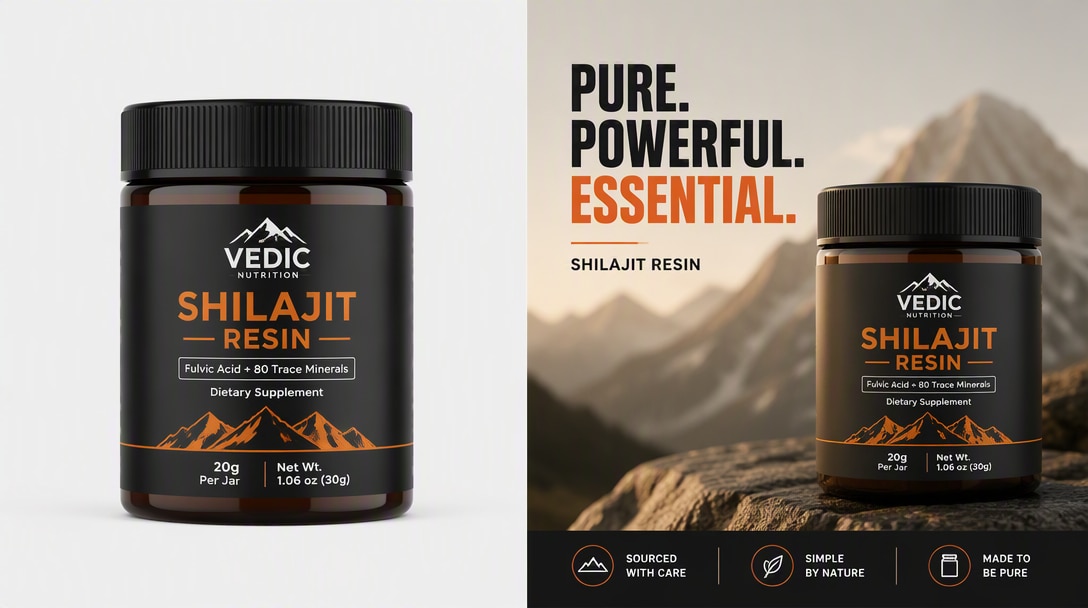
Transformez des photos produit en créations promotionnelles
Gardez le produit reconnaissable tout en ajoutant une mise en page promotionnelle, une hiérarchie d'offre, un fond épuré et un texte axé sur la conversion pour les campagnes e-commerce et marketplace.
Créer une publicité e-commerce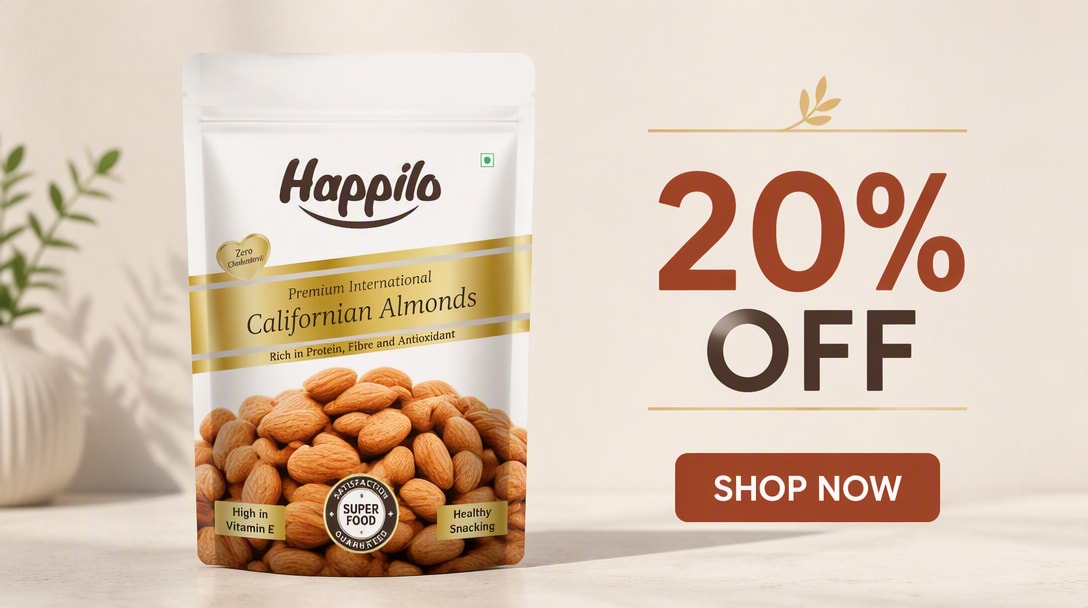
Créez un visuel clé de campagne
Créez un visuel maître premium avec les détails produit approuvés, le système de couleurs de la campagne, un espace sécurisé pour le titre et une composition pouvant ensuite s'adapter aux réseaux sociaux payants, au web et aux placements de lancement.
Créer un visuel de lancement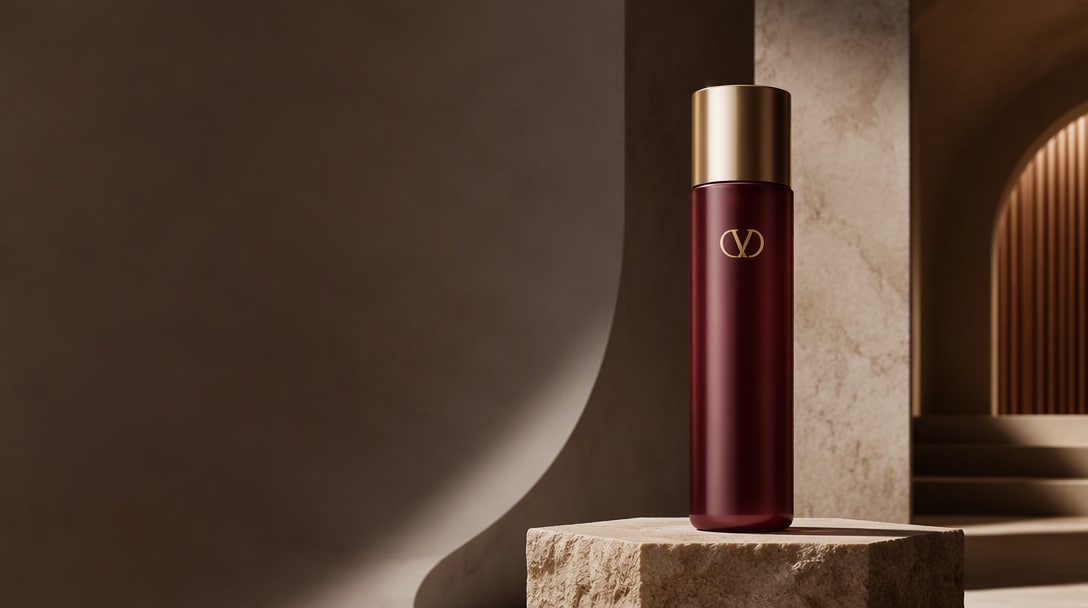
Changez le texte, gardez le créatif
Partez d'une publicité approuvée et remplacez uniquement le titre, le CTA ou le message localisé tout en préservant le placement produit, la hiérarchie visuelle, l'espacement, la palette et l'identité de campagne.
Localiser une publicité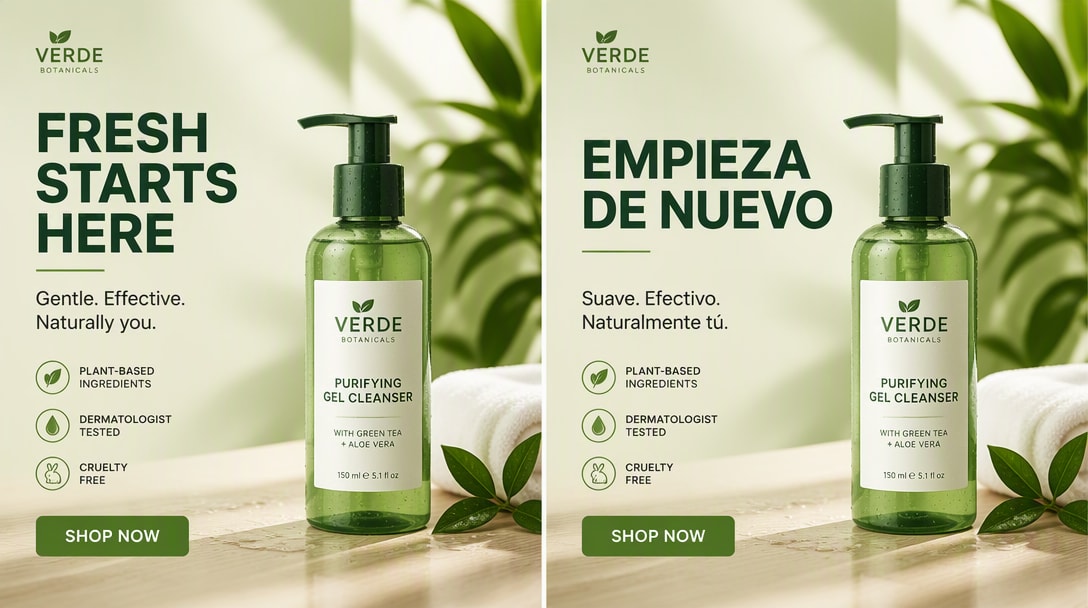
Générez des variantes distinctes à partir d'un master
Gardez le produit et le message principal fixes tout en testant différentes accroches visuelles, palettes, environnements et mises en page afin que chaque variante explore un angle créatif significativement différent.
Parcourir les prompts publicitaires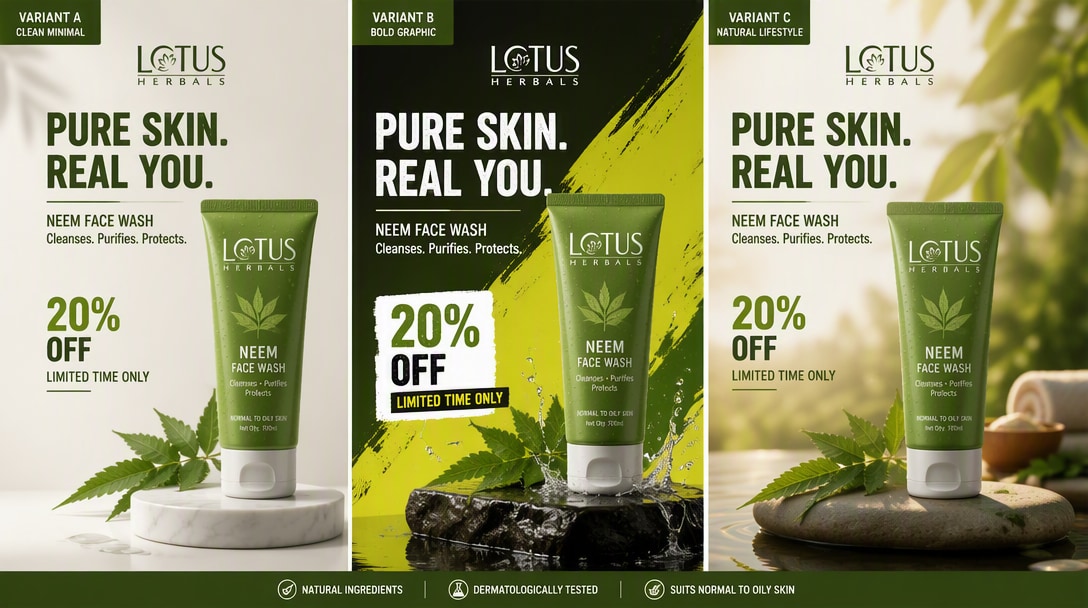
Rédigez un brief créatif plus précis pour GPT Image 2.5
Les pages de création publicitaire actuelles et les flux de travail marketing bénéficient systématiquement des mêmes variables de production : définissez l'offre, l'audience, le canal, le rôle du produit, la hiérarchie des messages, la direction visuelle et les contraintes avant de générer des variantes.
Livrable
Définissez l'visuel publicitaire exact : image pour les réseaux sociaux payants, promo e-commerce, visuel clé de lancement, hero de site web, affiche ou variante localisée.
Ancres produit et marque
Listez ce qui doit rester fixe : géométrie du produit, emballage, emplacement du logo, couleurs approuvées, identité visuelle et message principal.
Audience et canal
Précisez à qui s'adresse la publicité et où elle sera diffusée afin que la composition, la densité et le message correspondent au placement.
Hiérarchie des messages
Spécifiez le titre, le texte de soutien, le CTA, l'offre et les éléments qui doivent dominer au premier coup d'œil.
Direction visuelle
Décrivez l'environnement, l'éclairage, la palette, les matières, la composition et l'accroche créative qui doit rendre cette variante distincte.
Contraintes
Précisez ce qui ne doit pas être inventé ou modifié : pas de fausses affirmations, de logos supplémentaires, d'étiquettes modifiées, d'objets dupliqués ou de texte non approuvé.
Modèle de brief réutilisable
LIVRABLE : [réseaux sociaux payants / promo e-commerce / visuel clé de lancement / hero de site web / affiche].ANCRES PRODUIT ET MARQUE : [ce qui doit rester exact].AUDIENCE ET CANAL : [à qui cela s'adresse / où cela sera diffusé].HIÉRARCHIE DES MESSAGES : [titre / offre / CTA / texte de soutien].DIRECTION VISUELLE : [scène / palette / éclairage / mise en page / accroche créative].CONTRAINTES : [affirmations, logos, détails produit ou texte supplémentaire qui ne doivent pas changer ou apparaître].
Comment créer des visuels publicitaires avec GPT Image 2.5
Étape 1 : Téléchargez une référence produit ou de marque
Décrivez le sujet, le style, l'arrière-plan, l'éclairage, l'ambiance, l'angle de caméra et la composition. GPT Image 2.5 offre de meilleurs résultats lorsque vous lui fournissez une direction visuelle claire.
Étape 2 : Rédigez le brief publicitaire
Utilisez GPT Image 2.5 pour créer de nouvelles images ou affiner un visuel existant. C'est l'une des raisons pour lesquelles le modèle gagne en popularité auprès des créateurs et des développeurs.
Étape 3 : Générez des variantes distinctes
Ajustez la formulation, la direction stylistique ou les notes de composition pour améliorer l'image finale. L'itération est essentielle si vous souhaitez obtenir les meilleurs résultats GPT Image 2.5 pour une utilisation en production.
Comment les équipes marketing utilisent GPT Image 2.5

Création pour réseaux sociaux payants

« Un produit, plusieurs accroches testables. » J'ai testé de nombreux modèles d'image, et GPT Image 2.5 se distingue particulièrement lorsque vous souhaitez des visuels soignés, destinés aux clients, avec un éclairage crédible, de la texture et une finition globale plus premium.

Lancement et e-commerce
« Même produit, nouvel angle de campagne. » Les résultats semblent plus prêts pour une campagne que beaucoup d'outils d'image IA rapides. Pour les portraits, les affiches et les visuels créateurs-marques, il vous offre quelque chose qui ressemble déjà davantage à un visuel finalisé.

Localisation de campagne
« Changez le message, gardez le système. » Il ne s'agit pas seulement de créer de belles images pour le plaisir. Si vous construisez des flux de travail pour l'édition, les créations publicitaires ou les maquettes de produits, GPT Image 2.5 ressemble à quelque chose que les équipes peuvent réellement intégrer dans leurs outils.
Découvrez Les Effets Vidéo et d'Image IA Les Plus Populaires



FAQ GPT Image 2.5
Trouvez des réponses sur les publicités sociales payantes, les promotions e-commerce, les visuels de lancement de produits, les variantes de campagne, les créations avec texte exact, la cohérence de marque, la localisation et la structure des prompts publicitaires avec GPT Image 2.5.
1. GPT Image 2.5 peut-il créer des publicités?
Oui. GPT Image 2.5 peut être utilisé pour créer des images pour les réseaux sociaux payants, des créations pour le lancement de produits, des promotions e-commerce, des affiches de campagne, des publicités hero pour sites web et des variantes de marque. Des prompts clairs doivent définir le produit, l'audience, le canal, la hiérarchie des messages, la direction visuelle et les contraintes.
2. GPT Image 2.5 peut-il maintenir une cohérence des produits et de la marque sur l'ensemble des publicités?
Oui. Utilisez l'image du produit ou de l'emballage comme référence faisant autorité et indiquez explicitement quels détails doivent rester inchangés, tels que la géométrie, le placement du logo, le texte de l'étiquette, la couleur du produit, le matériau et les proportions.
3. Que dois-je inclure dans un prompt publicitaire GPT Image 2.5?
Incluez le livrable, le produit ou service, l'audience, le canal, l'offre ou le message principal, le titre exact ou le CTA si nécessaire, le placement du produit, la hiérarchie visuelle, la direction créative et les contraintes. Pour le travail de marque, indiquez également ce qui ne doit pas changer ou être inventé.
4. Puis-je créer plusieurs variantes publicitaires à partir d'une seule image de produit?
Oui. Conservez le même produit, le même message principal et le même système de mise en page tout en faisant varier la scène, la palette, l'éclairage, l'accroche visuelle ou le thème de la campagne. Des variantes distinctes sont plus utiles pour les tests créatifs que des images quasi identiques.
5. Quels formats publicitaires puis-je créer avec GPT Image 2.5?
Les sorties courantes comprennent les publicités sociales payantes, les promotions e-commerce, les visuels de lancement de produits, les publicités hero pour sites web, les affiches avec texte exact, les campagnes saisonnières, les publicités produits de style UGC, les cartes d'offre et les variantes de campagne localisées.
6. GPT Image 2.5 est-il utile pour les publicités e-commerce et DTC?
Oui. Les équipes e-commerce et DTC peuvent utiliser une référence produit claire pour créer des créations promotionnelles, des visuels de lancement, des publicités lifestyle, des images sociales axées sur les offres et des variantes spécifiques aux canaux, tout en protégeant les détails importants de l'emballage et du produit.
7. Comment réduire les modifications indésirables du produit ou de la marque?
Utilisez une référence produit faisant autorité et listez explicitement les détails protégés : forme, emballage, logo, étiquette, couleur, matériaux, proportions et textes approuvés. Indiquez également les exclusions telles que pas de texte supplémentaire, pas d'affirmations inventées, pas de produits en double et pas de refonte de l'emballage.
8. Puis-je localiser ou réviser une publicité existante sans la reconstruire?
Oui. Partez de la publicité approuvée comme création maîtresse, indiquez exactement quel texte ou élément de campagne doit changer, et listez la mise en page, le produit, les couleurs, l'espacement, le placement du logo et les autres décisions qui doivent rester fixes.