Cliquez ou faites glisser pour télécharger, ou choisissez parmi Mon HistoriqueCliquez pour téléchargerMon Historique
Pas d'idées ? Générer une image d'abord. >
Importez des images jpg, jpeg, png jusqu'à 50 Mo, avec une largeur/hauteur minimale de 300 px.
Soft Glow Effect: Make Harsh Portrait Light Feel Gentler
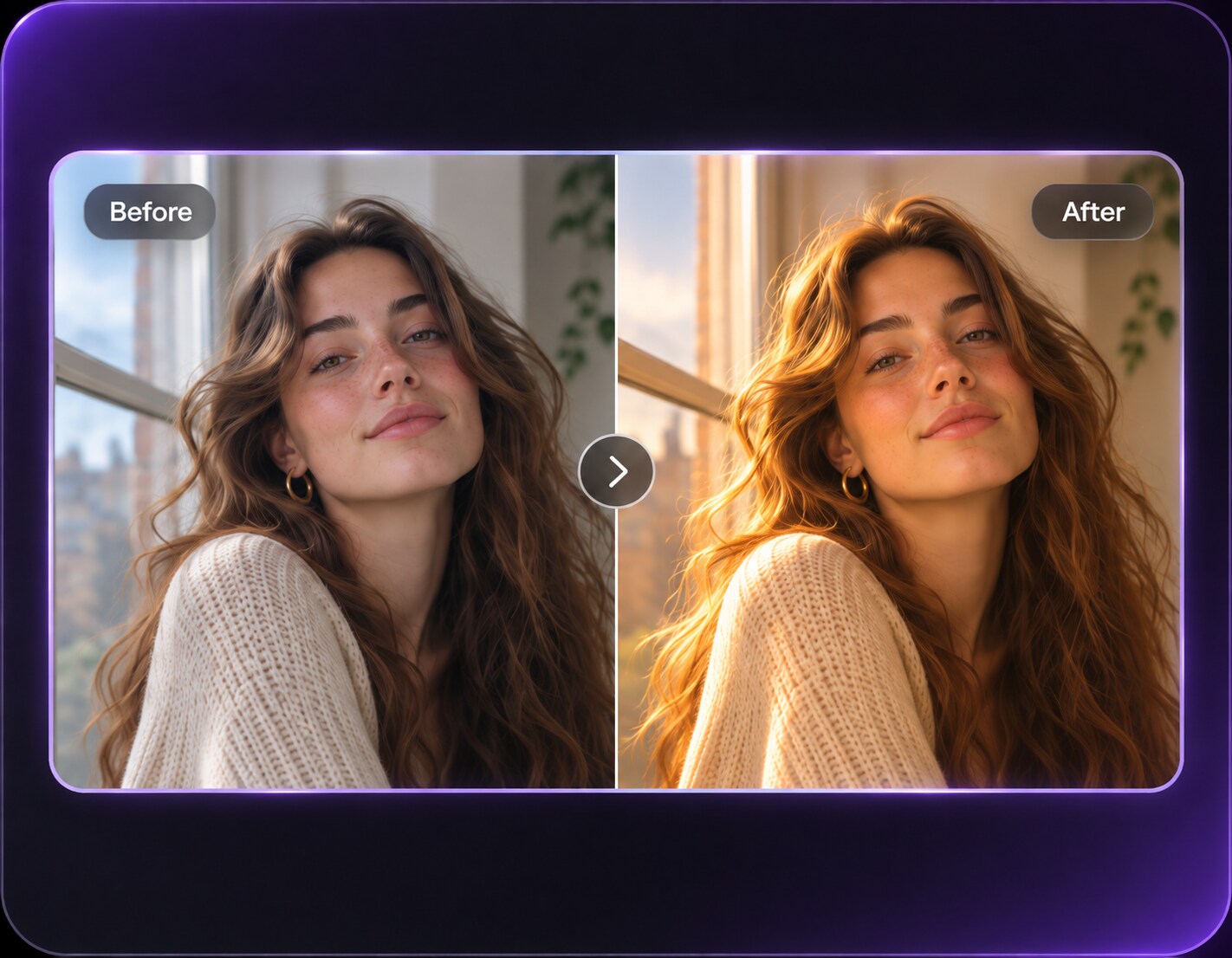
Your favorite headshot looks a little harsh under overhead office light, yet a full dreamy filter would feel excessive. A soft glow effect can ease bright transitions, reduce the clinical sharpness of the lighting and keep skin texture visible. Think flattering diffusion rather than fantasy fog. It works for profile photos, indoor portraits and everyday shots where the person needs a gentler finish without looking substantially edited.
Try a portrait with harsh overhead or window light, and keep fine details crisp when requesting softer highlights.
Soft Glow Effect Prompts for Natural-Looking Portraits
Choose a practical lighting correction: window diffusion, gentler ceiling light or calmer cheek highlights. These variations emphasize a believable portrait finish rather than an ethereal color grade.
Neutral Office Headshot
Edit my uploaded reference photo: Soften forehead highlight from overhead office light, keeping shirt white, background neutral and eyes sharply detailed. Keep the original person, identity, expression, hairstyle, clothes, scene geometry and camera angle unless the named era style specifically calls for clothing or setting changes. Maintain realistic physical proportions and credible photographic detail. Do not add captions, logos, extra people, collages or unrelated props.
Curtain-Diffused Morning
Edit my uploaded reference photo: Make existing window light gentler on cheeks, retain clear hair strands and visible fabric texture. Keep the original person, identity, expression, hairstyle, clothes, scene geometry and camera angle unless the named era style specifically calls for clothing or setting changes. Maintain realistic physical proportions and credible photographic detail. Do not add captions, logos, extra people, collages or unrelated props.
Subtle Studio Beauty
Edit my uploaded reference photo: Reduce the edge of the key light on a close-up portrait without smoothing pores or changing makeup. Keep the original person, identity, expression, hairstyle, clothes, scene geometry and camera angle unless the named era style specifically calls for clothing or setting changes. Maintain realistic physical proportions and credible photographic detail. Do not add captions, logos, extra people, collages or unrelated props.
Kitchen Family Portrait
Edit my uploaded reference photo: Ease a strong ceiling-light shadow under eyes while keeping countertops, people and expressions unchanged. Keep the original person, identity, expression, hairstyle, clothes, scene geometry and camera angle unless the named era style specifically calls for clothing or setting changes. Maintain realistic physical proportions and credible photographic detail. Do not add captions, logos, extra people, collages or unrelated props.
Outdoor Noon Softening
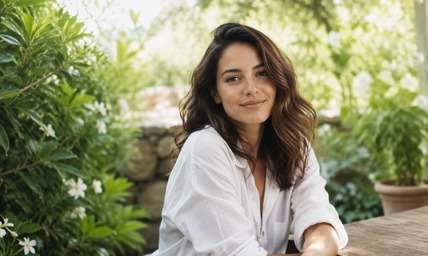
Edit my uploaded reference photo: Diffuse the high sun on a garden portrait while keeping leaves green and avoiding an invented sunset. Keep the original person, identity, expression, hairstyle, clothes, scene geometry and camera angle unless the named era style specifically calls for clothing or setting changes. Maintain realistic physical proportions and credible photographic detail. Do not add captions, logos, extra people, collages or unrelated props.
Warm-Lamp Portrait
Edit my uploaded reference photo: Gently soften the bright lamp-side cheek without changing wall tones or overall room lighting. Keep the original person, identity, expression, hairstyle, clothes, scene geometry and camera angle unless the named era style specifically calls for clothing or setting changes. Maintain realistic physical proportions and credible photographic detail. Do not add captions, logos, extra people, collages or unrelated props.
Clean About-Page Photo
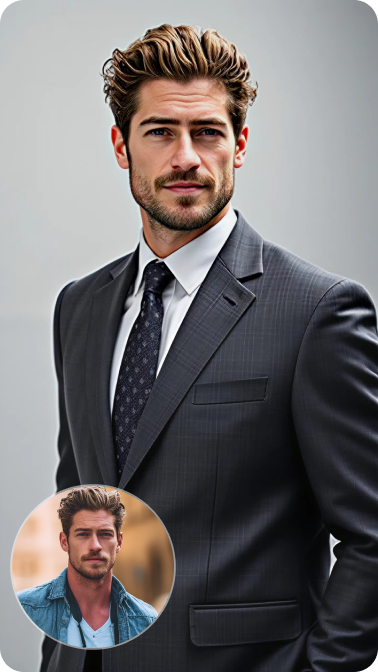
Edit my uploaded reference photo: Add a restrained soft-focus highlight roll-off to a professional portrait, preserving identity and suit details. Keep the original person, identity, expression, hairstyle, clothes, scene geometry and camera angle unless the named era style specifically calls for clothing or setting changes. Maintain realistic physical proportions and credible photographic detail. Do not add captions, logos, extra people, collages or unrelated props.
Daylight Cheek Glow
Edit my uploaded reference photo: Warm only slightly and smooth transition from bright cheek to shadow with no overall pink haze. Keep the original person, identity, expression, hairstyle, clothes, scene geometry and camera angle unless the named era style specifically calls for clothing or setting changes. Maintain realistic physical proportions and credible photographic detail. Do not add captions, logos, extra people, collages or unrelated props.
Subtle Bridal Finish
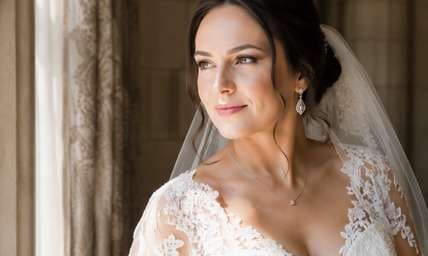
Edit my uploaded reference photo: Ease hard light on a bride's face while retaining lace detail, jewelry and natural skin texture. Keep the original person, identity, expression, hairstyle, clothes, scene geometry and camera angle unless the named era style specifically calls for clothing or setting changes. Maintain realistic physical proportions and credible photographic detail. Do not add captions, logos, extra people, collages or unrelated props.
Balanced White-Shirt Portrait
Edit my uploaded reference photo: Improve harsh shoulder and collar highlights with soft diffusion while leaving fabric white, not cream or magenta. Keep the original person, identity, expression, hairstyle, clothes, scene geometry and camera angle unless the named era style specifically calls for clothing or setting changes. Maintain realistic physical proportions and credible photographic detail. Do not add captions, logos, extra people, collages or unrelated props.
Soften the Light while Keeping the Portrait Believable
Reduce Harsh Highlight Edges
A hard overhead lamp can leave sharp transitions on forehead and cheeks. Ask for gentle light diffusion where the original highlights sit, preserving facial structure instead of changing skin shape.
Keep Eyes and Texture in Focus
Softness should not erase freckles, hair strands or eyelashes. For a profile photo, the viewer still needs to recognize the person at normal screen size.
Stay Neutral when Needed
A soft glow does not require pink haze, gold flares or dramatic bloom. Neutral daylight diffusion is often the better choice for work profiles, about pages and simple portrait updates.
Fit the Existing Room Light
If the photo comes from a conference room or apartment window, ask for a softer version of that same light. A random bright halo behind the subject breaks the scene's realism.
How to Add a Soft Glow Effect to a Portrait Online
Start with the harshest light in your image and describe a more diffused version, without inventing a new location or replacing real facial features.
Step 1
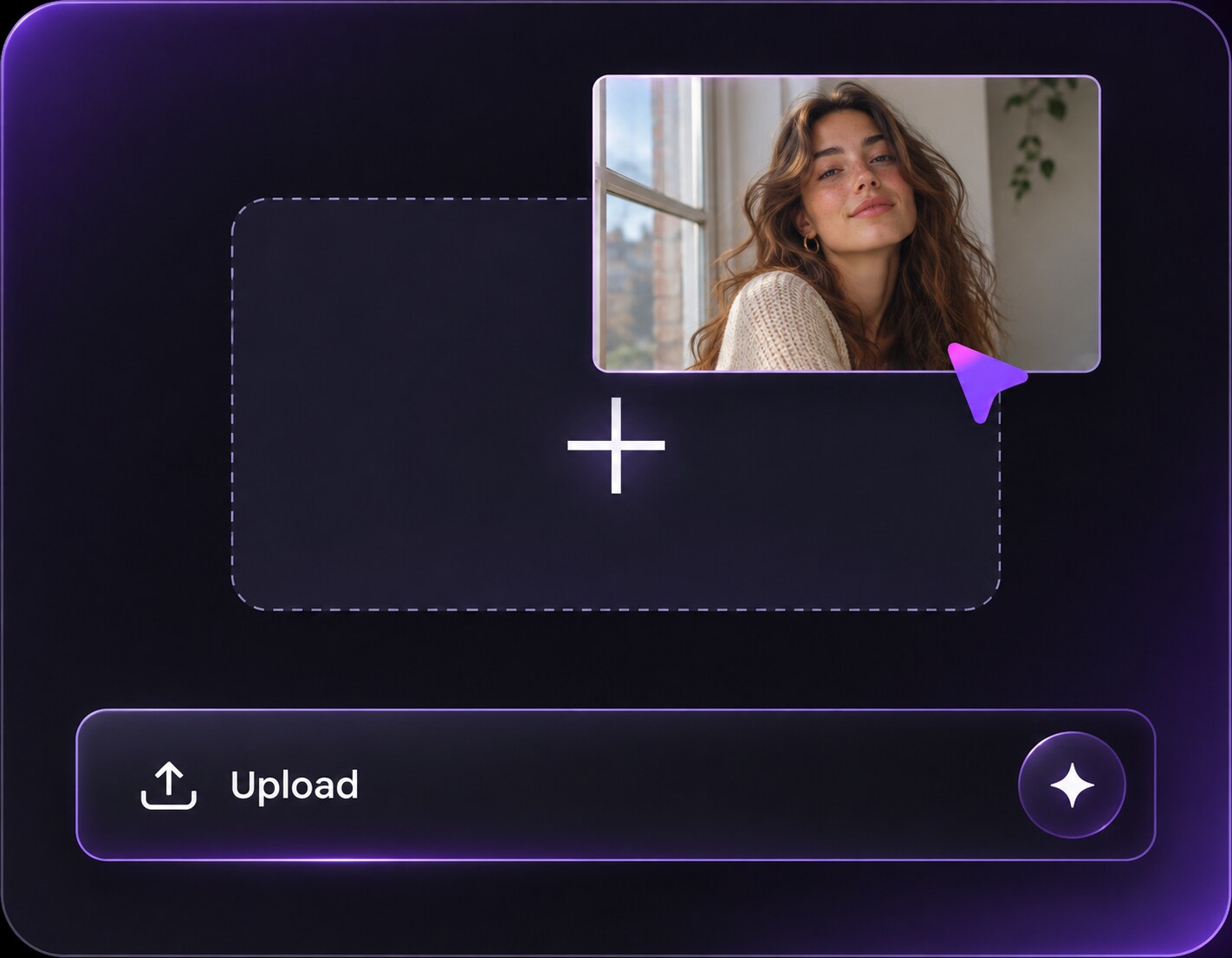
Upload a Portrait with Hard Light
Open Media.io AI Face Editor and choose a clear image that feels overly contrasty or clinical. Direct indoor lamps and noon daylight are useful examples.
Step 2
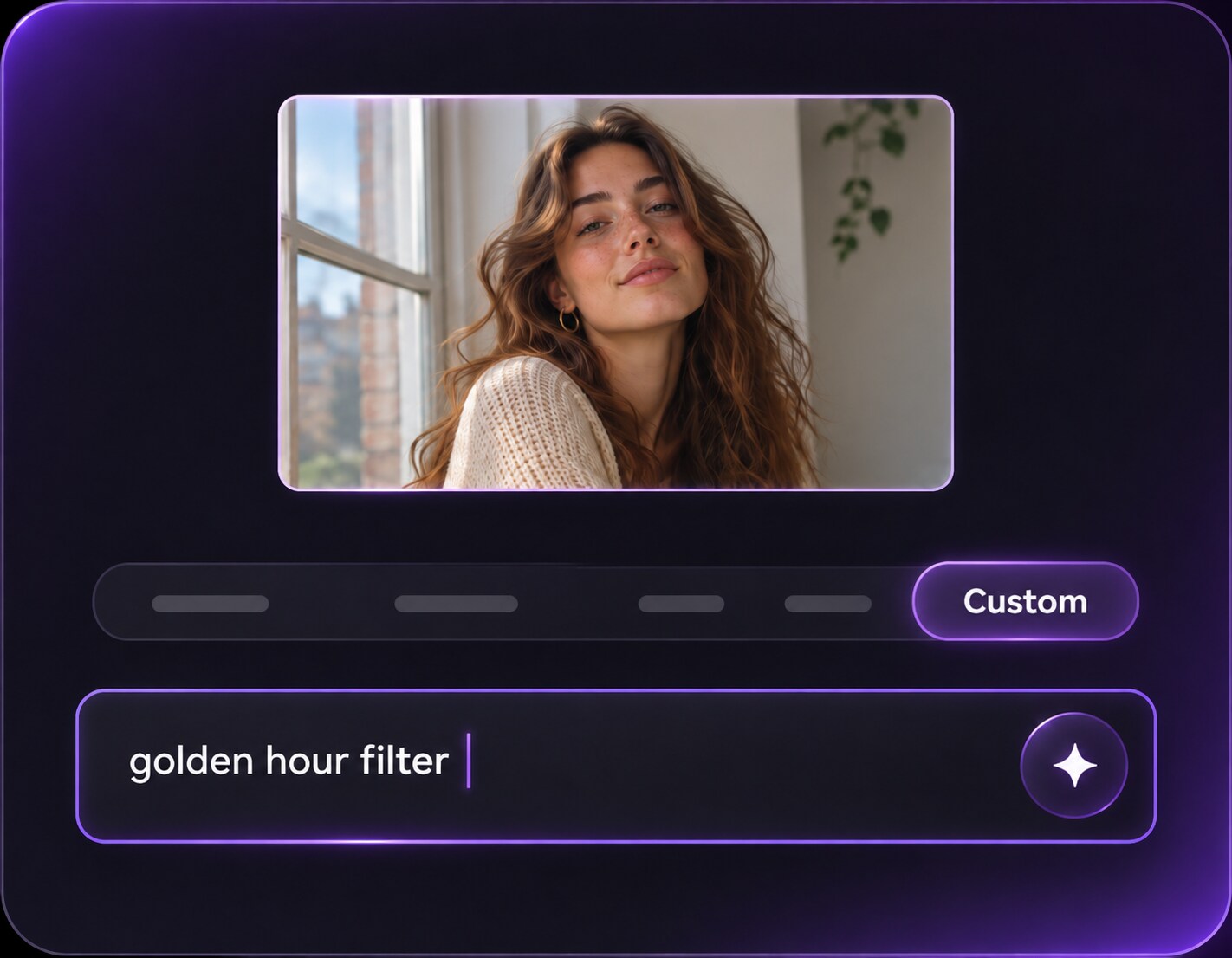
Ask for Gentle Diffusion, Not Blur
Describe softened highlight edges, moderate face contrast, realistic skin texture and the same lighting source. Keep eyes and clothing detail sharp.
Step 3
Generate and Check Skin Texture
Click Generate and compare the face with the original. Reduce diffusion if the image becomes foggy or freckles vanish.
Use subtle diffusion when the photo content and subject identity should remain the focus. It is a small finishing move, not a new visual story.
LinkedIn and Team Portraits
An office headshot may have sharp ceiling-light highlights. A gentle neutral glow can make it feel more welcoming while keeping the person recognizable and professionally dressed. Check that wall colors and the company clothing remain accurate so the portrait still fits a team directory or professional biography.
Natural Beauty Photos
Softening the edge of window highlights can make makeup and complexion read evenly without removing freckles or altering the makeup look itself. Keep eyeliner lines and freckles crisp; the goal is softer light across the face rather than digitally redrawing the makeup.
Everyday Family Pictures
A bright kitchen or garden photo can benefit from calmer light, especially when the expressions are already good and a heavy aesthetic filter would distract. Keep hands, eyes and patterned tablecloths clear so relatives can still recognize their own expressions and surroundings.
Soft Glow Naturalness Checklist
Freckles and Texture
Photo preview checklist
"Are small skin details still visible?" If the face looks waxy, request less softness and no face retouching.
Highlight Transition
Photo preview checklist
"Are harsh edges gentler without becoming white patches?" The edit should smooth light transitions, not flatten exposure.
White Balance
Photo preview checklist
"Do shirts and walls keep neutral color?" Soft glow can stay color-neutral; avoid unwanted pink or yellow casts.
Professional Fit
Photo preview checklist
"Would you still use this as a work or family photo?" A subtle finish succeeds when it improves the picture without calling attention to itself.
It diffuses bright areas and makes lighting transitions gentler, helping a portrait feel softer without necessarily adding an obvious fantasy haze. The adjustment should not change the person or remove identifying skin details.
2. Will soft glow blur the whole photo?
It should not. Specify crisp eyes, natural skin pores and recognizable clothing while softening only the light. Preserve eyelashes and clothing seams so the portrait does not look out of focus.
3. How is this different from Dreamy Glow Filter?
Soft Glow is intended as restrained flattering diffusion; Dreamy Glow has a more romantic, ethereal haze and may use pastel tones. If you want pastel fog and romantic haze, choose a Dreamy Glow direction instead.
4. Is it good for a professional headshot?
A subtle version can be appropriate when it reduces harsh light without changing identity, wardrobe or the credibility of the portrait. Compare it at thumbnail size as well as full resolution to catch unnatural smoothing.
5. Can I keep my freckles and natural skin texture?
Yes, request that explicitly. Inspect the result at full size because AI edits may still alter fine details. Add a direct instruction not to retouch or repaint skin features.
6. What kind of photo should I upload?
Start with a clear portrait that has a specific harsh light source, such as a ceiling lamp or direct window beam. That makes the correction easier to define.