Klicken oder ziehen, um hochzuladen, oder wählen Sie aus Meine Historie
Keine Ideen? Erstellen Sie zuerst ein Bild. >
Unterstützte Upload-Formate: jpg, png, jpeg.
Tipps
0/2000
1K
Auto
1
Banana Pro Unbegrenzter Modus
Kreationen
Ideen-Hub
Alle
Liste generieren
Deine Werke werden 7 Tage lang gespeichert. Assets, die nach dem Upgrade erstellt werden, werden dauerhaft gespeichert.
Entfalten Sie Ihr kreatives Potenzial und erleben Sie jetzt die Magie der Media-KI!
Create a Dreamy Cottagecore Filter Look From Your Photos
Turn portraits, pet shots, and everyday scenes into a cottagecore filter edit with soft floral tones, vintage warmth, and pastoral light. Media.io helps you apply a cottagecore aesthetic filter online fast, so your images feel romantic, nostalgic, and ready to share.
Review these sample directions, then customize the details to get stronger results with Media.io’s cottagecore filter.
Soft Floral Portrait
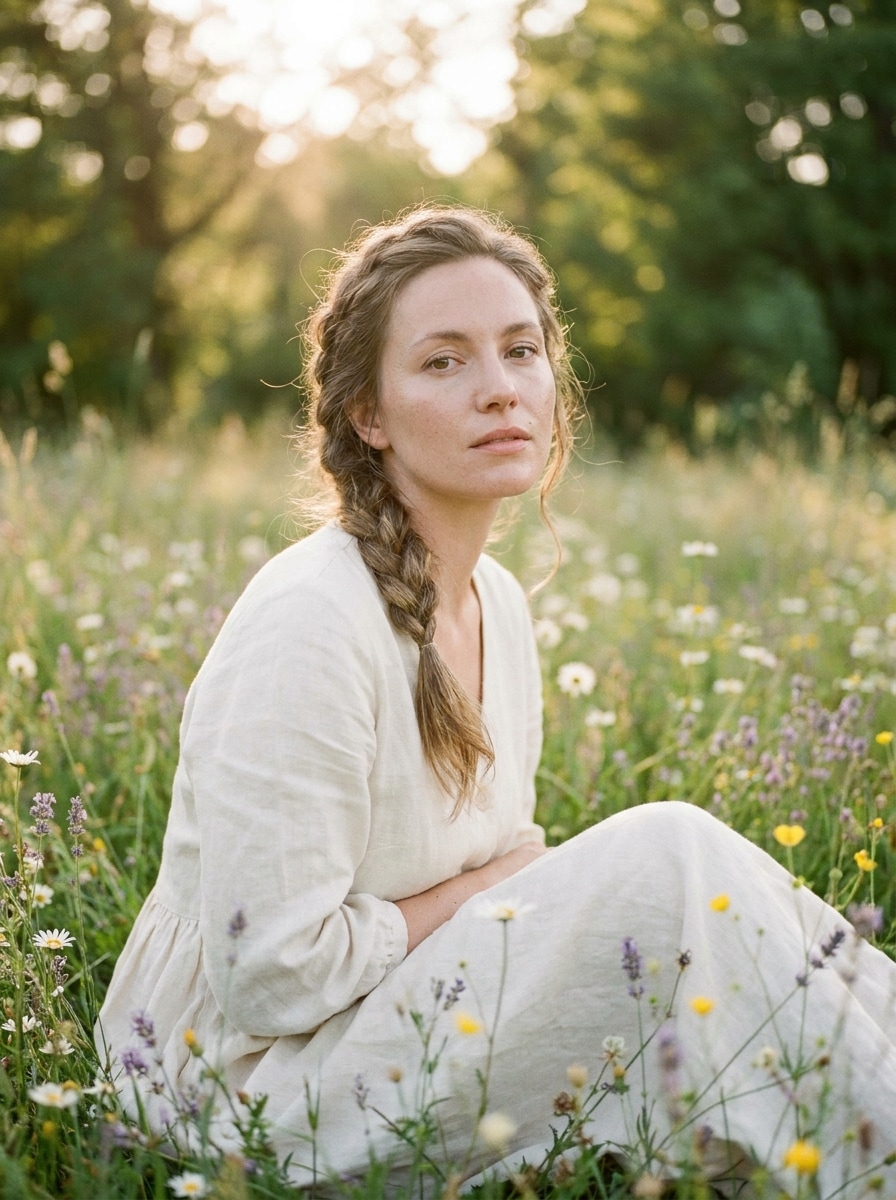
Use the uploaded image as the subject and transform it into a soft cottagecore portrait with wildflower framing, warm golden-hour light, muted sage and cream tones, gentle skin detail, airy depth of field, subtle vintage film grain, and a romantic countryside mood.
Prairie Dress Editorial
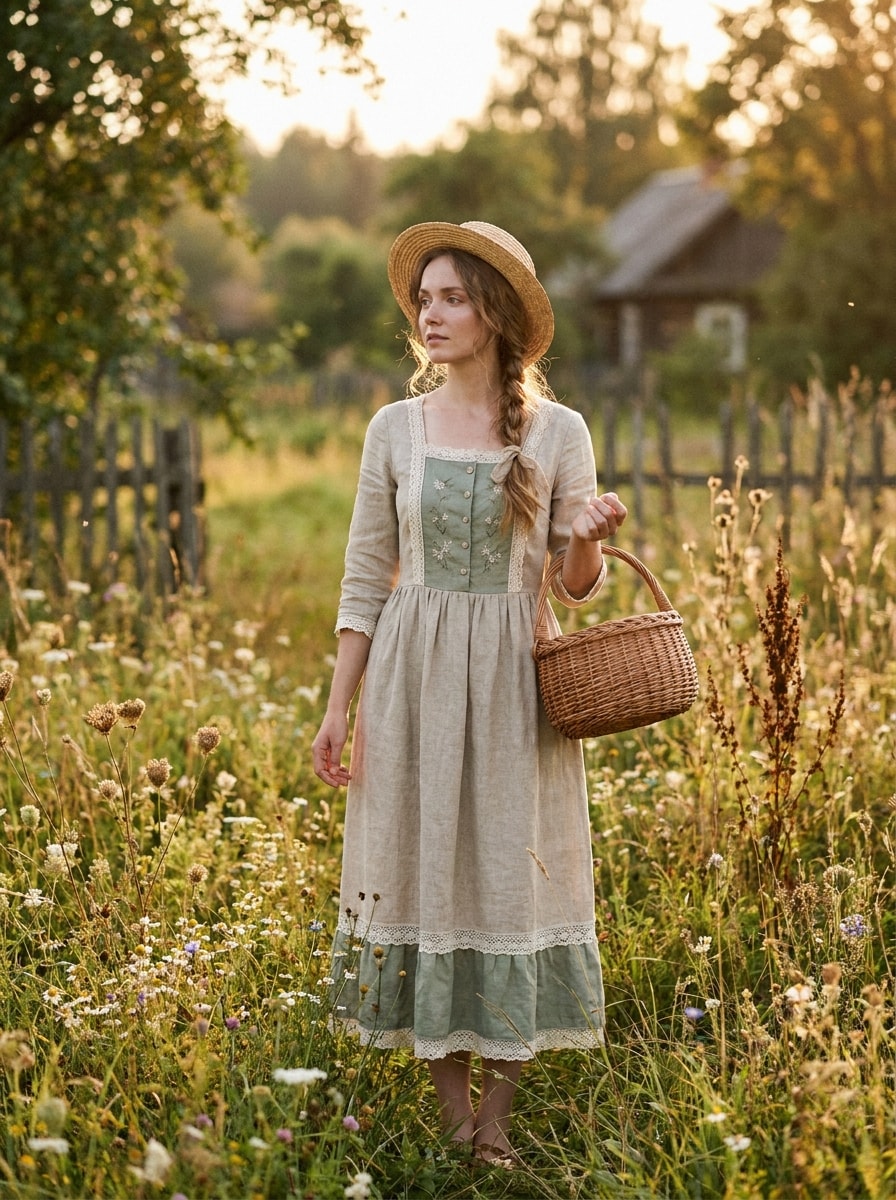
Use the uploaded image as the subject and restyle it into a prairie-inspired cottagecore editorial with linen textures, vintage countryside fashion, soft beige and sage palette, clean natural retouching, gentle background blur, warm daylight, and refined nostalgic magazine-like composition.
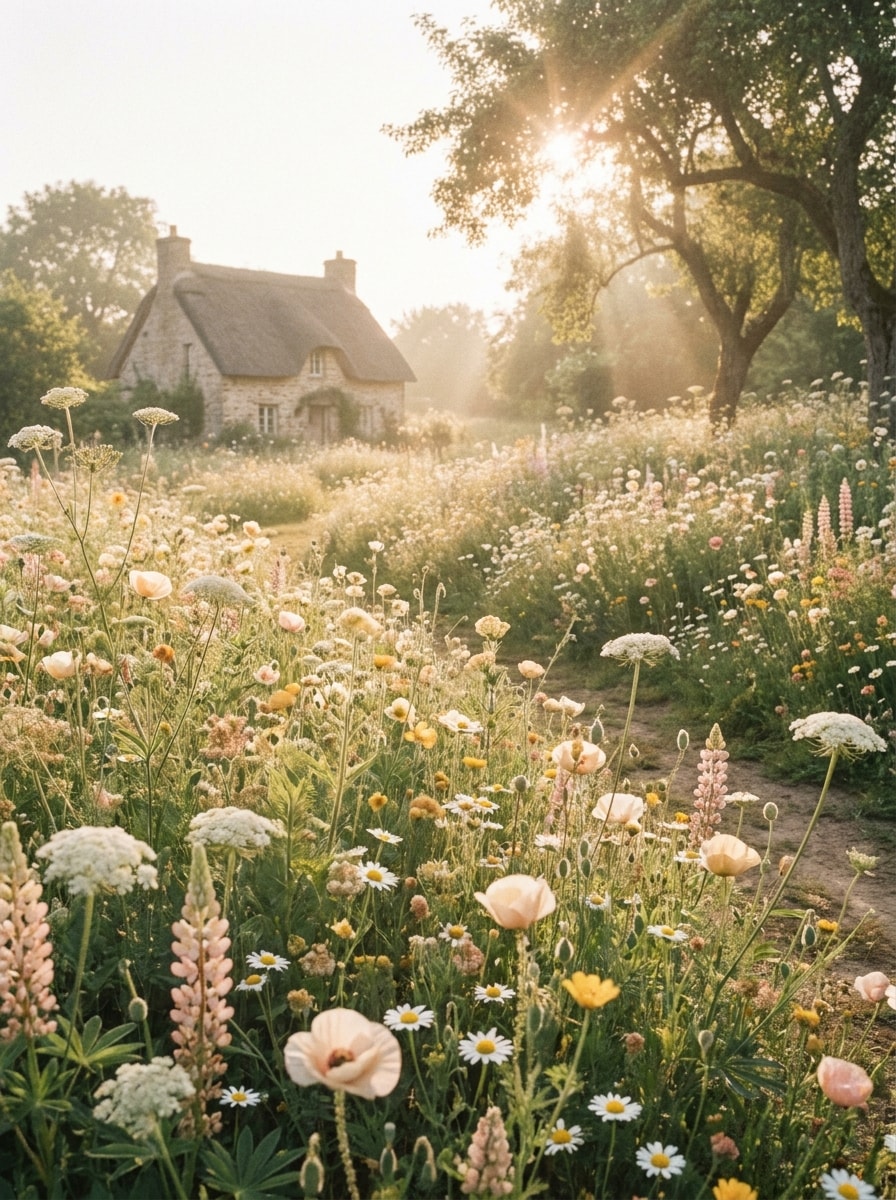
Wildflower Meadow
Use the uploaded image as the subject and turn it into a dreamy meadow scene with blooming wildflowers, soft sun haze, pastel cream and green grading, low-contrast film softness, fresh spring air, and a whimsical countryside atmosphere that stays natural and elegant.
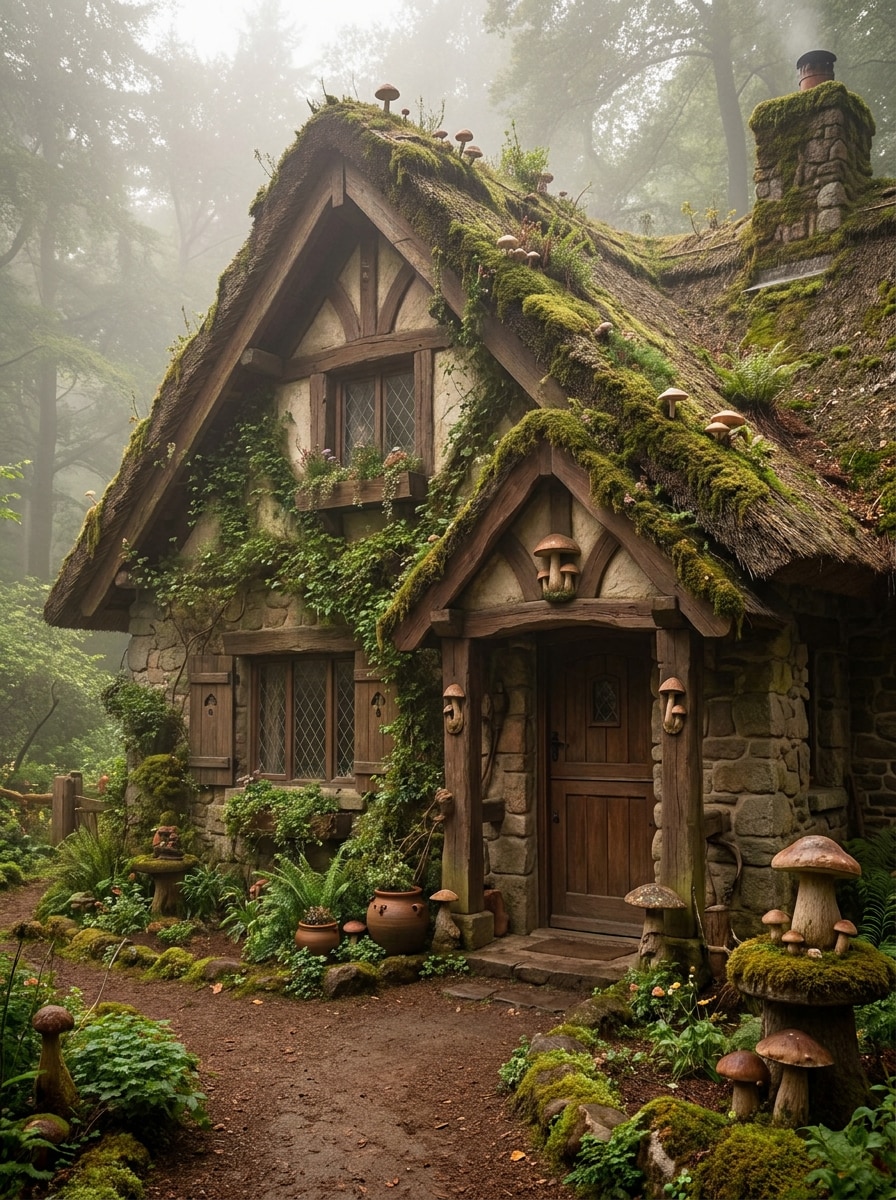
Mushroom Forest Cottagecore
Use the uploaded image as the subject and apply a woodland cottagecore transformation with mossy green grading, earthy brown textures, soft fog, tiny mushroom accents, diffused forest light, storybook realism, and a cozy enchanted atmosphere without losing clear facial detail.
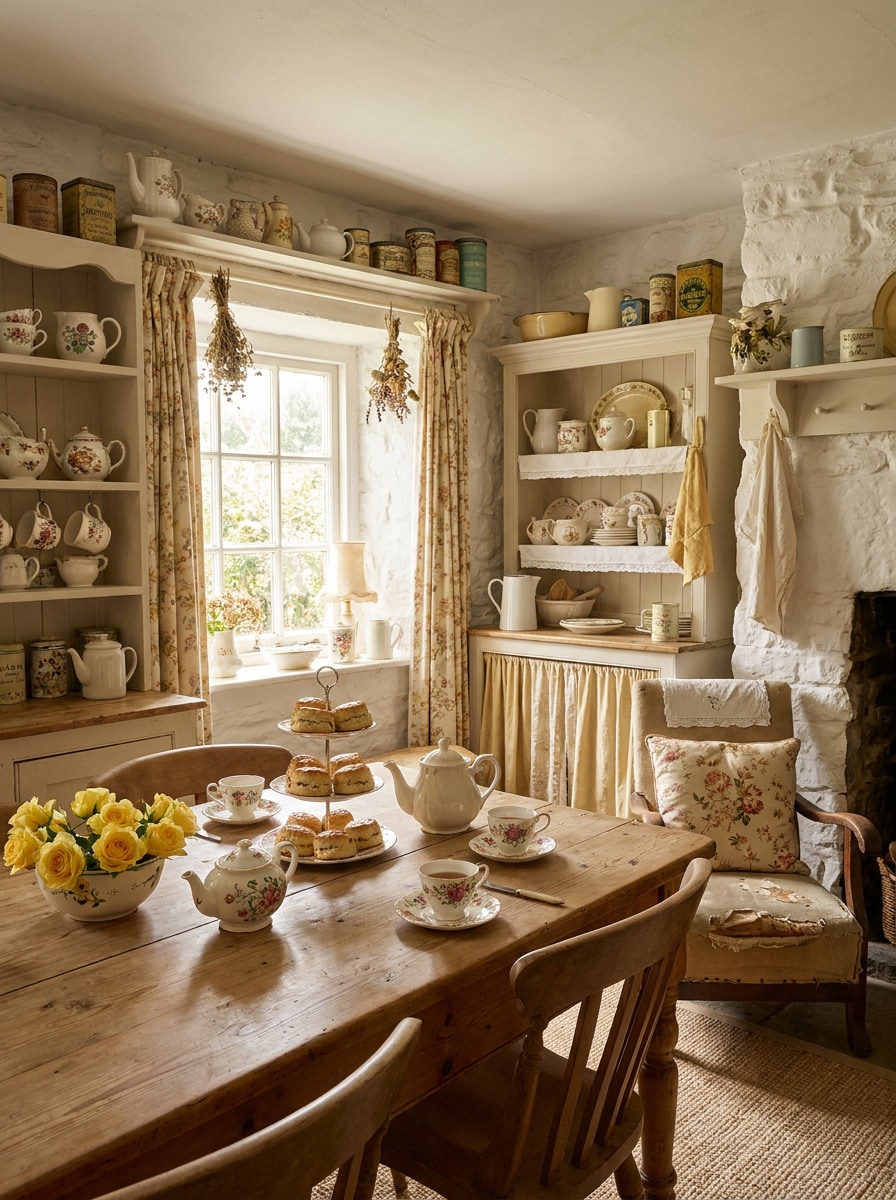
Tea Time Kitchen
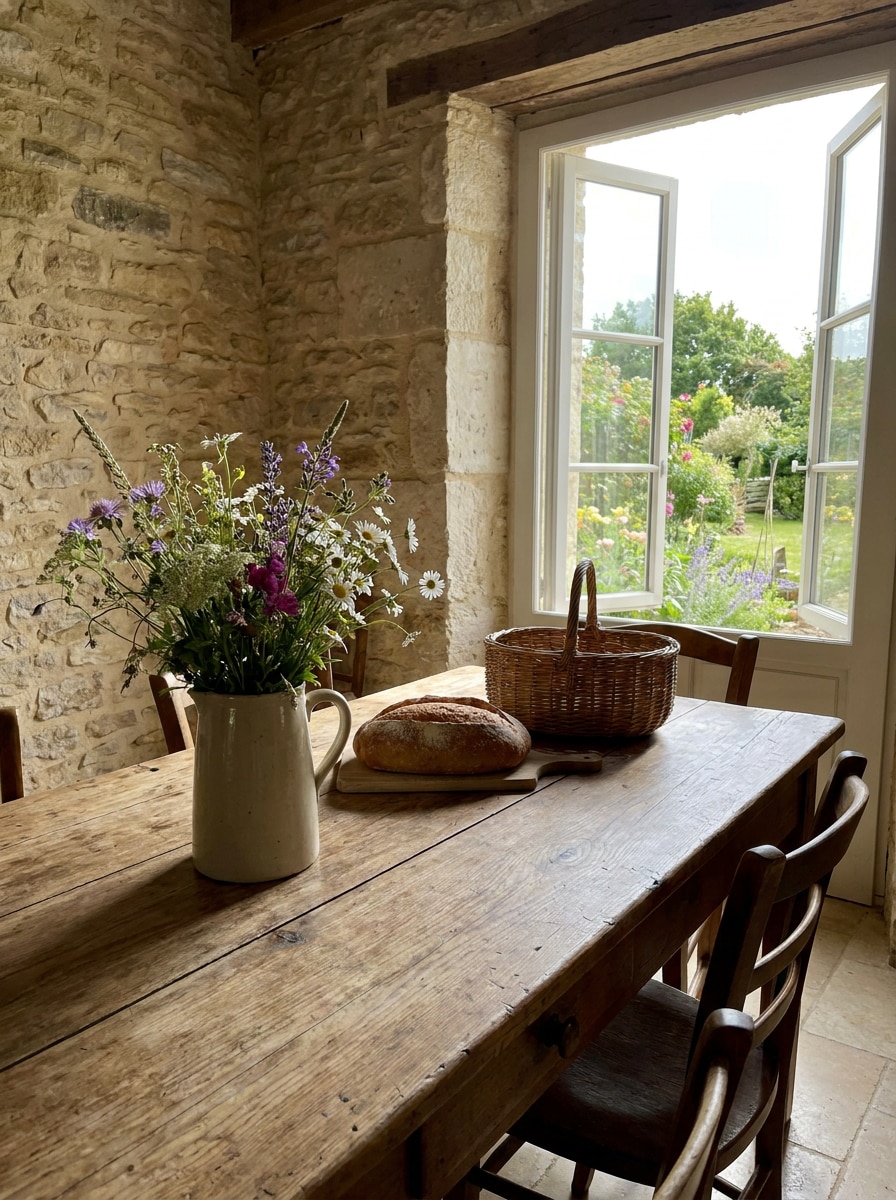
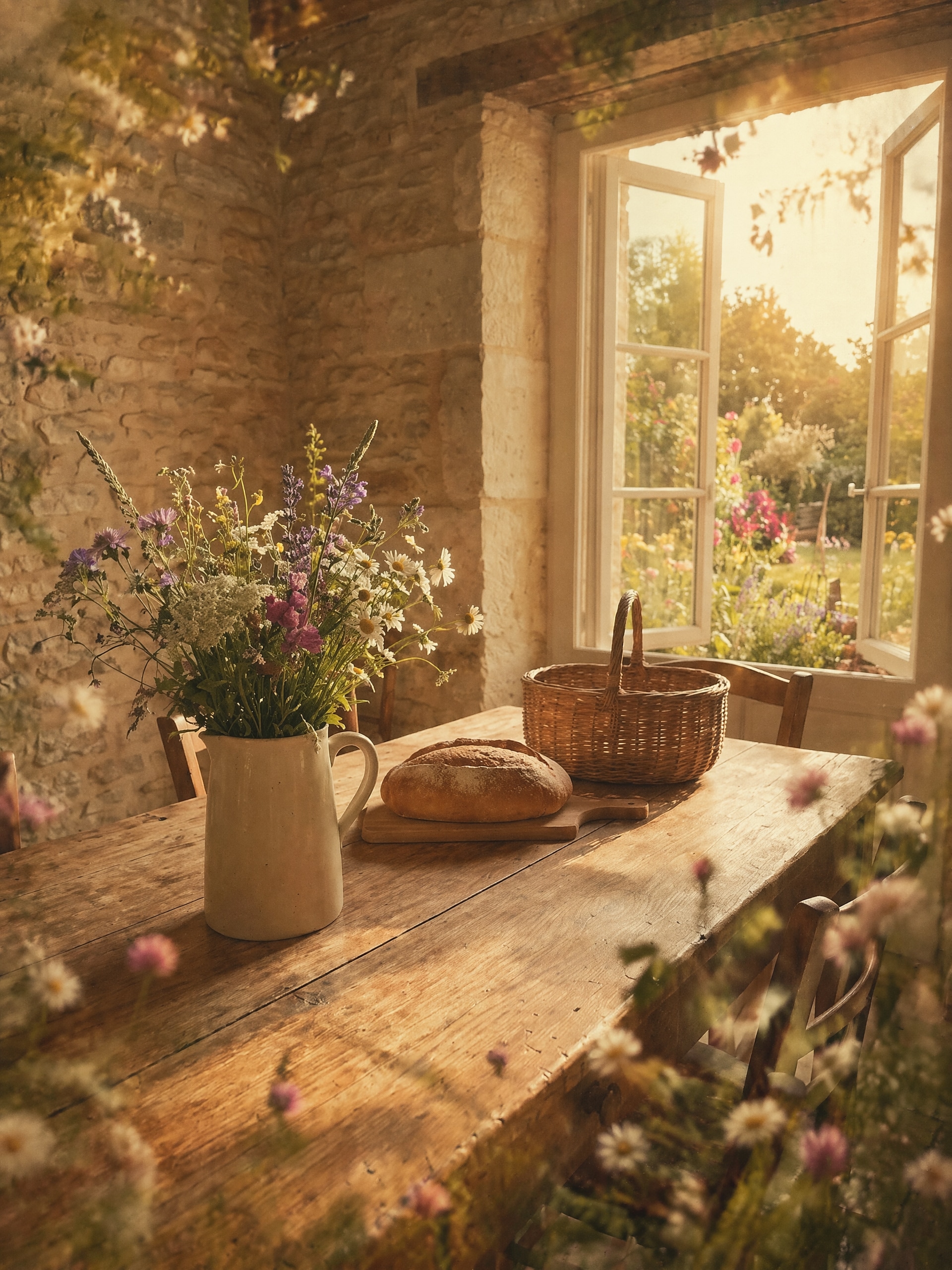
Use the uploaded image as the subject and transform the scene into a cozy cottage kitchen with warm window light, vintage floral accents, ceramic teacups, creamy whites, muted butter-yellow highlights, farmhouse textures, and nostalgic domestic charm in a soft editorial finish.
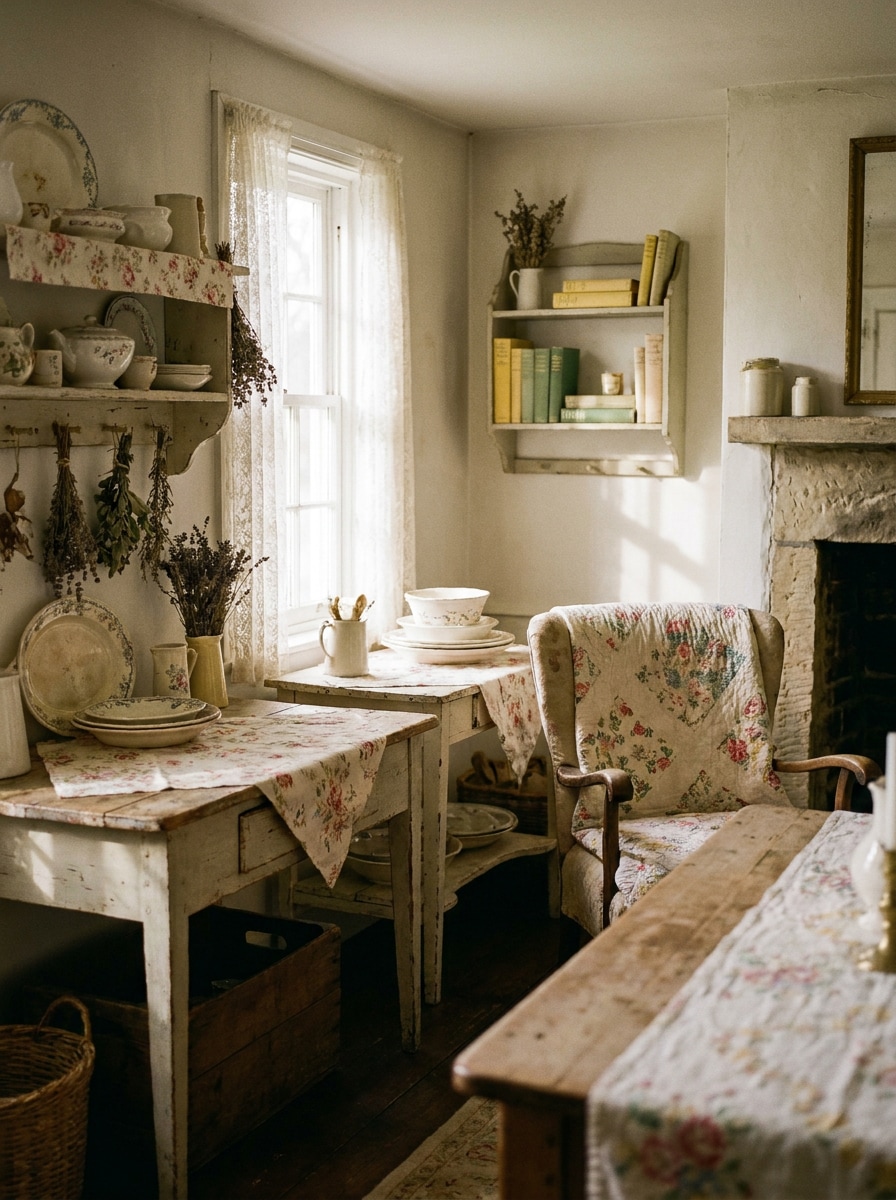
Antique Farmhouse Still Life
Use the uploaded image as the subject and apply an antique farmhouse look with rustic wooden textures, faded florals, sage and butter-yellow grading, soft shadow rolloff, subtle analog grain, and a calm handmade mood that feels timeless and warmly lived-in.
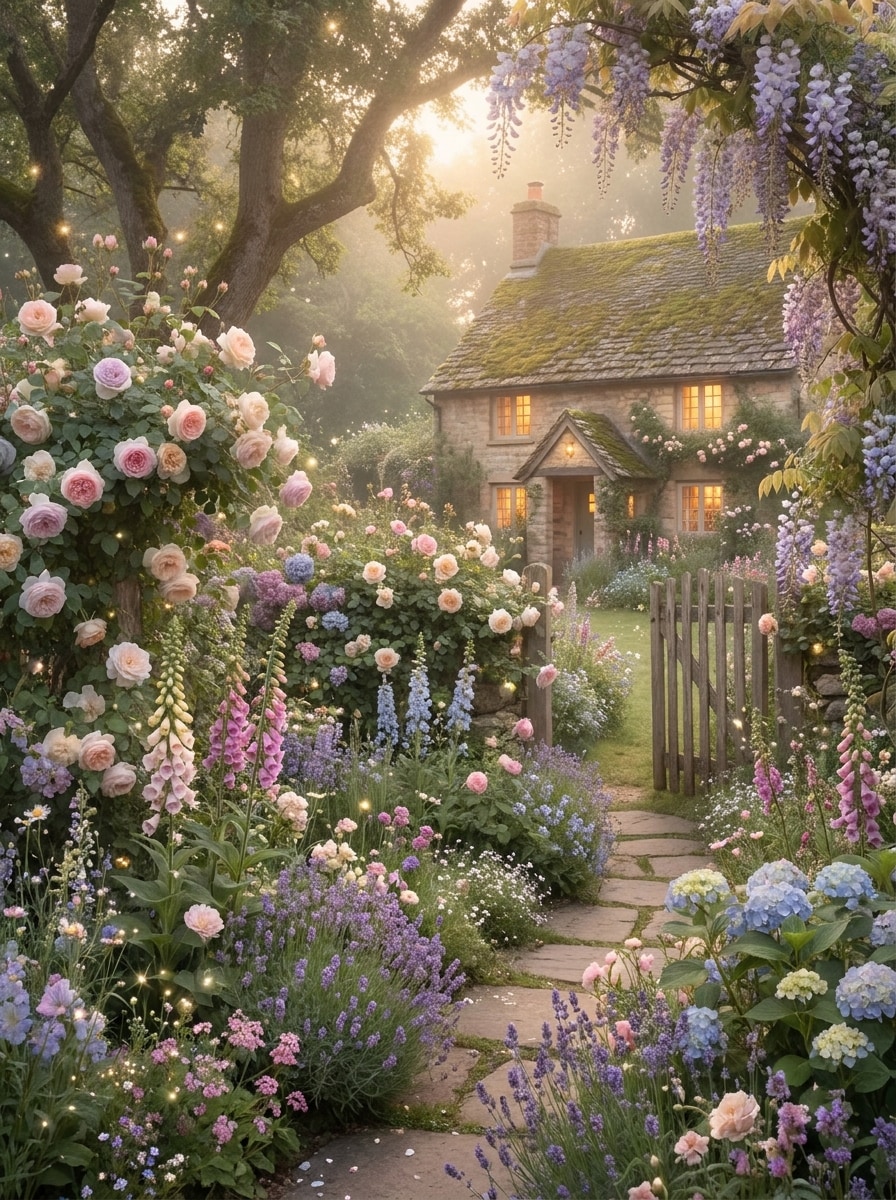
Storybook Fairy Garden
Use the uploaded image as the subject and create a whimsical garden transformation with lush florals, soft magical glow, pastel botanical richness, gentle sparkles, dreamy atmosphere, and storybook realism for a light fairy cottage filter effect that still feels natural.
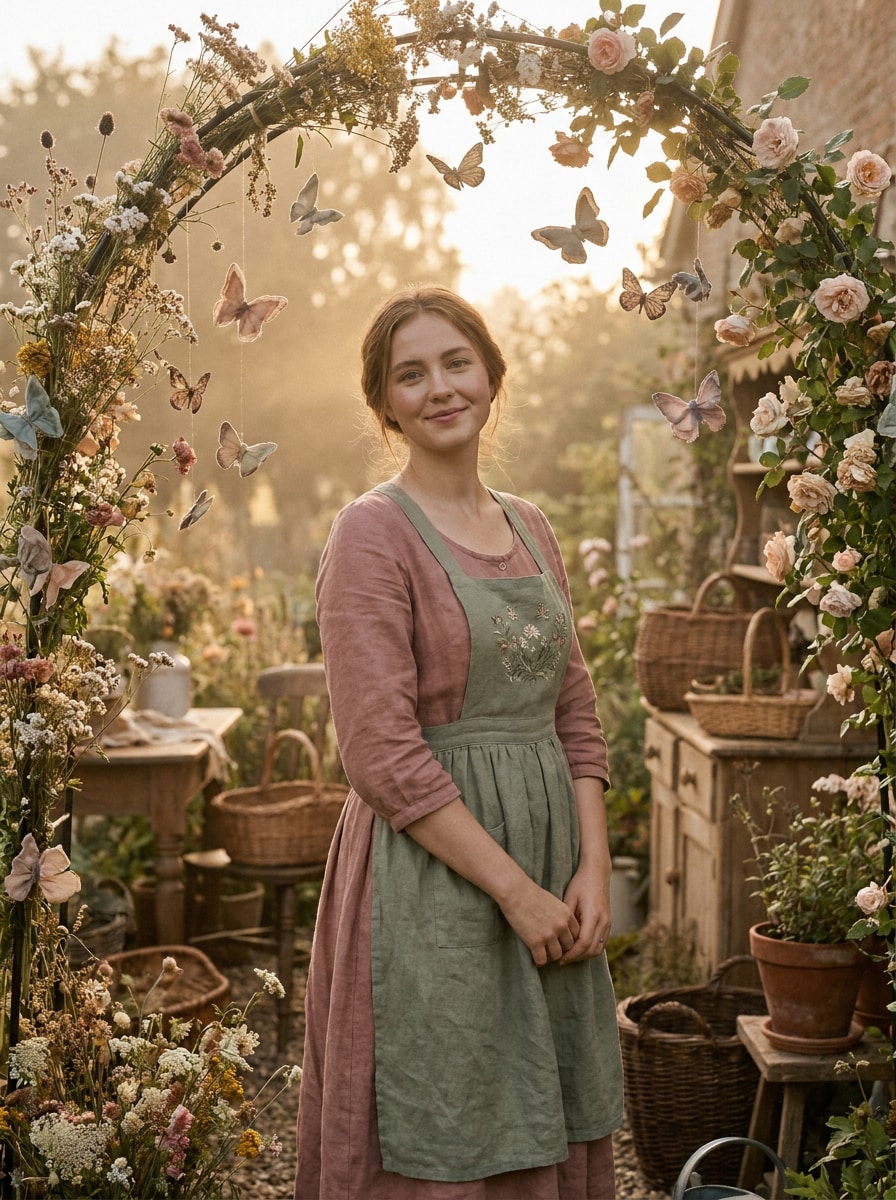
Butterfly Bloom Portrait
Use the uploaded image as the subject and turn it into a whimsical floral portrait with soft butterfly accents, dusty rose and sage tones, romantic warm light, smooth natural retouching, delicate haze, and vintage charm for an elegant, shareable countryside-inspired result.
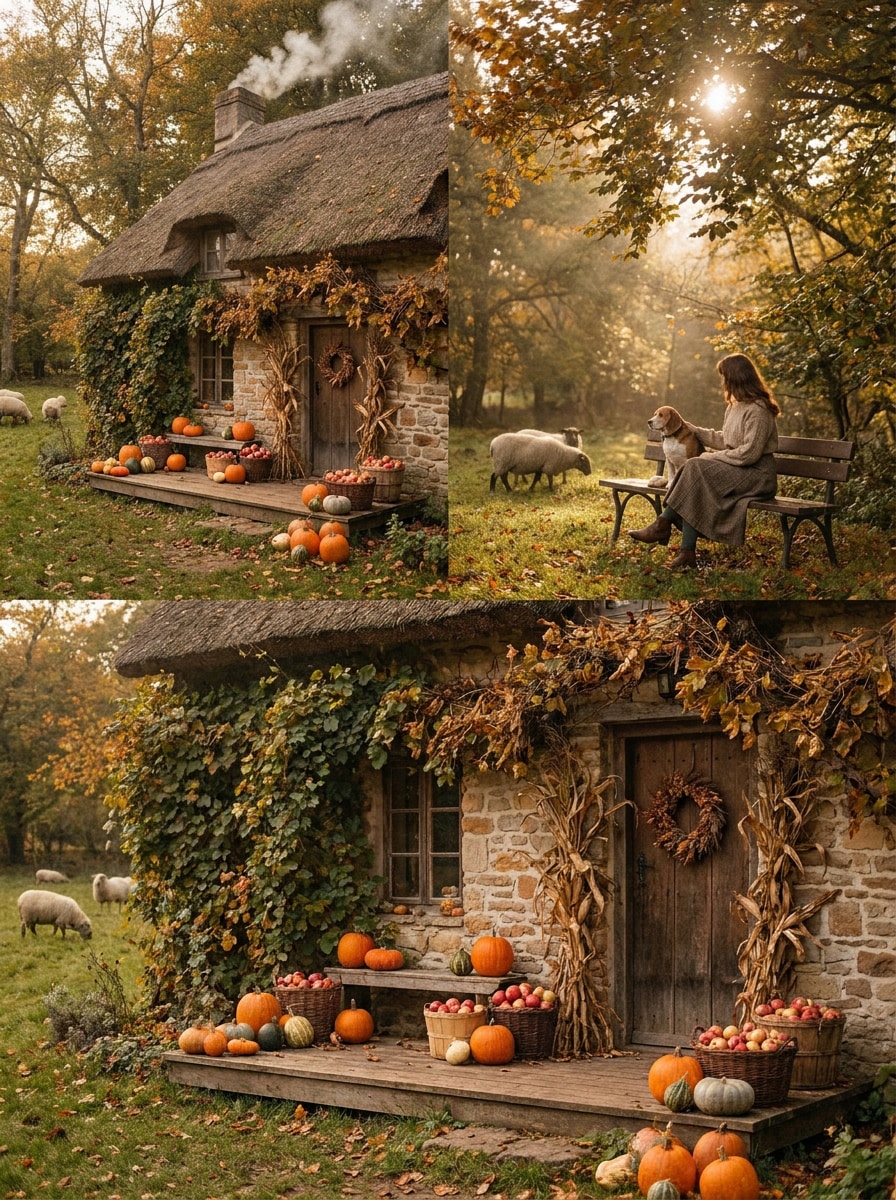
Autumn Harvest Cottagecore
Use the uploaded image as the subject and restyle it into an autumn harvest scene with amber and olive tones, rustic countryside props, warm diffused light, soft texture detail, cozy seasonal richness, and nostalgic farmstead charm with polished, natural-looking enhancement.
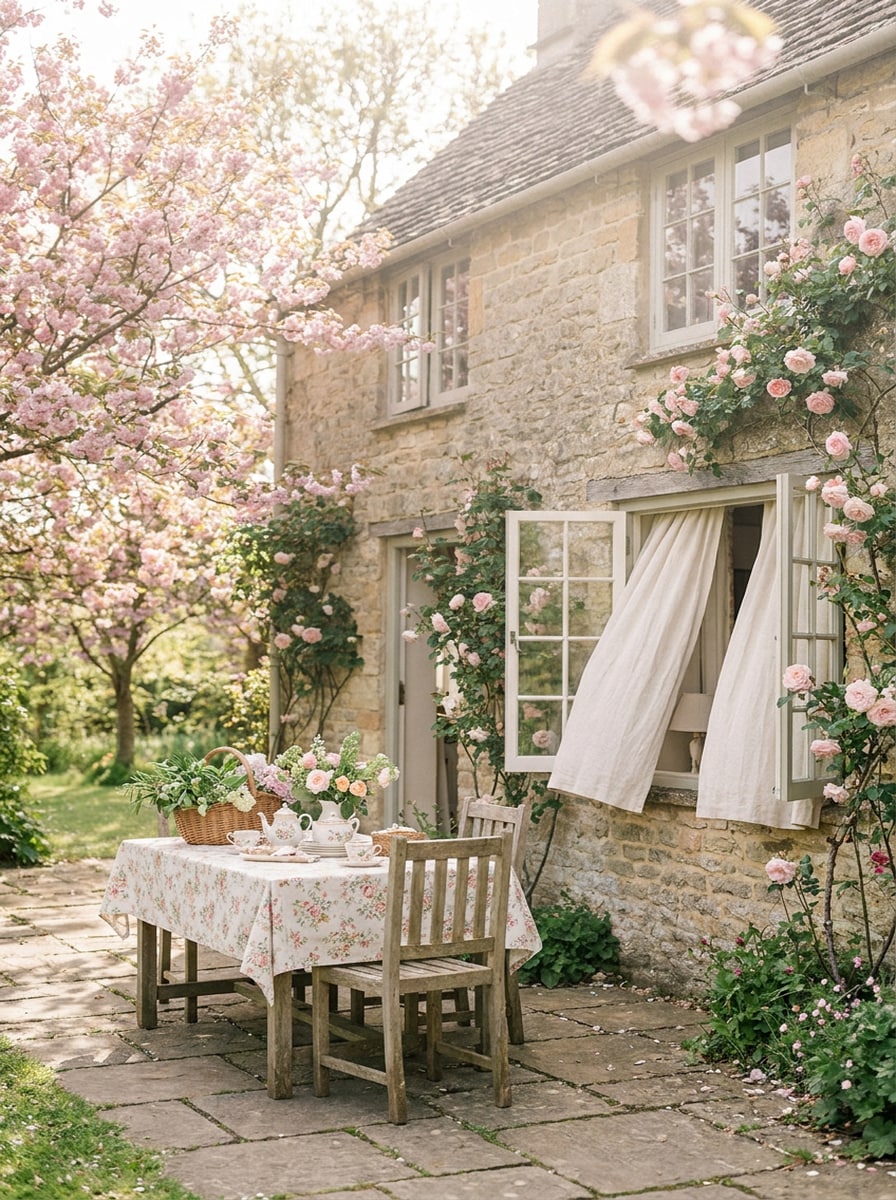
Spring Bloom Cottagecore
Use the uploaded image as the subject and create an airy spring transformation with blossom pink highlights, fresh greenery, cream tones, delicate film softness, bright natural daylight, and an uplifting pastoral mood that feels romantic, clean, and beautifully timeless.
Why Use Media.io for Cottagecore Photo Edits
Style Your Own Photo With Recognizable Detail
Across portraits, pets, and home scenes, Media.io lets you upload a real image and guide the restyle with a clear prompt, so your subject stays recognizable while the edit gains a soft cottage core filter mood.
Dial In Floral Light, Film Softness, and Mood
If visual style affects the final choice, Media.io helps you compare multiple directions from the same cottagecore filter starting point, so selecting the right look becomes faster and more confident.
Keep Images Sharp for Posts, Wallpapers, and Prints
For work that needs more than draft-level output, Media.io creates cottagecore filter visuals in up to 4K, helping details stay cleaner when you present, crop, or reuse the final image.
Edit Anywhere Without a Complicated Design Workflow
Creative work rarely stays on one screen. Media.io keeps the cottagecore filter visual workflow in your browser, so you can start on phone and finish on desktop without stopping to install extra software.
How to Apply a Cottagecore Filter Online
Turn your words into stunning visuals in three simple steps, then continue refining the result if you want to take it further.
Step 1
Upload Your Reference Image
Start with a clear portrait, pet photo, room scene, or outdoor image in JPG, PNG, or JPEG. Photos with visible subjects, natural lighting, and simple composition usually give the best base for a romantic countryside transformation.
Step 2
Describe the Change and Set Options
Enter a prompt that describes the look you want, such as wildflowers, sage green tones, vintage film softness, lace, farmhouse warmth, or fairy-garden details. Then choose your model and adjust aspect ratio, resolution, and number of image variations.
Step 3
Generate, Download, and Keep Improving
Generate your edited image, compare versions, and download the one that fits your mood board or post. You can refine the prompt, create fresh variations, or continue improving the result until the style feels just right.
See how creators use this cottagecore filter for content, marketing, and personal projects, then adapt each idea to fit the brief.
Romantic Portraits for Social Feeds
Restyle selfies, couple shots, or creator portraits with floral softness, warm haze, and vintage countryside color grading. Media.io helps turn a simple photo into an editorial-looking image that feels delicate and nostalgic instead of overly processed.
Storybook Pet and Lifestyle Photos
Give pet portraits, picnic scenes, tea-table images, or garden moments a cozy pastoral finish. With Media.io, a gentle cottagecore aesthetic filter can make everyday photos feel more curated for Pinterest boards, reels, and seasonal mood content.
Dreamy Wallpapers, Cards, and Visual Projects
Turn your favorite image into a shareable background, printable card, or themed social asset. Media.io makes it easier to adapt one photo into multiple layouts, including edits with a light cottagecore photo filter or a subtle fairy cottage filter feel.
What Users Say About This Cottagecore Style Tool
Elena Brooks
Lifestyle Creator
"Soft, believable cottagecore edits" I wanted my portraits to feel dreamy without looking fake. This tool gave me warm meadow light, muted greens, and subtle vintage softness while still keeping my face recognizable.
Maya Chen
Pinterest Content Designer
"Great for mood-board visuals" I used it on tea scenes and floral still lifes, and the results looked much more intentional than basic filters. The output felt polished enough for pins, covers, and aesthetic post graphics.
Jordan Ellis
Small Shop Owner
"Fast way to create a romantic brand look" I tested a few product and lifestyle shots with cottage-inspired prompts and got cozy, vintage-looking images very quickly. It helped me build a softer visual identity for seasonal promotions.
Sofia Ramirez
Mobile Photographer
"Easy to use on phone" I edited a spring portrait from my phone and was surprised by how refined it looked. The floral atmosphere and film-like color grading felt natural, not overdone.
A cottagecore filter for photos is an edit style that gives images a soft, romantic countryside feel. It often adds muted greens, creamy whites, floral details, warm natural light, and gentle vintage softness. With Media.io, you can create this look through image-to-image editing by uploading a photo and guiding the transformation with your prompt.
2. How do I turn a picture into a cottagecore aesthetic?
Upload your photo to Media.io, then describe the look you want with cues like wildflowers, prairie styling, golden-hour haze, farmhouse textures, or dreamy film tones. Next, choose your model and image settings, generate the result, and refine the prompt if you want a softer or more pronounced cottage core filter effect.
3. Can I use a cottagecore filter online for free?
Yes, free users can try Media.io with free credits. If you need more generations or higher-usage access, you can visit the pricing page. Free exports may include a watermark, while paid plans offer more credits and watermark-free high-resolution downloads.
4. Which photos work best with an AI cottagecore filter?
The best photos usually have a clear subject, balanced lighting, and enough visible detail for Media.io to restyle them naturally. Portraits, garden shots, pets, tea scenes, rustic interiors, and outdoor images tend to work especially well because they already match the soft floral and pastoral cues of a cottage-inspired edit.
5. Will the edited image stay high resolution?
Media.io supports 1K, 2K, and 4K resolution options for image-to-image editing, so your final artwork can stay suitable for social posts, wallpapers, and many print-friendly uses. The exact result depends on your settings, but Media.io is designed to preserve a polished high-resolution finish rather than limit you to small preview files. Free users may see watermarks on exports.
6. Can I apply a cottagecore filter on iPhone or Android?
Media.io is web-based, so you can use it from phones, tablets, laptops, or desktop computers as long as you have a browser. That makes it easy to create a cottagecore filter look without installing a separate app, whether you start on mobile or finish on a larger screen.