














KI-Gesichtstausch
Quellbild hochladen
Ein Bild mit klar erkennbaren Gesichtern hochladen
Klicken oder ziehen, um hochzuladen, oder wählen Sie aus Meine HistorieKlicken Sie zum HochladenMeine Historie
Keine Ideen? Erstellen Sie zuerst ein Bild. >
Laden Sie jpg-, jpeg- oder png-Bilder bis zu 50 MB hoch, mit einer Mindestbreite/-höhe von 300 px.
Gesicht hochladen
Laden Sie das Gesicht hoch, das Sie einsetzen möchten
Gif Face Swap

Create Lively GIF Face Swaps with AI

Turn static moments into moving fun with Media.io's AI-powered GIF face swap. Whether you want to craft reaction memes, animated profile stickers, or short social clips, the tool delivers realistic and smoothly blended motion results. You can upload a GIF or short loop and instantly replace faces without losing natural expressions. Every output feels convincing, funny, and share-ready.

Start Swapping Faces Now
Fast AI Swap Smooth Animation Creative Output No App Needed
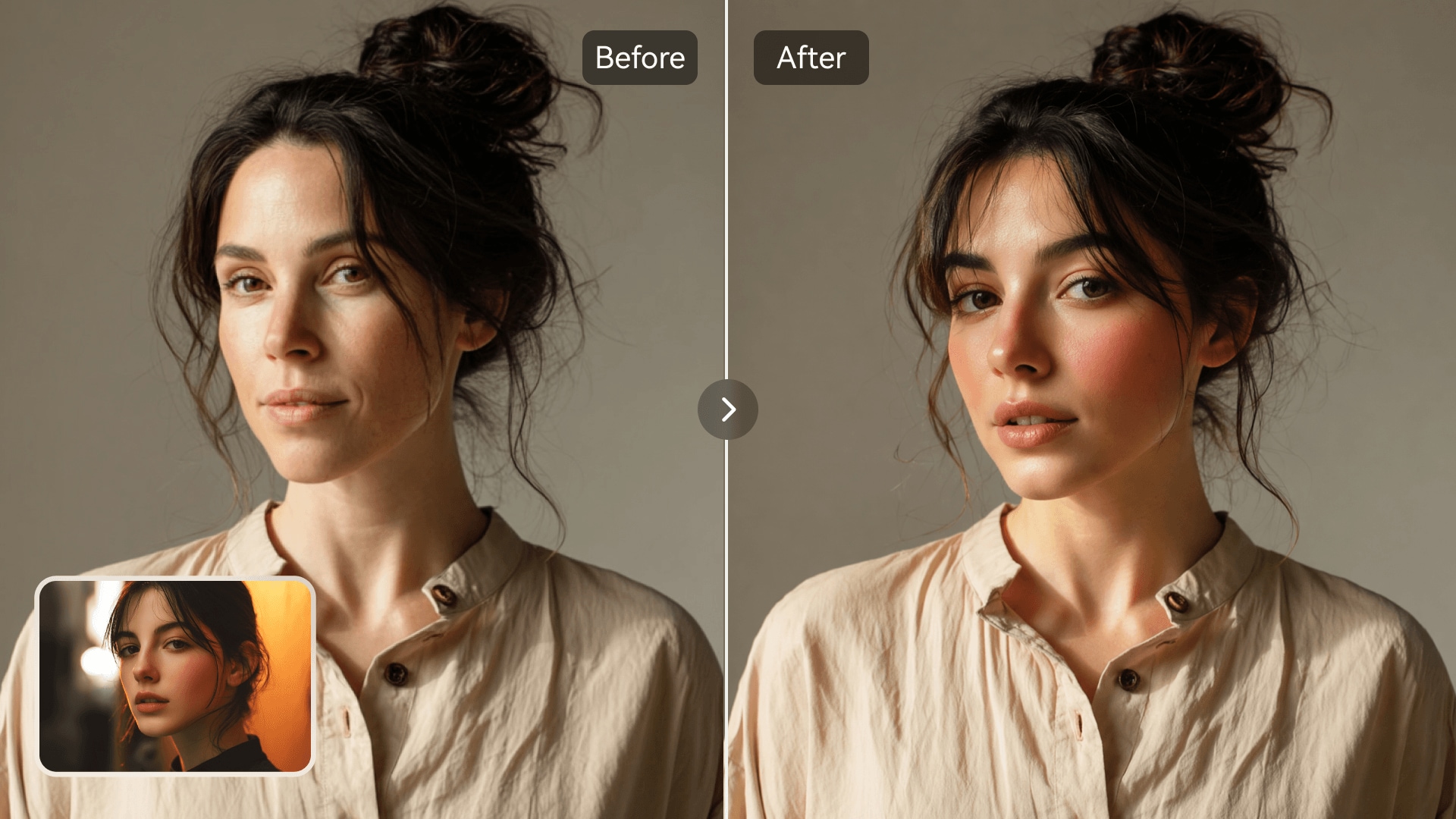
AI GIF face swap example with animated reaction woman smiling
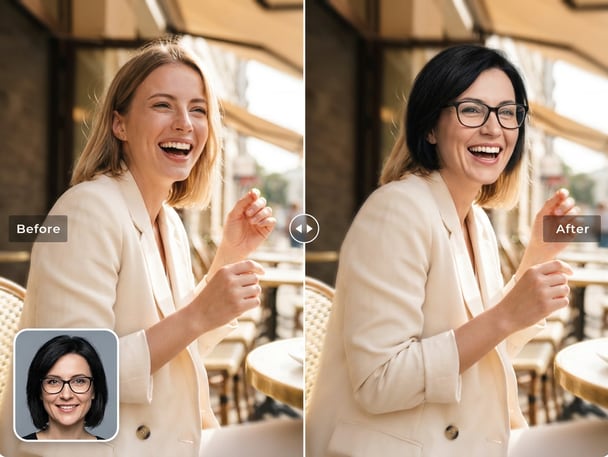
Funny meme GIF face swap of two friends laughing

Make Animated Reactions

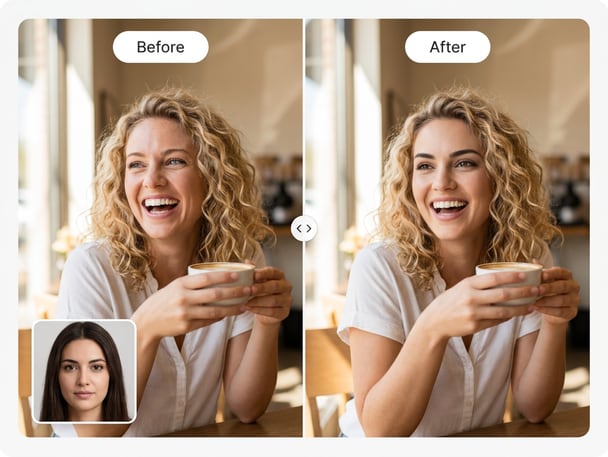
Transform any clip into a lively animated reaction using the GIF face swap by Media.io. Perfect for chats, memes, and short reactions, this feature adds humor and motion to your content. Users can easily swap faces across looping sequences with natural blinking and head motion. It's ideal for anyone seeking quick creative engagement or producing lighthearted visuals.
AI-Powered Motion Accuracy

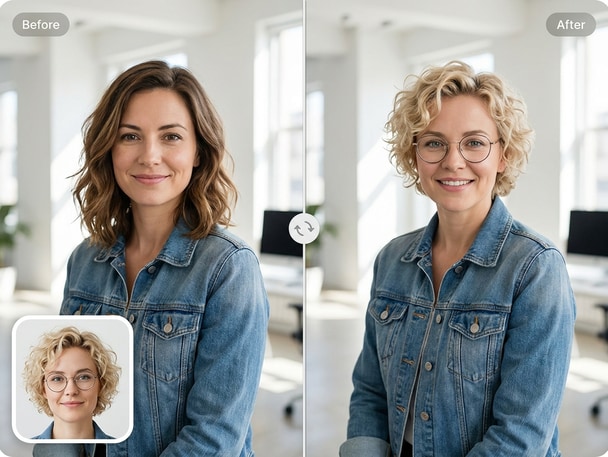
Media.io's AI GIF face swap understands facial expressions frame by frame for seamless blending. It preserves the natural contours and movement timing of each expression. You can replace faces on dancing, laughing, or reacting GIFs while maintaining fluid motion. The algorithm ensures that every face swap feels genuine in animation.

For Memes and Social Posts

Breathe new personality into your memes with the Media.io GIF face swap feature. Whether for personal fun or online branding, GIF swaps let you create short viral visuals. The AI ensures both comedic and realistic outcomes in seconds. You don't need editing skills to make expressive moving faces that grab attention.

Instant Online Workflow

No downloads or heavy setups are required to make a GIF face swap on Media.io. Just upload your animated file and source face, then let the AI do the blending automatically. The platform processes each frame to produce a unified motion effect. This online tool streamlines complex animation work into an easy web experience.

Try Sticker Face Swap for Playful Social Stickers

Bring your expressions into fun static or animated stickers using Media.io's sticker face swap tool. Turn any selfie into creative chat stickers ready for instant sharing.

How to Make a GIF Face Swap Online

01

Upload Your GIF or Clip

Choose a GIF or short looping animation to upload to Media.io. The platform supports common animated file formats so you can start quickly without conversion.

02

Add a Face to Replace

Upload the face you want to swap in. The AI automatically detects expressions and aligns features across frames for smooth animated blending.

03

Preview and Download GIF

After processing, preview the animated result. Download your new GIF or share it directly across platforms with just one click.

What Users Say About GIF Face Swap Results

user
Elena M.

Content Creator

starstarstarstarstar

"Perfect for Funny Animated GIF Memes" I used Media.io's GIF face swap for my meme accounts and it works great. The tool keeps movement natural so your GIFs don't look rigid. Every frame stays expressive and consistent. I can make loads of fun reaction content quickly now.

user
Tyler W.

Marketing Designer

starstarstarstarstar

"Smooth AI Results for Ad Clips" I applied the animated face swap feature to short gif ads and the transitions looked clean. The AI maintains lip and eye motion very well. Clients loved how authentic the face replacements appeared. It's an efficient solution for testing multiple character versions in promo loops. No need for complicated software at all.

user
Sophie K.

Social Media Manager

starstarstarstarstar

"Makes Shareable Animated Reactions Easy" Our team uses the AI GIF face changer to generate engaging replies on social channels. It's simple to swap faces for different moods or campaigns. The final motion looks seamless even when gestures shift quickly. Media.io saves us time preparing visual content.

user
Ryan D.

Freelance Artist

starstarstarstarstar

"Creative Flexibility Without Editing Skills" Media.io simplifies everything about animated face replacement. I can test concepts or character reactions using the gif meme swap feature. It keeps details sharp while moving faces look realistic. Perfect balance between automation and creative output.

user
Olivia T.

Video Hobbyist

starstarstarstarstar

"Fun and Surprisingly Natural Results" I tried the face swap animation tool just for fun and it exceeded expectations. The AI blending was so clean that even fast transitions stayed aligned. My friends were amazed by how real the swapped motion appeared. It's now my go-to tool for funny animated reactions. Definitely a must-use for creators online.

More creators are turning animated facial edits into trending social content.

Frequently Asked Questions About GIF Face Swap

1. What Is an AI GIF Face Swap?
faqfaq

An AI GIF face swap uses artificial intelligence to replace one face with another across each animation frame. Media.io automates this by tracking expressions and motion for smooth looping results. Unlike static edits, this feature maintains believable facial changes through movement. It's great for making expressive memes or animated reactions.

Yes, Media.io supports common animated GIF formats for uploading. However, results work best when the animation has clear lighting and visible faces. The AI matches orientation and expression across frames for accurate replacement. Complex or obscured motion may require a simpler sequence for best results.

The platform analyzes every frame to map key facial points through its AI gif face swap process. It then adjusts texture, lighting, and orientation to match the original loop. This avoids sudden mismatches during blinking or turning. As a result, the motion remains consistent throughout your animation. The outcome looks smooth and natural.

No installation is needed with Media.io because it's an entirely online face swap tool. You only need to upload your files in the browser. The platform handles all processing in the cloud securely. This means you can run animated projects on any device without storage limits.

Creators use GIF swaps to make animated memes, reply clips, short story snippets, or online avatars. Marketing teams also test logo or character variations creatively. Media.io supports all these ideas with frame-by-frame blending. Whether for humor or promotional flair, the output fits social media perfectly.

Media.io offers certain face swap features for free while advanced settings may need an upgrade. You can try the tool instantly with no credit card. This provides a clear preview of how the animation works. For higher resolution or faster export, optional plans are available.

Absolutely, once your file is processed, you can download or share it right away. Media.io's output files are compatible with major platforms like Instagram, TikTok, and Discord. You can post animated GIF reactions or meme loops instantly. The online workflow simplifies cross-platform sharing.

Uploaded files are processed for the current session and removed automatically after use. Media.io handles animations securely through its cloud AI system. Your GIF and face image stay private throughout the operation. You can delete results anytime after download.

Media.io Online AI Tools Quality Rating:
vote 4.7 (162,357 Votes)