As criações são armazenadas por apenas 7 dias. Os recursos criados após o upgrade para um plano de assinatura serão armazenados permanentemente.
Desbloqueie seu potencial criativo e experimente a magia da IA de mídia hoje!
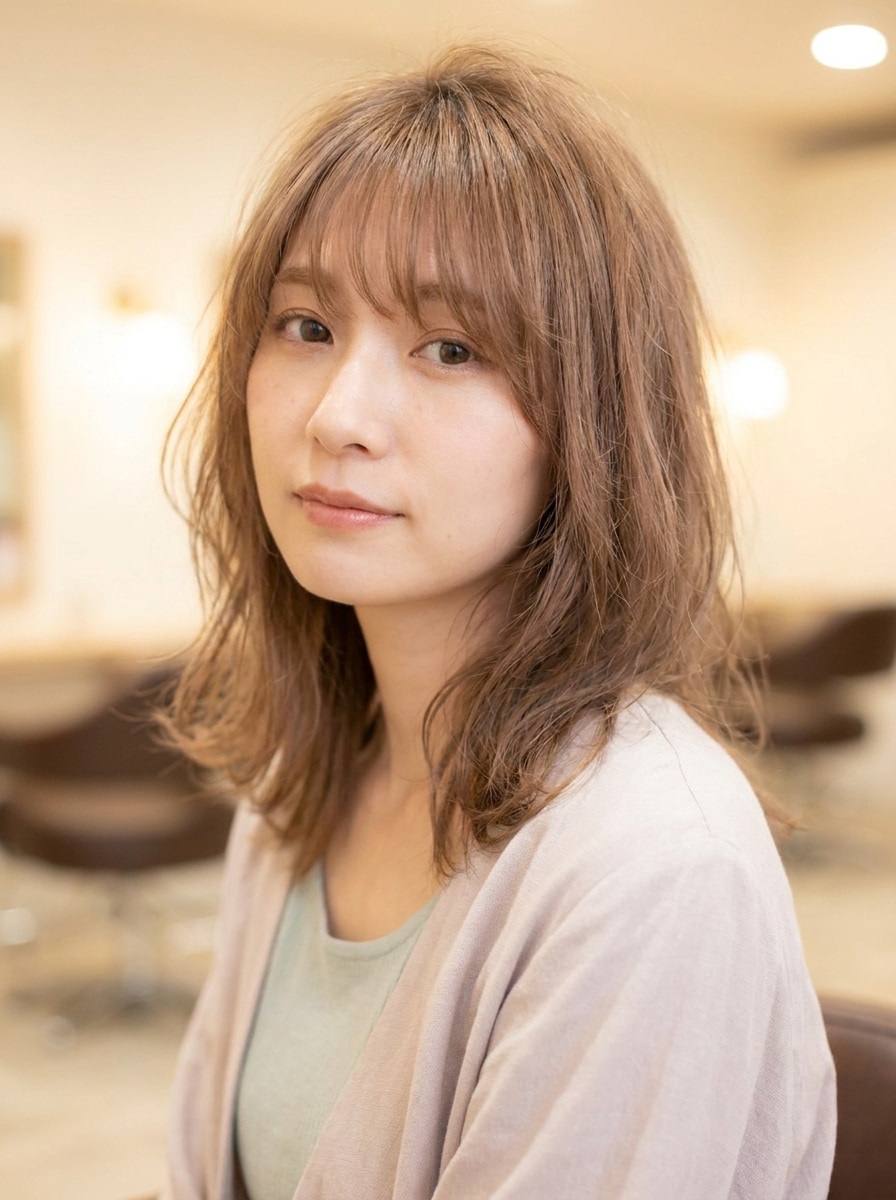
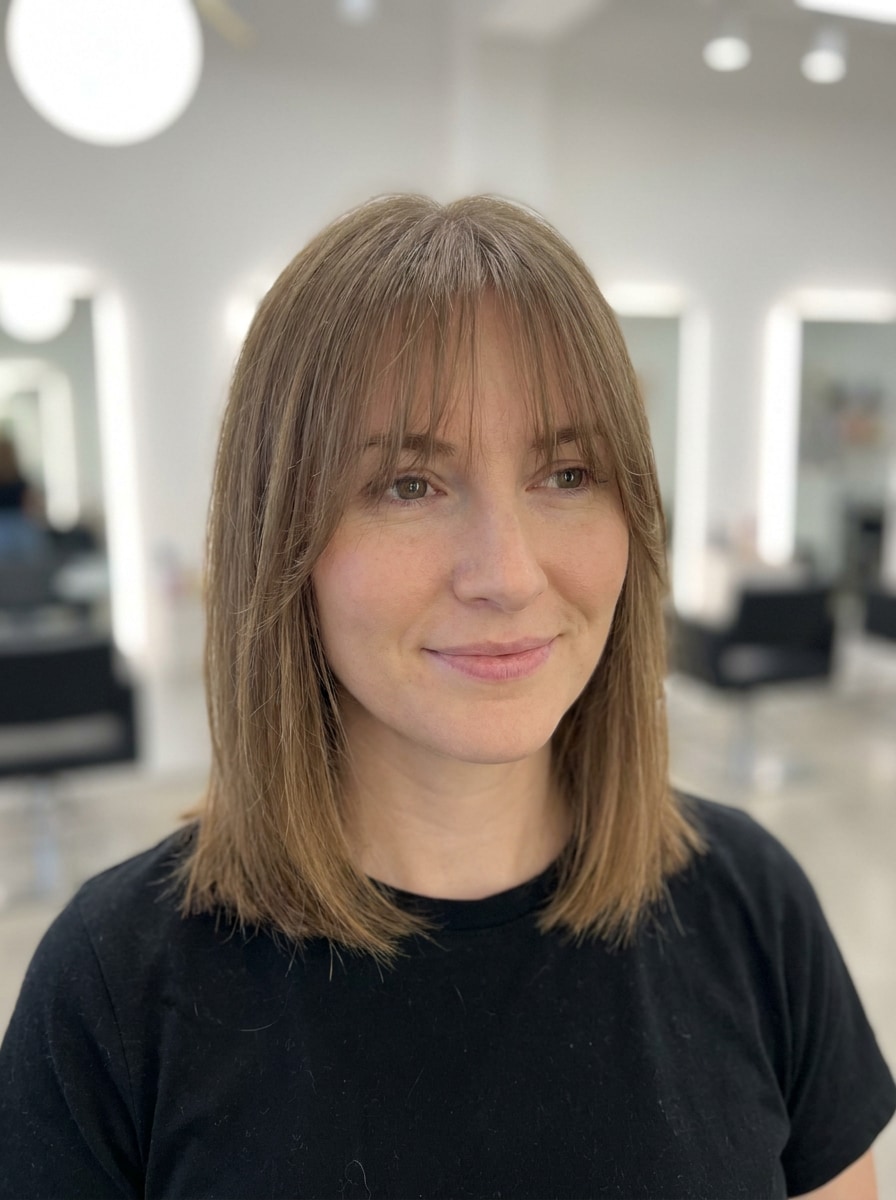
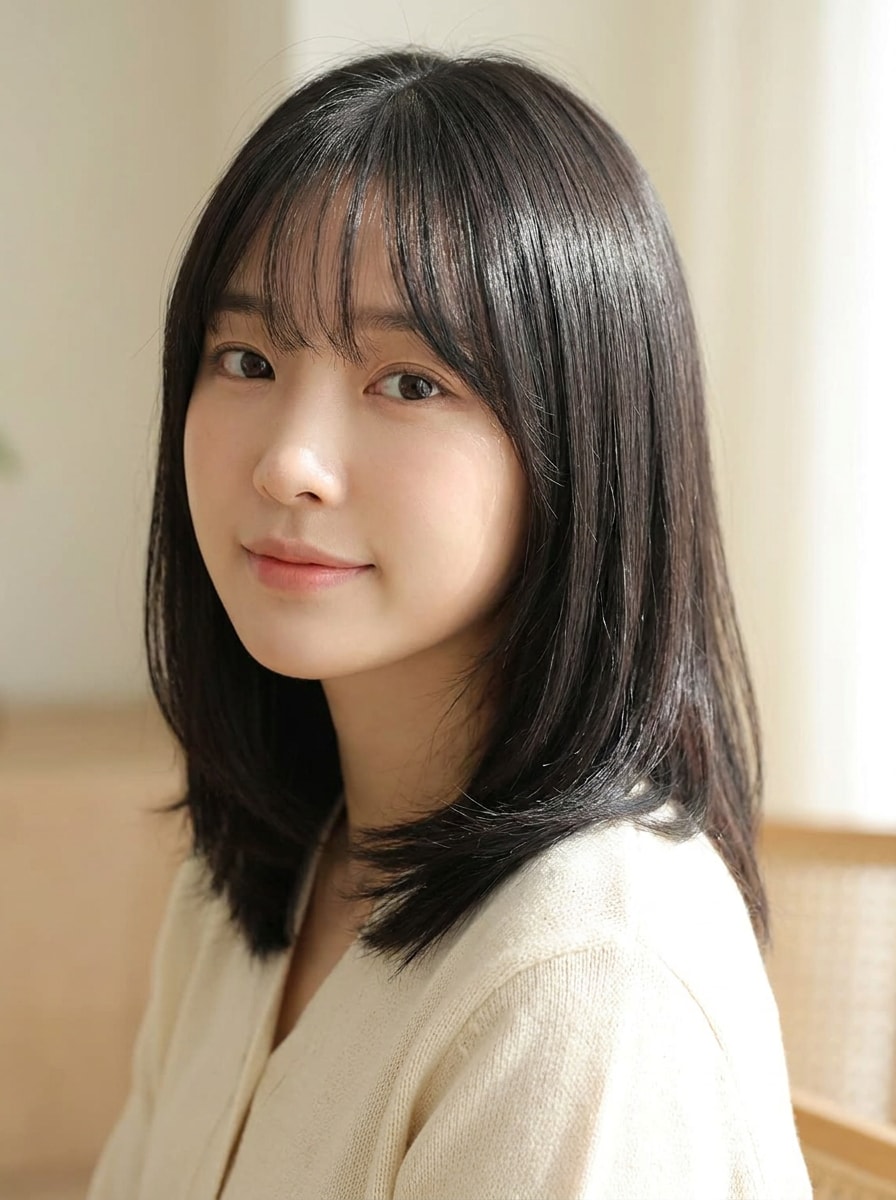
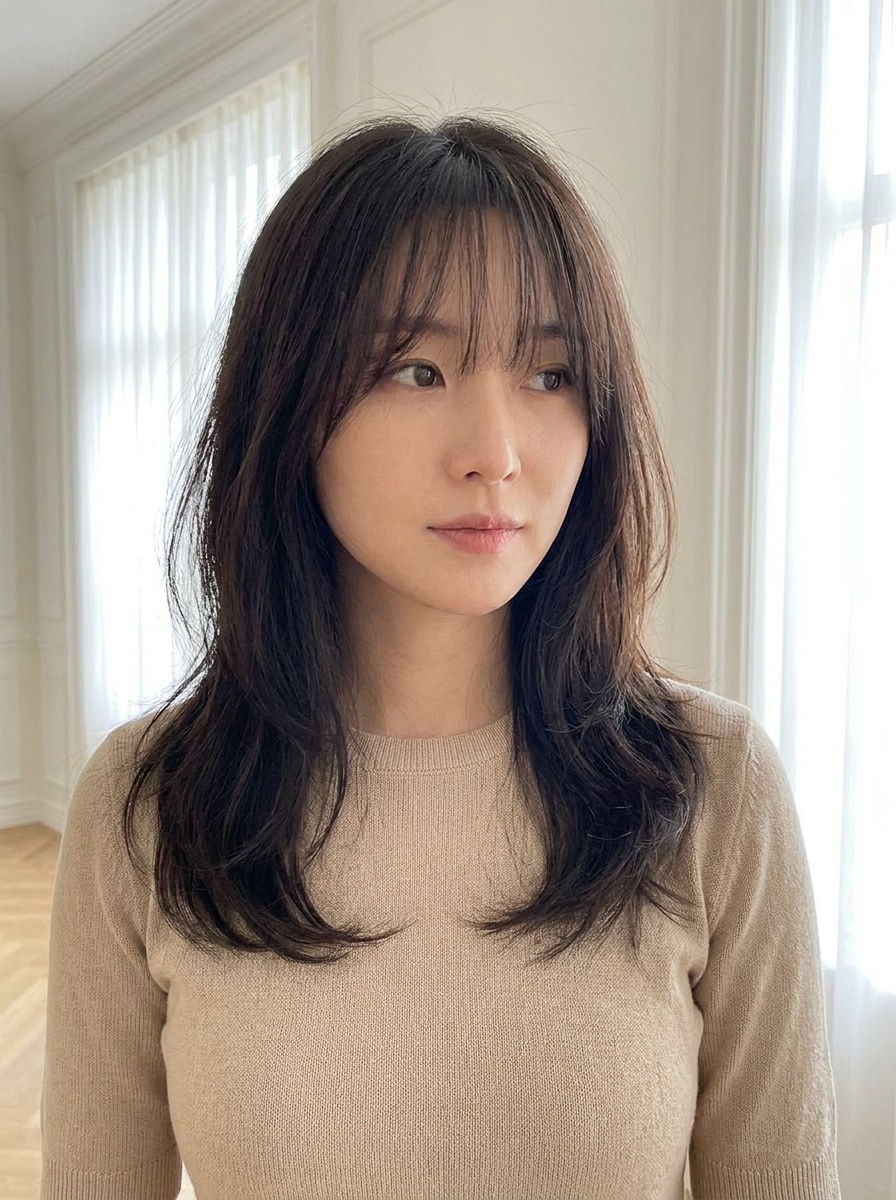
Filtro de Franja Cortina para Testes Realistas na Sua Foto
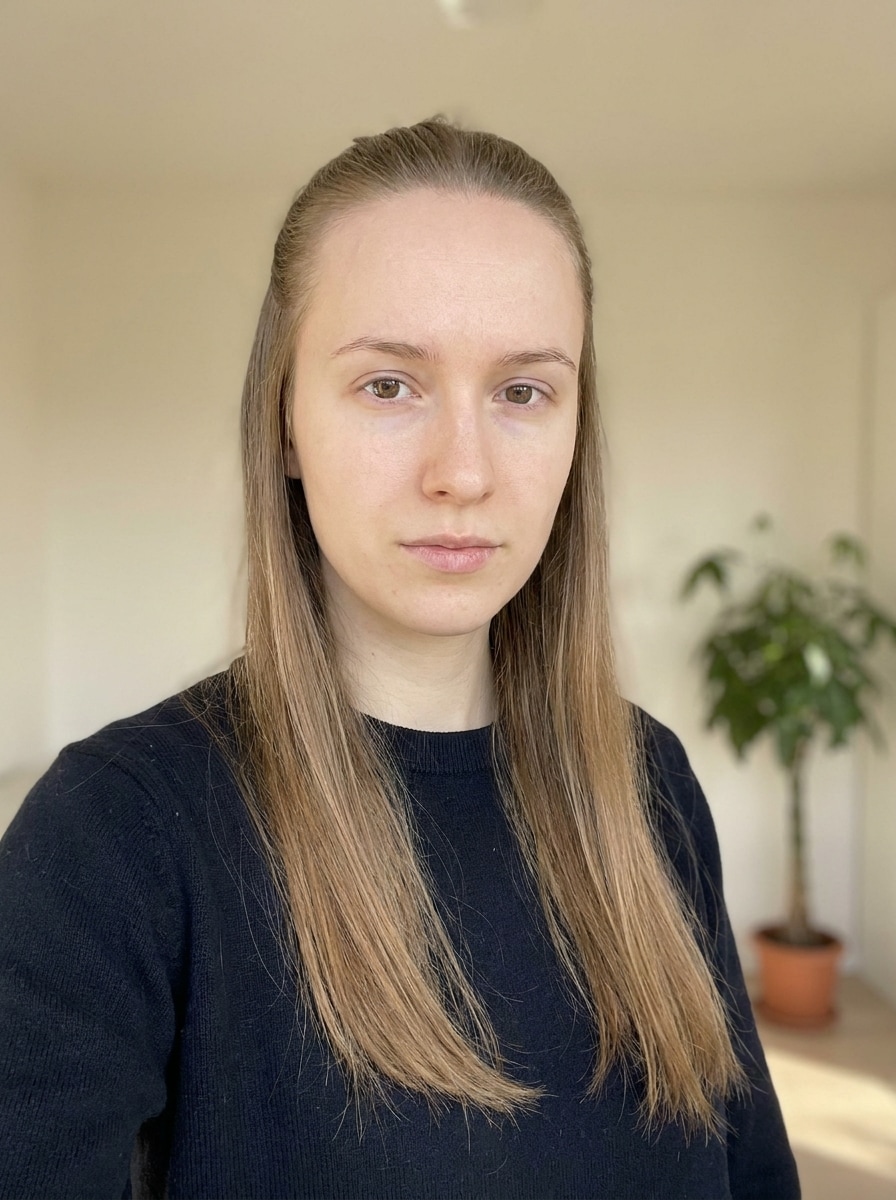
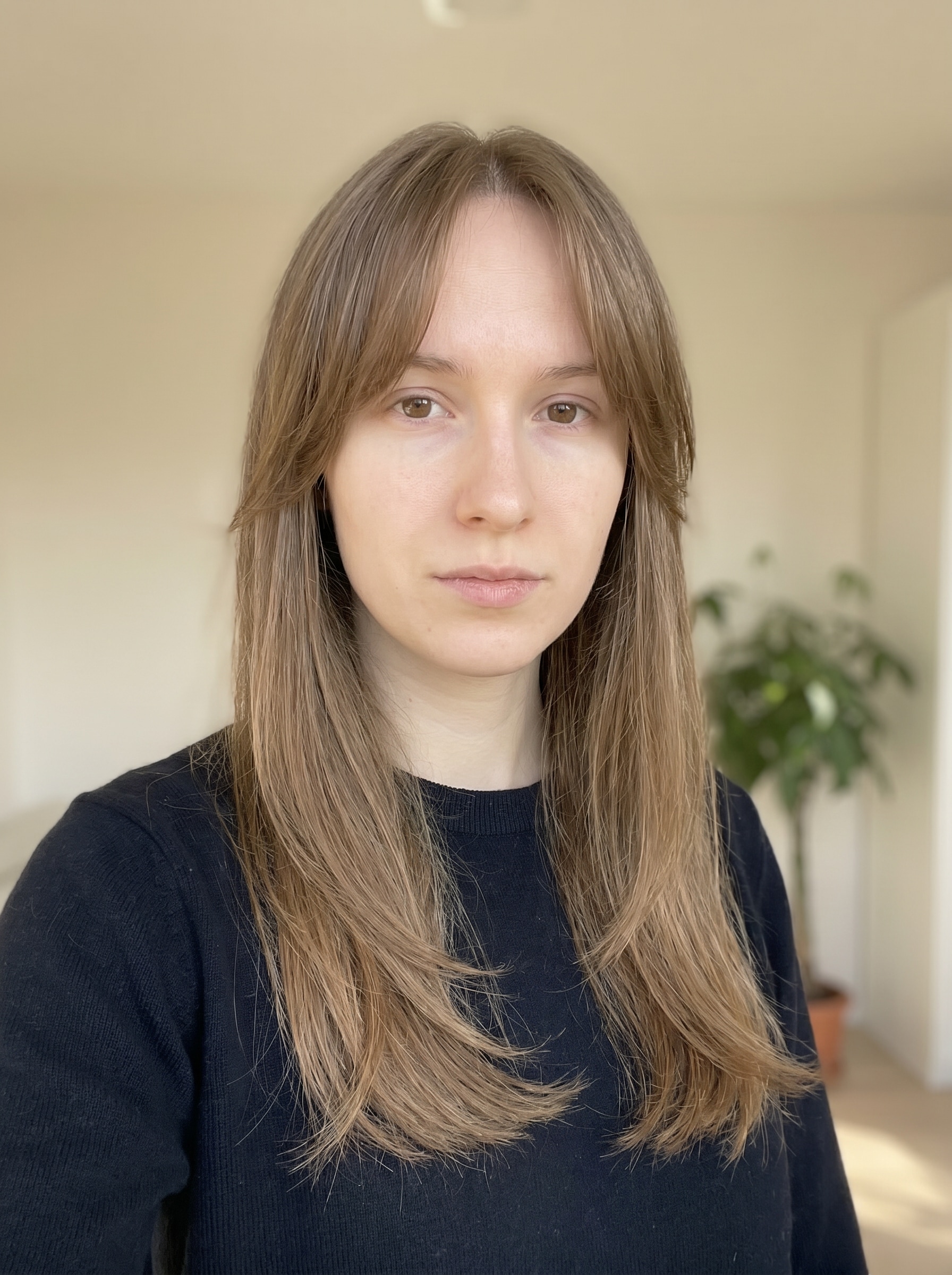
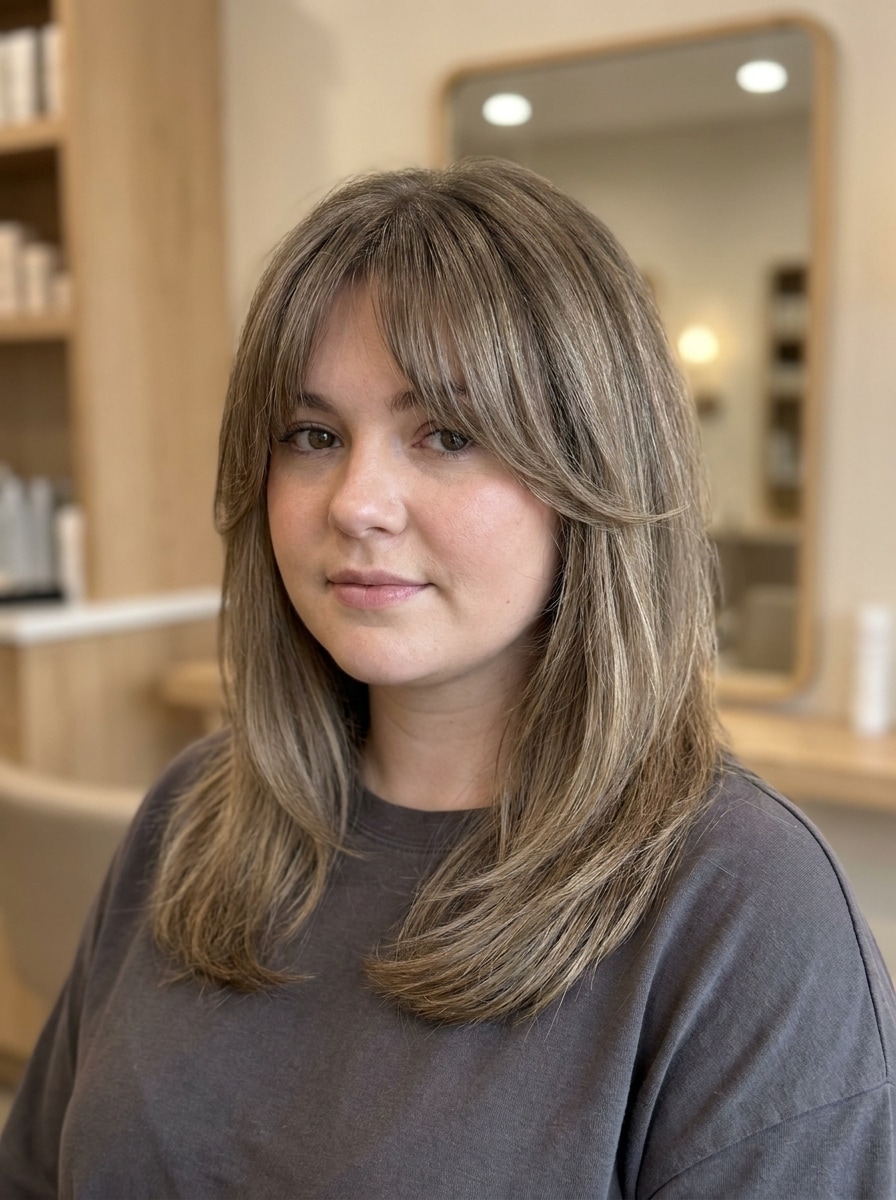
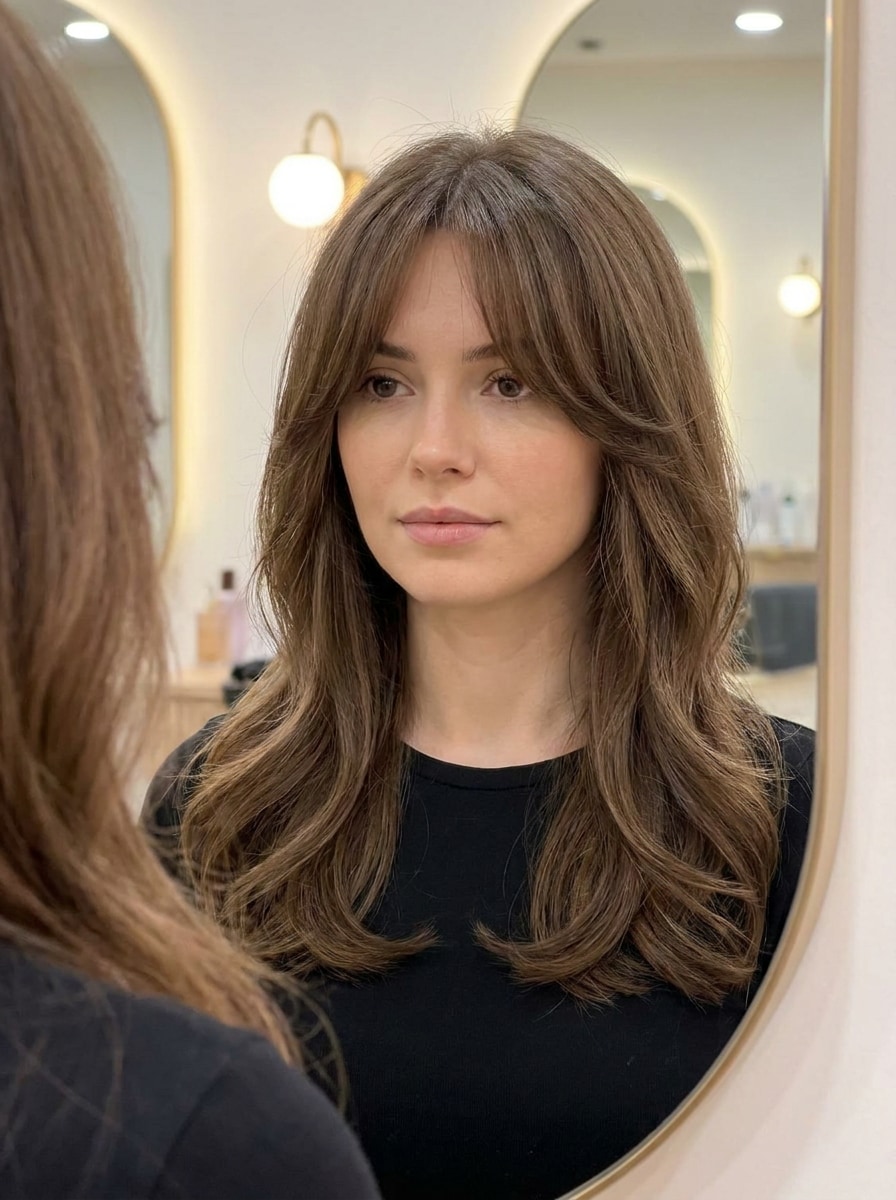
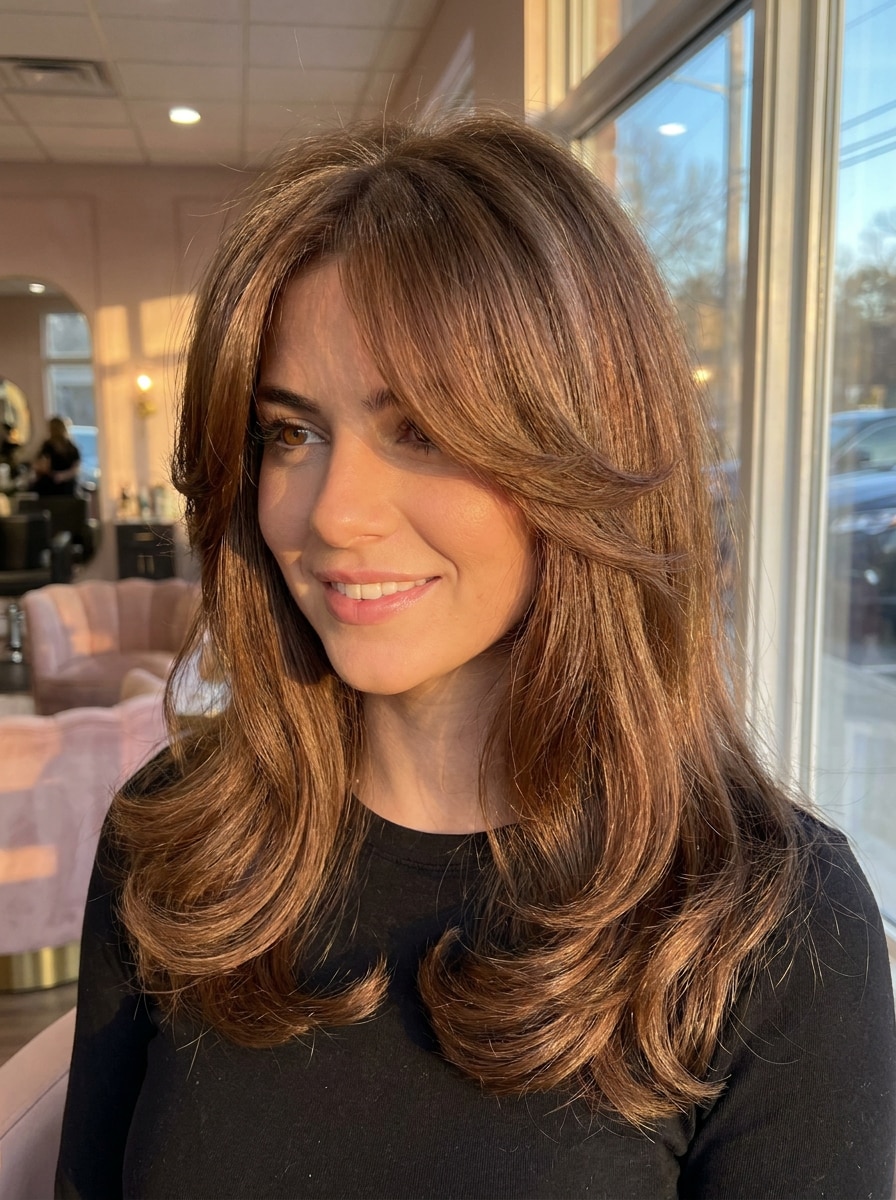
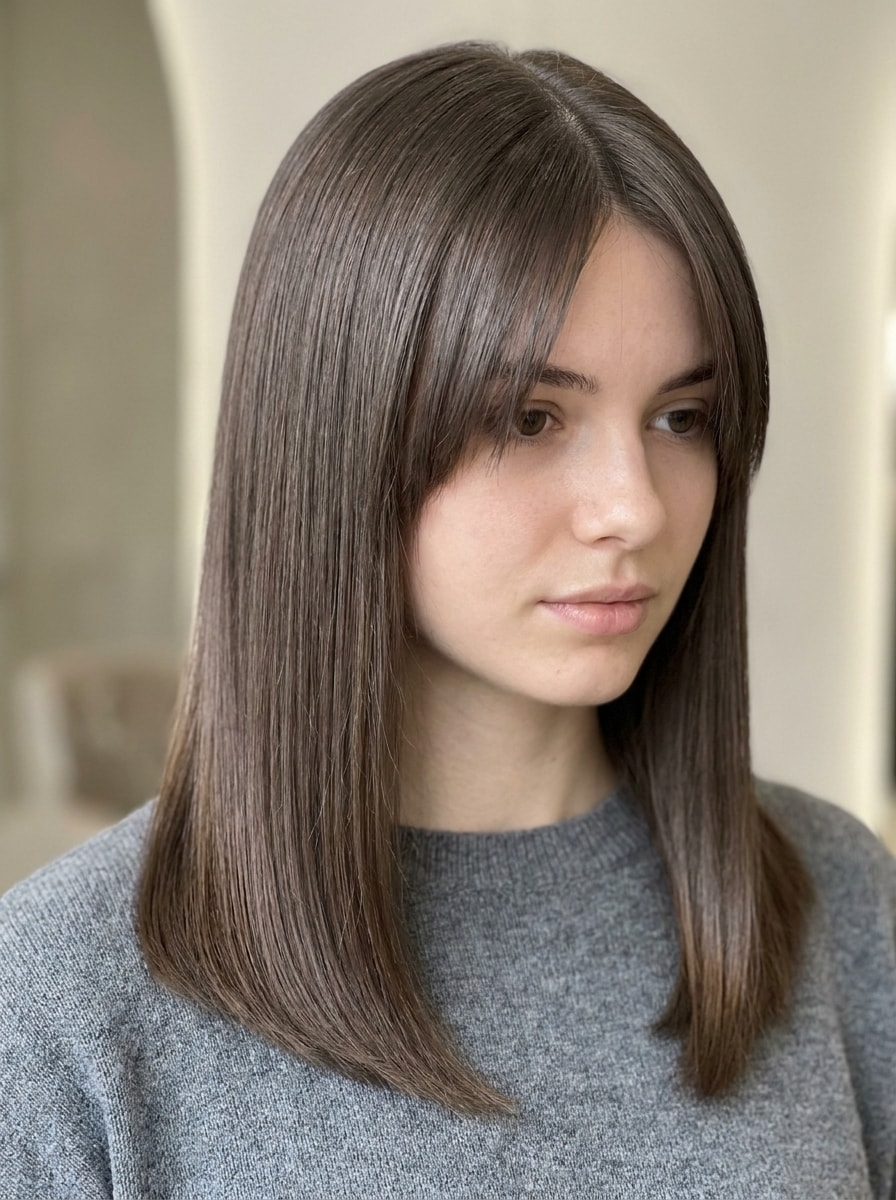
Veja como franja cortina pode valorizar seu próprio selfie em segundos. O Media.io permite que você use um filtro de franja cortina, compare estilos de franja suave, e teste franja cortina online com edições realistas de IA que combinam com o formato do seu rosto, textura do cabelo e visual geral.
Digite sua ideia -> A IA cria. Gratuito para testar.
Revise estes exemplos de comandos e depois personalize o pedido para obter resultados ainda melhores com este filtro de franja cortina online no Media.io.
Franja Cortina Clássica
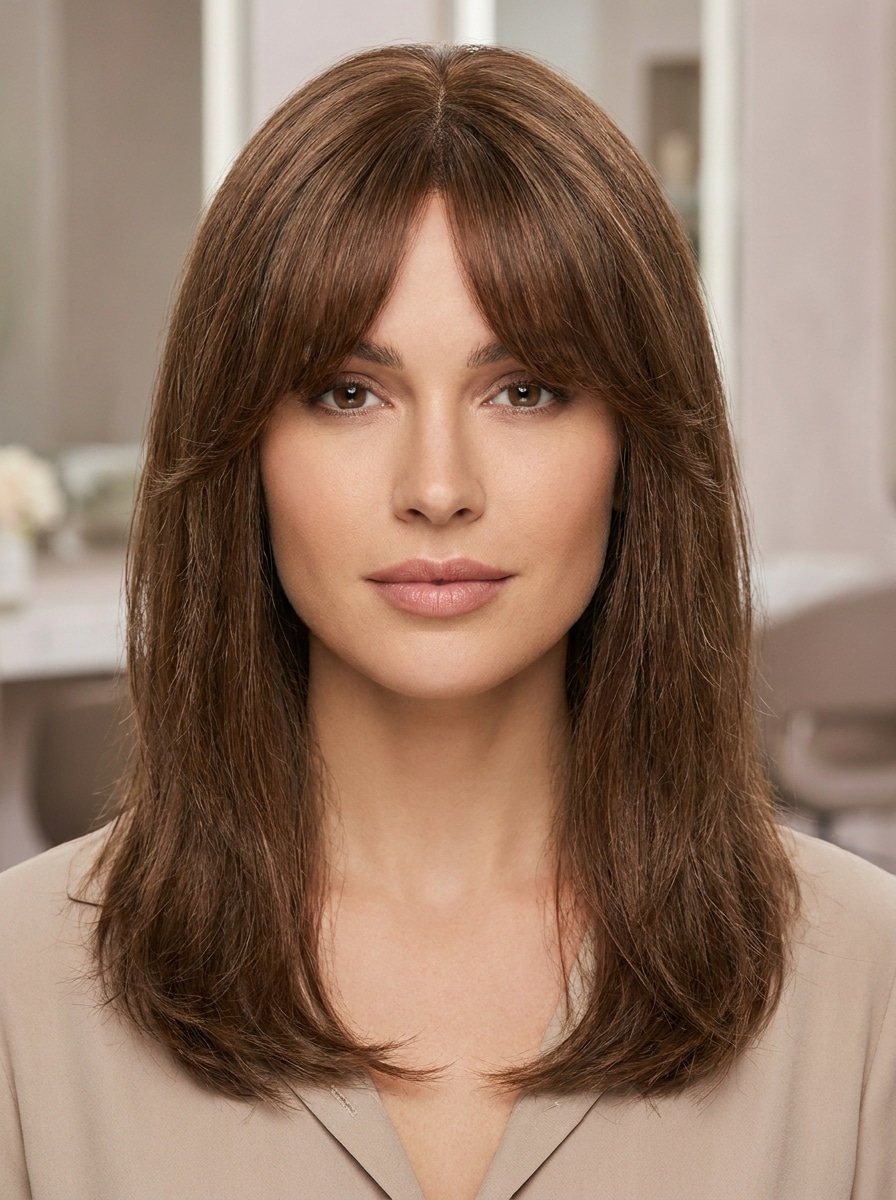
Use a imagem enviada como referência e transforme o penteado com franja cortina clássica: divisão central suave, textura castanho-médio natural, camadas leves que moldam o rosto, acabamento de salão limpo, separação realista dos fios, iluminação equilibrada, e um visual foto-realista que valoriza a beleza.
Franja Cortina Longa
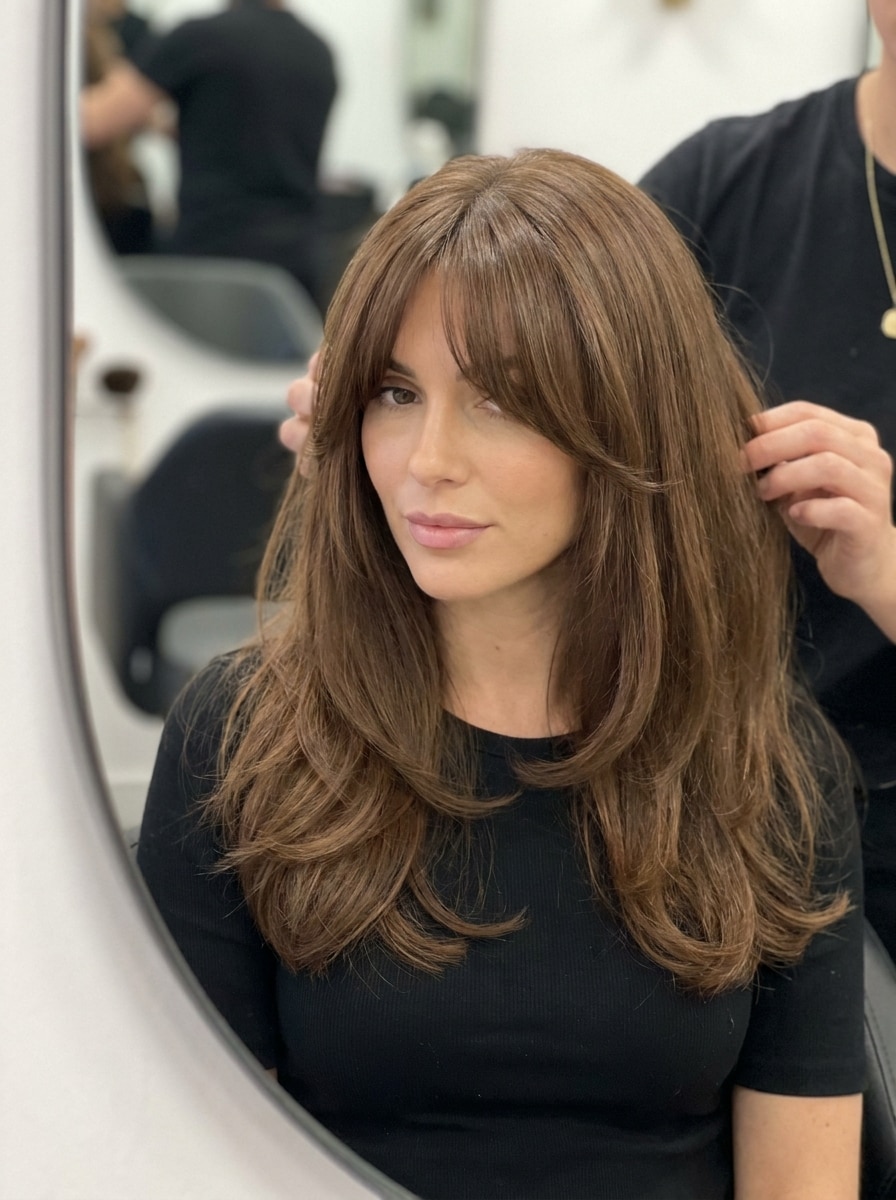
Use a imagem enviada como referência e adicione uma franja cortina longa com divisão gentil ao centro, fios direcionados para as bochechas que se misturam às camadas frontais mais longas, volume suave, textura lisa, brilho natural, movimento leve e iluminação realista de salão.
Franja Cortina Suave
Use a imagem enviada como referência e transforme o cabelo com franja cortina suave: fios leves e plumas, divisão delicada ao centro, cobertura leve da testa, movimento natural, textura sutil, iluminação difusa e visual de salão fresco e natural com detalhes convincentes.
Franja Cortina Fina
Use a imagem enviada como referência e adicione uma franja cortina fina com fios suaves e espaçados, divisão central limpa, densidade mínima, laterais levemente mescladas, textura natural suave, proporções que valorizam, iluminação neutra brilhante e uma transformação discreta e realista do cabelo.
Franja Cortina Aérea Coreana
Use a imagem enviada como referência e crie franja cortina aérea no estilo coreano, efeito translucido na franja, divisão gentil central, textura lisa e brilhante, camadas suaves emoldurando o rosto, iluminação de editorial limpa, tons pastel e neutros, acabamento natural refinado.
Franja Cortina Translúcida
Use a imagem enviada como referência e adicione franja cortina translúcida com fios delicados que tocam a testa, transparência sutil, divisão central suave, camadas leves, movimento gentil, integração natural e harmoniosa, iluminação limpa e brilhante, acabamento contemporâneo realista de salão.
Franja Cortina para Rosto Redondo
Use a imagem enviada como referência e aplique franja cortina feita para valorizar rostos redondos, divisão ao centro, camadas que alongam as bochechas, levantamento suave na raiz, volume controlado, textura natural, proporções equilibradas e iluminação realista de salão para efeito afinador.
Franja Cortina para Rosto Oval
Use a imagem enviada como referência e crie franja cortina para formato de rosto oval, divisão central equilibrada, transições suaves de camadas, textura natural, brilho delicado, proporções harmoniosas, moldando o rosto de forma atraente e iluminação de beleza foto-realista.
Franja Cortina Estilo Escova
Use a imagem enviada como referência e adicione franja cortina no estilo escova: raízes volumosas, pontas curvadas emoldurando o rosto, divisão central suave, textura brilhante, volume elevado, iluminação de salão quente, movimento suave e acabamento editorial de beleza glamourosa e realista.
Franja Cortina Lisa e Reta
Use a imagem enviada como referência e transforme o visual com franja cortina lisa e reta: fios lisos e polidos, divisão central definida, mínimo frizz, formato limpo, densidade natural, iluminação neutra fria, resultado moderno e refinado de salão.
Por que usar Media.io para testar Franja Cortina
Preserve a Identidade Mudando o Visual
Para quem está comparando ideias de corte, o Media.io transforma seu selfie enviado em um teste personalizado de franja cortina com IA, para você pré-visualizar comprimento, densidade e divisão nos seus verdadeiros traços antes de marcar salão.
Compare Variações Suaves, Longas, Aéreas e Moldando o Rosto Rapidamente
Quando o estilo é parte da decisão, o Media.io ajuda a comparar múltiplas direções partindo do mesmo filtro visual de franja cortina, tornando a escolha criativa mais eficiente.
Mantenha Visuais Finais Nítidos para Projetos Reais
Se o visual do filtro vai ser usado para publicação real, o Media.io oferece saída até 4K, mantendo as imagens claras em apresentações, fundos e reaproveitamento de conteúdo.
Use Sem Problemas no Celular ou no Computador
Seja testando o filtro no laptop ou conferindo rascunhos no celular, o Media.io é totalmente no navegador, permitindo que você siga o mesmo fluxo de trabalho em diferentes dispositivos facilmente.
Como usar o filtro de Franja Cortina Online
Transforme palavras em visuais incríveis em três etapas simples e continue refinando o resultado se quiser ir além.
Etapa 1
Envie Sua Imagem de Referência
Comece com um selfie ou retrato claro, onde a testa e a linha do cabelo sejam visíveis. Uma imagem JPG, PNG ou JPEG bem iluminada ajuda a ferramenta a posicionar a franja cortina de forma mais natural, produzindo uma prévia convincente.
Etapa 2
Descreva a Mudança e Defina Opções
Digite o estilo de franja cortina desejado: suave, longa, aérea ou escova. Então, escolha o modelo preferido e ajuste opções da imagem como proporção, resolução e número de variações para comparar diferentes resultados.
Etapa 3
Gere, Baixe e Continue Aprimorando
Crie uma prévia do novo penteado, revise formatos diferentes de franja e baixe a versão que mais gostar. Você pode ainda aperfeiçoar o comando, gerar novas variações ou editar até que o visual se adapte à ideia de corte que deseja testar.
Desbloqueie o Potencial de Teste de Franja Cortina
Veja como criadores usam o filtro de franja cortina para conteúdo, marketing e projetos pessoais e adapte cada ideia ao seu objetivo.
Confira se o Corte Valoriza o Formato do Seu Rosto
Use a prévia para ver se a franja central e suave equilibra rostos redondos, ovais ou longos. O Media.io ajuda a testar uma aparência realista antes do corte, usando seu próprio selfie e não só inspiração de celebridade ou exemplos genéricos.
Compare Comprimento e Densidade da Franja antes da Visita ao Salão
Teste camadas leves, franja na altura do osso da bochecha ou franja que molda o rosto no mesmo selfie. Um rápido teste de franja cortina com o Media.io pode mostrar ao cabeleireiro a direção desejada e evitar mal-entendidos.
Crie Conteúdo Antes e Depois para as Redes Sociais
Se você quer um resultado impecável para TikTok, Instagram ou Pinterest, o Media.io permite gerar diversos estilos, salvar as melhores comparações e compartilhar uma transformação discreta que ainda pareça crível em seu rosto.
O que Usuários Dizem sobre esta Ferramenta de Teste de Franja
Maya R.
Criadora de Conteúdo de Beleza
"Prévia surpreendentemente realista"Queria saber se franja cortina combinava comigo sem cortar de verdade. O resultado ficou natural na testa e bochechas, e comparar versões me ajudou a escolher um estilo para mostrar no salão.
Jordan T.
Cliente de Salão
"Útil para decidir antes de agendar"Usei no celular e tive uma ideia clara de como franja cortina longa moldaria meu rosto. Foi bem mais útil que ler artigos de penteado pois pude ver o visual na minha própria foto.
Elena P.
Blogueira de Estilo de Vida
"Ótimo para posts antes e depois nas redes"Fiz uma imagem comparativa para o Instagram e fiquei impressionada com o acabamento do cabelo editado. As opções de franja suave ficaram especialmente boas e bastou ajustar alguns comandos para chegar no efeito desejado.
Sophie L.
Estudante Universitária
"Fácil para testar diferentes estilos de franja"Testei versões aérea, fina e escova no mesmo selfie. Ficou claro qual combinava mais comigo e gostei de poder ajustar o estilo ao invés de ficar só com um resultado automático.
Explore os efeitos de vídeo e imagem de IA mais quentes
Perguntas Frequentes sobre o Filtro de Franja Cortina
1. Como posso testar o filtro de franja cortina na minha foto?
Envie um selfie claro para o Media.io e digite um comando descrevendo a franja cortina desejada: suave, longa, aérea ou lisa. O filtro usa sua foto como referência, então você pode pré-visualizar franja personalizada e baixar a versão que mais gostar.
2. Franja cortina combina com o formato do meu rosto?
Franja cortina costuma funcionar bem pois comprimento, densidade e divisão podem ser ajustados para diferentes traços. Com o Media.io, você testa franja cortina online na sua própria imagem e vê estilos adaptados a formatos redondo, oval ou longo antes de mudar de verdade.
3. Este filtro de franja com IA é gratuito?
Sim, usuários gratuitos podem testar a ferramenta com créditos grátis. Para mais gerações ou baixar versões em alta resolução sem marca d’água, confira a página de preços do Media.io para planos pagos.
4. Posso usar o filtro de franja cortina no celular?
O Media.io é baseado na web, permitindo testar no navegador do celular sem instalar outro software. Assim, fica fácil fazer um teste rápido de franja virtual em iPhone, Android, tablet ou computador quando quiser.
5. Quais formatos de foto o teste de franja aceita?
O envio suporta arquivos JPG, PNG e JPEG. Para melhor resultado, use retrato claro com linha do cabelo visível e boa iluminação, assim a IA pode encaixar e mesclar a franja cortina de forma mais natural.
6. Quão realista é a prévia de franja cortina virtual?
O Media.io é feito para edições realistas de imagem para penteados, então a prévia busca mesclar franja nova ao seu rosto, linha do cabelo e textura original. Os resultados podem ser especialmente convincentes com fotos nítidas de frente e comandos detalhados sobre comprimento, formato e acabamento desejados.