Selecione / @ personagem, descreva a cena que você deseja gerar.
0/2000
9:16
1K
1
Modo Ilimitado do Banana Pro
Criações
Hub de Ideias
Como funciona
Todos
Recursos populares
Ver tudo
Desafio Criativo de Halloween
Ver tudo
História de Frutas com IA
Ver tudo
Vídeo de História com IA
Ver tudo
Vídeos Virais Hoje
Ver tudo
Vídeos de Produto com IA
Ver tudo
Personagem AI
Ver tudo
Tendências de Dança
Ver tudo
GPT Image 2
Ver tudo
Seedance 2.0
Ver tudo
Correspondência de Celebridade por IA
Ver tudo
Dicas de Poses para Casais
Ver tudo
Prompts de Poses de Garota AI Estética
Ver tudo
Sugestões de Pose de Garoto Elegante com IA
Ver tudo
Lista de geração
As criações são armazenadas por apenas 7 dias. Os recursos criados após o upgrade para um plano de assinatura serão armazenados permanentemente.
Desbloqueie seu potencial criativo e experimente a magia da IA de mídia hoje!
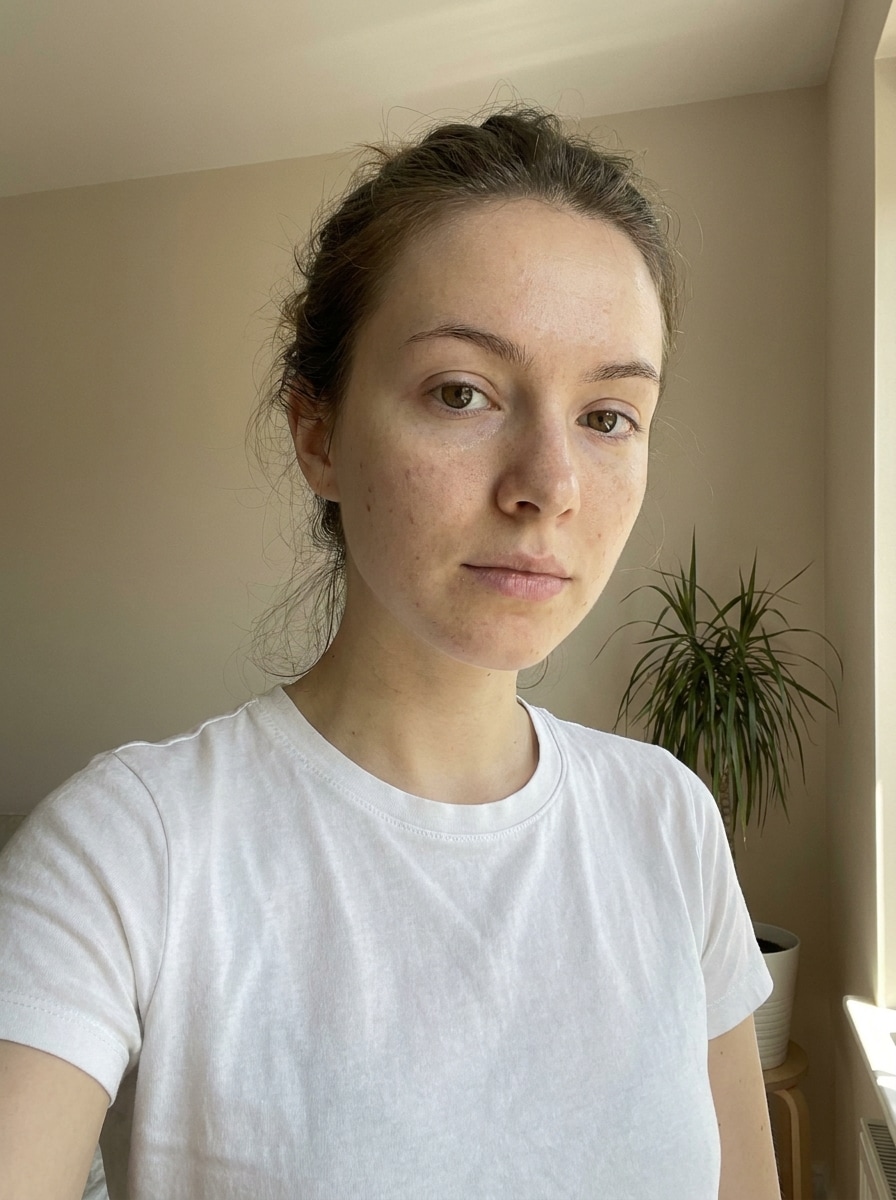
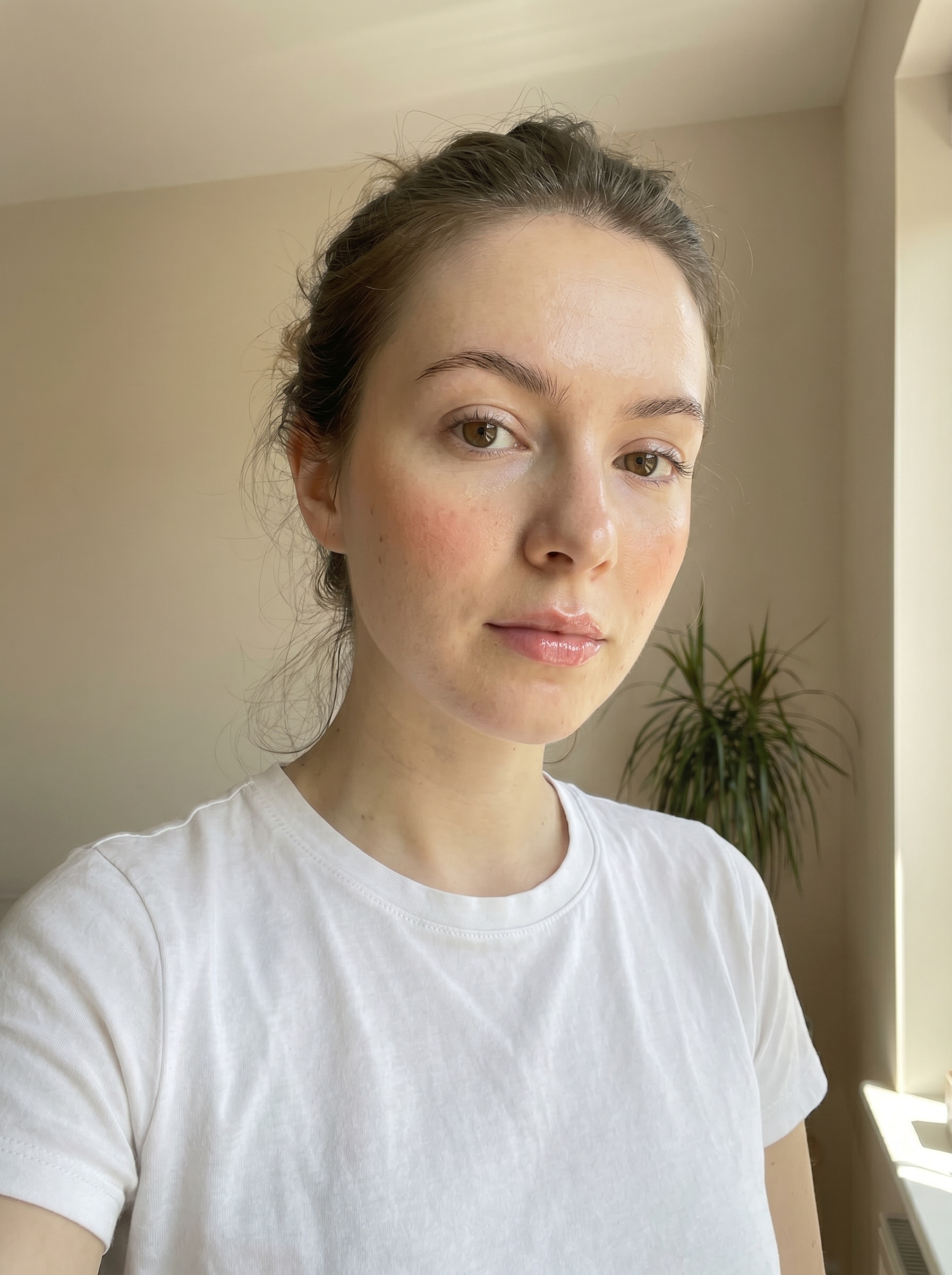
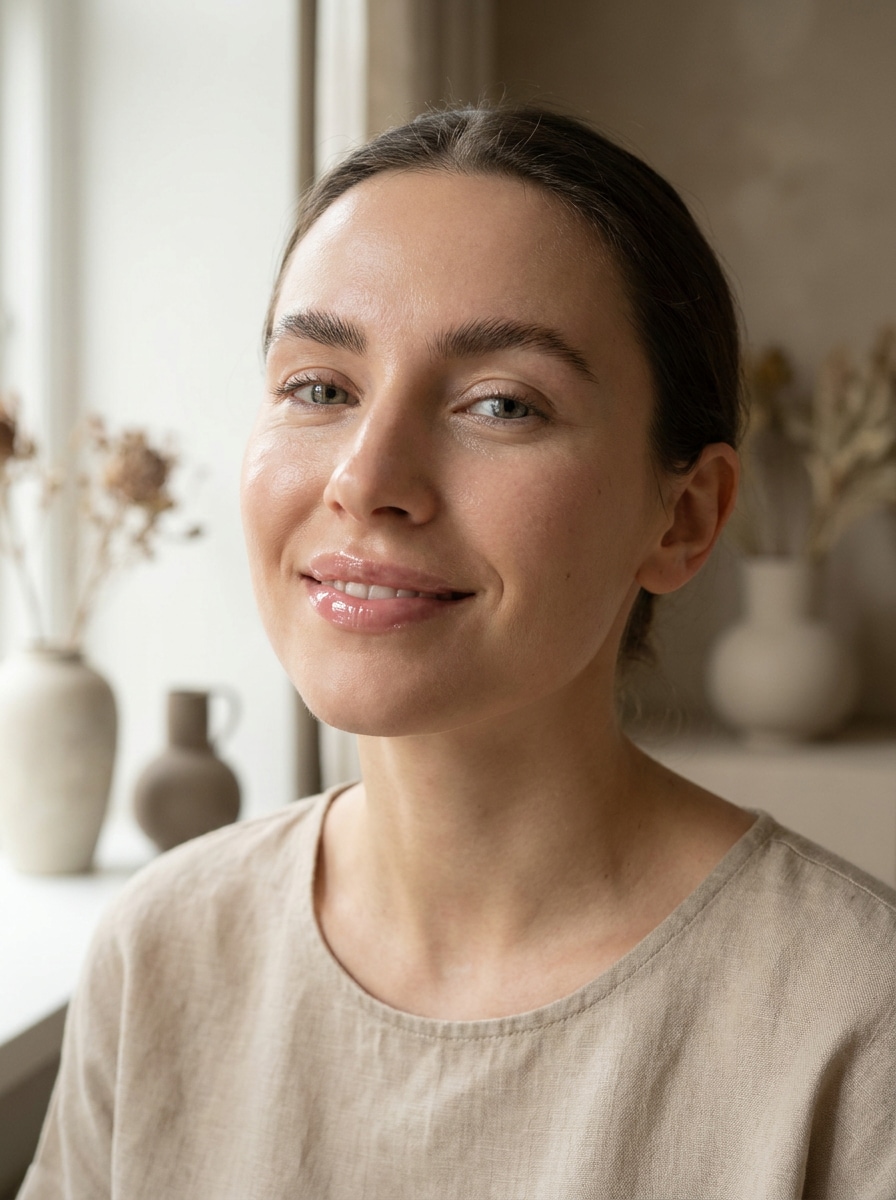
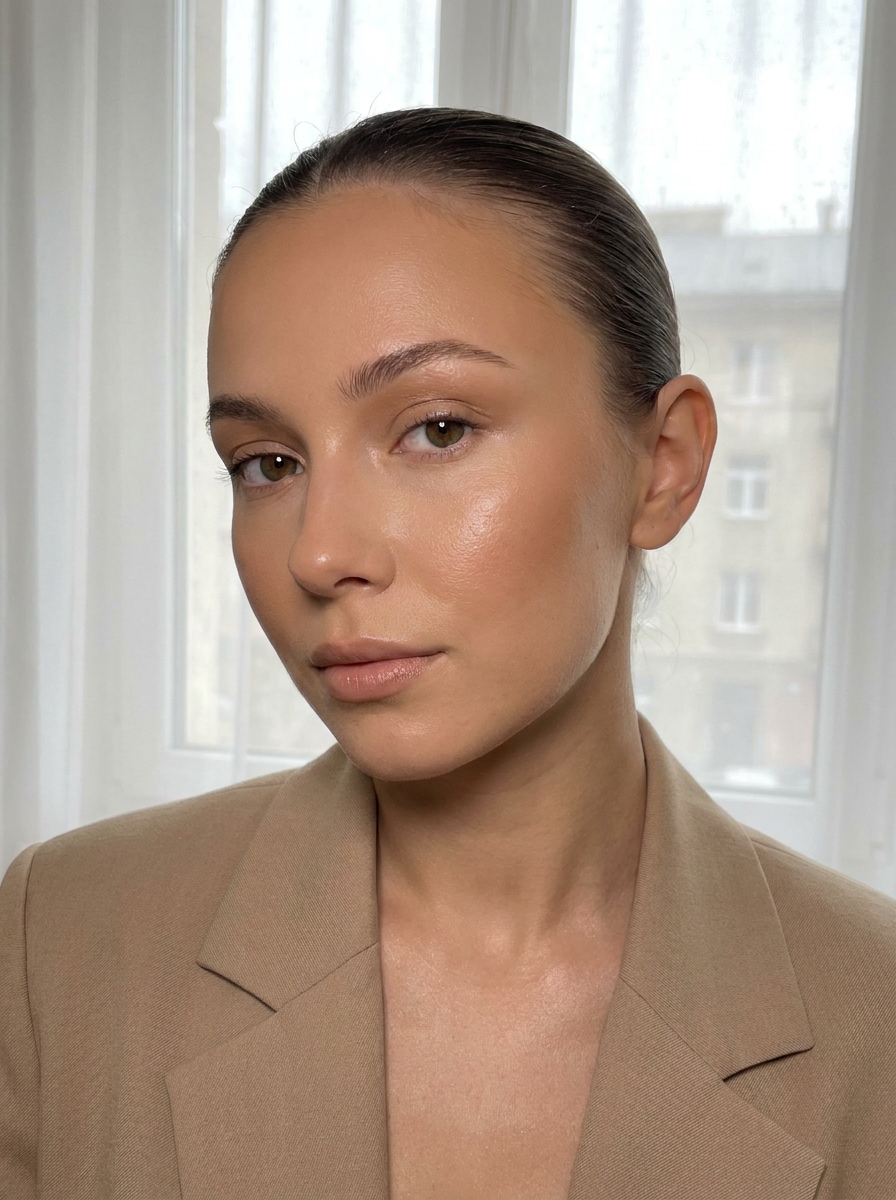
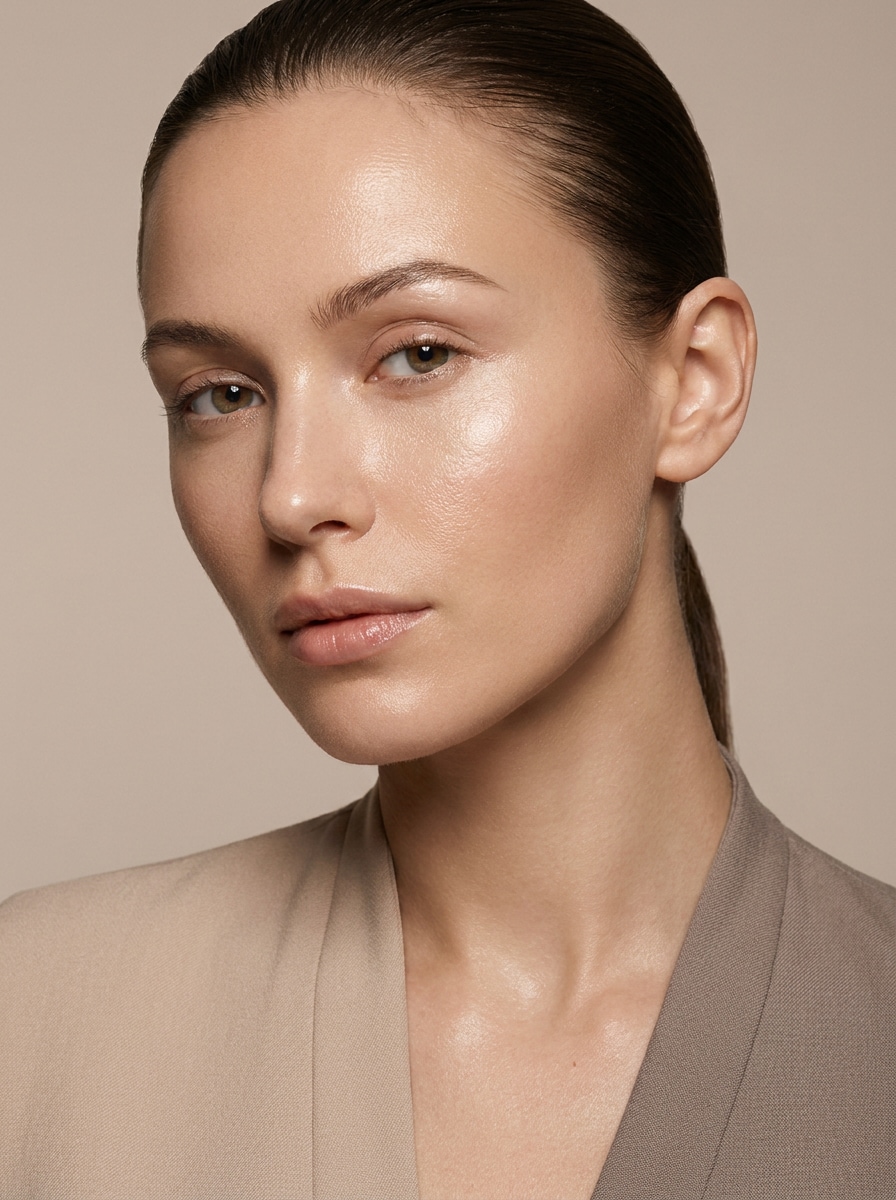
Crie um Visual de Filtro Clean Girl Natural a Partir de Qualquer Foto
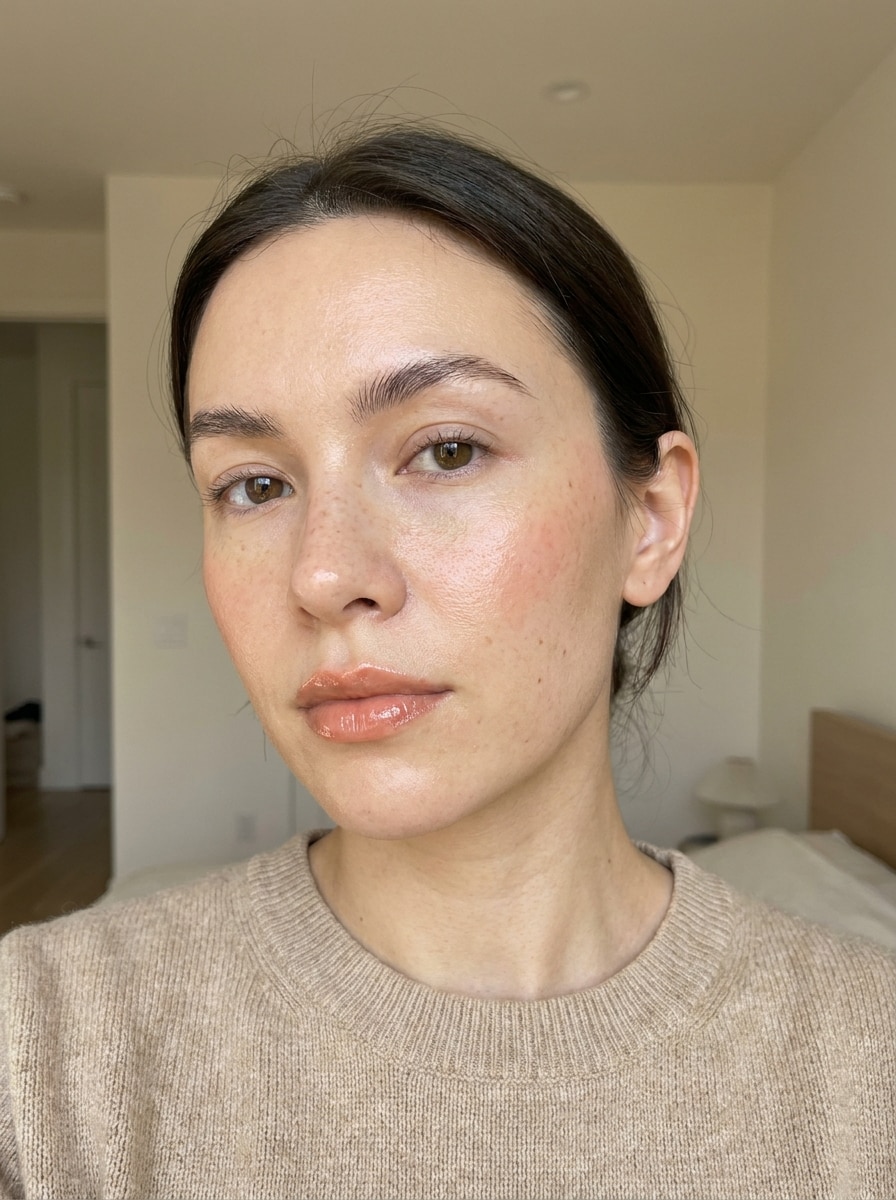
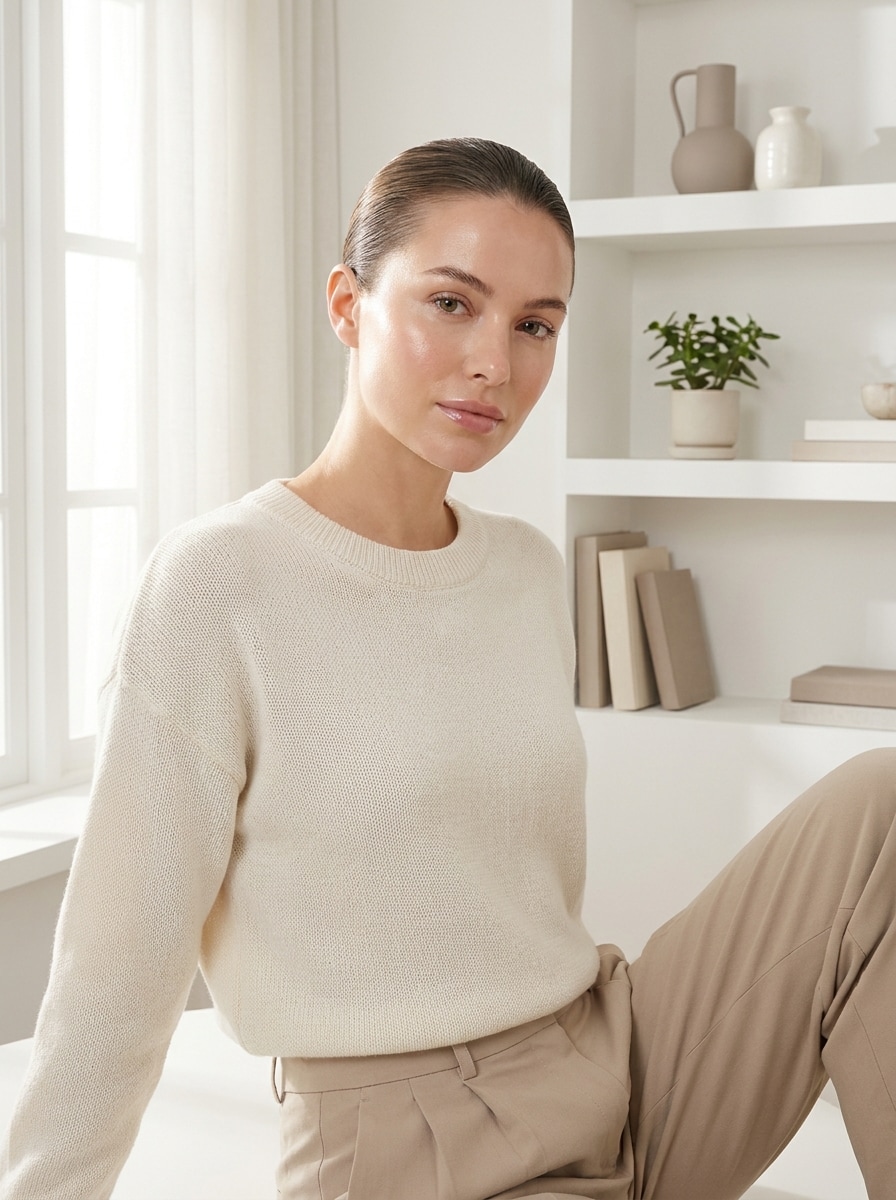
Transforme selfies e retratos em um filtro clean girl polido com pele iluminada, luz suave e tons neutros. O Media.io ajuda você a criar um efeito de filtro estético clean girl que parece fresco, moderno e natural no celular ou no desktop.
Digite sua ideia -> A IA cria para você. Grátis para testar.
Veja esses exemplos de direções, depois personalize os detalhes do prompt para obter resultados mais fortes com este filtro clean girl ou uma variação de glam mais suave no Media.io.
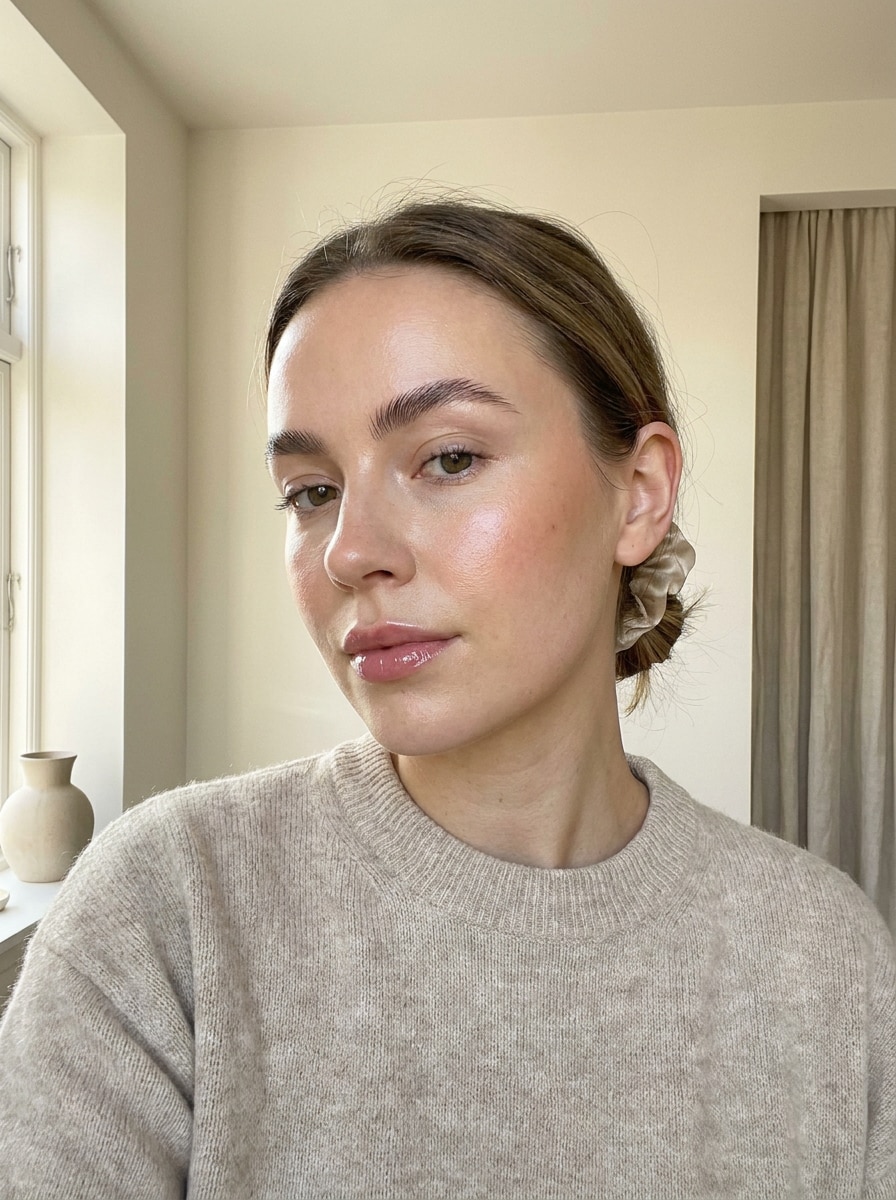
Selfie Minimalista com Pele Iluminada
Use a imagem enviada como sujeito e transforme-a em um retrato clean girl minimalista com pele iluminada. Mantenha a identidade facial reconhecível, adicione pele luminosa, blush sutil, lábios brilhosos, sobrancelhas naturais, iluminação clara e arejada, tons bege cremoso, fundo organizado e um acabamento de beleza polido, mas realista.
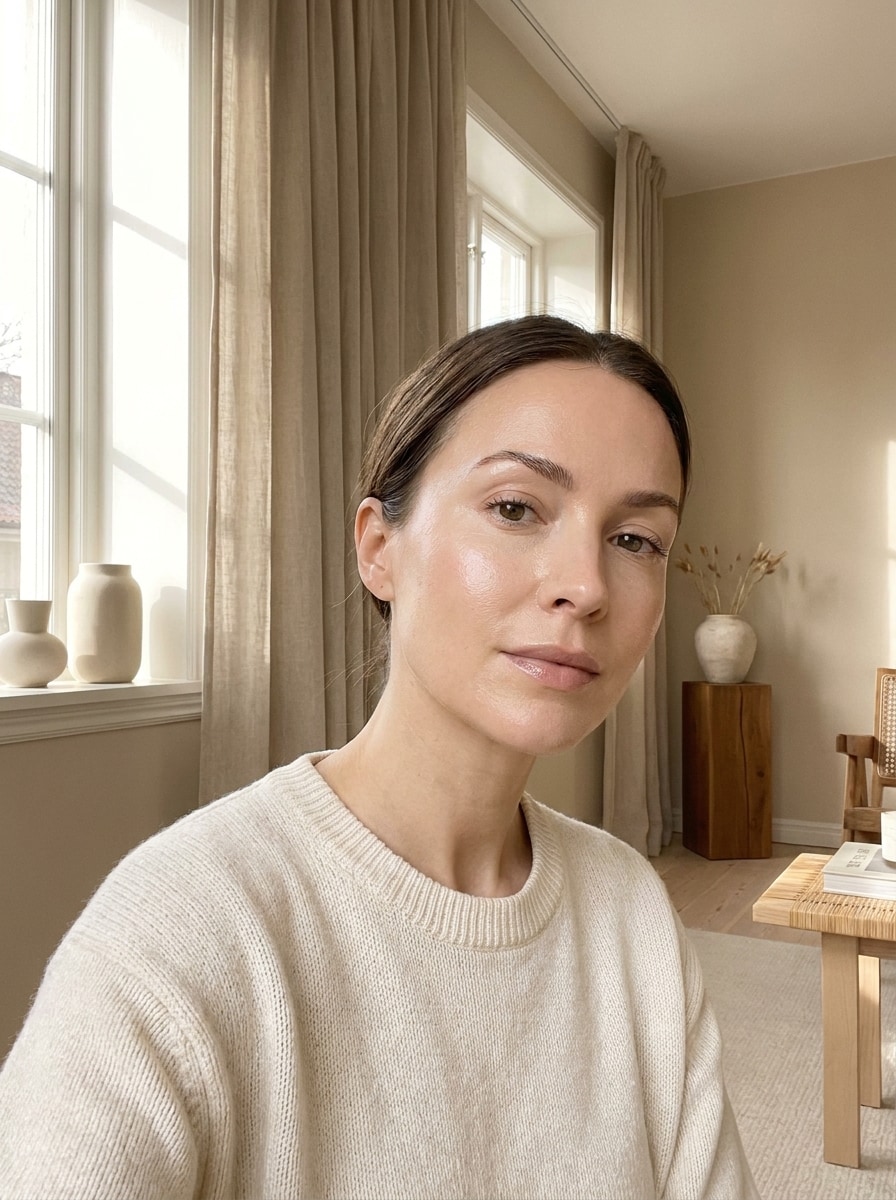
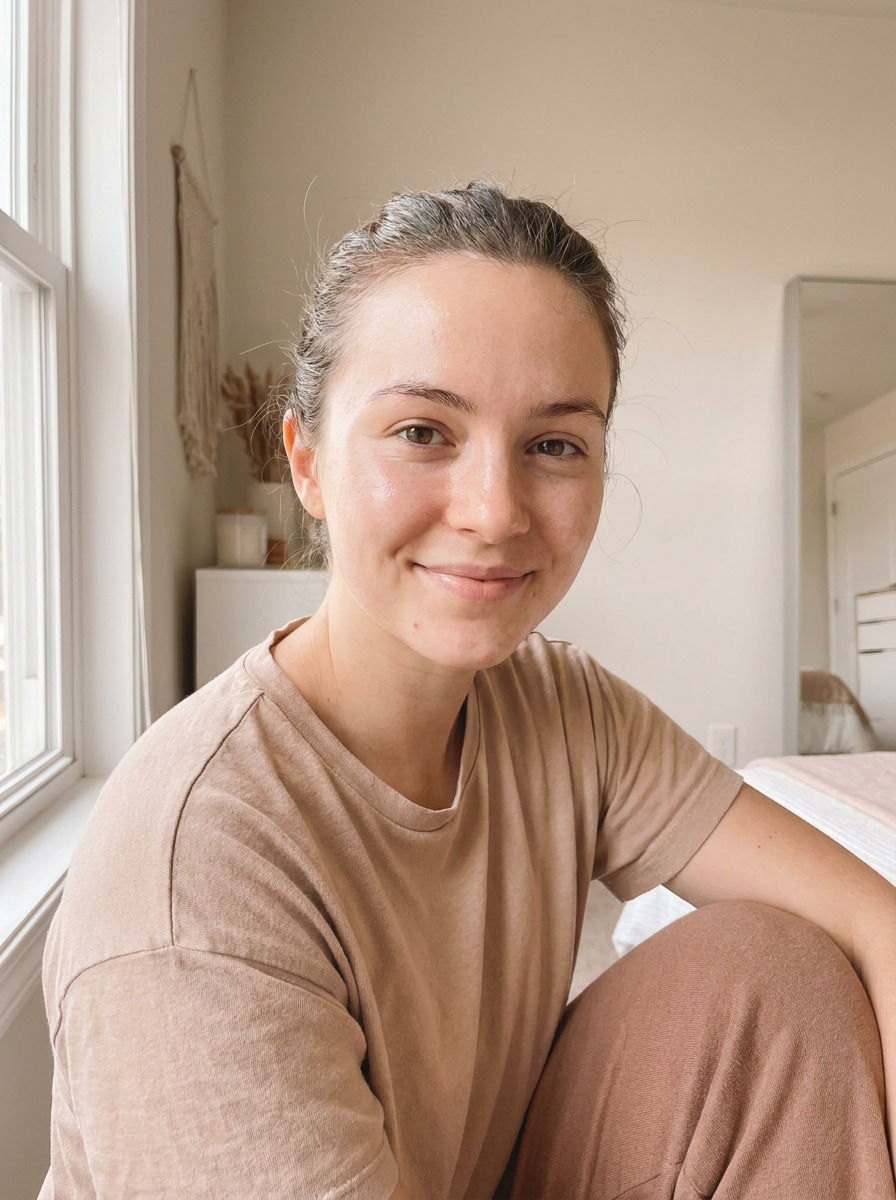
Brilho Suave da Manhã
Use a imagem enviada como sujeito e reestilize-a com luz solar suave da manhã e um mood clean girl fresco. Adicione realces delicados, pele luminosa, brancos cremosos, gradação de cor bege quente, fundo tranquilo e sem desordem, e detalhe facial natural para um retrato elegante de estilo de vida.
Beleza Clean para o Instagram
Use a imagem enviada como sujeito e crie uma edição de beleza clean pronta para o Instagram. Aumente a exposição, suavize as sombras levemente, mantenha a textura realista da pele, adicione lábios brilhosos e definição suave das sobrancelhas, aplique uma paleta neutra bege e mantenha um acabamento nítido, porém suave, amigável para redes sociais.
Edição Clean Viral do TikTok
Use a imagem enviada como sujeito e aplique uma edição clean viral inspirada no TikTok. Adicione pele polida, realces iluminados, contorno leve, tons quentes suaves, luz lisonjeira e suave, energia de maquiagem mínima e um resultado moderno, mas crível, que ainda preserva a identidade e os detalhes naturais.
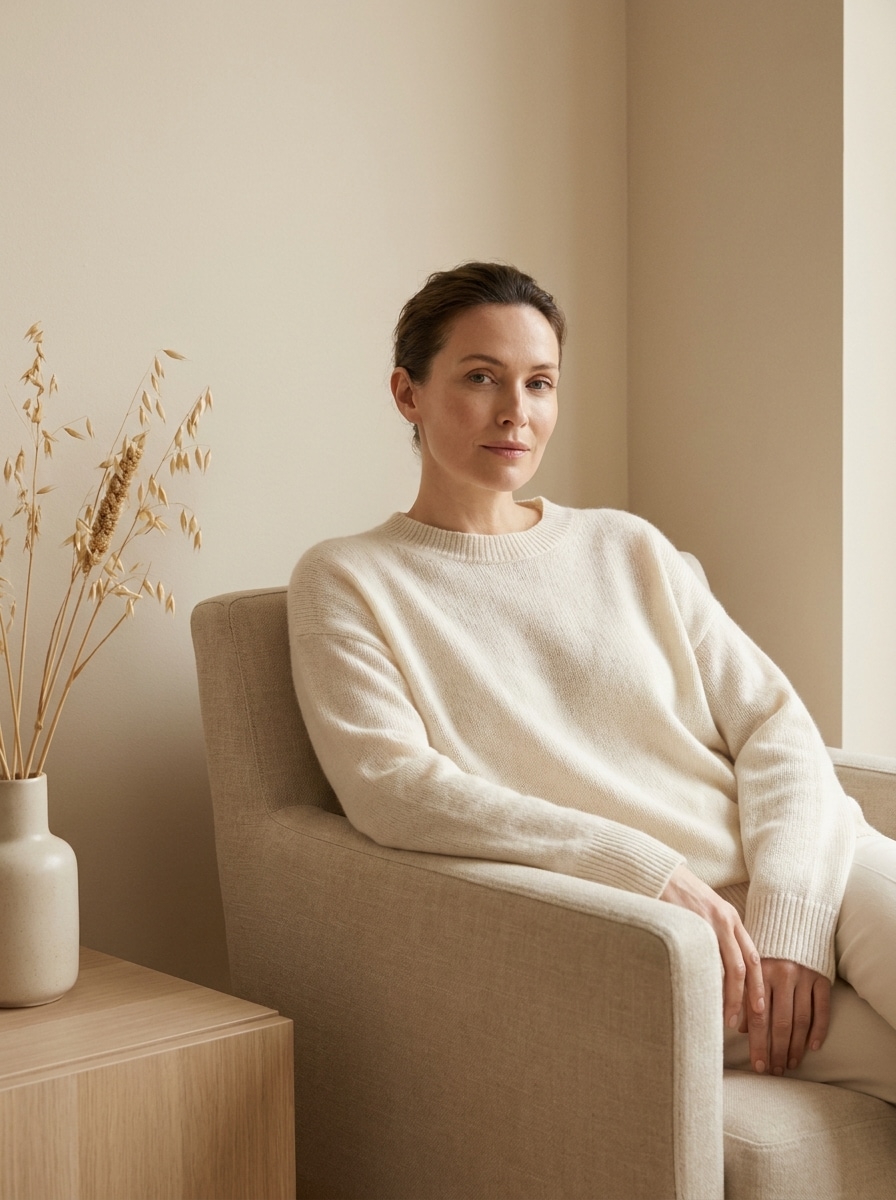
Minimalismo de Luxo Bege
Use a imagem enviada como sujeito e transforme toda a cena em minimalismo de luxo bege. Refine a pele delicadamente, reduza a desordem visual, direcione as cores para marfim, aveia e bege quente, adicione iluminação premium suave e crie um mood de estilo de vida clean girl caro e discreto.
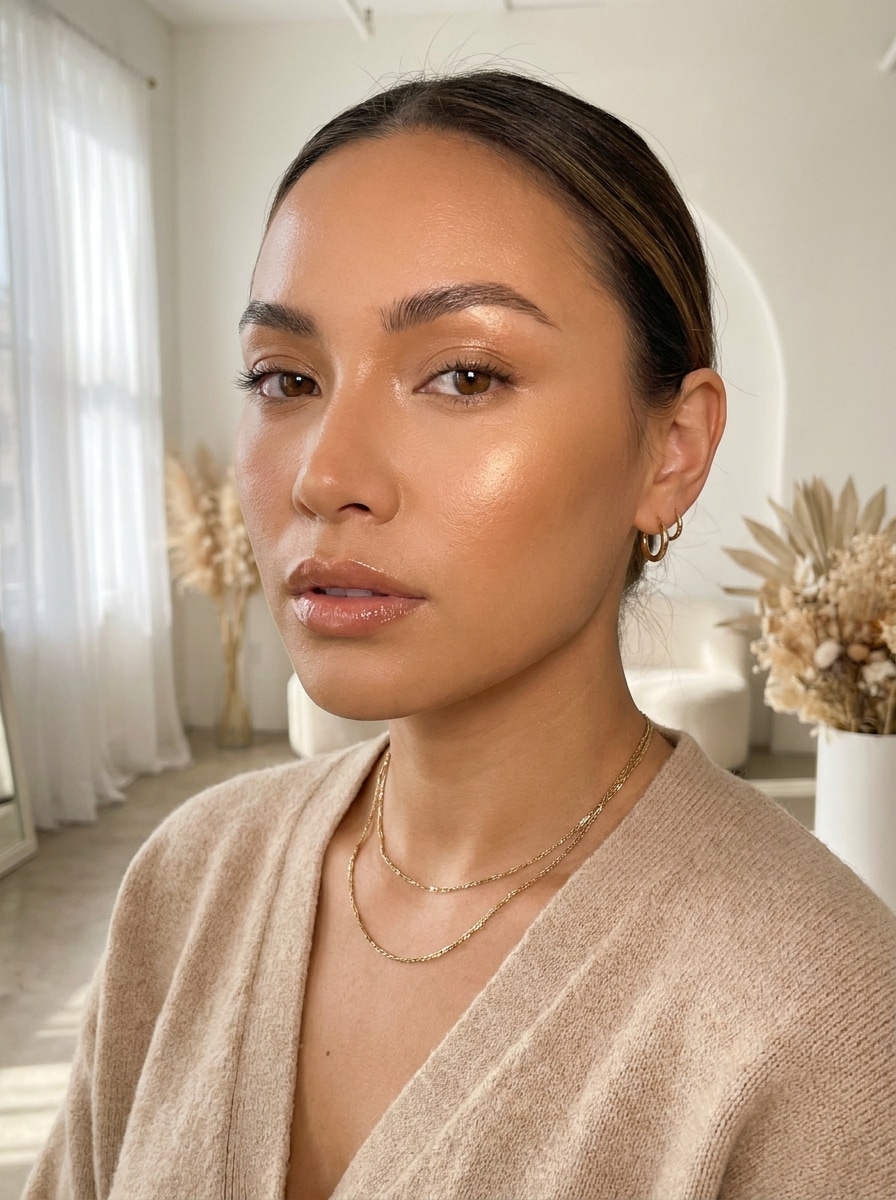
Brilho de Joias Douradas
Use a imagem enviada como sujeito e realce-a com um brilho de beleza clean radiante e acentos dourados suaves. Enfatize pele luminosa, realces quentes, maquiagem natural brilhosa, detalhes delicados de joias, tons de fundo arejados e um retrato minimalista chique que parece refinado, mas sem esforço.
Editorial de Pele de Vidro
Use a imagem enviada como sujeito e crie uma versão editorial de pele de vidro do visual clean girl. Aumente a luminosidade natural, refine os poros sem suavização artificial, use neutros suaves, iluminação de estilo estúdio e mantenha o resultado premium, elegante e crível.
Visual de Maquiagem Sem Maquiagem
Use a imagem enviada como sujeito e aplique uma edição clean de maquiagem sem maquiagem. Mantenha o rosto fresco e reconhecível, adicione cobertura sutil, realce suave das sobrancelhas, gloss labial natural, blush leve, brilho equilibrado e um acabamento simples e polido que nunca parece exagerado.
Renovação do Fundo Clean Girl
Use a imagem enviada como sujeito e renove toda a foto com um cenário mais limpo e estético. Ilumine o fundo, reduza o ruído visual, aplique harmonia de cores neutras, suavize os realces, realce a pele delicadamente e crie uma imagem de estilo de vida minimalista coesa.
Filtro Natural para Fotos do Cotidiano
Use a imagem enviada como sujeito e aplique um filtro natural sutil para fotos do cotidiano. Preserve a textura realista, aumente levemente a exposição, adicione pele luminosa e fresca, tons neutros quentes, luz lisonjeira suave e um resultado polido e crível sem parecer muito editado.
Por Que Usar o Media.io para uma Edição de Beleza Suave e Polida
Mantenha Sua Identidade Enquanto Refina o Visual
Para selfies e retratos, o Media.io usa sua foto enviada como referência, para que você possa criar um resultado crível de filtro de foto clean girl mantendo as características faciais reconhecíveis e um acabamento pessoal e natural.
Explore Diferentes Visuais Sem Perder a Direção
Se a direção artística ainda está evoluindo, o Media.io facilita testar múltiplos visuais em torno da mesma ideia de filtro clean girl, incluindo uma direção de filtro glam suave, para que você possa comparar estilos sem recomeçar.
Ajuste Fino do Brilho, Enquadramento e Qualidade de Saída
Quando um visual de filtro clean girl está destinado ao uso real de publicação, o Media.io oferece saída mais nítida de até 4K, o que ajuda a imagem a permanecer clara em apresentações, fundos e assets reutilizados.
Funciona Perfeitamente no Celular e no Desktop
O trabalho criativo frequentemente se move entre dispositivos, e o Media.io mantém o fluxo de trabalho do filtro clean girl no seu navegador, para que você possa começar no celular e terminar no desktop sem instalar softwares adicionais.
Como Aplicar uma Edição Clean Girl Online
Transforme suas palavras em visuais impressionantes em três etapas simples, depois continue refinando o resultado se quiser ir mais longe.
Passo 1
Envie Sua Imagem de Referência
Comece com uma selfie clara, retrato ou foto de estilo de vida em JPG, PNG ou JPEG. Uma imagem bem iluminada com detalhes faciais visíveis facilita alcançar pele iluminada, iluminação suave e um acabamento minimalista organizado.
Passo 2
Descreva a Mudança e Configure as Opções
Insira o visual que deseja, como pele radiante, tons neutros bege, lábios brilhosos ou um fundo mais limpo. Em seguida, escolha seu modelo de IA e ajuste a proporção, a resolução e o número de variações, se necessário.
Passo 3
Gere, Baixe e Continue Melhorando
Crie a edição, compare os resultados e baixe sua versão favorita. Se quiser um efeito mais suave ou mais polido, refine o prompt, gere novas variações ou continue melhorando a imagem com edições extras.
Desbloqueie o Potencial do Filtro Estético Clean Girl
Veja como criadores usam este filtro clean girl para conteúdo, marketing e projetos pessoais, depois adapte cada ideia para se adequar ao briefing.
Melhore Selfies do Cotidiano para Posts nas Redes Sociais
Transforme fotos casuais do rolo da câmera em retratos brilhantes e polidos com pele iluminada, tons neutros e uma composição mais limpa. Esse visual é ideal para criadores que querem um estilo de beleza sem esforço para o Instagram, TikTok ou atualizações de perfil sem retoque excessivo.
Crie Conteúdo de Beleza Consistente para a Marca Pessoal
Para conteúdo de moda, skincare ou estilo de vida, um filtro estético clean girl pode fazer suas imagens parecerem coesas e elevadas. Use uma direção visual em miniaturas, stories e capas para que seu feed mantenha uma identidade refinada e minimalista.
Renove Retratos Sem Perder a Aparência Natural
Um filtro de foto clean girl sutil funciona bem quando você quer luz mais brilhante, melhor equilíbrio de tons e um mood mais polido, mantendo-se parecido com você mesmo. É especialmente útil para conteúdo de beleza antes e depois e atualizações estéticas rápidas.
O Que os Usuários Dizem
Maya R.
Criadora de Estilo de Vida
"Parece polido sem ser falso" Eu queria aquele visual social fresco e brilhante sem deixar meu rosto com aspecto excessivamente filtrado. Isso me deu um resultado de beleza clean crível e manteve meus traços reconhecíveis.
Tiana L.
Micro-Influenciadora de Beleza
"Ótimo para edições rápidas de antes e depois" Eu uso para transformar selfies simples em retratos mais brilhantes e suaves para capas de reels e posts. O brilho e os tons neutros parecem modernos, e posso testar várias variações rapidamente.
Erin C.
Criadora Estudante
"Fácil no celular e no laptop" Editei fotos primeiro no meu celular e depois as ajustei no laptop. O fluxo de trabalho foi simples, e os resultados pareceram muito mais naturais do que muitos aplicativos de beleza com um toque.
Jasmine P.
Gerente de Mídias Sociais
"Útil para branding limpo e consistente" Usamos para retratos polidos e assets de stories com um visual neutro suave. Ajudou a manter nossos visuais consistentes em todo o conteúdo social sem precisar de ferramentas de edição complicadas.
Explore os efeitos de vídeo e imagem de IA mais quentes
Um filtro clean girl é um estilo de edição de fotos que dá aos retratos um visual de beleza polido, mínimo e fresco. Geralmente se concentra em pele iluminada, iluminação suave, tons neutros, realce sutil no estilo maquiagem e uma composição geral organizada, em vez de transformação dramática.
2. Como posso transformar uma selfie em uma foto estética clean girl?
Envie sua selfie para o Media.io e descreva o visual que deseja, como pele luminosa, luz suave da manhã, lábios brilhosos, sobrancelhas naturais e tons neutros bege. O Media.io usa sua foto como referência, para que você possa criar um efeito de filtro estético clean girl refinado mantendo seu rosto reconhecível.
3. Existe um filtro clean girl online gratuito?
O Media.io oferece créditos gratuitos, para que você possa experimentar um filtro clean girl online antes de fazer upgrade. As exportações gratuitas podem incluir marca d'água, enquanto os planos pagos suportam downloads de alta resolução sem marca d'água. Para mais detalhes de uso, visite a página de preços.
4. O filtro clean girl vai manter minha foto com aparência natural?
Pode, especialmente quando você usa uma foto de origem clara e descreve uma edição sutil. O Media.io suporta edição de imagem baseada em referência, o que ajuda a preservar suas características originais enquanto adiciona luz mais suave, tons mais limpos e um visual polido, em vez de um resultado excessivamente suavizado ou artificial.
5. Posso usar este editor de fotos clean girl no iPhone e Android?
O Media.io é baseado na web, então você pode usar este editor no iPhone, Android, Windows ou Mac, desde que tenha um navegador. Isso facilita editar selfies no celular e continuar o mesmo projeto no desktop depois.
6. Quanto tempo leva uma edição clean girl de imagem para imagem?
O processo de edição é projetado para ser rápido: envie sua imagem, insira o prompt de estilo, escolha as configurações e gere resultados em um fluxo de trabalho online rápido. Se você quiser comparar diferentes níveis de brilho ou suavidade, o Media.io permite criar múltiplas variações na mesma sessão.