As criações são armazenadas por apenas 7 dias. Os recursos criados após o upgrade para um plano de assinatura serão armazenados permanentemente.
Desbloqueie seu potencial criativo e experimente a magia da IA de mídia hoje!
Create a Realistic Cat Ears Filter for Any Photo Online
Turn any uploaded selfie or portrait into a playful cat ears filter edit in seconds. Media.io helps you add fluffy ears, whiskers, and cute face details to static photos with natural blending, mobile-friendly access, and flexible styles from kawaii to realistic.
Review these example directions, then tailor the prompt details to get stronger results with this Cat Ears Filter.
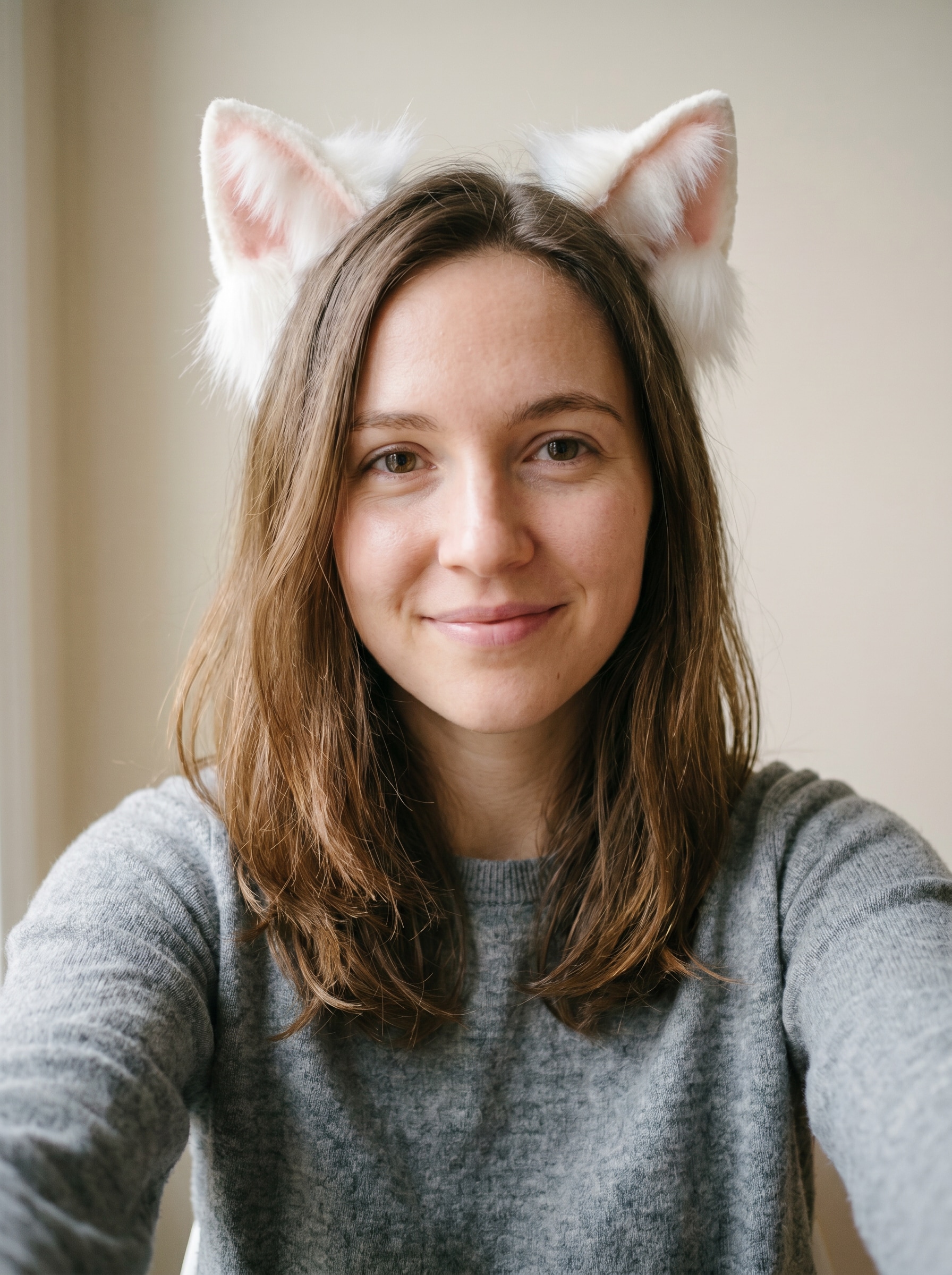
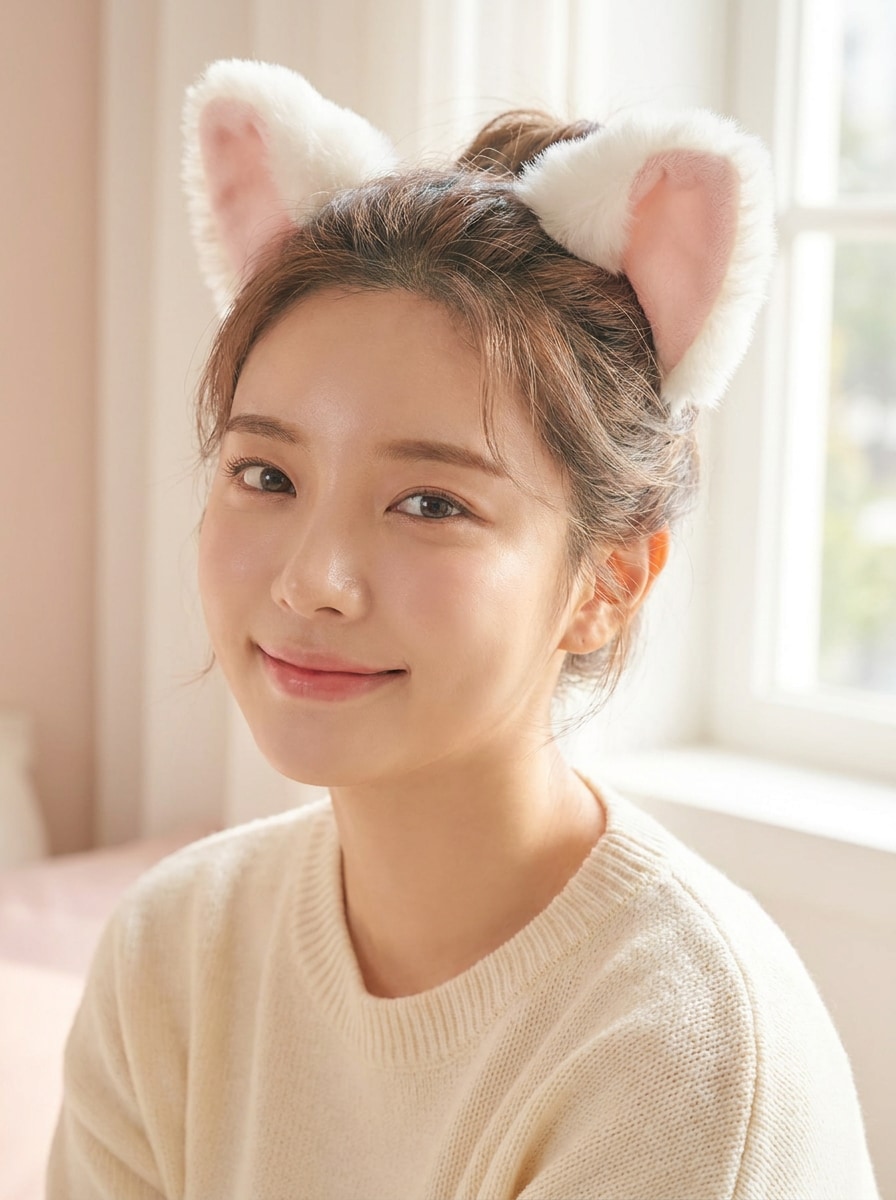
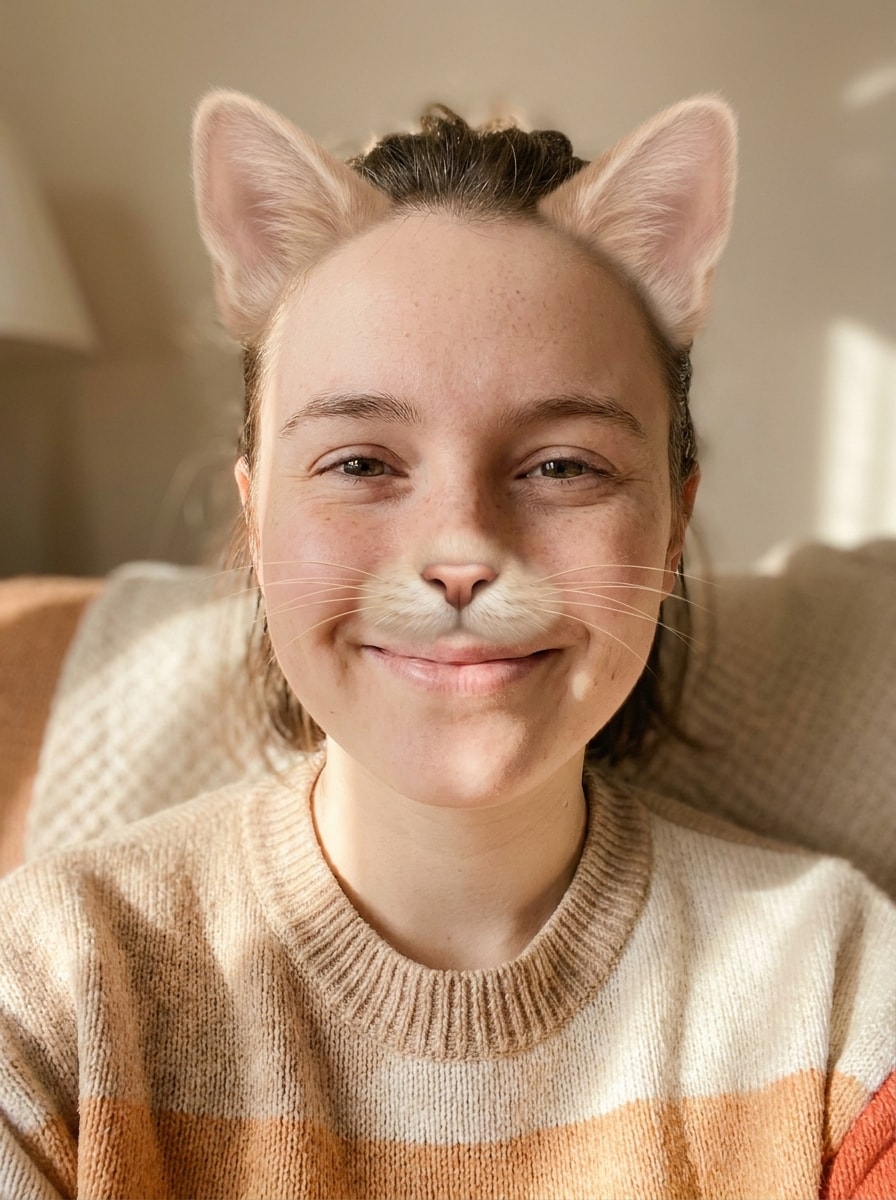
Fluffy White Cat Ears
Use the uploaded image as the subject and transform it into a cute selfie edit with realistic fluffy white cat ears. Keep the face recognizable, place the ears naturally on the head, add soft fur texture with pale pink inner ears, gentle beauty lighting, clean skin tones, and a bright playful mood.
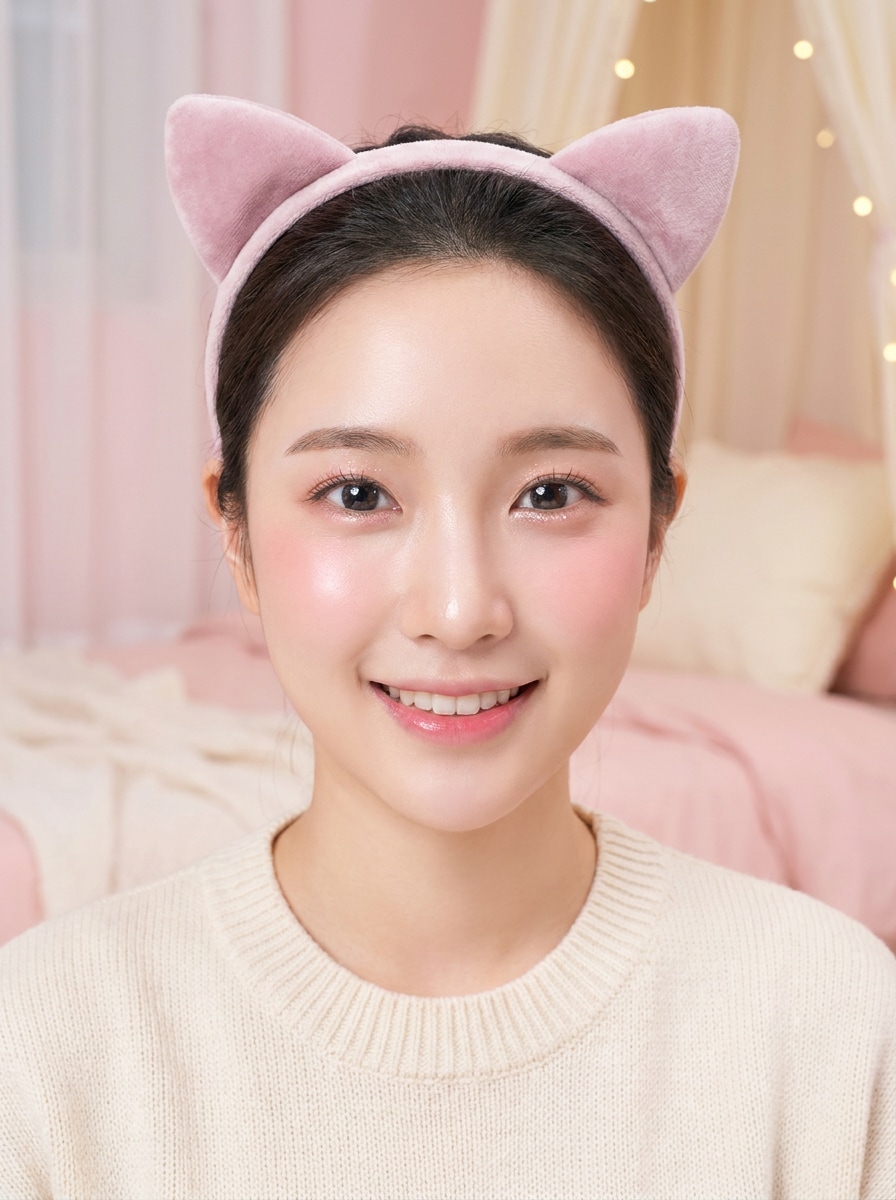
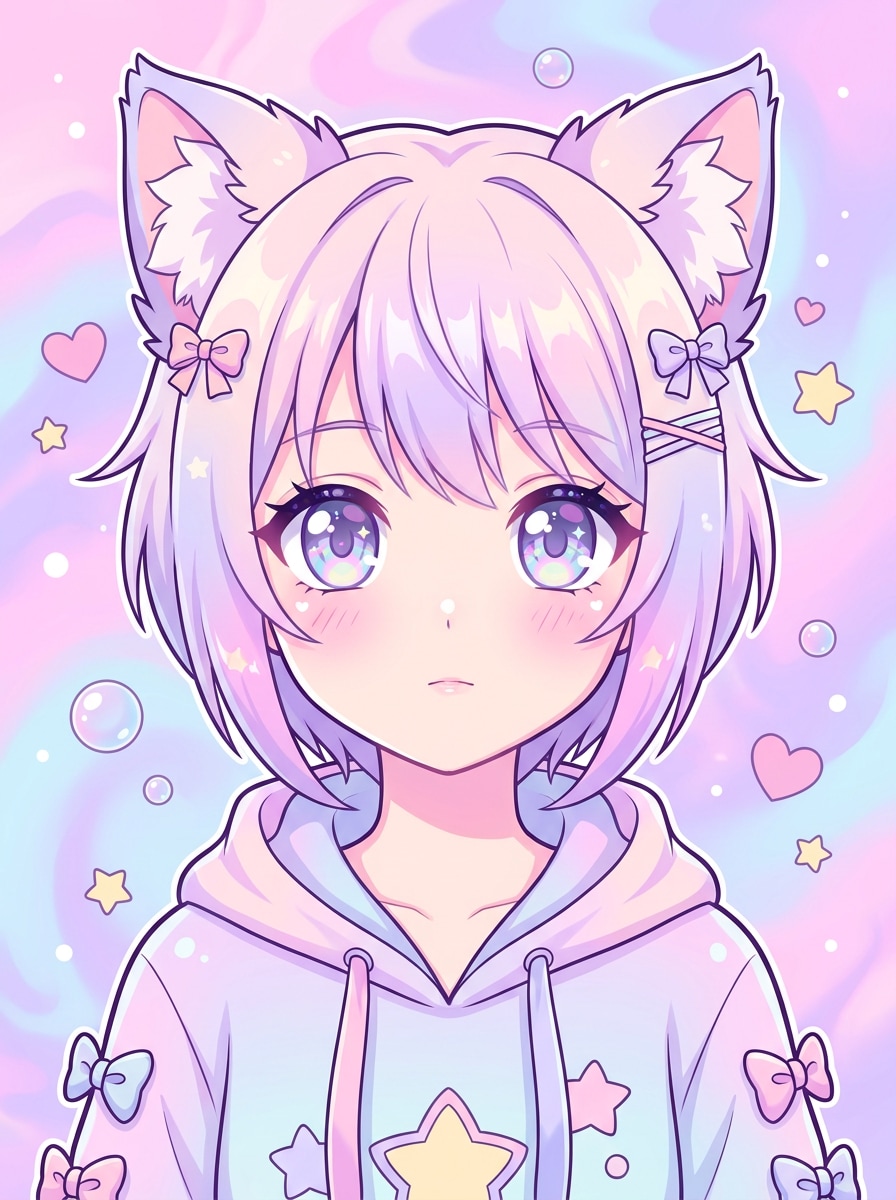
Pink Kawaii Cat Ears
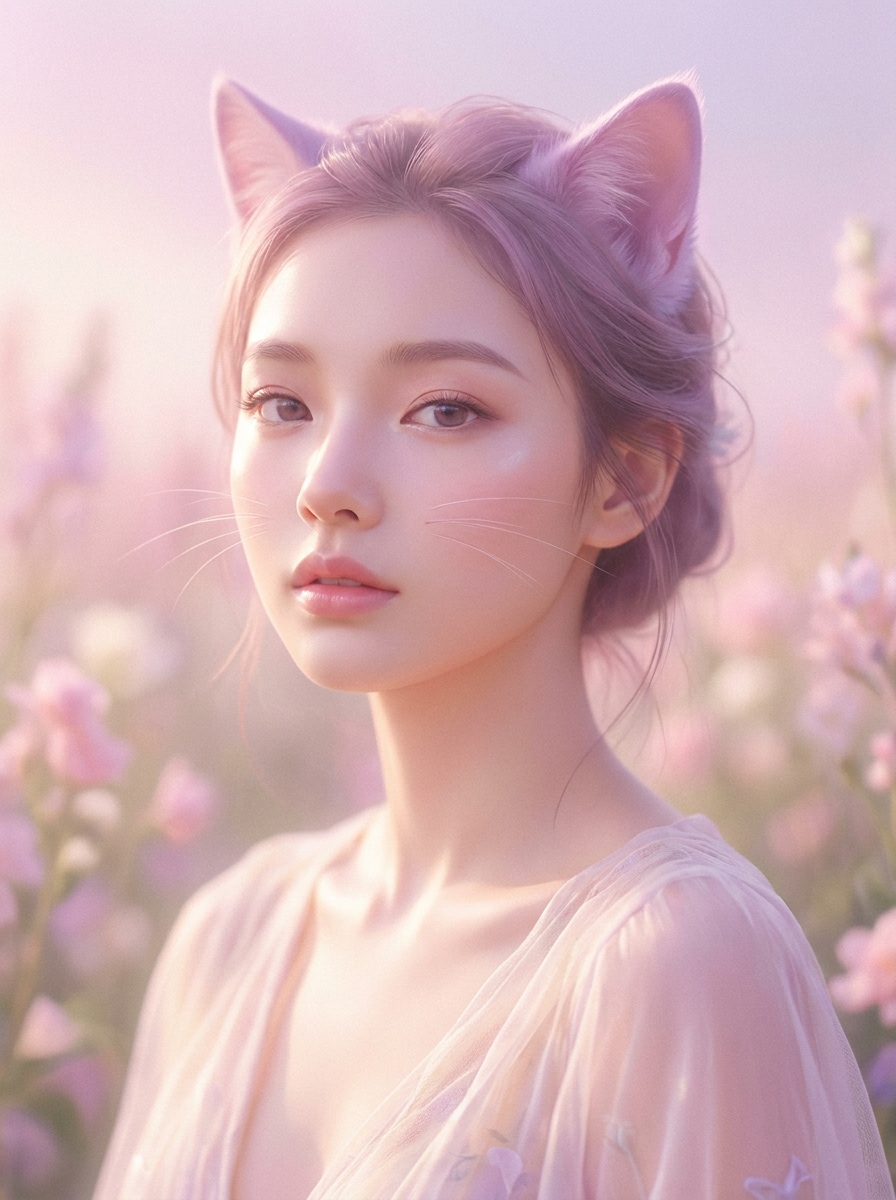
Use the uploaded portrait as the base and turn it into a kawaii beauty edit with soft pink cat ears. Preserve identity while adding pastel blush, glossy skin, gentle sparkle in the eyes, smooth lighting, sweet expression, and a clean pink-toned aesthetic made for cute profile photos.
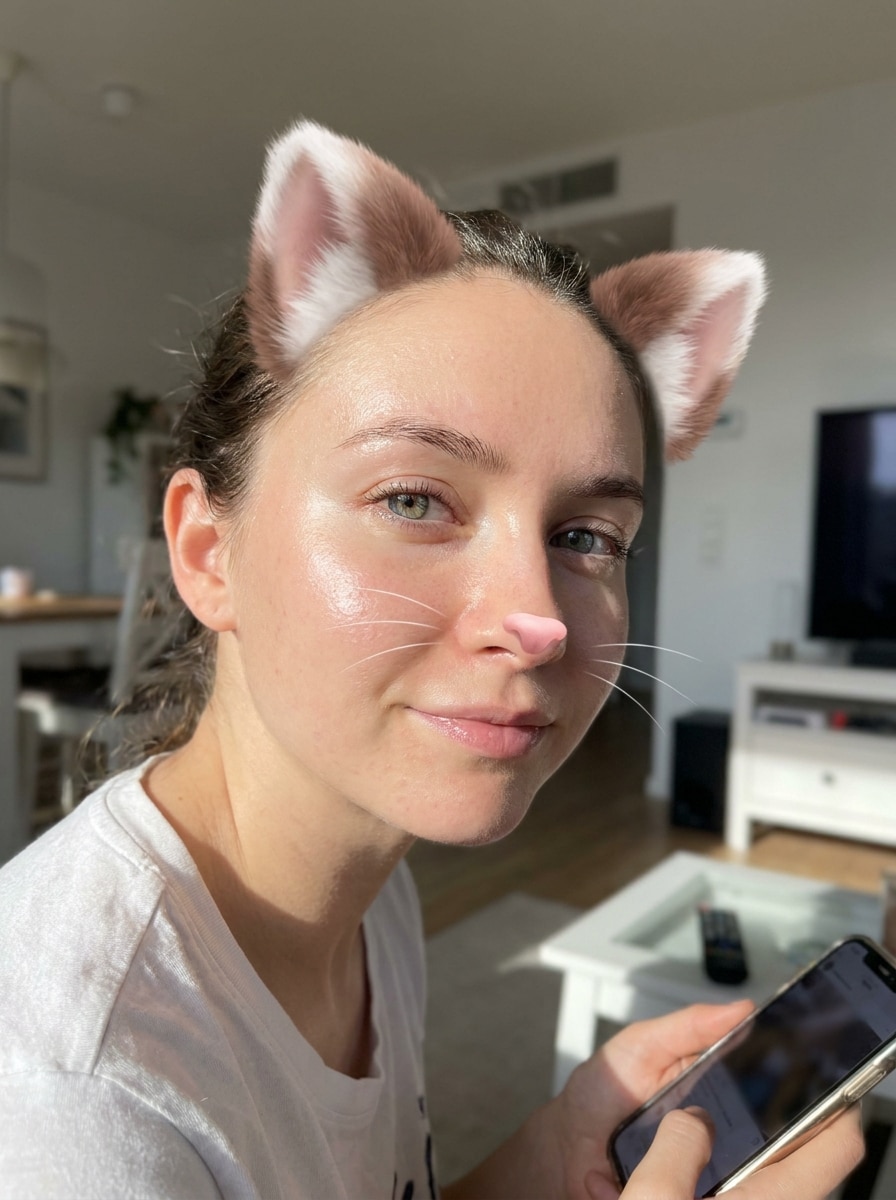
Snapchat-Style Fluffy Lens
Use the uploaded selfie as the subject and make it look like a modern AR cat lens. Add fluffy 3D cat ears, a tiny cat nose, fine whiskers, subtle eye enhancement, smooth realistic blending, and bright high-contrast lighting for a fun camera-filter feel.
Playful Cat Face Filter
Use the uploaded photo as the reference and apply a playful cat face makeover. Add soft cat ears, a small cat nose, light whiskers, balanced facial enhancement, natural shadows, and smooth blending so the result feels fun yet believable rather than like a flat sticker overlay.
Anime Cat Girl Ears
Use the uploaded portrait as the subject and transform it into an anime-inspired cat character. Add expressive cat ears, larger stylized eyes, smooth cel-shaded skin, soft pastel highlights, crisp linework, and a charming fantasy mood while keeping the pose and composition aligned to the original photo.
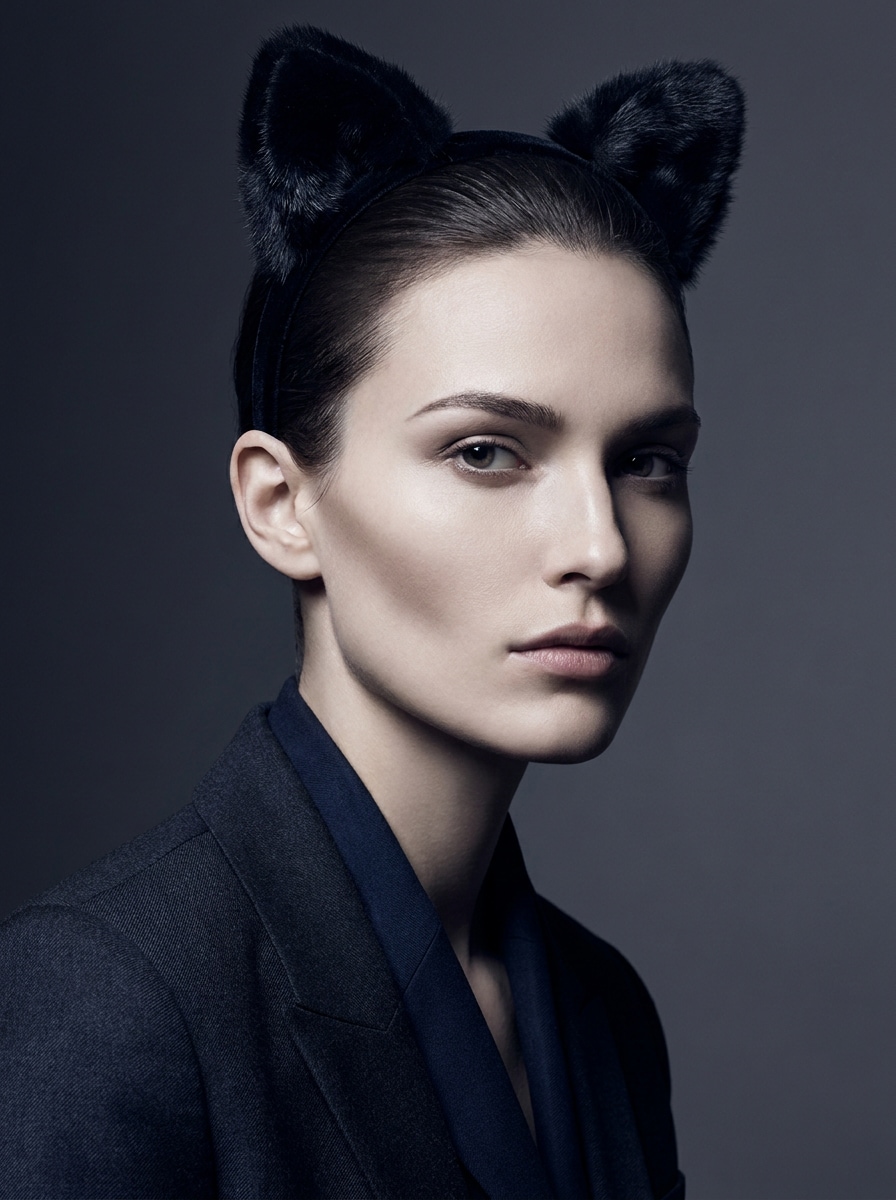
Black Cosplay Cat Ears
Use the uploaded image as the base and add sleek black cosplay cat ears for a stylish portrait edit. Keep ear placement symmetrical, use realistic fabric or fur texture, shape soft shadows around the head, and create a moody polished finish with strong contrast and elegant detail.
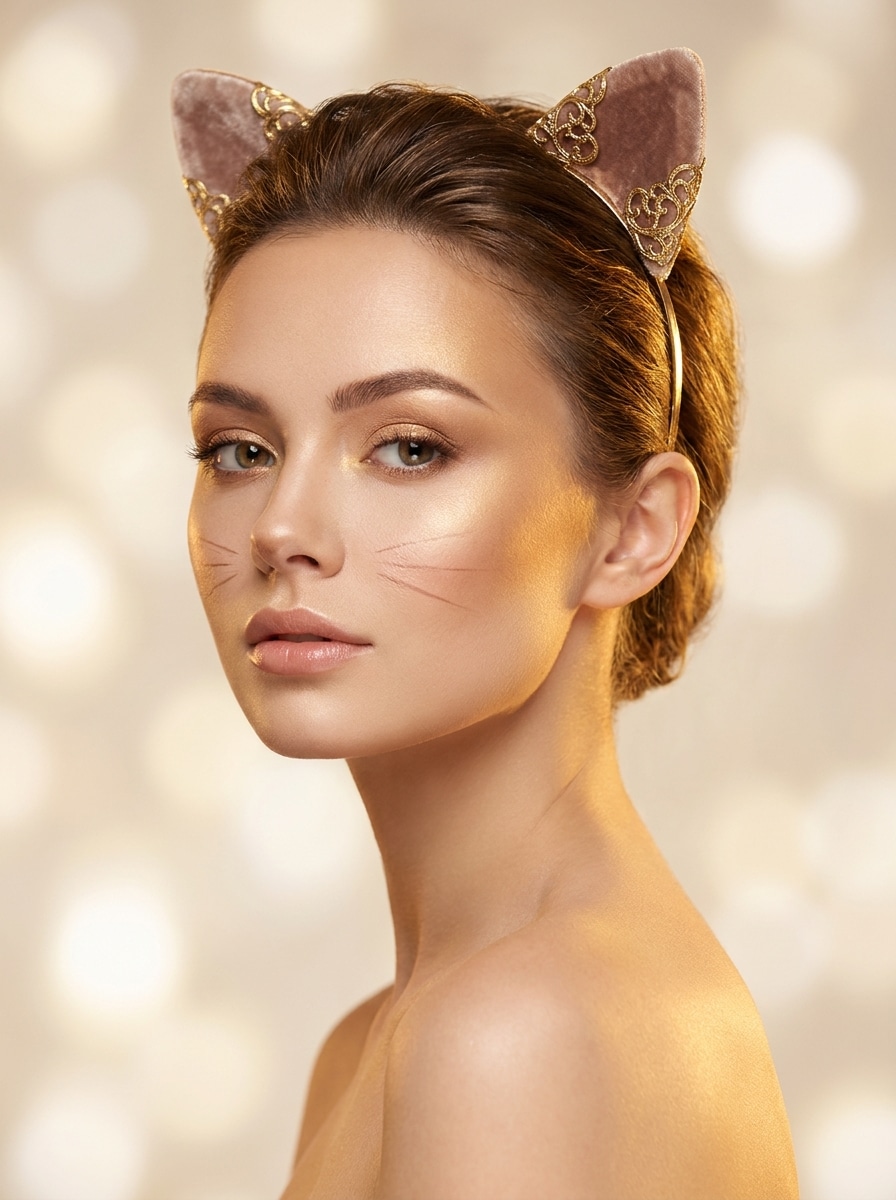
Soft Glam Cat Ears
Use the uploaded selfie as the subject and create a soft glam cat-ear portrait. Add elegant ears, refined makeup styling, smooth skin, warm highlights, faint whiskers, and magazine-like lighting for a beauty-focused edit that still preserves the person’s recognizable expression and features.
Dreamy Pastel Cat Filter
Use the uploaded photo as the reference and transform it into a dreamy pastel cat look. Add soft pastel ears, airy glow, delicate whiskers, pink and lavender tones, gentle lighting bloom, and a calm whimsical mood that feels light, cute, and ideal for sharing.
Meme Cat Ears Overlay
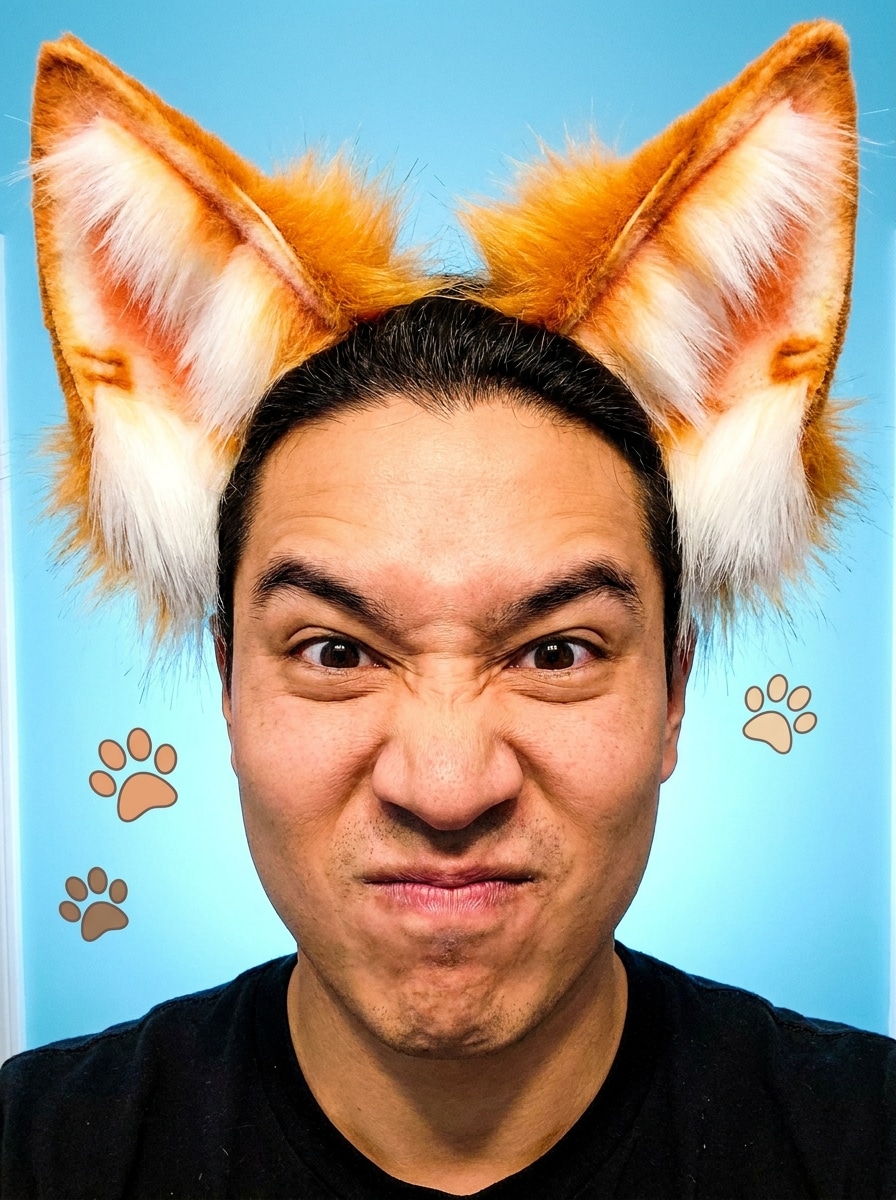
Use the uploaded image as the subject and create a funny shareable cat edit with oversized fluffy ears. Keep the face clear, exaggerate the ear scale slightly, use bright contrast, clean edges, and a humorous upbeat mood so the result works well for memes and reaction images.
Pet-and-Owner Matching Cat Look
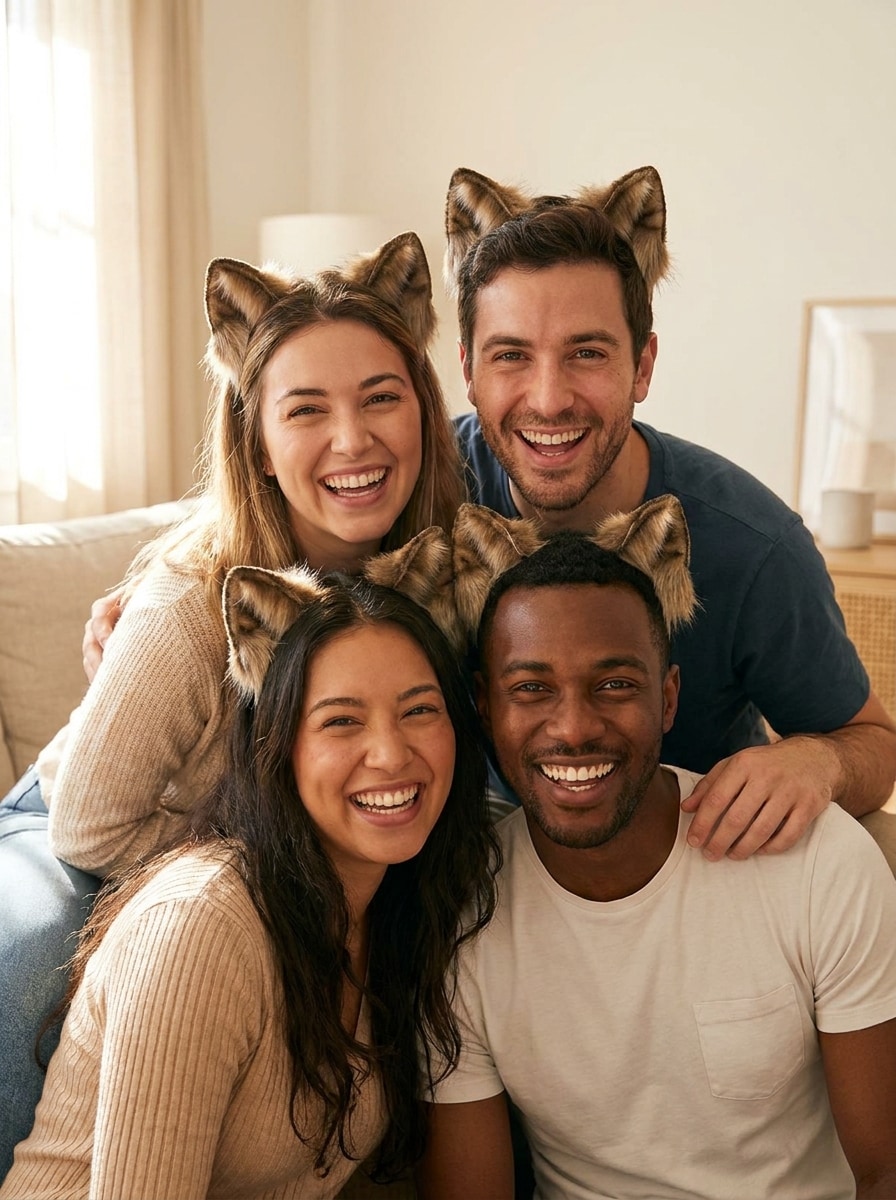
Use the uploaded group or pet-owner photo as the source and add matching cat ears to each visible subject. Keep the style consistent, align each pair naturally to head angle, preserve facial identity, and create a playful coordinated look with balanced lighting and clean detail.
Why Use Media.io for Cat Ear Photo Edits
Turn Uploaded Photos Into Filter-Style Edits
Reference-based work needs more than a loose style shift. Media.io helps keep key identity details recognizable while reworking the cat ears filter visual look, so the result feels personal instead of generic.
Rework One Subject Into Multiple Styles
When a result needs to stay tied to the original subject, Media.io helps preserve recognizable features while adapting the overall cat ears filter visual style for social, branding, or mockup use.
Keep Final Visuals Sharp for Real Projects
If the final cat ears filter visual will be reused beyond a small preview, Media.io helps deliver sharper results up to 4K so the image stays more reliable in practical design and presentation work.
Edit on Phone or Desktop Without Installing Anything
Some cat ears filter visual concepts get drafted on the go and finished later at a desk. Media.io keeps that process online, so you can return to the same workflow without extra installs or setup.
How to Add a cat ears effect to Your Photo
Turn your words into stunning visuals in three simple steps, then continue refining the result if you want to take it further.
Step 1
Upload Your Reference Image
Start with a clear selfie, portrait, or group photo in JPG, PNG, or JPEG. Images with a visible forehead and clean face angle usually give the best placement for ears, whiskers, and other playful facial details.
Step 2
Describe the Change and Set Options
Enter a prompt describing the style you want, such as fluffy white ears, anime styling, or a Snapchat-inspired look. Then choose your model and adjust aspect ratio, resolution, and the number of image variations if needed.
Step 3
Generate, Download, and Keep Improving
Generate your edited image, compare the variations, and download your favorite result. If you want a better look, refine the prompt, try another style, or make additional edits until the cat-themed portrait feels just right.
See how creators use this Cat Ears Filter for content, marketing, and personal projects, then adapt each idea to fit the brief.
Upgrade Selfies for Social Posts
Give ordinary portraits a cuter, more scroll-stopping look before posting to TikTok, Instagram, or chat profiles. A soft ear overlay with whiskers or blush can turn a simple selfie into a playful shareable image without needing a live AR app.
Create Anime, Kawaii, or Cosplay Portraits
Use stylized edits to match a character mood, build profile art, or experiment with fantasy aesthetics. From pastel beauty looks to darker cosplay-inspired details, you can reshape the vibe of a portrait while keeping the original pose and identity intact.
Make Funny Group and Pet-Owner Edits
Matching ear transformations work especially well for friends, couples, and pet-and-owner photos. Coordinated styling helps every subject feel part of the same joke or theme, making the final image more memorable for messages, memes, and casual sharing.
What Users Say About Media.io
Ava M.
Content Creator
"Cute results without an app" I wanted a fast cat-ear edit for an old selfie, and this worked better than mobile-only filters. The ears blended naturally and the browser workflow was super easy.
Jordan P.
Casual Designer
"Great for static portraits" Most tools push live camera effects, but I needed to edit a saved photo. Media.io made it simple to add ears, whiskers, and a nose while keeping the face recognizable.
Nina R.
Cosplay Fan
"Nice style variety" I tried both a kawaii pink look and a darker cosplay version. The different prompts gave me distinct moods, and the results looked much better than sticker overlays.
Leo C.
Social Media User
"Easy on phone and laptop" I started on my phone and finished the edit on desktop later. It was convenient, fast, and perfect for making a funny group picture with matching cat ears.
1. How can I add a cat ears filter to a photo online?
Upload your photo to Media.io, enter a prompt describing the look you want, and generate the edited version. Because it is an image-to-image workflow, you can use an existing selfie or portrait and transform it with realistic ears, stylized details, and other playful enhancements directly in your browser.
2. Is this cat ears filter free to use?
Yes, Media.io offers free credits so you can try the tool before upgrading. Free usage may include limitations such as watermarks, while paid plans unlock more usage and watermark-free high-resolution downloads. You can compare options on the pricing page. Free users can use free credits. For more usage, users can subscribe to a plan on the pricing page. Upgrade to a paid plan on the pricing page for more credits and watermark-free high-resolution downloads.
3. Can I add cat ears to selfies without downloading an app?
Media.io is web-based, so you can upload a selfie and create the edit without installing an app. It works in a browser, which is useful if you want a quick cat ears effect on a saved photo from your phone or computer. Media.io is a web-based tool that works on any device with a browser (Windows, Mac, iOS, Android).
4. Does the tool also add whiskers and a cat nose?
Yes, you can ask for more than just ears in your prompt. Media.io lets you guide the transformation with details such as whiskers, a small cat nose, or a broader cat ears filter style, depending on the look you want for the uploaded image.
5. Will the cat ears look realistic on different head angles?
They can look more natural when you upload a clear reference image and describe the style carefully. Media.io uses your source photo to guide the transformation, so visible head position, face angle, and prompt quality all help the ears blend more convincingly across different portrait poses.
6. Can I use the cat face filter on iPhone, Android, and desktop?
Media.io works on any device with a browser, including iPhone, Android phones, Windows PCs, and Mac computers. That means you can create a cat face filter look from mobile or desktop without switching to a separate platform.